Wisconsin Last Will for a Widow or Widower with no Children
What this document covers
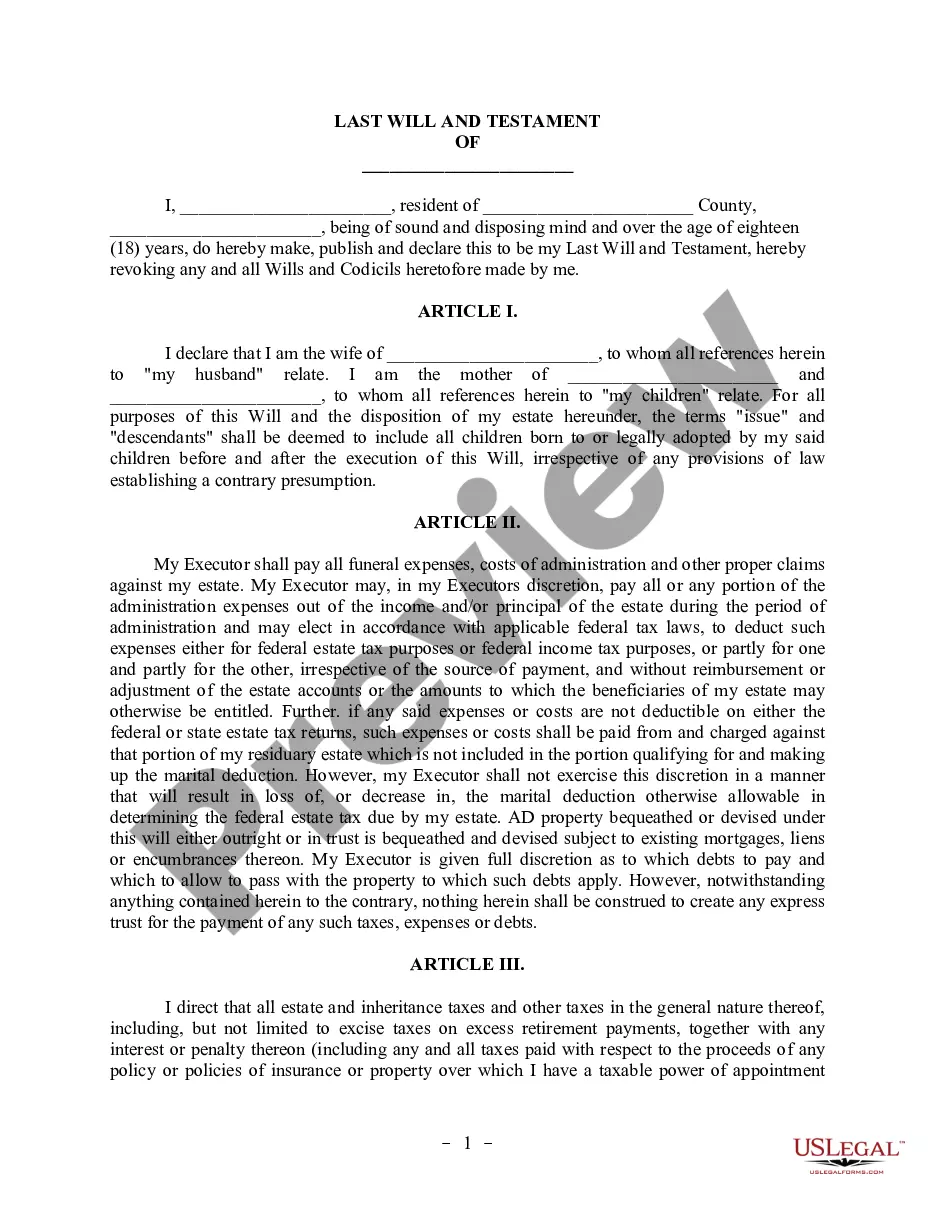
The Last Will for a Widow or Widower with No Children is a legal document that outlines how your assets will be distributed after your death. Designed specifically for individuals who have lost a spouse and do not have children, this will allows you to appoint a personal representative, designate heirs for your property, and include specific provisions about how to handle your estate. This form simplifies the process of estate planning and ensures that your wishes are known and legally recognized.
Key components of this form
- Appointment of a personal representative to manage your estate.
- Designations of who will inherit your property.
- Provisions for specific bequests of real or personal property.
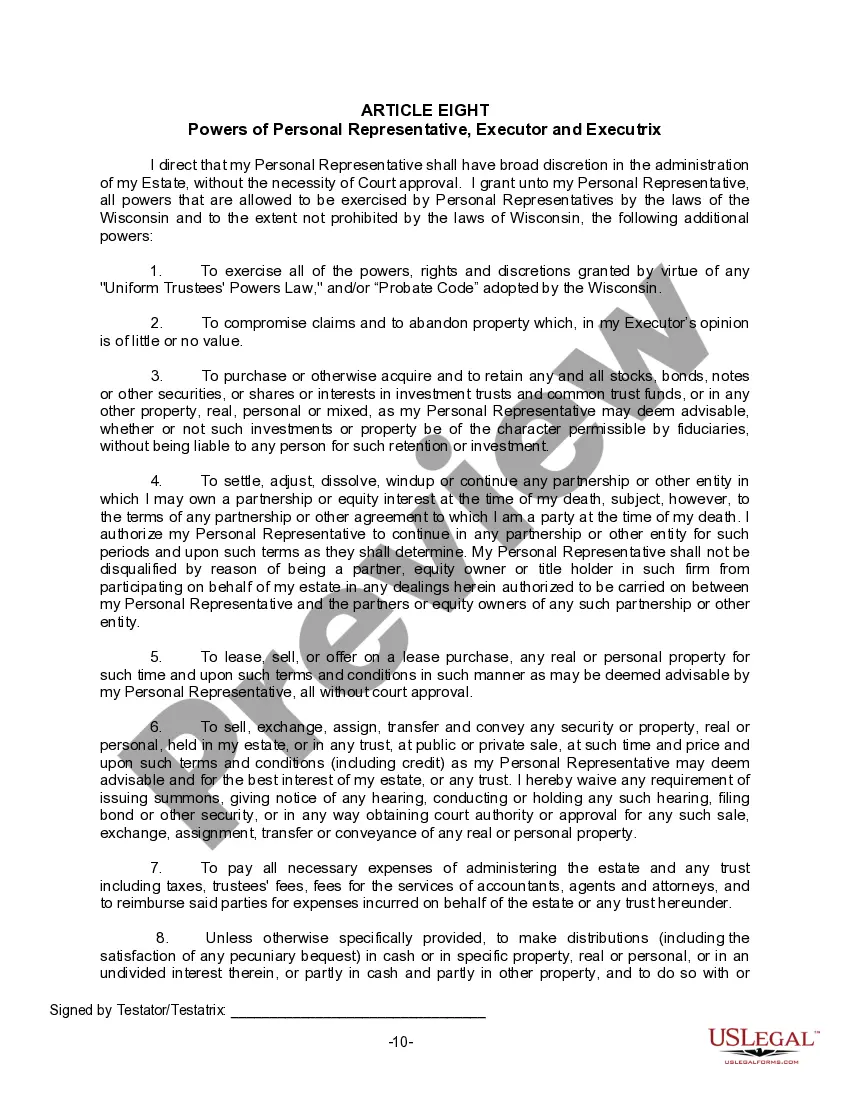
- Instructions for paying debts and expenses associated with your estate.
- Options for waiving court requirements for your personal representative.




Common use cases
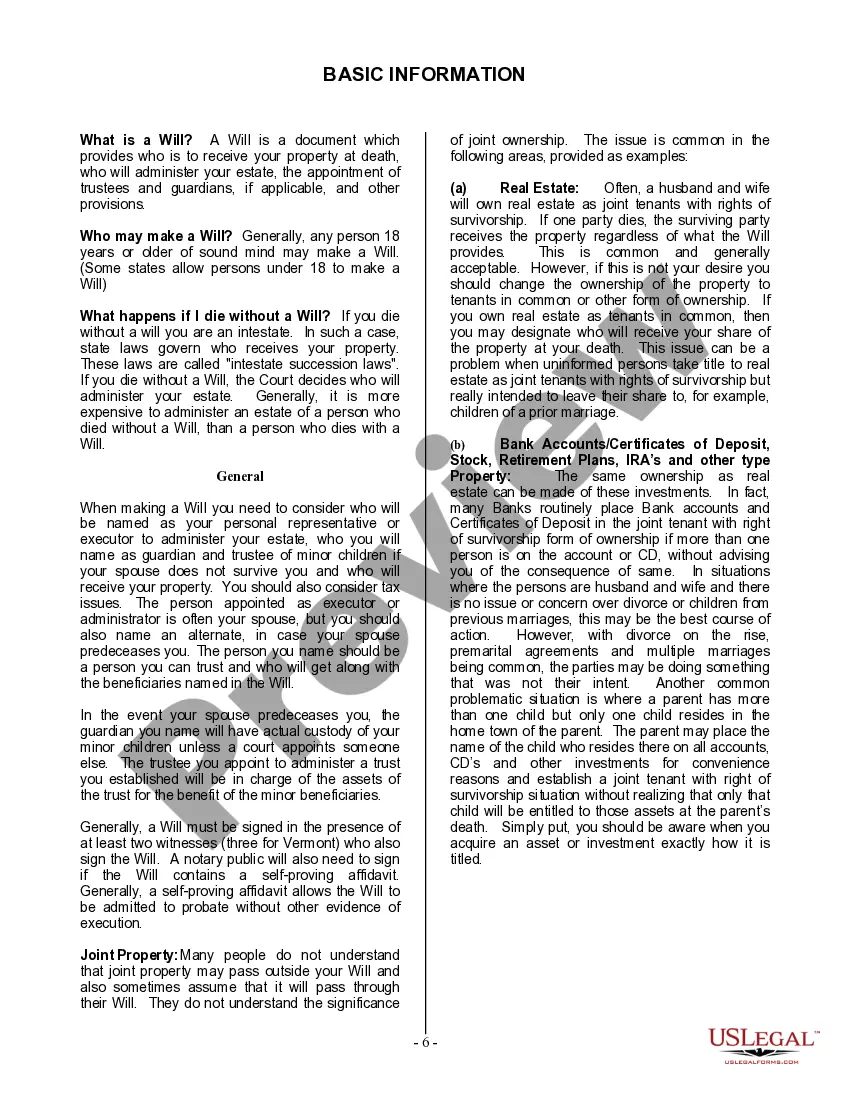
This form is essential in various situations, such as when you are a widow or widower seeking to clarify how your possessions will be divided after your death. It is also used when you have specific items of value to bequeath to individuals or when you want to define the management of your estate to avoid potential disputes.
Who this form is for
This form is intended for:
- Widows and widowers with no children.
- Individuals looking to solidify their estate planning.
- Those seeking a straightforward approach to distributing their assets.
How to complete this form
To complete this form, follow these steps:
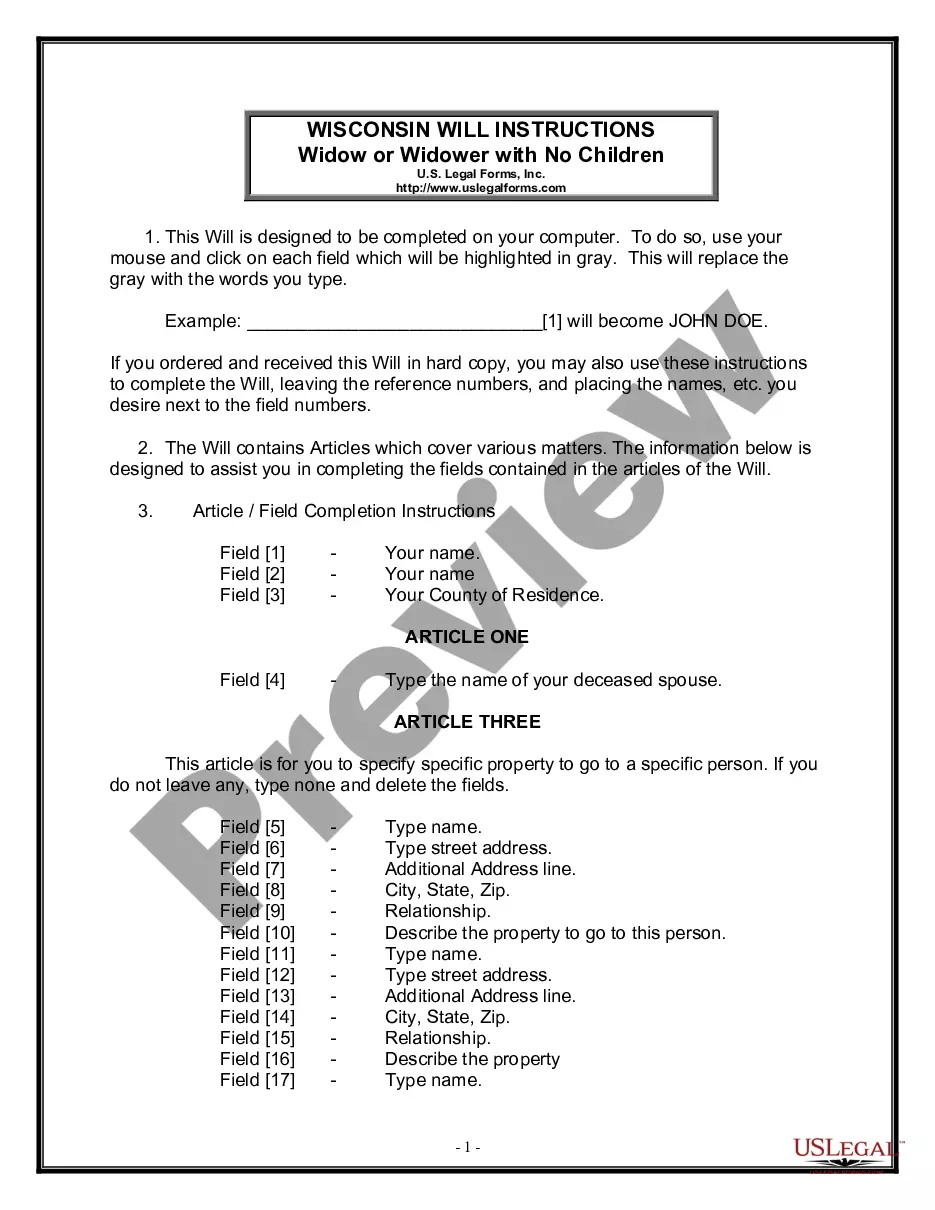
- Enter your full name and county of residence at the beginning of the document.
- Specify the name of your deceased spouse in Article One.
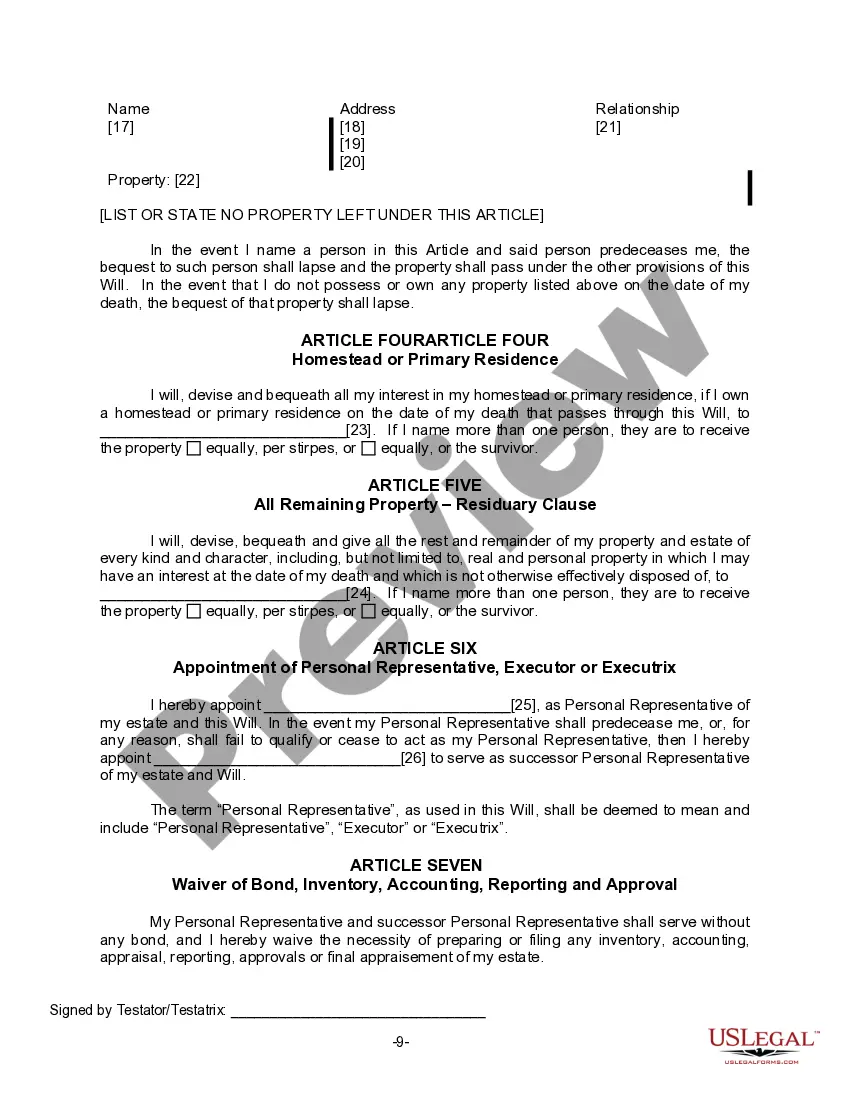
- List any specific property you want to leave to particular individuals in Article Three.
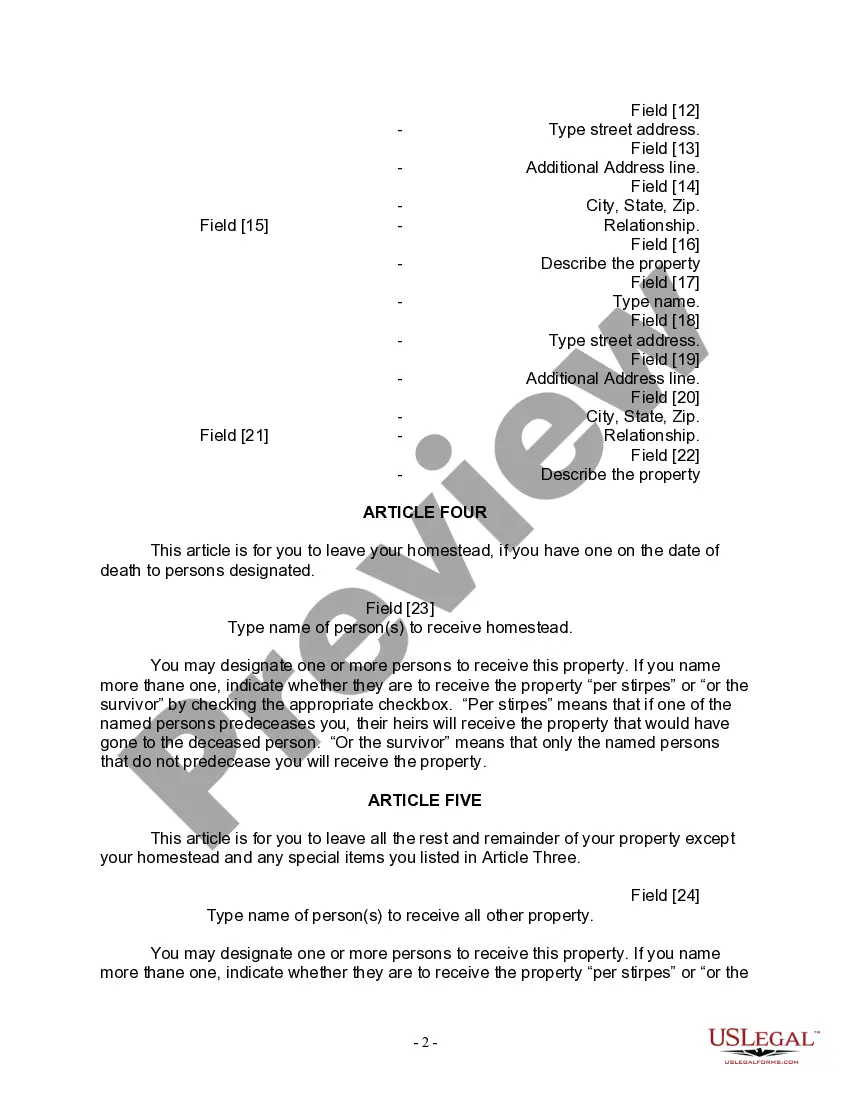
- Designate individuals to receive your homestead or primary residence in Article Four.
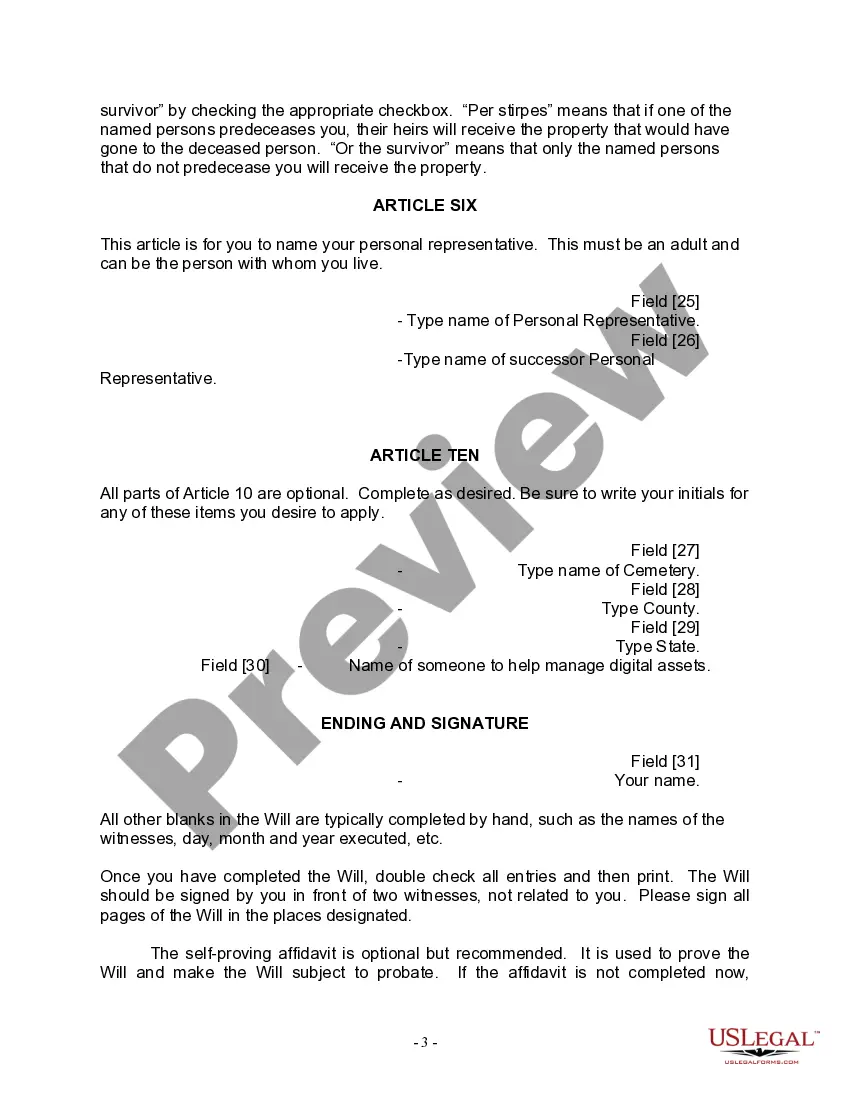
- Appoint your personal representative in Article Six and a successor if needed.
- Ensure the will is signed in the presence of two witnesses and a notary, if applicable.
Notarization guidance
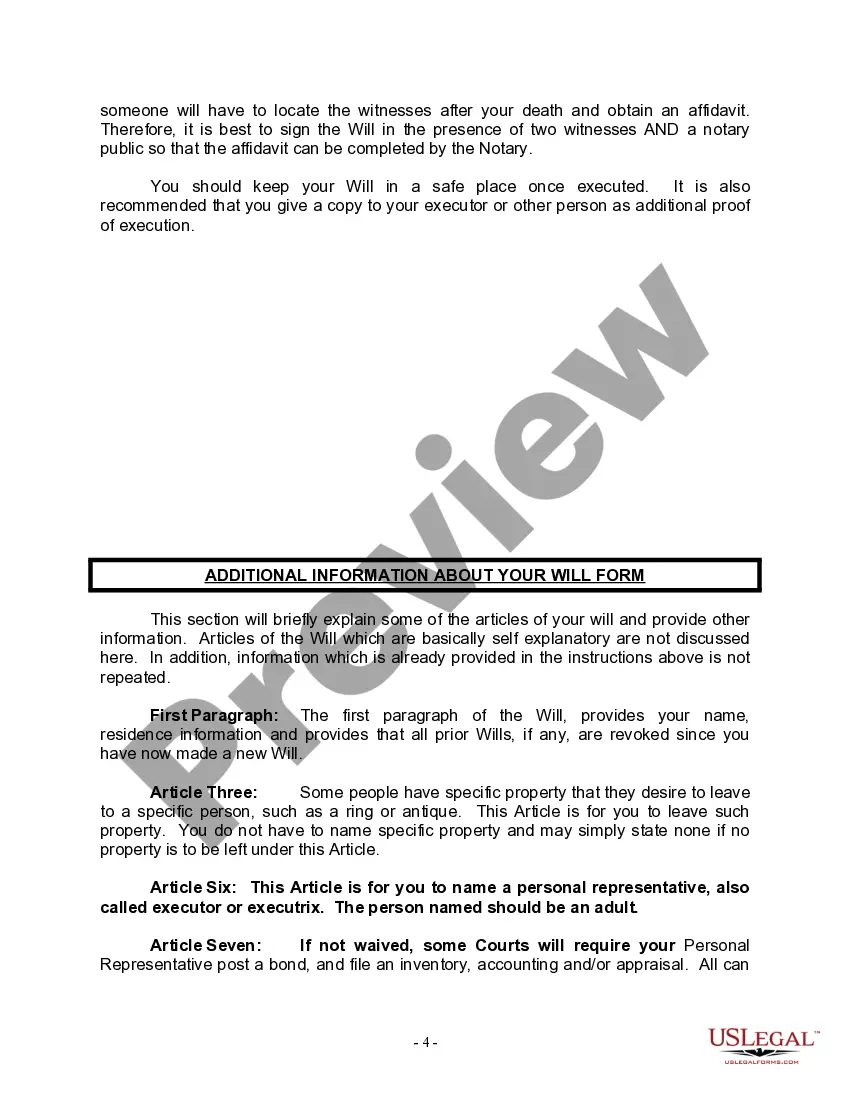
Yes, this form must be notarized to be legally valid. It should be signed in the presence of two witnesses who are not beneficiaries. To simplify this process, US Legal Forms offers integrated online notarization services, allowing you to have your document notarized securely via video call at any time.
Get your form ready online
Our built-in tools help you complete, sign, share, and store your documents in one place.
Make edits, fill in missing information, and update formatting in US Legal Forms—just like you would in MS Word.
Download a copy, print it, send it by email, or mail it via USPS—whatever works best for your next step.
Sign and collect signatures with our SignNow integration. Send to multiple recipients, set reminders, and more. Go Premium to unlock E-Sign.
If this form requires notarization, complete it online through a secure video call—no need to meet a notary in person or wait for an appointment.
We protect your documents and personal data by following strict security and privacy standards.

Make edits, fill in missing information, and update formatting in US Legal Forms—just like you would in MS Word.

Download a copy, print it, send it by email, or mail it via USPS—whatever works best for your next step.

Sign and collect signatures with our SignNow integration. Send to multiple recipients, set reminders, and more. Go Premium to unlock E-Sign.

If this form requires notarization, complete it online through a secure video call—no need to meet a notary in person or wait for an appointment.

We protect your documents and personal data by following strict security and privacy standards.
Mistakes to watch out for
- Failing to sign the will in front of two witnesses, which could invalidate it.
- Not designating a personal representative, leading to potential confusion after your death.
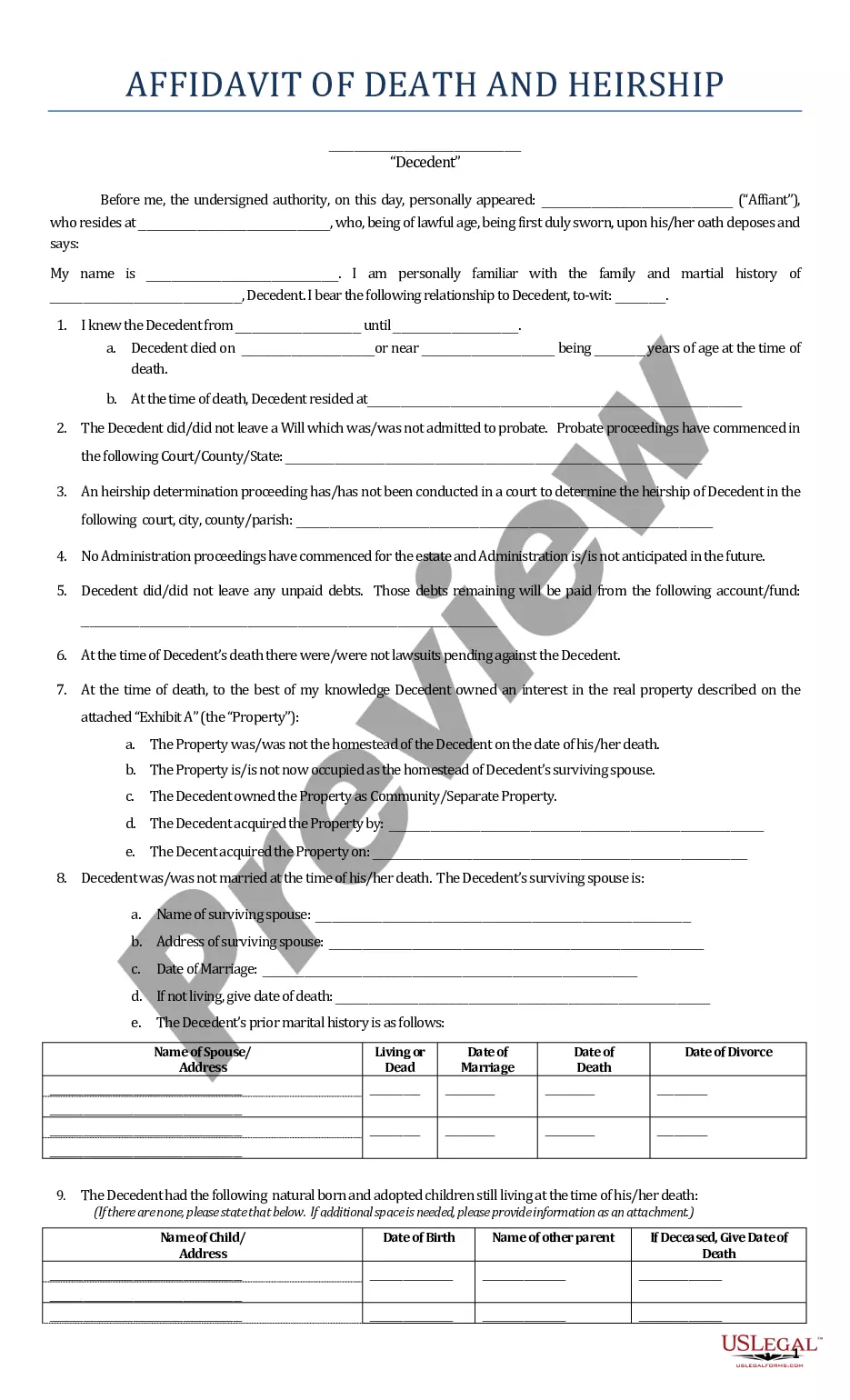
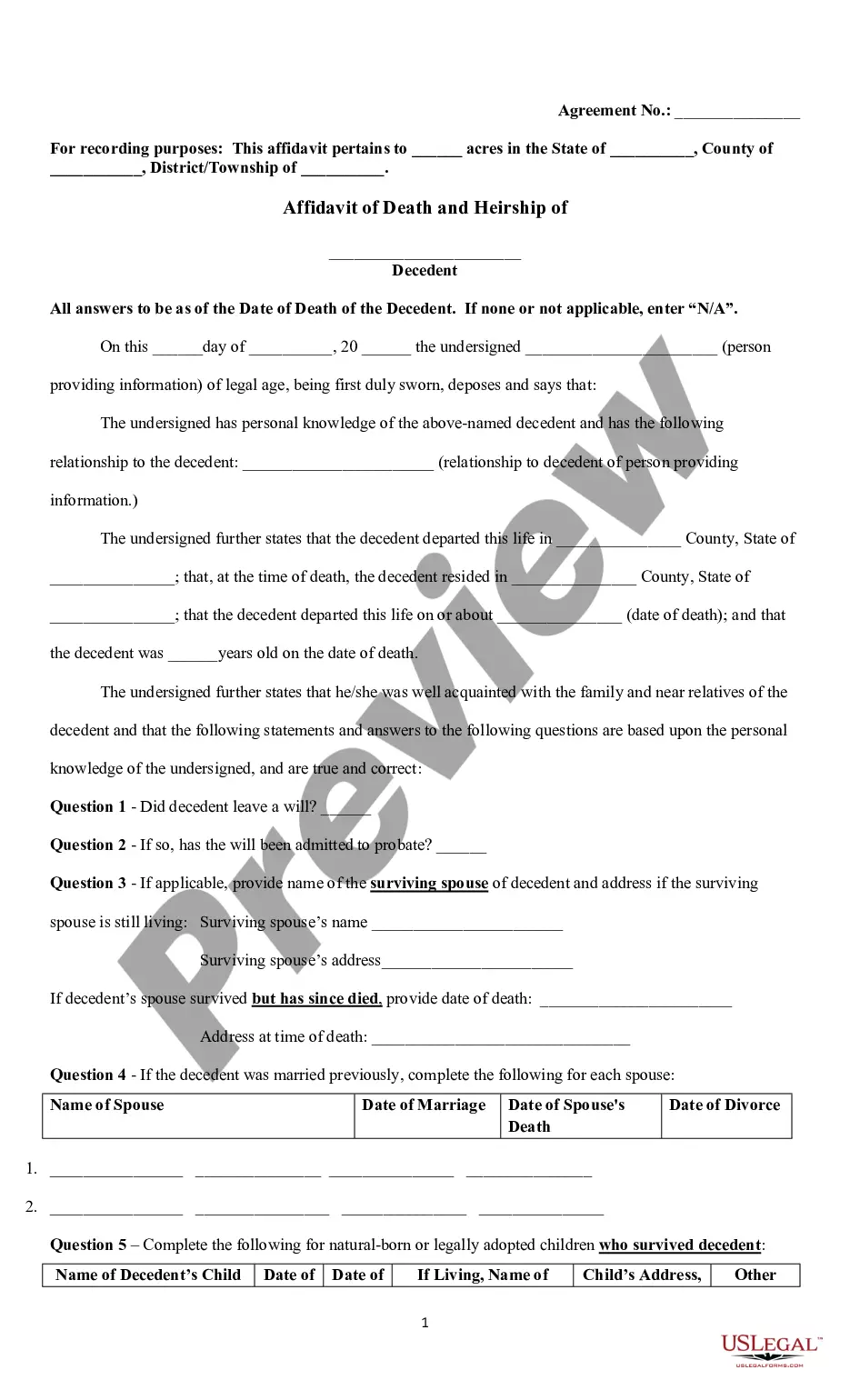
- Overlooking the self-proving affidavit, which can simplify probate proceedings.
- Not keeping the will in a secure and accessible location.
Benefits of completing this form online
- Convenience: Easily fill out the form on your computer.
- Editability: Modify the content as needed to reflect your wishes accurately.
- Reliability: Legal forms are drafted by licensed attorneys to ensure they meet legal standards.
Key takeaways
- The Last Will for a Widow or Widower with No Children is crucial for clear estate planning.
- Be sure to follow your stateâs requirements for signing and witnessing the will.
- Consider including a self-proving affidavit to simplify the probate process.
Looking for another form?
Form popularity
FAQ
Probate matters in Wisconsin are handled at the local circuit court level. If there is a will, it must be filed with the court, even if probate isn't needed to distribute the decedent's property.
Age: The testator must be at least 18 years old. Capacity: The testator must be of sound mind. Signature: The will must be signed by the testator or by someone else in the testator's name in his conscious presence, by his direction.
In most situations, a will template is an easy and inexpensive way to make sure your wishes are known and carried out. Most people can get everything they need by using a will template, with little cost or hassle.
The Free Last Will and Testament Template for Word is compatible with Word 2003 or later versions.
Choose an online legal services provider or locate a will template. Carefully consider your distribution wishes. Identify a personal representative/executor. Understand the requirements to make your will legal. Make sure someone else knows about your will. Consult a lawyer if you have a more complicated estate.
Include personal identifying information. Include a statement about your age and mental status. Designate an executor. Decide who will take care of your children. Choose your beneficiaries. List your funeral details. Sign and date your Last Will and Testament.
A. You don't have to have a lawyer to create a basic will you can prepare one yourself. It must meet your state's legal requirements and should be notarized.A do-it-yourself will that's poorly drafted can save you money but create a mess for your heirs when you're gone.
Contrary to popular belief, you do not need to have an attorney draft a will for you. Anyone can write this document on their own, and as long as it meets all of the legal requirements of the state, courts will recognize one you wrote yourself.
No. You can make your own will in Wisconsin, using Nolo's do-it-yourself will software or online will programs. However, you may want to consult a lawyer in some situations. For example, if you think that your will might be contested or if you want to disinherit your spouse, you should talk with an attorney.