Digital Signature Ordinance - Signaturverordnung - SigV
Understanding this form
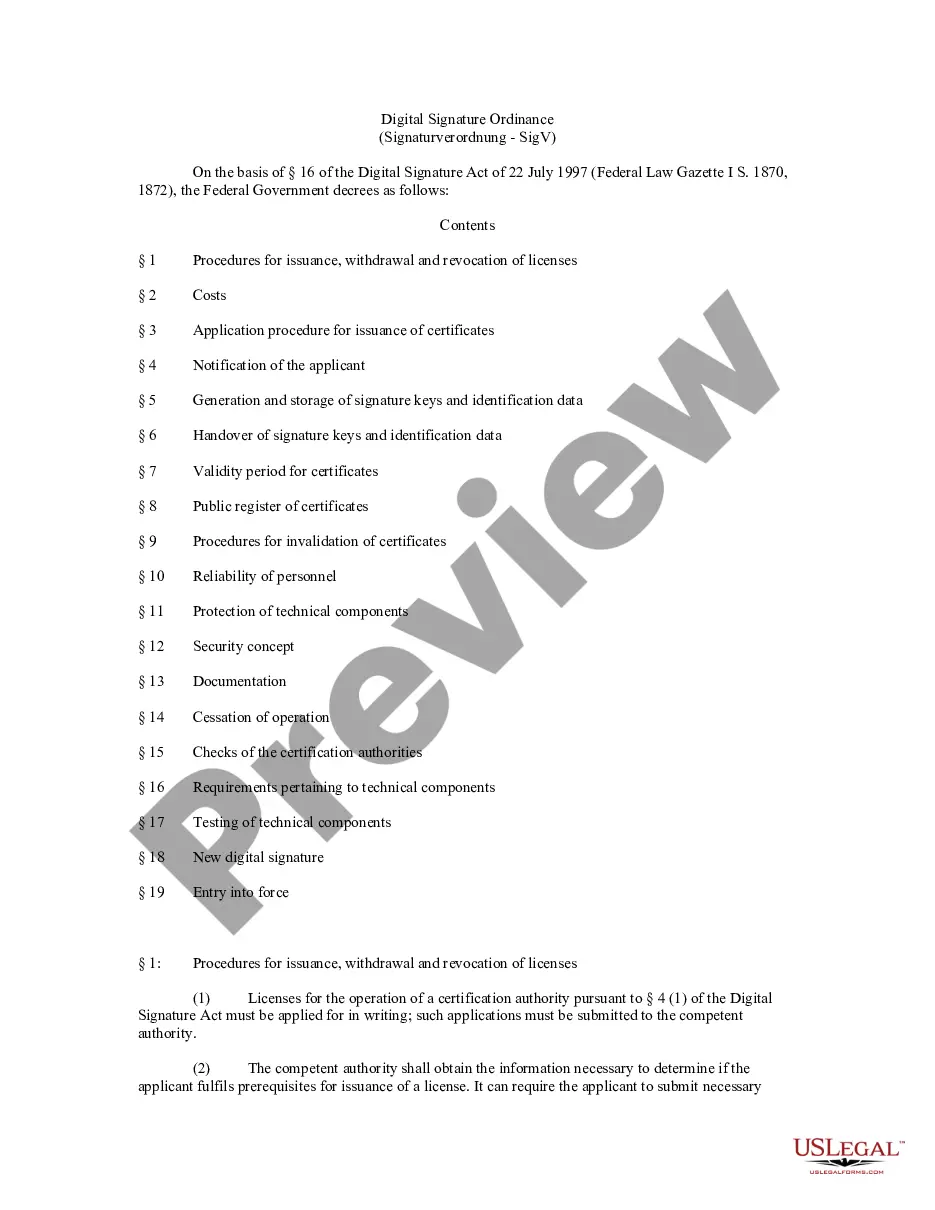
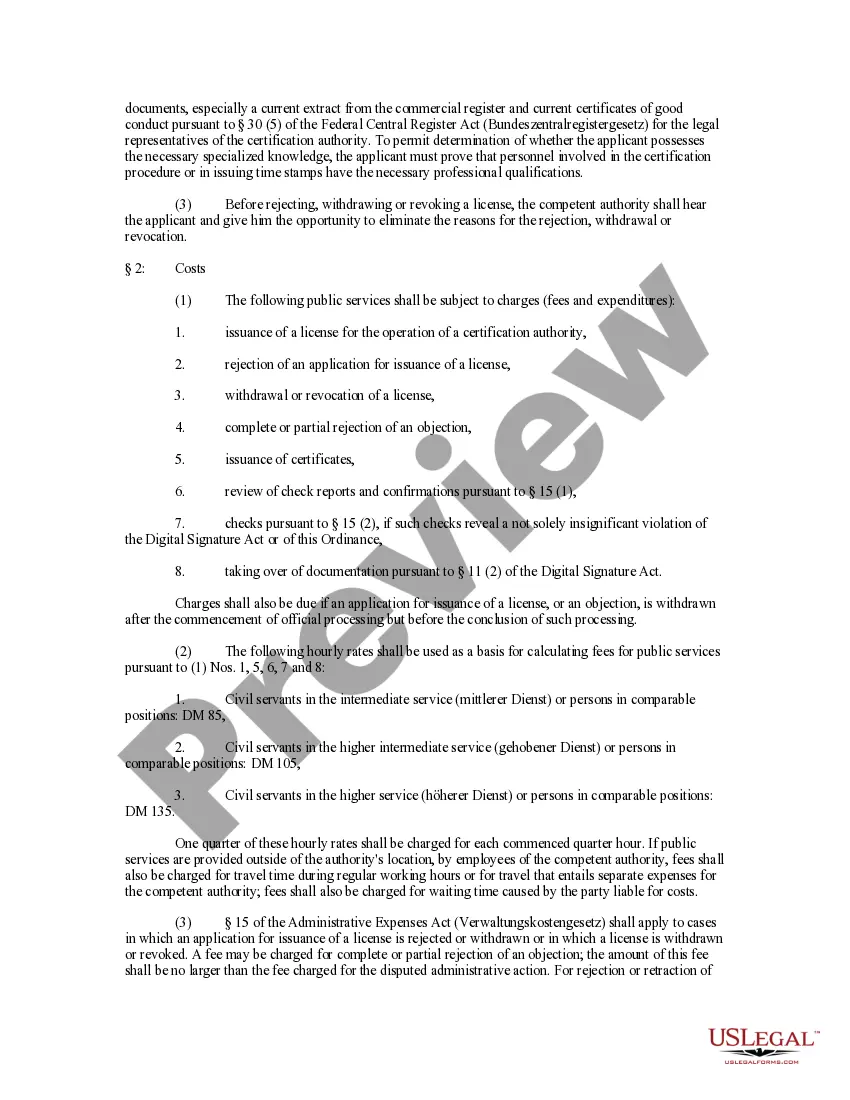
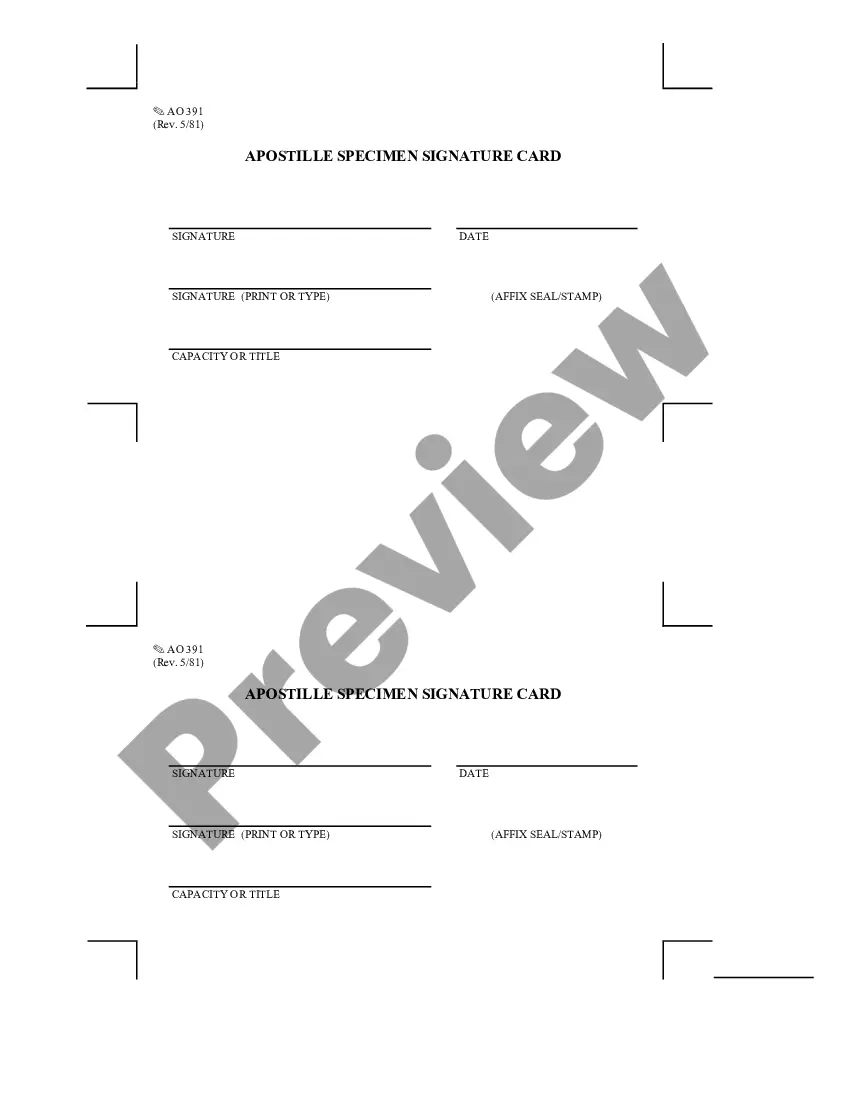
The Digital Signature Ordinance, also known as Signaturverordnung or SigV, is a legal document that outlines the framework and procedures for using digital signatures in municipal codes across the United States. This form is essential for organizations and authorities looking to implement or regulate the use of digital signatures, ensuring compliance with relevant laws. It provides a comprehensive guide for the issuance, management, and invalidation of digital signature certificates, distinguishing itself from similar forms by focusing specifically on the regulatory aspects of digital signatures.
Key components of this form
- Procedures for issuance, withdrawal, and revocation of certification authority licenses
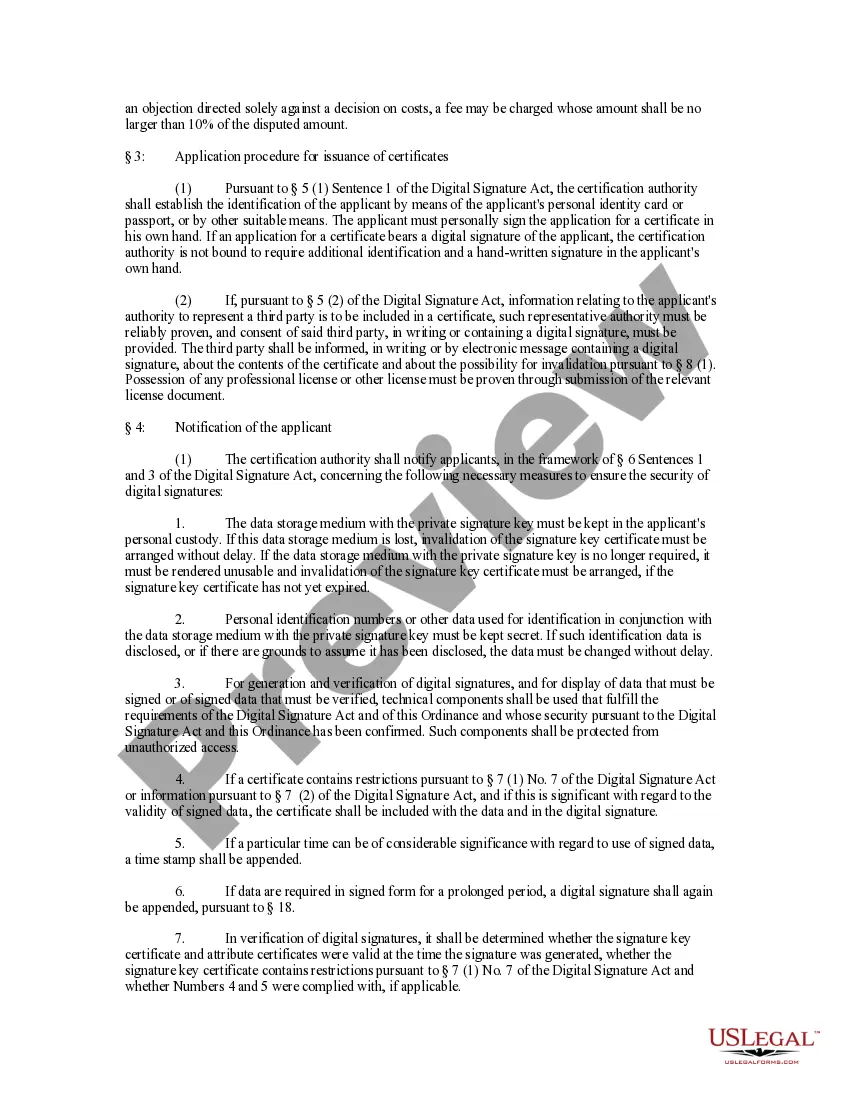
- Application procedures for obtaining digital signature certificates
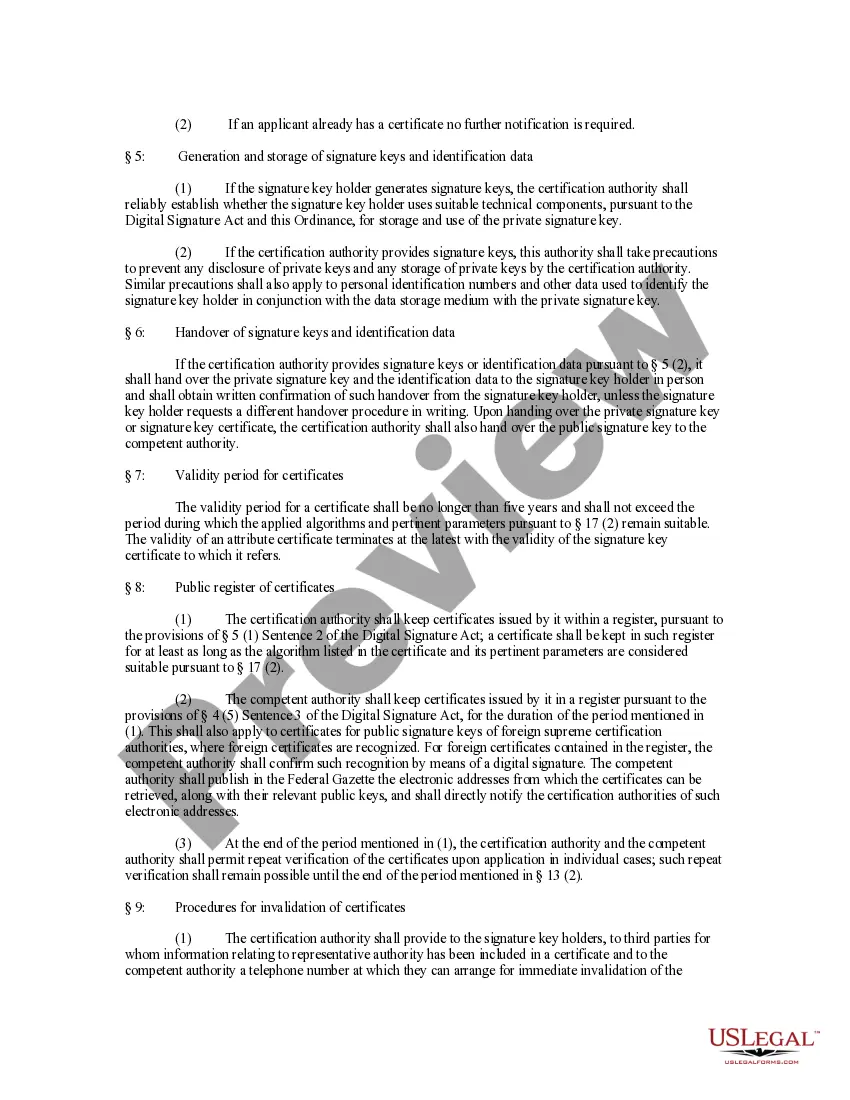
- Requirements for the generation and storage of signature keys
- Notification processes to applicants regarding security measures
- Validity periods and public registration of digital signature certificates
- Security and reliability standards for certification authorities and personnel
Common use cases
The Digital Signature Ordinance should be utilized when municipalities or organizations wish to adopt and regulate the use of digital signatures. This form is essential for ensuring that all legal requirements regarding digital signatures are met, particularly when establishing a certification authority or processing applications for digital signature certificates. It may also be needed when creating policies to secure digital signature infrastructure.
Who this form is for
This form is intended for:
- Municipal authorities looking to implement digital signature regulations.
- Organizations that require compliance with the Digital Signature Act.
- Certification authorities seeking to establish their operations legally.
- Legal professionals assisting clients in digital signature matters.
Steps to complete this form
- Identify the relevant authority issuing the digital signature certificate.
- Gather necessary documentation, including identity proof and any required qualifications.
- Complete the application for a certification authority license in writing.
- Submit the application along with any required fees to the competent authority.
- Maintain records of all certificates issued and any communications regarding invalidation.
Does this form need to be notarized?
This form usually doesn’t need to be notarized. However, local laws or specific transactions may require it. Our online notarization service, powered by Notarize, lets you complete it remotely through a secure video session, available 24/7.
Get your form ready online
Our built-in tools help you complete, sign, share, and store your documents in one place.
Make edits, fill in missing information, and update formatting in US Legal Forms—just like you would in MS Word.
Download a copy, print it, send it by email, or mail it via USPS—whatever works best for your next step.
Sign and collect signatures with our SignNow integration. Send to multiple recipients, set reminders, and more. Go Premium to unlock E-Sign.
If this form requires notarization, complete it online through a secure video call—no need to meet a notary in person or wait for an appointment.
We protect your documents and personal data by following strict security and privacy standards.

Make edits, fill in missing information, and update formatting in US Legal Forms—just like you would in MS Word.

Download a copy, print it, send it by email, or mail it via USPS—whatever works best for your next step.

Sign and collect signatures with our SignNow integration. Send to multiple recipients, set reminders, and more. Go Premium to unlock E-Sign.

If this form requires notarization, complete it online through a secure video call—no need to meet a notary in person or wait for an appointment.

We protect your documents and personal data by following strict security and privacy standards.
Avoid these common issues
- Failing to keep proper documentation required by the ordinance.
- Neglecting the notification process for applicants regarding security measures.
- Not verifying the qualifications of personnel involved in the certification process.
Advantages of online completion
- Easy access to up-to-date regulations regarding digital signatures.
- Convenience of completing and storing documentation securely online.
- Reliable templates drafted by licensed attorneys, ensuring legal compliance.
Main things to remember
- The Digital Signature Ordinance governs the use of digital signatures across municipalities.
- Key procedures include licensing certification authorities and issuing certificates.
- Compliance with local laws is critical when implementing this form.
Looking for another form?
Form popularity
FAQ
Electronic signatures have carried the same legal weight as traditional, paper-based ones since the United States Electronic Signatures in Global and National Commerce Act (ESIGN) was passed in 2000. This legislation ensures that electronic signatures are legally binding in every state where federal law applies.
Open your PDF document. Right-click in the PDF document where you want to add the Digital signature. Select Sign Document from the right-click menu. Select Digital Signature.
Choose File > Open, and open the Final_Survey. Choose File > Properties, and click the Security tab. Click Cancel to close the Document Properties dialog box without making any changes. Choose Advanced > Sign & Certify > Certify with Visible Signature. Click Drag New Signature Rectangle.
Draw your signature using your finger or a stylus. If you have access to a touchscreen, you can use your finger to create an electronic signature directly in your document. Upload an image of your signature. Use your cursor to draw your signature. Use your keyboard to type in your signature.
All you have to do is open your document, click "Tools," then click "Fill & Sign." Click the "Sign" button in the toolbar and you'll be prompted to type, draw or use an image of your signature.
Select your DSC or Signed image. Select the manner of signing i.e. DSC or image-based. Select a signing template. Click on 'Start Signing Now' Enter the password of DSC used to sign the documents. Your signing process will start here.
As with a handwritten signature, a signer must show clear intent to sign an agreement electronically. For example, signers can show intention by using a mouse to draw their signature, typing their name, or clicking an Accept button that is clearly labeled. Consent to do business electronically.
Open Adobe Acrobat. Click on the Tools menu on the upper right. Expand the Forms section and click Edit. If prompted to auto-detect form fields, click No. Under the Tasks section, click Add New Field > Digital Signature. Drag a rectangle to create the desired size of the signature field.
Under the Sign pane, open the Work with Certificates panel, and click Sign with Certificate. When the Info dialog opens, click Drag New Signature Rectangle. Drag an area on the page to place the new signature field.