Video Streaming - Downloading License Agreement
What this document covers
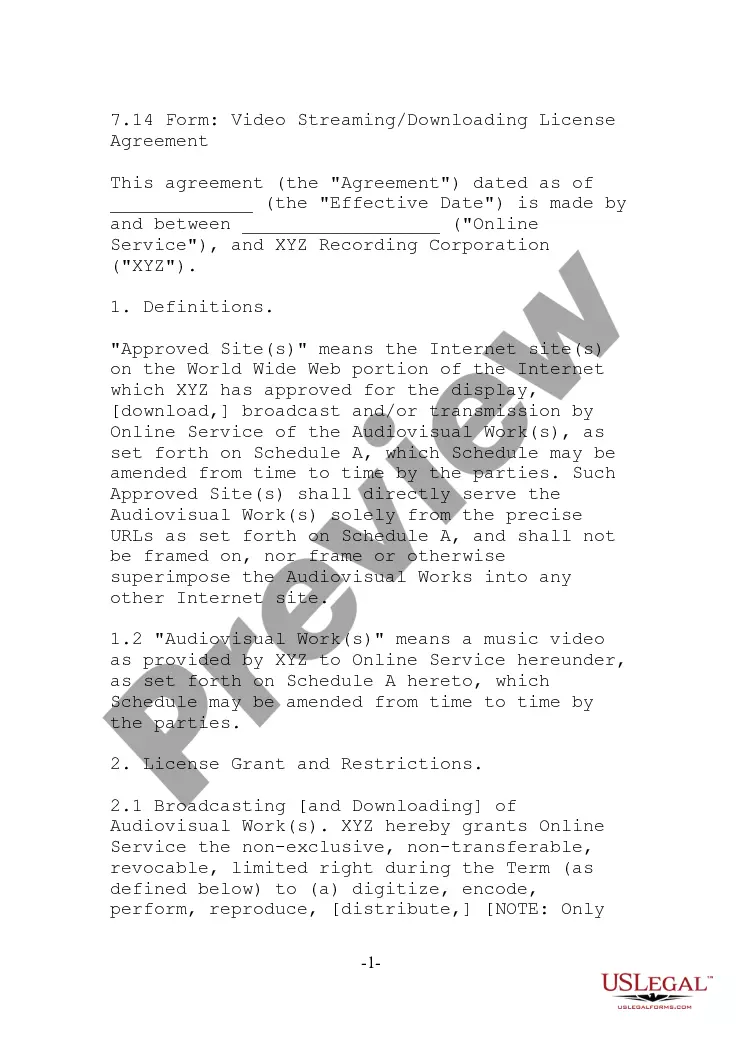
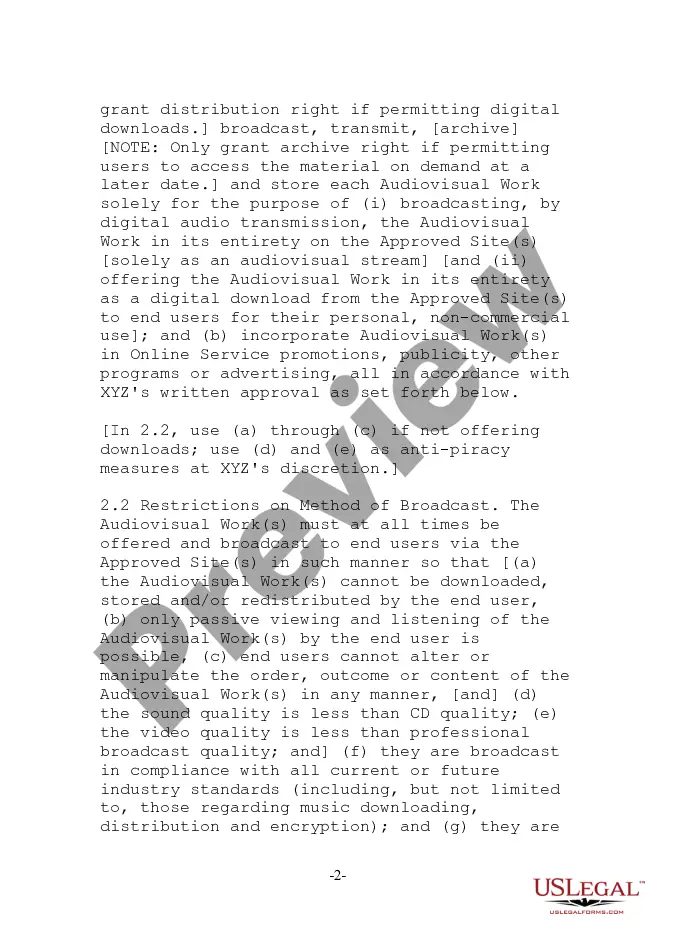
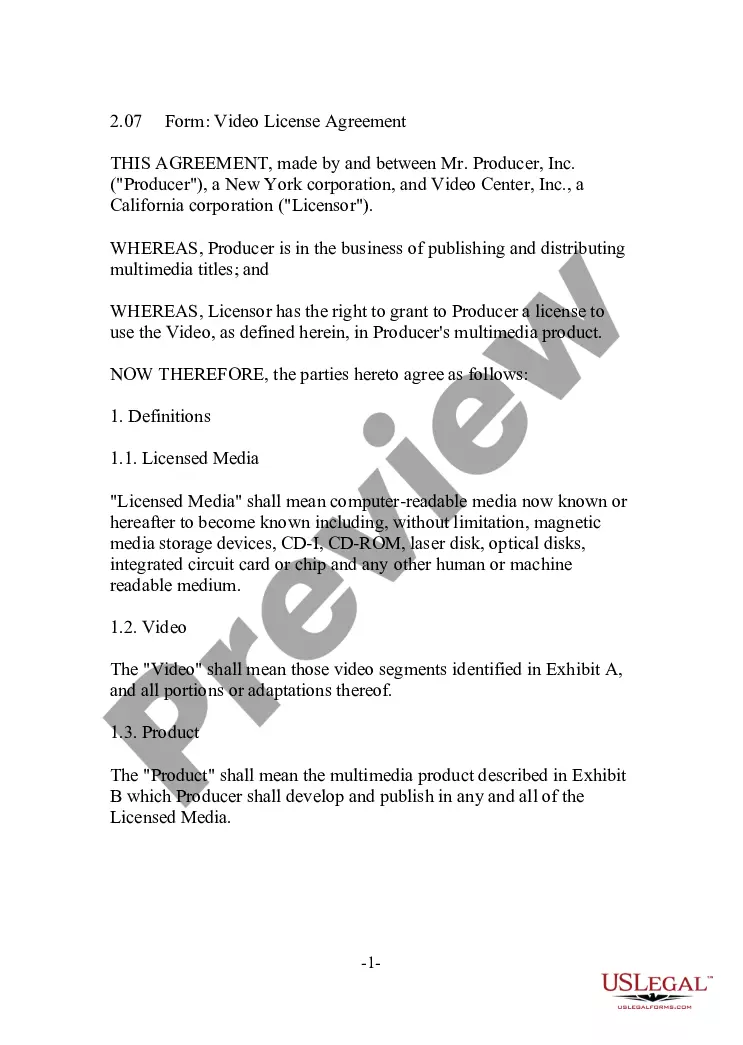
The Video Streaming - Downloading License Agreement is a contract that outlines the permissions and restrictions for the use of audiovisual works in digital formats. This agreement is essential for businesses or individuals who wish to broadcast or provide downloadable content legally. It differs from other agreements by specifically addressing the terms for both broadcasting and downloading, ensuring compliance with intellectual property laws.
What’s included in this form
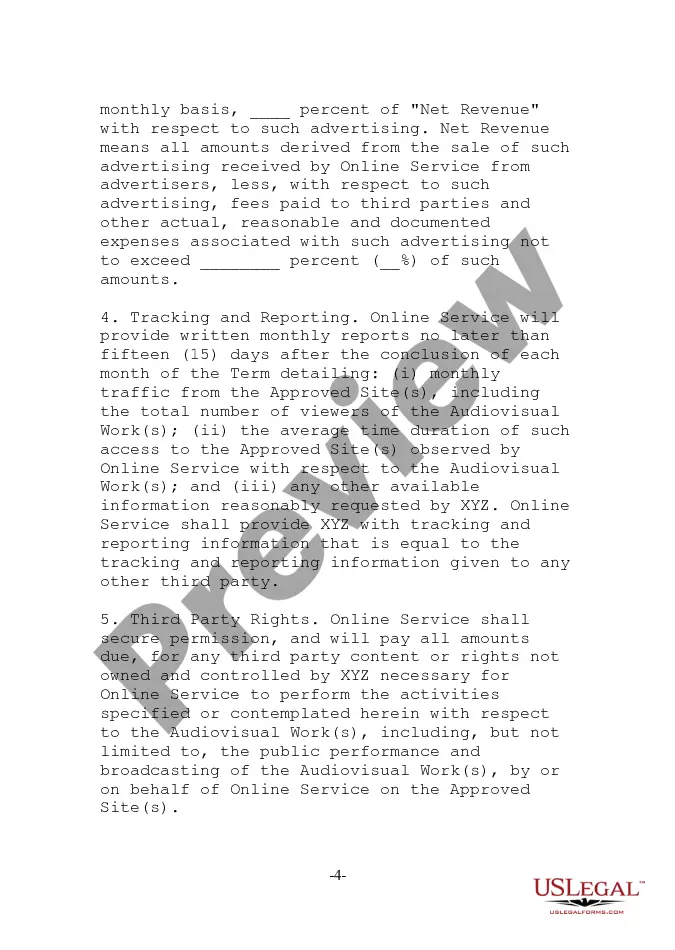
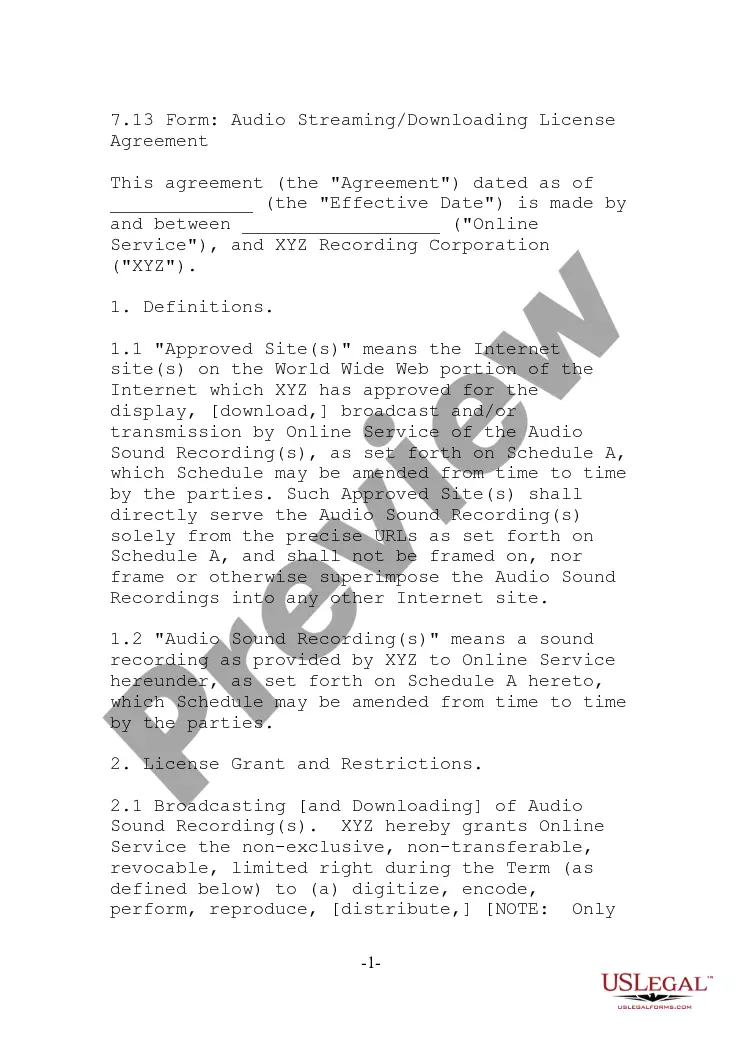
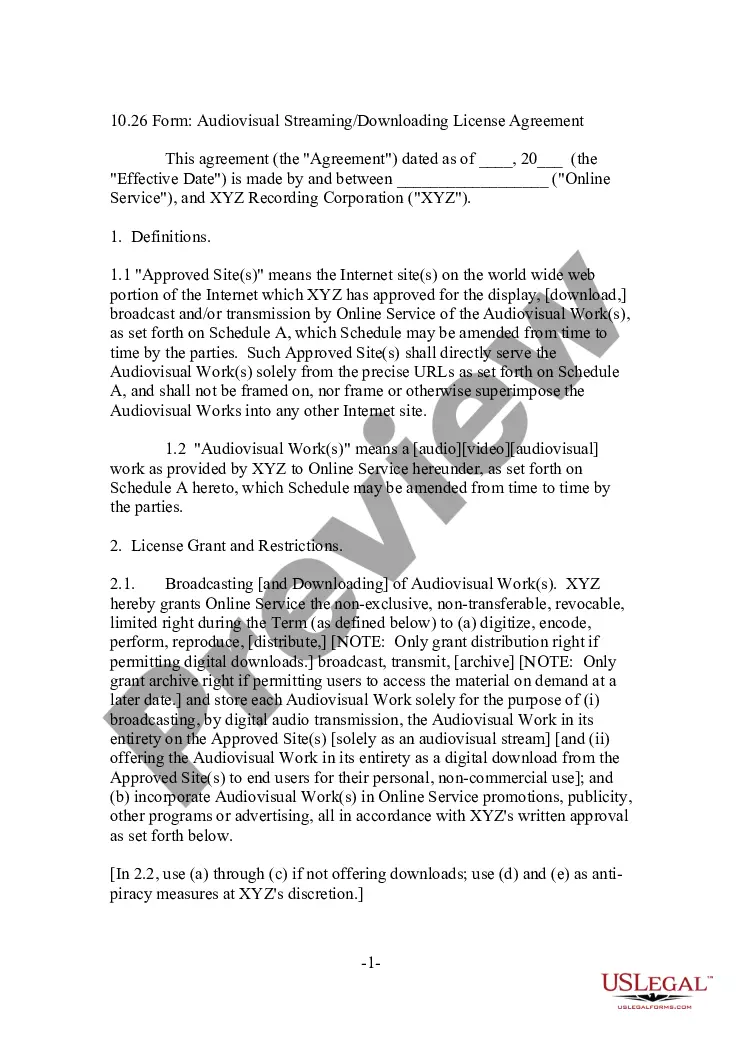
- Definitions: Clarifies key terms such as "Approved Sites" and "Audiovisual Works."
- License Grant: Specifies the rights granted to the online service, including broadcasting and downloading permissions.
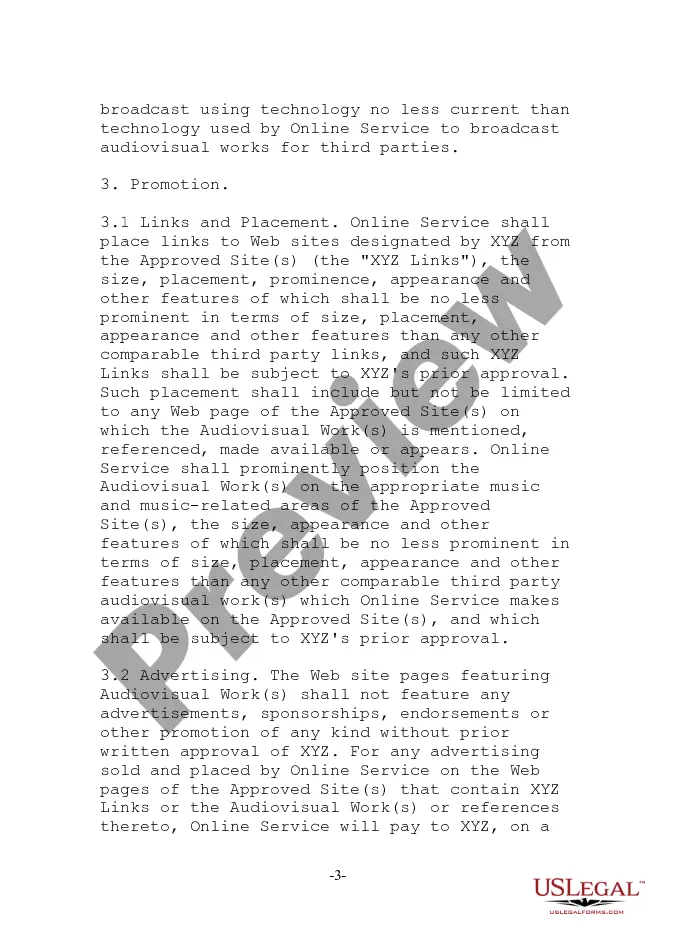
- Restrictions: Outlines the limitations on how audiovisual works can be presented and accessed by users.
- Promotion: Details the requirements for advertising and linking to the content on the approved sites.
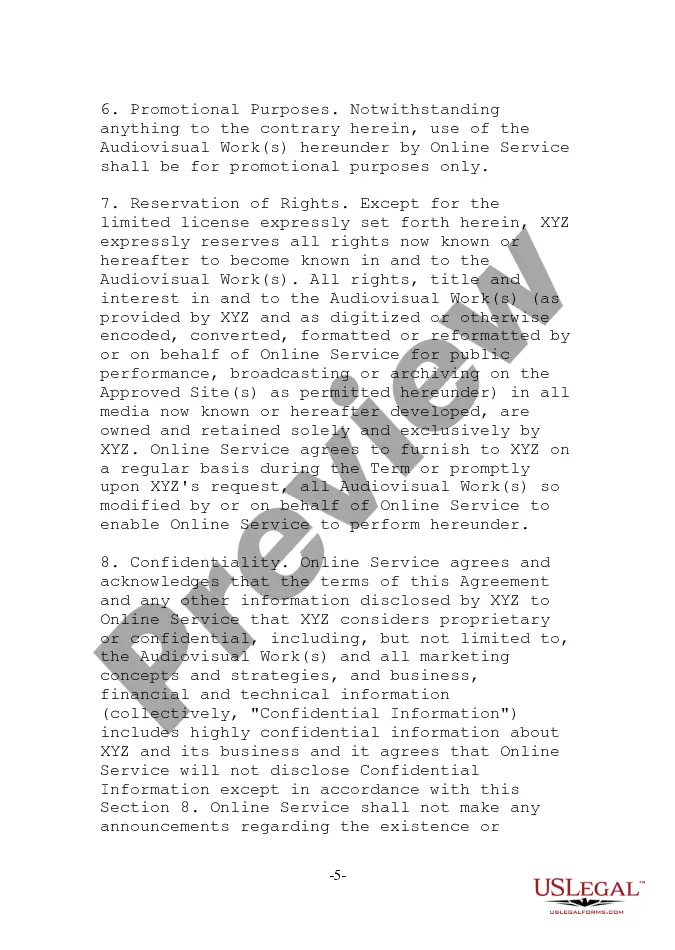
- Confidentiality: Ensures that any proprietary information is protected and not disclosed without permission.
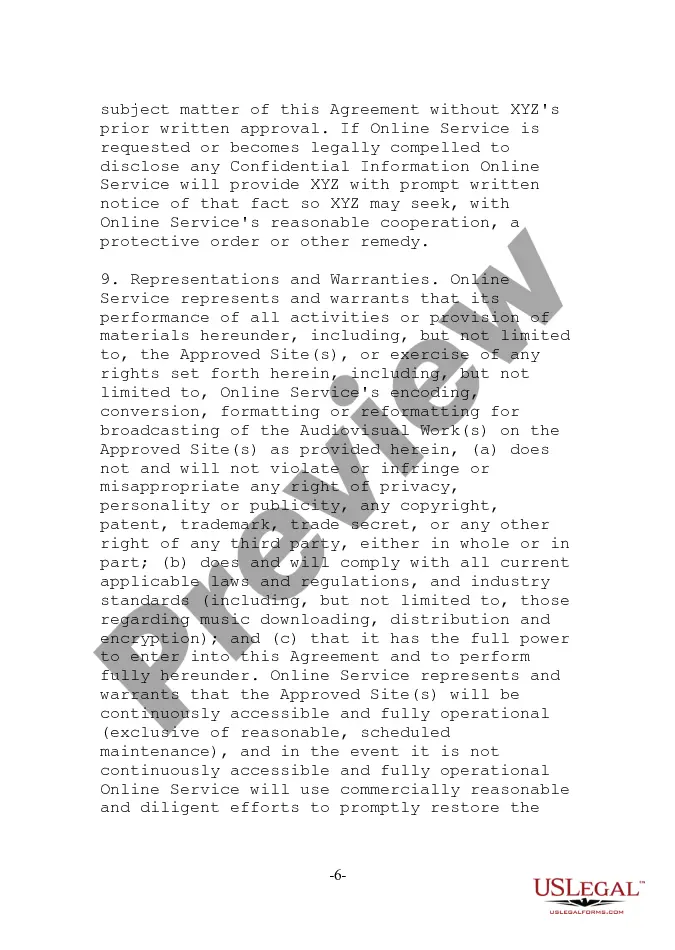
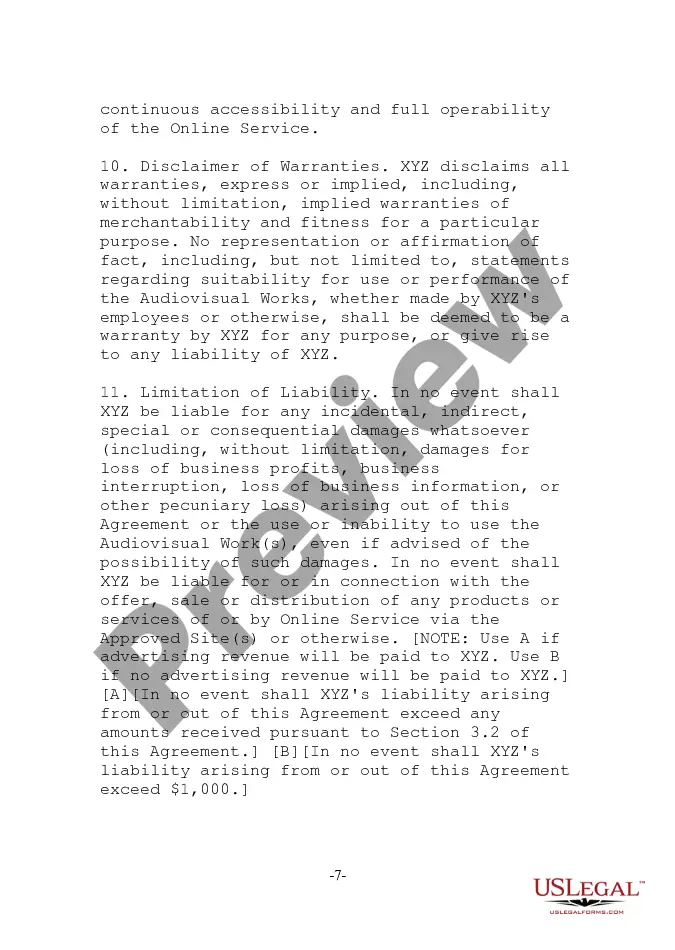
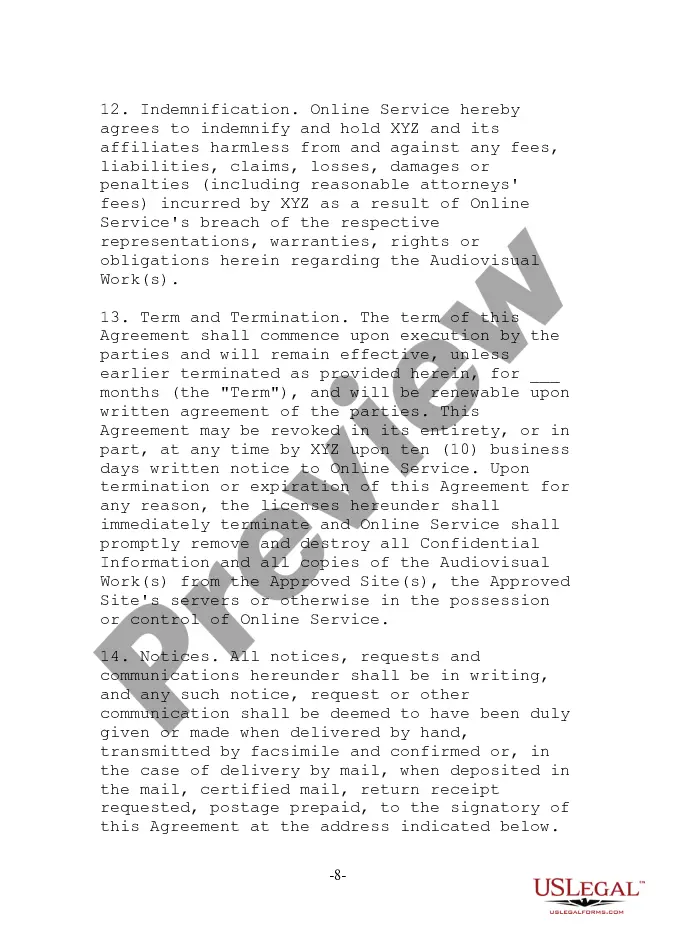
- Indemnification: Identifies the responsibilities of the online service in case of legal claims.
Situations where this form applies
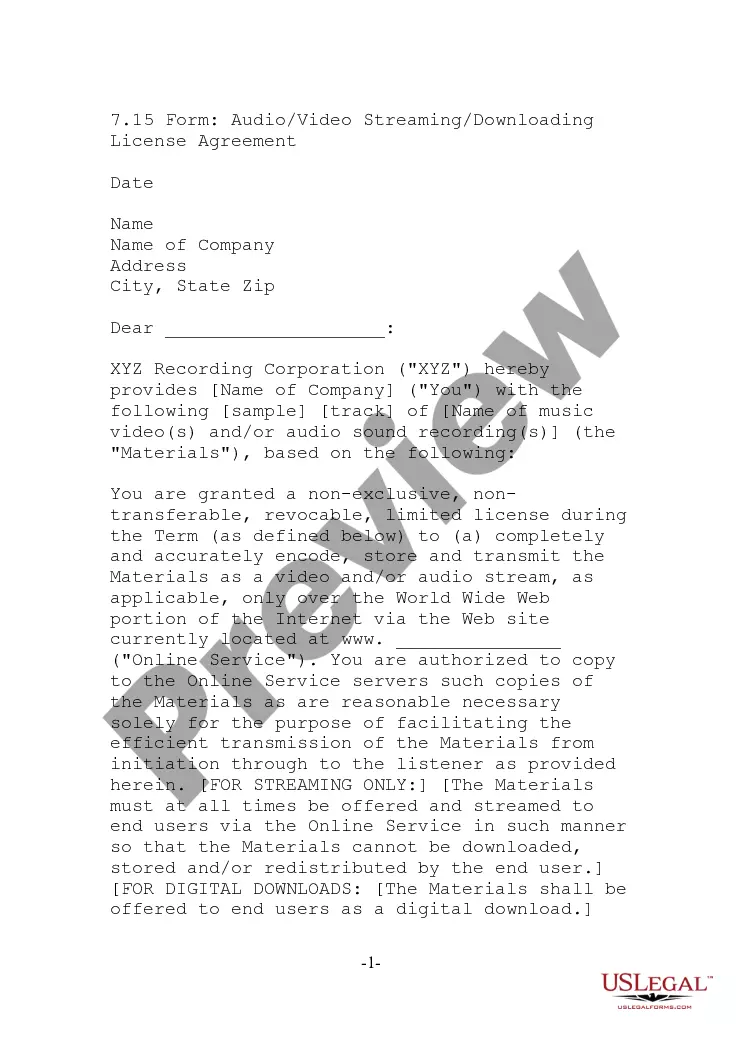
This form is necessary when a business or individual intends to legally stream or allow downloads of music videos or other audiovisual works on their website. It is particularly relevant for online services that wish to promote these works without infringing on copyright laws. Use this agreement when entering into a partnership with a content provider to ensure that both parties understand their rights and obligations regarding the audiovisual content.
Who needs this form
- Online service providers looking to distribute audiovisual content legally.
- Businesses that want to incorporate music videos in their marketing or promotional materials.
- Individual contractors managing streaming services on behalf of content creators.
- Recording agencies seeking to outline terms with distributors of their audiovisual works.
How to complete this form
- Identify and enter the date as of which the agreement takes effect.
- Fill in the names of the parties involved, including the online service and XYZ Recording Corporation.
- Define the approved sites and list them in Schedule A.
- Specify any restrictions or conditions for broadcasting and downloading the audiovisual works.
- Ensure both parties sign and date the agreement.
Notarization requirements for this form
In most cases, this form does not require notarization. However, some jurisdictions or signing circumstances might. US Legal Forms offers online notarization powered by Notarize, accessible 24/7 for a quick, remote process.
Get your form ready online
Our built-in tools help you complete, sign, share, and store your documents in one place.
Make edits, fill in missing information, and update formatting in US Legal Forms—just like you would in MS Word.
Download a copy, print it, send it by email, or mail it via USPS—whatever works best for your next step.
Sign and collect signatures with our SignNow integration. Send to multiple recipients, set reminders, and more. Go Premium to unlock E-Sign.
If this form requires notarization, complete it online through a secure video call—no need to meet a notary in person or wait for an appointment.
We protect your documents and personal data by following strict security and privacy standards.

Make edits, fill in missing information, and update formatting in US Legal Forms—just like you would in MS Word.

Download a copy, print it, send it by email, or mail it via USPS—whatever works best for your next step.

Sign and collect signatures with our SignNow integration. Send to multiple recipients, set reminders, and more. Go Premium to unlock E-Sign.

If this form requires notarization, complete it online through a secure video call—no need to meet a notary in person or wait for an appointment.

We protect your documents and personal data by following strict security and privacy standards.
Common mistakes to avoid
- Failing to define all important terms clearly.
- Not specifying restrictions on downloading and broadcasting adequately.
- Overlooking the need for both parties to review and sign the agreement.
- Not updating Schedule A to reflect current approved sites.
Why use this form online
- Convenience of completing the form from anywhere without needing to visit a lawyer.
- Editability allows customization to fit specific requirements or business models.
- Access to legally reviewed templates ensures reliability and accuracy.
Legal use & context
- This agreement serves to protect the rights of both the content creator and the distributor.
- It is essential for compliance with copyright laws relating to visual and audio content.
- Failure to use this form may expose parties to legal risks or disputes.
Quick recap
- The Video Streaming - Downloading License Agreement is vital for legal distribution of audiovisual works.
- Always ensure that both parties understand their rights and obligations.
- Regularly update and review the agreement to maintain compliance with evolving laws.
Looking for another form?







Form popularity
FAQ
The cost can range from $250 to $600 depending on the studio, title and event date. Licensing costs can fluctuate weekly. Contact your film licensing sales rep for a firm quote.
Get permission. Reach out to the copyright owners directly and negotiate the appropriate licenses for your use. Look at the license. Licenses have explicit permission for using the content and often include limitations for how the content is used.
Licensing content involves obtaining rights from the owners of a TV show or movie to stream the content through a service such as Netflix. A licensing agreement is established between the content owners and Netflix. Each agreement varies based upon the needs of both parties.
A license is an agreement between a video's copyright owner (this can be the creator and/or the company having funded its production) and another user.Usually in the form of written consent, a license is given to the third party by the copyright holder for the use of their video.
Contacting the copyright holder directly to obtain the license. Rent the movies and shows from authorized distributors.
1-800-952-7227 ASCAP. 212-220-3000 BMI. 615-320-0055 SESAC.
Follow the right strategy to start Netflix-like app building. Prepare your business model. Use tech stack to create streaming service like Netflix. Add MVP features to build the skeleton of your service. Consider all important requirements to keep up with.
Typically, you can't legally show a movie to the public unless you obtain public performance license from the copyright owner.
Go to YouTube.com and make sure you are logged in. Go to the video you want to edit and click on the 'Edit Video' button. The screen should already be open with the 'Basic Info' tab. Click anywhere in the description box and enter the details of the CC licence you would like to apply to your video.