Job Posting Form
About this form
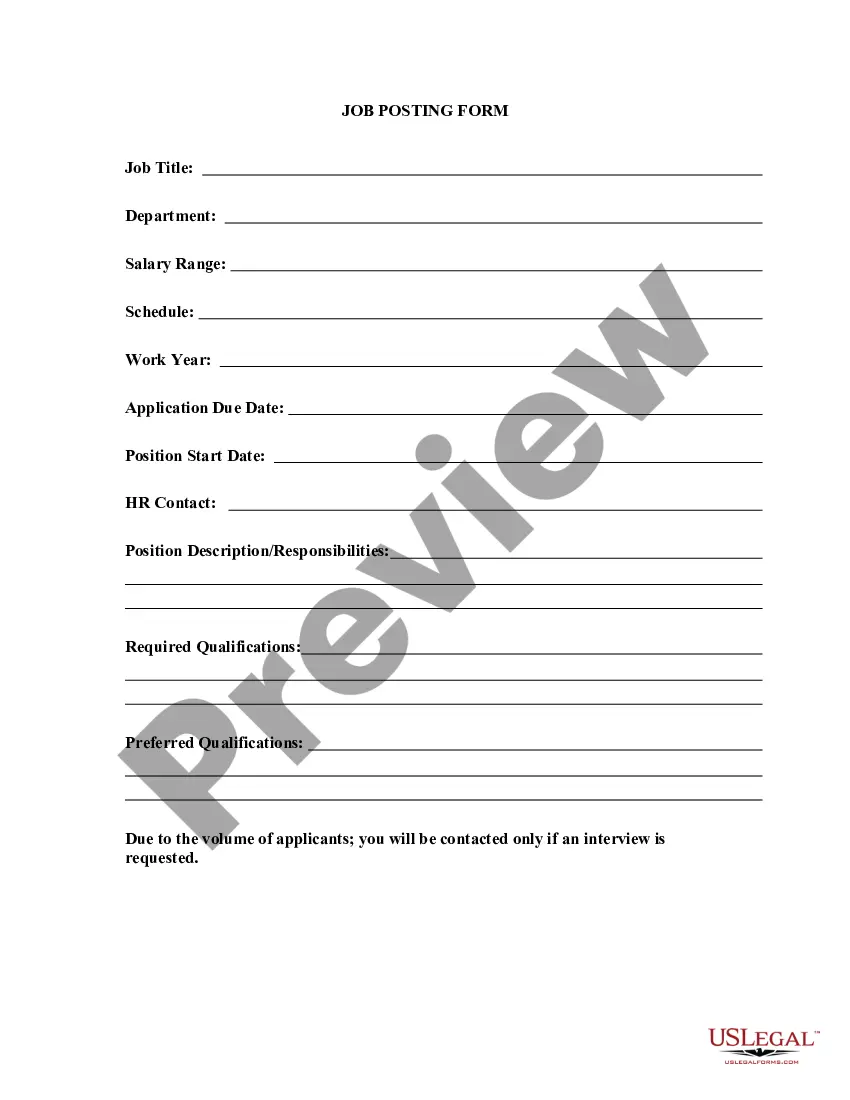
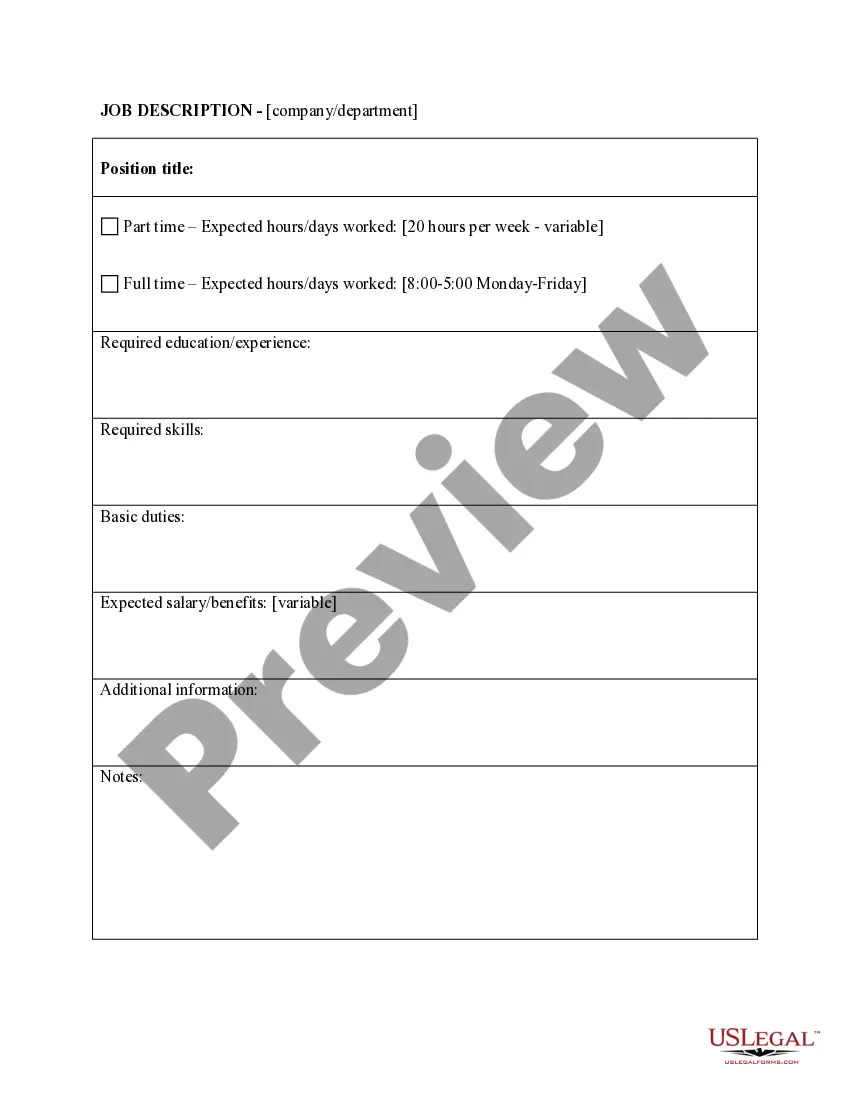
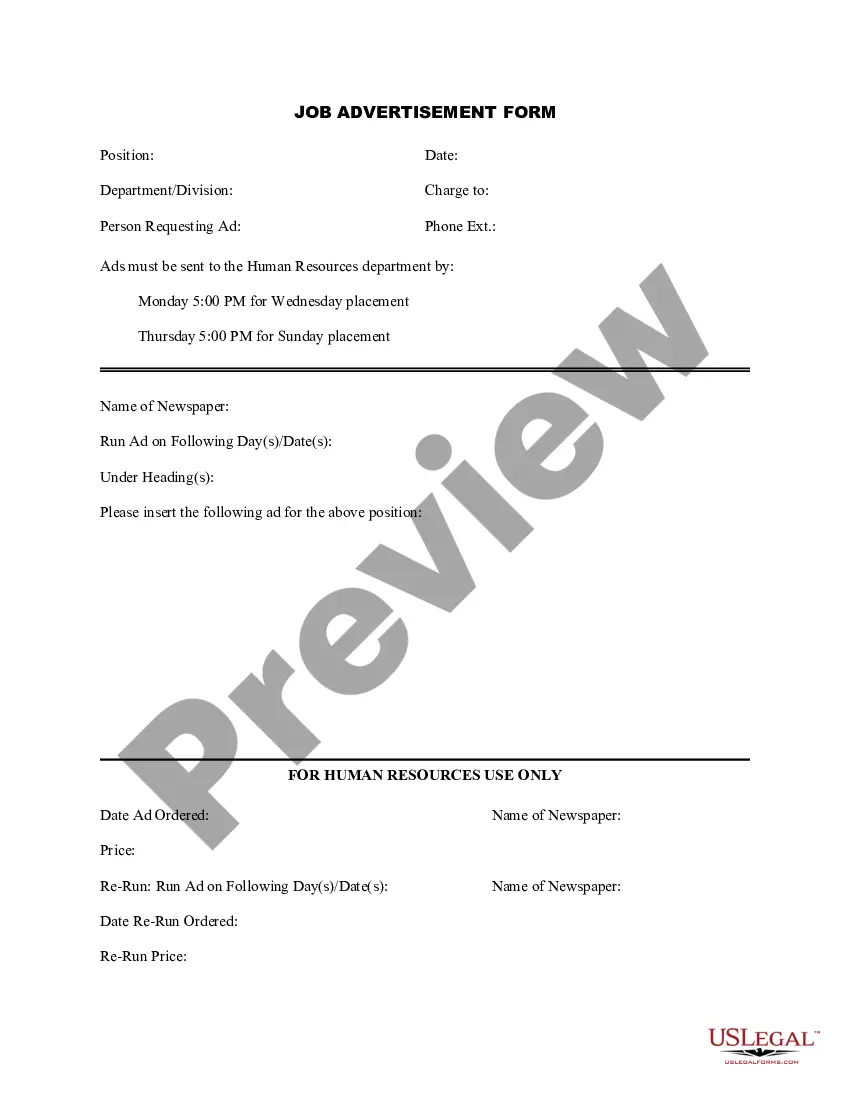
The Job Posting Form is a legal document used by companies to announce available job openings within their organization. This form ensures that all current positions are advertised consistently and legally, differentiating it from other forms that may be used for job applications or recruitment advertisements. By utilizing this template, employers can streamline their internal hiring process and maintain clear communication regarding job opportunities within their company.
Key parts of this document
- Company name and contact information
- Job title and description
- Requirements and qualifications
- Application process details
- Posting duration and internal circulation
Common use cases
This form should be used whenever a company has a new or existing position that needs to be filled internally. It is particularly useful for organizations looking to encourage promotions or transfers from within their workforce, ensuring that all employees are aware of available opportunities.
Who this form is for
The following parties should consider using the Job Posting Form:
- Human resources personnel responsible for internal hiring
- Department heads looking to fill vacant positions
- Company management seeking to communicate job openings
- Internal communications teams promoting new roles
Completing this form step by step
- Enter the company name and contact information at the top of the form.
- Clearly specify the job title along with a detailed job description.
- List the required qualifications and any preferred skills for candidates.
- Outline the application process, including deadlines and submission methods.
- Indicate the duration for which the job posting will be active and how it will be shared with employees.
Is notarization required?
This form usually doesn’t need to be notarized. However, local laws or specific transactions may require it. Our online notarization service, powered by Notarize, lets you complete it remotely through a secure video session, available 24/7.
Get your form ready online
Our built-in tools help you complete, sign, share, and store your documents in one place.
Make edits, fill in missing information, and update formatting in US Legal Forms—just like you would in MS Word.
Download a copy, print it, send it by email, or mail it via USPS—whatever works best for your next step.
Sign and collect signatures with our SignNow integration. Send to multiple recipients, set reminders, and more. Go Premium to unlock E-Sign.
If this form requires notarization, complete it online through a secure video call—no need to meet a notary in person or wait for an appointment.
We protect your documents and personal data by following strict security and privacy standards.

Make edits, fill in missing information, and update formatting in US Legal Forms—just like you would in MS Word.

Download a copy, print it, send it by email, or mail it via USPS—whatever works best for your next step.

Sign and collect signatures with our SignNow integration. Send to multiple recipients, set reminders, and more. Go Premium to unlock E-Sign.

If this form requires notarization, complete it online through a secure video call—no need to meet a notary in person or wait for an appointment.

We protect your documents and personal data by following strict security and privacy standards.
Typical mistakes to avoid
- Failing to include all necessary job details, such as qualifications.
- Using vague language that may confuse potential applicants.
- Not specifying the application deadline clearly.
Benefits of using this form online
- Convenience of easy access and immediate download from any device.
- Editable template allows customization to suit specific job postings.
- Reliability of professionally drafted content tailored for legal compliance.
Legal use & context
- This form helps ensure compliance with internal hiring policies.
- Employers must follow equal opportunity hiring standards when posting jobs.
- Retention of a dated copy may be required for internal records.
What to keep in mind
- The Job Posting Form is essential for announcing internal job openings legally.
- Clearly define job roles to attract the right candidates.
- Utilize this form to streamline the internal hiring process within your organization.
Looking for another form?







Form popularity
FAQ
Make sure the posting is easy to read. Include a company overview. Provide an overview of the position in a brief paragraph. Summarize the personality characteristics of good candidates. List the position's responsibilities. List the position's job requirements.
Define requirements and responsibilities. It may sound simple, but this first section is where many job postings go wrong. Research your keywords. Keyword research will reveal what candidates are searching for. Write the content. Format your post. Provide a clear call to action.
Company Name would like to announce a new vacant position in the capacity of job title, example: accountant in the department name, example: accounting. The candidate must have at least 5 years of experience with a Masters Degree. Further qualifications here.
Perform a thorough job analysis. Keep the job posting in the 300-700 word range. A job title must be clear, direct, and specific. Describe the job opportunity. Sell the job opportunity. Sell the company vision and culture. Describe the application process.
Step 1: Access the Jobs on Facebook Feature. To access this feature, log in to your Facebook business page and navigate to the content badges just below the text area where you write something to create a new post. Step 2: Add Details about the Job Opening. Step 3: Review and Publish your Job Post.
Job Opening Announcement Letter - To Employees - Internal Company Name would like to announce a new vacant position in the capacity of job title, example: accountant in the department name, example: accounting. The candidate must have at least 5 years of experience with a Masters Degree.
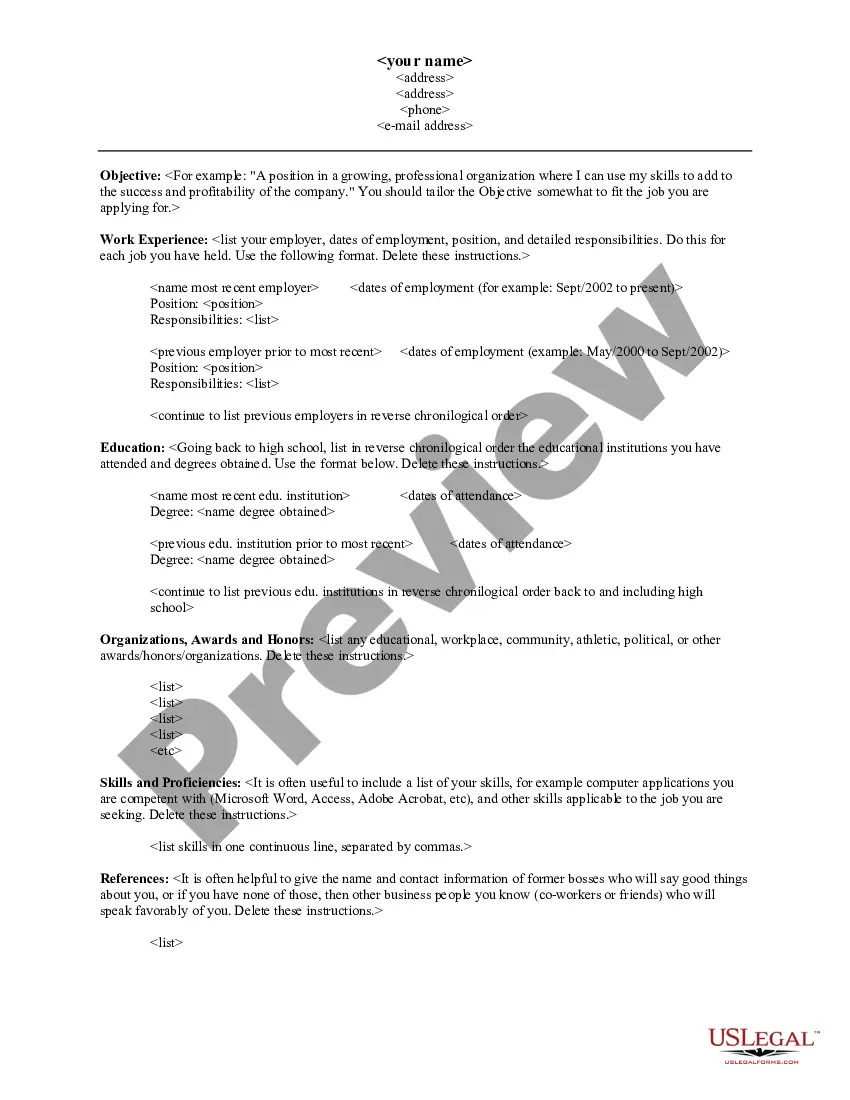
Before you start. Provide your personal details. Provide your education history. Provide your work history. Explain work history gaps. Show your skills match the job. How to choose references. After you complete your form.
1) Make an amazing first impression. The key to good advertising is grabbing the attention of the right people. 2) Writing search-friendly content. 3) It's all in the formatting. 4) What does your candidate want to know? 5) Make it interesting with visuals. Secure your top candidate.
Perform a thorough job analysis. Keep the job posting in the 300-700 word range. A job title must be clear, direct, and specific. Describe the job opportunity. Sell the job opportunity. Sell the company vision and culture. Describe the application process.