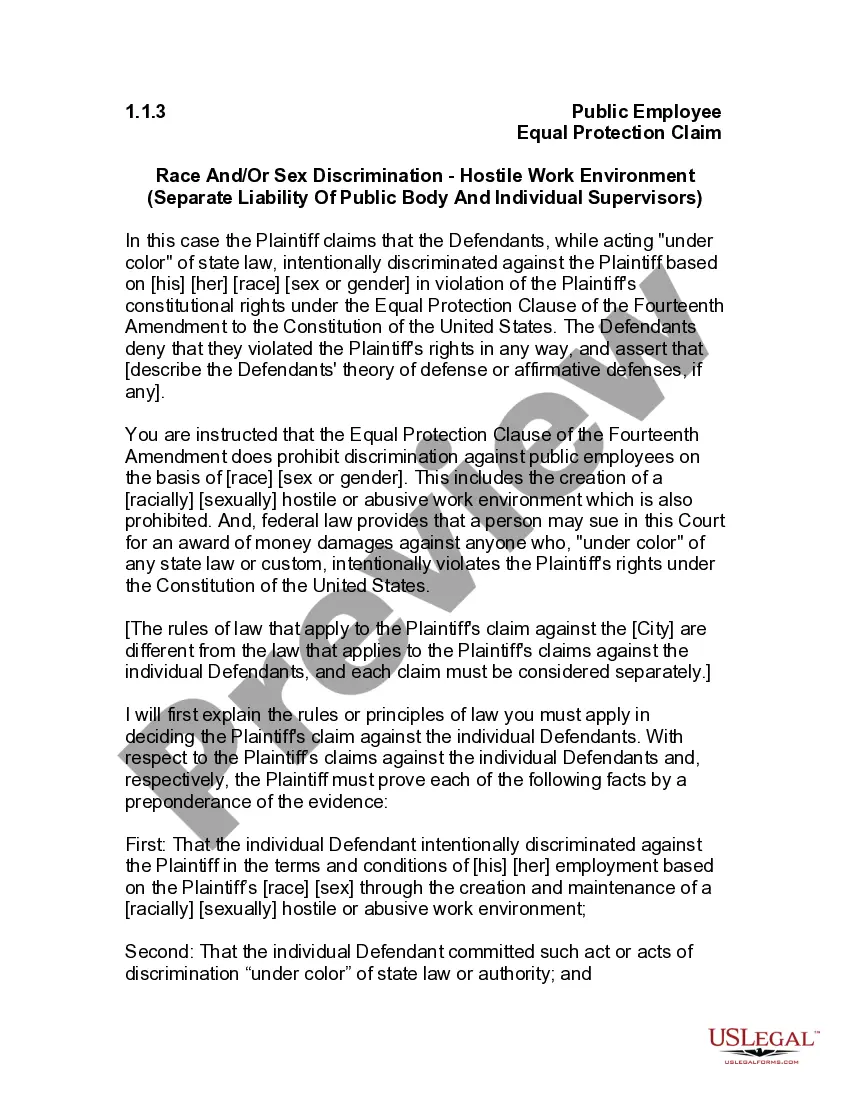
Jury Instruction - 1.1.3 Public Employee Equal Protection Claim Race and or Sex Discrimination Hostile Work Environment - Separate Liability
Overview of this form
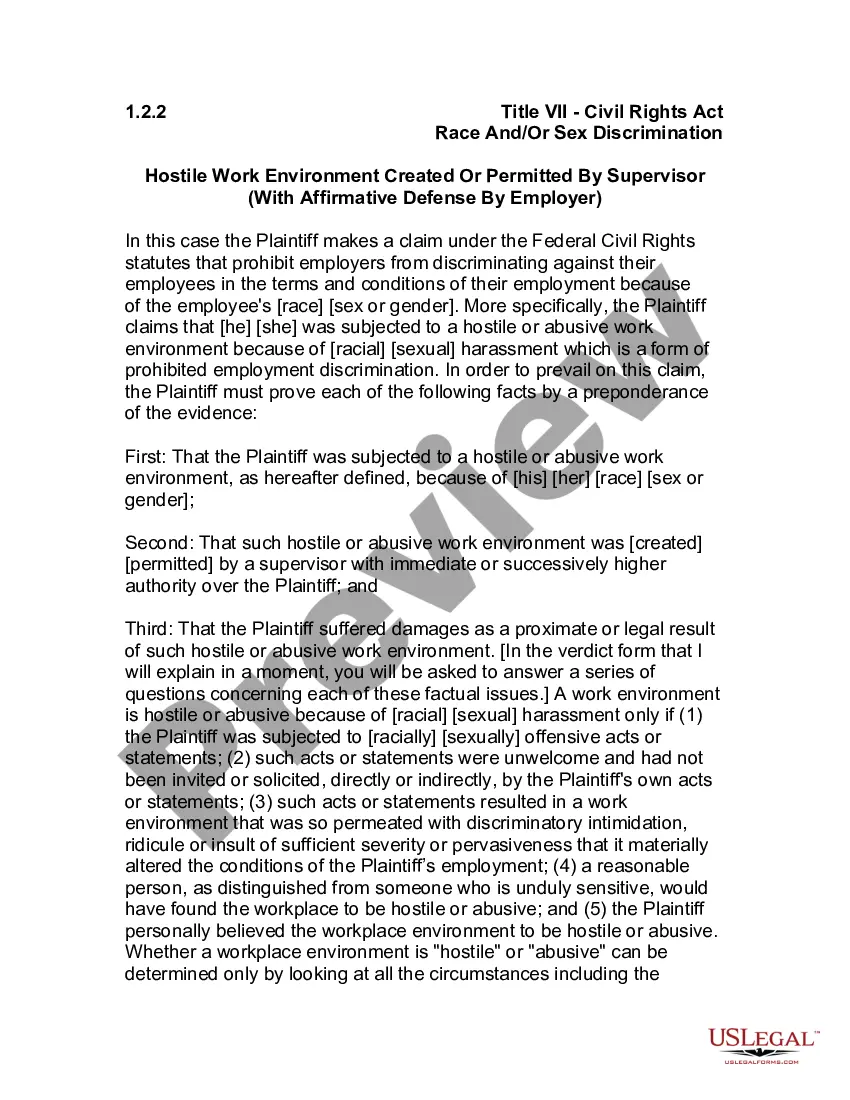
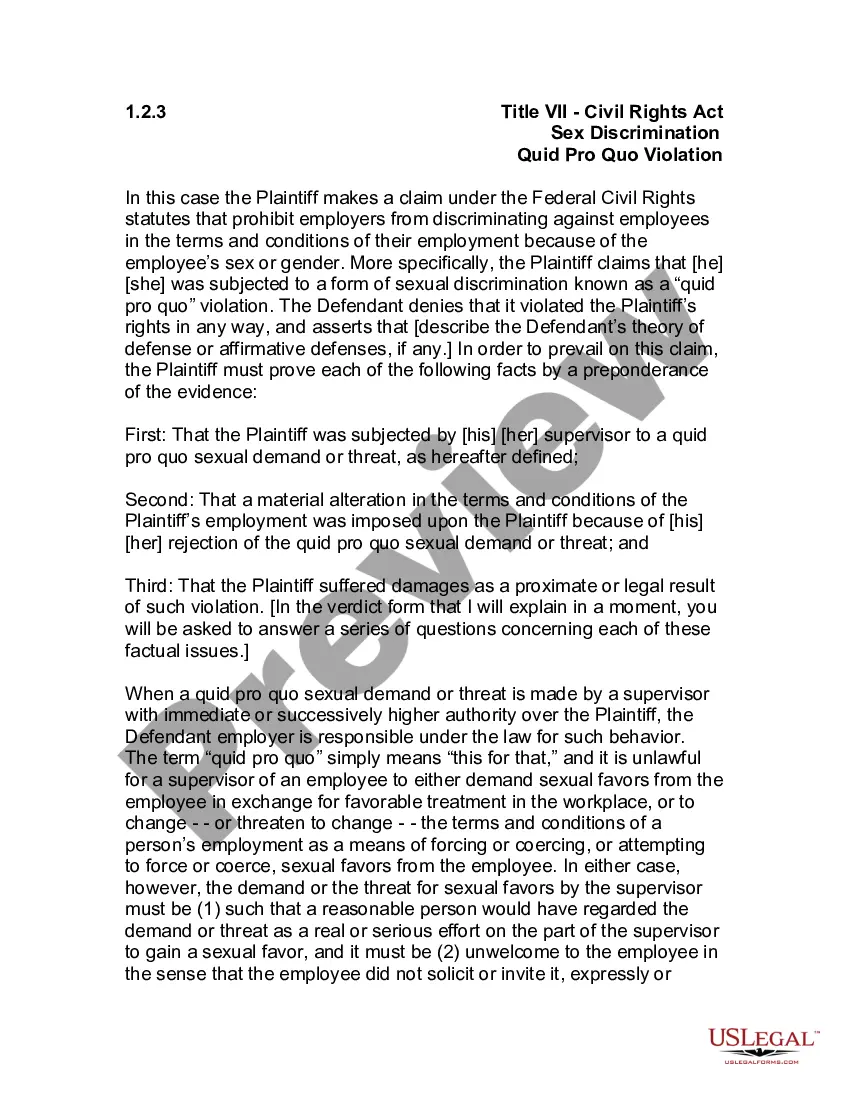
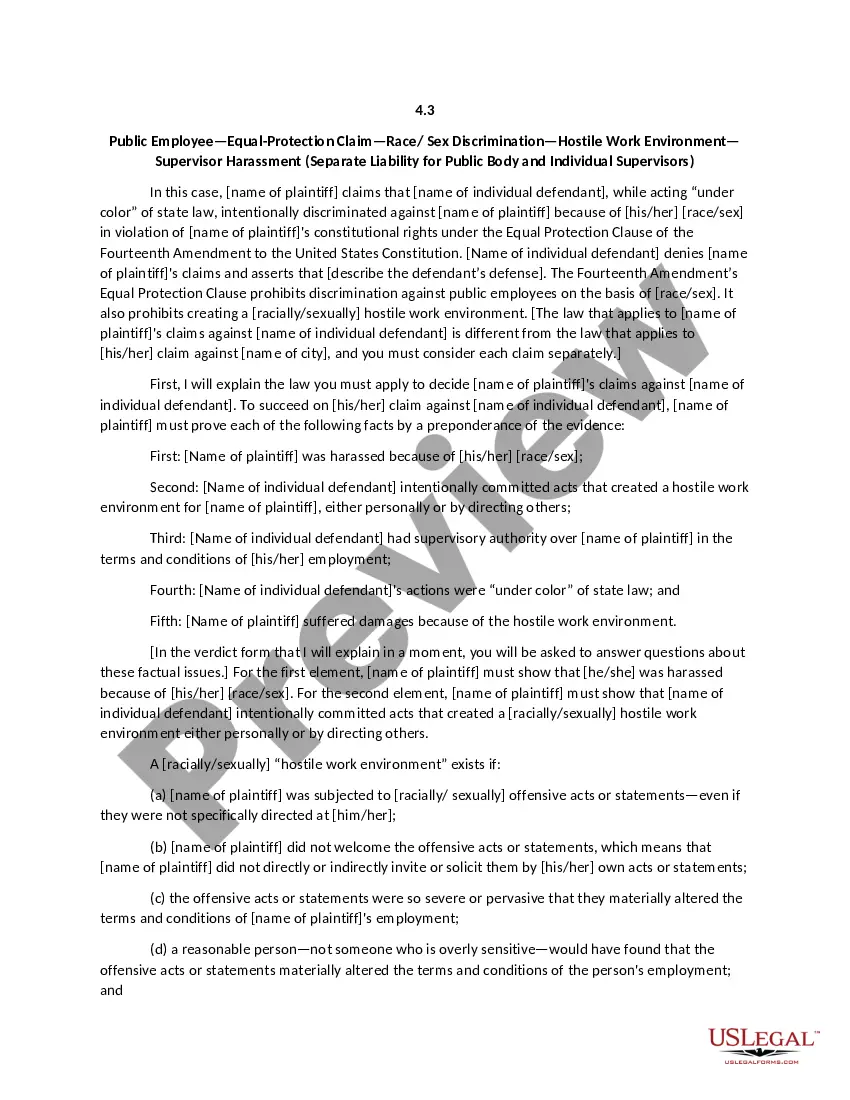
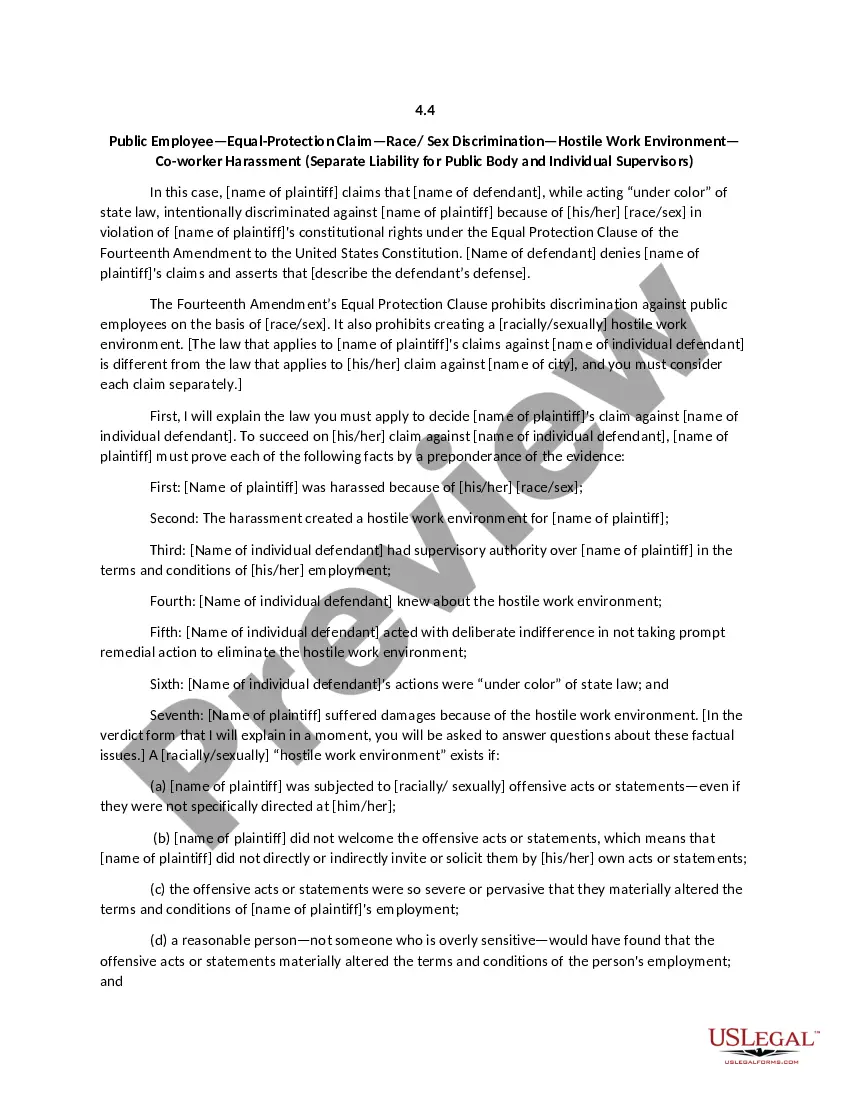
The Jury Instruction for Public Employee Equal Protection Claim focusing on Race and/or Sex Discrimination in a hostile work environment serves as a legal guideline for jurors to evaluate claims of discrimination against public employees. This form outlines how to determine if discriminatory actions have occurred under the Equal Protection Clause of the Fourteenth Amendment. Unlike standard legal complaints, these jury instructions are tailored for the juryâs use during deliberation, helping them understand the specific legal standards that must be established to prove a case of discrimination in the workplace.
What’s included in this form
- Case Definition: A clear explanation of the nature of the plaintiff's claim, including the accusation of intentional discrimination based on race or sex.
- Legal Framework: Guidance on the Equal Protection Clause and what constitutes unlawful discrimination in public employment.
- Burden of Proof: Instructions on the plaintiff's obligation to prove key elements of their case by a preponderance of evidence.
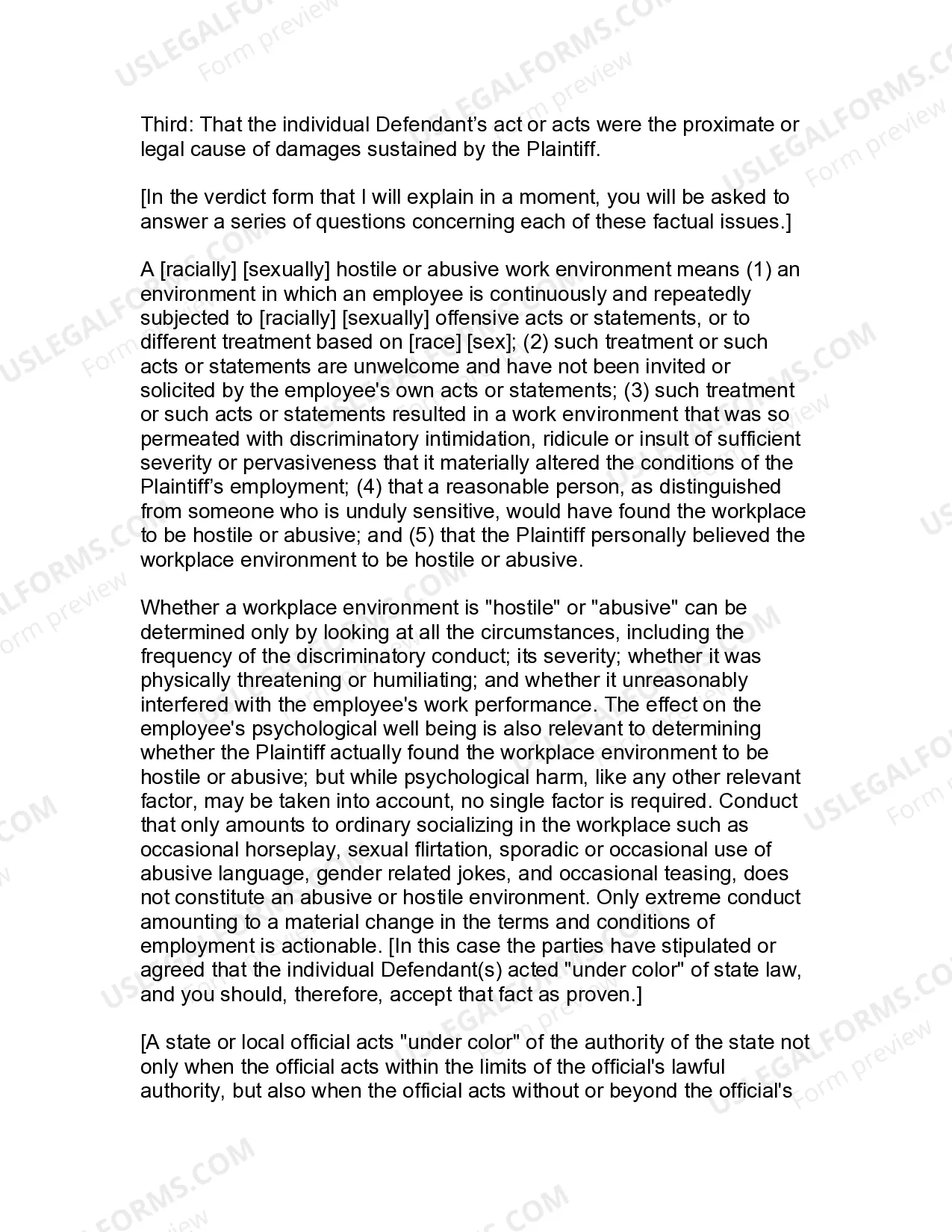
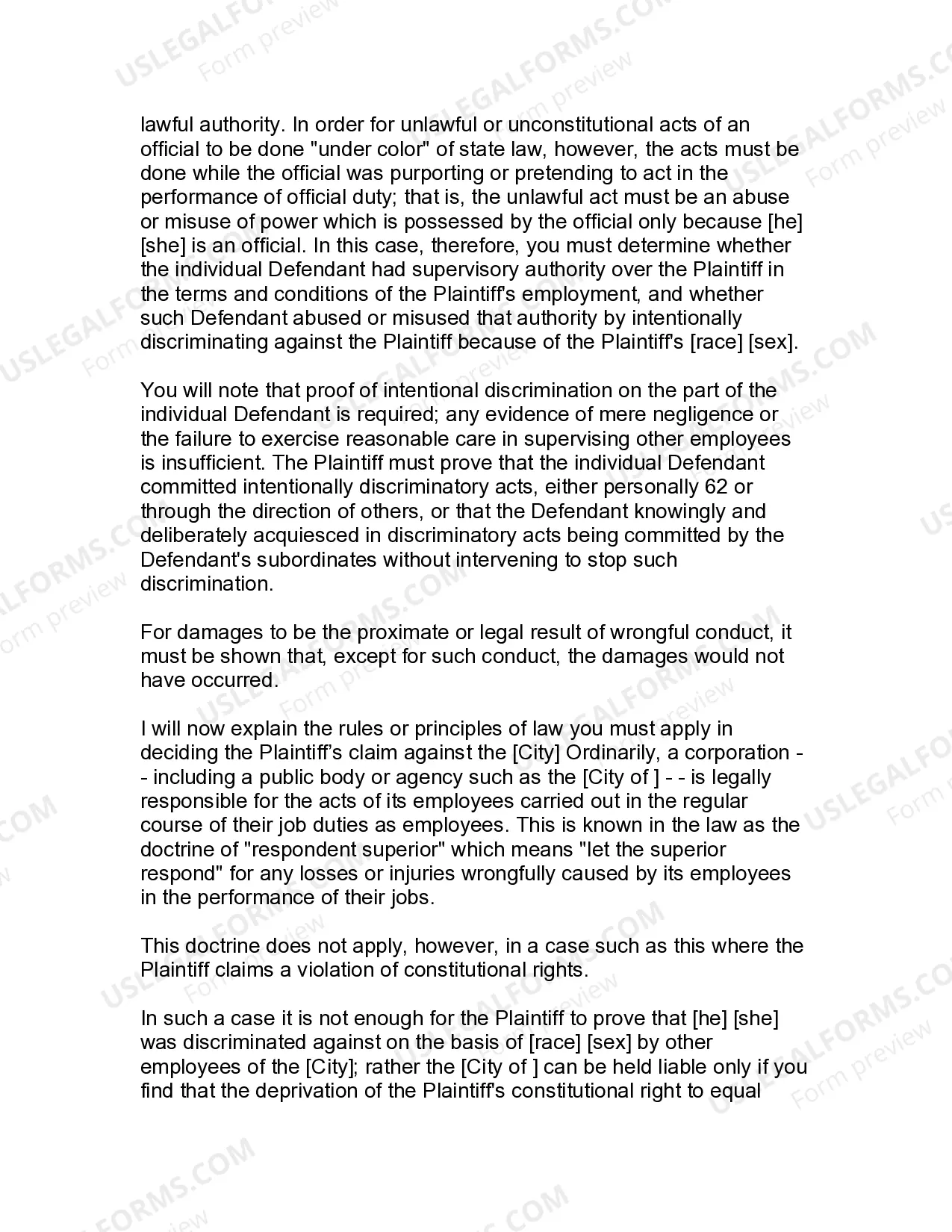
- Hostile Work Environment Criteria: Definitions and standards to determine if a workplace is considered hostile or abusive due to discriminatory actions.
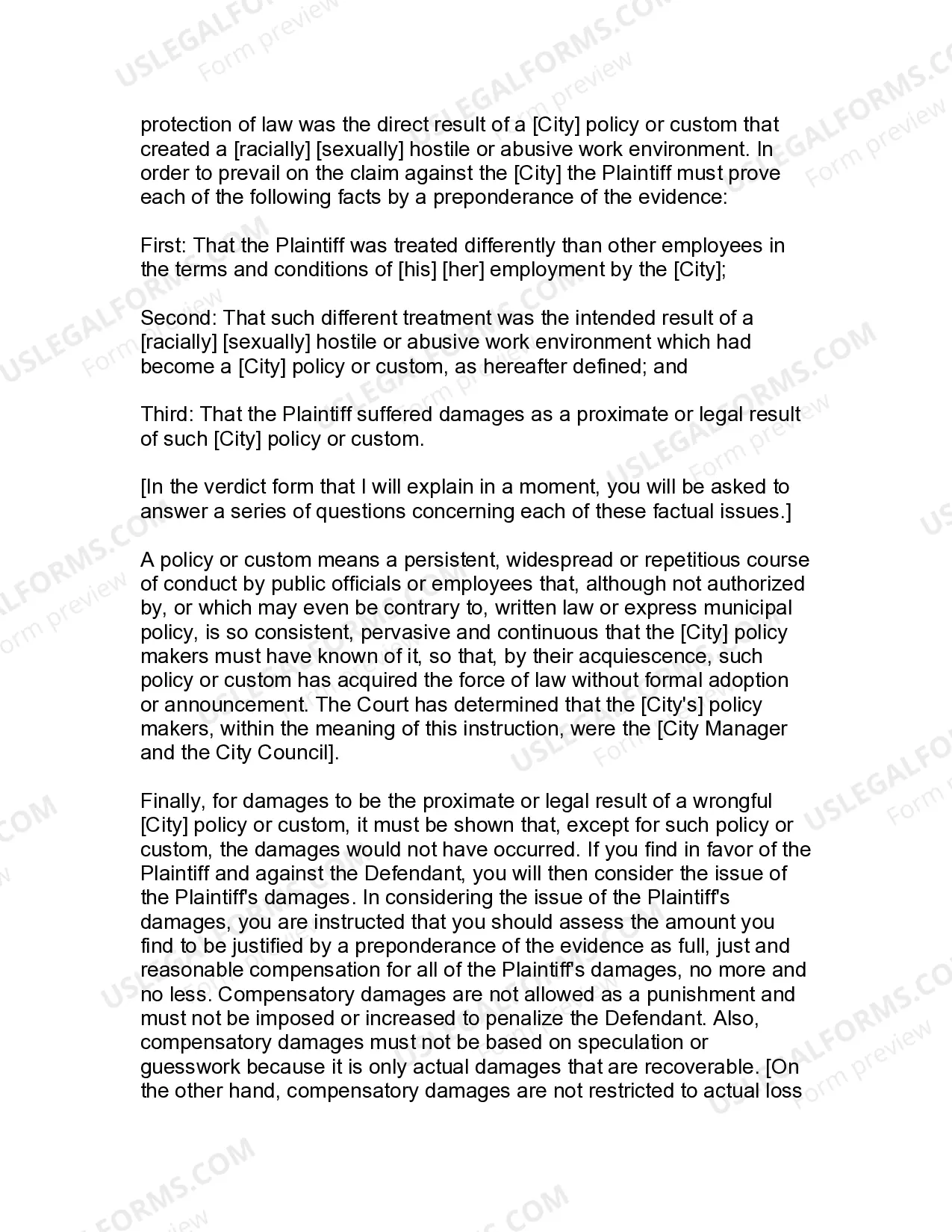
- Separate Liability: Distinction between the liability of individual supervisors and the public body for discriminatory conduct.
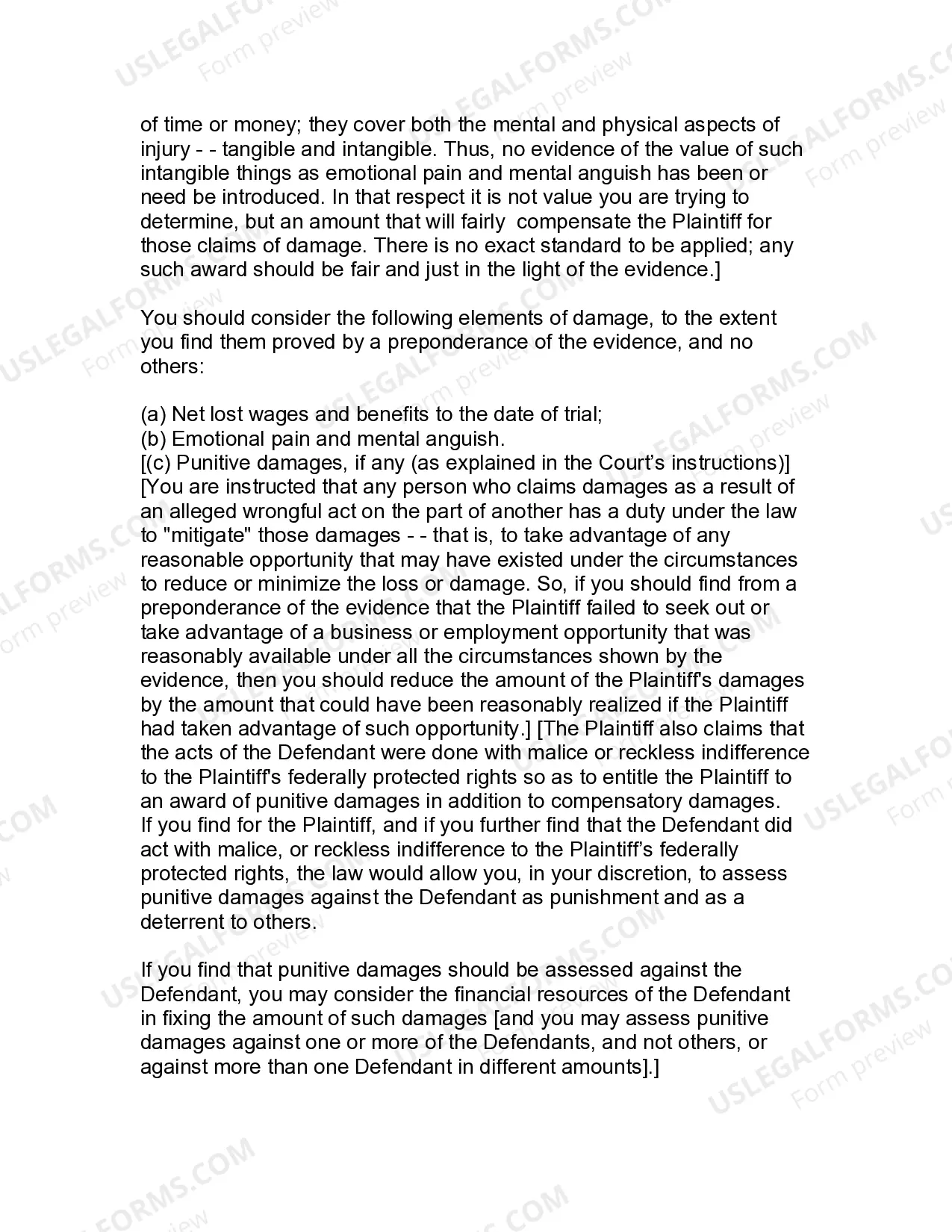
- Damages Assessment: Directions on evaluating damages, including compensation for emotional pain and net lost wages.
When to use this form
This form is used in cases where a public employee alleges discrimination based on race or sex, claiming that such discrimination resulted in a hostile work environment. It is applicable in trials where the jury needs to determine whether the defendants acted with discriminatory intent and whether the working conditions significantly affected the plaintiff's employment. Situations that may lead to this form being necessary include claims against government employers or when employees have been subjected to continuous discriminatory actions by their supervisors.
Who this form is for
This form is intended for:
- Jurors evaluating public employee discrimination cases.
- Attorneys representing plaintiffs or defendants in discrimination lawsuits.
- Legal professionals and paralegals preparing for trials involving equal protection claims.
How to complete this form
To effectively use this jury instruction form, follow these steps:
- Understand the key definitions outlined in the instructions, particularly regarding discrimination and a hostile work environment.
- Review the criteria for determining if the individual supervisor acted under color of state law.
- Evaluate the provided factual scenarios to determine if the plaintiff's claims of discrimination are supported by evidence.
- Decide if damages should be awarded based on the plaintiff's experiences and the severity of the discrimination.
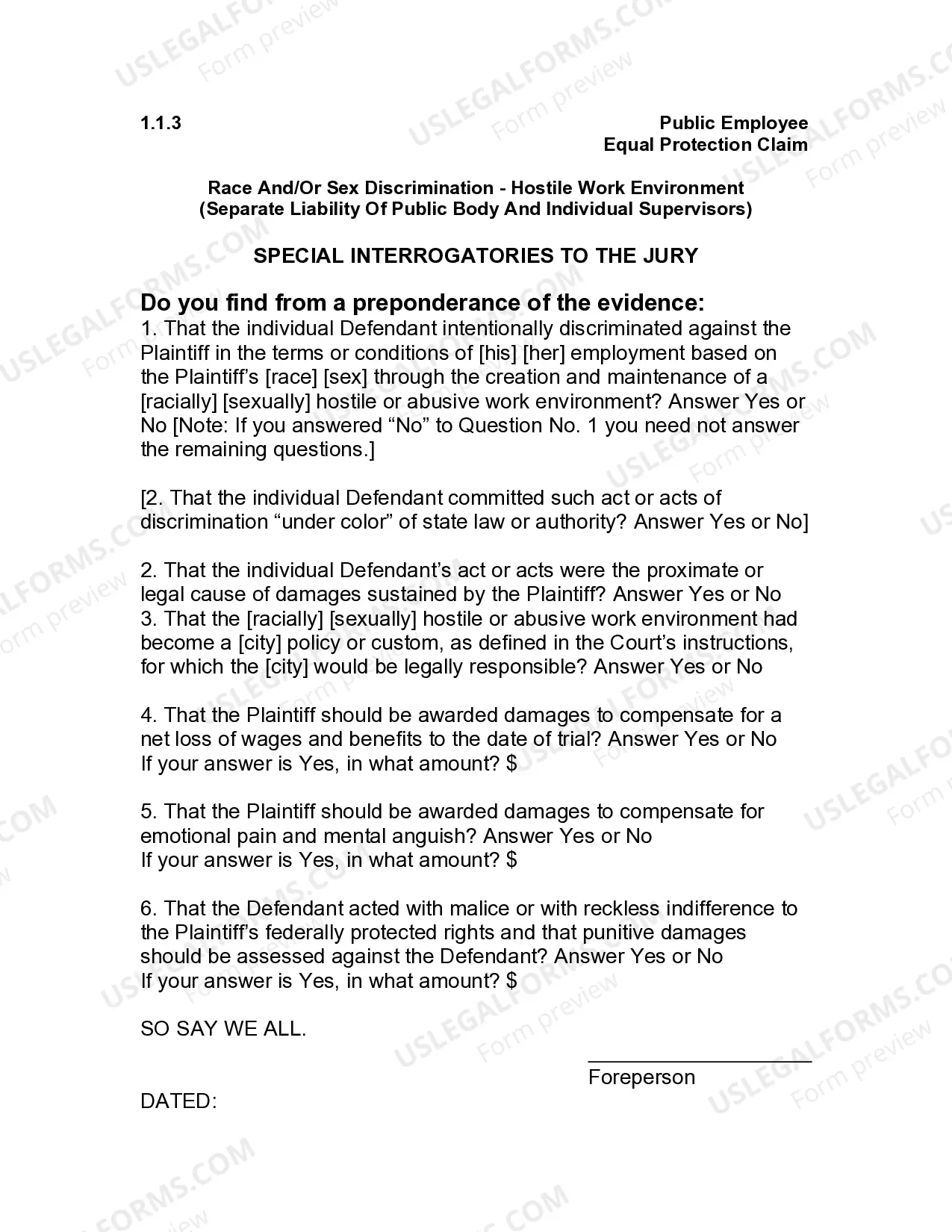
- Complete the jury's interrogatories based on the evidence presented during the trial.
Does this form need to be notarized?
This form does not typically require notarization unless specified by local law. However, users should verify local requirements to ensure compliance with any jurisdictional variations.
Get your form ready online
Our built-in tools help you complete, sign, share, and store your documents in one place.
Make edits, fill in missing information, and update formatting in US Legal Forms—just like you would in MS Word.
Download a copy, print it, send it by email, or mail it via USPS—whatever works best for your next step.
Sign and collect signatures with our SignNow integration. Send to multiple recipients, set reminders, and more. Go Premium to unlock E-Sign.
If this form requires notarization, complete it online through a secure video call—no need to meet a notary in person or wait for an appointment.
We protect your documents and personal data by following strict security and privacy standards.

Make edits, fill in missing information, and update formatting in US Legal Forms—just like you would in MS Word.

Download a copy, print it, send it by email, or mail it via USPS—whatever works best for your next step.

Sign and collect signatures with our SignNow integration. Send to multiple recipients, set reminders, and more. Go Premium to unlock E-Sign.

If this form requires notarization, complete it online through a secure video call—no need to meet a notary in person or wait for an appointment.

We protect your documents and personal data by following strict security and privacy standards.
Common mistakes to avoid
- Failing to clearly establish that the defendant acted with discriminatory intent.
- Misunderstanding the distinction between individual and public body liability.
- Not adequately addressing the full range of damages, including emotional pain and mental anguish.
Why complete this form online
- Convenient access to a comprehensive legal guideline for jurisdictional case evaluation.
- Editability allows adjustment to reflect specific case facts or legal arguments.
- Reliability from professionally drafted jury instructions based on constitutional law.
- The instructions are designed based on established federal case law regarding discrimination in public employment.
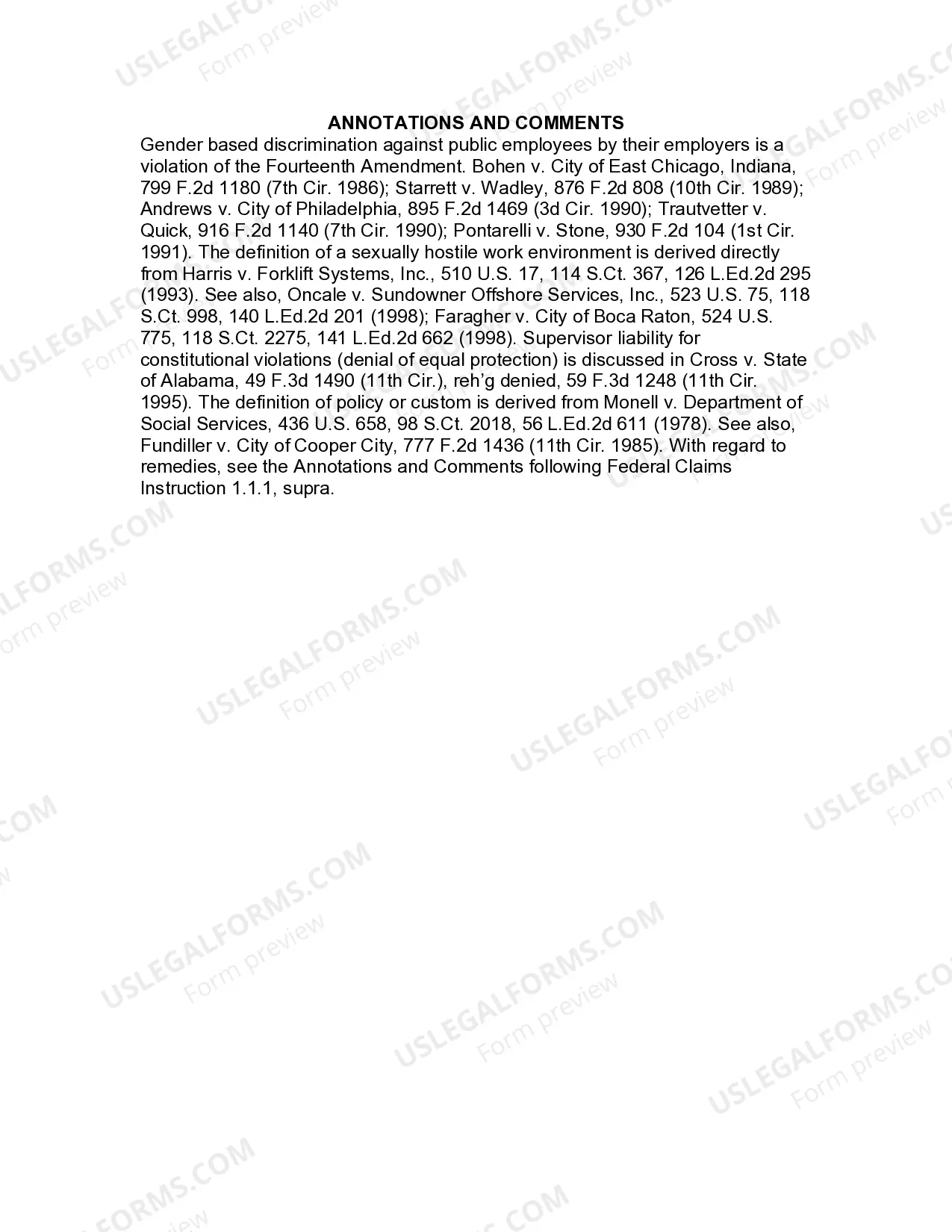
- Legal precedent supports the jurisdiction of federal law in equal protection claims related to workplace harassment.
- Understanding these instructions assists jurors in making informed decisions about complex legal issues.
What to keep in mind
- This form provides essential guidance for understanding claims of discrimination under the Equal Protection Clause.
- It delineates the responsibilities of both individual supervisors and public bodies regarding unlawful discrimination.
- Proper usage of this form is crucial for ensuring fair consideration of discrimination claims in court.