Assignment of Website Creator
Overview of this form
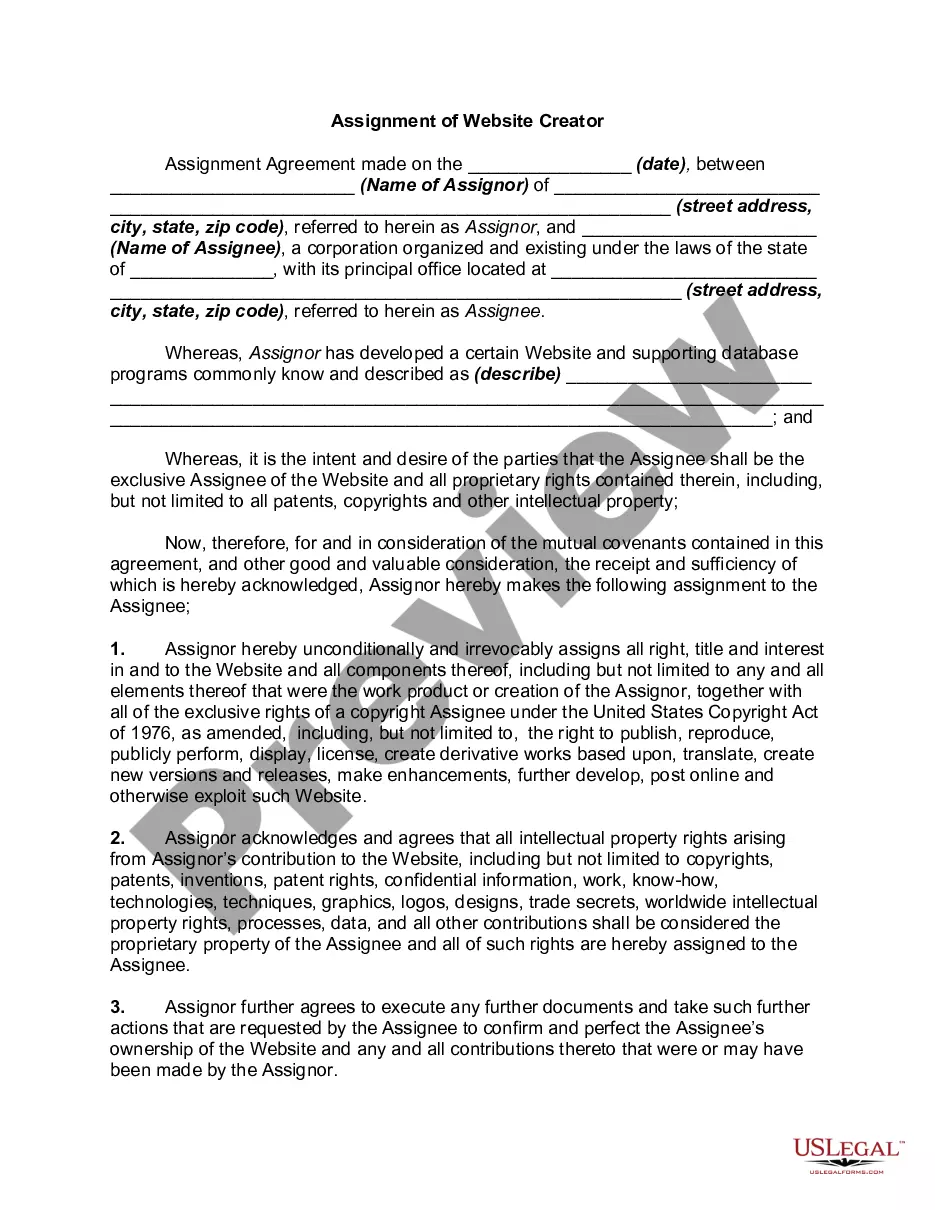
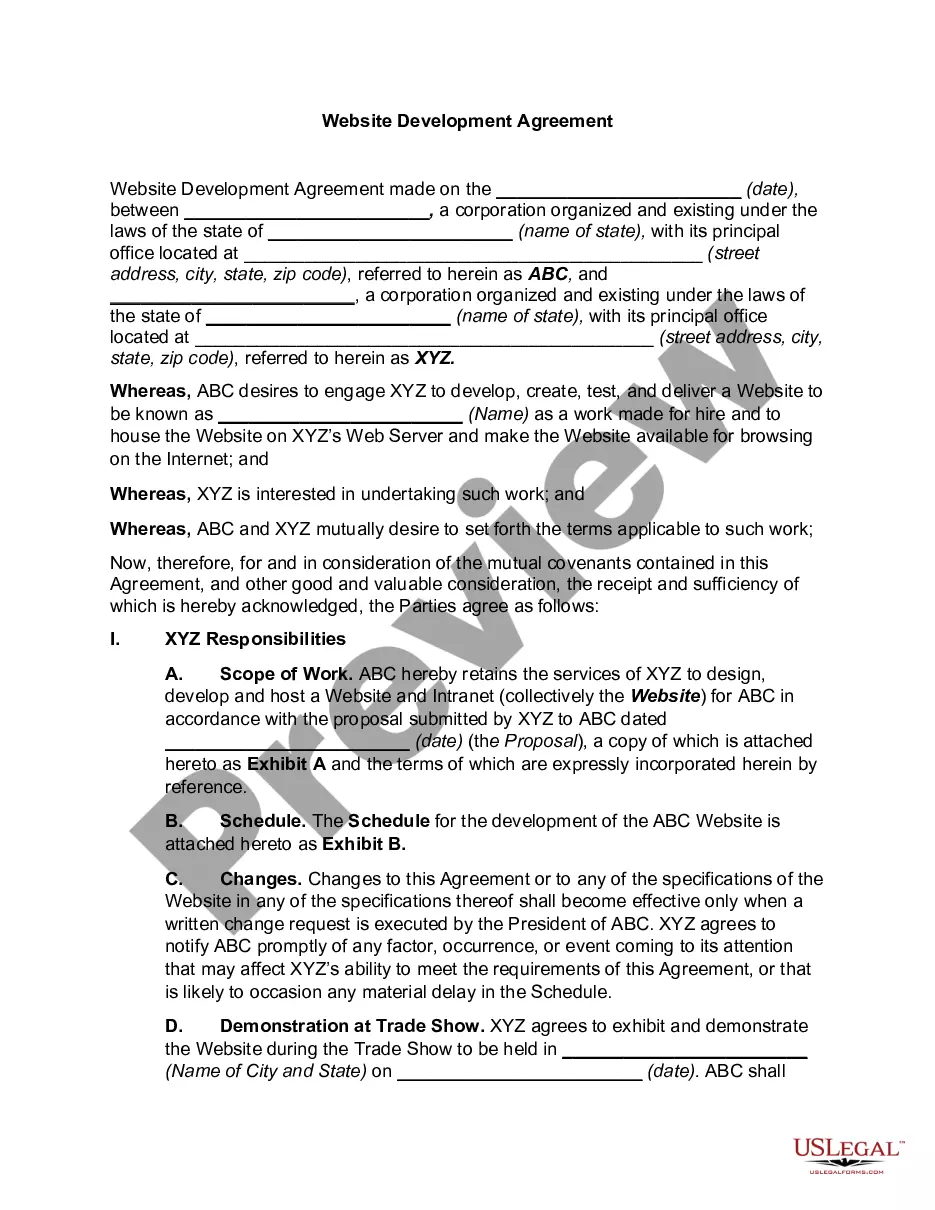
The Assignment of Website Creator form is a legal document that facilitates the transfer of ownership rights regarding a website and its associated intellectual property from one party (the Assignor) to another (the Assignee). This form ensures that all proprietary rights, including copyrights and patents, are clearly assigned, which differentiates it from simple purchase agreements or service contracts.
Main sections of this form
- The names and addresses of the Assignor and Assignee.
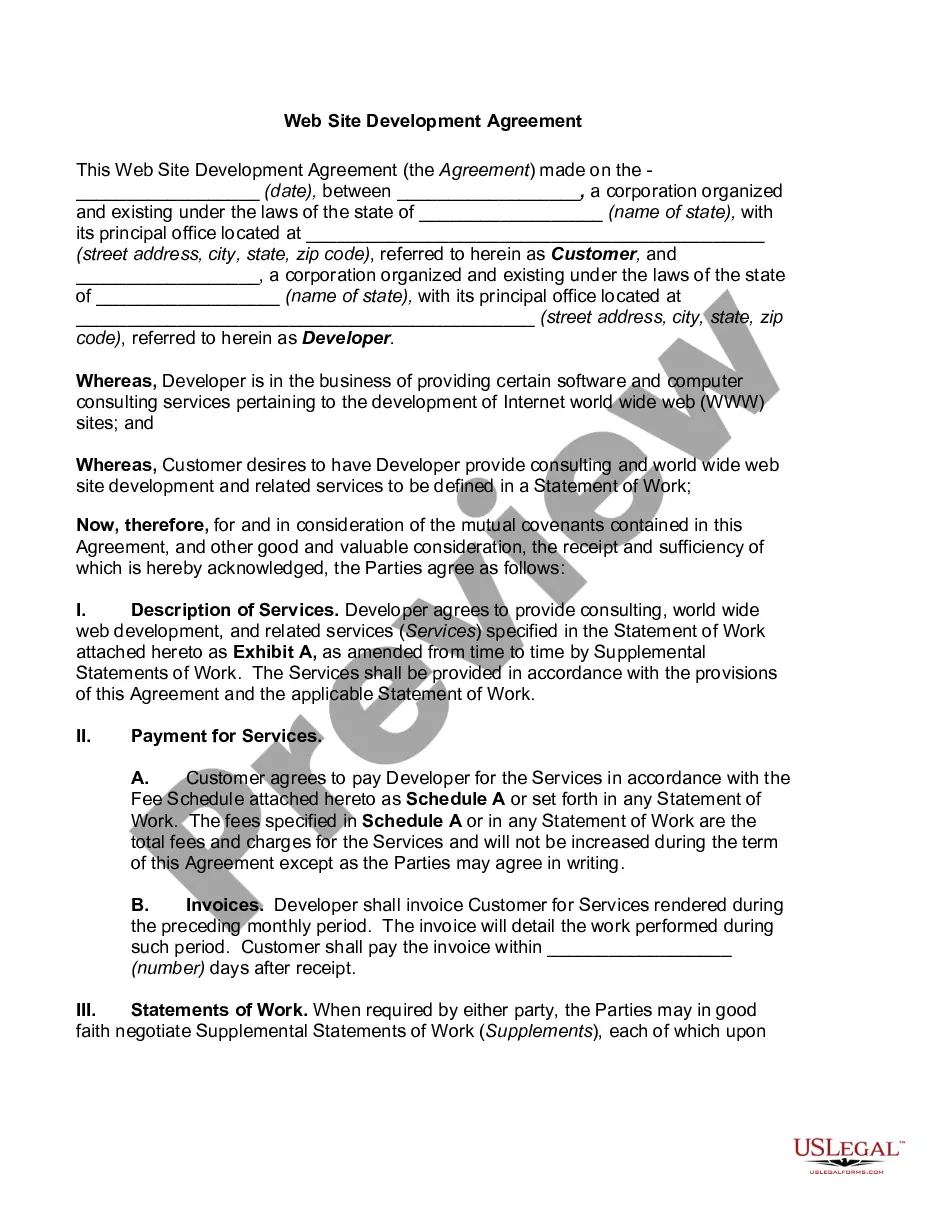
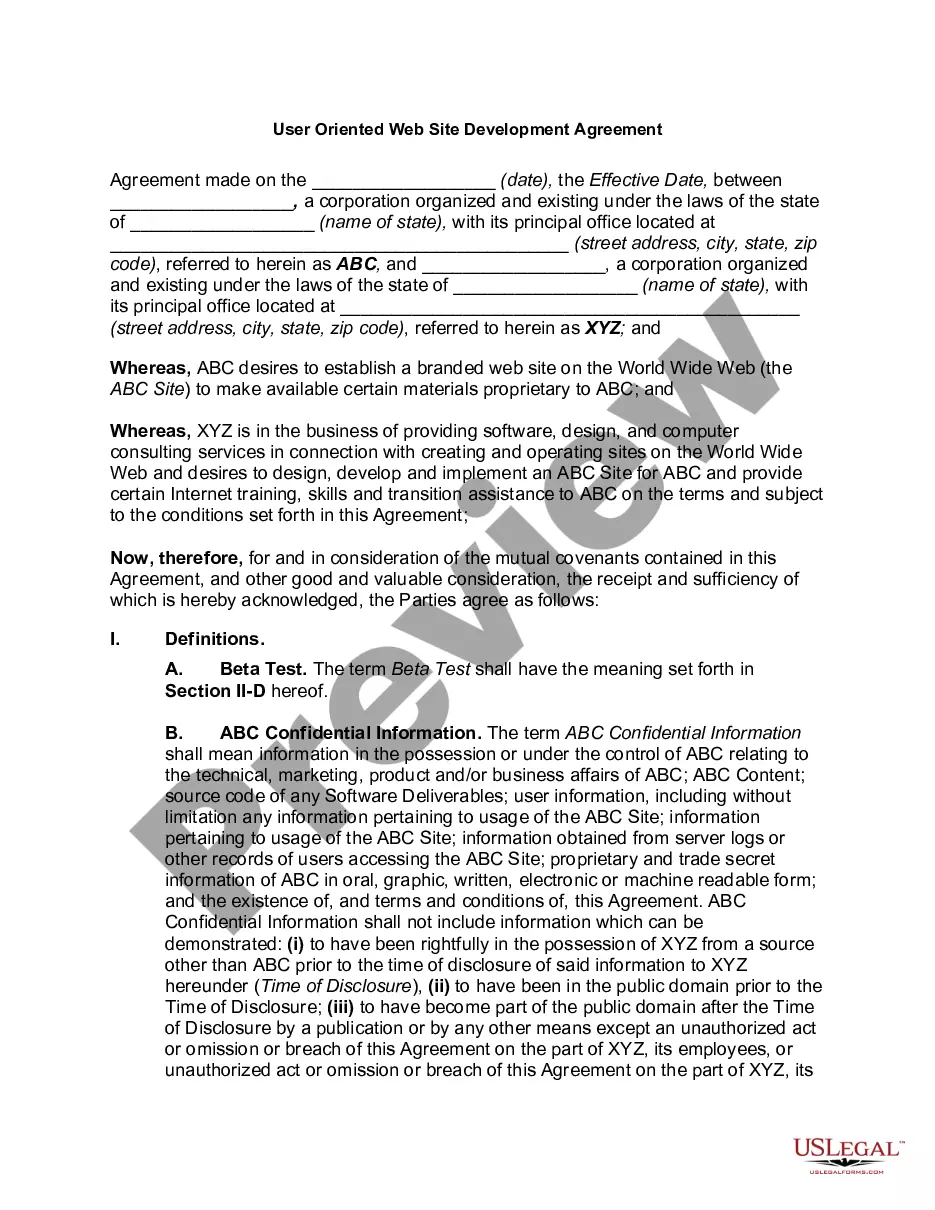
- A description of the website and related assets being assigned.
- The explicit transfer of intellectual property rights, including copyrights and patents.
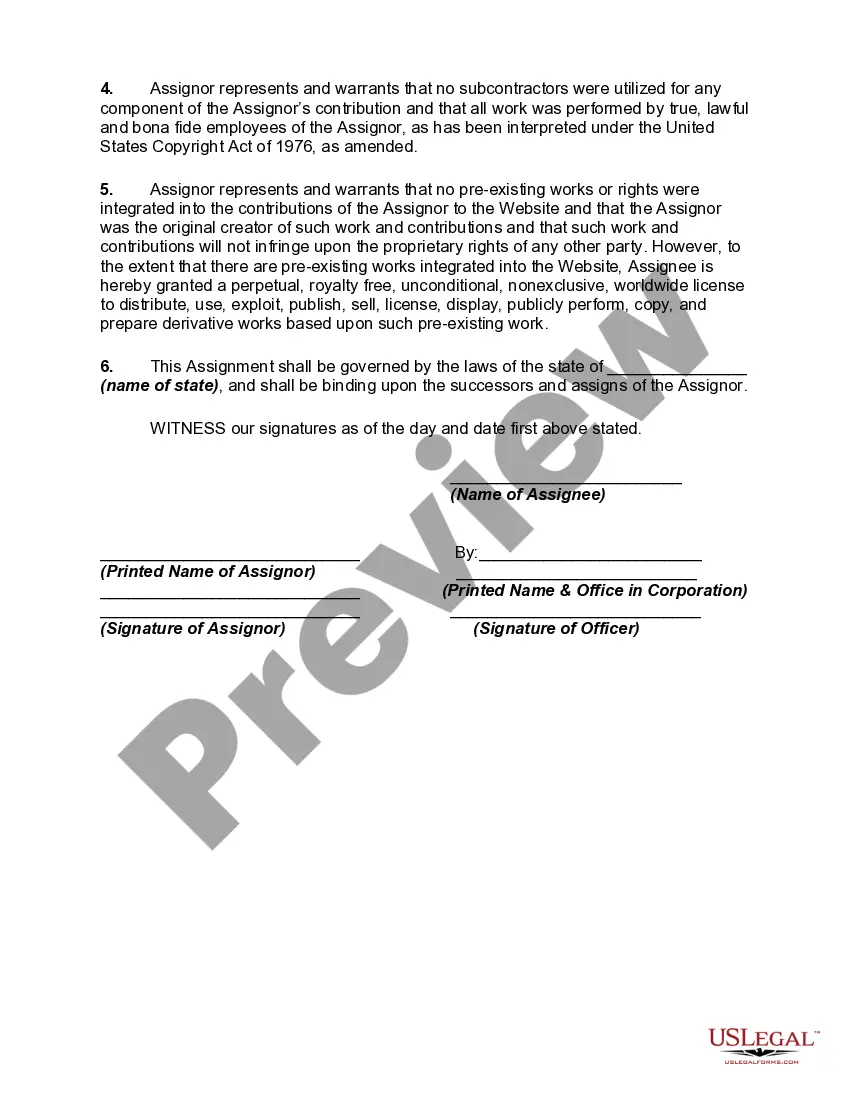
- Assurances that no subcontractors were used in the creation of the website.
- Warranties from the Assignor regarding originality and non-infringement of third-party rights.
- Governing law information, specifying the state applicable to the assignment.
When to use this document
This form is essential when an individual or business has developed a website and wishes to transfer full ownership rights of the website, along with its intellectual property, to another party. It is particularly useful in situations where a web developer or designer is selling a completed project, or when a company is merging and needs to consolidate its digital assets.
Who can use this document
- Web developers or designers looking to transfer ownership of their created websites.
- Businesses acquiring websites from individual creators.
- Parties involved in mergers or acquisitions that include online assets.
- Individuals wishing to formalize the assignment of website rights for any commercial or personal project.
How to complete this form
- Identify and enter the full legal names and addresses of both the Assignor and Assignee.
- Provide a clear description of the website, including any relevant databases or supporting programs.
- Specify the date of assignment and include any necessary signatures from both parties.
- Ensure all intellectual property rights are explicitly mentioned and assigned according to legal standards.
- Have both parties review and confirm the completeness and accuracy of the document before finalizing.
Does this form need to be notarized?
Notarization is not commonly needed for this form. However, certain documents or local rules may make it necessary. Our notarization service, powered by Notarize, allows you to finalize it securely online anytime, day or night.
Get your form ready online
Our built-in tools help you complete, sign, share, and store your documents in one place.
Make edits, fill in missing information, and update formatting in US Legal Forms—just like you would in MS Word.
Download a copy, print it, send it by email, or mail it via USPS—whatever works best for your next step.
Sign and collect signatures with our SignNow integration. Send to multiple recipients, set reminders, and more. Go Premium to unlock E-Sign.
If this form requires notarization, complete it online through a secure video call—no need to meet a notary in person or wait for an appointment.
We protect your documents and personal data by following strict security and privacy standards.

Make edits, fill in missing information, and update formatting in US Legal Forms—just like you would in MS Word.

Download a copy, print it, send it by email, or mail it via USPS—whatever works best for your next step.

Sign and collect signatures with our SignNow integration. Send to multiple recipients, set reminders, and more. Go Premium to unlock E-Sign.

If this form requires notarization, complete it online through a secure video call—no need to meet a notary in person or wait for an appointment.

We protect your documents and personal data by following strict security and privacy standards.
Typical mistakes to avoid
- Failing to accurately describe the website and its components in the agreement.
- Not obtaining all necessary signatures, which could invalidate the assignment.
- Neglecting to include required warranties or assurances regarding originality.
- Overlooking the importance of detailing the governing law for the assignment.
Benefits of completing this form online
- Convenience of downloading and customizing the form quickly.
- Editable templates allow for precise tailoring to specific needs.
- Reliability of templates drafted by licensed attorneys to ensure legal validity.
Legal use & context
- This form creates a legally binding agreement between the Assignor and Assignee.
- It ensures that all rights related to copyright and intellectual property are legally transferred.
- The form is enforceable in court if documented correctly.
Key takeaways
- The Assignment of Website Creator form ensures the complete transfer of website ownership.
- Clear descriptions and accurate details enhance enforceability.
- Utilizing this form protects the interests of both parties involved in the transfer.
Looking for another form?
Form popularity
FAQ
#1 UpWork (previously Elance and oDesk) #2 Fiverr. #3 99designs. Honorable mention Toptal. #4 Shopify Experts (for eCommerce websites) #5 BigCommerce Experts (for eCommerce websites) #6 Squarespace Specialists (for both eCommerce and non-eCommerce websites)
How Much Does Building a Website Typically Cost? On average, though, it costs around $200 to build a website, with an ongoing cost of around $50 per month to maintain it. This estimate is higher if you hire a designer or developer expect an upfront charge of around $6,000, with an ongoing cost of $1,000 per year.
An online website builder, also known as a website builder, an online CMS or a web builder, is a special kind of content management system (CMS).This means the user doesn't require any special programming skills or other technical knowledge, such as knowing how to install a CMS, apply a template or create a database.
Google My Business is the answer. Google My Business is a free website builder that lets you create a simple website for free in a matter of minutes. Google's website builder is completely free, and the site you build is easy to make and edit from both your desktop computer and mobile phone.
Choose your template. The website builder has hundreds for your students to choose from. Pick your design. Tell them to consider (and test out) any changes they might want to make to the layout where links, images, and the menu all go, for instance. Write copy.
Register your domain name. Your domain name should reflect your products or services so that your customers can easily find your business through a search engine. Find a web hosting company. Prepare your content. Build your website.
Register your domain name. Your domain name should reflect your products or services so that your customers can easily find your business through a search engine. Find a web hosting company. Prepare your content. Build your website.
Hiring a Freelancer to Build a Website of Medium Complexity about $2,500 per a single site. The minimum price for a professional portfolio or simple online store may start from $1,000 and rise up to $3,000 per week depending on components and features you need.
Website builders are tools that typically allow the construction of websites without manual code editing. They fall into two categories: online proprietary tools provided by web hosting companies. These are typically intended for users to build their private site.