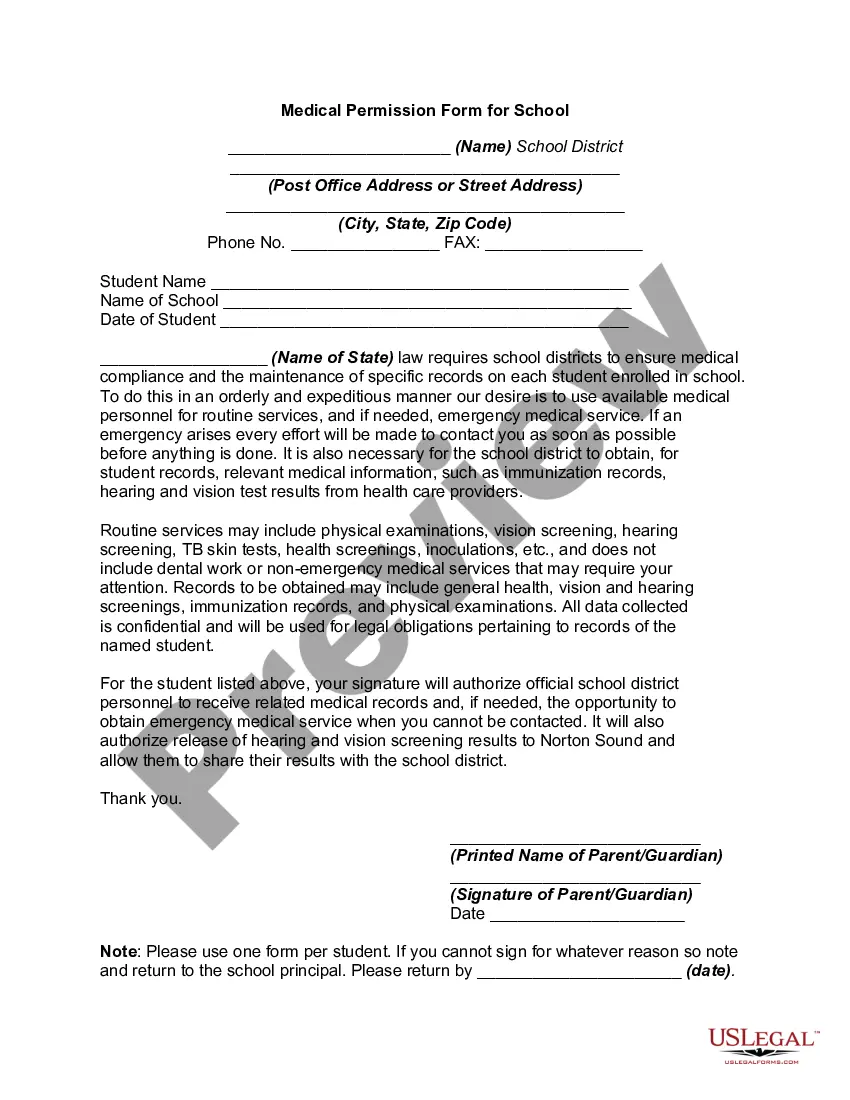
Medical Permission Form for School
Understanding this form
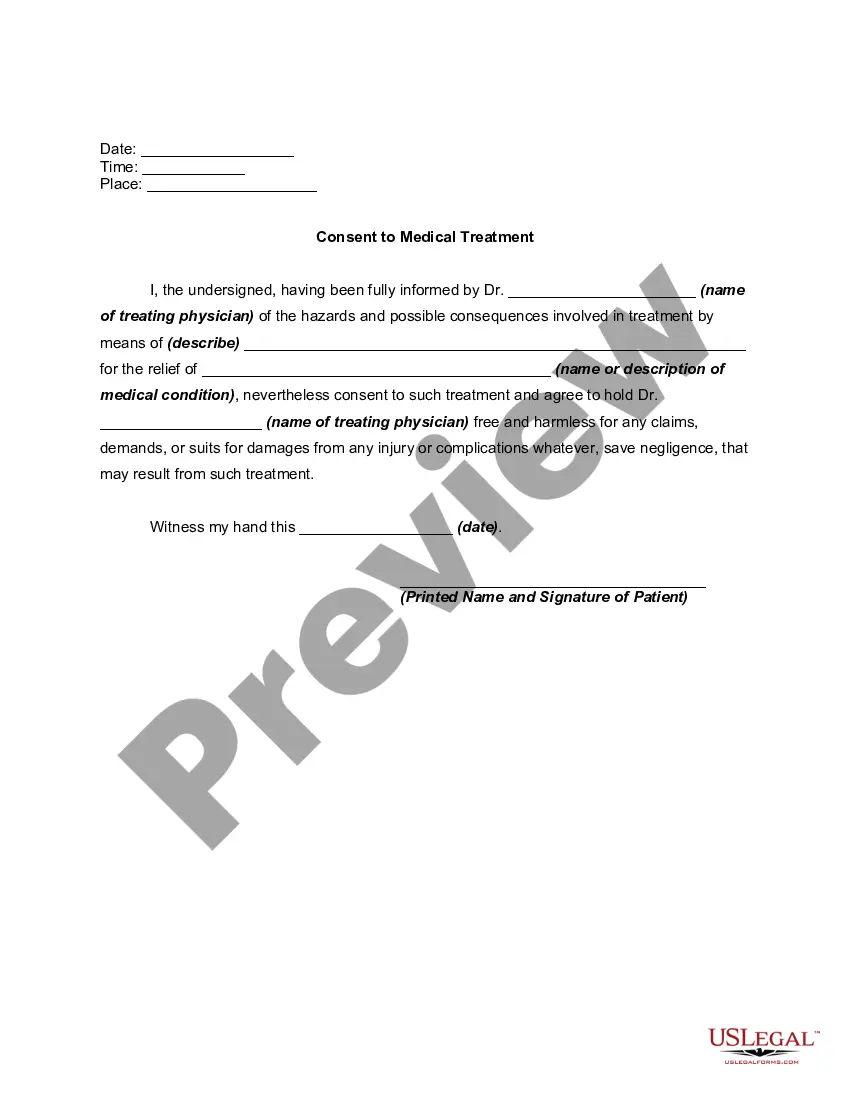
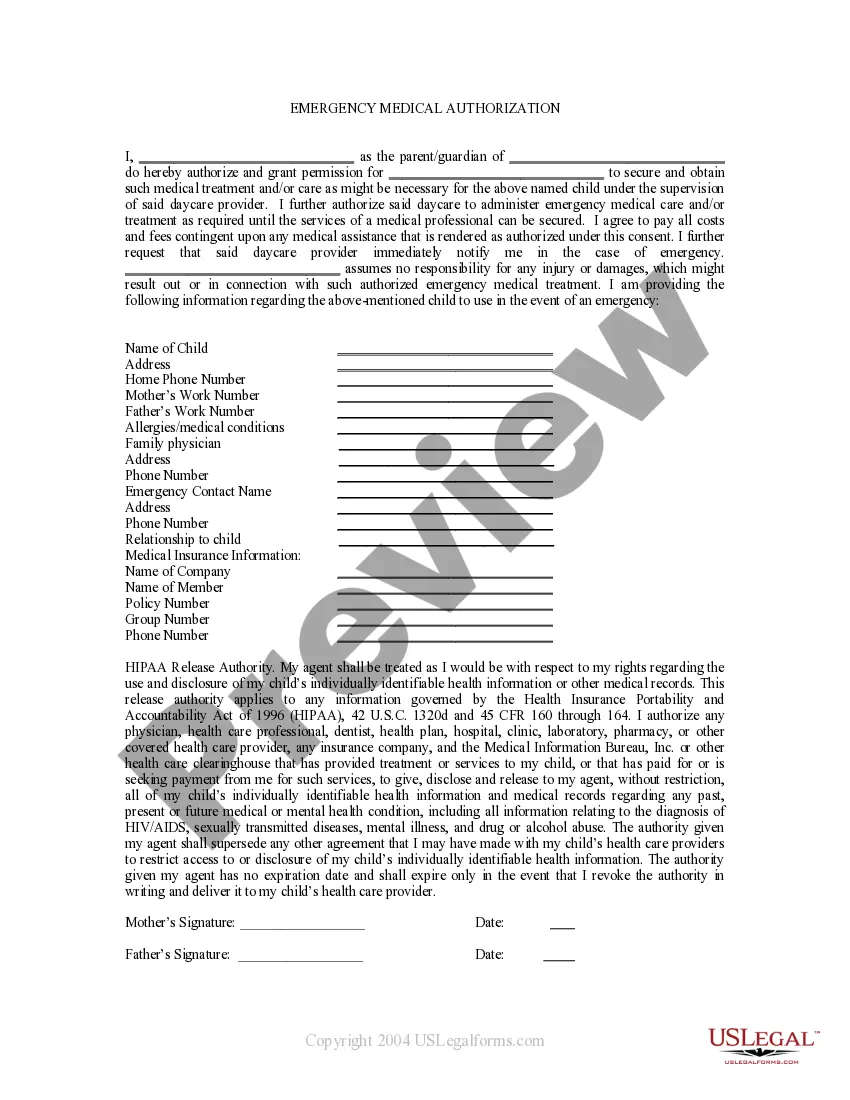
The Medical Permission Form for School is a legal document that authorizes school personnel to obtain and share important medical information related to a student. This form ensures that schools can provide necessary health services while maintaining compliance with state laws. Unlike similar forms, this one specifically addresses the need for both routine medical services and emergency assistance for students enrolled in school.
Key components of this form
- School district information: Name and address of the school district.
- Student information: Name of the student and the school they attend.
- Authorization clause: Parent or guardian's consent for the school to access and share medical records.
- Emergency contact stipulation: Conditions under which the school can act in emergencies.
- Signature section: Required signatures of the parent or guardian and date.
- Notice about confidentiality: Assurance that medical data collected is kept confidential.
Common use cases
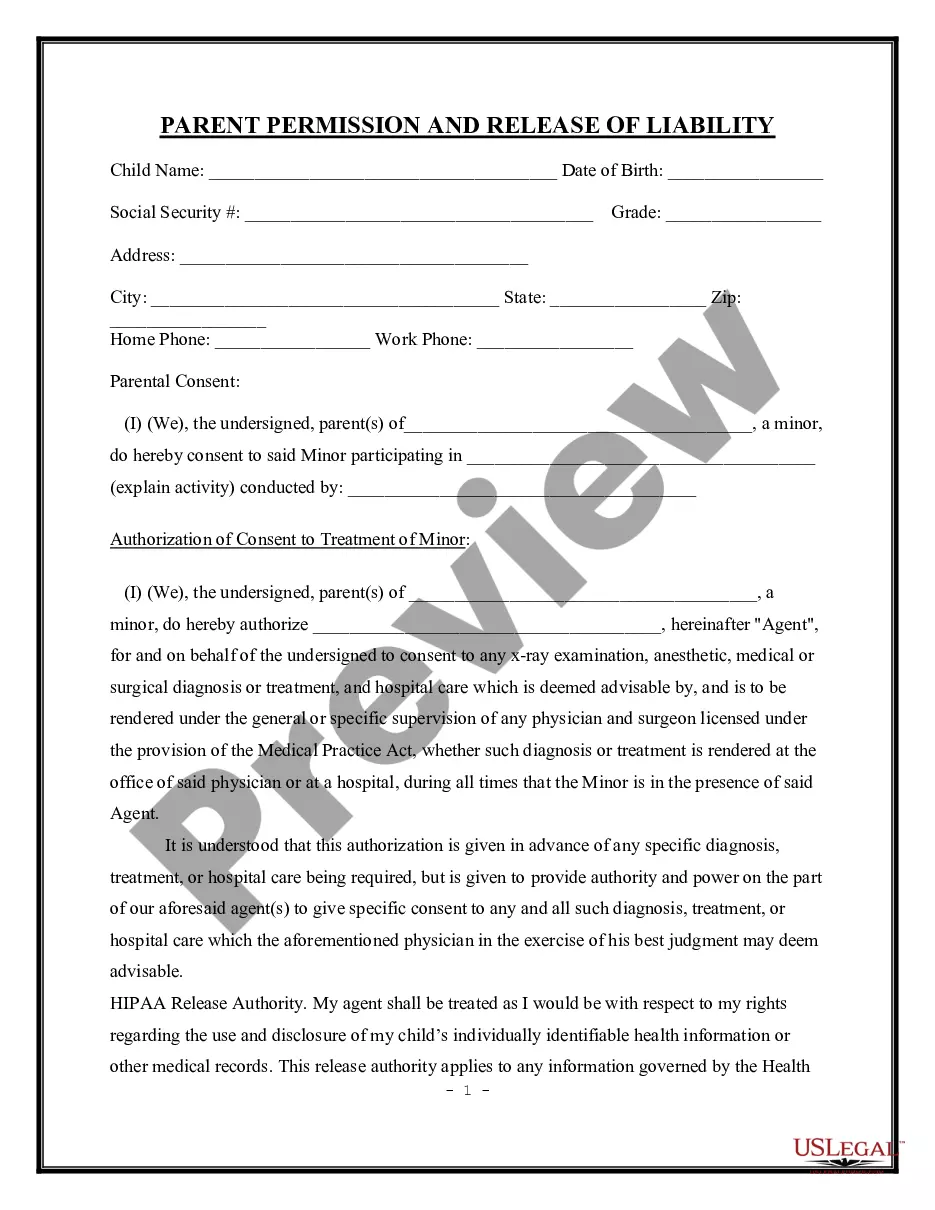
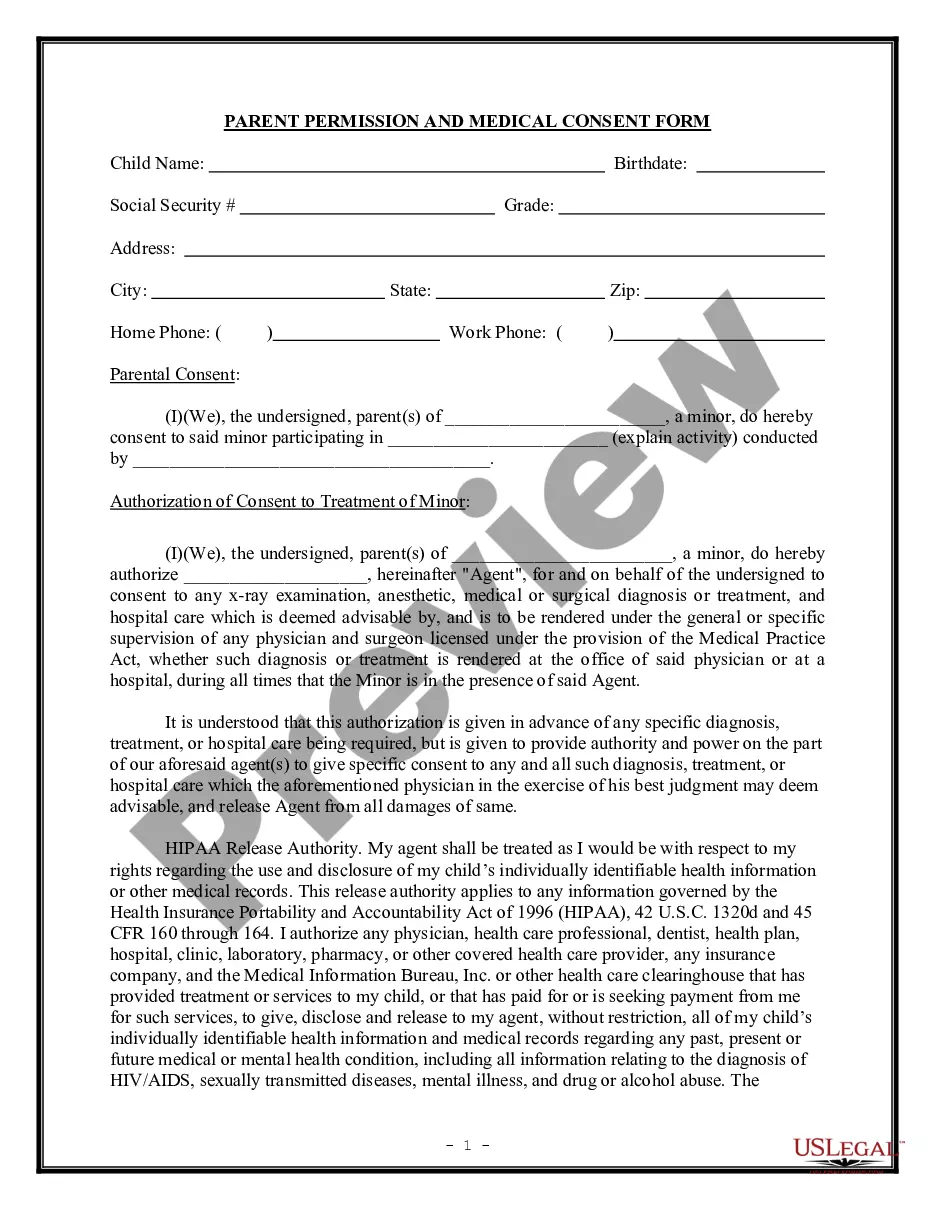
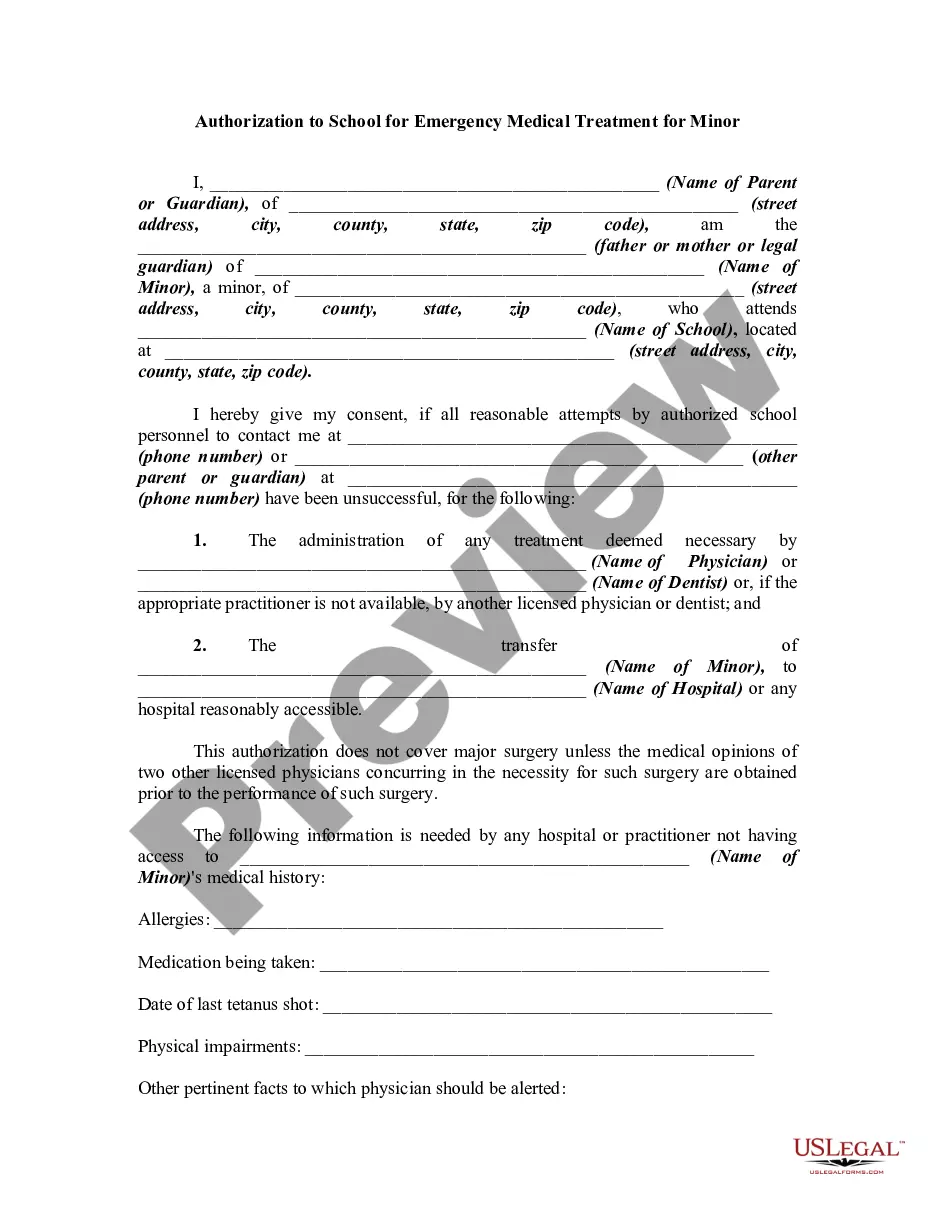
This form is needed whenever a parent or guardian wants to provide the school with necessary medical information about their child. It should be used at the beginning of the school year, during school enrollment, or anytime the student's medical information changes. Additionally, it's crucial for ensuring that the school can act quickly in emergencies if the guardians are not immediately reachable.
Who needs this form
This form is intended for:
- Parents or guardians of students in K-12 schools.
- School administrators needing to collect and manage student health information.
- Healthcare providers who need to communicate medical information to schools.
Steps to complete this form
- Fill in the school district's name and address.
- Enter the student's name and the name of the school they attend.
- Specify the date for which this authorization is valid.
- Sign and print the name of the parent or guardian.
- Provide the date of the signature and return the form by the specified deadline.
Notarization guidance
This form does not typically require notarization unless specified by local law. Always check state regulations to confirm whether notarization is necessary.
Get your form ready online
Our built-in tools help you complete, sign, share, and store your documents in one place.
Make edits, fill in missing information, and update formatting in US Legal Forms—just like you would in MS Word.
Download a copy, print it, send it by email, or mail it via USPS—whatever works best for your next step.
Sign and collect signatures with our SignNow integration. Send to multiple recipients, set reminders, and more. Go Premium to unlock E-Sign.
If this form requires notarization, complete it online through a secure video call—no need to meet a notary in person or wait for an appointment.
We protect your documents and personal data by following strict security and privacy standards.

Make edits, fill in missing information, and update formatting in US Legal Forms—just like you would in MS Word.

Download a copy, print it, send it by email, or mail it via USPS—whatever works best for your next step.

Sign and collect signatures with our SignNow integration. Send to multiple recipients, set reminders, and more. Go Premium to unlock E-Sign.

If this form requires notarization, complete it online through a secure video call—no need to meet a notary in person or wait for an appointment.

We protect your documents and personal data by following strict security and privacy standards.
Common mistakes to avoid
- Failing to provide accurate student or school information.
- Not completing all sections of the form.
- Missing the deadline for submitting the form to the school.
- Overlooking the confidentiality notice and its significance.
Why use this form online
- Convenience of downloading and printing the form anytime.
- Easy editability allows you to include specific details as needed.
- Reliability due to templates created by licensed attorneys to ensure compliance.
What to keep in mind
- This form authorizes the school to manage and access a studentâs medical information.
- It is essential for ensuring the health and safety of students while at school.
- Be mindful of deadlines and ensure all parts of the form are filled out correctly.
Looking for another form?
Form popularity
FAQ
A permission slip is a form that a school or other organization sends home with a student to a parent in which the parent provides authorization for minors to travel under the auspices of the school or organization for an event, such as a field trip.
Ensure that the formal letter/ email has a clear heading regarding the consent. Explain the requirements (if any) from the respondents. Mention the duration of the program or participation.
Frame the slip as a letter. You can also write permission slips in a letter format. Start the slip with Dear (parent or guardian). Use a friendly tone, include all relevant details in sentence format, and close the letter with a comment that invites further communication.
It is free for all users. Parents, teachers and administrators start using Permission click by going to the website, selecting which type of user they are, and following prompts to create an account. Once logged in, teachers can go to their 'Create Event' dashboard to create a digital permission slip for parents.
The name of your child. The name of your child's class. The name of your child's teacher. The e-mail address of the parent. The phone number/s of the parent. Any additional contact number/s. Any special instructions pertaining to the child. The parental consent.
A Consent Form gives written permission to another party that they understand the terms of an event or activity that will be performed. Most often this form is used for medical purposes in order to hold the hospital or surgeon harmless of any wrongdoing due to the risks involved with the procedure.
Creating a consent form with 123 Form Builder is extremely easy: Choose a template from the consent form templates collection or create your own online consent form from scratch (just drag and drop fields into your form) Personalize it with your fields, names, design, conditional logic, and email notifications.
Addresses: Write down the necessary addresses. Salutation: Here you offer some form of respectful greeting. Title: It should be centered, brief and informative. Body: This should be a maximum of 4 paragraphs. Sign out: Here you mention your name and offer your signature for authentication.
Ensure that the formal letter/ email has a clear heading regarding the consent. Explain the requirements (if any) from the respondents. Mention the duration of the program or participation.
Suggested clip How to Fill VFS Consent Form In India For Your Canada VisaYouTubeStart of suggested clipEnd of suggested clip How to Fill VFS Consent Form In India For Your Canada Visa