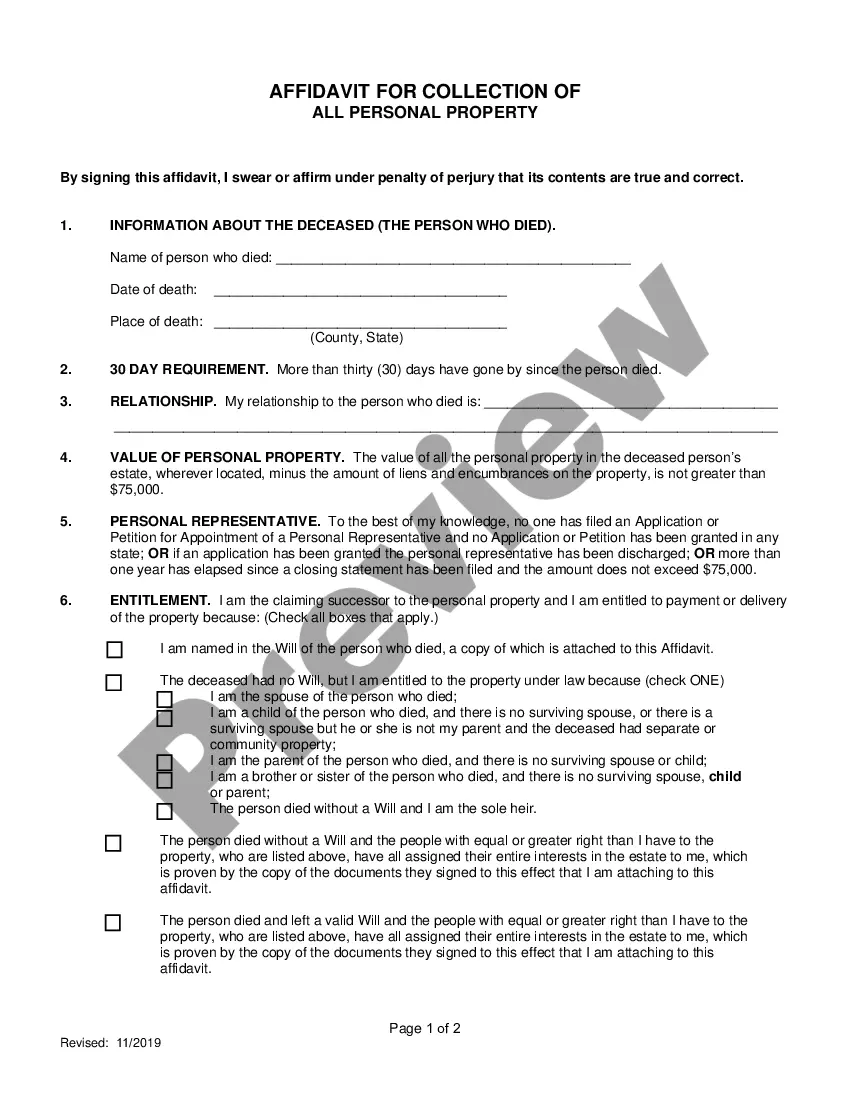
Agreement to Terms of Use in Connection with Digital Signature Service
What is this form?
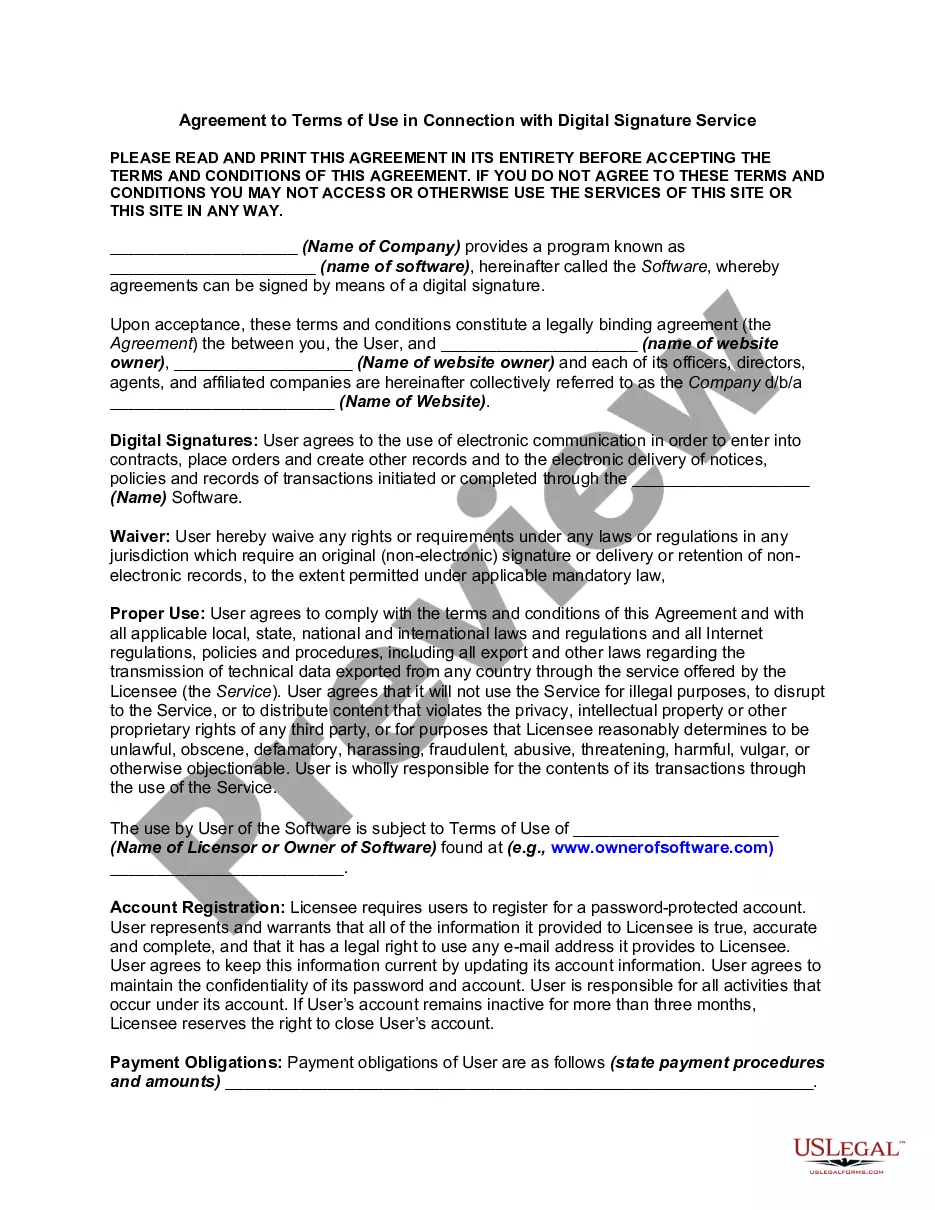
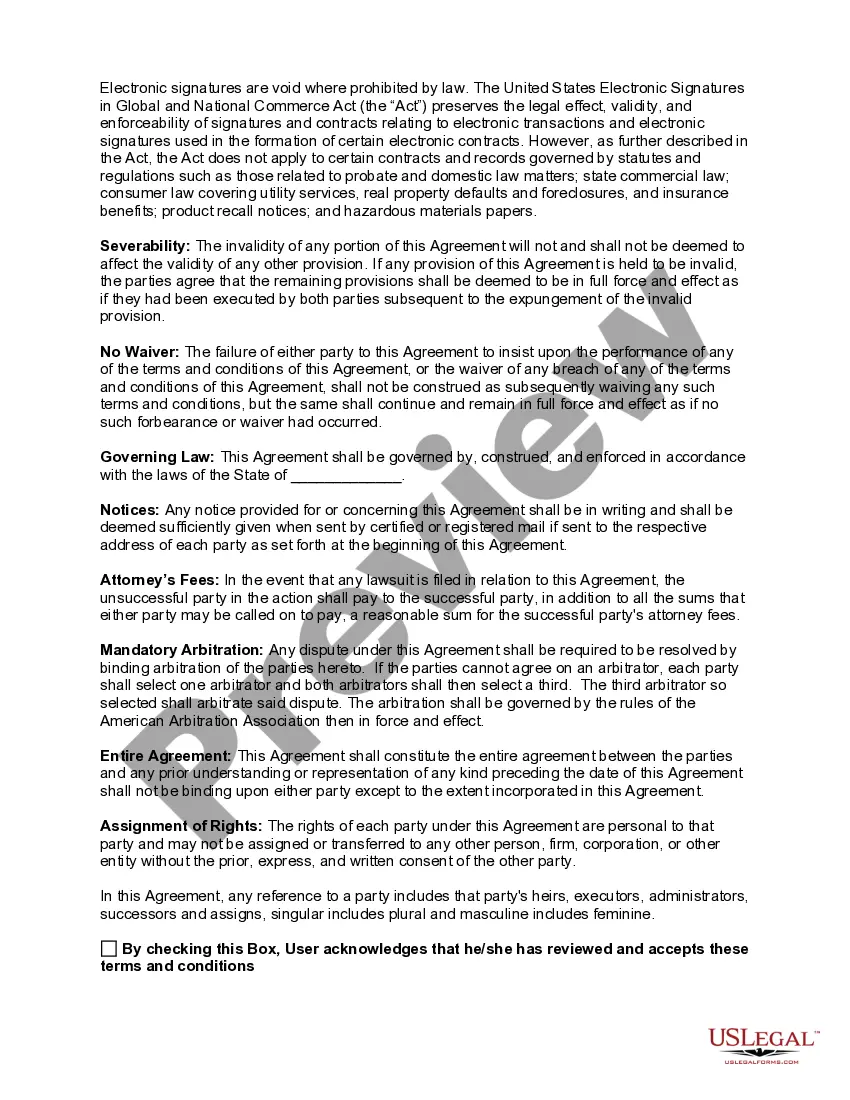
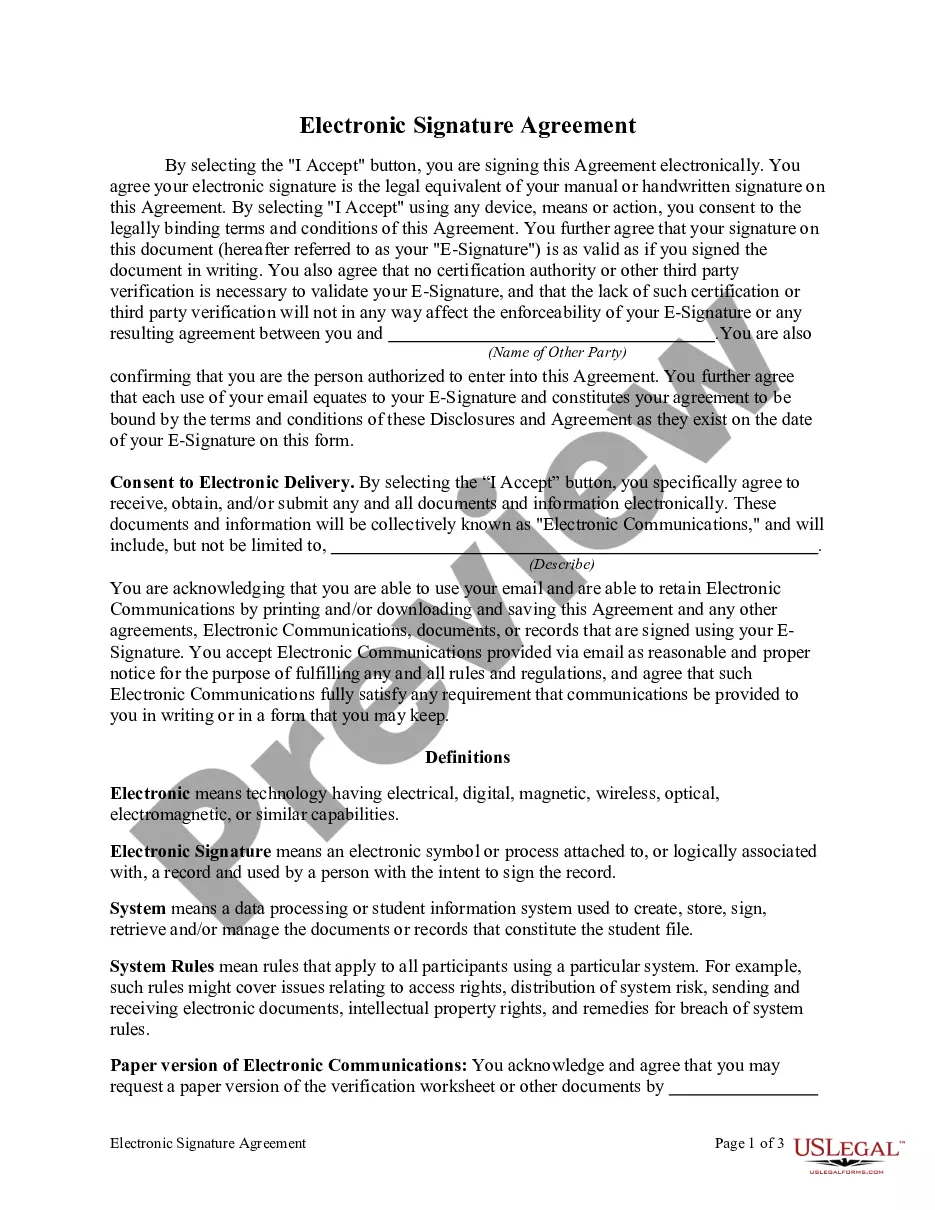
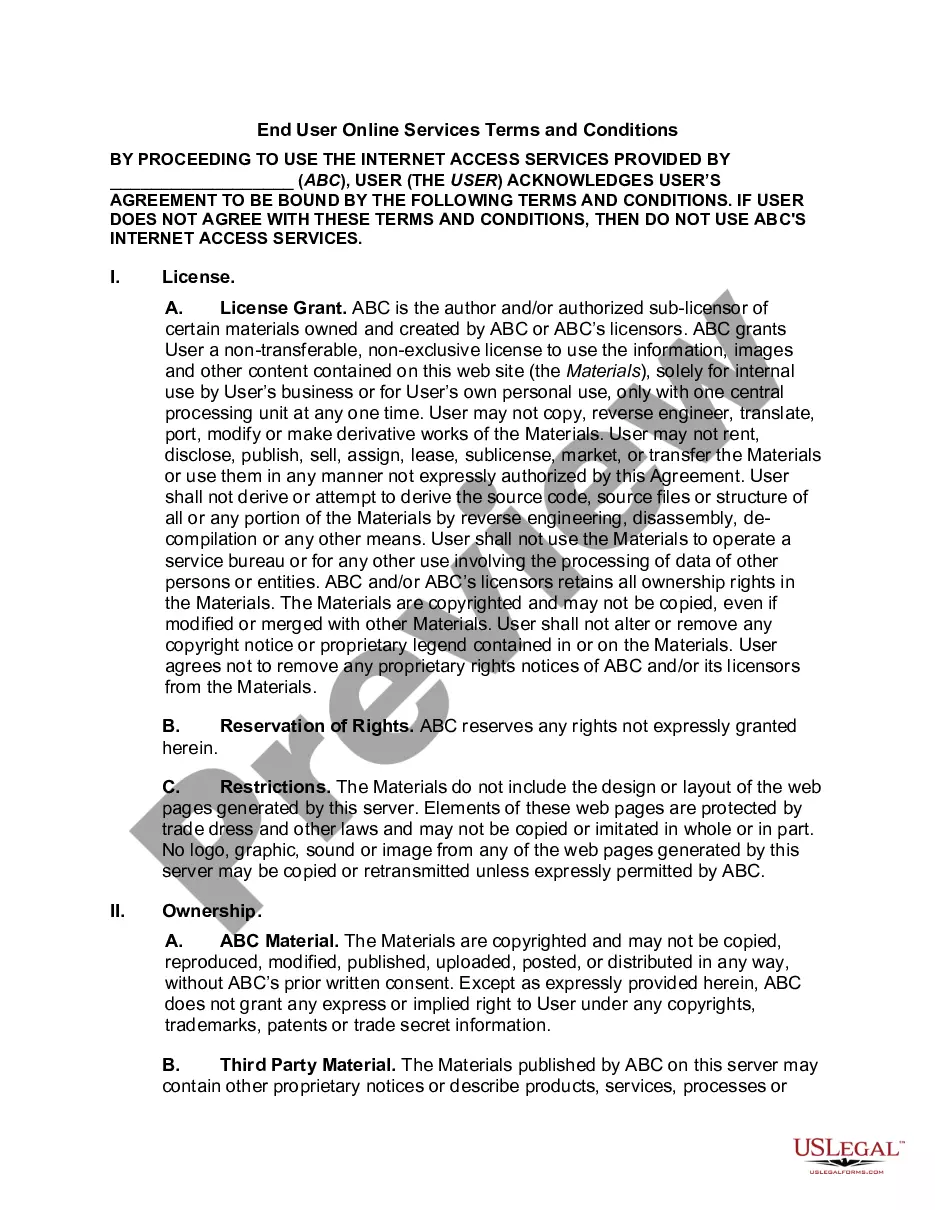
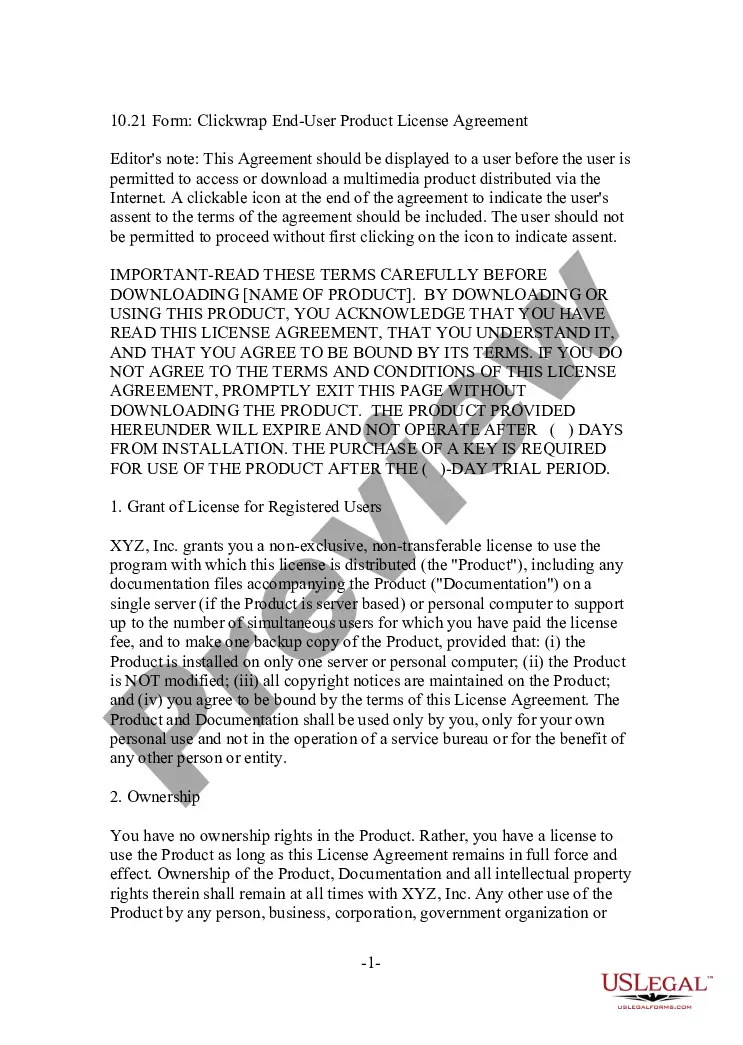
The Agreement to Terms of Use in Connection with Digital Signature Service sets forth the terms and conditions under which users can utilize a digital signature service. This form serves to establish a legal framework that ensures both parties are aware of their rights and obligations related to electronic transactions. Unlike other agreements, this form specifically addresses the unique aspects of using digital signatures, making it vital for users engaging in electronic agreements.
Form components explained
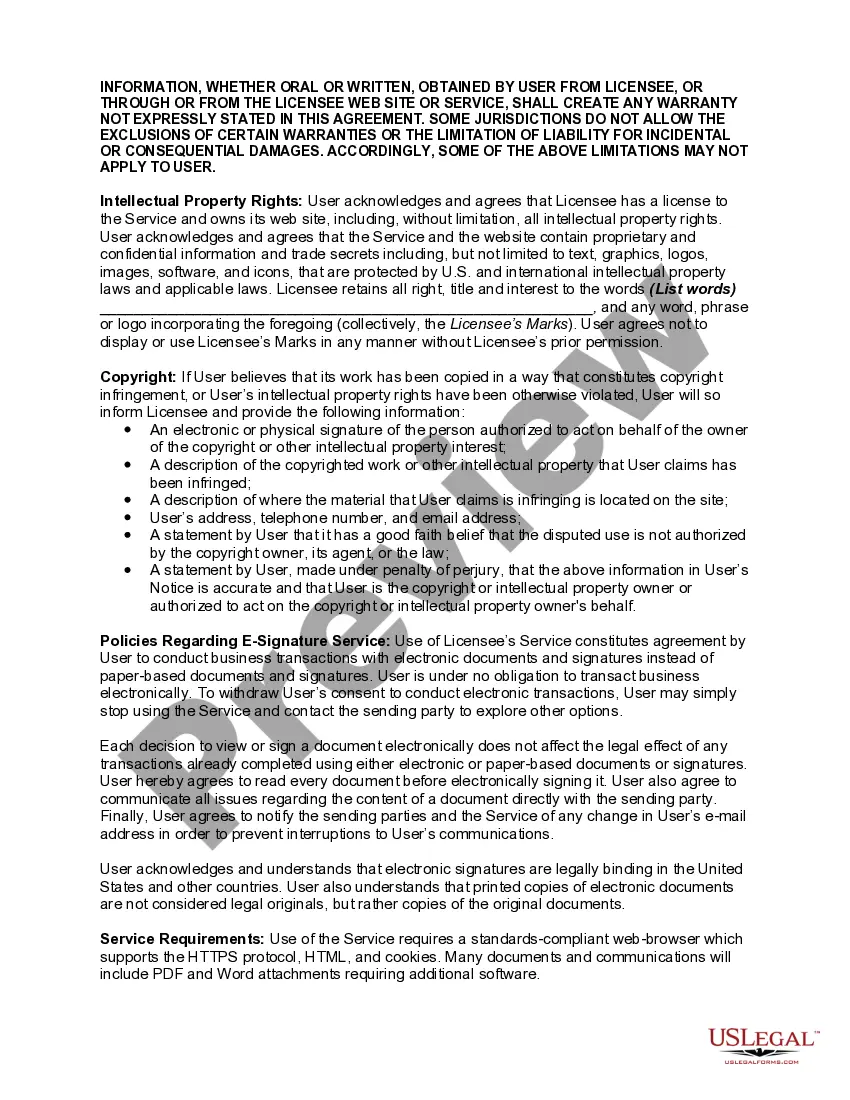
- Digital signatures and their legal validity.
- User obligations and proper use of the digital signature service.
- Account registration requirements and password protection.
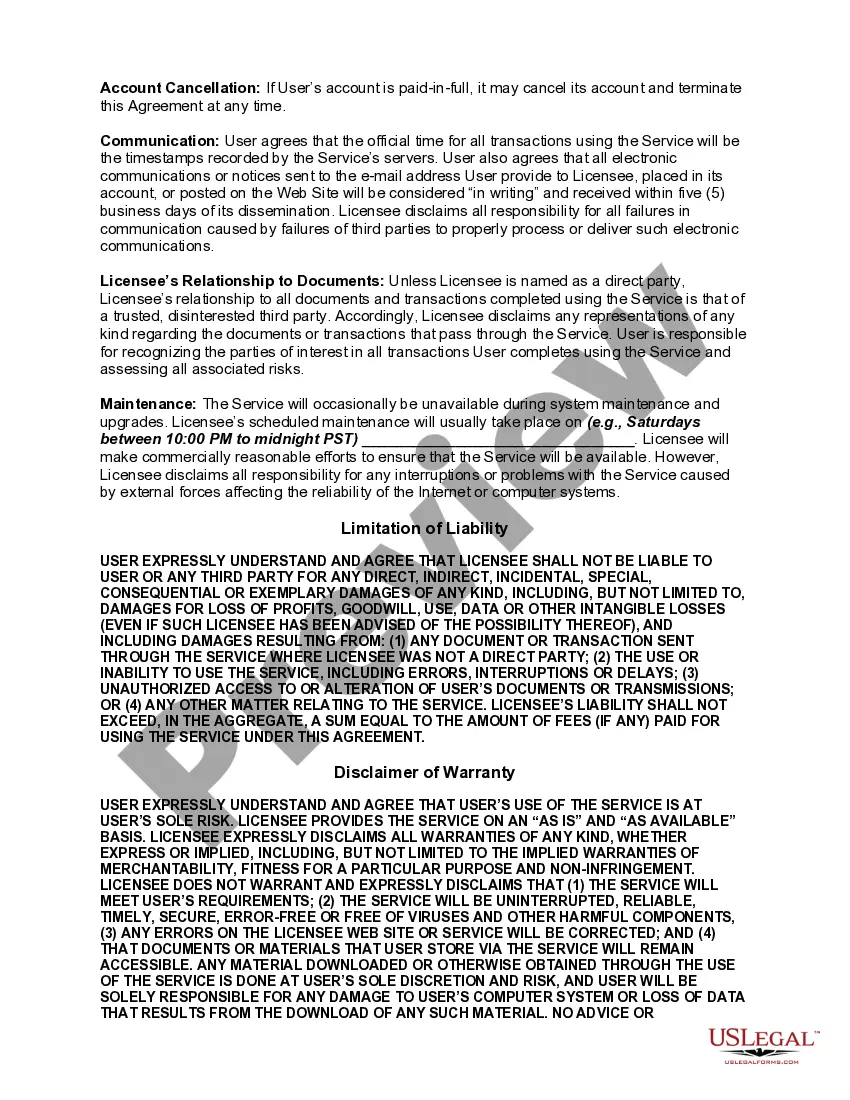
- Payment terms and cancellation policies for user accounts.
- Limitations of liability and disclaimers of warranty.
- Governing law and dispute resolution through arbitration.


Common use cases
This agreement should be used whenever a user wishes to access a digital signature service, especially for conducting business transactions electronically. It's relevant for implementing digital signatures in contracts, agreements, or any legal documents that require authenticity and non-repudiation.
Who needs this form
This form is intended for:
- Individuals and businesses seeking to utilize electronic signatures.
- Any parties involved in transactions that require a legally binding agreement using digital means.
- Companies offering digital signature services to their customers.
How to prepare this document
To complete this form, follow these steps:
- Read the agreement thoroughly to understand the terms and conditions.
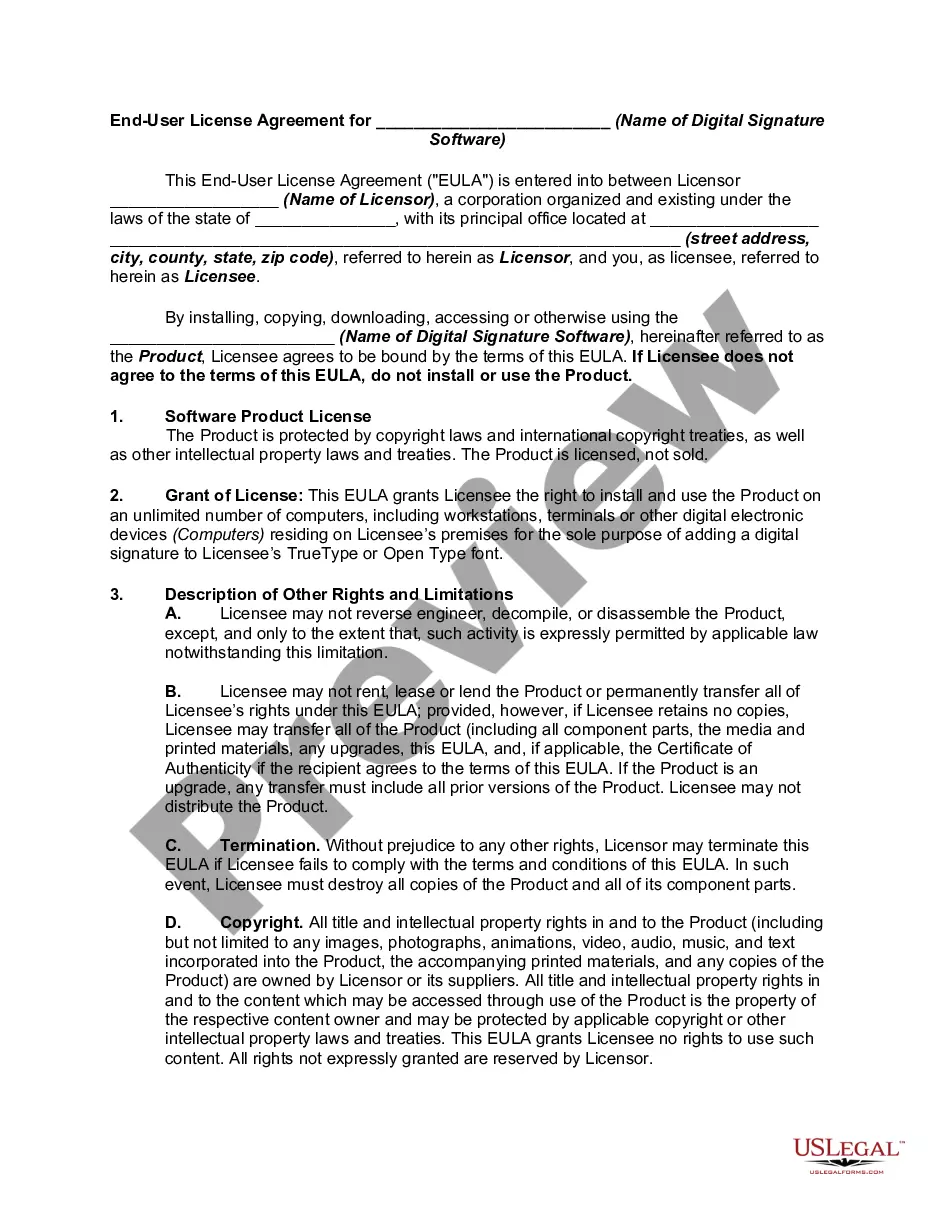
- Fill in the necessary information, including the name of the company and the software involved.
- Provide accurate details for account registration and required contact information.
- Agree to the terms by checking the acknowledgment box.
- Sign electronically to finalize the agreement.
Does this form need to be notarized?
This form does not typically require notarization unless specified by local law.
Get your form ready online
Our built-in tools help you complete, sign, share, and store your documents in one place.
Make edits, fill in missing information, and update formatting in US Legal Forms—just like you would in MS Word.
Download a copy, print it, send it by email, or mail it via USPS—whatever works best for your next step.
Sign and collect signatures with our SignNow integration. Send to multiple recipients, set reminders, and more. Go Premium to unlock E-Sign.
If this form requires notarization, complete it online through a secure video call—no need to meet a notary in person or wait for an appointment.
We protect your documents and personal data by following strict security and privacy standards.

Make edits, fill in missing information, and update formatting in US Legal Forms—just like you would in MS Word.

Download a copy, print it, send it by email, or mail it via USPS—whatever works best for your next step.

Sign and collect signatures with our SignNow integration. Send to multiple recipients, set reminders, and more. Go Premium to unlock E-Sign.

If this form requires notarization, complete it online through a secure video call—no need to meet a notary in person or wait for an appointment.

We protect your documents and personal data by following strict security and privacy standards.
Common mistakes
- Overlooking mandatory fields when registering an account.
- Failing to read and understand the terms before signing the agreement.
- Neglecting to update account information, resulting in communication issues.
Why use this form online
- Convenient access to legal agreements without the need for physical paperwork.
- Quick and easy process to complete transactions securely online.
- Enhanced reliability with established legal frameworks supporting electronic signatures.
- Electronic signatures are recognized as legally binding in the United States.
- Users should ensure compliance with local electronic signature laws to avoid disputes.
- Printed versions of digitally signed documents are considered copies rather than original legal documents.
Key takeaways
- The agreement is essential for establishing the terms of use for digital signatures.
- It is necessary for all users wishing to access digital signature services.
- Understanding the terms helps prevent common mistakes during electronic transactions.
Looking for another form?



Form popularity
FAQ
Start Signing Today. HelloSign offers free online contract signing through it's easy to use eSignature platform. With HelloSign it's easy and free to set up documents for signature, track the status of any document and access all completed contracts in one safe place.
Make Sure the Contract You're Signing Is the Contract You Agreed to Sign. Date the Contract. Make Sure Both Parties Sign the Contract. Make Sure Any Last Minute Changes to the Contract Are Initialed. The Parties Must Sign the Contract in Their Correct Capacity. Make Sure the Other Party Has Authority to Sign the Contract.
You can execute a contract using an electronic signature, if the contract is not subject to specific statutory requirements.
(1) E-signatures must be uniquely linked to the person signing the document. This condition is often met by issuing a digital-certificate-based digital ID. (2) At the time of signing, the signer must have total control over the data used to generate the e-signature.
As the law currently stands, it is not advisable to use an electronic contract, electronic signatures or digital signatures in any one of the following circumstances: if the document being signed is a deed; if the document being signed must be witnessed (whether it is an agreement or a deed); or.
Open a PDF file and the Adobe Sign tool. Open the Bodea Contract. Add recipient email addresses. Enter the email addresses of the people you want to e-sign the document. Confirm form fields. Click Send. Manage documents sent for signature.
Go to the Smallpdf eSign page. Upload the document that needs signing. Click 'Add Signature' to create a new signature. Afterward, drag your signature onto your document. Hit 'Finish & Sign' and download your document.
If the agreement is not validly executed it is void. Parties can now sit either side of the globe and electronically sign their agreement.Nevertheless, your agreement may be invalid if you execute a document using an electronic signature incorrectly.
Create your HelloSign account. Use the Google authenticator or enter in your email and a password. Upload your PDF document. Format the PDF using special formatting fields. Fill out and sign the PDF. Send and store. All done.