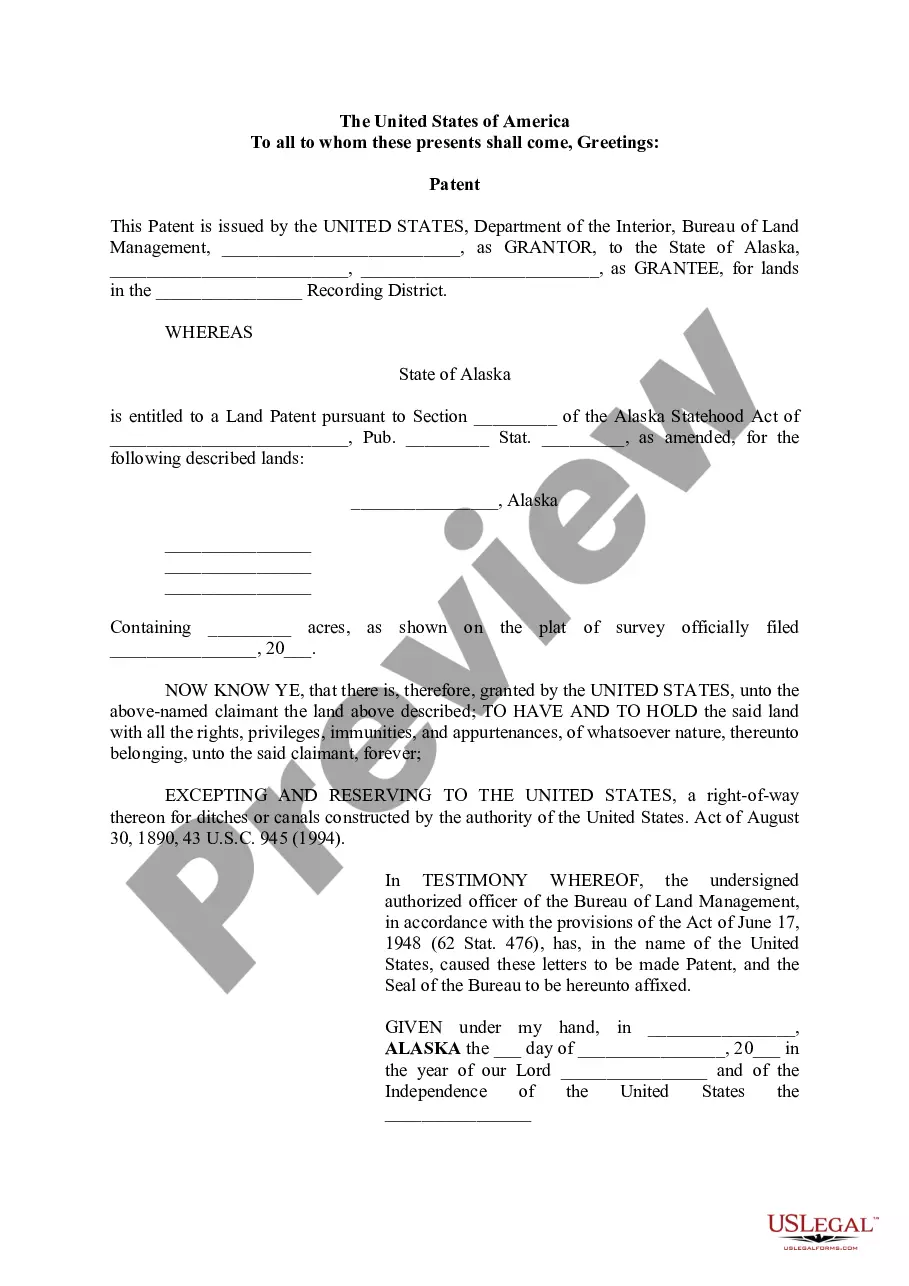
Electronic Signature Agreement
About this form
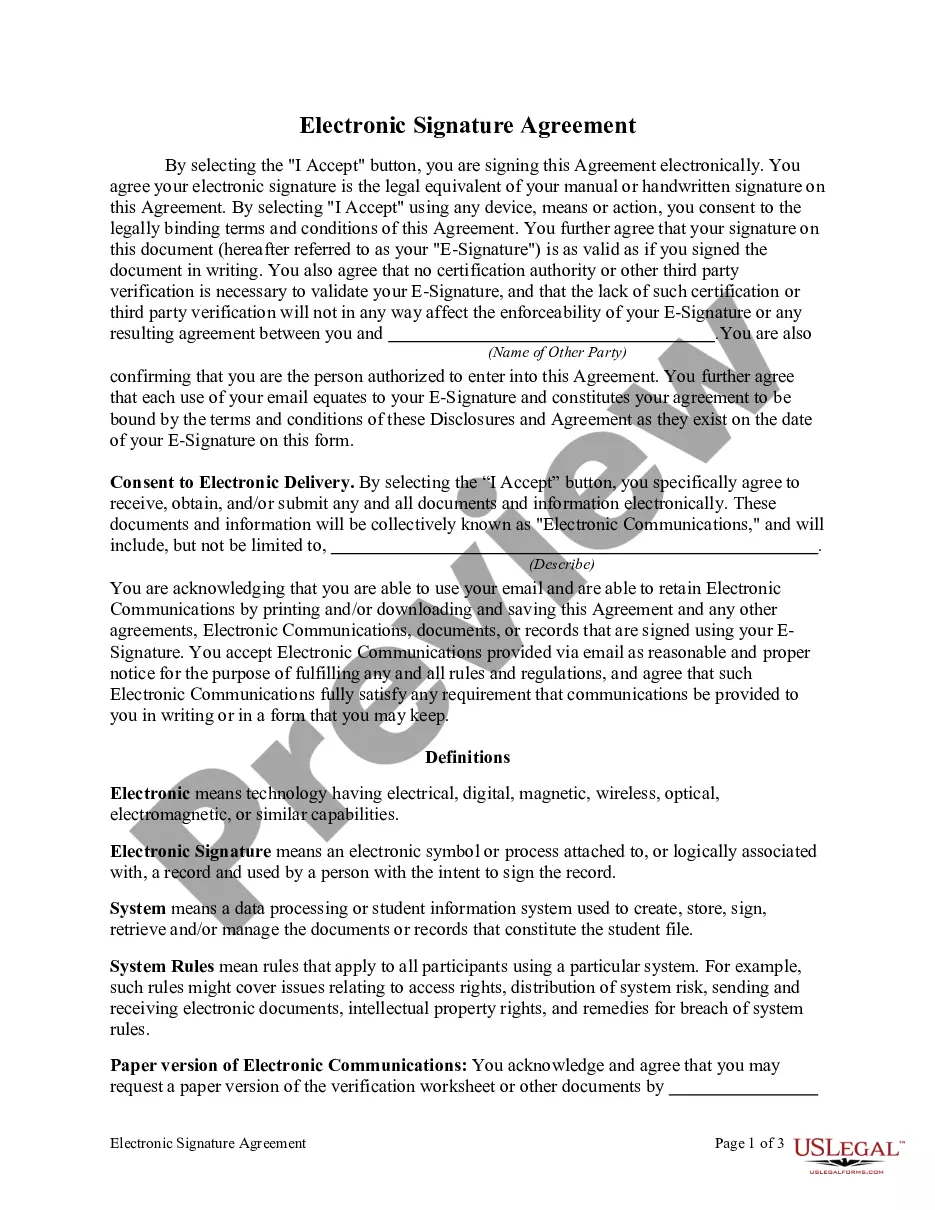
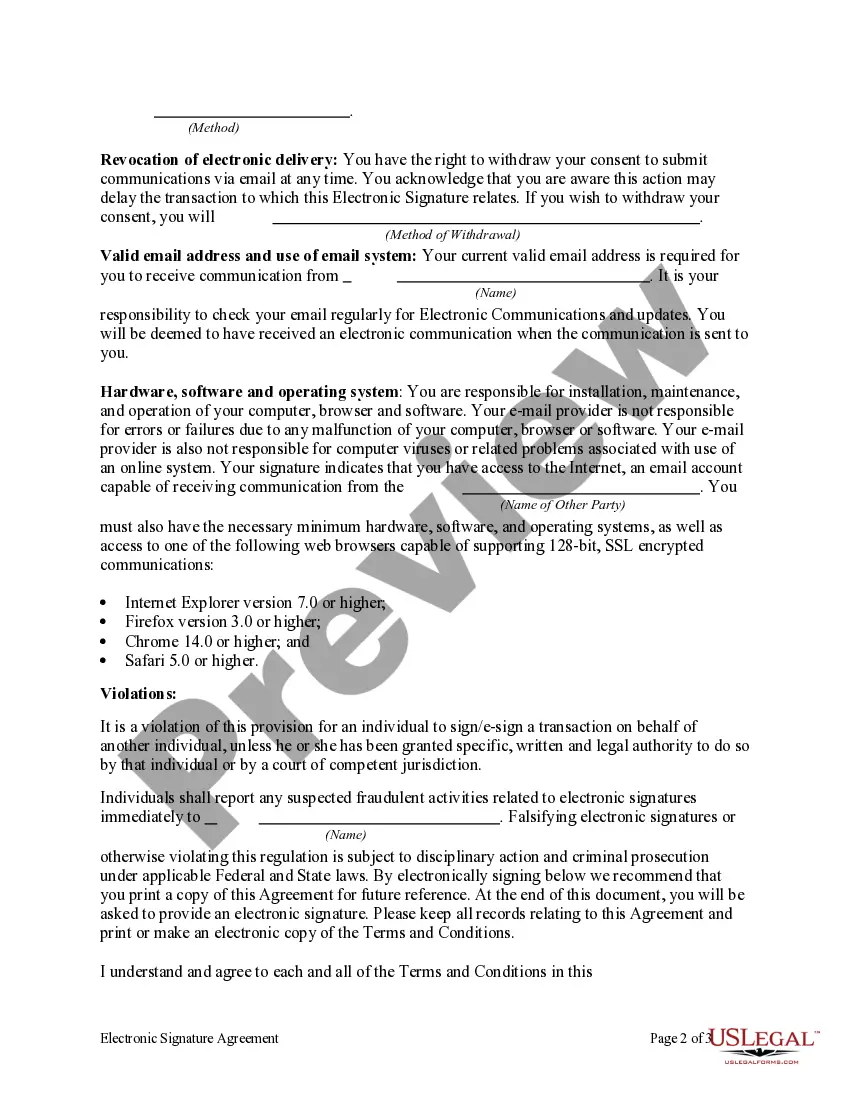
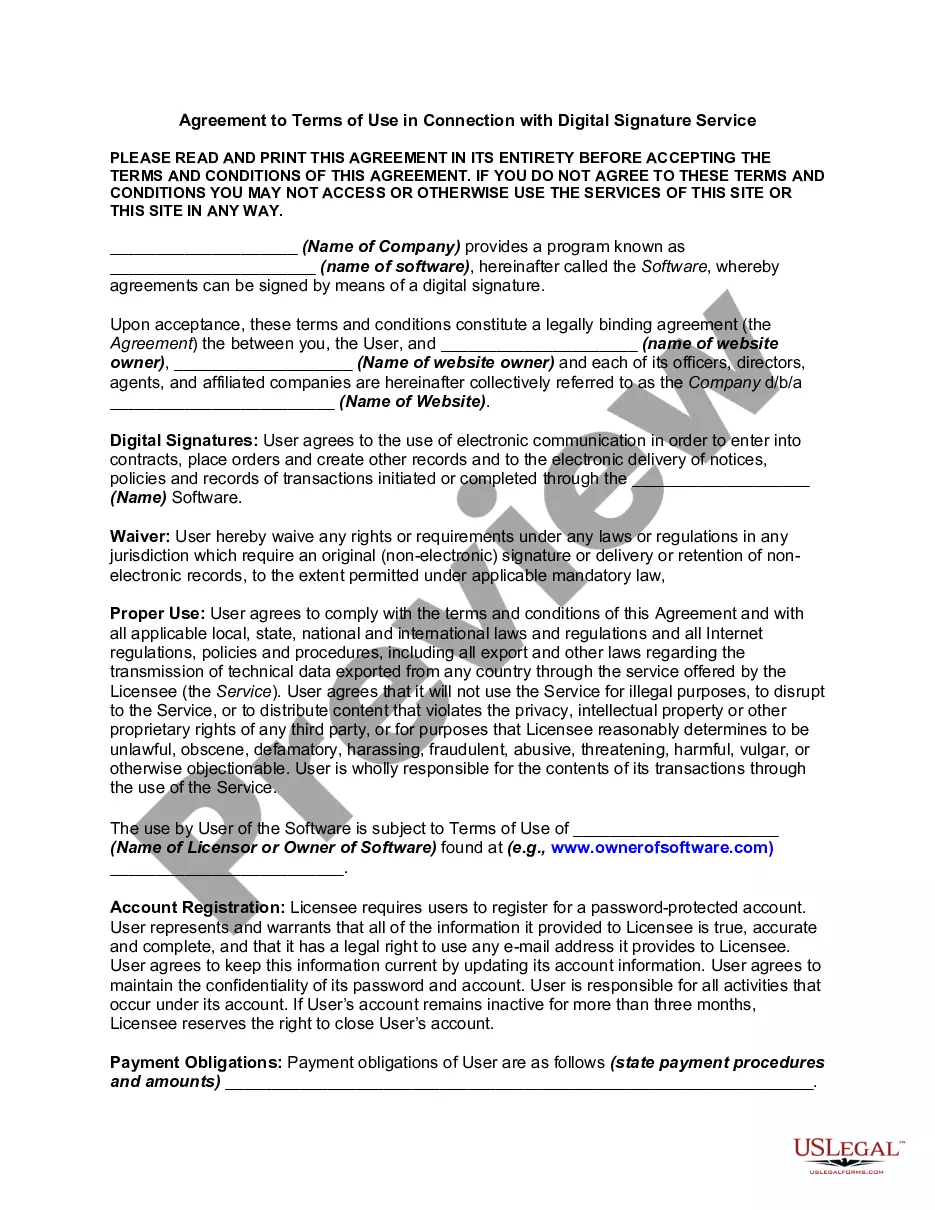
The electronic signature agreement is a document that establishes the legality and use of electronic signatures. This form serves to bind an individual to the signatures created using an electronic signature device, ensuring that they maintain its security and are responsible for any signatures made. Unlike traditional signature methods, this agreement addresses the specific circumstances and obligations associated with electronic signatures, thus simplifying transactions in a digital environment.
What’s included in this form
- Definitions of electronic terms, including electronic signature and system.
- Obligations of the signatory, including the need to report any compromise of the electronic signature device.
- Understanding of system rules and potential violations related to unauthorized signing.
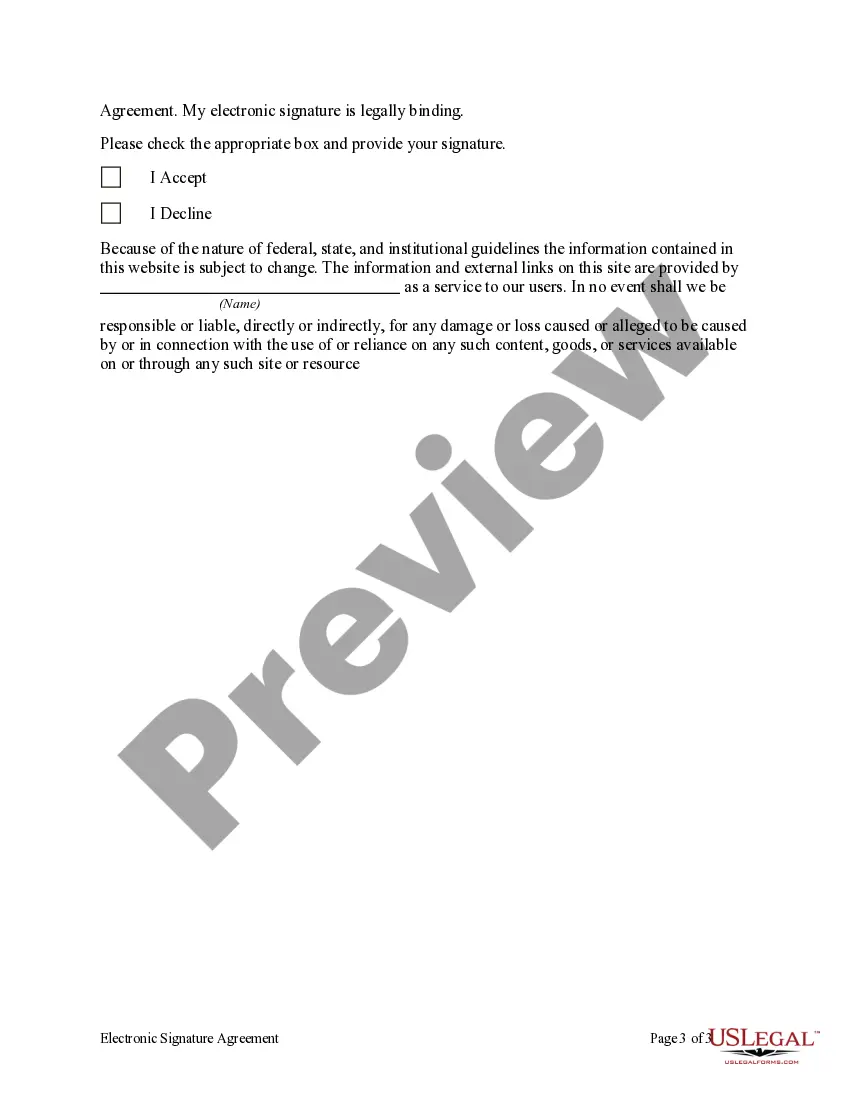
- Explicit agreement to the terms and conditions, leading to legal binding by the electronic signature.
- Options for acceptance or decline of the agreement.
When to use this form
This form is essential when individuals need to electronically sign documents in situations where traditional signatures are impractical. Use it when concluding agreements, submitting legal documents, or executing transactions that require verification of identity and intent but can be completed online.
Who needs this form
- Individuals conducting online agreements or legal transactions.
- Businesses seeking to streamline processes that involve electronic documentation.
- Professionals who frequently deal with digital agreements, such as real estate agents, lawyers, and accountants.
- Anyone needing to verify their identity and intentions through electronic means.
How to complete this form
- Read the definitions and obligations set forth in the agreement.
- Determine if you accept the terms by checking the appropriate box.
- Provide your electronic signature, which serves as your binding agreement.
- Ensure you are aware of the required system rules while signing.
- Promptly report if you suspect any compromise of your electronic signature device.
Notarization requirements for this form
In most cases, this form does not require notarization. However, some jurisdictions or signing circumstances might. US Legal Forms offers online notarization powered by Notarize, accessible 24/7 for a quick, remote process.
Get your form ready online
Our built-in tools help you complete, sign, share, and store your documents in one place.
Make edits, fill in missing information, and update formatting in US Legal Forms—just like you would in MS Word.
Download a copy, print it, send it by email, or mail it via USPS—whatever works best for your next step.
Sign and collect signatures with our SignNow integration. Send to multiple recipients, set reminders, and more. Go Premium to unlock E-Sign.
If this form requires notarization, complete it online through a secure video call—no need to meet a notary in person or wait for an appointment.
We protect your documents and personal data by following strict security and privacy standards.

Make edits, fill in missing information, and update formatting in US Legal Forms—just like you would in MS Word.

Download a copy, print it, send it by email, or mail it via USPS—whatever works best for your next step.

Sign and collect signatures with our SignNow integration. Send to multiple recipients, set reminders, and more. Go Premium to unlock E-Sign.

If this form requires notarization, complete it online through a secure video call—no need to meet a notary in person or wait for an appointment.

We protect your documents and personal data by following strict security and privacy standards.
Avoid these common issues
- Failing to read and understand the terms and conditions before signing.
- Not ensuring the security of the electronic signature device.
- Signing on behalf of another individual without proper authority.
- Neglecting to report any suspicions of compromise on the electronic signature device.
Why complete this form online
- Convenient access to sign agreements from anywhere, at any time.
- Quick processing of documents without the need for physical signatures.
- Reduces paper waste and environmental impact.
- Ensures legal validity of documents comparable to traditional signatures.
Looking for another form?

Form popularity
FAQ
To qualify as an enforceable electronic signature, there must be evidence of the signer's intent to execute or accept the agreement. This is typically accomplished by requiring the signer to take affirmative action, like typing their name or drawing their signature using a mouse or touchscreen.
In summary, electronic signatures are binding and will hold up in court so long as they can be authenticated. One way to ensure the authentication process is to use an electronic signature company such as , since courts have already ruled a signature using is presumptively valid.
Open the email with a request to digitally sign your document. Click the link. Agree to electronic signing. Click each sign tag and follow the instructions to add your electronic signature where required to sign or initial. Adopt a signature to save your signature information. Confirm your signature by clicking FINISH.
You'll find this option near the bottom of the drop-down menu. Tap Content Settings (iPhone) or Site settings (Android). It's near the bottom of the page. Tap Block Pop-ups (iPhone) or Pop-ups (Android).
1Once you download the signNow add-on, click on the icon in the upper menu.2Upload a document you want to e-sign.3It'll open in the online editor.4Select My Signature.5Generate a signature and click Done.6After you email contracts save the executed doc to your device.
Click the Chrome menu (the three vertical dots in the upper right corner of the Chrome window) and select Settings. Under "Privacy and security" click Site Settings. Under "Permissions" click Notifications.
Electronic signatures have carried the same legal weight as traditional, paper-based ones since the United States Electronic Signatures in Global and National Commerce Act (ESIGN) was passed in 2000. This legislation ensures that electronic signatures are legally binding in every state where federal law applies.
On your Android phone or tablet, open the Chrome app . Go to a webpage. To the right of the address bar, tap More Info . Tap Site settings. Under "Permissions," tap Notifications. Turn the setting off.
Google Chrome (Android): Scroll down, click on "Site settings" and then "Notifications" In the opened window, locate all suspicious URLs and click on them one-by-one. Select "Notifications" in the "Permissions" section and set the toggle button to "OFF"