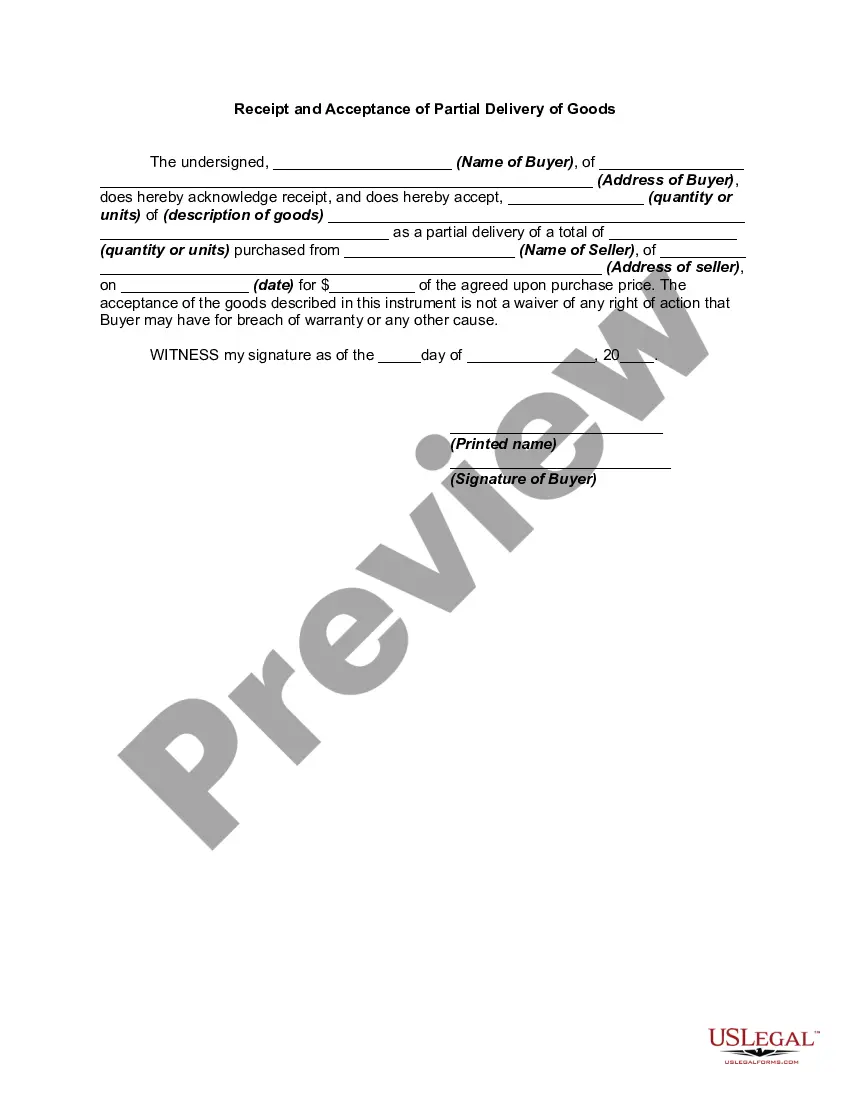
Receipt and Acceptance of Partial Delivery of Goods
Understanding this form
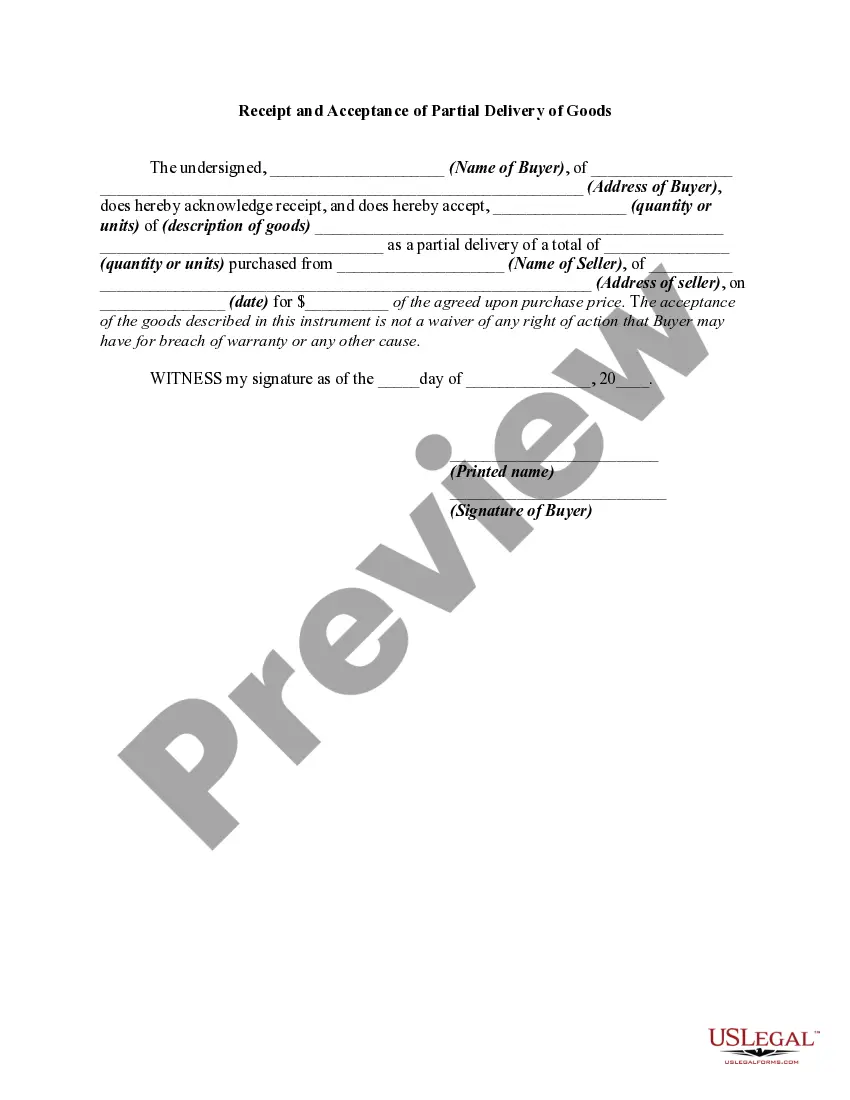
The Receipt and Acceptance of Partial Delivery of Goods is a legal document used by a buyer to acknowledge the receipt of a portion of goods that are part of a larger order. This form serves as proof that the buyer has accepted an installment of the total quantity purchased, establishing a record that can help avoid disputes regarding delivery. It is particularly beneficial for sellers to obtain this signed receipt as it provides a legal memorandum under the Uniform Commercial Code without undermining the buyer's rights for any potential warranty issues.
Main sections of this form
- Name and address of the buyer.
- Quantity received and description of the goods.
- Total quantity purchased.
- Name and address of the seller.
- Date of purchase and agreed purchase price.
- Signature and printed name of the buyer.
Situations where this form applies
This form should be used when a buyer receives only a part of their order but wants to officially acknowledge the delivery. It is especially useful in business transactions where goods are shipped in installments, ensuring clarity and reducing potential conflicts between the buyer and seller regarding the acceptance of goods.
Who can use this document
- Buyers receiving partial shipments of goods.
- Sellers shipping goods in multiple deliveries.
- Businesses wanting to document receipt of goods for inventory and accounting purposes.
Instructions for completing this form
- Identify the buyer by entering their name and address.
- Specify the quantity received and provide a detailed description of the goods.
- Indicate the total quantity ordered.
- Fill in the seller's name and address.
- Enter the purchase date and the total agreed-upon price for the order.
- Have the buyer sign and date the form to finalize the acknowledgment.
Notarization requirements for this form
Notarization is generally not required for this form. However, certain states or situations might demand it. You can complete notarization online through US Legal Forms, powered by Notarize, using a verified video call available anytime.
Get your form ready online
Our built-in tools help you complete, sign, share, and store your documents in one place.
Make edits, fill in missing information, and update formatting in US Legal Forms—just like you would in MS Word.
Download a copy, print it, send it by email, or mail it via USPS—whatever works best for your next step.
Sign and collect signatures with our SignNow integration. Send to multiple recipients, set reminders, and more. Go Premium to unlock E-Sign.
If this form requires notarization, complete it online through a secure video call—no need to meet a notary in person or wait for an appointment.
We protect your documents and personal data by following strict security and privacy standards.
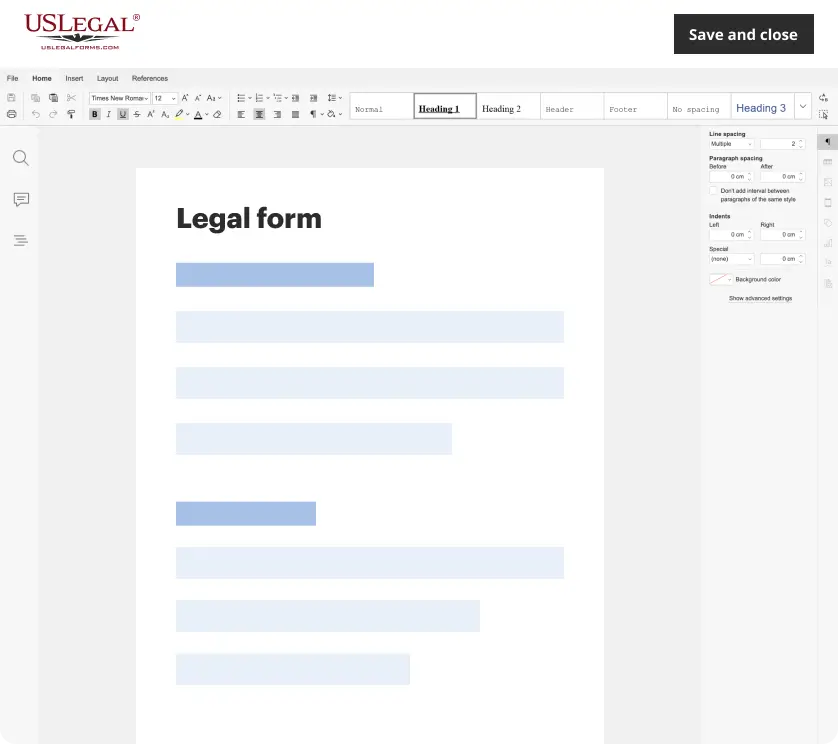
Make edits, fill in missing information, and update formatting in US Legal Forms—just like you would in MS Word.
Download a copy, print it, send it by email, or mail it via USPS—whatever works best for your next step.
Sign and collect signatures with our SignNow integration. Send to multiple recipients, set reminders, and more. Go Premium to unlock E-Sign.

If this form requires notarization, complete it online through a secure video call—no need to meet a notary in person or wait for an appointment.
We protect your documents and personal data by following strict security and privacy standards.
Common mistakes to avoid
- Failing to accurately detail the quantity received, leading to discrepancies.
- Not including the seller's information, which can cause identification issues.
- Omitting the signature of the buyer, rendering the document invalid.
- Using vague descriptions of goods, which may affect enforceability.
Benefits of completing this form online
- Convenient access to a professionally drafted legal document.
- Editable fields allow for customization based on specific transactions.
- Quick download for immediate use without waiting for postal services.
- Secure storage of documents for future reference and ease of access.
Looking for another form?
Form popularity
FAQ
List both the sender and the receiver. List the items delivered and add a short description for each. Indicate any additional costs and a price breakdown. State other important details of the transaction.
Match the delivery to a purchase order. Check products are not damaged. Log received items into your inventory. Allocate storage space for goods. Notify your accounts payable department.
Arrival Of Shipment. The first step when receiving inventory occurs when the truck arrives at the company's dock. Compare Shipping Documents. Store Inventory. Enter Quantity Received To System. Address Discrepancies With Vendor.
A purchase order (PO) is a commercial document and first official offer issued by a buyer to a seller indicating types, quantities, and agreed prices for products or services.If no prior contract exists, then it is the acceptance of the order by the seller that forms a contract between the buyer and seller.
The delivery receipt template is the recognition of payment for the successful delivery of a product to a specific destination. The delivery may be for any type of product, including, but not limited to, food, equipment, goods, animals, documents, and gifts.
If the purchase order is accepted, the seller has agreed to sell the listed products and quantities at the prices set forth by the buyer. The seller then issues an invoice to the buyer based on the purchase order. For example: Maria's company needs to purchase new materials from a supplier to create their products.
The delivery receipt template is the recognition of payment for the successful delivery of a product to a specific destination. The delivery may be for any type of product, including, but not limited to, food, equipment, goods, animals, documents, and gifts.
Creating a receipt is simple. Open an MS Excel worksheet, hover on the File tab and click on 'New'. Look up for 'Receipt'from Office.com Templates. The Excel application will return results showing some or all the samples which exist in the database.
A receipt template is an easy to use form that enables businesses, including landlords, to quickly create receipts. A receipt template documents the date, the amount paid, the reason for the payment, and who made the payment. A copy of the receipt should be given to the person who makes the payment.