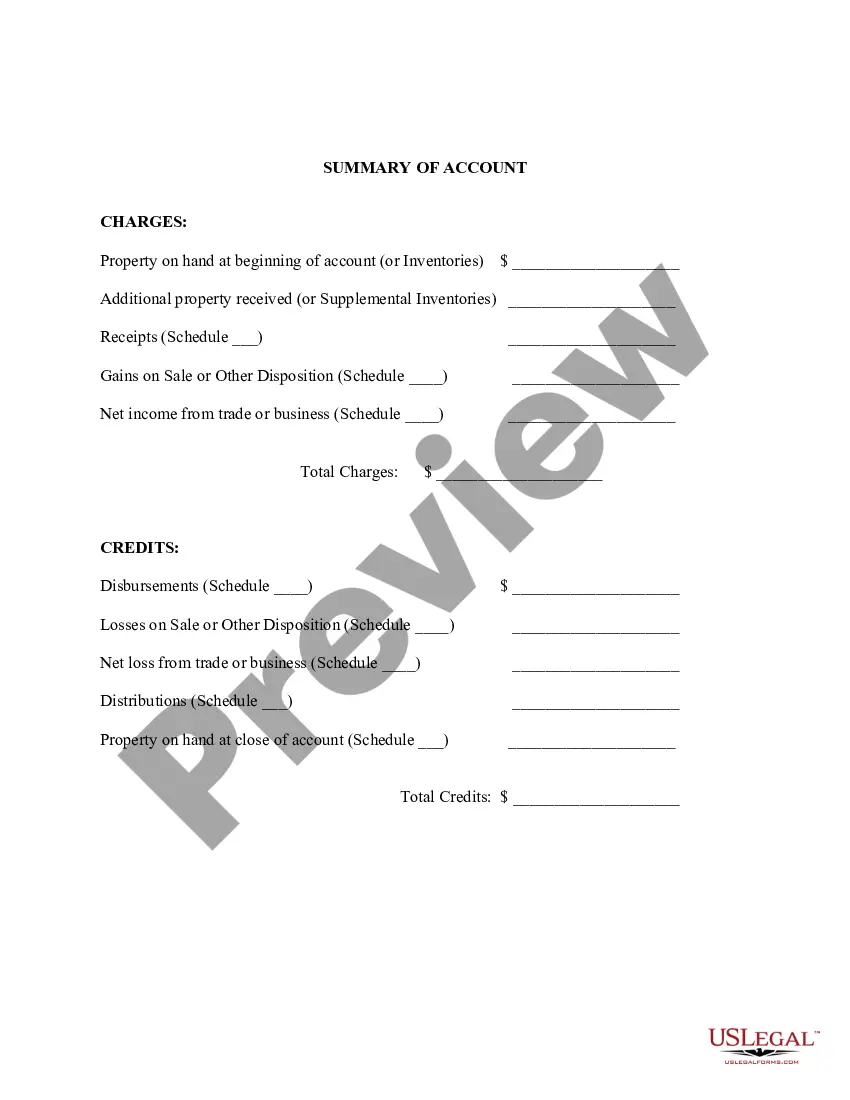
Summary of Account for Inventory of Business
Understanding this form
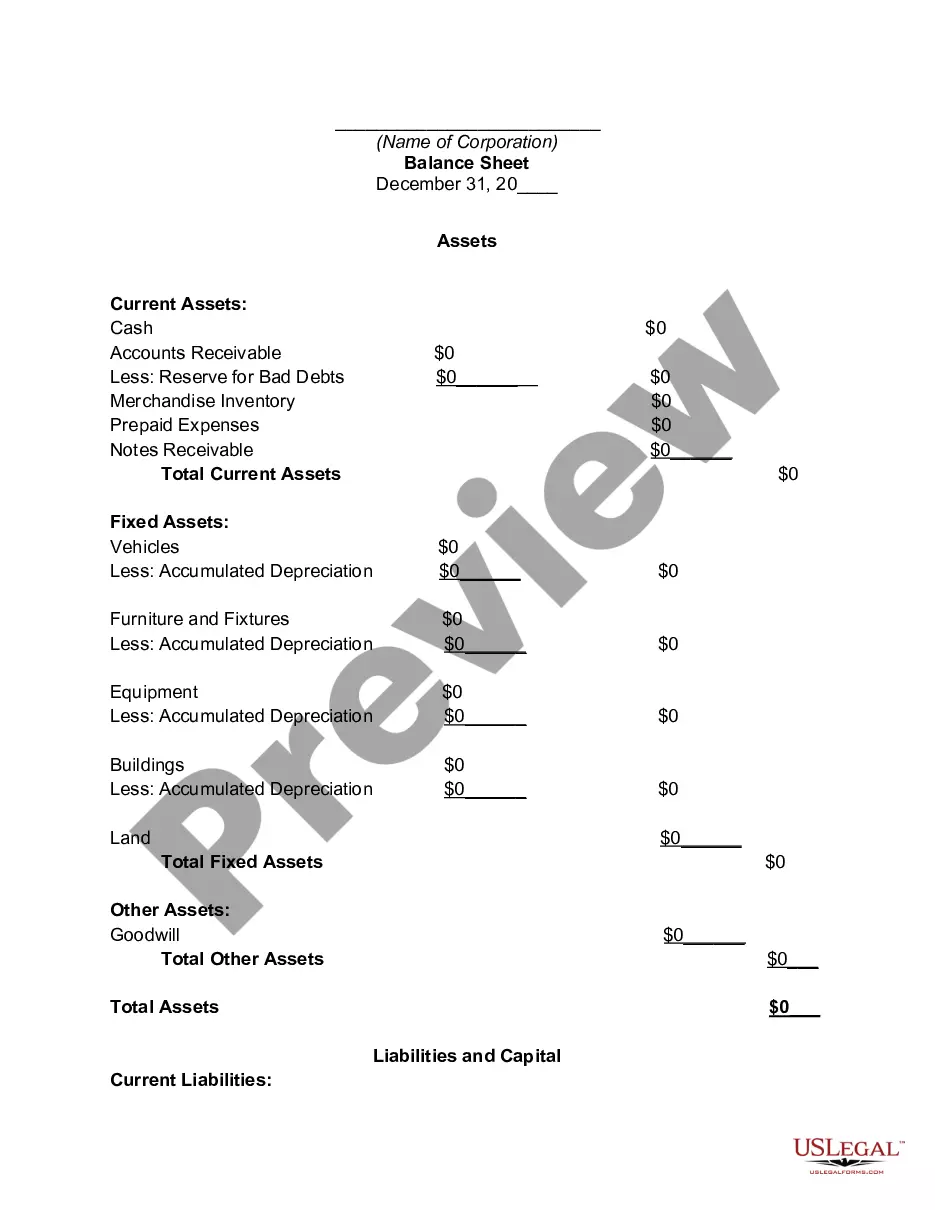
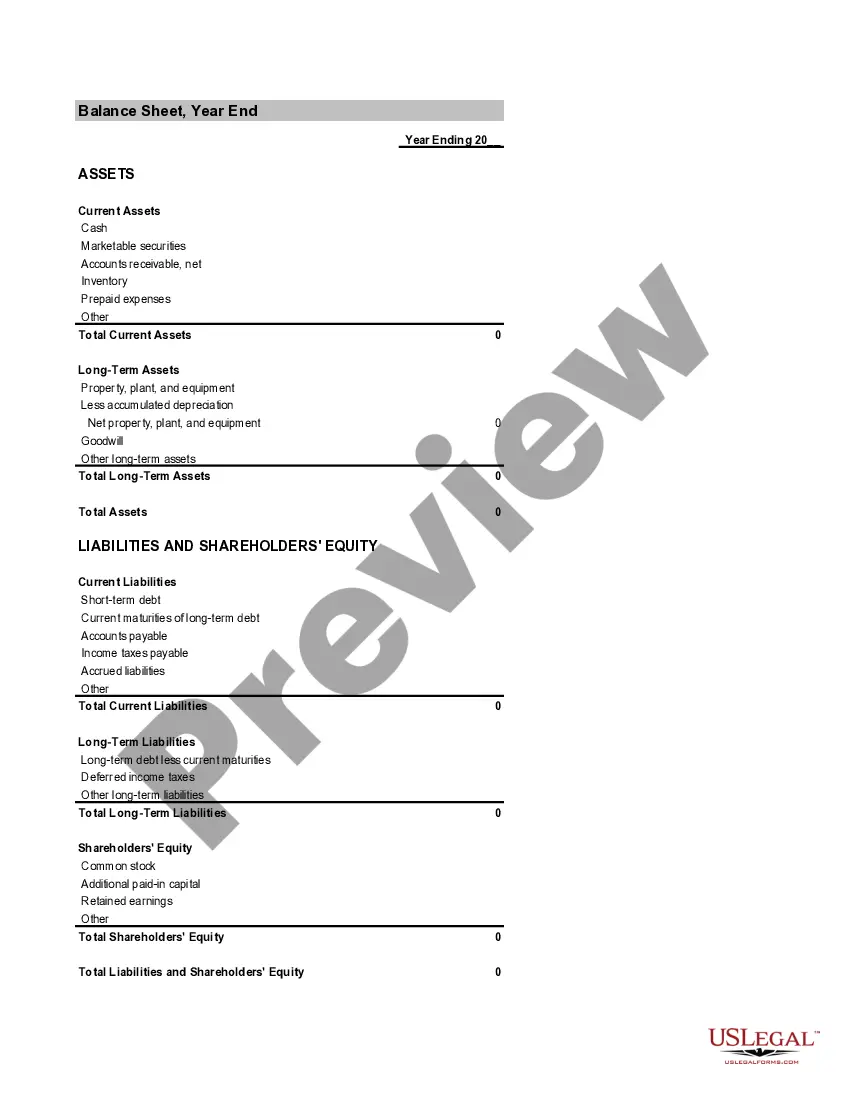
The Summary of Account for Inventory of Business is a financial document that provides a concise overview of charges and credits in a business or nonprofit organization account. This form is essential for tracking financial transactions and ensuring accurate record-keeping, distinguishing itself from similar forms by its focus on a summary format rather than detailed reporting.
Main sections of this form
- Initial property on hand or inventory
- Additional property received during the accounting period
- Receipts and gains on sales or other dispositions
- Net income from trade or business
- Total charges and credits summary
- Property on hand at the close of the account
When to use this form
This form is useful when a business or nonprofit needs to summarize its financial activities over a specific accounting period. It is particularly beneficial during audits, financial reviews, or when preparing reports for stakeholders. Businesses may also use this form for internal assessments of their inventory and financial status.
Who this form is for
- Business owners overseeing financial records
- Nonprofit organization managers responsible for accounting
- Accountants preparing financial summaries
- Anyone needing to present a clear financial overview of inventory account activities
Instructions for completing this form
- Identify the initial inventory and properties on hand at the beginning of the account.
- Document any additional property received and list receipts.
- Calculate gains from sales or other dispositions and record net income.
- Sum total charges and total credits to ensure accuracy.
- Finalize the account summary with the property on hand at the close of the account.
Is notarization required?
Notarization is not commonly needed for this form. However, certain documents or local rules may make it necessary. Our notarization service, powered by Notarize, allows you to finalize it securely online anytime, day or night.
Get your form ready online
Our built-in tools help you complete, sign, share, and store your documents in one place.
Make edits, fill in missing information, and update formatting in US Legal Forms—just like you would in MS Word.
Download a copy, print it, send it by email, or mail it via USPS—whatever works best for your next step.
Sign and collect signatures with our SignNow integration. Send to multiple recipients, set reminders, and more. Go Premium to unlock E-Sign.
If this form requires notarization, complete it online through a secure video call—no need to meet a notary in person or wait for an appointment.
We protect your documents and personal data by following strict security and privacy standards.

Make edits, fill in missing information, and update formatting in US Legal Forms—just like you would in MS Word.

Download a copy, print it, send it by email, or mail it via USPS—whatever works best for your next step.

Sign and collect signatures with our SignNow integration. Send to multiple recipients, set reminders, and more. Go Premium to unlock E-Sign.

If this form requires notarization, complete it online through a secure video call—no need to meet a notary in person or wait for an appointment.

We protect your documents and personal data by following strict security and privacy standards.
Common mistakes to avoid
- Failing to accurately record all property received or disposed of.
- Not keeping consistent records of charges and credits.
- Omitting initial and closing inventories, which can lead to discrepancies.
- Miscalculating totals, affecting overall financial transparency.
Why complete this form online
- Convenience of downloading and filling the form from your location.
- Editability allows for easy updates as financial situations change.
- Standardized and reliable format designed by licensed attorneys.
Main things to remember
- The Summary of Account for Inventory of Business is crucial for tracking financial transactions.
- It is designed for both business owners and nonprofit organizations.
- Accurate completion of the form can help prevent financial discrepancies.
- This form is easy to complete with the right information and offers significant benefits when managed online.
Looking for another form?

Form popularity
FAQ
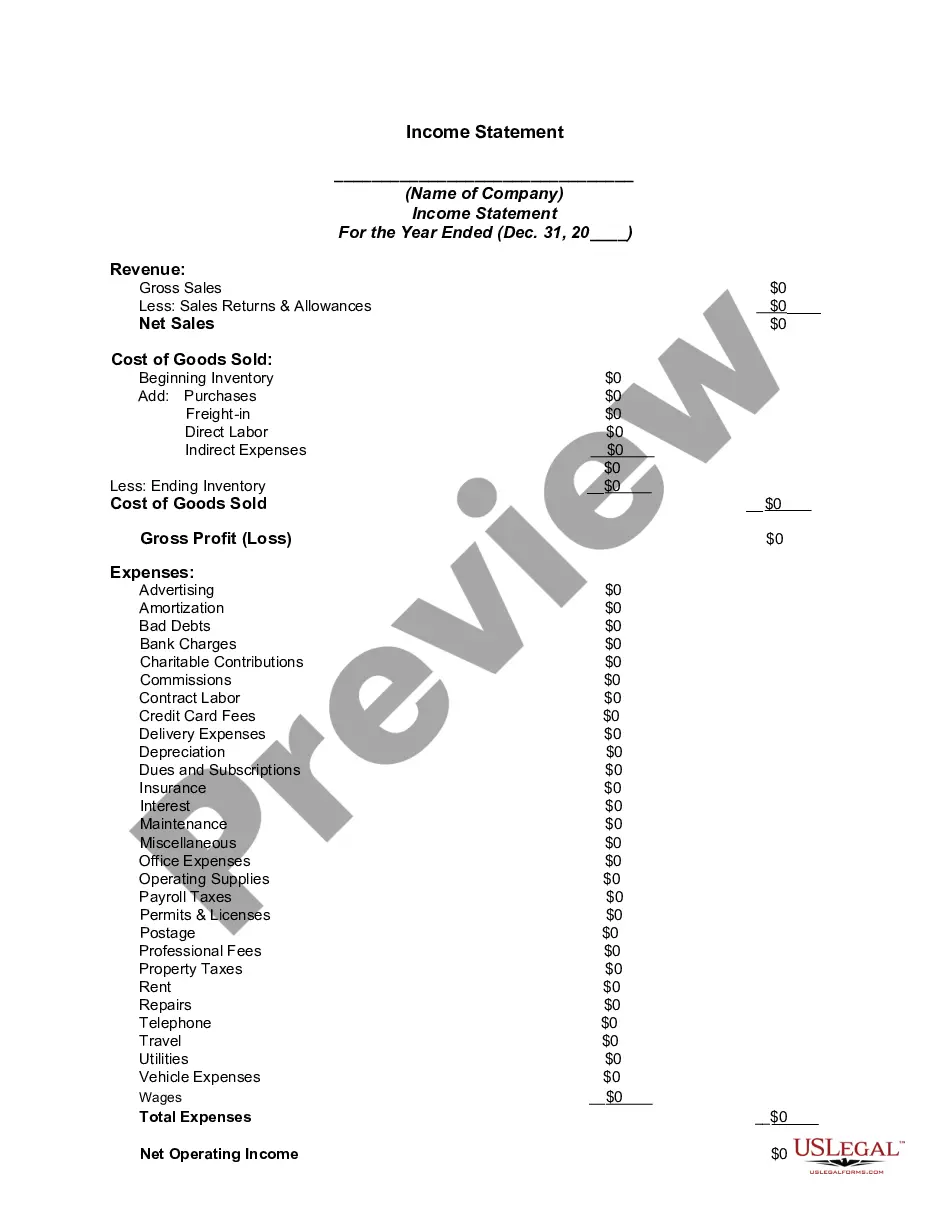
The gross profit is a profitability measure that evaluates how efficient a company is in managing its labor and supplies in the production process. Because COGS is a cost of doing business, it is recorded as a business expense on the income statements.
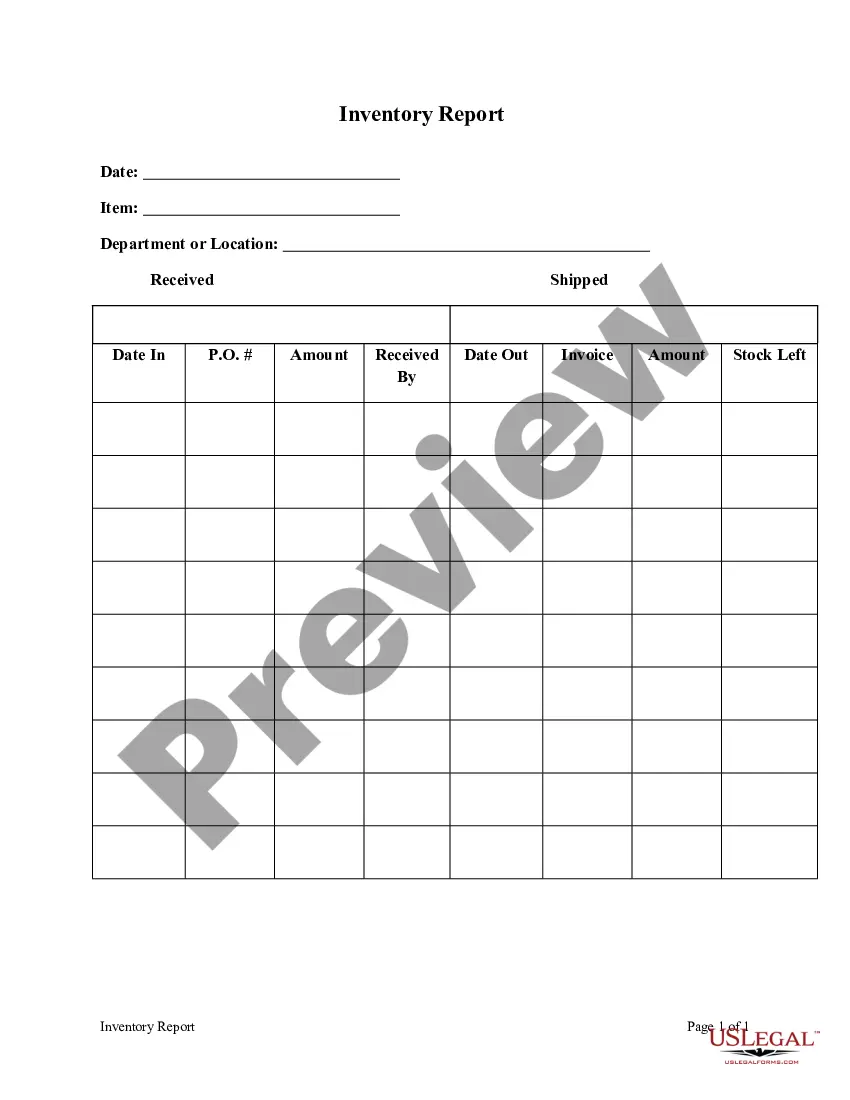
Inventory refers to all the items, goods, merchandise, and materials held by a business for selling in the market to earn a profit. Example: If a newspaper vendor uses a vehicle to deliver newspapers to the customers, only the newspaper will be considered inventory. The vehicle will be treated as an asset.
To create the sales journal entry, debit your Accounts Receivable account for $240 and credit your Revenue account for $240. After the customer pays, you can reverse the original entry by crediting your Accounts Receivable account and debiting your Cash account for the amount of the payment.
Determine ending unit counts. A company may use either a periodic or perpetual inventory system to maintain its inventory records. Improve record accuracy. Conduct physical counts. Estimate ending inventory. Assign costs to inventory. Allocate inventory to overhead.
Debit Accounts receivable for $1,050. debit Cost of goods sold for $650. credit Revenue for $1,000. credit Inventory for $650. credit Sales tax liability for $50.
Understanding InventoryInventory is the array of finished goods or goods used in production held by a company. Inventory is classified as a current asset on a company's balance sheet, and it serves as a buffer between manufacturing and order fulfillment.
When an item is ready to be sold, transfer it from Finished Goods Inventory to Cost of Goods Sold to shift it from inventory to expenses. Debit your Cost of Goods Sold account and credit your Finished Goods Inventory account to show the transfer.
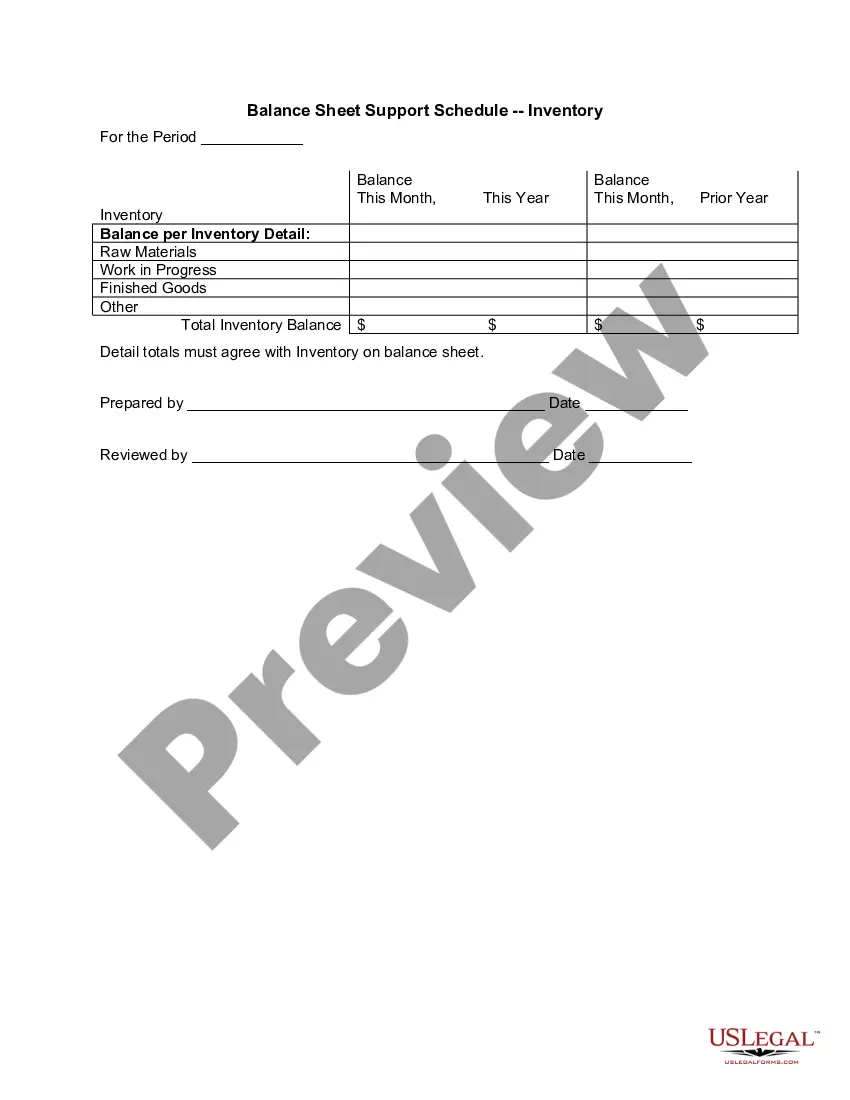
A company's inventory typically involves goods in three stages of production: raw goods, in-progress goods, and finished goods that are ready for sale. Inventory accounting will assign values to the items in each of these three processes and record them as company assets.