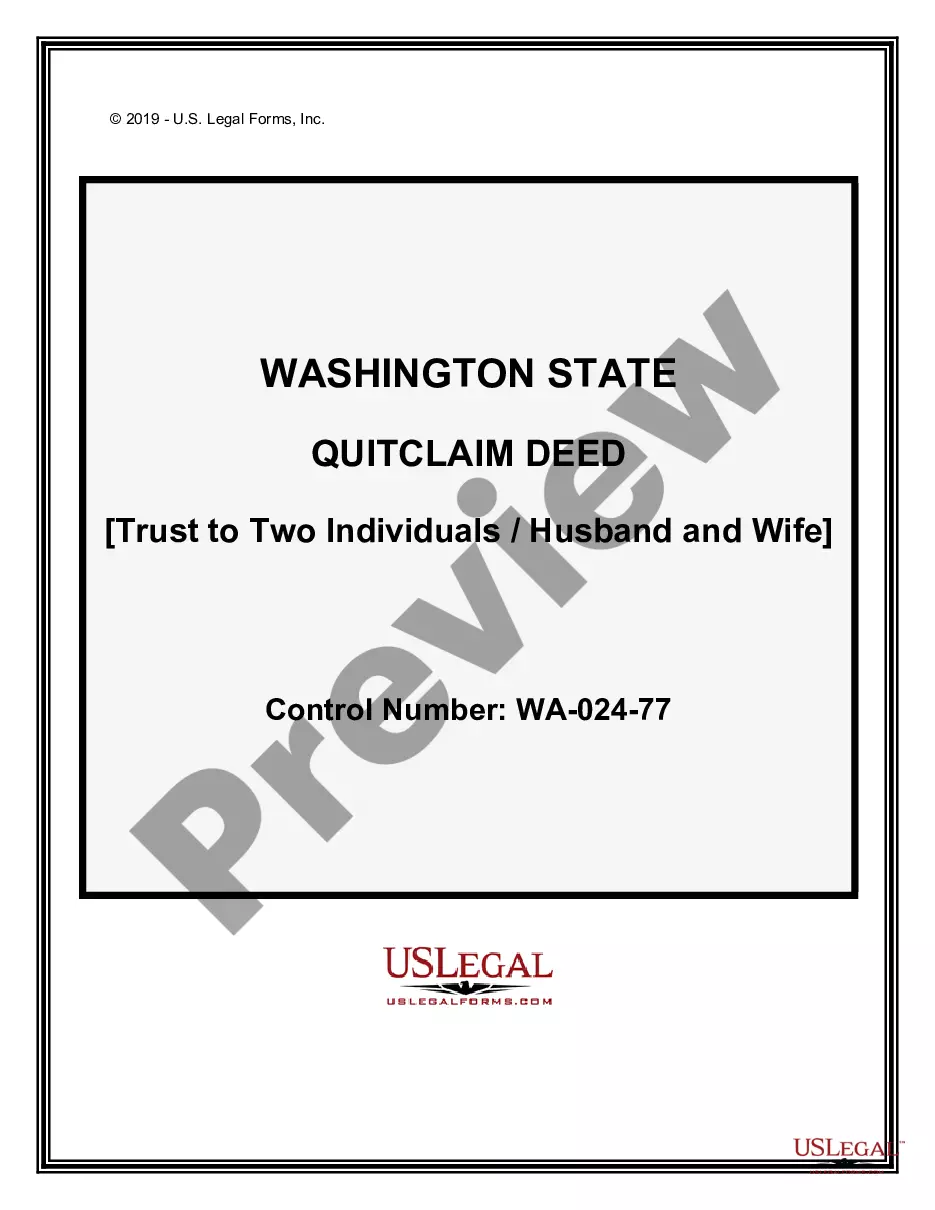
Business Offer Form Specifying Acceptance with Signature
What is this form?
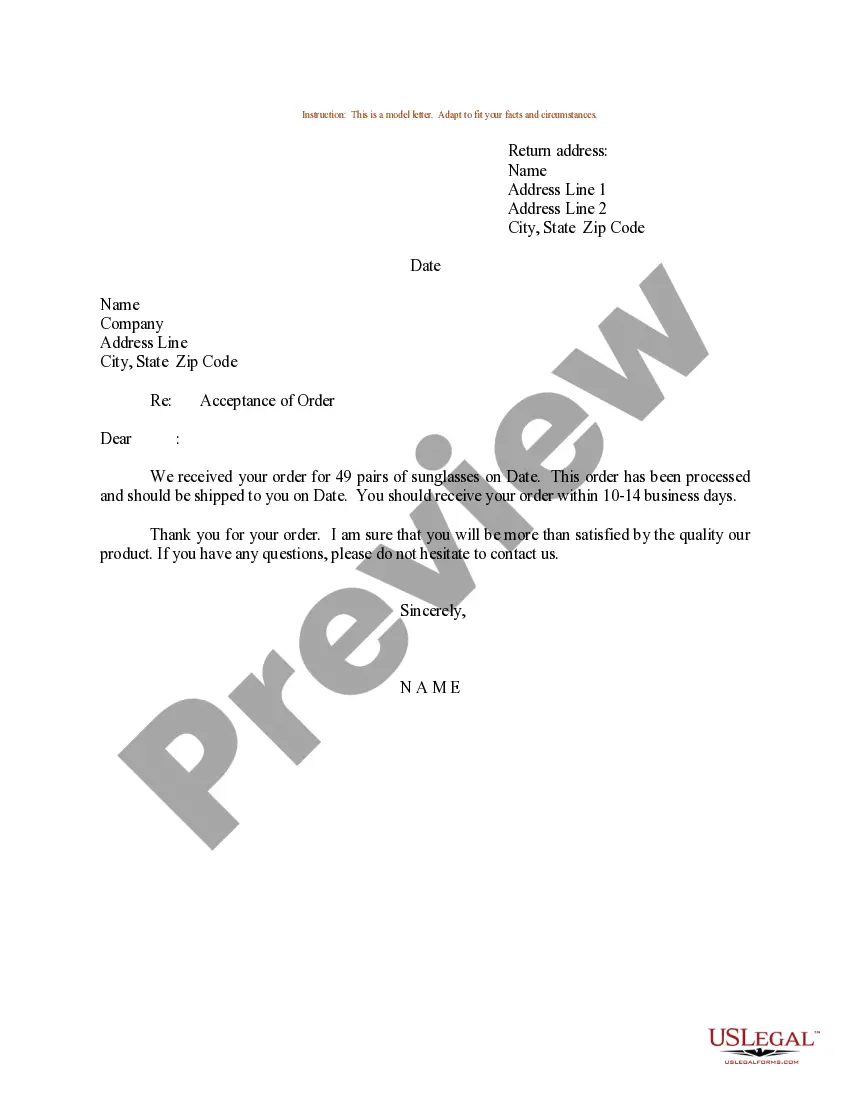
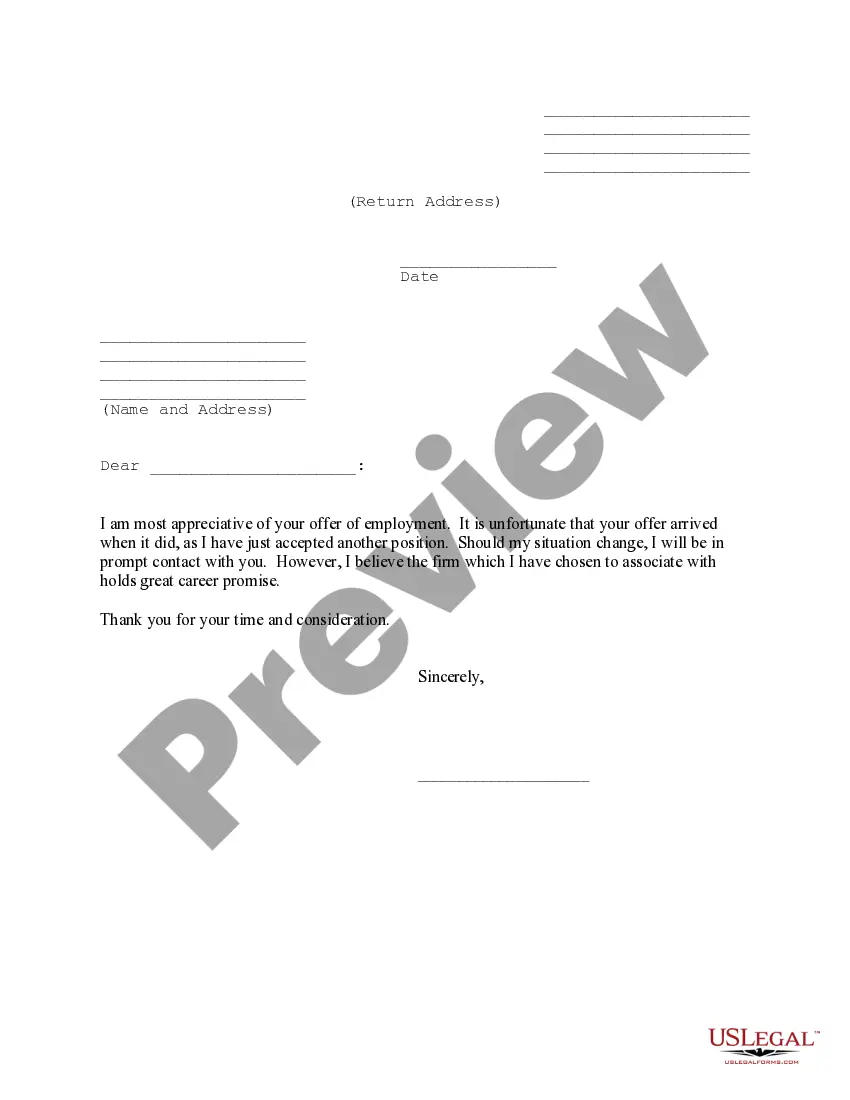
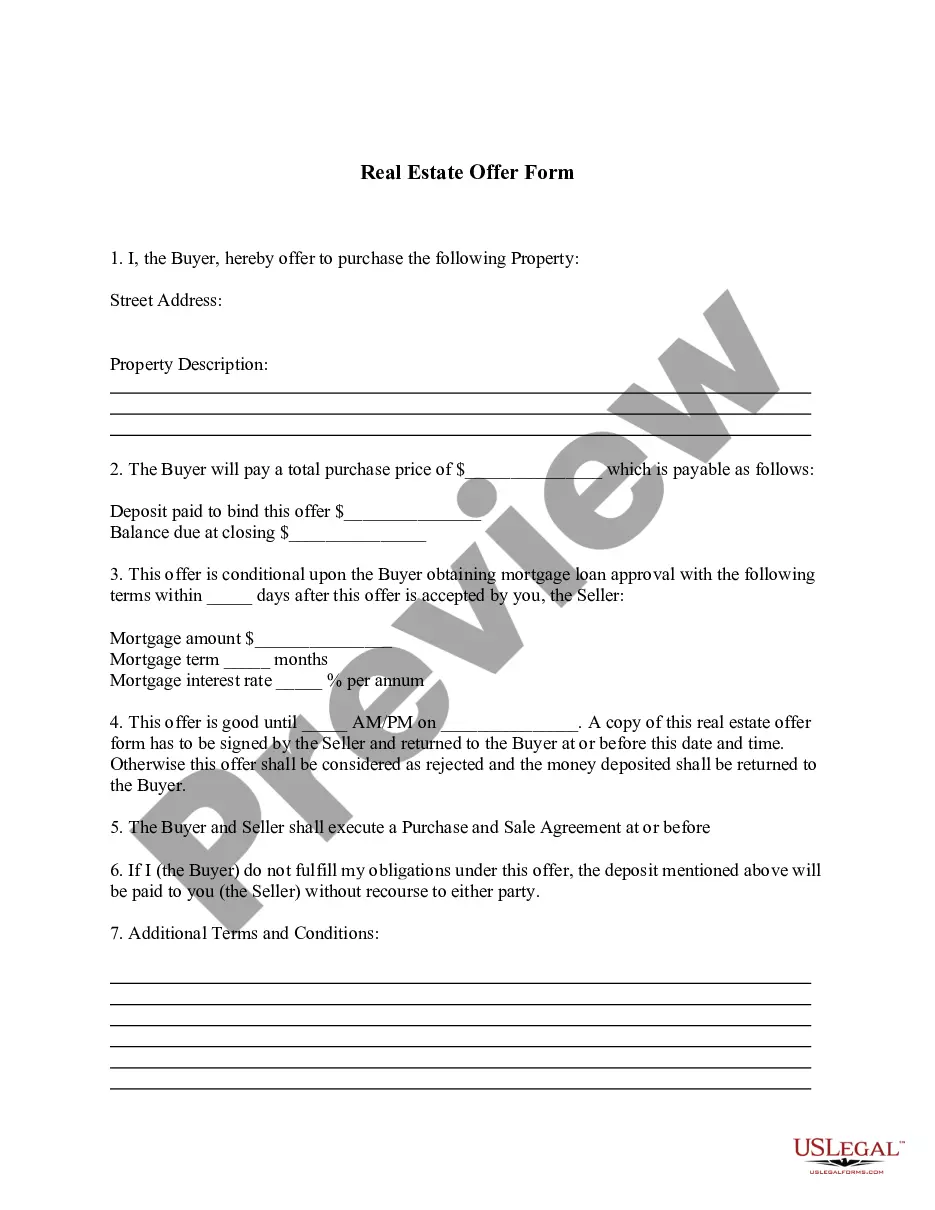
The Business Offer Form Specifying Acceptance with Signature is a legal document used to outline an offer made by one party (the offeror) to another party (the offeree). It clearly establishes the terms of the offer and specifies how the offeree should communicate their acceptance by signing the document. This form is essential for formalizing agreements in a clear and legally binding manner, ensuring both parties understand their commitments.
Main sections of this form
- Date of the offer
- Name and address of the offeree
- Details of the offer including subject matter and terms
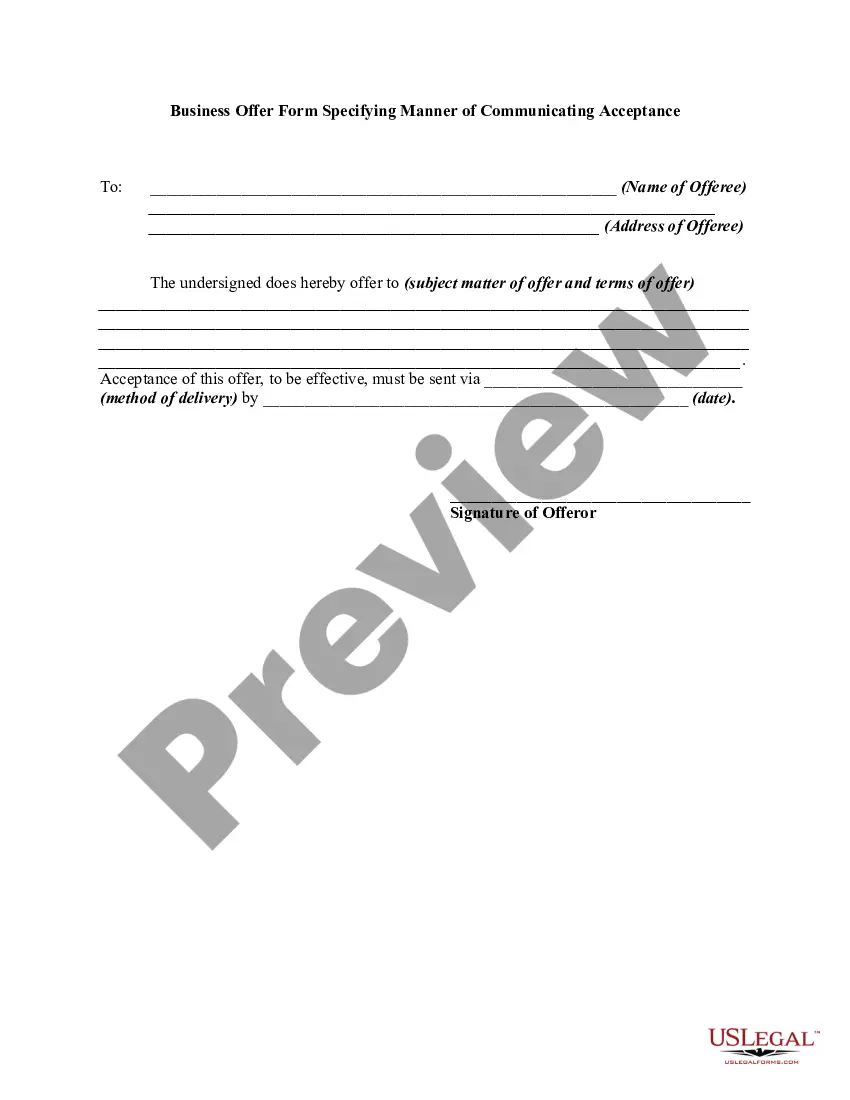
- Method of delivery for the acceptance
- Deadline for acceptance
- Signature lines for both the offeror and offeree


When this form is needed
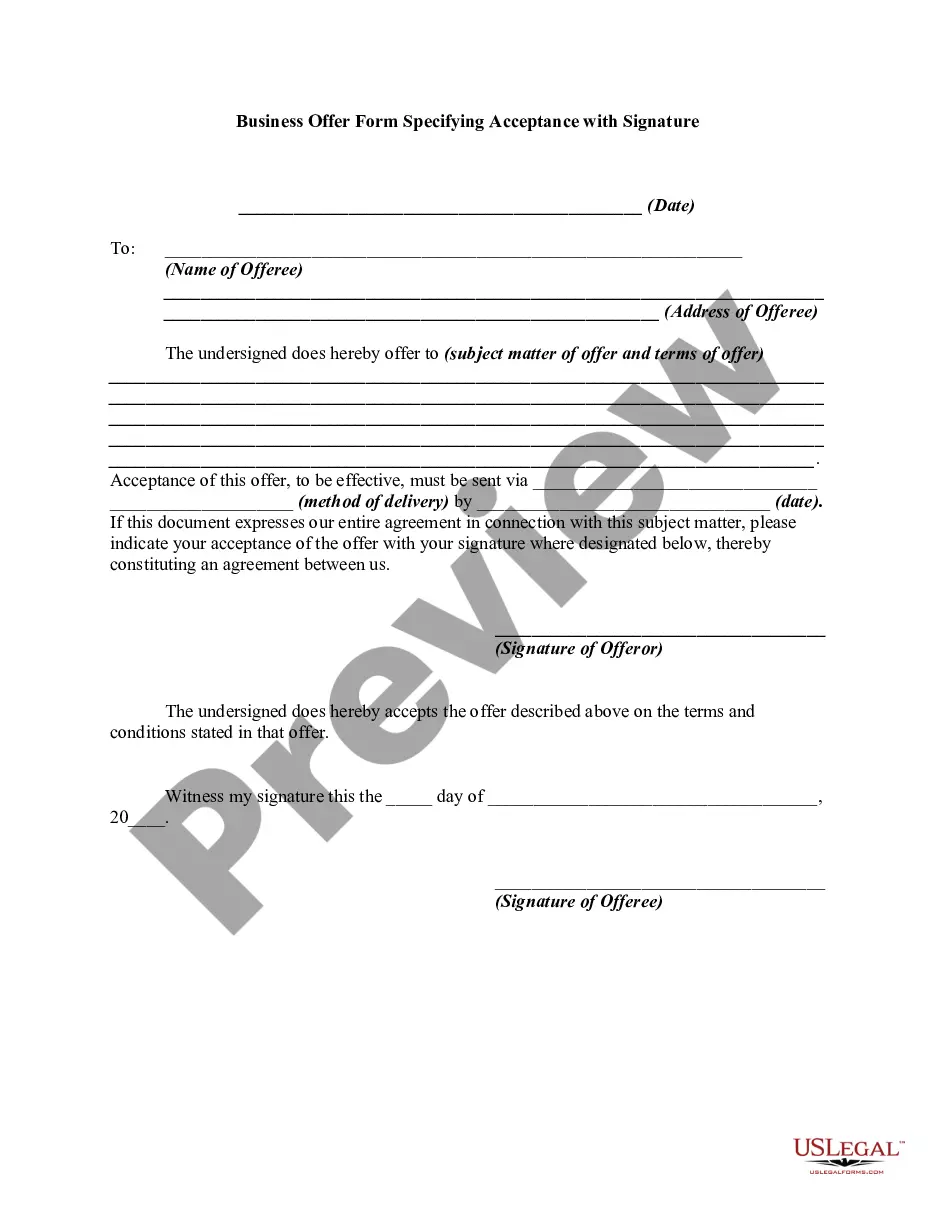
This form is used in scenarios where a business or individual wishes to extend a formal offer that requires explicit acceptance from another party. It is suitable for various business transactions, including sales agreements, service contracts, partnership offers, and more. Use this form to ensure clarity and legal validity in the negotiation process.
Who can use this document
- Business owners looking to make formal offers
- Individuals entering into a contractual agreement
- Service providers and clients negotiating terms
- Parties in a partnership discussion
How to complete this form
- Identify and enter the date of the offer.
- Provide the name and address of the offeree.
- Clearly state the subject matter and terms of the offer.
- Specify how the acceptance should be delivered.
- Indicate the deadline for acceptance.
- Both parties should sign and date the form to finalize the agreement.
Does this document require notarization?
Notarization is generally not required for this form. However, certain states or situations might demand it. You can complete notarization online through US Legal Forms, powered by Notarize, using a verified video call available anytime.
Get your form ready online
Our built-in tools help you complete, sign, share, and store your documents in one place.
Make edits, fill in missing information, and update formatting in US Legal Forms—just like you would in MS Word.
Download a copy, print it, send it by email, or mail it via USPS—whatever works best for your next step.
Sign and collect signatures with our SignNow integration. Send to multiple recipients, set reminders, and more. Go Premium to unlock E-Sign.
If this form requires notarization, complete it online through a secure video call—no need to meet a notary in person or wait for an appointment.
We protect your documents and personal data by following strict security and privacy standards.

Make edits, fill in missing information, and update formatting in US Legal Forms—just like you would in MS Word.

Download a copy, print it, send it by email, or mail it via USPS—whatever works best for your next step.

Sign and collect signatures with our SignNow integration. Send to multiple recipients, set reminders, and more. Go Premium to unlock E-Sign.

If this form requires notarization, complete it online through a secure video call—no need to meet a notary in person or wait for an appointment.

We protect your documents and personal data by following strict security and privacy standards.
Common mistakes
- Neglecting to specify the method of acceptance.
- Failing to include a deadline for acceptance.
- Leaving out crucial details of the offer subject matter.
- Not having both parties sign the document.
Advantages of online completion
- Convenient access to a professionally drafted document.
- Easy editing to customize the offer for specific needs.
- Quick downloads saving time and hassle compared to paper forms.
- Reliability, as the form is created by licensed attorneys.
Legal use & context
- This form serves as a clear record of the offer and acceptance.
- It helps establish the terms agreed upon, aiding in enforceability.
- Proper completion can prevent disputes by providing a reference point.
Main things to remember
- Ensure clarity and legality when making a business offer.
- Confirm all details are complete and accurate before signing.
- Utilize this form for a variety of business-related offers.
Looking for another form?


Form popularity
FAQ
So this will include communication via telephone calls, letters, e-mails, telegraphs, etc. Communication of Acceptance by Conduct: The offeree can also convey his acceptance of the offer through some action of his, or by his conduct.
Write a clear and concise subject line that indicates what this email is about. Express gratitude for having received the offer for the job and assure them of your best. State and agree to the terms of the employment that you're getting into.
Thanks and appreciation for the opportunity. Written acceptance of the job offer. The terms and conditions of employment (salary, benefits, job title, etc.) Starting date of employment.
Both examples identify the business as the signatory, and include the signer's title as a representative signing on behalf of the business. I personally prefer the upper style of signature block, which identifies the business above the signature lines.
A thank-you for the opportunity. Verbiage that says you accept the company's offer of employment. Your title. A recap of the salary and benefits as you understand them. The date you expect to start.
Thank you for your offer of Job title at Company name. I am delighted to formally accept the offer, and I am very much looking forward to joining the team. As discussed, my starting salary will be Agreed starting salary, rising to Increased salary following a successful probationary period of 3 months.
Open the pdf. click on digital signature. then click verify identity. Enter the information it asks. Now click the verify signature button. Once successful the validation is completed.
Complete your acceptance email with a short signature. Thank the employer again for the opportunity, and be sure to end the message with a closing salutation, such as Best regards or Sincerely to maintain the professional nature of the correspondence. Finally, sign your name at the end.
Close Your Letter After accepting the position and confirming the details, you could say something like If you need any documents from me, please let me know. Otherwise, I'll start on ______. Then, use a closing phrase (Sincerely, Thanks again, etc.) and sign your name.