South Dakota Statement of Contract by Corporation
What this document covers
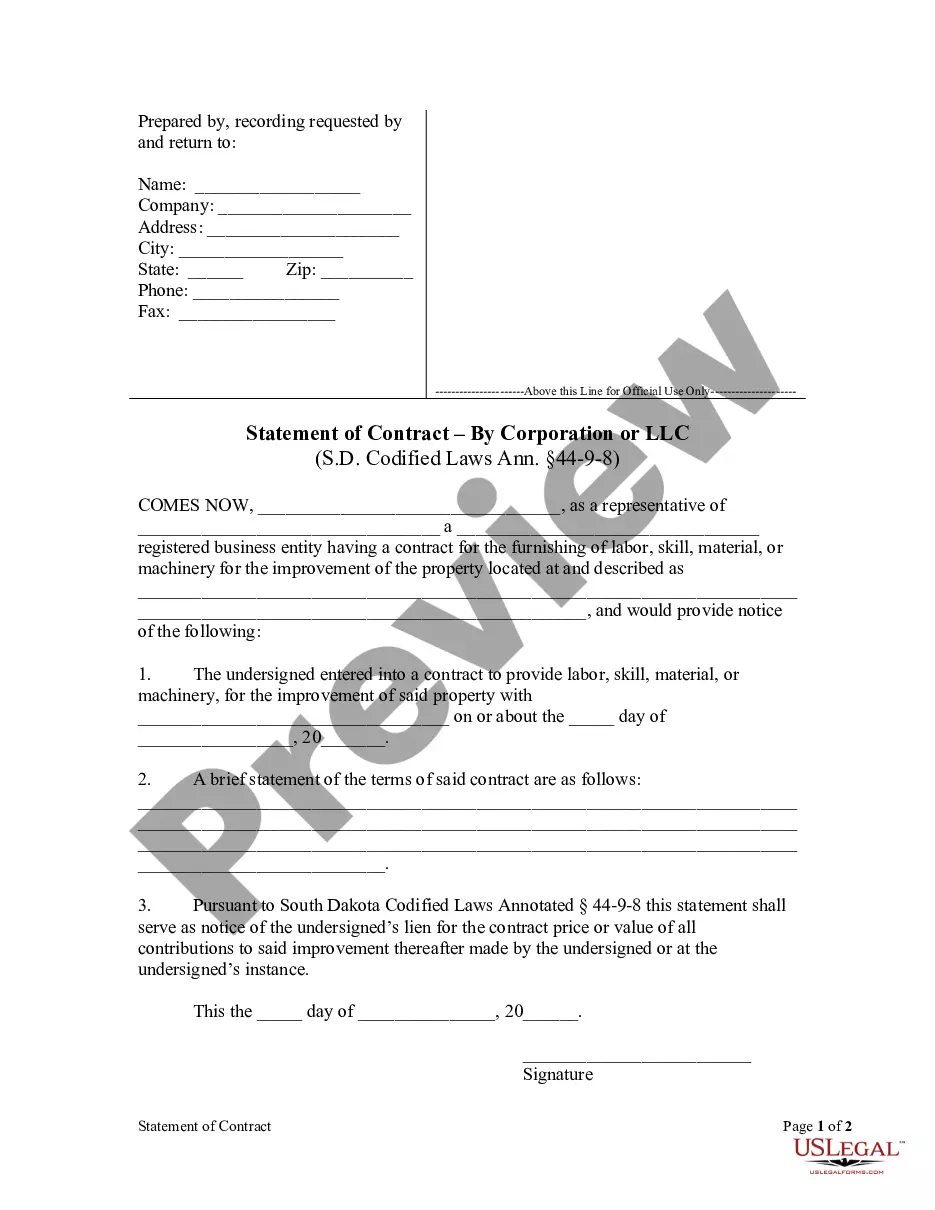
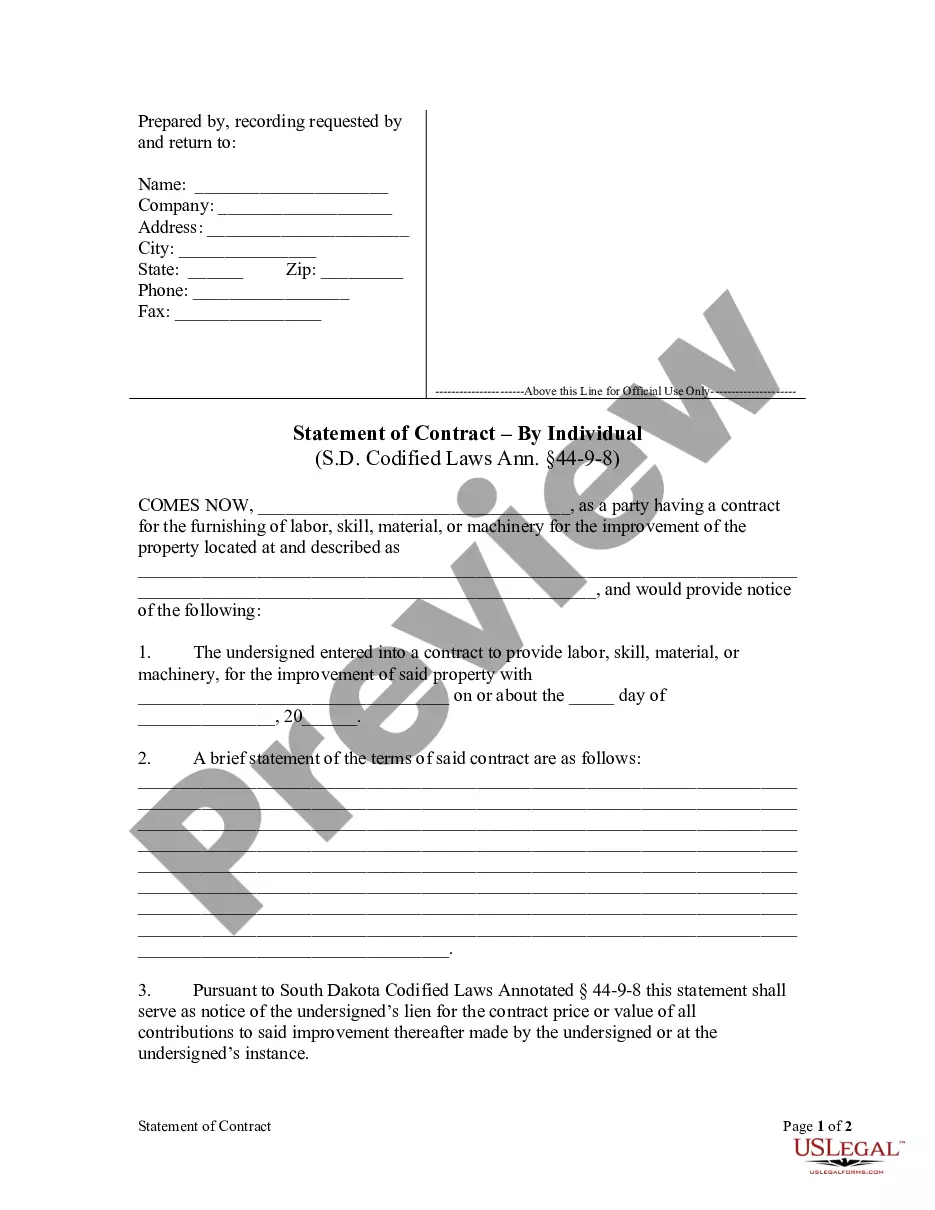
The Statement of Contract by Corporation is a legal form used to provide formal notice of a contract for improvements made to property. This document specifically serves to assert a lien for the value of work performed or materials supplied under the contract, protecting the rights of the corporation that provides the improvement. Unlike other forms, it focuses on the contractor's right to claim compensation through lien rights once the work begins.
What’s included in this form
- Identification of the corporation and its representative.
- Details of the property where improvements are made.
- Date of the contract and the party with whom it was made.
- A summary of the terms of the contract.
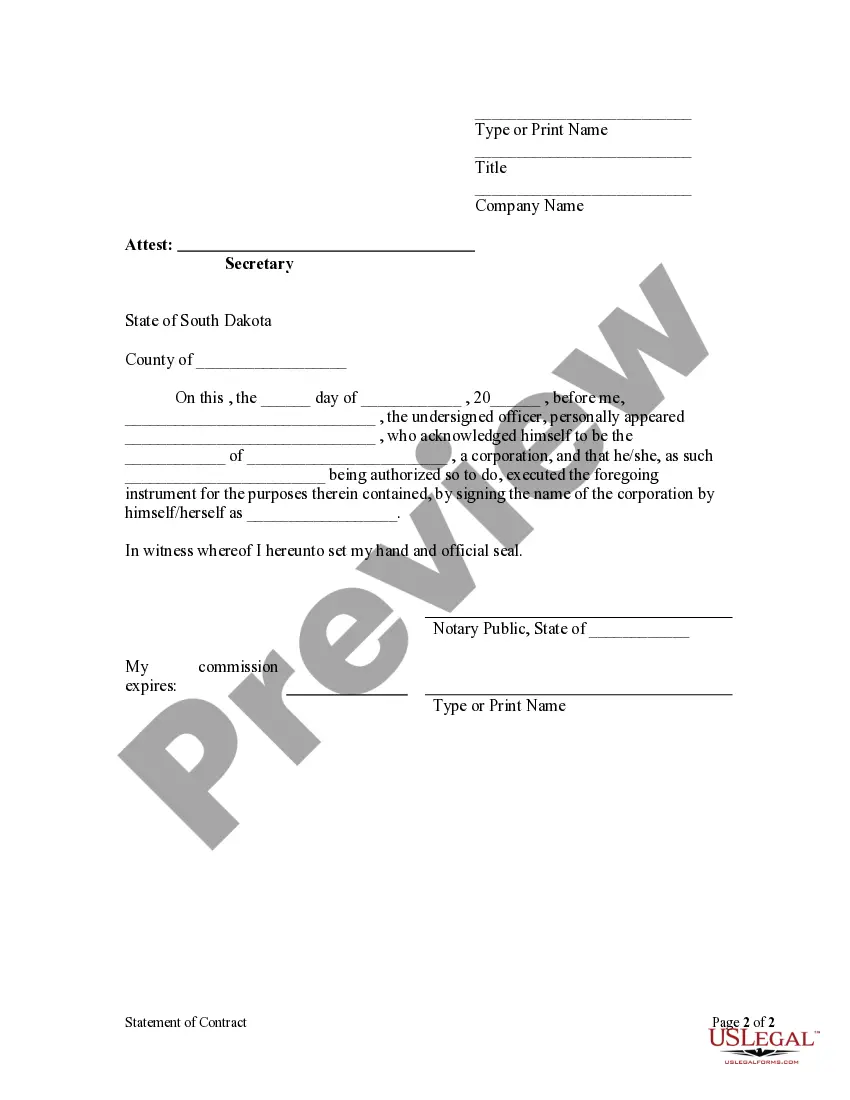
- Signature of the representative, confirming the information provided.
- Notary acknowledgment section for official validation.
Situations where this form applies
This form is used when a corporation contracts to provide labor, skill, materials, or machinery for property improvement. It is essential to file this statement when the work has commenced and to ensure that the corporation's right to a lien is protected, especially against bona fide purchasers or mortgagees who may not be aware of the improvement work.
Who needs this form
- Corporations involved in construction or renovation projects.
- Contractors providing labor or materials to a property owner.
- Legal representatives of corporations managing property improvement contracts.
How to complete this form
- Identify the corporation and its representative at the top of the form.
- Specify the property where the improvement is taking place.
- Enter the date the contract was established and provide the contractor's name.
- Outline the main terms of the contract in the designated section.
- Obtain the required signatures and complete the notary section.
Does this form need to be notarized?
To make this form legally binding, it must be notarized. Our online notarization service, powered by Notarize, lets you verify and sign documents remotely through an encrypted video session.
Get your form ready online
Our built-in tools help you complete, sign, share, and store your documents in one place.
Make edits, fill in missing information, and update formatting in US Legal Forms—just like you would in MS Word.
Download a copy, print it, send it by email, or mail it via USPS—whatever works best for your next step.
Sign and collect signatures with our SignNow integration. Send to multiple recipients, set reminders, and more. Go Premium to unlock E-Sign.
If this form requires notarization, complete it online through a secure video call—no need to meet a notary in person or wait for an appointment.
We protect your documents and personal data by following strict security and privacy standards.

Make edits, fill in missing information, and update formatting in US Legal Forms—just like you would in MS Word.

Download a copy, print it, send it by email, or mail it via USPS—whatever works best for your next step.

Sign and collect signatures with our SignNow integration. Send to multiple recipients, set reminders, and more. Go Premium to unlock E-Sign.

If this form requires notarization, complete it online through a secure video call—no need to meet a notary in person or wait for an appointment.

We protect your documents and personal data by following strict security and privacy standards.
Typical mistakes to avoid
- Failing to include all necessary contract details.
- Not specifying the improvement location accurately.
- Omitting signatures or failing to have the form notarized where required.
Why complete this form online
- Convenient access to the form at any time.
- Editable template allows for easy customization.
- Ensures compliance with legal standards through vetted content.
Looking for another form?


Form popularity
FAQ
NOTE: a valid South Dakota drivers license or ID is required in order to use the online Vehicle Registration & Plates portal.
You will need your original out of state titles, a copy of your state driver license, social security number, and a Motor Vehicle and Boat Title & Registration Application. Take this paperwork to your local county treasurer's office to complete registration process.
Since South Dakota does not collect an income tax on individuals, you are not required to file a SD State Income Tax Return. However, you may need to prepare and efile a Federal Income Tax Return.
Your license plates must be purchased from the Brule County Treasurer's office. You will be required to provide either a Social Security number or a South Dakota driver's license number in order to purchase license plates in South Dakota.