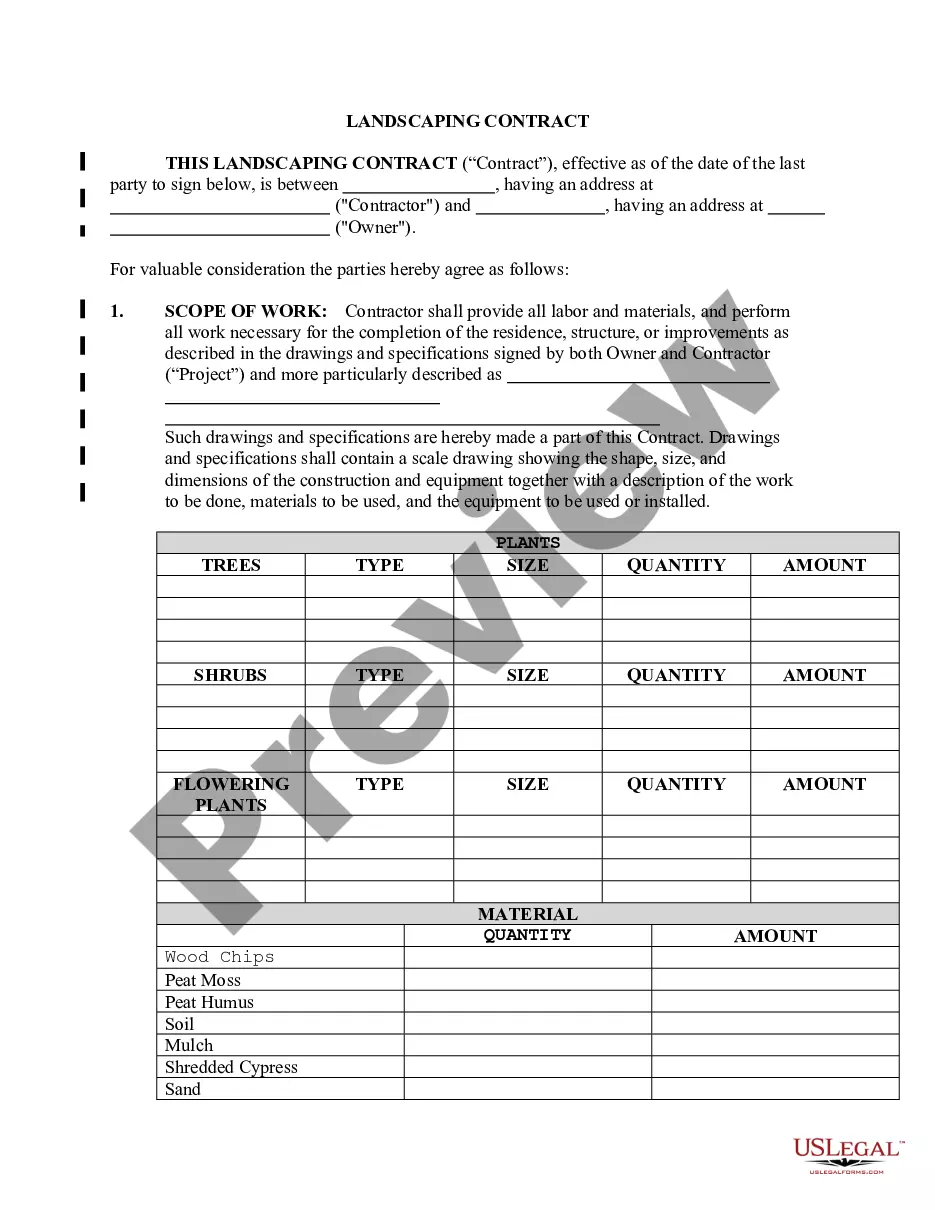
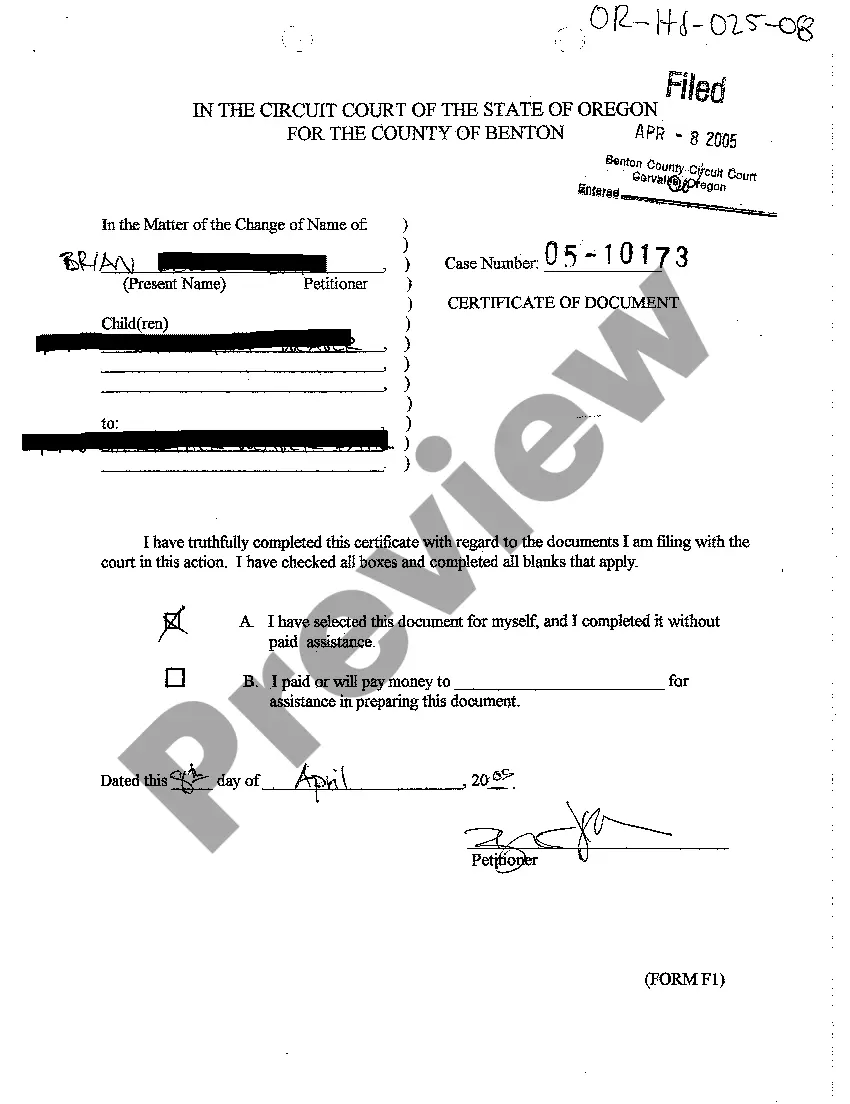
Oregon Certificate of Document
Description
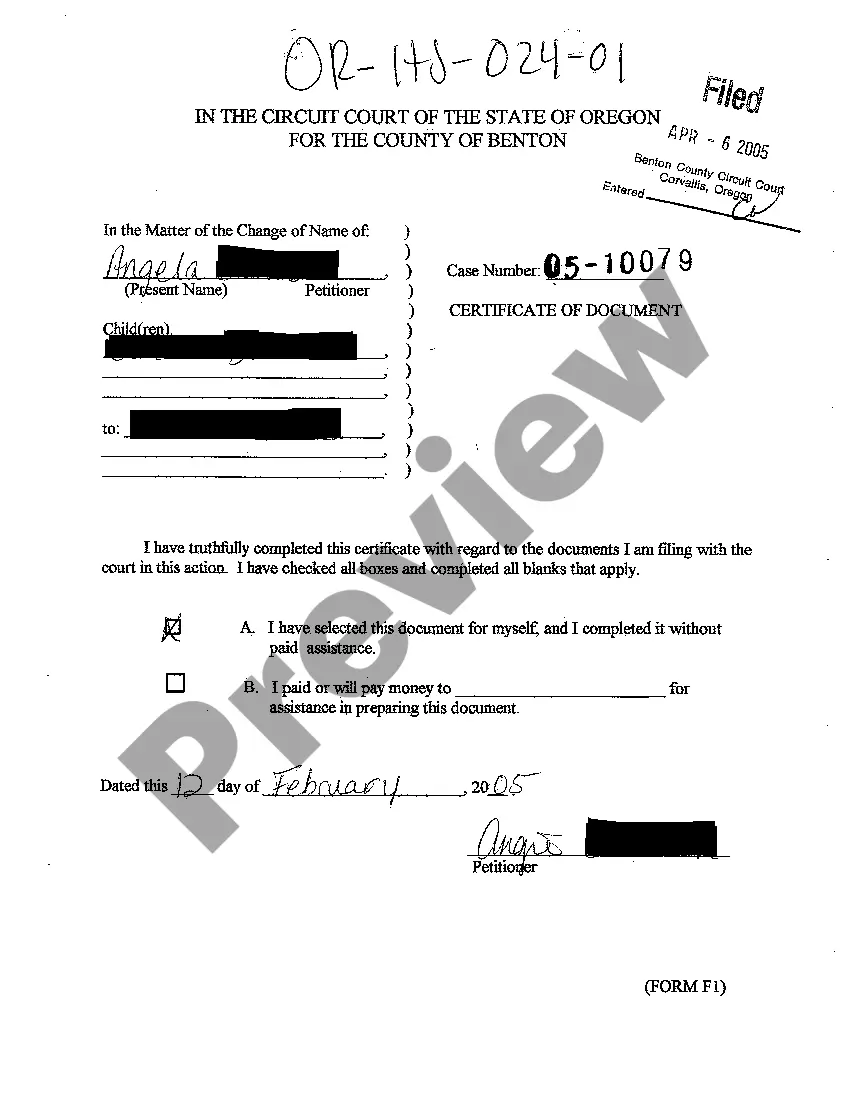
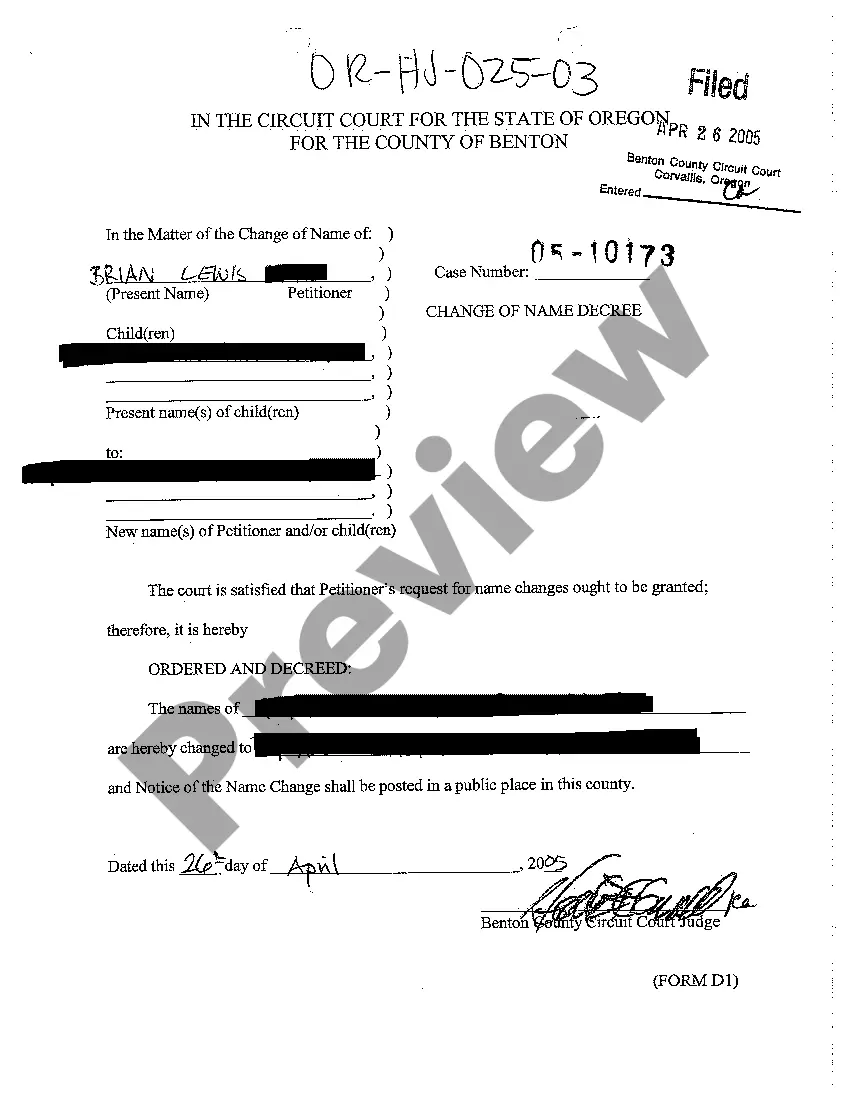
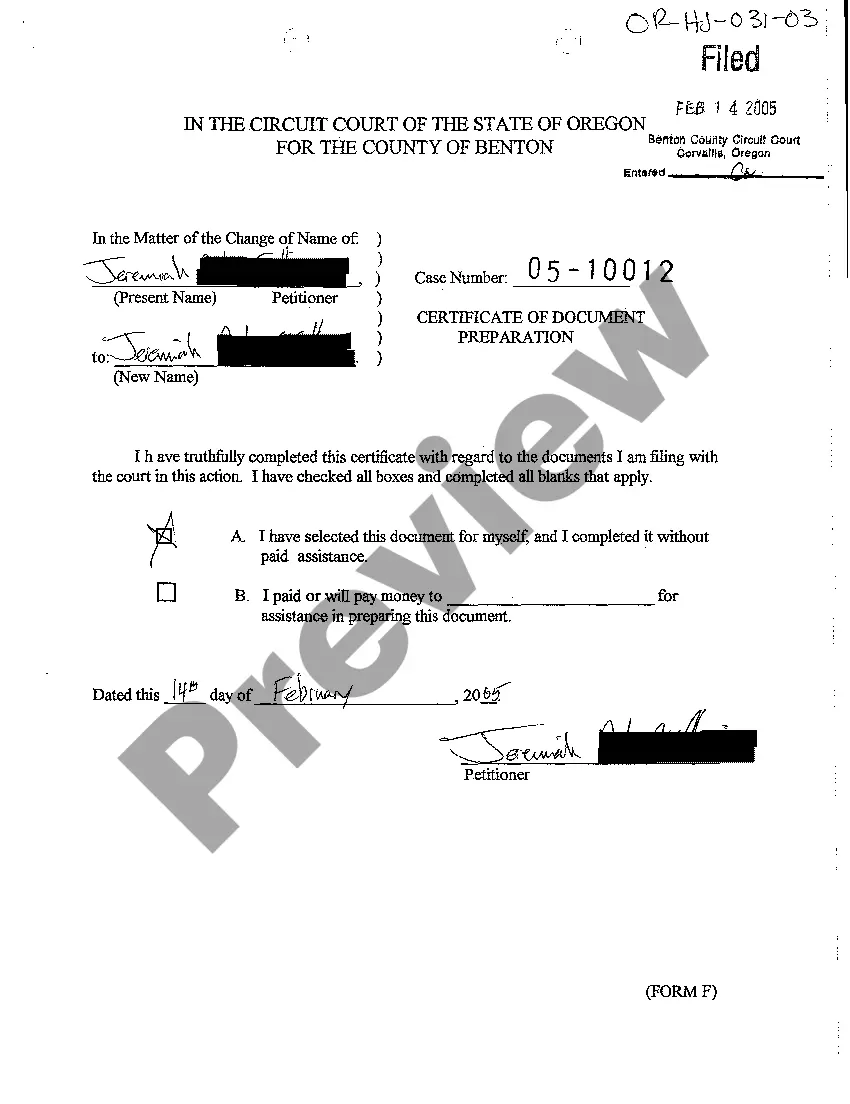
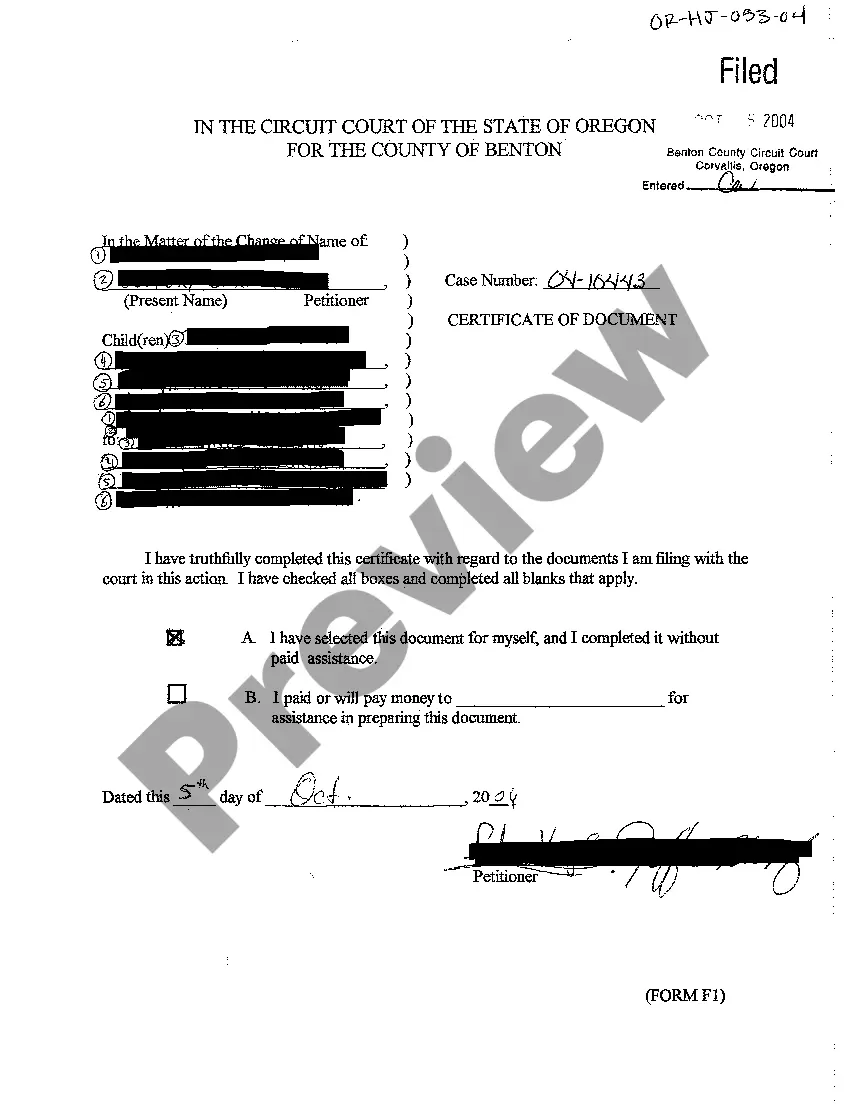

How to fill out Oregon Certificate Of Document?
In terms of filling out Oregon Certificate of Document, you almost certainly visualize an extensive process that involves getting a suitable sample among countless very similar ones after which having to pay a lawyer to fill it out to suit your needs. Generally speaking, that’s a slow and expensive option. Use US Legal Forms and pick out the state-specific template in just clicks.
In case you have a subscription, just log in and click on Download button to get the Oregon Certificate of Document template.
In the event you don’t have an account yet but want one, follow the point-by-point guideline below:
- Make sure the file you’re getting applies in your state (or the state it’s needed in).
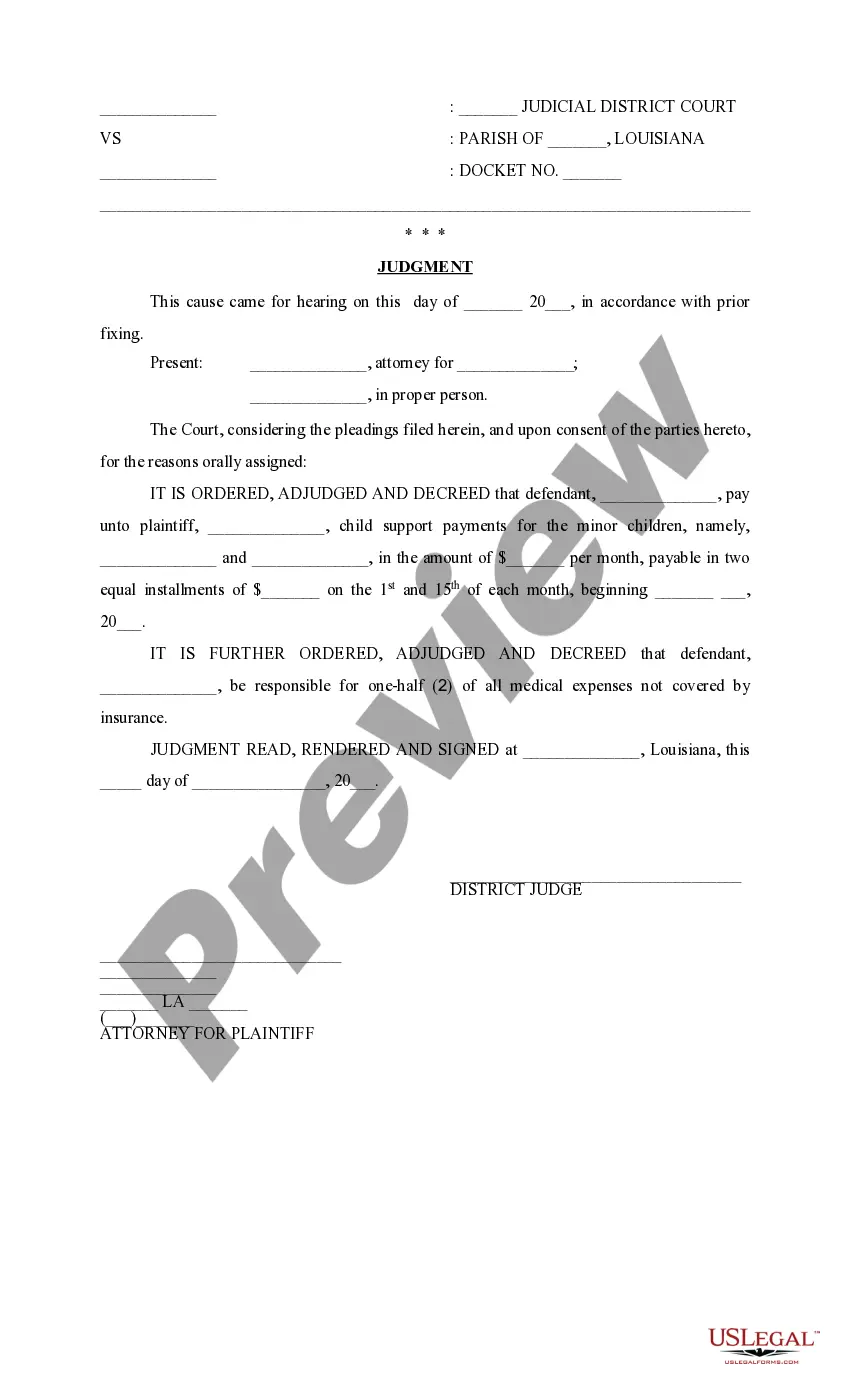
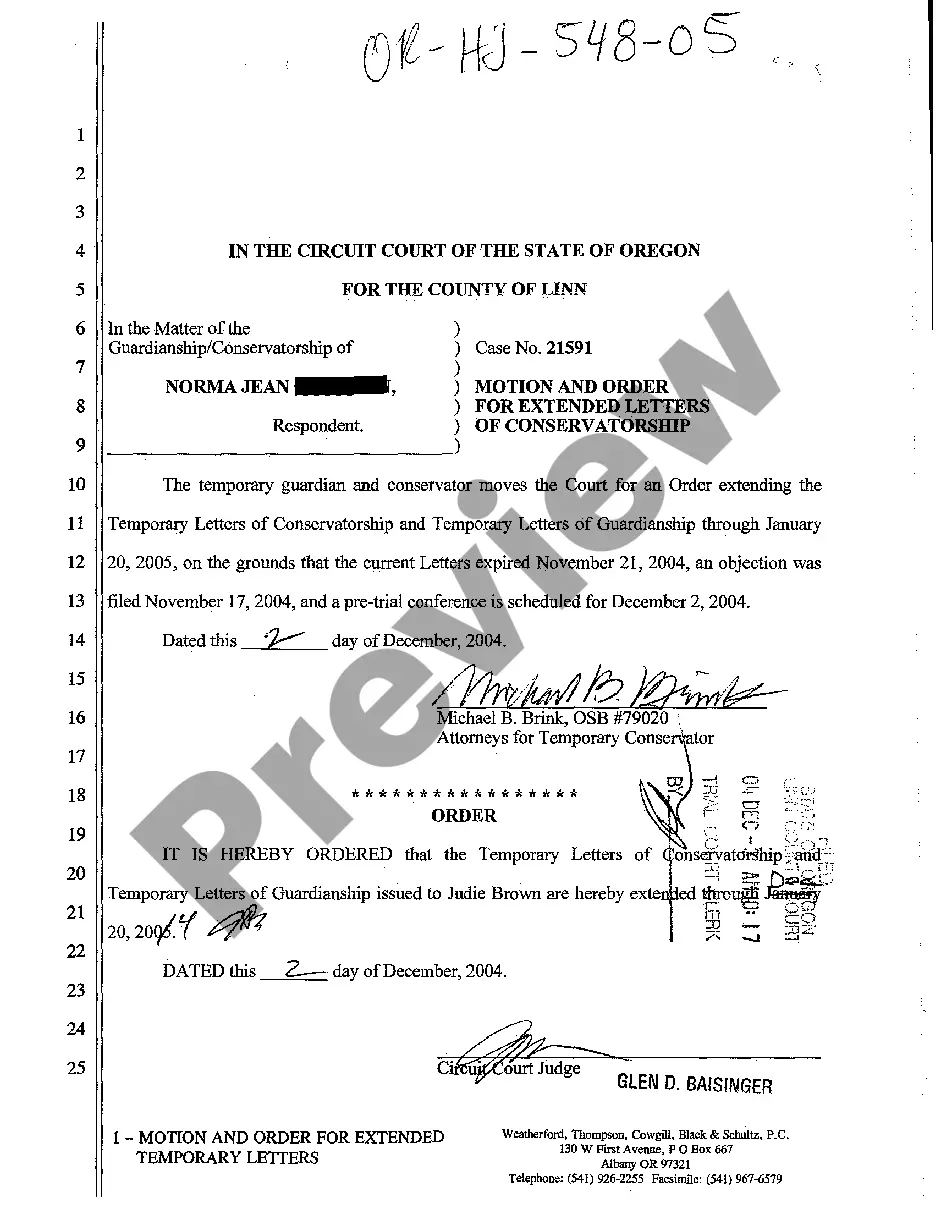
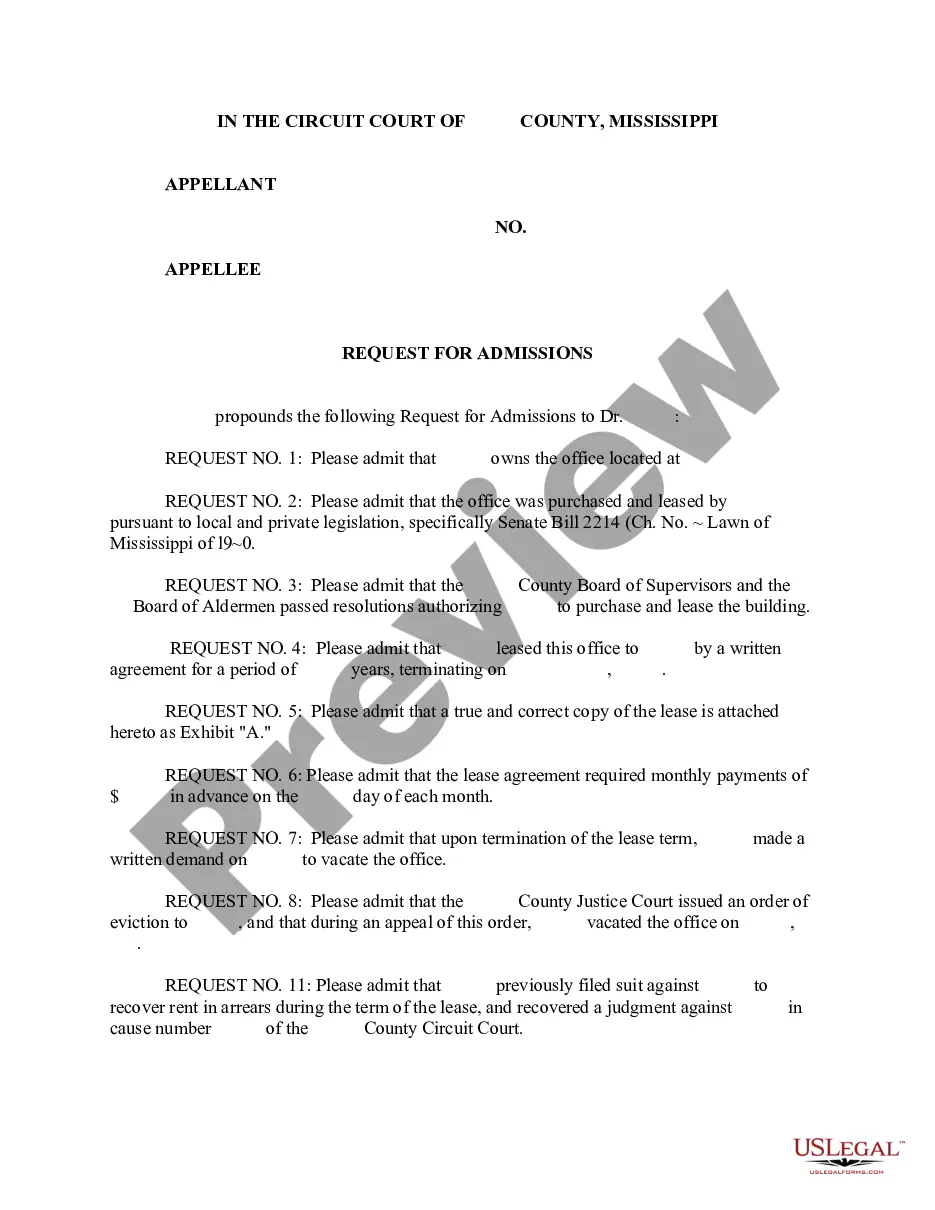
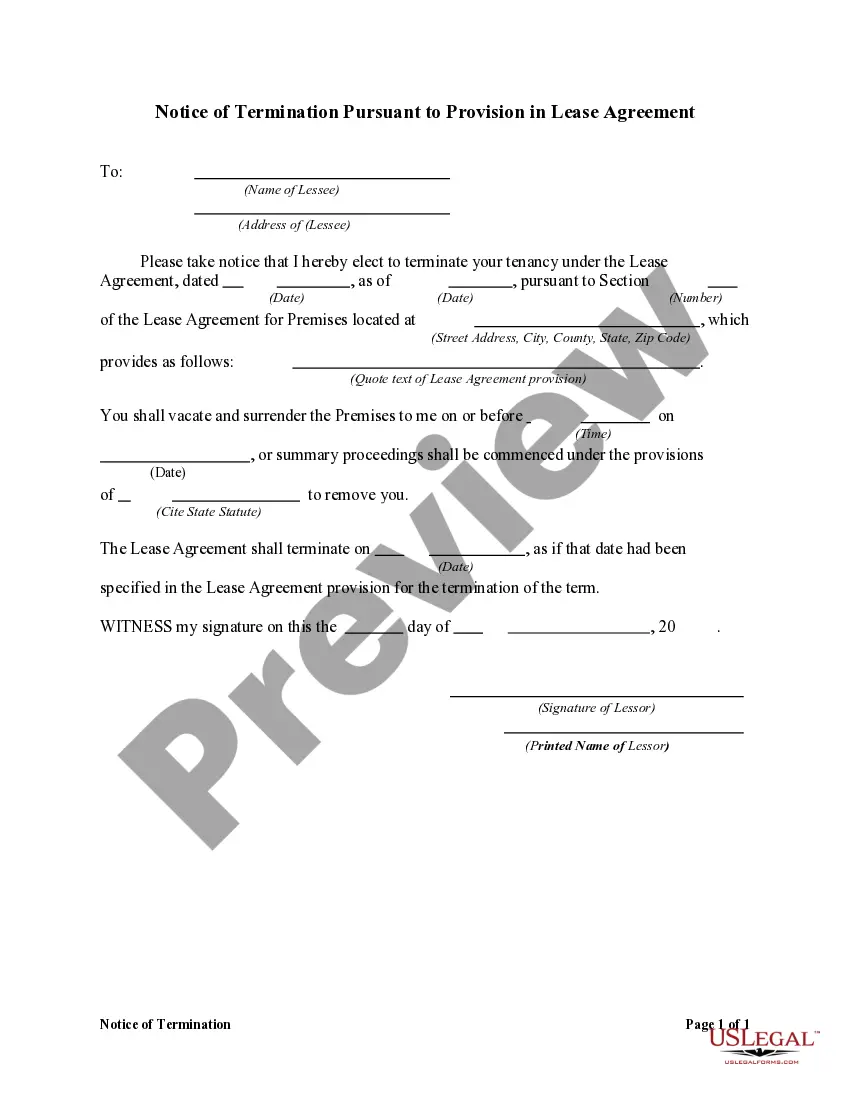
- Do this by reading the form’s description and also by clicking the Preview option (if offered) to view the form’s information.
- Click Buy Now.
- Pick the appropriate plan for your budget.
- Sign up for an account and choose how you want to pay out: by PayPal or by card.
- Save the document in .pdf or .docx file format.
- Find the file on the device or in your My Forms folder.
Professional legal professionals work on drawing up our templates to ensure after saving, you don't need to bother about enhancing content outside of your individual information or your business’s information. Sign up for US Legal Forms and get your Oregon Certificate of Document document now.
Form popularity
FAQ
With a few exceptions, notarized documents contain five notary-specific elements: venue, the notary certificate, commission expiration date, notary signature, and notary seal. This article covers the venue.
An Oregon certificate of good standing serves as proof that you have obtained the proper authorization to conduct business in the state of Oregon. This document is also known in the state of Oregon as a certificate of existence. The Oregon Secretary of State is responsible for issuing the good-standing certificate.
Certificate of filing means the document issued by the executive officer that confirms an application for a change of organization or reorganization has met submission requirements and is accepted for filing.
Requesting a Certificate Complete a certificate request form (PDF) to ord200ber the document. Ordering a certificate is easy. Fees for certificates are $10 each. Requests for certificates are processed in the order they are received and within 3 business days.
To obtain this type of certification, the individual who signed the document (known as the signatory) must present the signed document to a notary public, with the notarial certificate attached, and declare that it was signed and executed of their own free will.