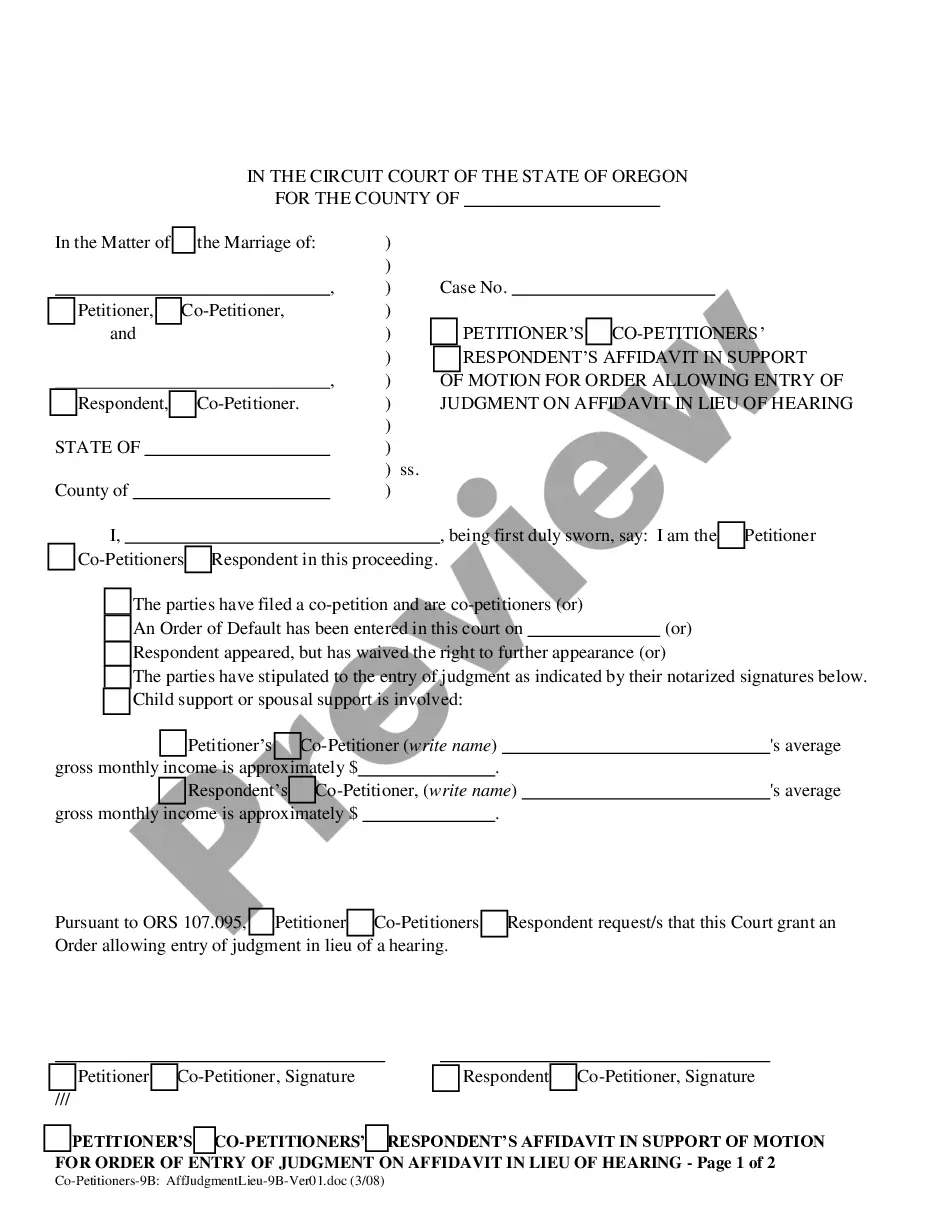
Oregon Co-Petitioners' (with no or adult children) Affidavit in Support of Motion for Order Allowing Entry of Judgment on Affidavit in Lieu of Hearing
Overview of this form
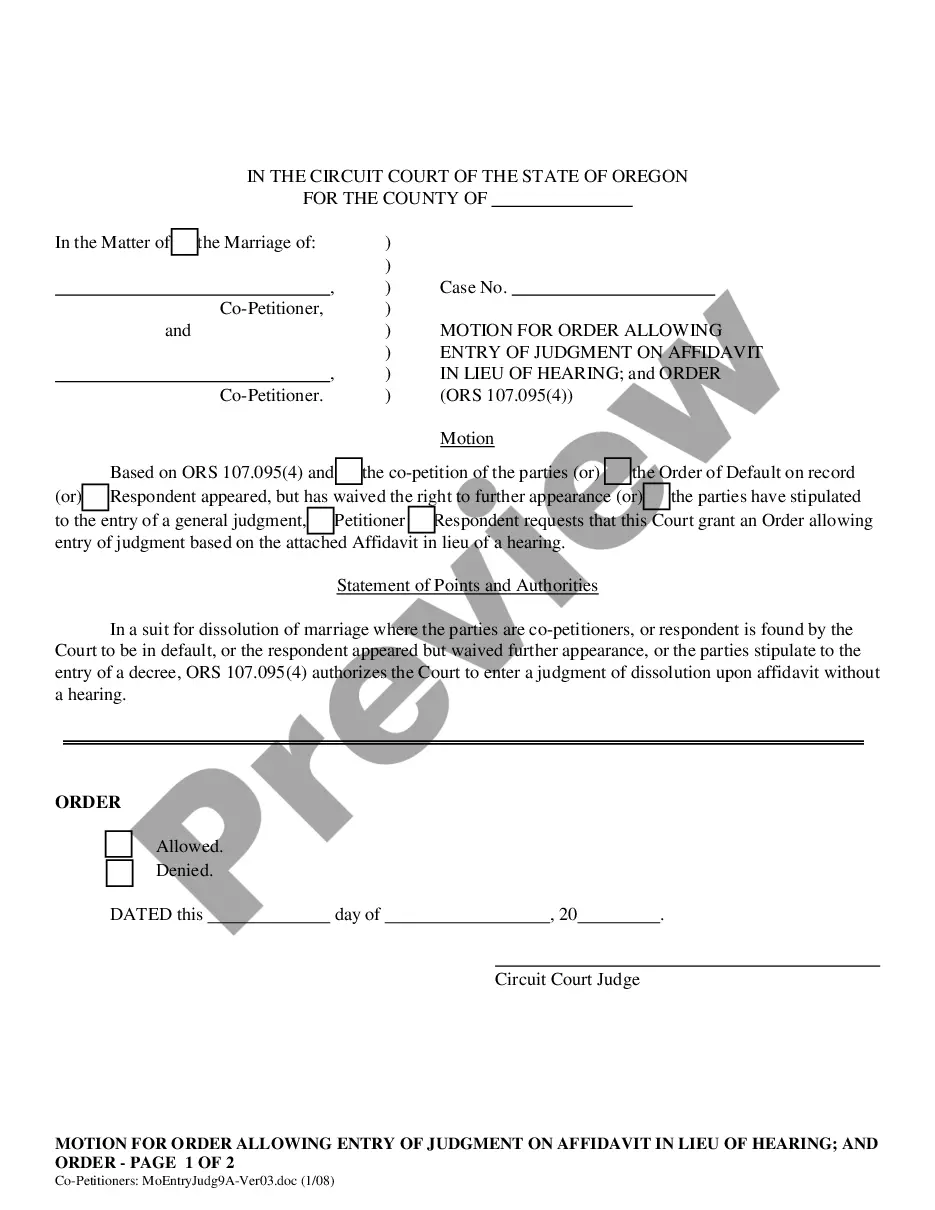
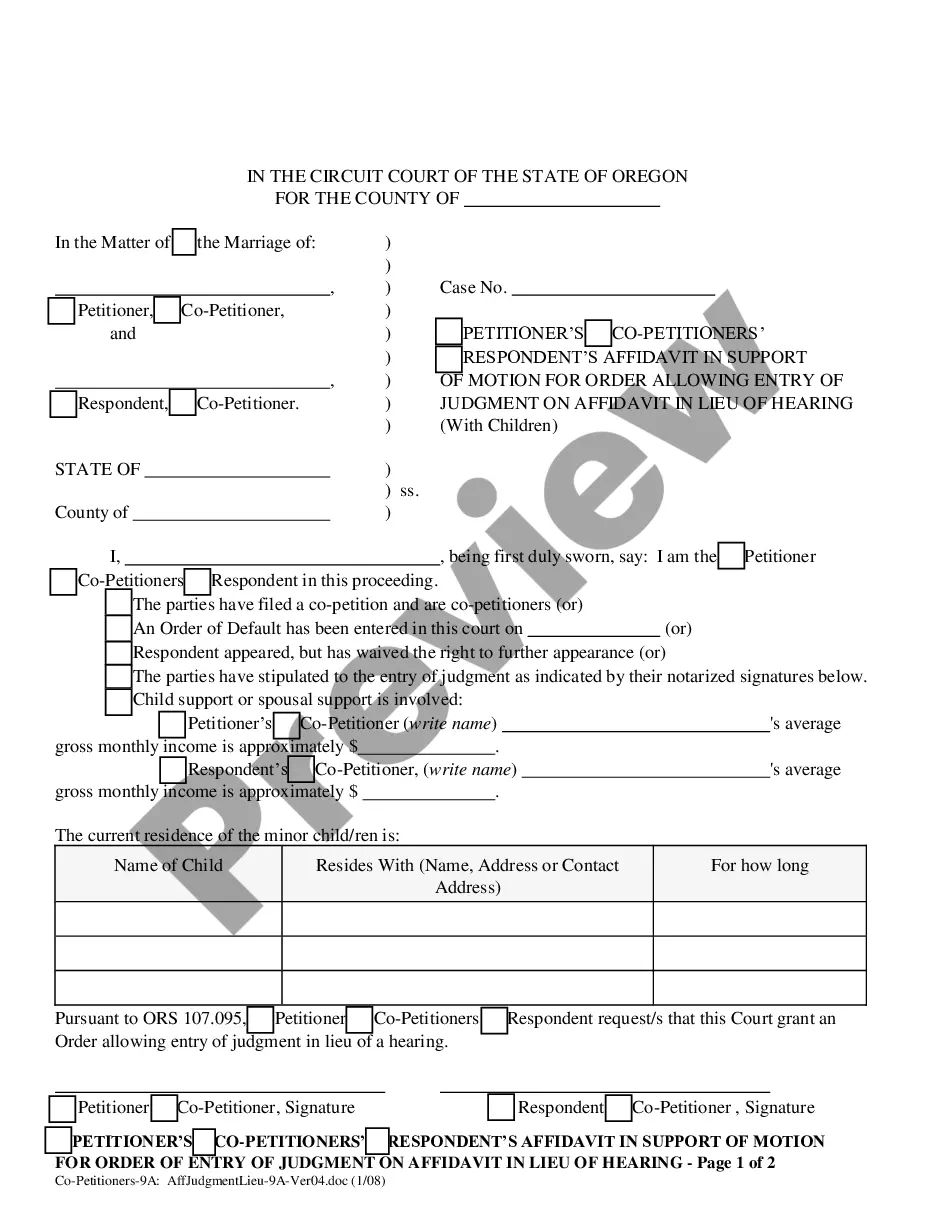
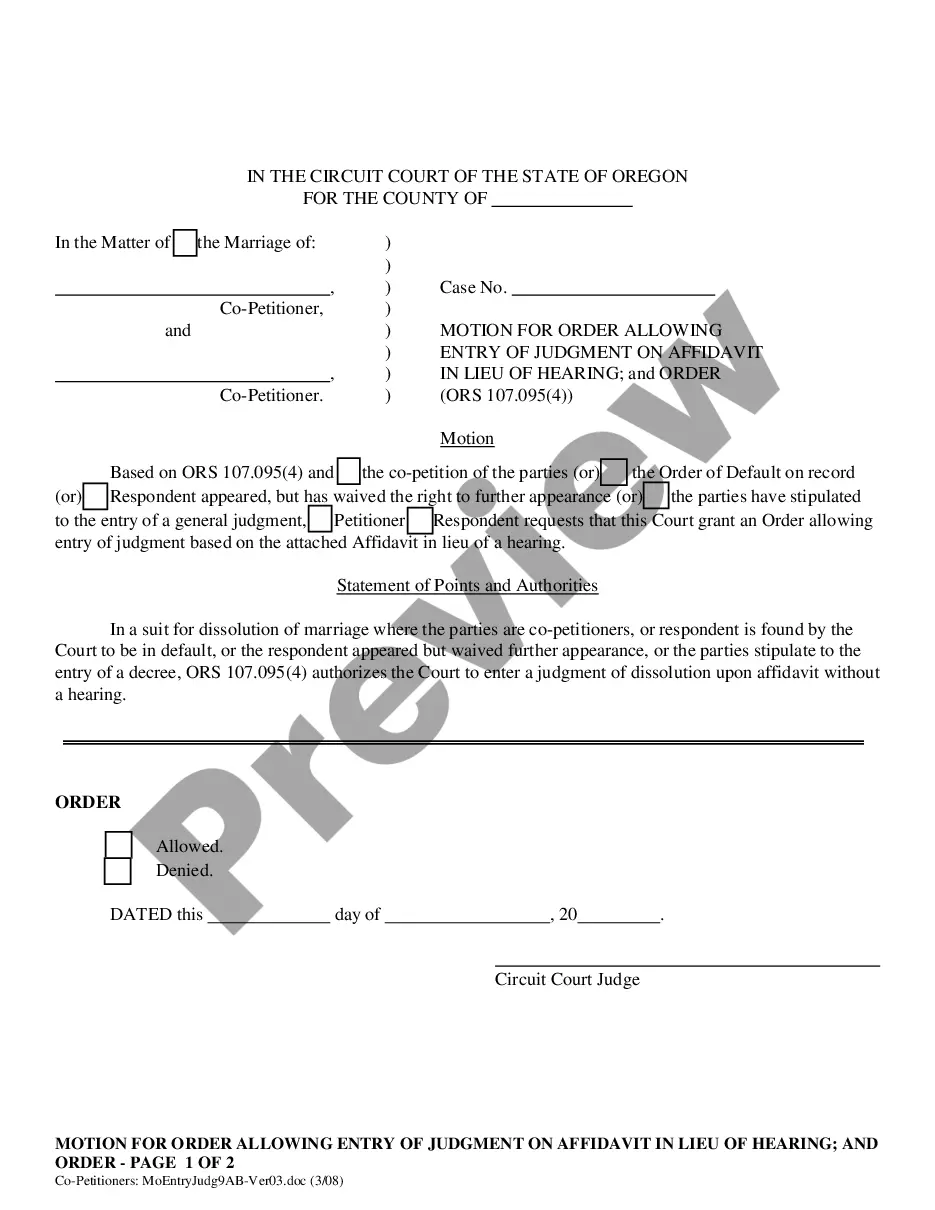
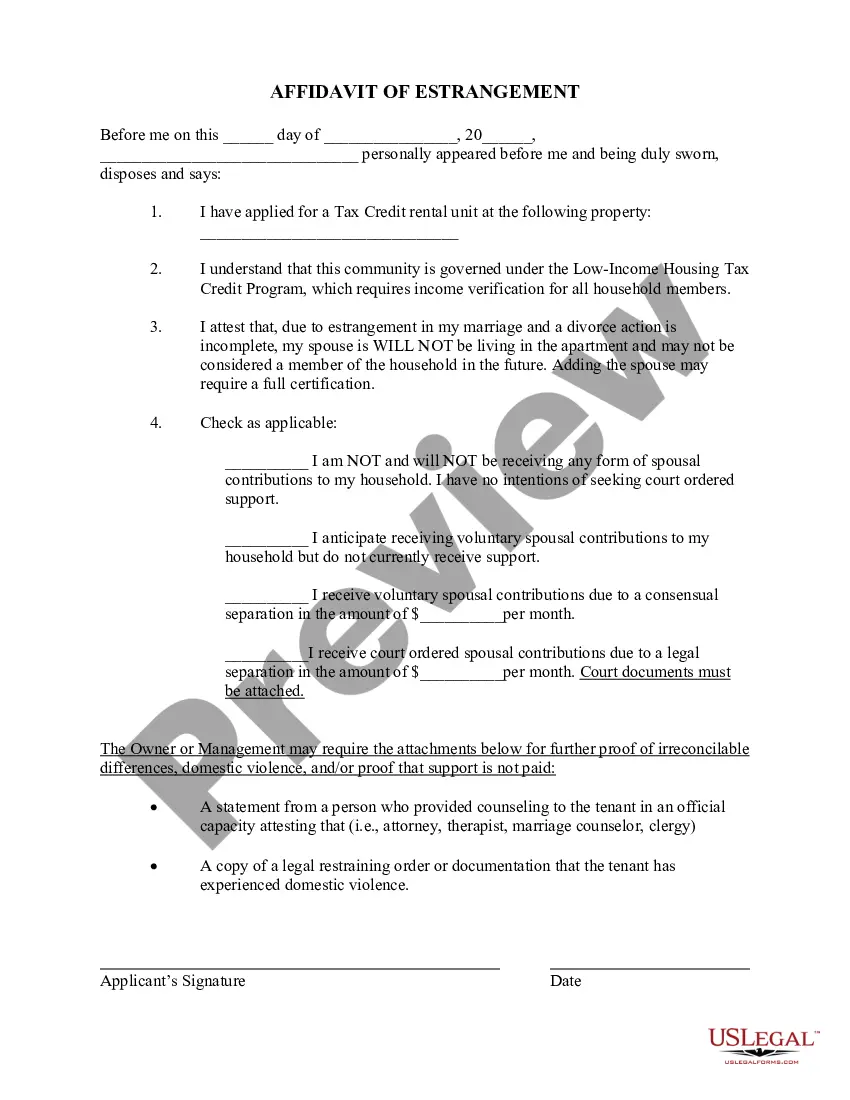
The Co-Petitioners' Affidavit in Support of Motion for Order Allowing Entry of Judgment on Affidavit in Lieu of Hearing is a legal document used by co-petitioners in court. This form allows parties to ask the court to grant a judgment based on affidavits instead of a hearing. It is essential for situations involving co-petitioners without minor children and serves to clarify the court's orders regarding default judgments or stipulations agreed by both parties.
Key components of this form
- Identification of the parties involved as either Petitioner, Co-Petitioners, or Respondent.
- Disclosure of any default orders or waivers of appearance by the Respondent.
- Details on child or spousal support, including gross monthly income of the parties.
- A request for the court to grant entry of judgment based on the affidavits submitted.
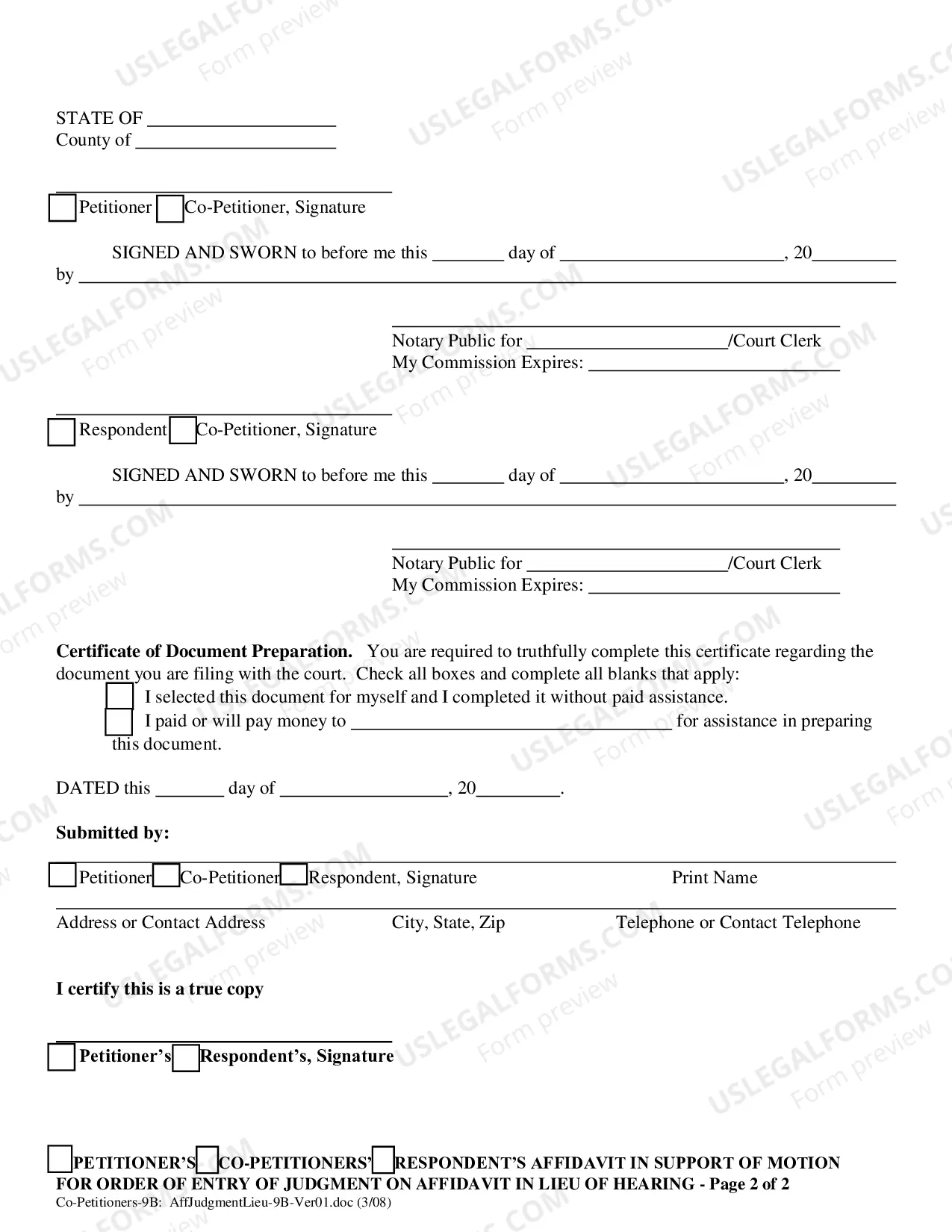
- Signatures of the parties involved, accompanied by notarization, if required.
When to use this form
This form is used when co-petitioners wish to obtain a court order for judgment without having to go through a hearing. It is particularly relevant in cases where an Order of Default has already been issued, or where the Respondent has chosen not to appear. It is also applicable in situations where the co-petitioners have reached an agreement on issues like support and are ready to formalize that agreement.
Who should use this form
- Co-petitioners involved in a case concerning marital dissolution or related matters.
- Parties interested in avoiding a court hearing while securing a judgment.
- Those who have agreed upon terms regarding support obligations and want to formalize these terms through the court.
Steps to complete this form
- Identify all parties in the proceeding, including Petitioner and Co-Petitioners.
- Indicate if a default order has been issued or if the Respondent has waived their right to appear.
- Fill in details regarding child and/or spousal support, including gross monthly incomes.
- Sign the affidavit in the presence of a notary public or court clerk, as necessary.
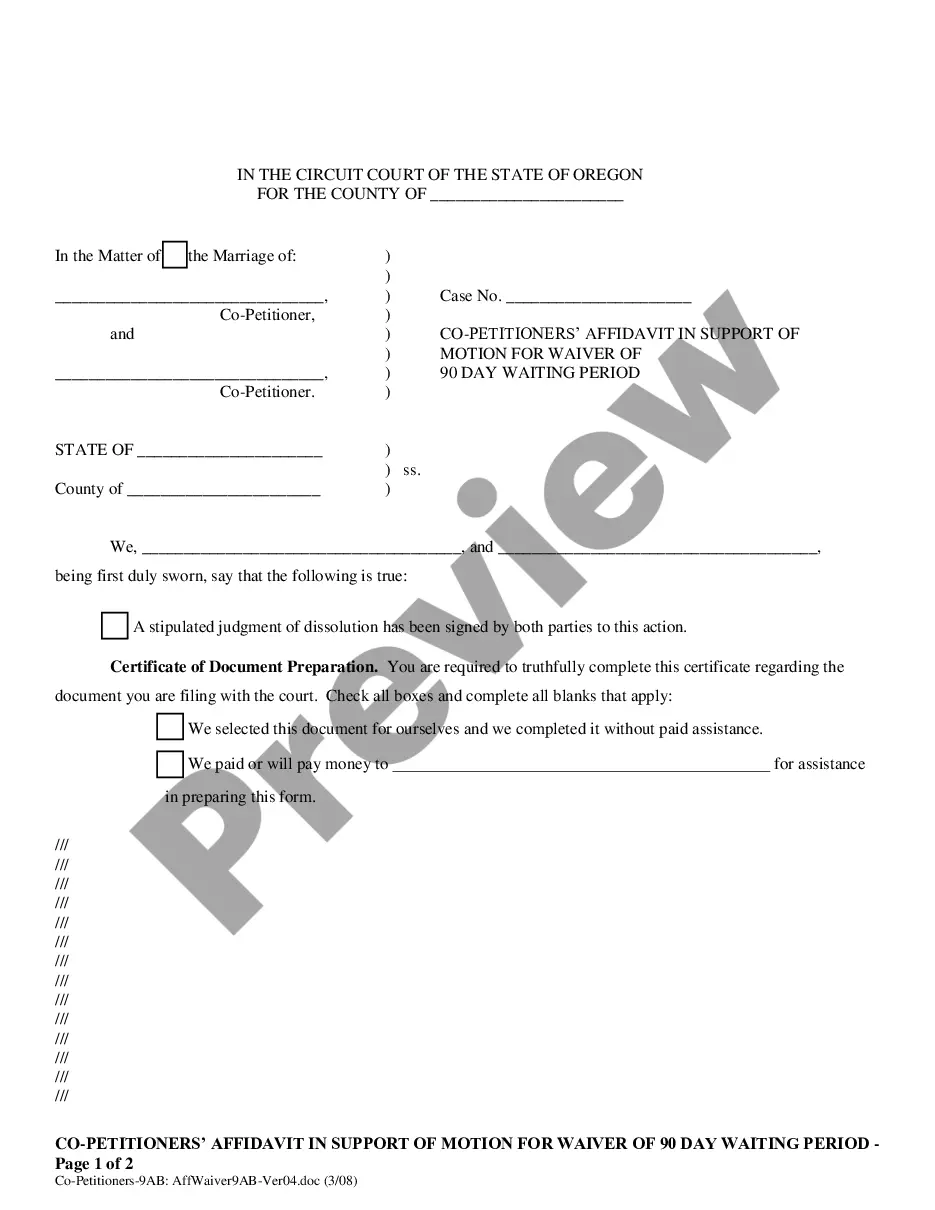
- Complete the Certificate of Document Preparation to verify how the form was prepared.
Does this form need to be notarized?
Yes, this form must be notarized to be legally valid. This ensures that the signatures are authentic and that the affidavit holds up in court. US Legal Forms offers an integrated online notarization service for convenience.
Get your form ready online
Our built-in tools help you complete, sign, share, and store your documents in one place.
Make edits, fill in missing information, and update formatting in US Legal Forms—just like you would in MS Word.
Download a copy, print it, send it by email, or mail it via USPS—whatever works best for your next step.
Sign and collect signatures with our SignNow integration. Send to multiple recipients, set reminders, and more. Go Premium to unlock E-Sign.
If this form requires notarization, complete it online through a secure video call—no need to meet a notary in person or wait for an appointment.
We protect your documents and personal data by following strict security and privacy standards.

Make edits, fill in missing information, and update formatting in US Legal Forms—just like you would in MS Word.

Download a copy, print it, send it by email, or mail it via USPS—whatever works best for your next step.

Sign and collect signatures with our SignNow integration. Send to multiple recipients, set reminders, and more. Go Premium to unlock E-Sign.

If this form requires notarization, complete it online through a secure video call—no need to meet a notary in person or wait for an appointment.

We protect your documents and personal data by following strict security and privacy standards.
Typical mistakes to avoid
- Failing to indicate the correct party status (Petitioner vs. Co-Petitioner).
- Omitting required signatures or not obtaining notarization when necessary.
- Not providing accurate financial information regarding income for support calculations.
Why use this form online
- Convenience of downloading the form at any time without needing to visit a law office.
- Editable format allows for easy customization based on individual circumstances.
- Access to reliable legal templates created by licensed attorneys ensures compliance with legal standards.
Looking for another form?
Form popularity
FAQ
Your spouse does NOT need to sign the Petition if you are filing on your own. STEP 3- File your forms with the court. Take your completed forms to the clerk at the counter in the courthouse. Give the forms to the clerk to file your case.
"Petitioner" refers to the party who petitioned the Supreme Court to review the case. This party is variously known as the petitioner or the appellant. "Respondent" refers to the party being sued or tried and is also known as the appellee.
A Notice of Entry of Judgment & Decree of Divorce (Default) is a document that notifies the other party that the Judge has signed a Judgment & Decree of Divorce (Default). This document must be sent to the other party and the Affidavit of Service filed with the Clerk of Courts.
In English law, a co-respondent is, in general, a respondent to a petition, or other legal proceeding, along with another or others, or a person called upon to answer in some other way.
A Notice of Entry of Judgment is a document stating that an entry of judgment in a divorce in California is the final judgment signed by the judge. The divorce process in California can take months, or even years, and may involve complicated court proceedings.
In a contested divorce the petitioner (plaintiff) petitions the court for a divorce and respondent (defendant) has to respond. When the petition is jointly filed, the spouses are called Co-Petitioners. The husband and wife petition the court together with paperwork that is signed by both parties.
"Petitioner" refers to the party who petitioned the Supreme Court to review the case. This party is variously known as the petitioner or the appellant. "Respondent" refers to the party being sued or tried and is also known as the appellee.
Depending on your state's laws, you might be able to file a "joint" petition for divorce (some states call this an uncontested or collaborative divorce), which means that both spouses agree not only to the divorce but to all divorce-related issues that follow.