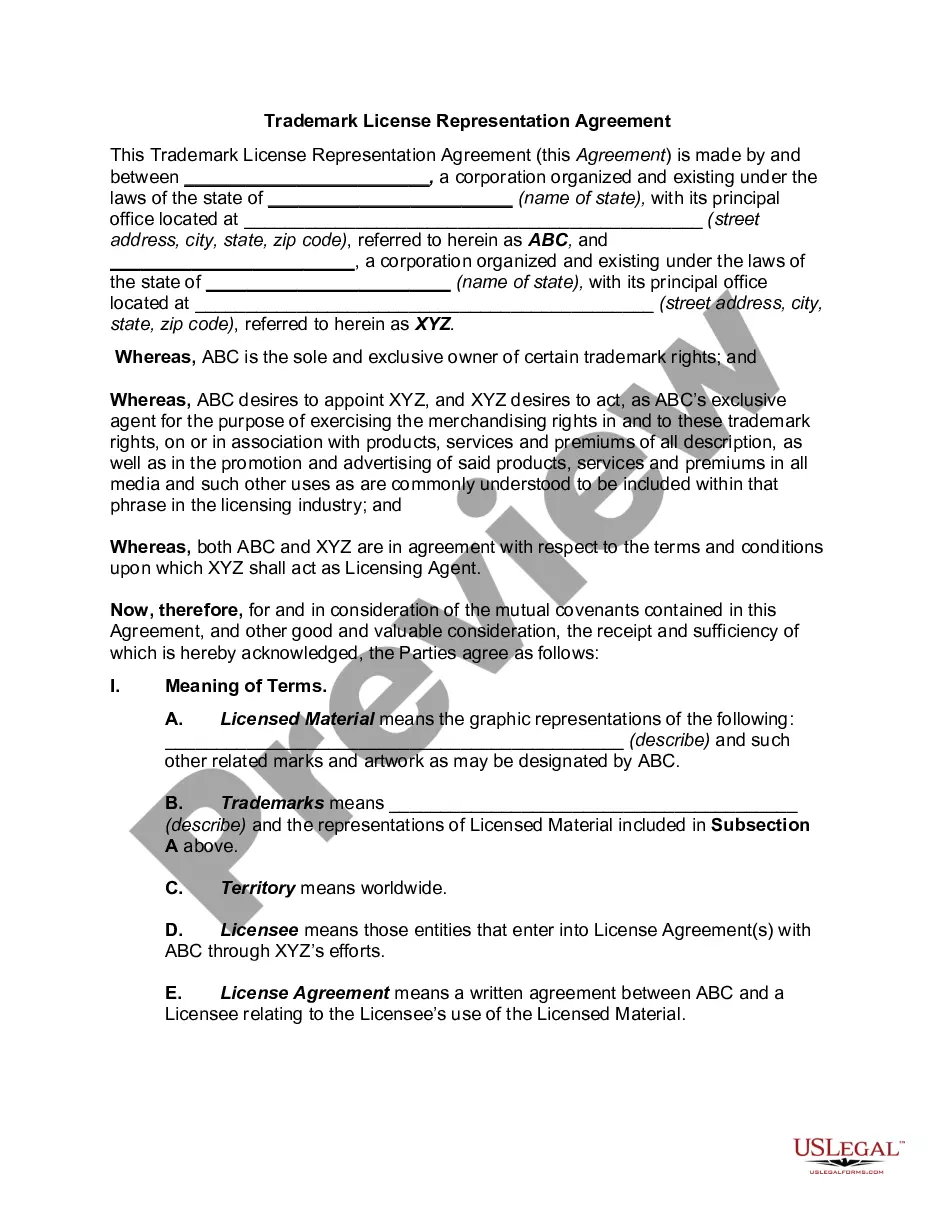
Riverside California Subscription Agreement - Detailed
Description
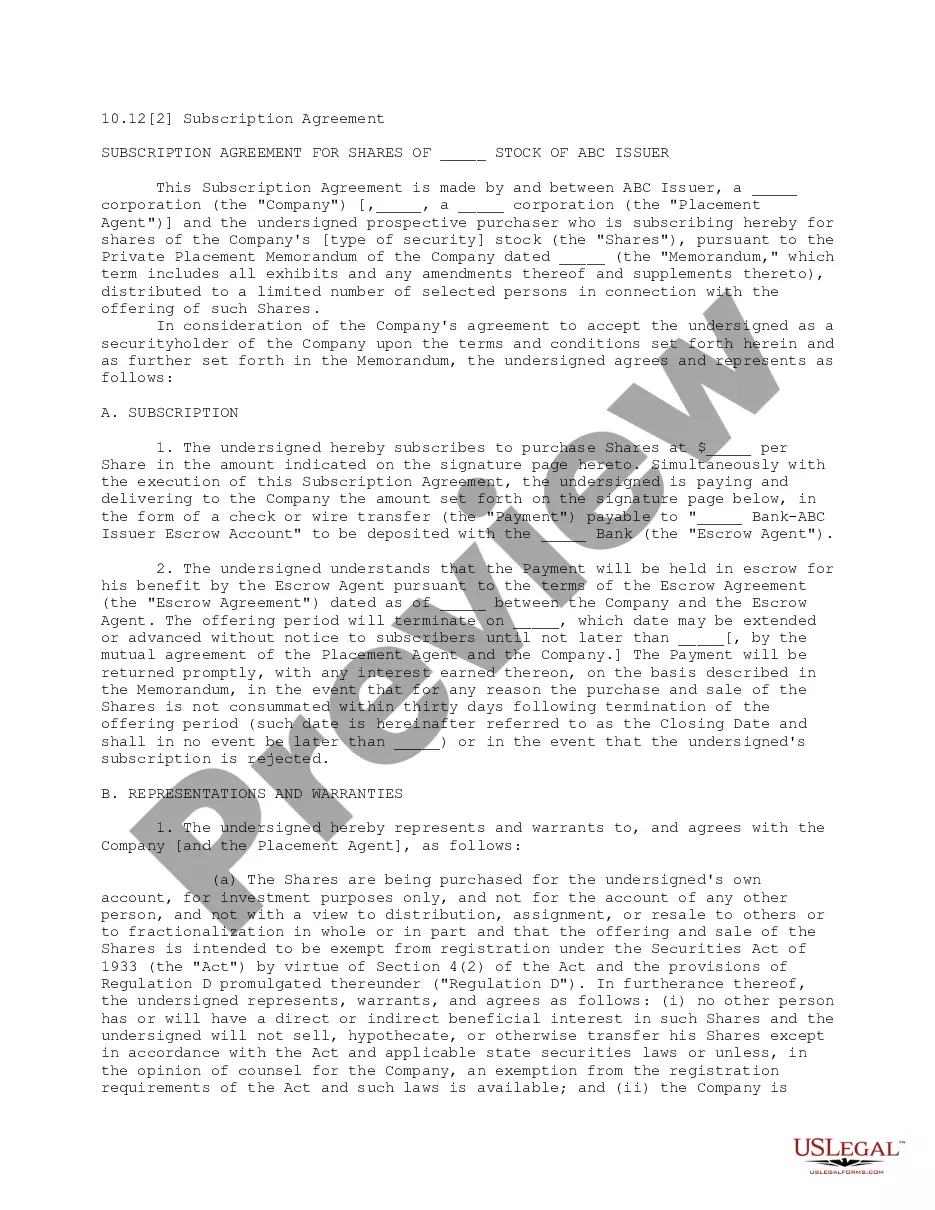
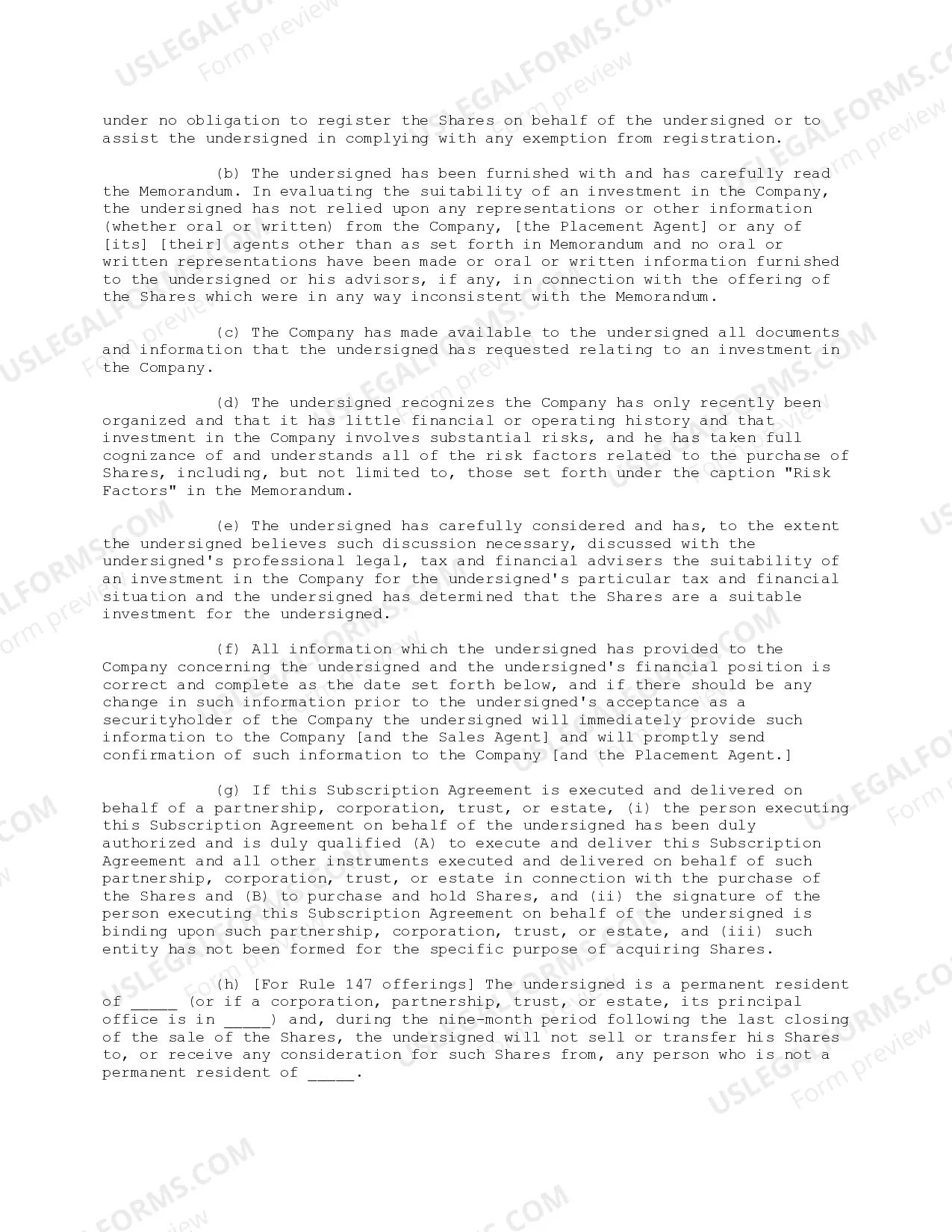
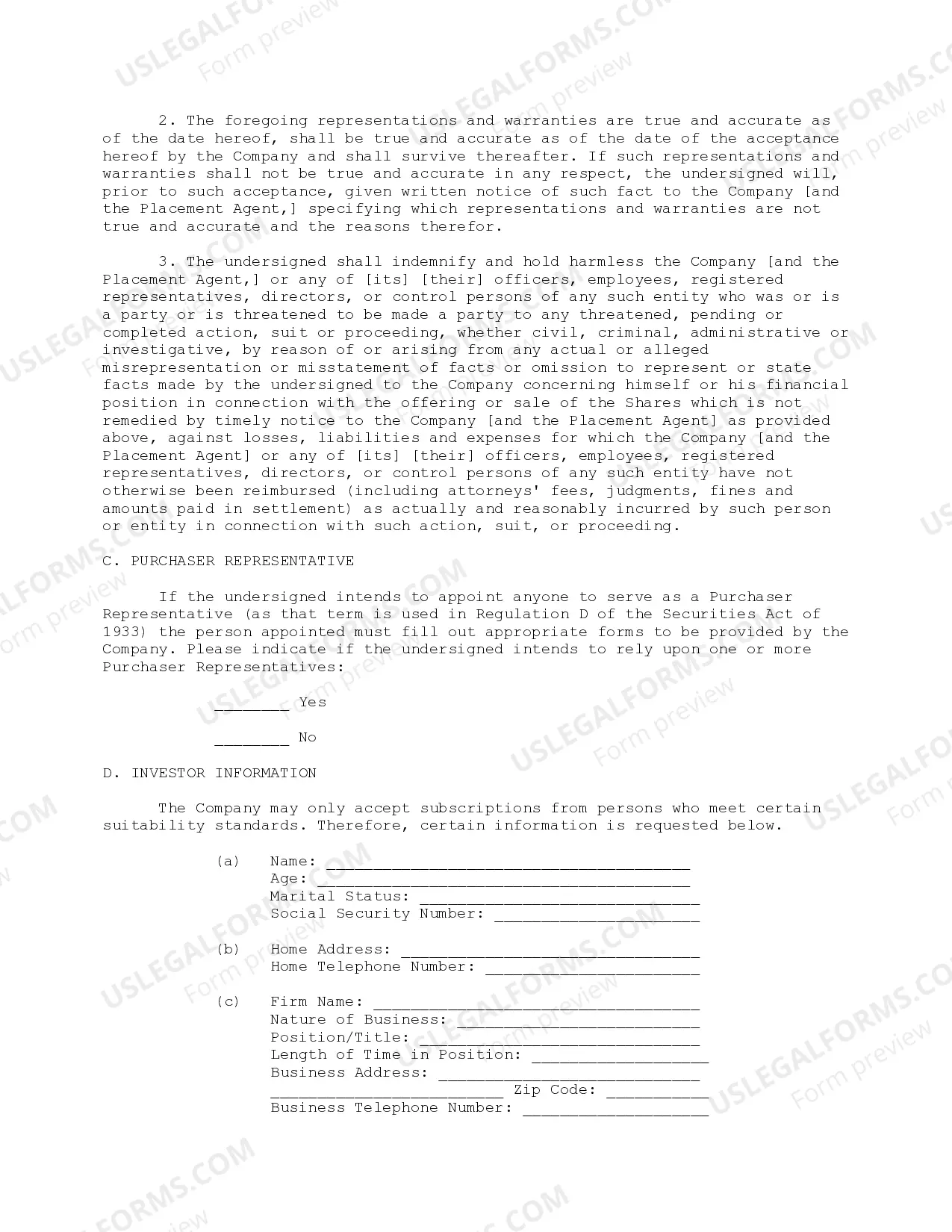
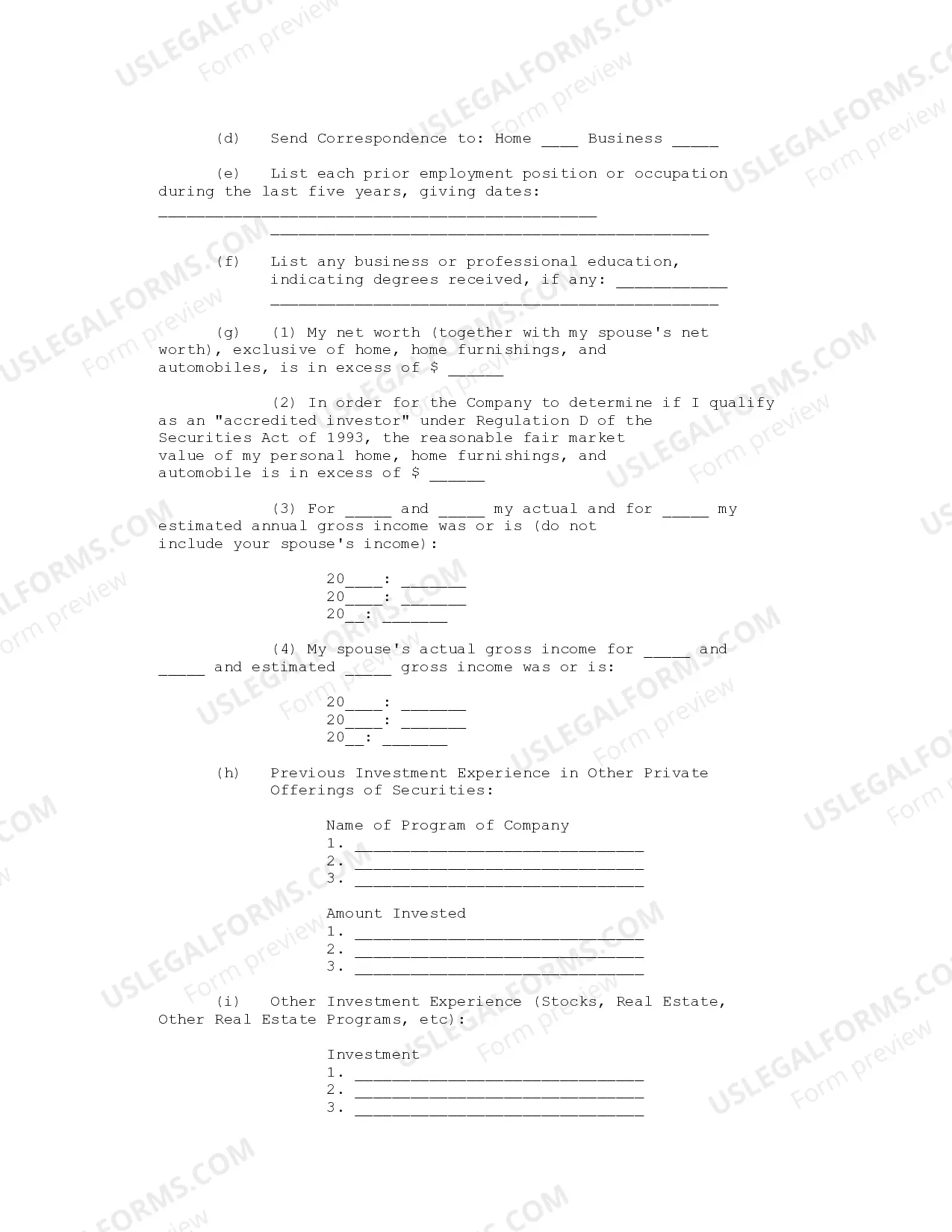
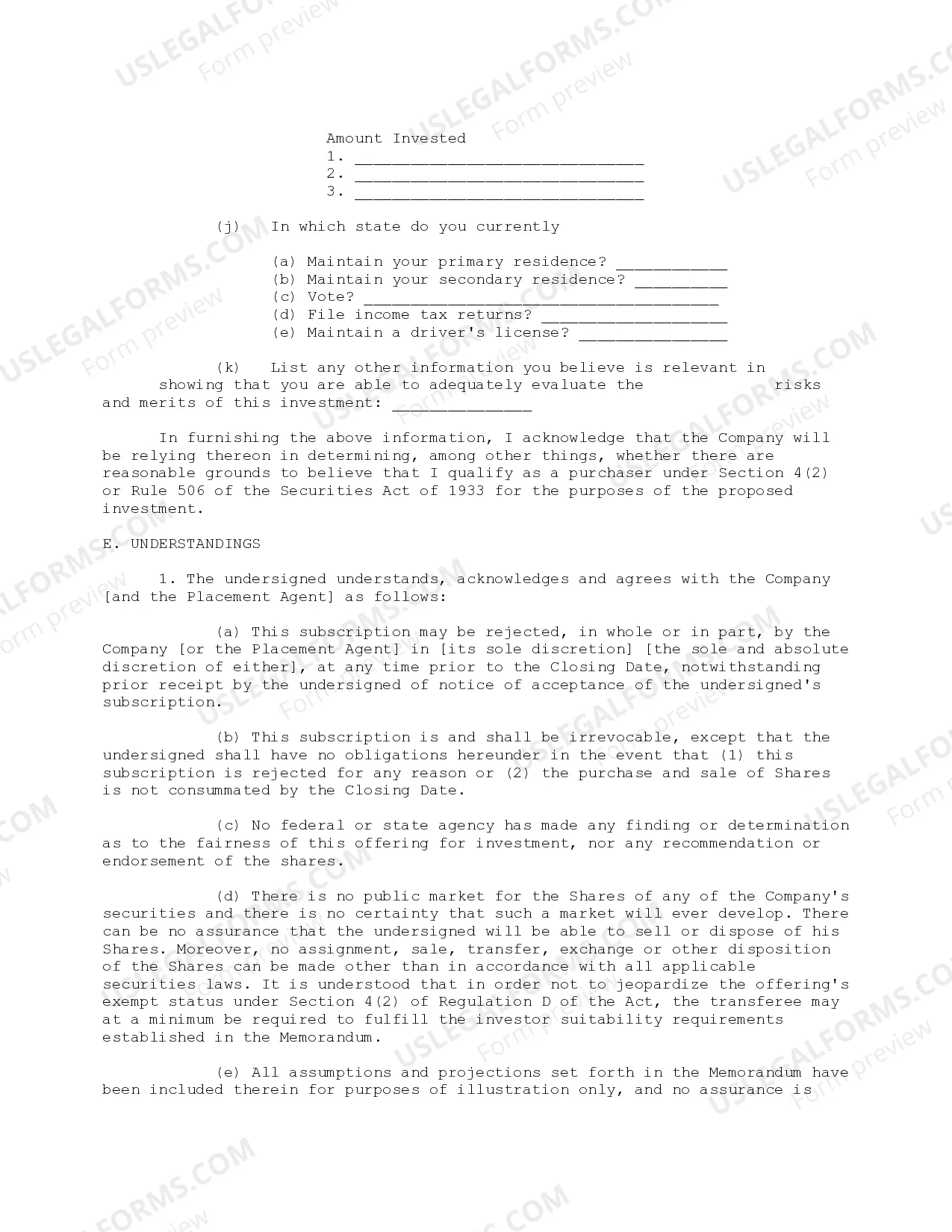
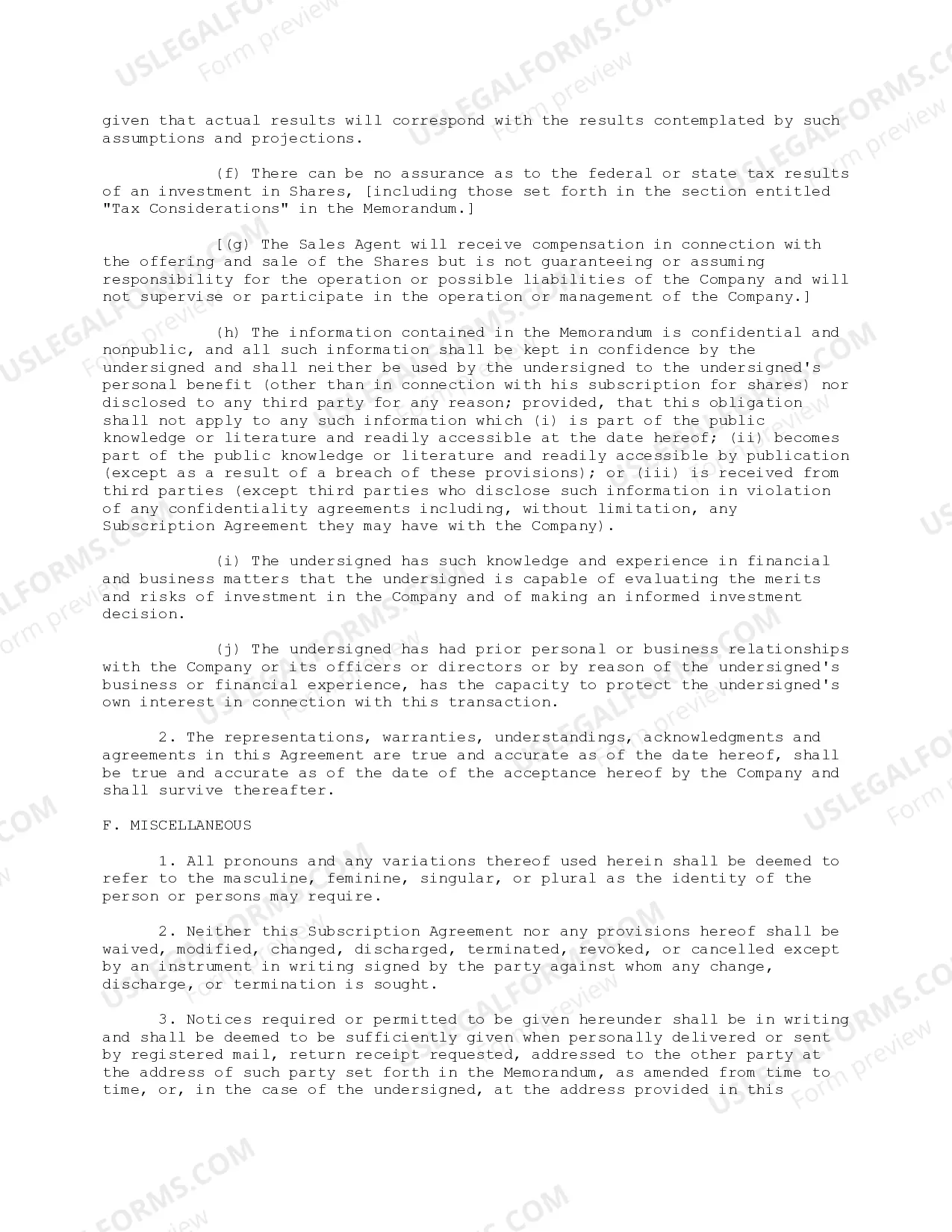
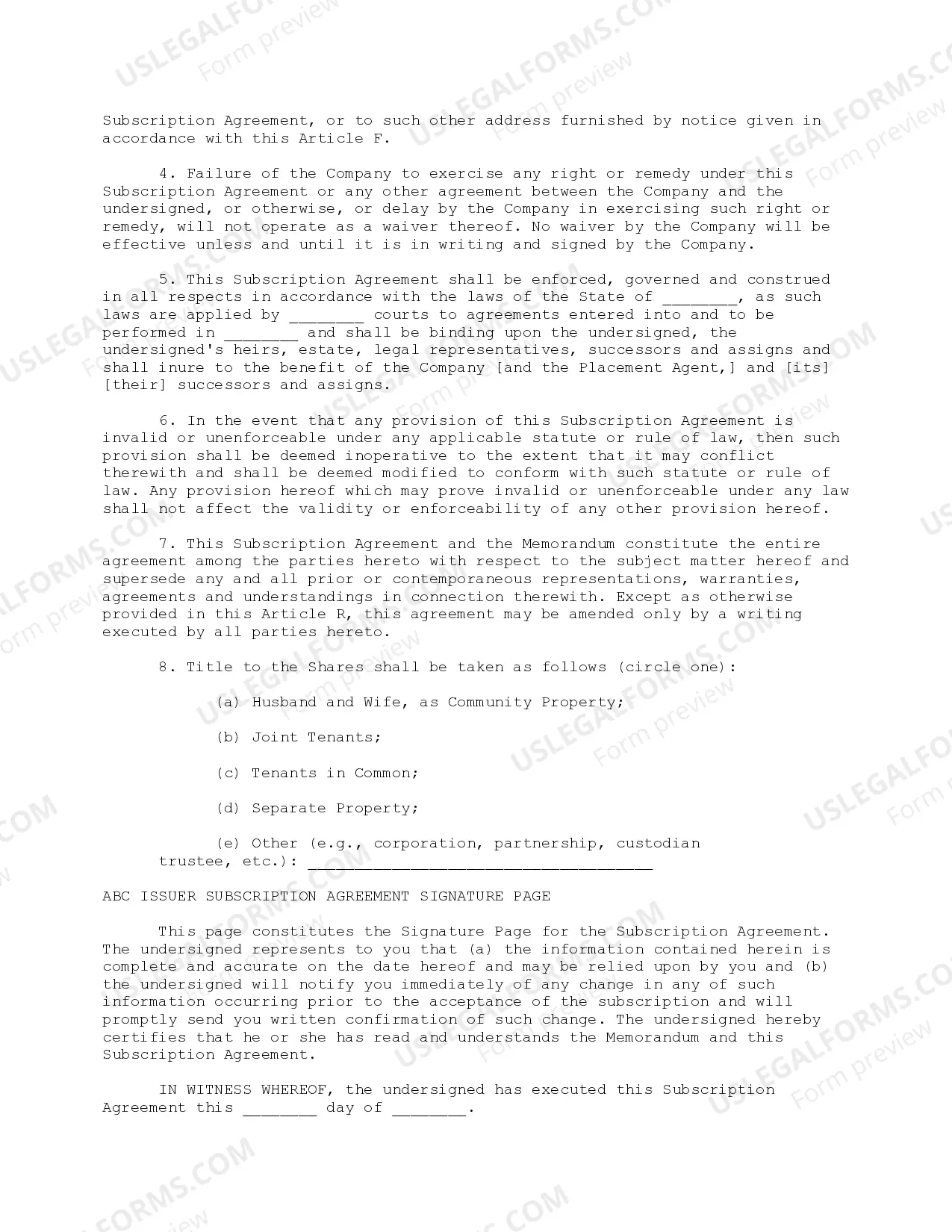



How to fill out Subscription Agreement - Detailed?
Generating legal documents is essential in the modern era. However, it isn't always necessary to seek professional help to create some of them from scratch, such as the Riverside Subscription Agreement - Detailed, by using a platform like US Legal Forms.
US Legal Forms offers more than 85,000 templates across various categories, from living trusts to property documents to separation papers. All forms are categorized based on their respective state, making the searching process less daunting.
You can also find informational resources and guides on the site to make any tasks linked to document completion easy.
If you are already subscribed to US Legal Forms, you can find the relevant Riverside Subscription Agreement - Detailed, Log In to your account, and download it. Naturally, our platform cannot completely replace an attorney. If you are handling an extremely intricate case, we suggest employing the services of a lawyer to review your document prior to signing and filing it.
With over 25 years in the industry, US Legal Forms has become a trusted source for a wide variety of legal forms for millions of users. Join them today and obtain your state-compliant documents with ease!
- Review the document's preview and description (if accessible) to gain basic information on what you will receive after downloading the form.
- Make sure that the document you select aligns with your state/county/region, as state regulations can impact the legitimacy of certain documents.
- Browse related document templates or restart the search to locate the suitable file.
- Click Buy now and create your account. If you already possess one, opt to Log In.
- Select the option and a compatible payment method, then purchase Riverside Subscription Agreement - Detailed.
- Opt to save the form template in any available file format.
- Navigate to the My documents tab to re-download the file.
Form popularity
FAQ
If a respondent does not respond within the required time frame in California, the court may issue a default judgment. This judgment often favors the petitioning party, leading to the potential loss of rights for the respondent. Understanding the Riverside California Subscription Agreement - Detailed can help clarify these legal processes. Consider using USLegalForms to ensure all required actions are taken promptly.
What is Riverside FM? Riverside FM is a studio-quality audio and video recording software. In our opinion, it's the easiest way to record top-tier podcast and video interviews.
On what browser does Riverside.fm work? Our local recording engine works only with Chrome and Edge on laptops or desktops. To use Riverside on the iPhone or Android you need to use the Riverside.fm iPhone or Android app. Browsers like safari and Chrome on mobile phones and tablets are not (yet) supported.
How to Record with Riverside.fm 2021 - YouTube YouTube Start of suggested clip End of suggested clip Once you're happy with your name you can choose the recording type audio or video you can scheduleMoreOnce you're happy with your name you can choose the recording type audio or video you can schedule it for a specific date if you've got a live event.
A Multitrack Recorder. I've talked about multiple guests or co-hosts, because Riverside.fm enables you to have up to 8 people (including yourself) on the show.
You can record 60 minutes with audio and video, live stream it to your media channels, and let your listeners call in.
For how long can I use the free plan? You can use the free plan for as long as you want- there is no limit. The free plan gives you access to unlimited hours of high quality audio and video recording, editing features and separate tracks for up to 2 hours of recording.
What is Riverside FM? Riverside FM is a studio-quality audio and video recording software. In our opinion, it's the easiest way to record top-tier podcast and video interviews.
Riverside's audio quality is seriously good. You'll be hard-pressed to find anything better for remote podcast recording. It blows Zoom out of the water and holds its own against any other podcast recording service. Riverside is the first dedicated podcast platform to provide audio and video recording.
Step by step: On a computer, log into your account. In the top-right corner, click the account menu. Click Account Settings. On the left, click Subscription. Click Cancel Account. Click Next to confirm. Your account moves from a paid subscription plan to Riverside's free plan.