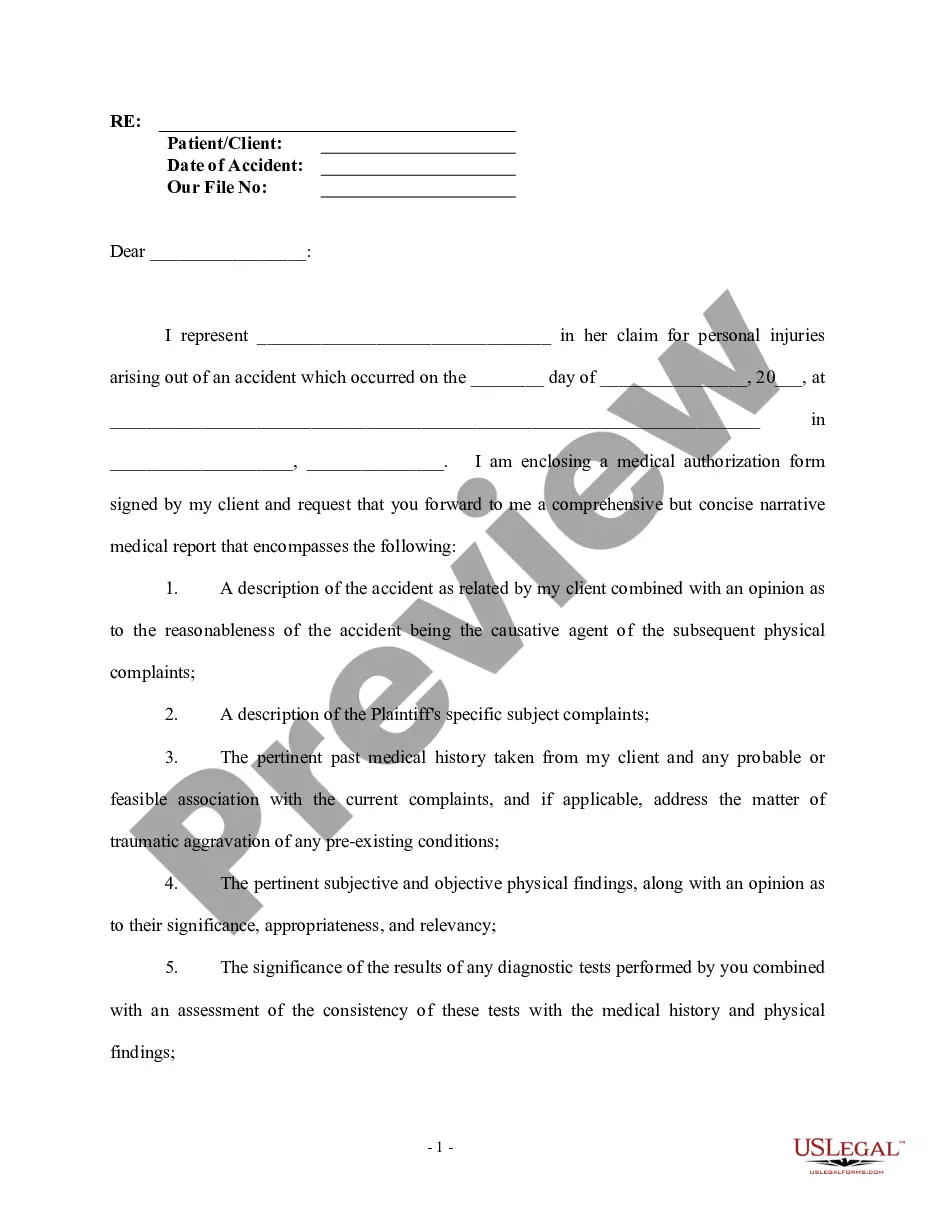
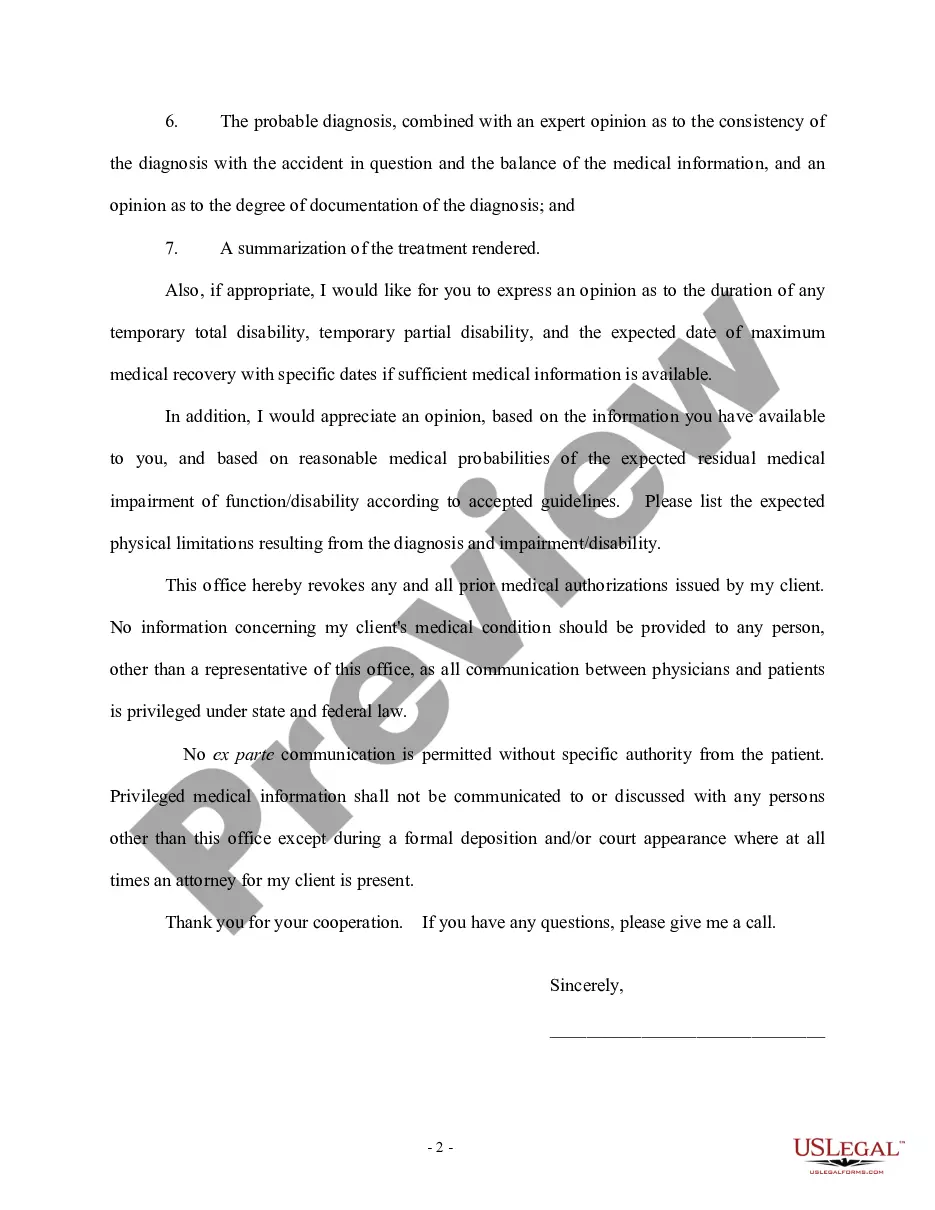
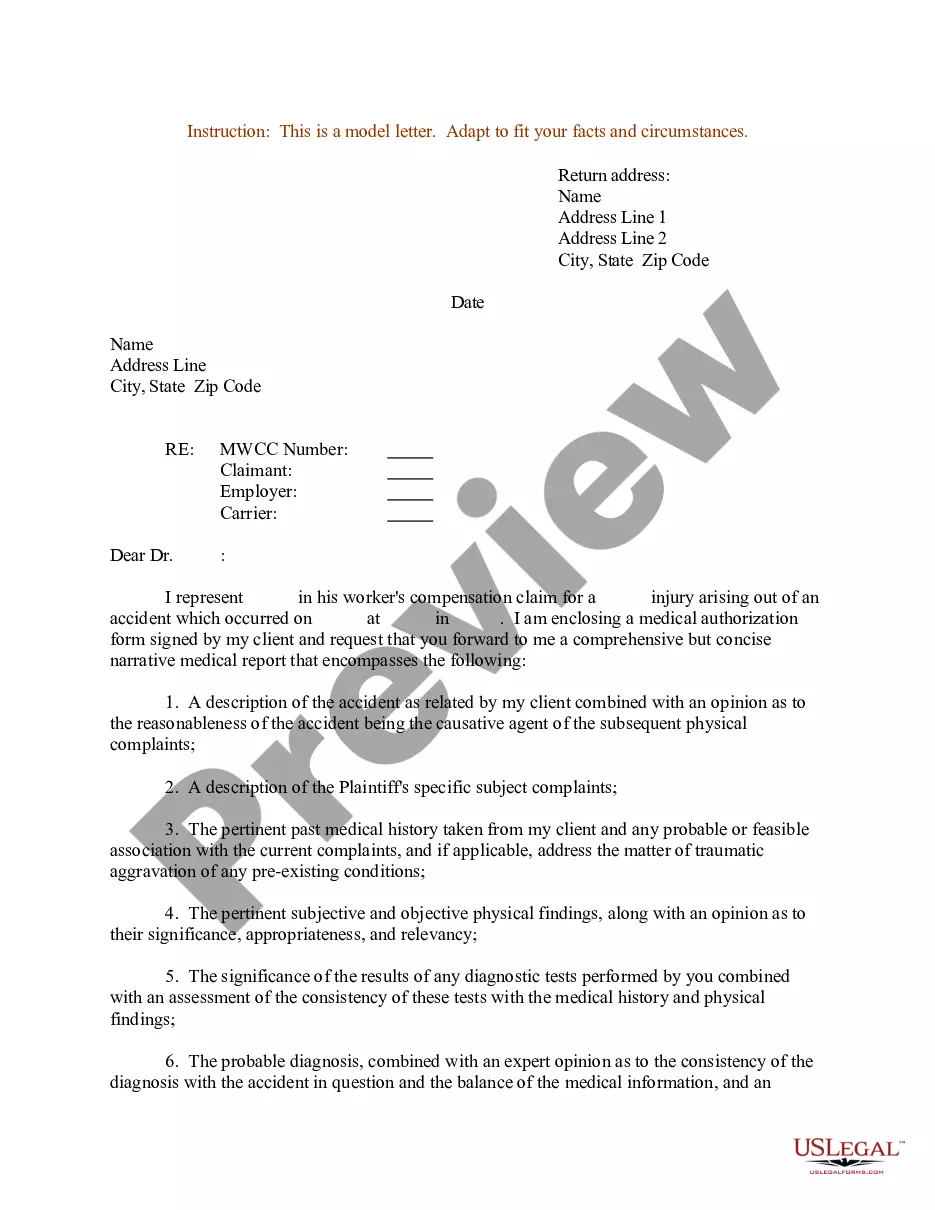
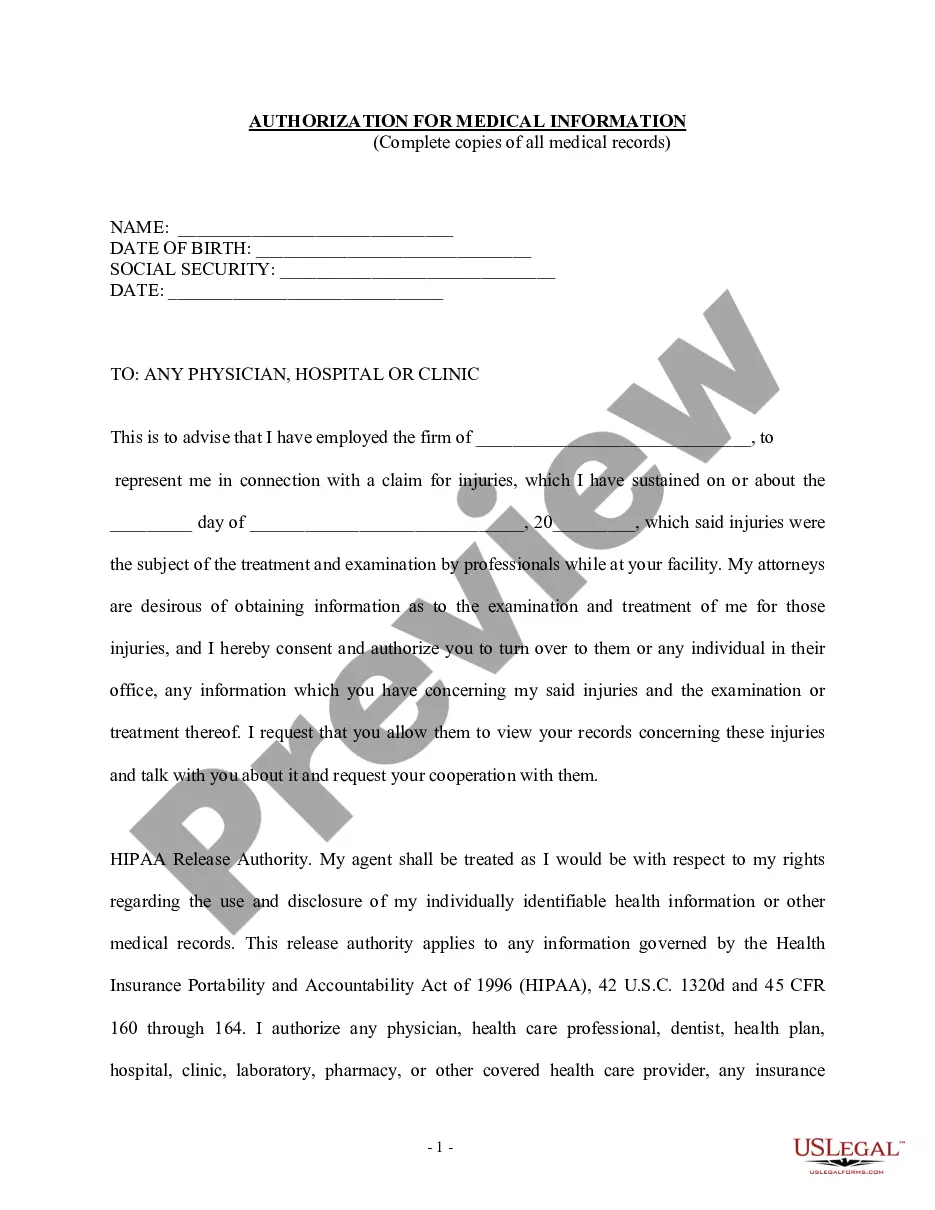
This letter serves to notify client's medical provider of attorney's representation of client. Letter further requests disclosure to attorney of client's medical records and related other information.
San Antonio Texas Letter to Doctor Requesting Client's Medical Information
State:
Multi-State
City:
San Antonio
Control #:
US-PI-0017
Format:
Word;
Rich Text
84 downloads
Description
Free preview
Get your form ready online
Our built-in tools help you complete, sign, share, and store your documents in one place.
Built-in online Word editor
Make edits, fill in missing information, and update formatting in US Legal Forms—just like you would in MS Word.
Export easily
Download a copy, print it, send it by email, or mail it via USPS—whatever works best for your next step.
E-sign your document
Sign and collect signatures with our SignNow integration. Send to multiple recipients, set reminders, and more. Go Premium to unlock E-Sign.
Notarize online 24/7
If this form requires notarization, complete it online through a secure video call—no need to meet a notary in person or wait for an appointment.
Store your document securely
We protect your documents and personal data by following strict security and privacy standards.
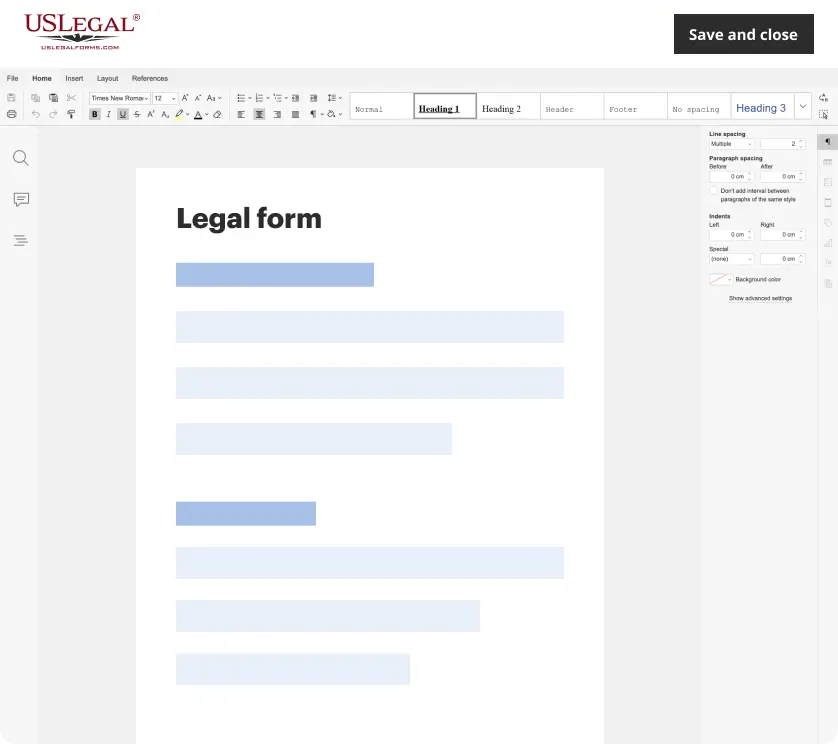
Make edits, fill in missing information, and update formatting in US Legal Forms—just like you would in MS Word.
Download a copy, print it, send it by email, or mail it via USPS—whatever works best for your next step.
Sign and collect signatures with our SignNow integration. Send to multiple recipients, set reminders, and more. Go Premium to unlock E-Sign.
If this form requires notarization, complete it online through a secure video call—no need to meet a notary in person or wait for an appointment.
We protect your documents and personal data by following strict security and privacy standards.
Looking for another form?
How to fill out Letter To Doctor Requesting Client's Medical Information?
Regardless of whether you intend to launch your enterprise, enter into a contract, submit your ID renewal application, or handle family-related legal matters, you need to prepare specific documentation that complies with your local statutes and rules.
Locating the appropriate documents can require considerable time and effort unless you utilize the US Legal Forms library.
The platform offers access to over 85,000 professionally crafted and validated legal documents for any personal or commercial situation. All documents are categorized by state and area of usage, making it quick and straightforward to select a template like the San Antonio Letter to Doctor Requesting Client's Medical Information.
Forms available in our library are reusable. With an active subscription, you can access all previously obtained documents whenever needed in the My documents section of your profile. Stop spending time on an endless hunt for current official documentation. Register for the US Legal Forms platform and keep your paperwork organized with the most extensive online form library!
- Ensure the template corresponds to your individual requirements and state law stipulations.
- Review the form description and examine the Preview if available on the page.
- Utilize the search bar above to locate an alternative template by entering your state.
- Click Buy Now to acquire the document once you identify the suitable one.
- Choose the subscription plan that best fits your needs to continue.
- Log in to your account and complete the payment using a credit card or PayPal.
- Download the San Antonio Letter to Doctor Requesting Client's Medical Information in your desired file format.
- Print the document or fill it out and sign it electronically through an online editor to save time.
Form popularity
FAQ
I request copies of the following or all health records related to my treatment. Identify records requested, e.g. medical history form you provided; physician and nurses' notes; test results, consultations with specialists; referrals. Note: HIPAA also allows you to request a summary of your medical records.
I well and truly admire the person that you are and the doctor in you is honorable. The brilliant treatment deserve immense thanks and appreciation. Sending over our most humble and heartfelt thanks for your immense care and comfort during the treatment.
The medical record information release (HIPAA) form lets a patient allow any person or 3rd party to have access to their health records. The form also allows the added option for healthcare providers to share information with each other.
For example: Thank you for everything you do. Thank you for being so compassionate. Thanks again for everything. I'm proud to have an amazing personal physician like you in my life. I'm so blessed to have you. I'm so grateful.
You may be able to request your record through your provider's patient portal. You may have to fill out a form called a health or medical record release form send an email, or mail or fax a letter.
What information should be included in a patient's medical records? The initial health history and physical examination from the doctor. Consultation reports from specialists, as well as any notes. Operative reports / Medical procedure reports.
Write "Dear Dr." and the doctor's last name on the top line of the letter itself. For example, begin your message with, "Dear Dr. Williams." Use this prefix for those with doctorates, too, unless the person has specifically told you to avoid doing so.
The answer to the question is pretty straightforward: When using the wife's professional title, you would address the letter to: Dr. Jane Smith and Mr. Stanley Smith or Dr. Jane and Mr.
How to email your doctor Learn your doctor's email policies.Don't assume complete privacy.Never use email for urgent questions.Keep it simple.Don't expect an instant answer.Don't abuse the privilege.