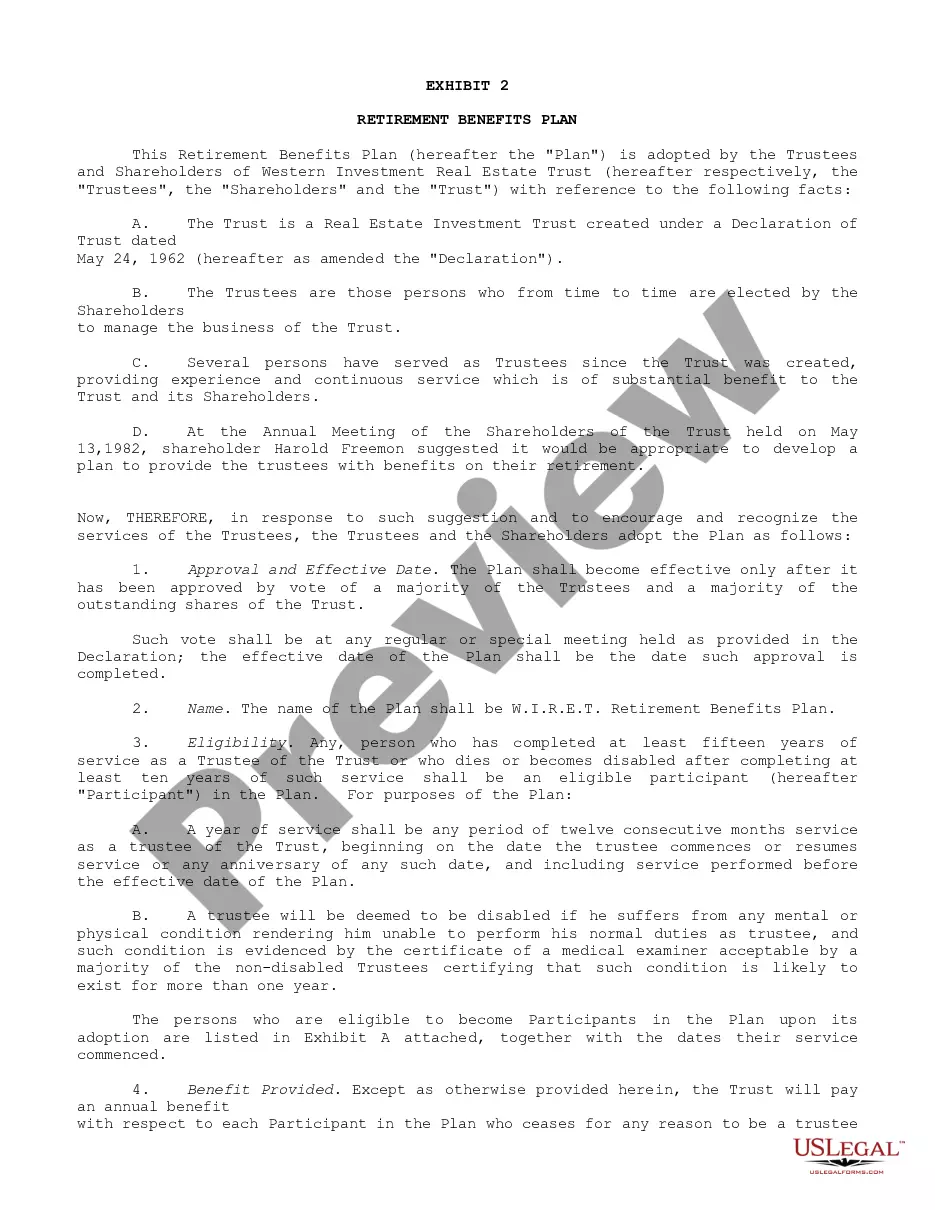
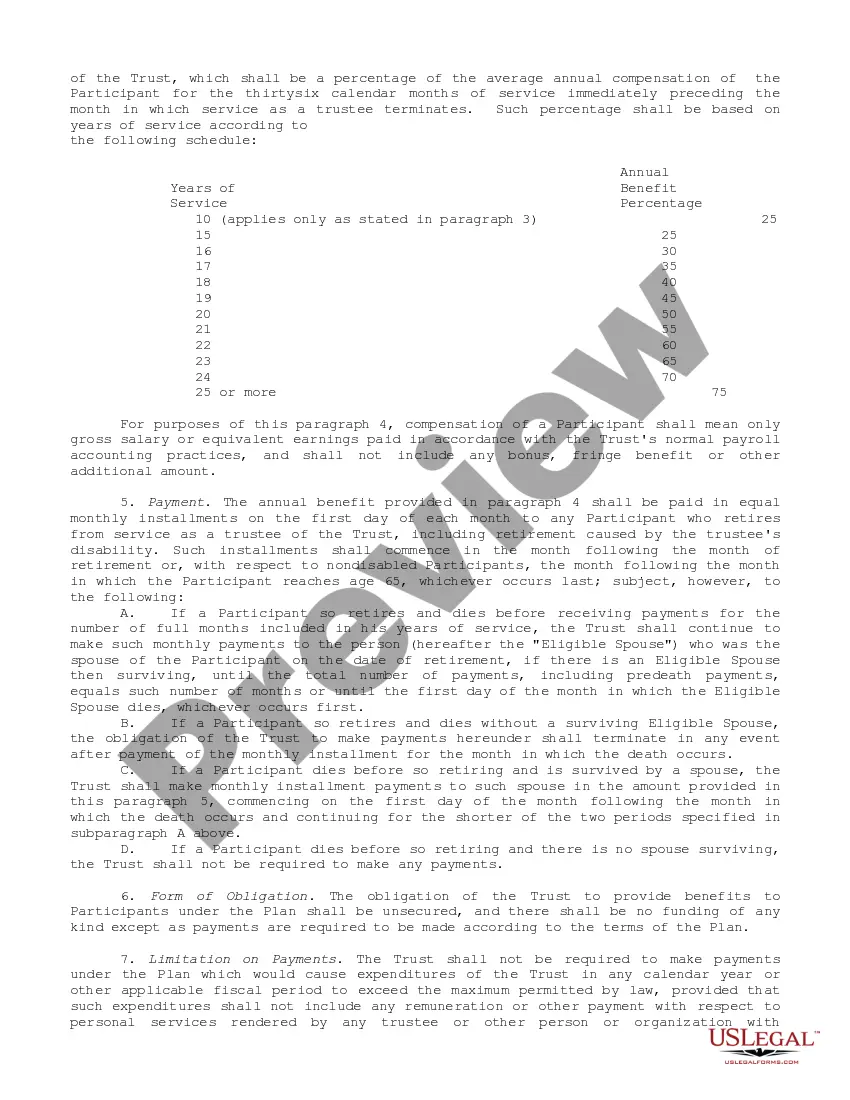
21-166 21-166 . . . Retirement Benefits Plan under which trustees and officers with 15 or more years of service receive annual retirement benefit based on percentage of average annual compensation for 36 months of service immediately preceding retirement. The amount of annual benefit ranges from 25% of such average annual compensation for 15 years of service to 75% for 25 or more years of service
Suffolk New York Retirement Benefits Plan
State:
Multi-State
Category:
County:
Suffolk
Control #:
US-CC-21-166
Format:
Word;
Rich Text
44 downloads
Description
Free preview


Get your form ready online
Our built-in tools help you complete, sign, share, and store your documents in one place.
Built-in online Word editor
Make edits, fill in missing information, and update formatting in US Legal Forms—just like you would in MS Word.
Export easily
Download a copy, print it, send it by email, or mail it via USPS—whatever works best for your next step.
E-sign your document
Sign and collect signatures with our SignNow integration. Send to multiple recipients, set reminders, and more. Go Premium to unlock E-Sign.
Notarize online 24/7
If this form requires notarization, complete it online through a secure video call—no need to meet a notary in person or wait for an appointment.
Store your document securely
We protect your documents and personal data by following strict security and privacy standards.

Make edits, fill in missing information, and update formatting in US Legal Forms—just like you would in MS Word.

Download a copy, print it, send it by email, or mail it via USPS—whatever works best for your next step.

Sign and collect signatures with our SignNow integration. Send to multiple recipients, set reminders, and more. Go Premium to unlock E-Sign.

If this form requires notarization, complete it online through a secure video call—no need to meet a notary in person or wait for an appointment.

We protect your documents and personal data by following strict security and privacy standards.
Looking for another form?
How to fill out Retirement Benefits Plan?
Drafting legal documents can be tedious. Additionally, if you choose to hire a legal expert to create a business agreement, forms for ownership transfer, prenuptial contracts, divorce documents, or the Suffolk Retirement Benefits Plan, it might be quite expensive.
So what is the most effective way to conserve time and finances while ensuring the creation of legitimate forms that fully comply with your state and local laws? US Legal Forms is a superb option, whether you're looking for templates for personal or commercial purposes.
Don’t stress if the form doesn’t meet your needs - search for the right one in the header. Click Buy Now when you discover the necessary sample and select the most appropriate subscription. Log In or create an account to complete your subscription payment. Make your payment using a credit card or through PayPal. Choose the document format for your Suffolk Retirement Benefits Plan and save it. Once finished, you can either print it and fill it out manually or upload the template to an online editor for quicker and more convenient completion. US Legal Forms enables you to utilize all purchased paperwork multiple times - you can find your templates in the My documents tab in your profile. Give it a try today!
- US Legal Forms is the biggest online repository of state-specific legal documents, offering users access to current and professionally verified forms for any situation aggregated all in one location.
- Consequently, if you require the latest version of the Suffolk Retirement Benefits Plan, you can effortlessly find it on our platform.
- Acquiring the documents takes minimal time.
- Users with an existing account should verify their subscription is active, Log In, and choose the sample using the Download button.
- If you have not subscribed yet, here is how you can obtain the Suffolk Retirement Benefits Plan.
- Browse the page and confirm there is a template for your area.
- Review the form description and utilize the Preview option, if available, to ensure it's the template you need.
Form popularity
FAQ
You may begin receiving your pension when you retire early, at age 65, or after age 65. Your pension does not begin automatically; you must apply for it in advance.
In a traditional 401(k) plan, employees defer part of their salary to a retirement fund pre-tax, but some plans allow for them to be made on a post-tax basis. Contributions made by an employer to a traditional 401(k) plan are also not taxed by the federal government and most state governments.
If your company doesn't offer a 401(k) plan or you are self-employed, you'll need to join a separate financial institution. There you'll be able to open a 401(k), IRA, or any other retirement plan you choose. In addition to these alternatives to 401(k)s, you'll want to rollover your old 401(k)s to these accounts.
How to create your personal retirement plan Step 1: Start with your goals. Your retirement plan should be based on your specific needs and goals.Step 2: See where you stand.Step 3: Decide how you'll save and invest.Step 4: Check and update your plan, regularly.
401k accounts are typically offered through your employers, so usually individuals cannot open their own 401k account. The exception is if you own a business yourself, or considered self employed.
How many states have mandated retirement plans? Currently, at least 11 states have passed state plan legislation: California, Connecticut, Illinois, Maryland, Massachusetts, New Jersey, New York, Oregon, Vermont, Virginia, and Washington. The city of Seattle has also introduced mandated retirement plan legislation.
If all you want to do is close your 401k account, that's easy. Simply go to your human resources department and make a request to stop paycheck contributions. There is no penalty for doing so.
How to set up a 401k for a small business Create a 401(k) plan document. Create a plan document that complies with IRS Code and outlines the details of your retirement plan.Set up a trust to hold the plan assets.Maintain records of 401(k) employee contributions and values.Provide information to plan participants.
Employers generally are not required to offer their employees retirement benefits. However, some states have government-sponsored retirement plans with mandatory participation. In these jurisdictions, eligible employers must either enroll their employees in the state program or provide retirement benefits on their own.
Apply By Phone. Call 1-800-772-1213 (TTY 1-800-325-0778) from a.m. to p.m., Monday through Friday, to apply by phone.