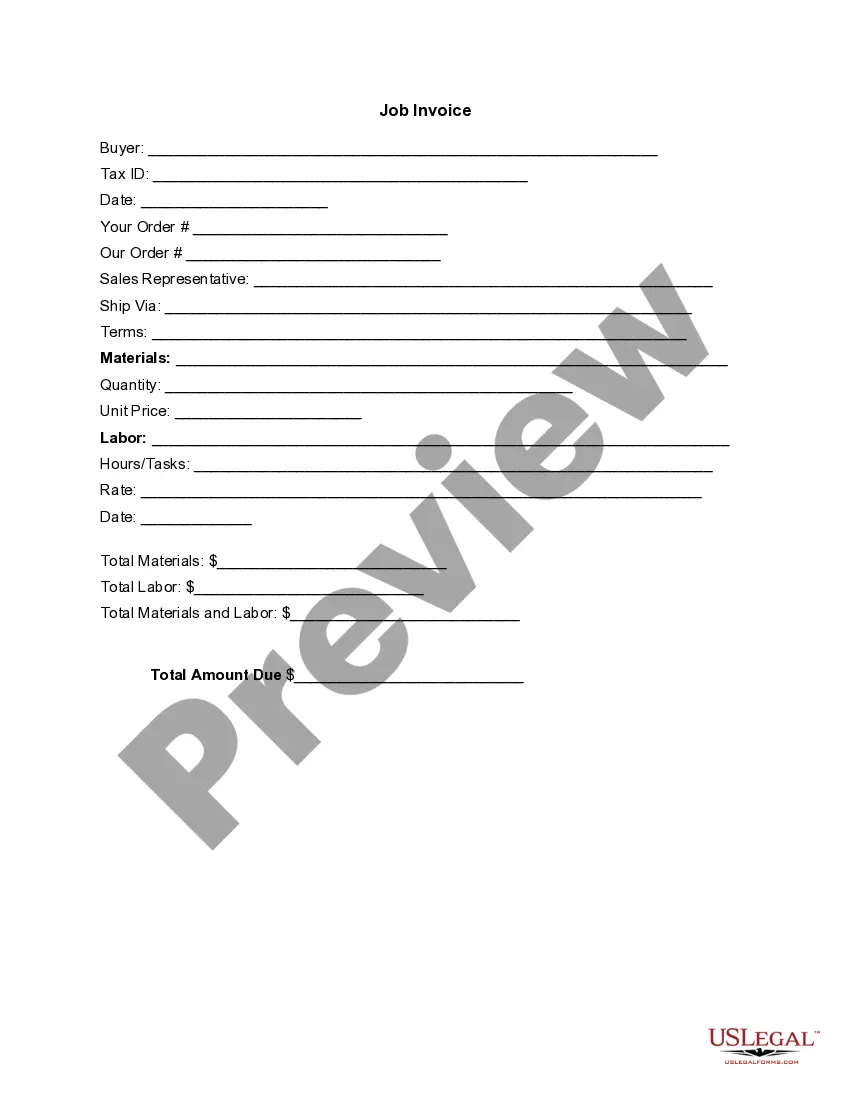
Santa Clara California Invoice Template for Painter
Description
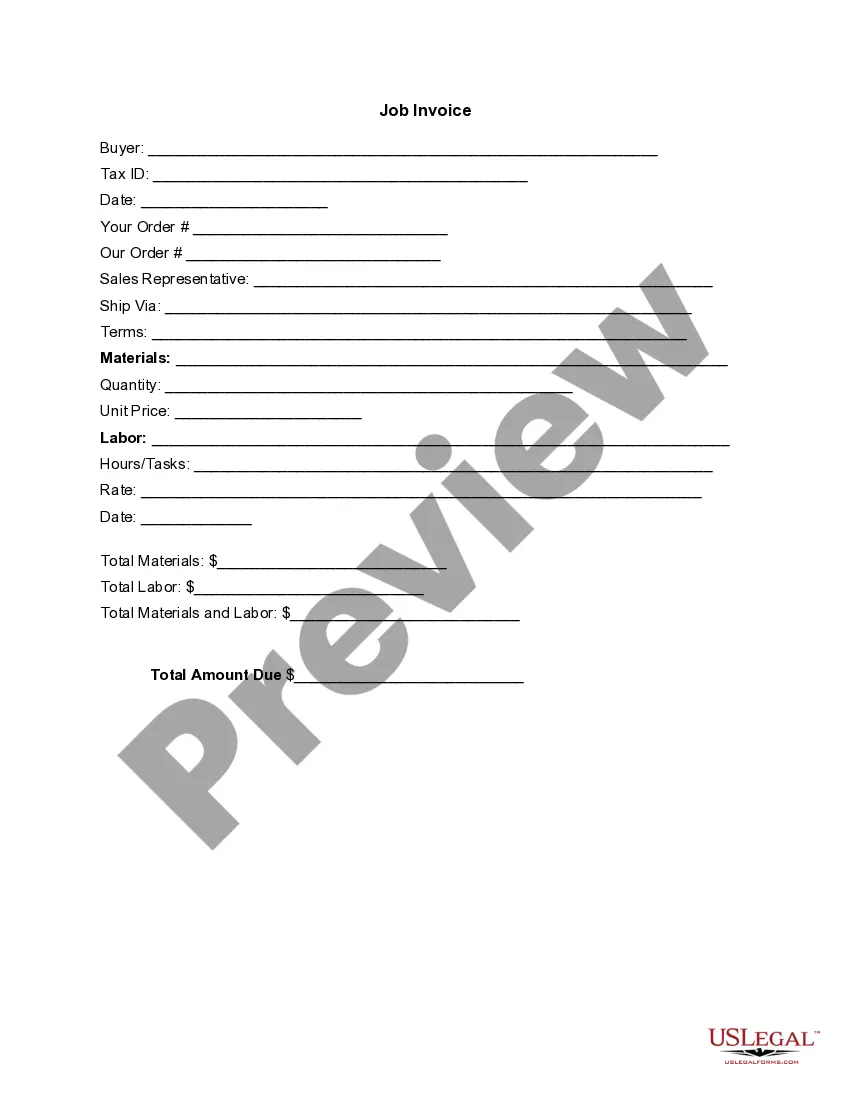
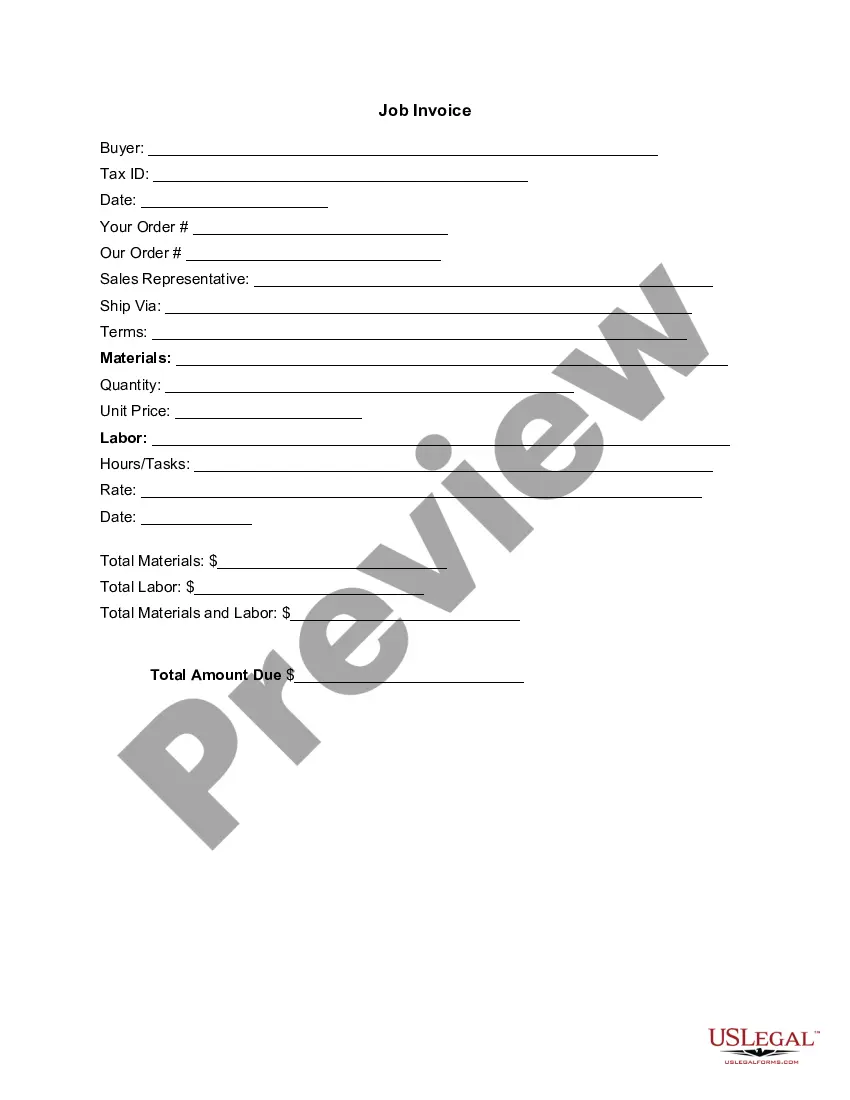
Get your form ready online
Our built-in tools help you complete, sign, share, and store your documents in one place.
Make edits, fill in missing information, and update formatting in US Legal Forms—just like you would in MS Word.
Download a copy, print it, send it by email, or mail it via USPS—whatever works best for your next step.
Sign and collect signatures with our SignNow integration. Send to multiple recipients, set reminders, and more. Go Premium to unlock E-Sign.
If this form requires notarization, complete it online through a secure video call—no need to meet a notary in person or wait for an appointment.
We protect your documents and personal data by following strict security and privacy standards.

Make edits, fill in missing information, and update formatting in US Legal Forms—just like you would in MS Word.

Download a copy, print it, send it by email, or mail it via USPS—whatever works best for your next step.

Sign and collect signatures with our SignNow integration. Send to multiple recipients, set reminders, and more. Go Premium to unlock E-Sign.

If this form requires notarization, complete it online through a secure video call—no need to meet a notary in person or wait for an appointment.

We protect your documents and personal data by following strict security and privacy standards.
Looking for another form?

How to fill out Invoice Template For Painter?
Organizing paperwork for the enterprise or individual requests is invariably a significant obligation.
When formulating a contract, a civic service application, or a power of attorney, it is vital to take into account all federal and state laws of the particular area.
Nonetheless, minor counties and even municipalities also possess regulatory stipulations that you should factor in.
To locate the one that fits your requirements, apply the search tab in the page header. Confirm that the sample meets legal standards and click Buy Now. Select the subscription plan, then Log In or create an account with the US Legal Forms. Utilize your credit card or PayPal account to pay for your subscription. Download the selected document in the desired format, print it, or fill it out electronically. The wonderful aspect of the US Legal Forms library is that all the documents you have ever obtained remain accessible - you can retrieve them in your profile within the My documents section at any time. Join the platform and effortlessly access validated legal forms for any purpose with just a few clicks!
- All these factors render it stressful and labor-intensive to produce a Santa Clara Invoice Template for Painter without expert help.
- It is feasible to prevent unnecessary expenditure on attorneys for drafting your documents and create a legally binding Santa Clara Invoice Template for Painter independently, utilizing the US Legal Forms online library.
- This is the largest internet repository of state-specific legal templates that are officially validated, ensuring you can rely on their accuracy when choosing a template for your county.
- Previous subscribers need only to Log In to their accounts to retrieve the necessary form.
- If you have not yet subscribed, adhere to the step-by-step instructions below to acquire the Santa Clara Invoice Template for Painter.
- Browse through the page you have accessed and confirm if it contains the document you need.
- To do this, use the form description and preview if these options are available.
Form popularity
FAQ
To write a painter's invoice, start by using the Santa Clara California Invoice Template for Painter. Include your contact information, your client's details, and a clear description of the services you provided. Ensure you itemize the work done, include the duration, and specify the total amount due. This structured approach not only clarifies your services but also aids in faster payments from clients.
There are a variety of free, premade invoice templates for Microsoft Word you can find online and download to your computer. FreshBooks offers a range of invoice templates available in Word, Excel and PDF format that are customized to different industries.
How Do I Write a Formal Invoice? Your business details (name, logo, contact information) Invoice number. Full name and contact details of the customer. Invoice date. Due date. Due amount. Itemized list of services/products along with the breakdown of rates and prices.
How to create an invoice: step-by-step Make your invoice look professional. The first step is to put your invoice together.Clearly mark your invoice.Add company name and information.Write a description of the goods or services you're charging for.Don't forget the dates.Add up the money owed.Mention payment terms.
12 Best Free Invoice Generators Simple Invoicing.Zoho Online Free Invoice Generator.FreshBooks Invoice Generator.Invoiced Free Invoice Generator.PayPal Online Invoicing.Free Invoice Maker.Invoice Ninja.Invoice-o-matic. This free invoice generator has a beautiful user interface.
Customize free invoice templates from Canva and impress clients with a beautiful, on-brand invoice. Our invoice templates are not only free but also editable to suit just about any business you have.
Invoices should contain information about: you the artist. your billing address. your client or customer. 200btheir taxable address. your tax reference code (UTR - unique tax reference code if in the UK) the tax date for the product or service rendered. description of the artwork provided or artistic service rendered.
How to Create a Simple Invoice Download the basic Simple Invoice Template in PDF, Word or Excel format. Open the new invoice doc in Word or Excel. Add your business information and branding, including your business name and logo. Customize the fields in the template to create your invoice.Name your invoice.Save
Learn how to write an invoice: Start with a professional layout. Include company and customer information. Add an invoice number and issue date. Write each line item and description. Add up line items and subtotals. Include your payment terms. Add a personal note.
The word 'invoice' so that it stands out from quotes or estimates. A unique invoice number. Your complete information name, address and phone number. Customer's complete information name, address and phone number.