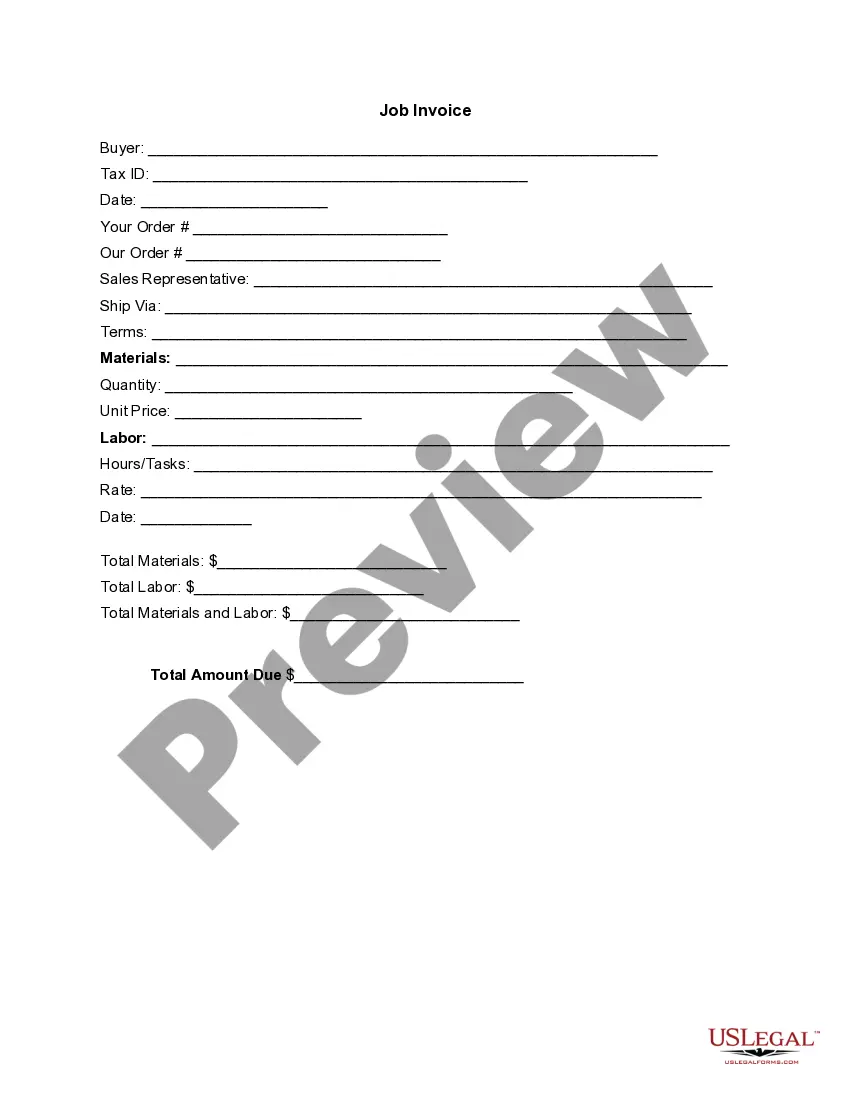
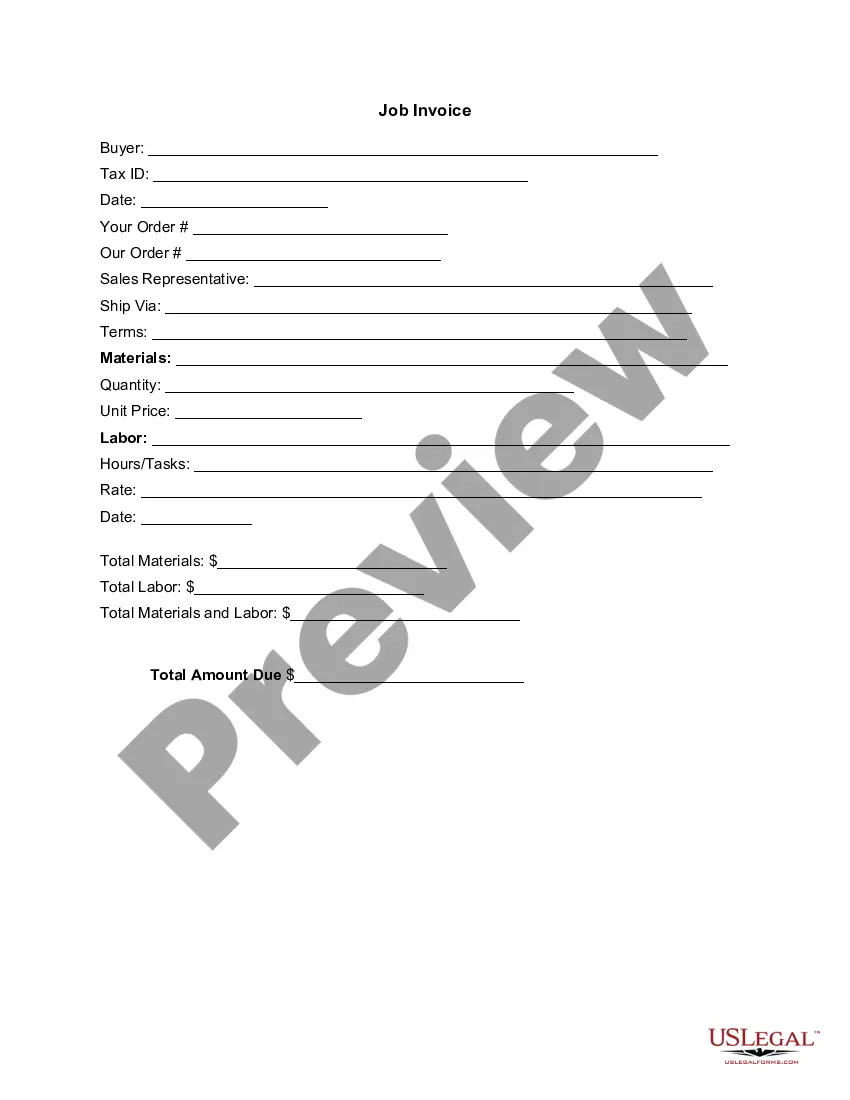
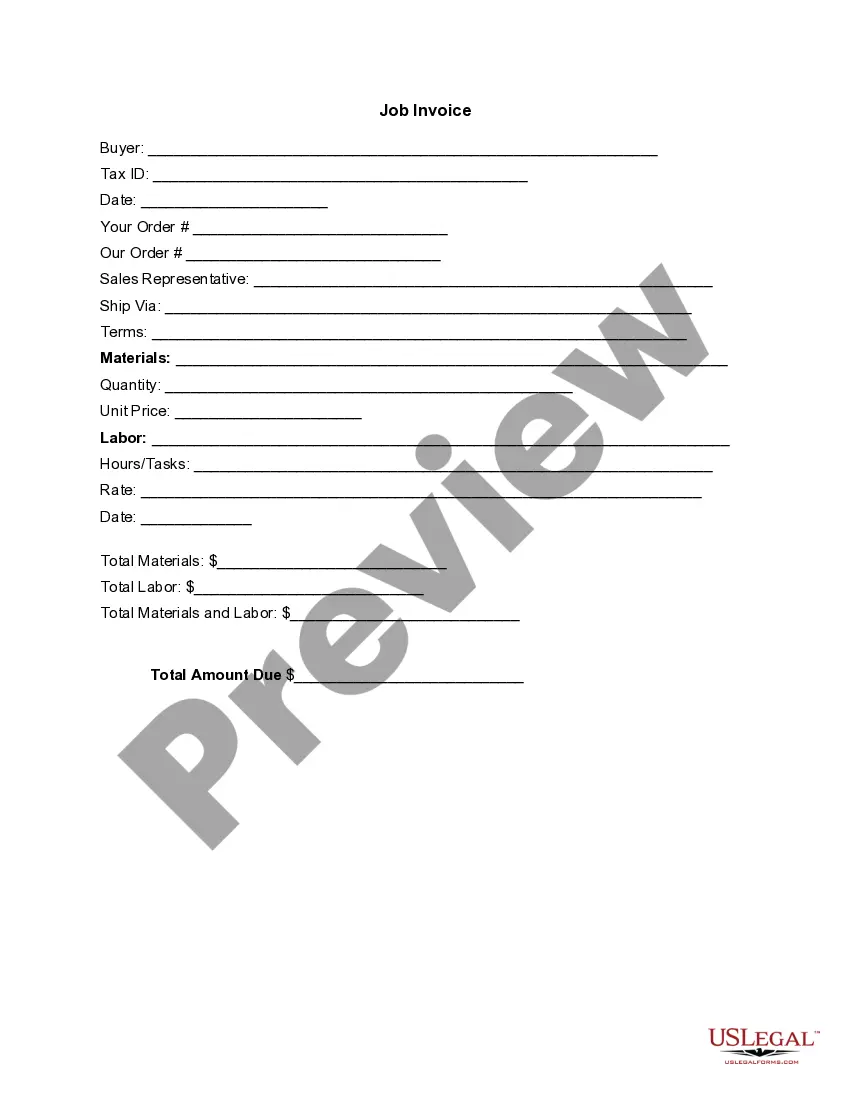
San Diego California Invoice Template for Independent Contractor
Description
Get your form ready online
Our built-in tools help you complete, sign, share, and store your documents in one place.
Make edits, fill in missing information, and update formatting in US Legal Forms—just like you would in MS Word.
Download a copy, print it, send it by email, or mail it via USPS—whatever works best for your next step.
Sign and collect signatures with our SignNow integration. Send to multiple recipients, set reminders, and more. Go Premium to unlock E-Sign.
If this form requires notarization, complete it online through a secure video call—no need to meet a notary in person or wait for an appointment.
We protect your documents and personal data by following strict security and privacy standards.

Make edits, fill in missing information, and update formatting in US Legal Forms—just like you would in MS Word.

Download a copy, print it, send it by email, or mail it via USPS—whatever works best for your next step.

Sign and collect signatures with our SignNow integration. Send to multiple recipients, set reminders, and more. Go Premium to unlock E-Sign.

If this form requires notarization, complete it online through a secure video call—no need to meet a notary in person or wait for an appointment.

We protect your documents and personal data by following strict security and privacy standards.
Looking for another form?

How to fill out Invoice Template For Independent Contractor?
Creating forms, such as the San Diego Invoice Document for Self-Employed Professionals, to handle your legal matters is a daunting and labor-intensive endeavor. Many instances necessitate an attorney's participation, which also renders this task quite expensive. However, you can take charge of your legal matters and manage them on your own. US Legal Forms is here to assist. Our platform offers over 85,000 legal documents designed for various cases and life circumstances. We ensure that each document complies with the laws of every state, so you don’t need to worry about possible legal issues related to compliance.
If you are already acquainted with our platform and have a subscription with US, you are aware of how easy it is to obtain the San Diego Invoice Document for Self-Employed Professionals template. Just Log In to your account, download the form, and customize it to suit your needs. Have you misplaced your document? No problem. You can recover it in the My documents folder in your account - whether on desktop or mobile.
The process of onboarding new clients is quite simple! Here’s what you need to complete before acquiring the San Diego Invoice Document for Self-Employed Professionals: Ensure that your template adheres to your state/county as the regulations for creating legal documents can vary from one state to another. Learn more about the form by previewing it or reviewing a short description. If the San Diego Invoice Document for Self-Employed Professionals isn’t what you were looking for, use the header to search for another.
- Log in or create an account to begin utilizing our service and obtain the document.
- Everything looks satisfactory on your side? Click the Buy now button and choose your subscription plan.
- Choose the payment method and enter your payment details.
- Your template is ready. You can download it now.
- It’s simple to locate and acquire the necessary template via US Legal Forms.
- Countless businesses and individuals are already reaping benefits from our vast collection. Sign up today if you wish to discover additional benefits of US Legal Forms!
Form popularity
FAQ
A basic rule of thumb that most people suggest would be to determine your hourly rate as a permanent employee, and then add 50-75%. If you were earning $65,000/year, that equates to $31.25/hr. By adding 50%, your rate would be $47/hr, and at 75%, your rate would be $55/hr.
How to Invoice as a Consultant Track Your Hours. It's common in the consulting industry for businesses to charge clients by the hour.Include A Header.Add Your Client's Contact Details.Include The Invoice Date.Number Your Invoices.Clearly List Your Services.State Your Payment Terms.List the Payment Due Date.
Contractors should create detailed invoices that outline important billing information, including deadlines for payment, an itemized list of the services provided and the total balance owing.
If you own or are a partner for more than one business, you may invoice yourself for services rendered. For example, your construction business contracts work from your house painting business now you need an invoice to document the transaction and keep track of payments.
Make sure your invoice is compliant A unique invoice number. Your business's name, address, and contact details. Your customer's name and address. The invoice date. A clear breakdown of the products or services you are charging for. The amount(s) of each product or service. The total amount due.
How to Invoice as a Contractor Identify the Document as an Invoice.Include Your Business Information.Add the Client's Contact Details.Assign a Unique Invoice Number.Add the Invoice Date.Provide Details of Your Services.Include Your Payment Terms.List the Total Amount Due.
7 Terms you should include in an independent contractor agreement? Statement of Relationship.Project Description.Payment and Billing Terms.Responsibilities of Each Party.Project Timeline and Deadlines.Termination Conditions.Nondisclosure Terms, and Confidentiality and Non-Compete Clauses.
How to Make an Invoice: A Step-By-Step Guide Create an Invoice Header with Your Business Information.Include Your Client's Contact Details.Provide Invoice Information.Specify Your Payment Terms.Include an Itemized List of Services.List Applicable Taxes.Consider Adding Notes.
4. INVOICES: The independent contractor should invoice you project by project on an invoice form that the independent contractor designed, obtained, and paid for themselves with the independent contractor's business name at the top of their invoice.
What to include in your invoice for contract work. Your name (or company name) and contact details. Your client's name and contact details. Date of invoice. Invoice number. Itemized list and description of services. Date or duration of service. Pricing breakdowns, such as hourly or flat rates. Applicable taxes.