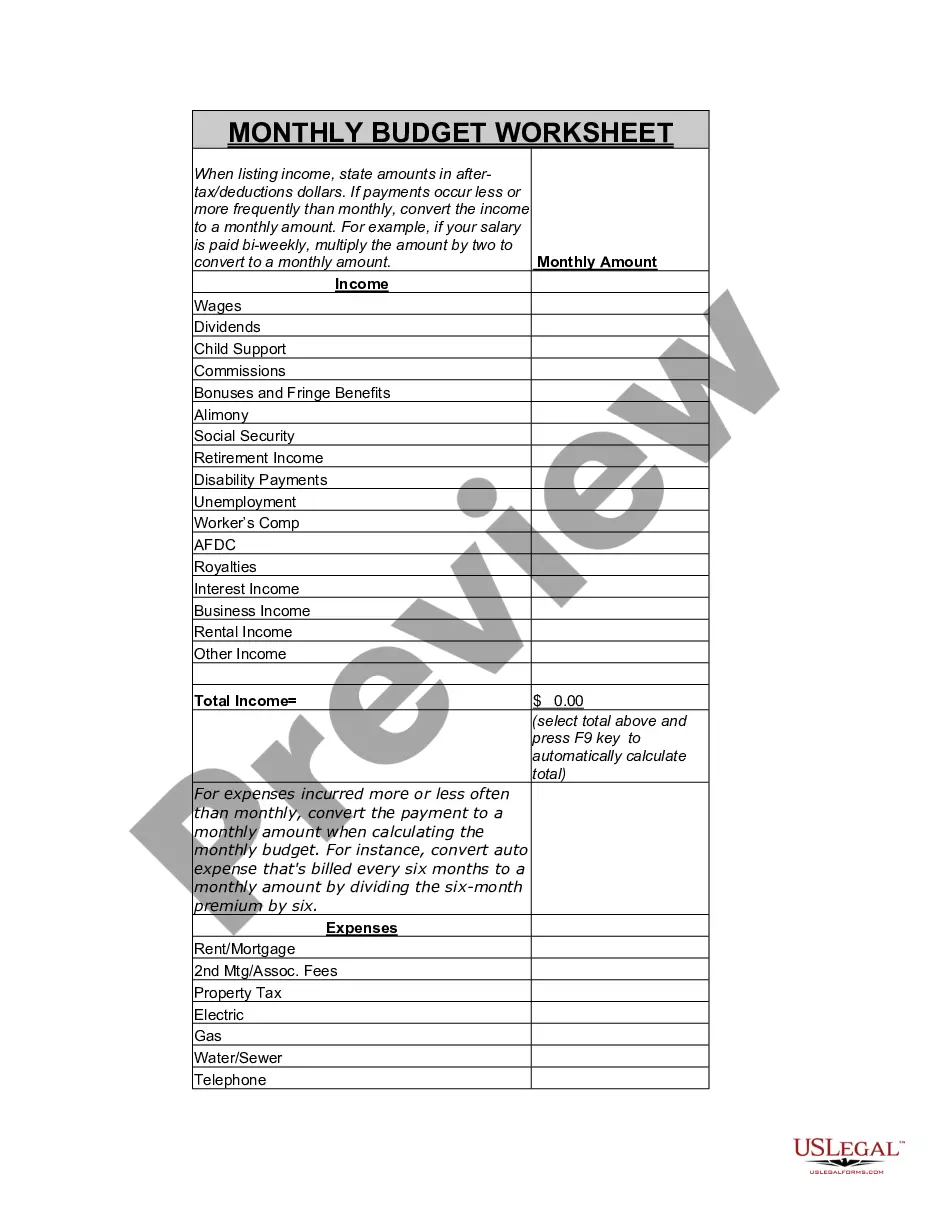
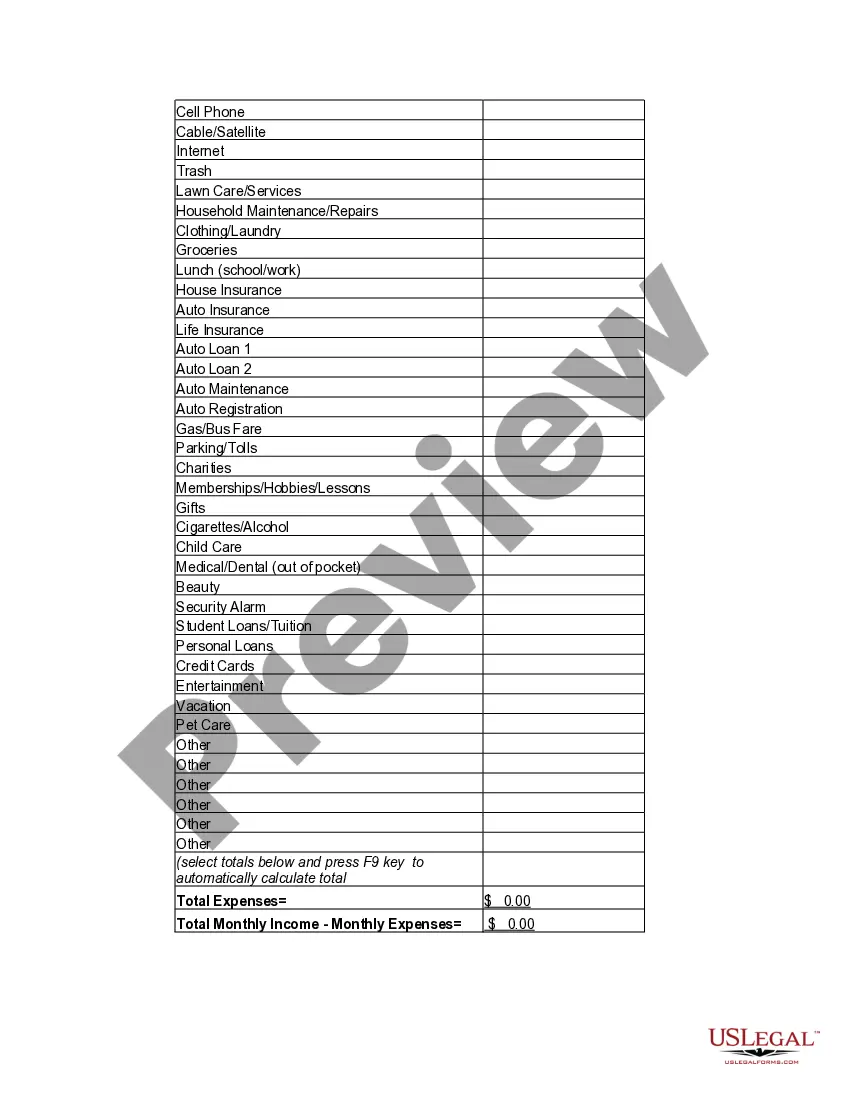
Miami-Dade Florida Personal Monthly Budget Worksheet
Description
Get your form ready online
Our built-in tools help you complete, sign, share, and store your documents in one place.
Make edits, fill in missing information, and update formatting in US Legal Forms—just like you would in MS Word.
Download a copy, print it, send it by email, or mail it via USPS—whatever works best for your next step.
Sign and collect signatures with our SignNow integration. Send to multiple recipients, set reminders, and more. Go Premium to unlock E-Sign.
If this form requires notarization, complete it online through a secure video call—no need to meet a notary in person or wait for an appointment.
We protect your documents and personal data by following strict security and privacy standards.

Make edits, fill in missing information, and update formatting in US Legal Forms—just like you would in MS Word.

Download a copy, print it, send it by email, or mail it via USPS—whatever works best for your next step.

Sign and collect signatures with our SignNow integration. Send to multiple recipients, set reminders, and more. Go Premium to unlock E-Sign.

If this form requires notarization, complete it online through a secure video call—no need to meet a notary in person or wait for an appointment.

We protect your documents and personal data by following strict security and privacy standards.
Looking for another form?


Form popularity
FAQ
The 50/30/20 rule budget is a simple way to budget that doesn't involve detailed budgeting categories. Instead, you spend 50% of your after-tax pay on needs, 30% on wants, and 20% on savings or paying off debt.
The following steps can help you create a budget. Step 1: Calculate your net income. The foundation of an effective budget is your net income.Step 2: Track your spending.Step 3: Set realistic goals.Step 4: Make a plan.Step 5: Adjust your spending to stay on budget.Step 6: Review your budget regularly.
Try a simple budgeting plan. We recommend the popular 50/30/20 budget to maximize your money. In it, you spend roughly 50% of your after-tax dollars on necessities, no more than 30% on wants, and at least 20% on savings and debt repayment. We like the simplicity of this plan.
A simple, step-by-step guide to creating a budget in Google Sheets Step 1: Open a Google Sheet.Step 2: Create Income and Expense Categories.Step 3: Decide What Budget Period to Use.Step 4: Use simple formulas to minimize your time commitment.Step 5: Input your budget numbers.Step 6: Update your budget.
What is the 50/30/20 budget? The 50/30/20 rule is a popular budgeting method that splits your monthly income among three main categories.
What Is the 50/30/20 Budget? Mandatory expenses, which are expenses you ?need? to pay and can't avoid, should account for about 50% of your income.Discretionary costs, also referred to as ?wants,? should take up about 30% of your income.Savings and debt payments should account for 20% of your income.
Key Takeaways. The rule states that you should spend up to 50% of your after-tax income on needs and obligations that you must-have or must-do. The remaining half should be split up between 20% savings and debt repayment and 30% to everything else that you might want.
The following steps can help you create a budget. Step 1: Calculate your net income. The foundation of an effective budget is your net income.Step 2: Track your spending.Step 3: Set realistic goals.Step 4: Make a plan.Step 5: Adjust your spending to stay on budget.Step 6: Review your budget regularly.
If you choose a 70 20 10 budget, you would allocate 70% of your monthly income to spending, 20% to saving, and 10% to giving. (Debt payoff may be included in or replace the ?giving? category if that applies to you.) Let's break down how the 70-20-10 budget could work for your life.
How to Make a Budget in Excel from Scratch Step 1: Open a Blank Workbook.Step 2: Set Up Your Income Tab.Step 3: Add Formulas to Automate.Step 4: Add Your Expenses.Step 5: Add More Sections.Step 6.0: The Final Balance.Step 6.1: Totaling Numbers from Other Sheets.Step 7: Insert a Graph (Optional)