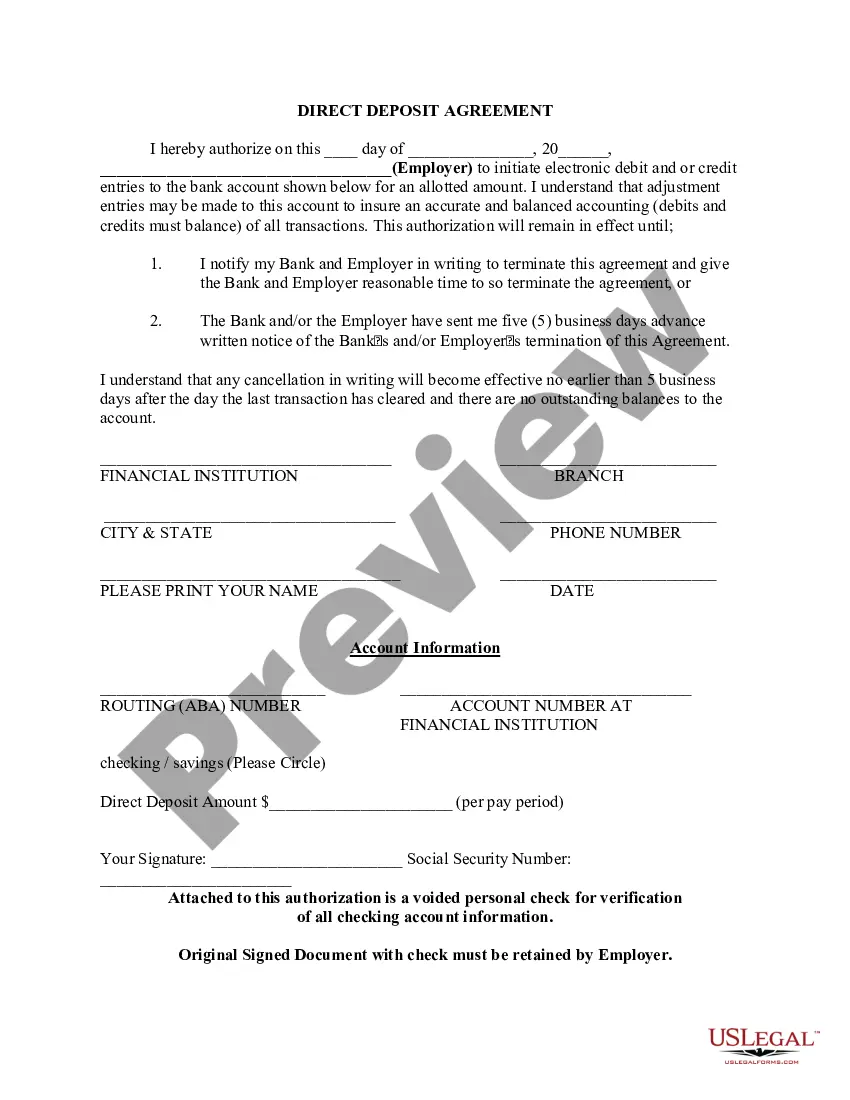
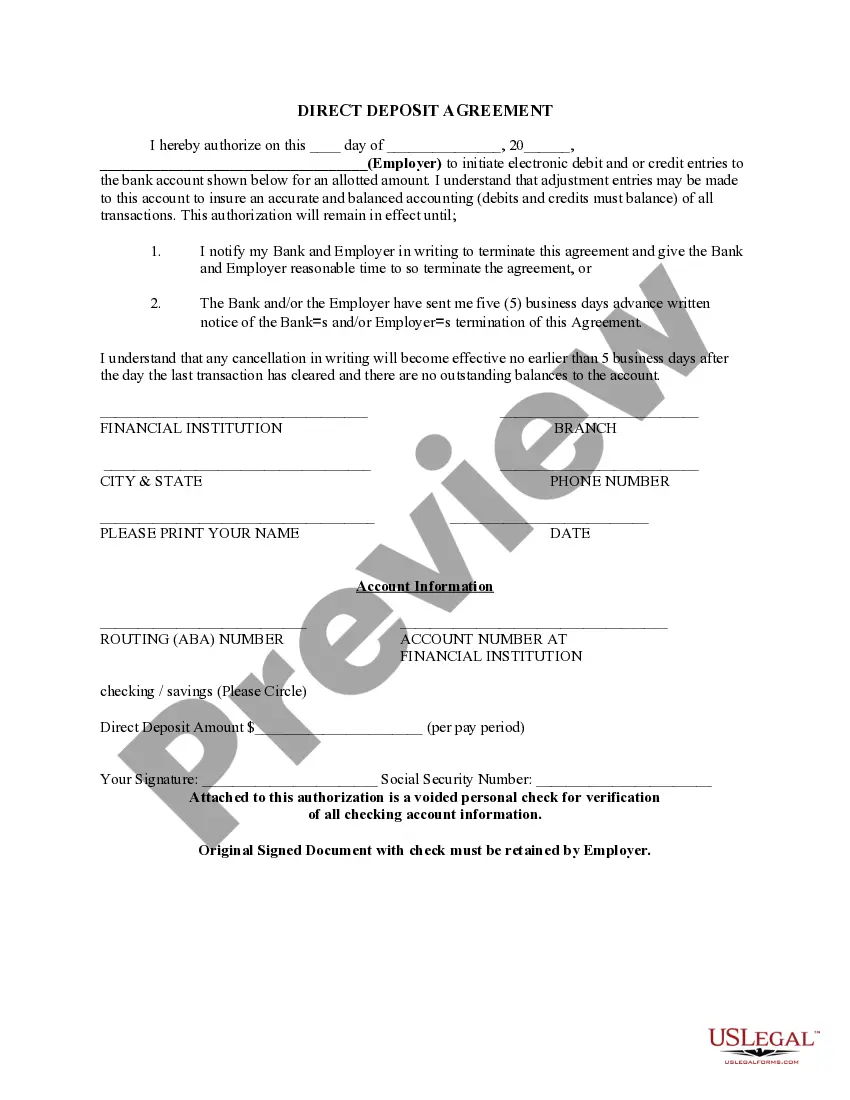
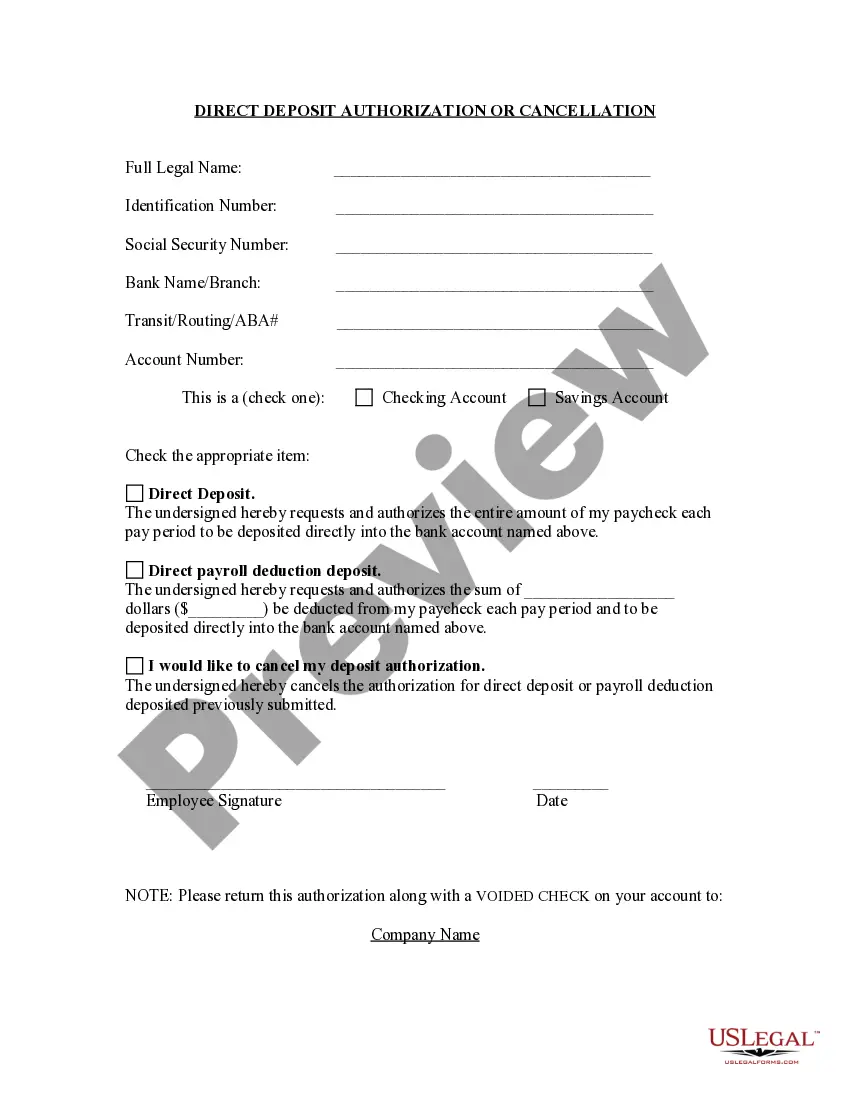
Mecklenburg North Carolina Direct Deposit Form for Employees
Description
Get your form ready online
Our built-in tools help you complete, sign, share, and store your documents in one place.
Make edits, fill in missing information, and update formatting in US Legal Forms—just like you would in MS Word.
Download a copy, print it, send it by email, or mail it via USPS—whatever works best for your next step.
Sign and collect signatures with our SignNow integration. Send to multiple recipients, set reminders, and more. Go Premium to unlock E-Sign.
If this form requires notarization, complete it online through a secure video call—no need to meet a notary in person or wait for an appointment.
We protect your documents and personal data by following strict security and privacy standards.

Make edits, fill in missing information, and update formatting in US Legal Forms—just like you would in MS Word.

Download a copy, print it, send it by email, or mail it via USPS—whatever works best for your next step.

Sign and collect signatures with our SignNow integration. Send to multiple recipients, set reminders, and more. Go Premium to unlock E-Sign.

If this form requires notarization, complete it online through a secure video call—no need to meet a notary in person or wait for an appointment.

We protect your documents and personal data by following strict security and privacy standards.
Looking for another form?
How to fill out Direct Deposit Form For Employees?
How much duration does it typically require for you to draft a legal document.
Considering that each state possesses its laws and regulations for every life circumstance, finding a Mecklenburg Direct Deposit Form for Employees that meets all local criteria can be daunting, and procuring it from a licensed attorney can frequently be expensive.
Numerous online services provide the most sought-after state-specific templates for download, but utilizing the US Legal Forms repository is the most beneficial.
Select the subscription plan that fits you best. Create an account on the platform or Log In to move forward with payment methods. Process the payment via PayPal or with your credit card. Change the file format if necessary. Click Download to store the Mecklenburg Direct Deposit Form for Employees. Print the template or utilize any preferred online editor to complete it electronically. Regardless of how many times you require the purchased document, you can locate all the samples you’ve ever downloaded in your profile by accessing the My documents tab. Give it a shot!
- US Legal Forms is the most extensive online compilation of templates, organized by states and categories of usage.
- Along with the Mecklenburg Direct Deposit Form for Employees, here you can acquire any particular document to manage your business or personal matters, adhering to your local standards.
- Experts verify all samples for their relevance, so you can have confidence in completing your documentation accurately.
- Utilizing the service is quite straightforward.
- If you already possess an account on the platform and your subscription is active, you just need to Log In, select the necessary template, and download it.
- You can retrieve the file in your profile at any time in the future.
- Conversely, if you are new to the site, there will be some additional steps to finish before acquiring your Mecklenburg Direct Deposit Form for Employees.
- Review the information on the page you’re viewing.
- Examine the description of the template or Preview it (if accessible).
- Search for another document using the related option in the header.
- Click Buy Now once you’re confident in your selected file.
Form popularity
FAQ
How long does it take to set up direct deposit? Setting up direct deposit can take anywhere from one day to a few weeks, depending on the provider. This wait period applies every time new employees are added to the system.
How to Set Up Direct DepositGet a direct deposit form from your employer.Fill in account information.Confirm the deposit amount.Attach a voided check or deposit slip, if required.Submit the form.
How to set up direct deposit for employees: A step-by-step guideStep 1: Decide on a direct deposit provider.Step 2: Initiate the direct deposit setup process.Step 3: Collect information from your employees.Step 4: Enter the employee information into your system.Step 5: Create a direct deposit and payroll schedule.More items...
On the Account Activity page, select Direct deposit form (PDF) to download and open a copy of your form.
Sign In to Online Banking. Click on any of your accounts. Select View and Print Payroll Direct Deposit from the right navigation. Select the account you want to deposit your payroll to from the dropdown, then click on View and Print and your customized form will be presented to you.
The term direct deposit refers to the deposit of funds electronically into a bank account rather than through a physical, paper check. Direct deposit requires the use of an electronic network that allows deposits to take place between banks. This network is called the automated clearing house (ACH).