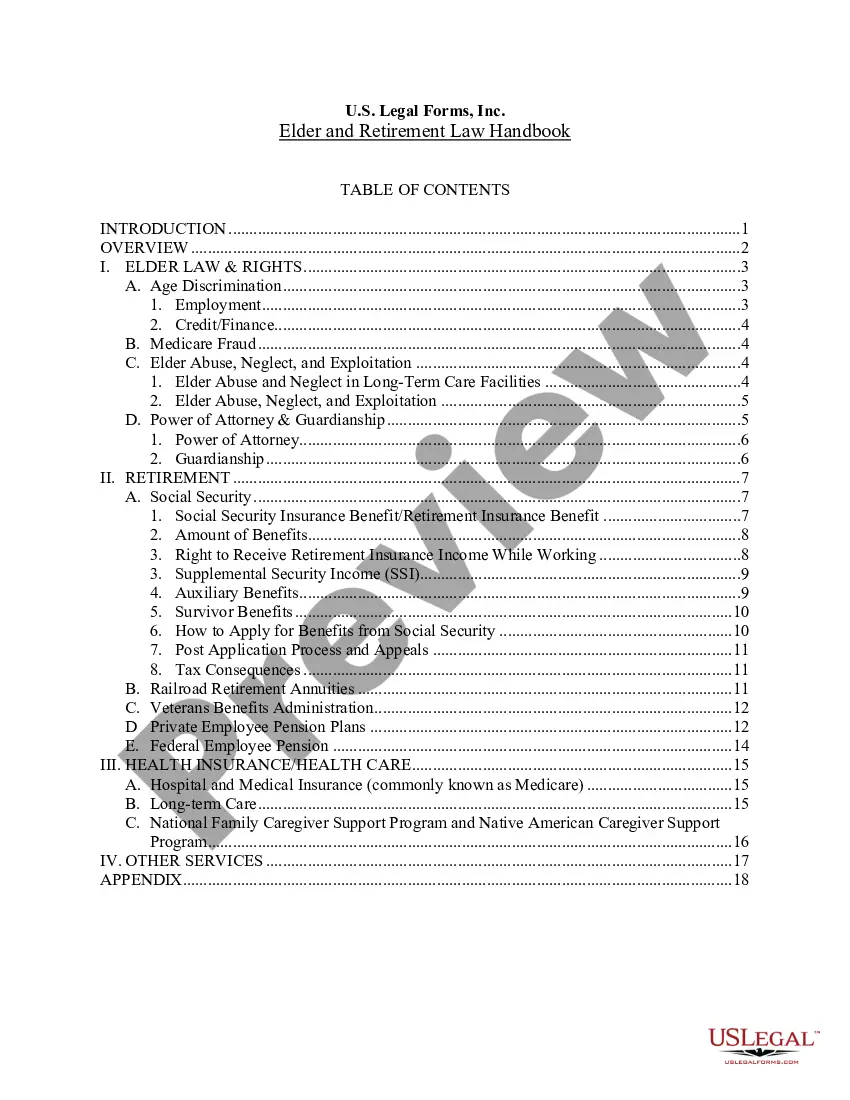
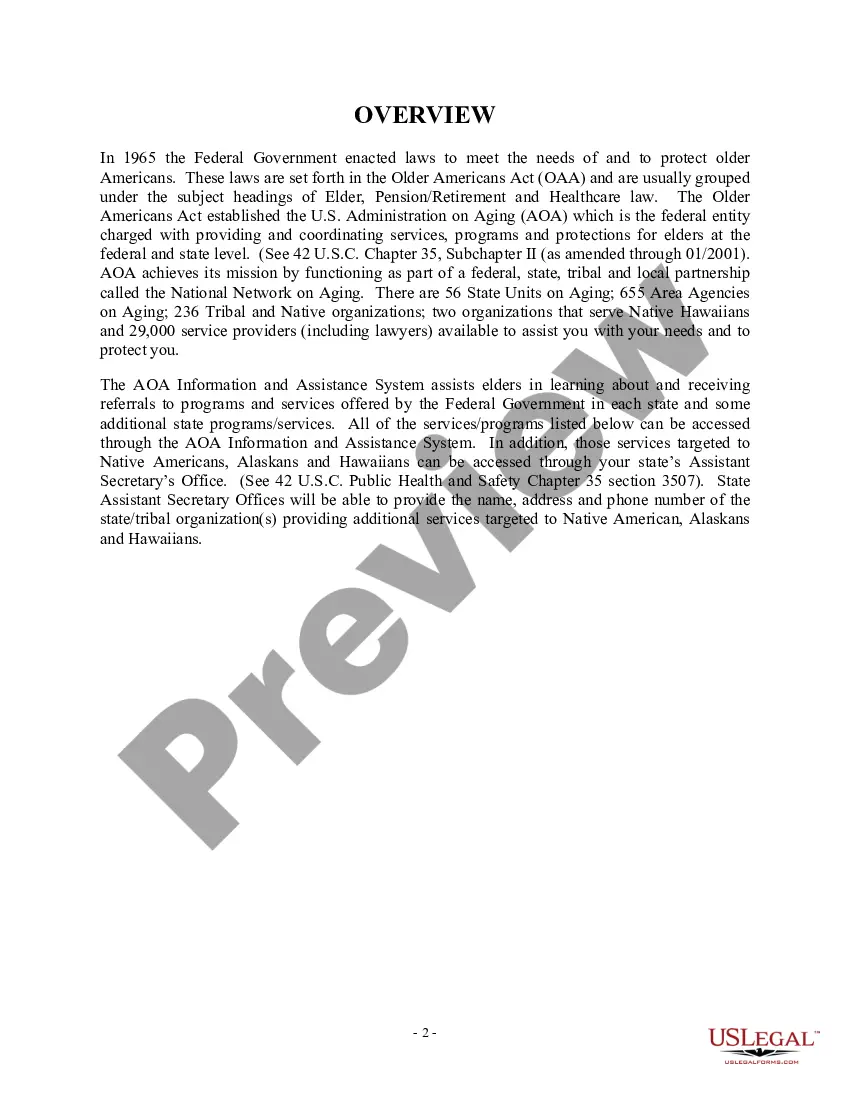
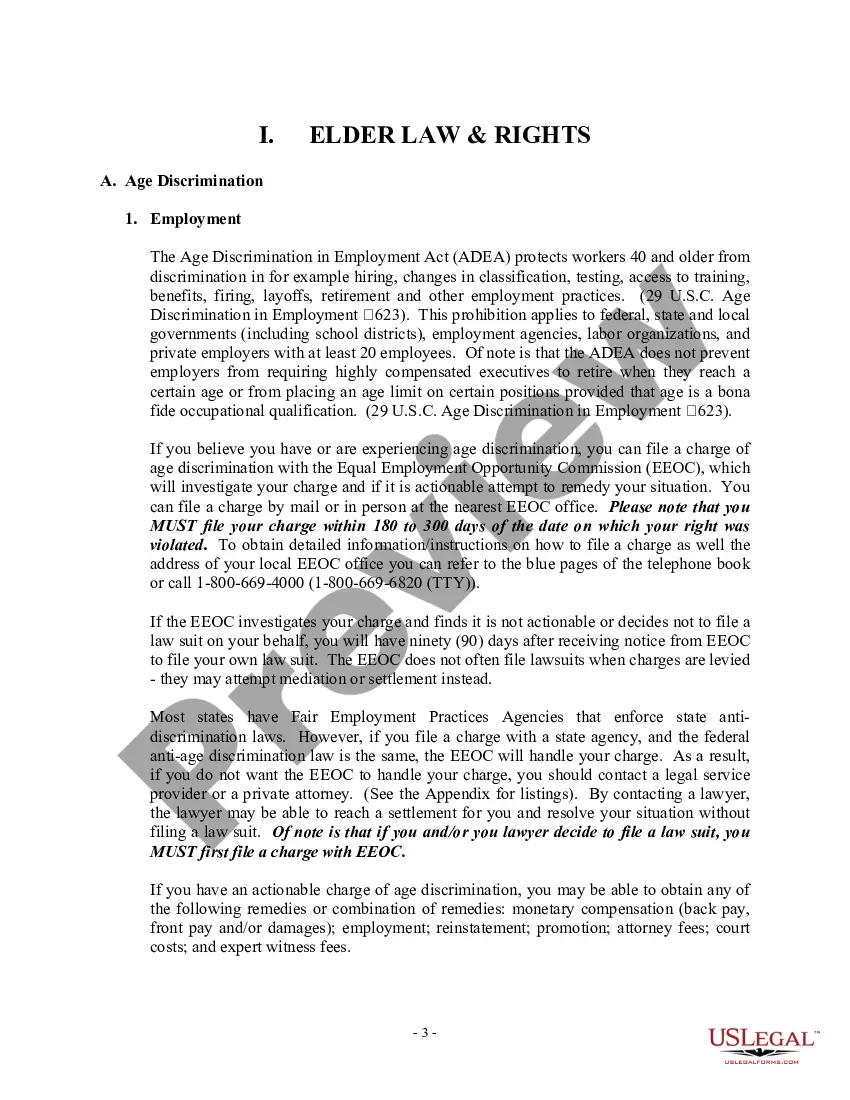
This Handbook provides an overview of federal laws affecting the elderly and retirement issues. Information discussed includes age discrimination in employment, elder abuse & exploitation, power of attorney & guardianship, Social Security and other retirement and pension plans, Medicare, and much more in 22 pages of materials.
Queens New York USLF Multistate Elder and Retirement Law Handbook - Guide
State:
Multi-State
Category:
County:
Queens
Control #:
US-001HB
Format:
Word;
PDF;
Rich Text
175 downloads
Description
Free preview




Get your form ready online
Our built-in tools help you complete, sign, share, and store your documents in one place.
Built-in online Word editor
Make edits, fill in missing information, and update formatting in US Legal Forms—just like you would in MS Word.
Export easily
Download a copy, print it, send it by email, or mail it via USPS—whatever works best for your next step.
E-sign your document
Sign and collect signatures with our SignNow integration. Send to multiple recipients, set reminders, and more. Go Premium to unlock E-Sign.
Notarize online 24/7
If this form requires notarization, complete it online through a secure video call—no need to meet a notary in person or wait for an appointment.
Store your document securely
We protect your documents and personal data by following strict security and privacy standards.

Make edits, fill in missing information, and update formatting in US Legal Forms—just like you would in MS Word.

Download a copy, print it, send it by email, or mail it via USPS—whatever works best for your next step.

Sign and collect signatures with our SignNow integration. Send to multiple recipients, set reminders, and more. Go Premium to unlock E-Sign.

If this form requires notarization, complete it online through a secure video call—no need to meet a notary in person or wait for an appointment.

We protect your documents and personal data by following strict security and privacy standards.
Looking for another form?

How to fill out USLF Multistate Elder And Retirement Law Handbook - Guide?
Are you trying to swiftly prepare a legally-enforceable Queens USLF Multistate Elder and Retirement Law Handbook - Guide or perhaps any other document to manage your personal or business affairs.
You can choose between two options: employ a legal expert to formulate a legitimate document for you or produce it entirely by yourself. Fortunately, an alternative exists - US Legal Forms.
If the document includes a description, verify its intended use.
If the document isn’t what you were seeking, restart your search using the search box in the header.
- It will assist you in obtaining neatly composed legal documents without incurring exorbitant fees for legal assistance.
- US Legal Forms features an extensive catalog of over 85,000 state-specific form templates, including the Queens USLF Multistate Elder and Retirement Law Handbook - Guide and form packages.
- We provide templates for a variety of purposes: from divorce documentation to real estate forms.
- With over 25 years of experience, we have established a solid reputation among our clients.
- Here’s how you can join them and acquire the required document effortlessly.
- First and foremost, carefully ensure that the Queens USLF Multistate Elder and Retirement Law Handbook - Guide corresponds to your state’s or county’s laws.
Form popularity
FAQ
Rule of 75 Regular Employees hired or rehired by SNET on or before March 31, 1995, must meet the Rule of 75 when they leave the Company to be eligible for Retired Employee medical benefits. You meet the Rule of 75 if the sum of your years, months, and days of actual age and service totals at least 75 years.
Service retirement is a lifetime benefit. You can retire as early as age 50 with five years of service credit unless all service was earned on or after January 1, 2013. Then you must be at least age 52 to retire.
As you may have learned during your working days, 80% of results come from just 20% of actions. This concept, known as the Pareto Principle, can save you time, meaning you have more of it to enjoy during your retirement. You may have seen that 20% of customers accounted for 80% of profits in business.
If, when you terminate employment with the entire Corporation, your age plus years of service (in each case measured in complete, whole years) equals or exceeds 75 ("Rule of 75"), then all RSUs that were scheduled to vest within one year of the date of your Retirement shall vest as of the date of your Retirement.
What is the Rule of 80? This provision creates a so-called Rule of 80, a new definition of Normal Retirement for members of the Hybrid Defined Benefit Component. This allows members to claim a full, unreduced pension benefit if their combined age and years of service equal at least 80, beginning at age 50.
With a graded vesting schedule, your company's contributions must vest at least 20% after two years, 40% after three years, 60% after four years, 80% after five years and 100% after six years. If enrollment is automatic and employer contributions are required, they must vest within two years.
Once CalPERS membership is terminated, you no longer are entitled to any CalPERS benefits, including retirement. You are eligible for a refund only if you are not entering employment with another CalPERS-covered employer. Applicable state and federal taxes will be withheld from your refund.
You can retire at any age, with full benefits, when you have 85 points. The 85 point rule is when your age and years of service credit added together equal 85. Every year you work, you will gain two points - one for each birthday and one for the year of service credit.
The Rule of 75 means your age plus your years of continuous service (based upon your most recent continuous service date) equal at least 75.
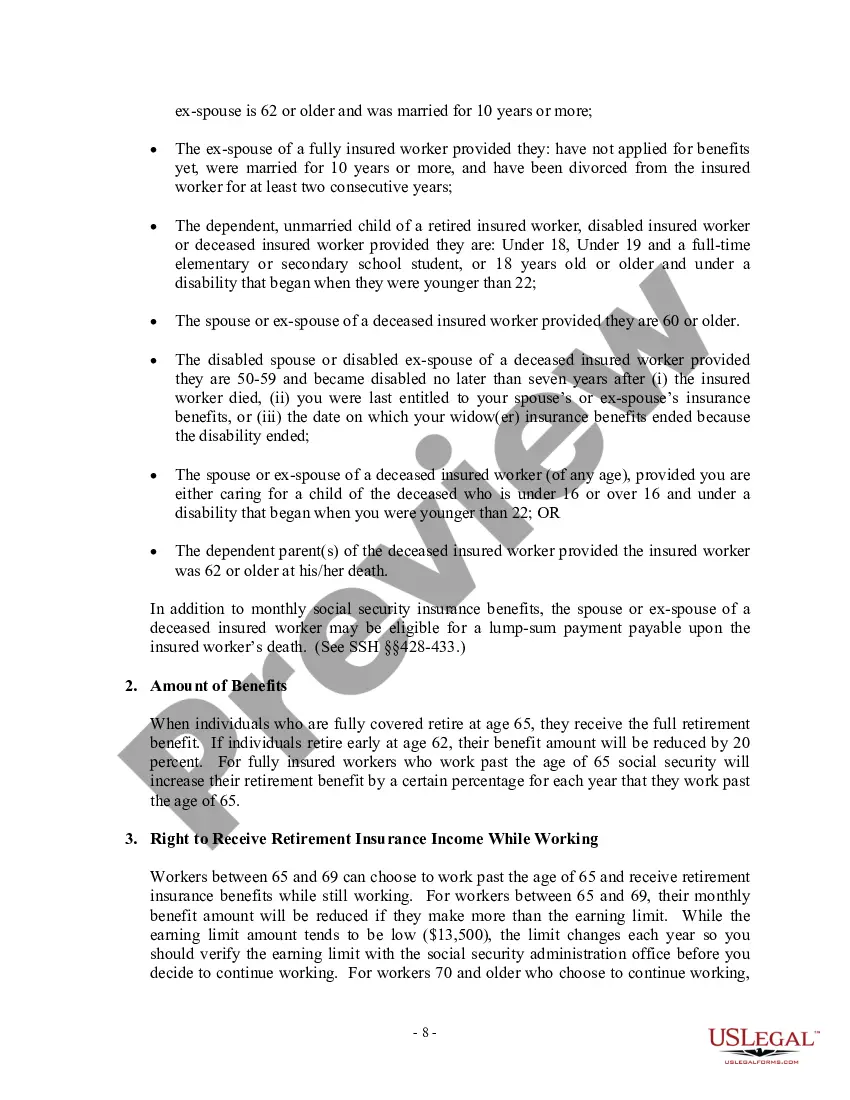
If you start receiving retirement benefits at age: 67, you'll get 108 percent of the monthly benefit because you delayed getting benefits for 12 months. 70, you'll get 132 percent of the monthly benefit because you delayed getting benefits for 48 months.