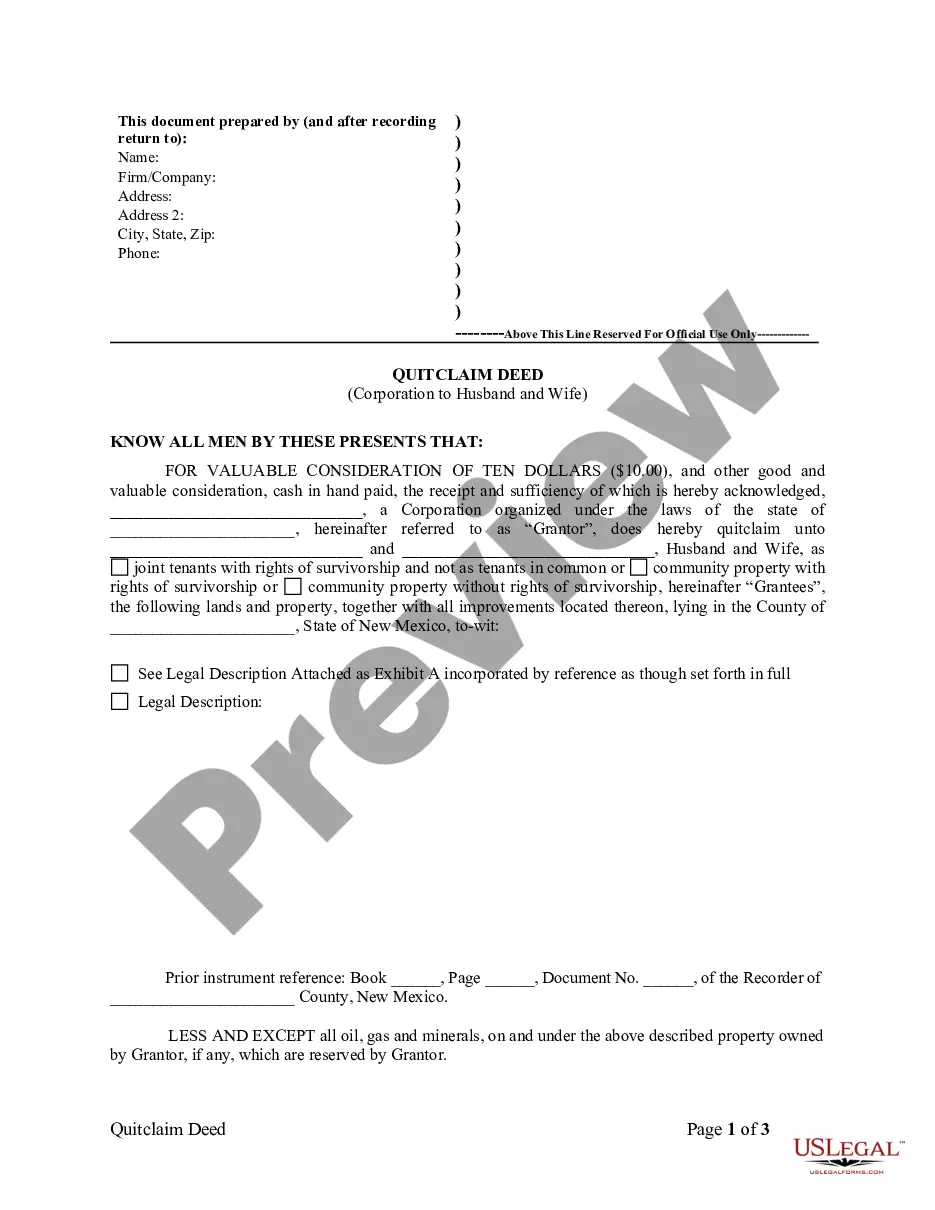
Las Cruces New Mexico Quitclaim Deed from Corporation to Husband and Wife
Description

Get your form ready online
Our built-in tools help you complete, sign, share, and store your documents in one place.
Make edits, fill in missing information, and update formatting in US Legal Forms—just like you would in MS Word.
Download a copy, print it, send it by email, or mail it via USPS—whatever works best for your next step.
Sign and collect signatures with our SignNow integration. Send to multiple recipients, set reminders, and more. Go Premium to unlock E-Sign.
If this form requires notarization, complete it online through a secure video call—no need to meet a notary in person or wait for an appointment.
We protect your documents and personal data by following strict security and privacy standards.

Make edits, fill in missing information, and update formatting in US Legal Forms—just like you would in MS Word.

Download a copy, print it, send it by email, or mail it via USPS—whatever works best for your next step.

Sign and collect signatures with our SignNow integration. Send to multiple recipients, set reminders, and more. Go Premium to unlock E-Sign.

If this form requires notarization, complete it online through a secure video call—no need to meet a notary in person or wait for an appointment.

We protect your documents and personal data by following strict security and privacy standards.
Looking for another form?
How to fill out New Mexico Quitclaim Deed From Corporation To Husband And Wife?
Regardless of the societal or occupational standing, finalizing legal documents is a regrettable requirement in today's society.
Frequently, it’s nearly impossible for individuals lacking any legal expertise to create such documents from the ground up, primarily because of the intricate terminology and legal subtleties involved.
This is where US Legal Forms can be a lifesaver.
Confirm that the template you have selected is appropriate for your area, as the laws of one state or county may not be applicable to another.
Review the form and read a brief summary (if available) of situations the document can be used for. If the chosen form does not meet your requirements, you may restart and search for the correct document. Click Buy now and select your preferred subscription plan. Log In with your credentials or create an account if you do not have one. Choose the payment method and proceed to download the Las Cruces New Mexico Quitclaim Deed from Corporation to Husband and Wife once the payment is complete. You're all set! Now you can print the document or fill it out online. If you encounter any trouble finding your purchased documents, you can easily access them in the My documents section. Whatever legal matter you're attempting to address, US Legal Forms has you covered. Give it a try today and see for yourself.
- Our service provides a vast array of over 85,000 ready-to-use, state-specific documents applicable to nearly any legal scenario.
- US Legal Forms is also a remarkable resource for associates or legal advisors looking to save time with our DIY papers.
- Whether you need the Las Cruces New Mexico Quitclaim Deed from Corporation to Husband and Wife or any other document suitable for your state or county, US Legal Forms has everything you need at your fingertips.
- Here’s how to quickly obtain the Las Cruces New Mexico Quitclaim Deed from Corporation to Husband and Wife using our reliable service.
- If you are already a subscriber, you can go ahead and Log In to access the necessary form.
- If you are not familiar with our library, follow these steps before acquiring the Las Cruces New Mexico Quitclaim Deed from Corporation to Husband and Wife.
Form popularity
FAQ
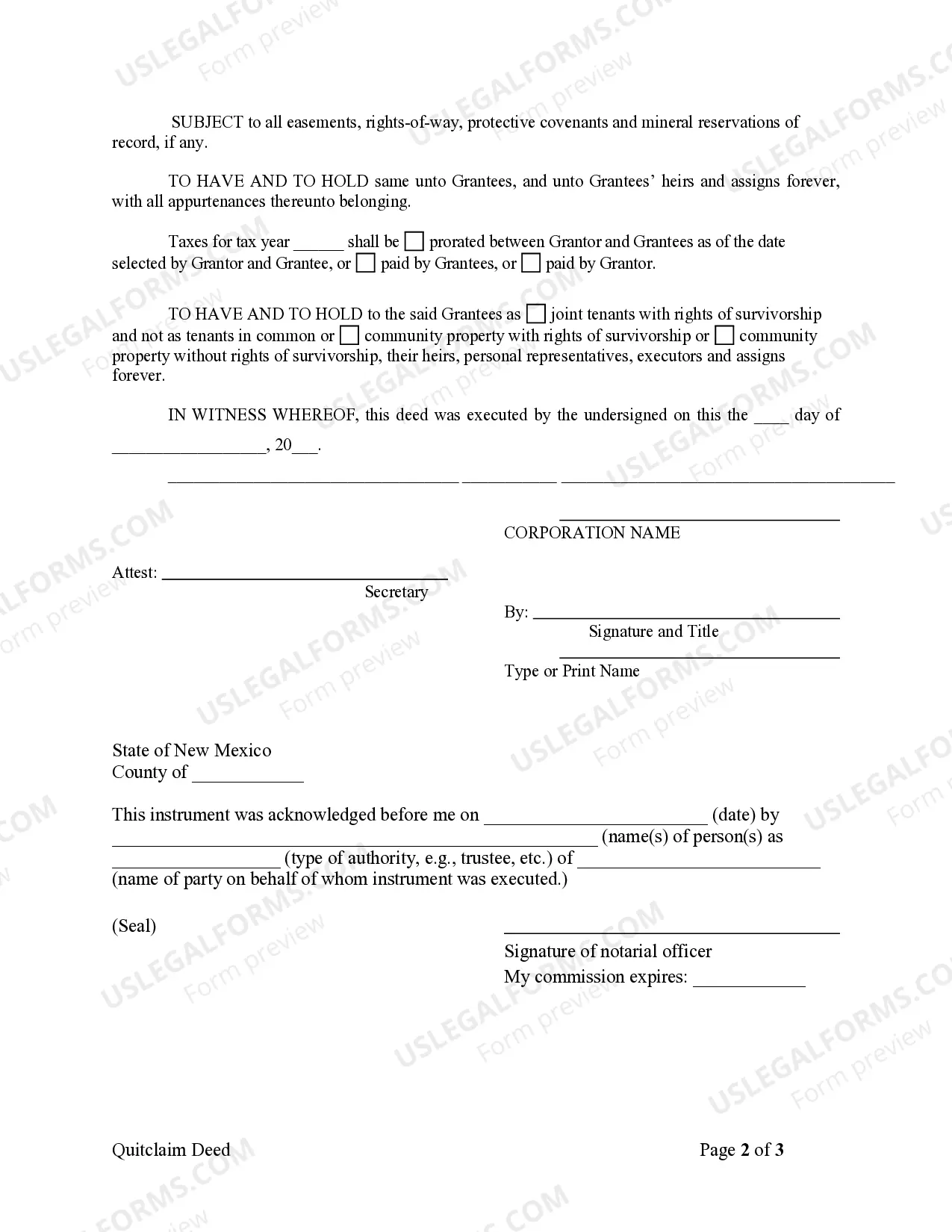
Filing a quitclaim deed in New Mexico involves taking your completed deed to your local county clerk's office. Ensure that the deed is signed and notarized before submission. For a Las Cruces New Mexico Quitclaim Deed from Corporation to Husband and Wife, you may also want to use a platform like uslegalforms to guide you through the filing process and ensure all paperwork is handled correctly.
To properly fill out a quitclaim deed, ensure you have accurate information such as the names of both parties and the property details. Clearly write the legal description of the property and include any specific terms between the grantor and grantee. After completing the deed, remember to sign it in the presence of a notary public.
An example of a quitclaim is when a corporation transfers property ownership to a married couple as co-owners using a quitclaim deed. This type of deed in a Las Cruces New Mexico Quitclaim Deed from Corporation to Husband and Wife allows the corporation to relinquish any claim to the property without guaranteeing the title. This means that while the corporation gives up its interest, it does not assure the couple of clear ownership.
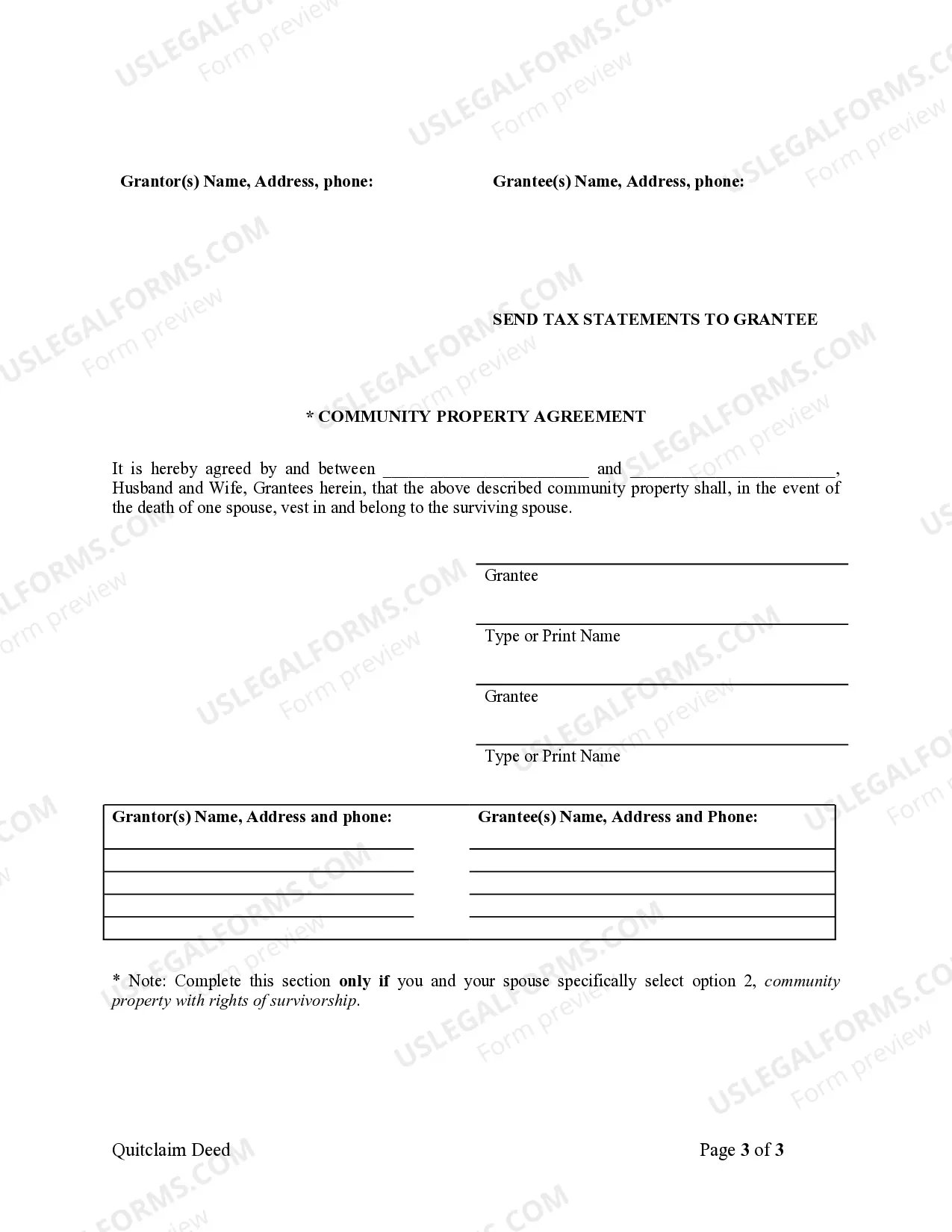
When you want to fill out a quitclaim deed to add a spouse, begin by using the form designated for Las Cruces New Mexico Quitclaim Deed from Corporation to Husband and Wife. Enter your name as the current owner and your spouse's name as the new co-owner. Make sure to sign the deed before a notary to ensure its legality.
To fill out a quitclaim deed form for a Las Cruces New Mexico Quitclaim Deed from Corporation to Husband and Wife, start by entering the names of the grantor and grantee. Next, describe the property involved clearly, including its address and legal description. Then, sign the form in front of a notary public and date it to finalize the process.
The primary negatives of a quit claim deed include the absence of guarantees and potential future disputes. Since the grantor provides no assurances about the property, this might expose the grantee to legal challenges. Understanding the intricacies of a Las Cruces New Mexico quitclaim deed from Corporation to Husband and Wife will help you navigate these concerns effectively.
A major disadvantage of a quit claim deed is the lack of warranties; it does not ensure a clear title. If any claims or liens exist, the new owner may inherit these issues, leading to unforeseen complications. You should consider using resources from uslegalforms to create a well-drafted deed that minimizes these risks.
Typically, a quit claim deed is not reported to the IRS directly. However, if the transaction involves a sale or change in ownership, it may affect tax liabilities and should be disclosed on your tax return. It's crucial to consult a tax advisor to understand how a Las Cruces New Mexico quitclaim deed from Corporation to Husband and Wife may impact your finances.
In Las Cruces, New Mexico, anyone can prepare a quit claim deed, but it is wise to consult a lawyer for accuracy. A quitclaim deed transfers property rights but does not guarantee the title’s validity. A knowledgeable professional can ensure that the deed is properly executed and recorded, protecting both parties’ interests in the transaction.
Filing a quitclaim deed in New Mexico involves a few essential steps. After completing the quitclaim deed, you need to sign it in front of a notary public. Next, take the notarized deed to your local county clerk's office to record it officially. Using the USLegalForms platform can streamline this process by providing you with the proper forms and guidance for filing in Las Cruces.