Kansas Sale of a Business Package
Overview of this form package
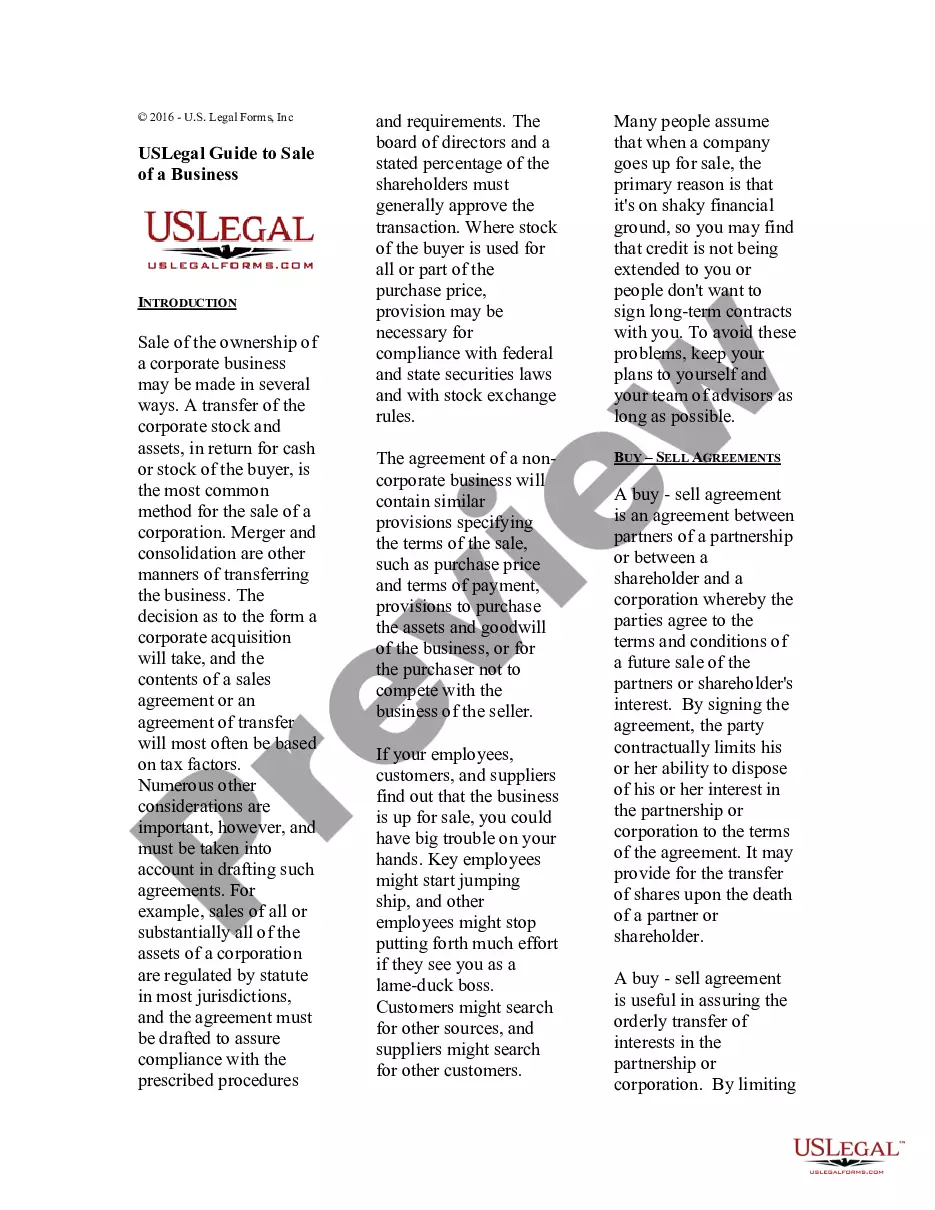
The Kansas Sale of a Business Package is a comprehensive set of legal documents designed to facilitate the sale of a business in Kansas. This package includes specifically tailored forms that address the unique needs of individual or corporate buyers and sellers. By providing essential legal documents such as purchase agreements and consent forms, this package helps ensure a smooth transaction while protecting your legal rights.
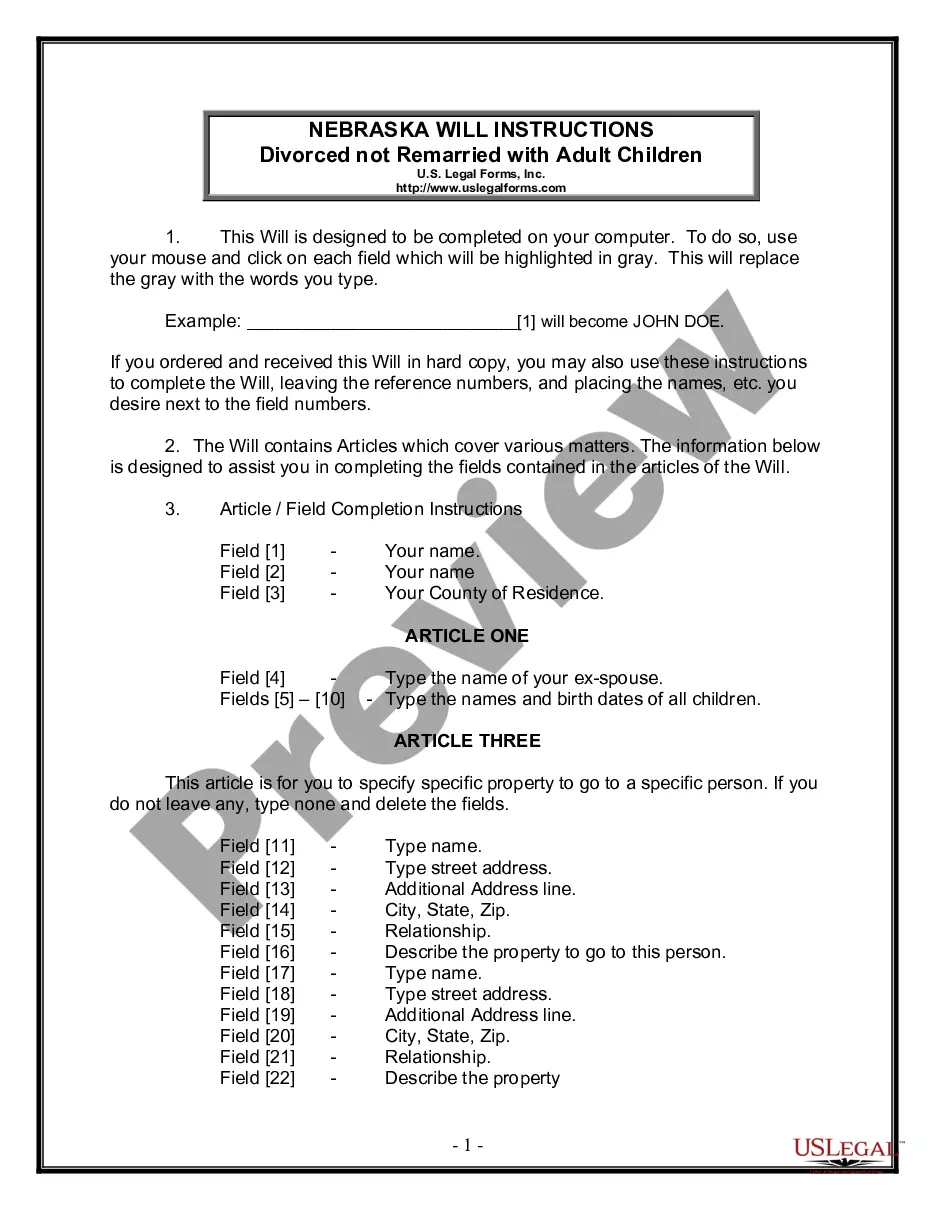
Forms you’ll find in this package
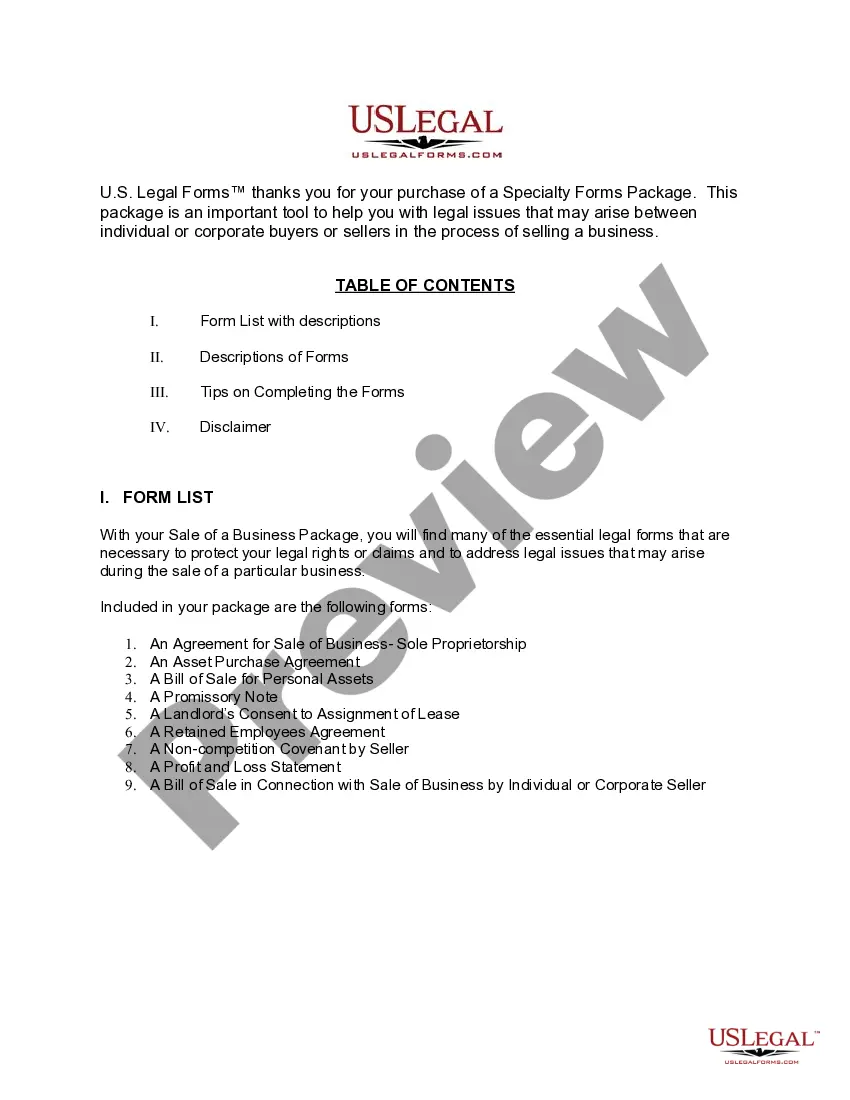
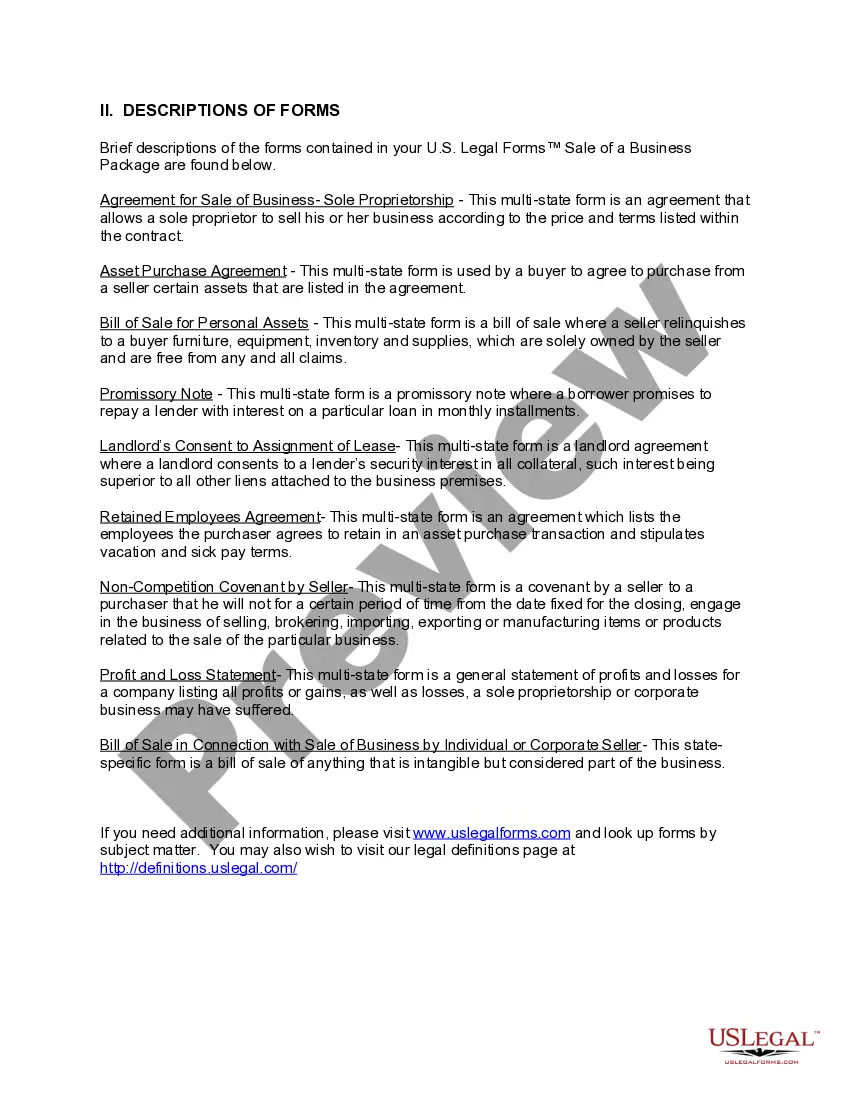
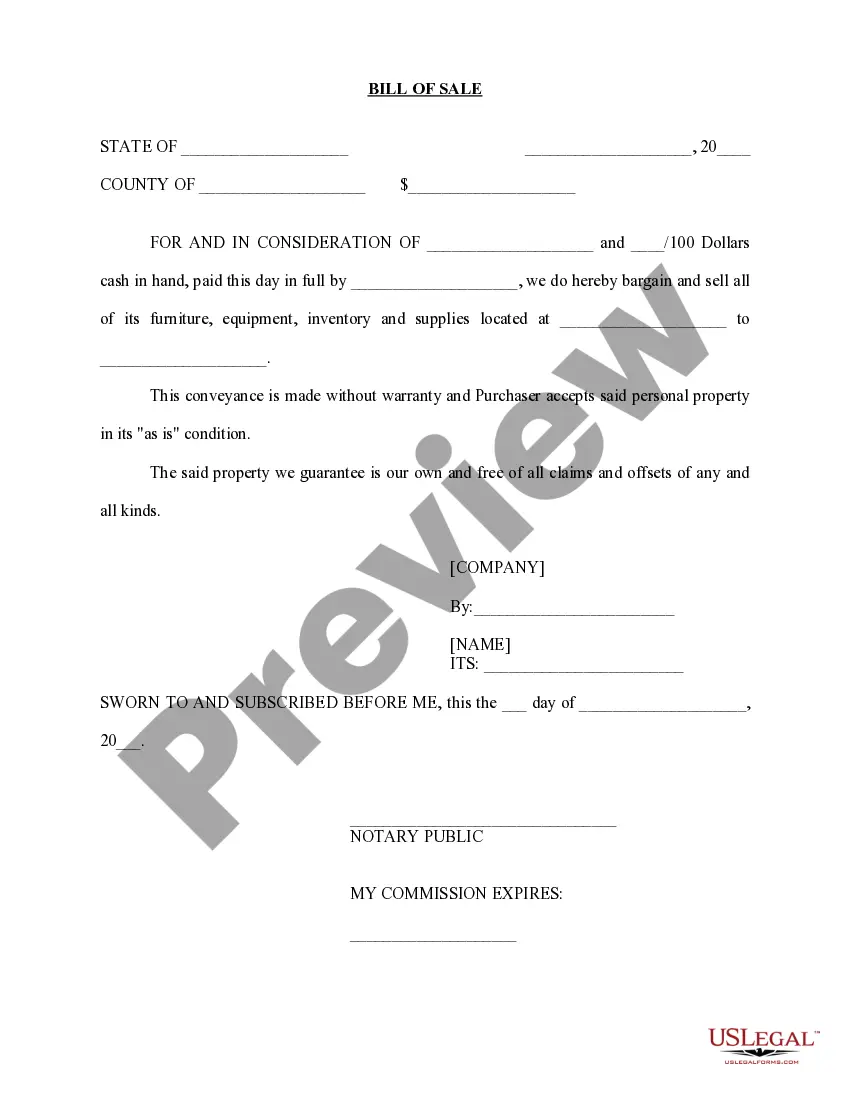
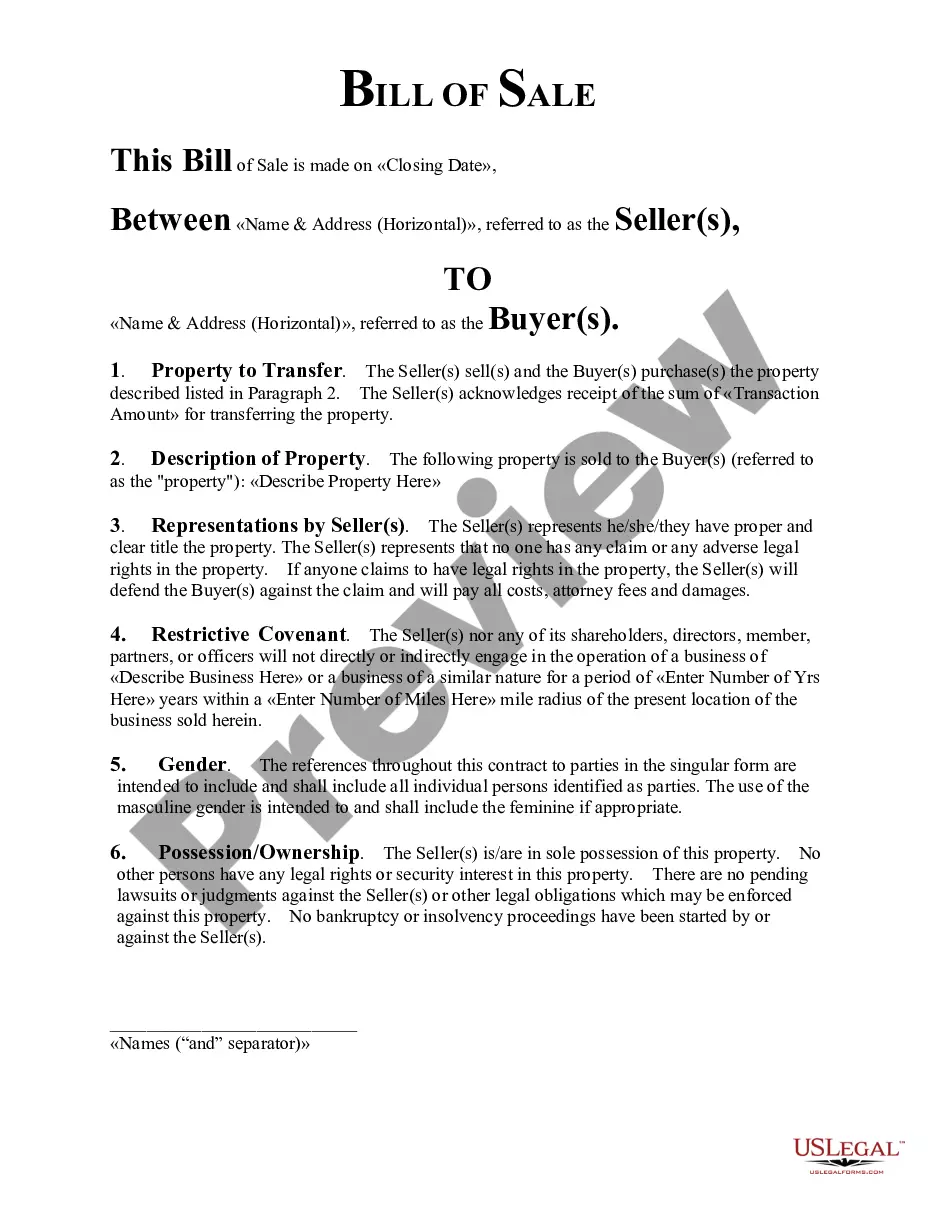
- Bill of Sale in Connection with Sale of Business by Individual or Corporate Seller
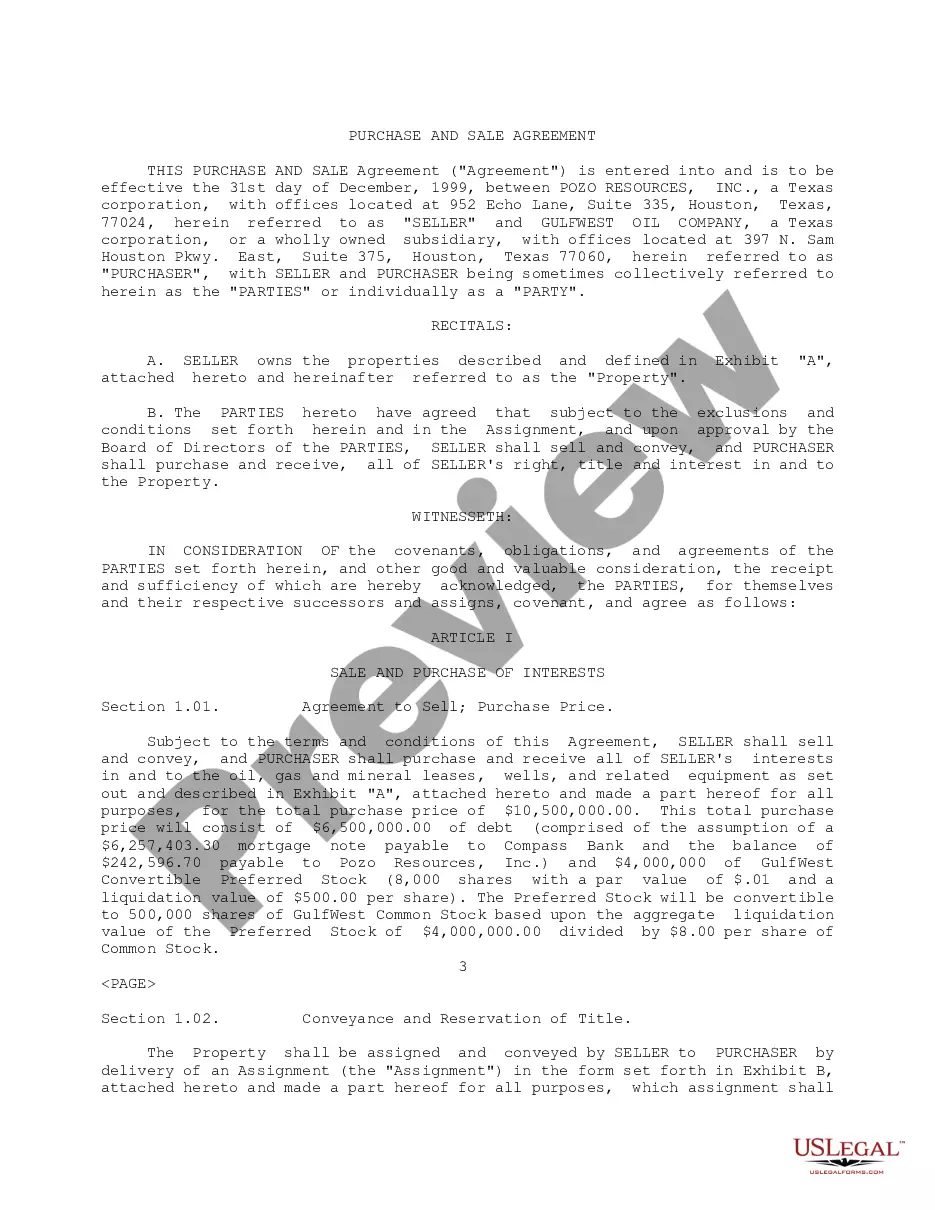
- Asset Purchase Agreement - Business Sale
- Sale of Business - Bill of Sale for Personal Assets - Asset Purchase Transaction
- Sale of Business - Landlord's Consent to Assignment of Lease - Asset Purchase Transaction
- Sale of Business - Promissory Note - Asset Purchase Transaction
- Sale of Business - Retained Employees Agreement - Asset Purchase Transaction
- Noncompetition Covenant by Seller in Sale of Business
- Agreement for Sale of Business - Sole Proprietorship - Asset Purchase
- Profit and Loss Statement
When this form package is needed
This form package is useful in various scenarios, including:
- When you are selling your business and need to formalize the agreement with a buyer.
- When purchasing a business and require the necessary paperwork to secure the transaction.
- When transferring ownership of business assets and ensuring compliance with state regulations.
- When needing to establish agreements with employees or landlords related to the sale.
Who should use this form package
This form package is intended for:
- Individuals or business owners looking to sell their business.
- Individuals or companies interested in purchasing a business.
- Stakeholders involved in asset transactions related to a business sale.
- Legal professionals seeking a reliable set of forms to assist their clients in business transactions.
Steps to complete these forms
To effectively use the Kansas Sale of a Business Package, follow these steps:
- Review all included forms to understand their purpose and ensure they fit your needs.
- Identify the parties involved in the transaction and enter their information in the relevant fields.
- Complete the Agreement for Sale of Business or Asset Purchase Agreement, detailing terms and conditions.
- Sign and date the documents where indicated, ensuring all parties are in agreement.
- Store completed forms securely and provide copies to relevant parties.
Notarization guidance for this package
Forms in this package typically do not require notarization unless required by local law. However, it is advisable to verify the specific requirements for your transaction to ensure compliance.
Get your form ready online
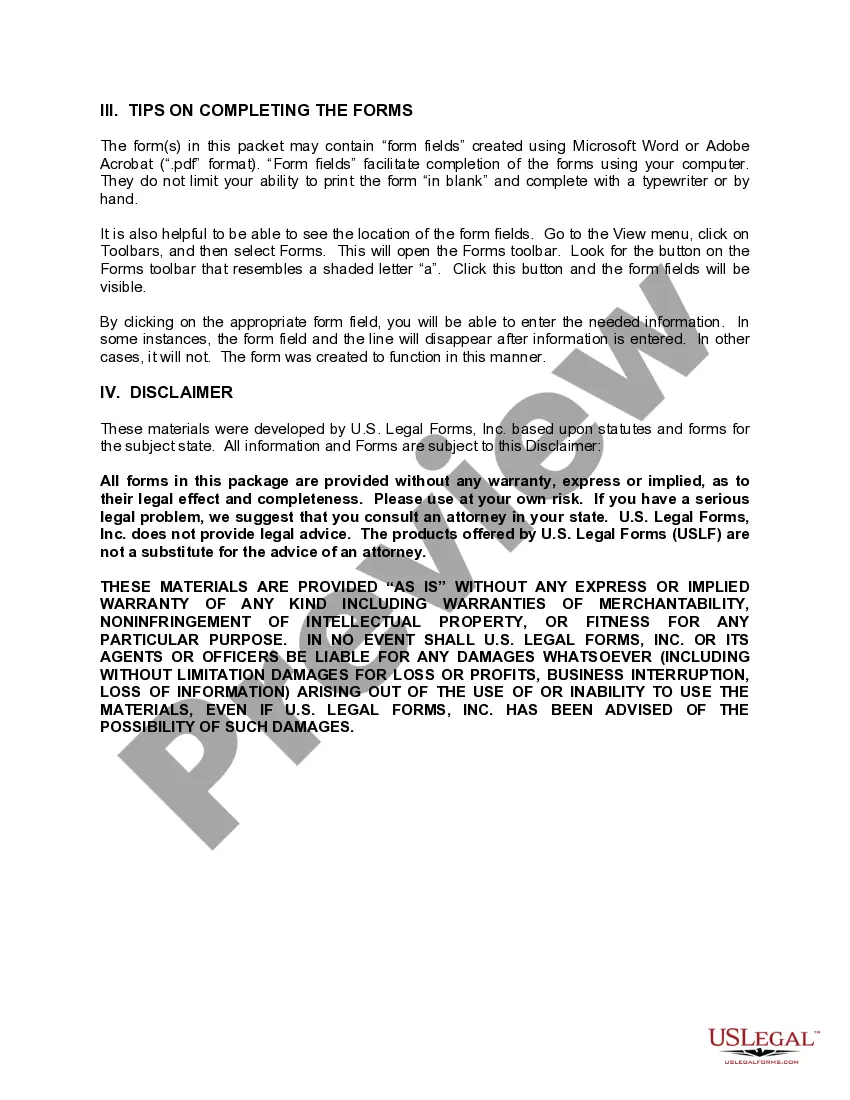
Our built-in tools help you complete, sign, share, and store your documents in one place.
Make edits, fill in missing information, and update formatting in US Legal Forms—just like you would in MS Word.
Download a copy, print it, send it by email, or mail it via USPS—whatever works best for your next step.
Sign and collect signatures with our SignNow integration. Send to multiple recipients, set reminders, and more. Go Premium to unlock E-Sign.
If this form requires notarization, complete it online through a secure video call—no need to meet a notary in person or wait for an appointment.
We protect your documents and personal data by following strict security and privacy standards.

Make edits, fill in missing information, and update formatting in US Legal Forms—just like you would in MS Word.

Download a copy, print it, send it by email, or mail it via USPS—whatever works best for your next step.

Sign and collect signatures with our SignNow integration. Send to multiple recipients, set reminders, and more. Go Premium to unlock E-Sign.

If this form requires notarization, complete it online through a secure video call—no need to meet a notary in person or wait for an appointment.

We protect your documents and personal data by following strict security and privacy standards.
Common mistakes to avoid
When using this form package, be mindful of these common mistakes:
- Failing to enter complete and accurate information in all required fields.
- Not reviewing state-specific requirements that may affect the validity of the forms.
- Neglecting to obtain necessary consents or approvals from landlords or partners.
- Overlooking the need for signatures from all involved parties.
Why use this package online
Using this form package online offers several advantages:
- Convenience of downloading and customizing forms directly from your computer.
- Editability allows you to tailor documents to your specific situation without starting from scratch.
- Access to forms reviewed by licensed attorneys, ensuring legal compliance and effectiveness.
- Cost savings of up to 40% compared to purchasing each form separately.
The legal context of using these forms includes the enforceability of agreements outlined in the package. It is vital to understand that while these forms provide a strong foundation for your business sale, local regulations may impose additional requirements.
Quick recap
Key points to remember when using the Kansas Sale of a Business Package include:
- The package consists of essential legal documents tailored for business transactions in Kansas.
- Complete all forms carefully to ensure legality and enforceability.
- Understand state-specific requirements that may affect the sale.
- Utilize online resources for a seamless document preparation experience.
Looking for another form?


Form popularity
FAQ
Step 1 Begin by downloading the Kansas Resale Exemption Certificate Form ST-28A. Step 2 Identify the seller's name, business address, Sales Tax Registration Number and a general description of what products or services the business sells.
People in Kansas have to pay state sales tax at six and a half percent, but not all out of state internet purchases have had that charge.South Dakota Supreme Court case allowing state taxes on internet sales. That case protected small businesses that sell less than $100,000 to state buyers.
Kansas Retailers' Sales Tax generally applies to: 1) the retail sale, rental, or lease of tangible personal property, and, 2) the sale of labor services to install, apply, repair, service, alter, or maintain tangible personal property.Sales tax is not imposed on the sale of real or intangible property.
You would charge the destination state's rate, in addition to any local or county sales taxes for the address to which you're shipping. You would not additionally collect your own state's sales tax on products you're shipping out of state.
The majority of states (Arkansas, Connecticut, Georgia, Illinois, Kansas, Kentucky, Michigan, Mississippi, Nebraska, New Jersey, New Mexico, New York, North Carolina, North Dakota, Ohio, Oklahoma, Pennsylvania, Rhode Island, South Carolina, South Dakota, Tennessee, Texas, Utah, Vermont, Washington, West Virginia and
ANSWER: Kansas levies sales tax on the "sales or selling price" of goods, which means the amount charged for the goods sold plus any shipping charge for delivering the goods from the seller to the buyer.The total shipping charge is $60.
Most states require taxes on goods sold to businesses, but not on services. Businesses will now have to pay sales tax on marketing, on hardware repair and other IT services, on architectural or engineering services, on payroll and accounting services, and so forth.
Kansas imposes a 6.5 percent (effective July 1, 2015) percent state retailers' sales tax, plus applicable local taxes on the: Retail sale, rental or lease of tangible personal property; Labor services to install, apply, repair, service, alter, or maintain tangible personal property, and.
Shipping is not taxable if listed separately, but handling is taxable. So when you have a combined shipping and handling charge, shipping becomes taxable. Like Maryland, shipping fees are not taxable if handling is listed separately, but is taxable if they're combined.