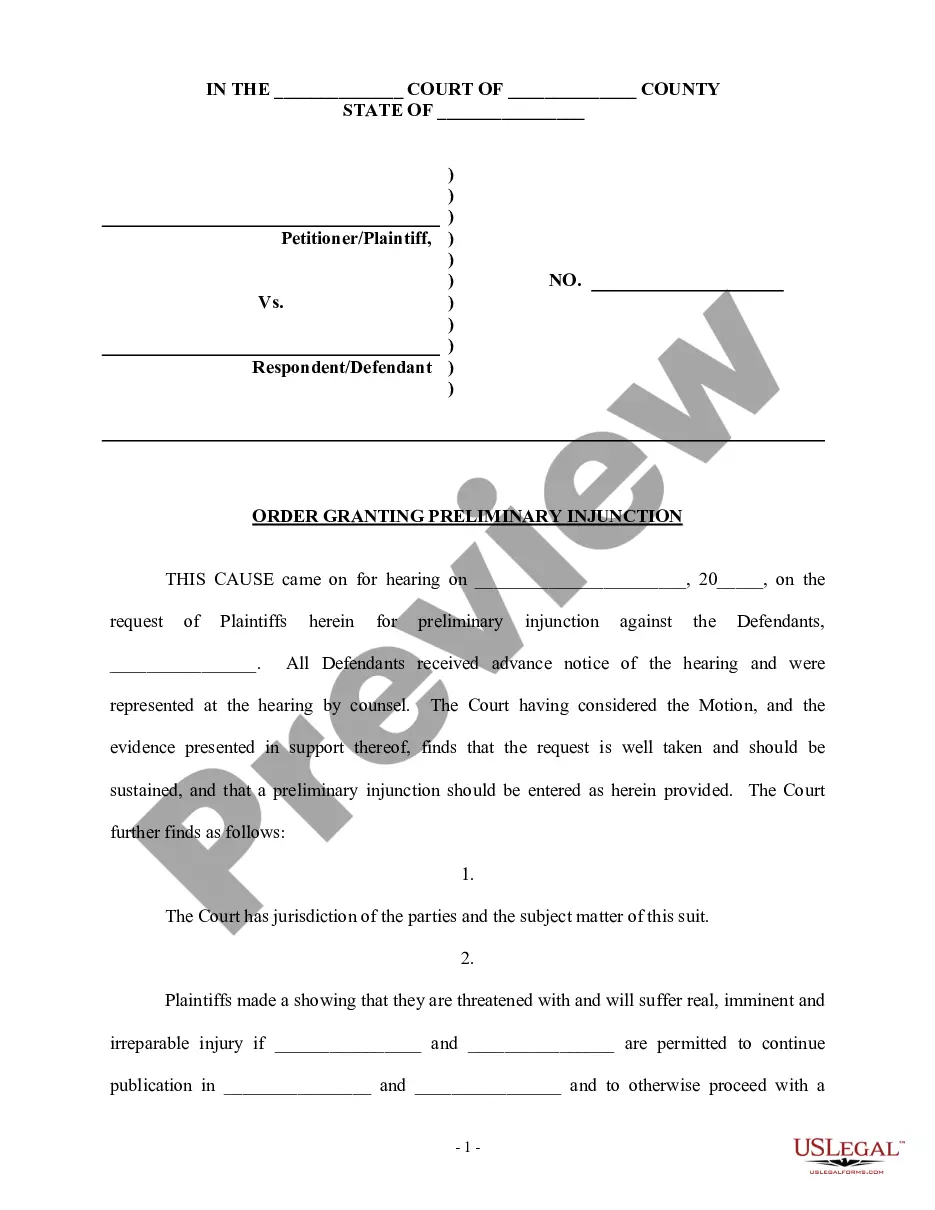
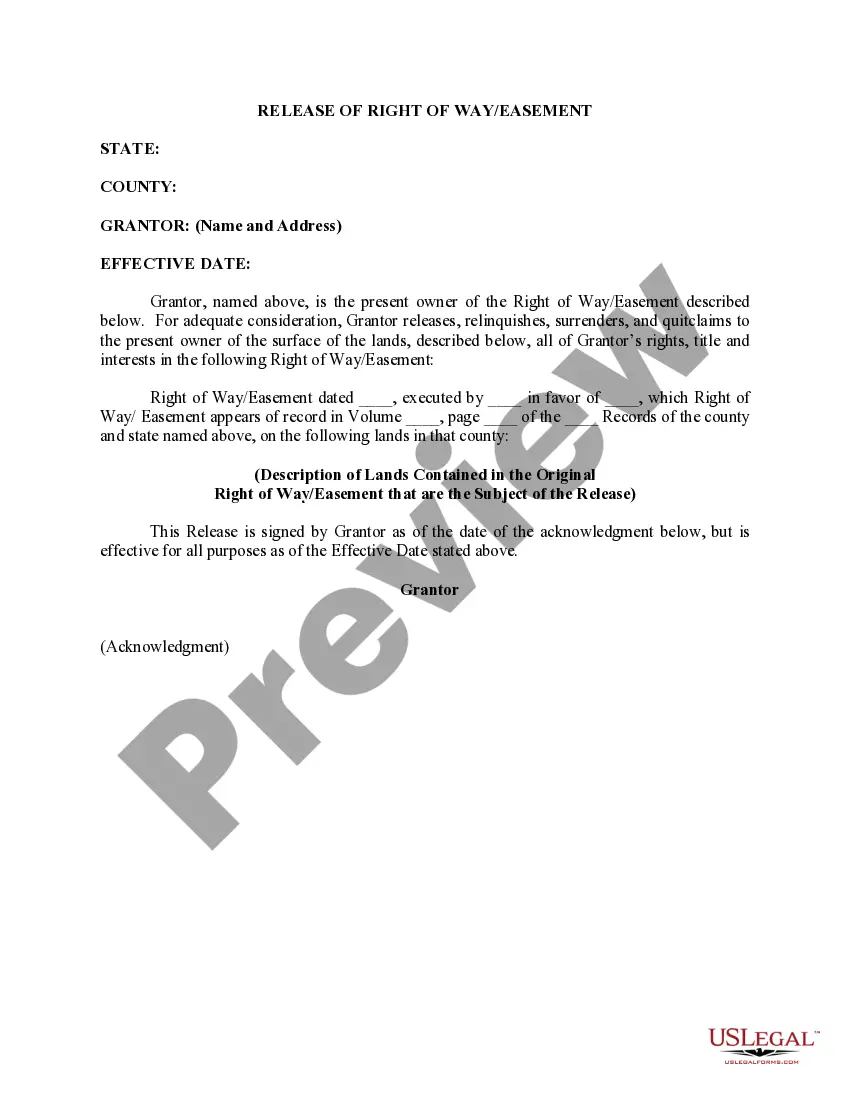
This is a generic Affidavit to accompany a Motion to amend or strike alimony provisions of a divorce decree because of cohabitation by dependent spouse. This form is a generic example that may be referred to when preparing such a form for your particular state. It is for illustrative purposes only. Local laws should be consulted to determine any specific requirements for such a form in a particular jurisdiction.
Wyoming Affidavit of Defendant Spouse in Support of Motion to Amend or Strike Alimony Provisions of Divorce Decree Because of Cohabitation By Dependent Spouse
Category:
State:
Multi-State
Control #:
US-00003BG-I
Format:
Word;
PDF;
Rich Text
Instant download
Description
Free preview






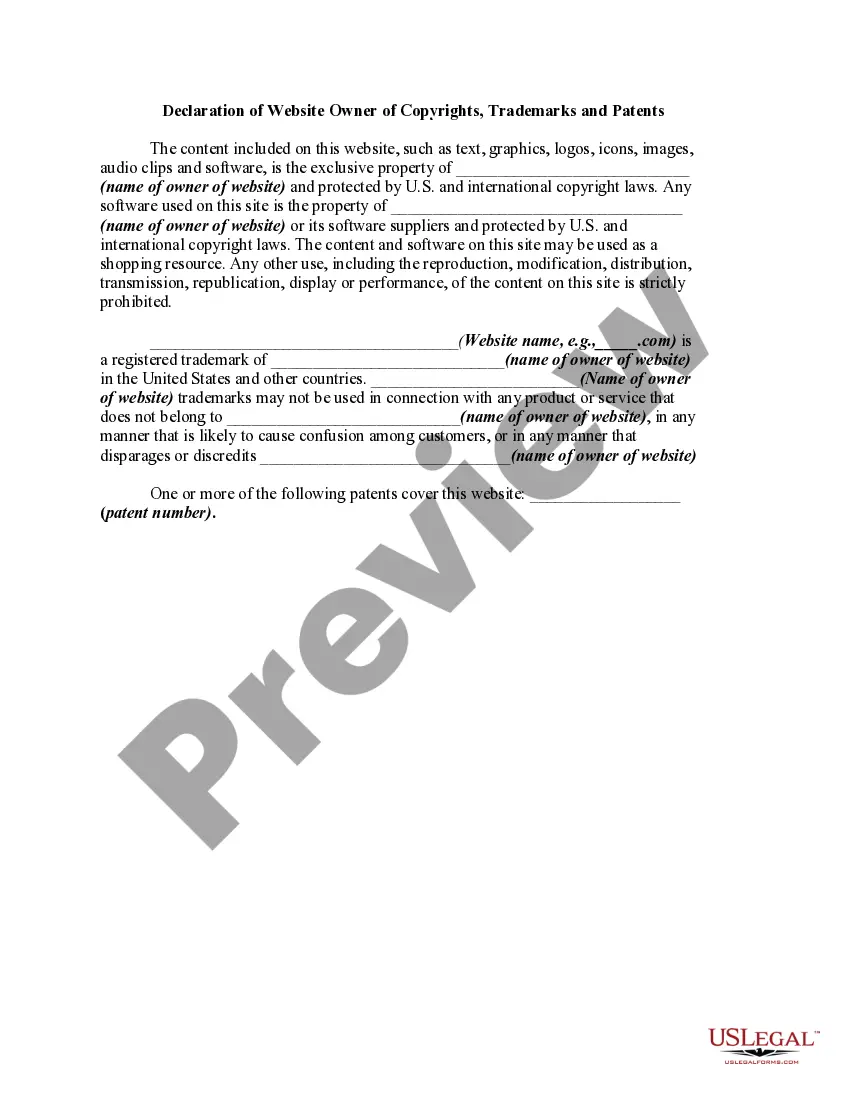

How to fill out Affidavit Of Defendant Spouse In Support Of Motion To Amend Or Strike Alimony Provisions Of Divorce Decree Because Of Cohabitation By Dependent Spouse?
US Legal Forms - one of the largest collections of legal documents in the USA - offers a variety of legal form templates that you can download or create.
By using the website, you can find thousands of forms for business and personal purposes, organized by categories, states, or keywords. You can obtain the latest versions of forms such as the Wyoming Affidavit of Defendant Spouse in Support of Motion to Amend or Strike Alimony Provisions of Divorce Decree Because of Cohabitation By Dependent Spouse within minutes.
If you have a monthly subscription, Log In and download the Wyoming Affidavit of Defendant Spouse in Support of Motion to Amend or Strike Alimony Provisions of Divorce Decree Because of Cohabitation By Dependent Spouse from the US Legal Forms library. The Download option will appear on every form you view. You can access all previously acquired forms in the My documents section of your account.
Then, choose the pricing plan you prefer and provide your information to sign up for an account.
Complete the transaction. Use your credit card or PayPal account to finalize the transaction. Select the format and download the form to your device. Make changes. Fill out, edit, and print and sign the downloaded Wyoming Affidavit of Defendant Spouse in Support of Motion to Amend or Strike Alimony Provisions of Divorce Decree Because of Cohabitation By Dependent Spouse. Every form you added to your account does not have an expiration date and is yours indefinitely. Therefore, if you wish to download or print another copy, simply go to the My documents section and click on the form you need. Access the Wyoming Affidavit of Defendant Spouse in Support of Motion to Amend or Strike Alimony Provisions of Divorce Decree Because of Cohabitation By Dependent Spouse with US Legal Forms, one of the most extensive collections of legal document templates. Utilize thousands of professional and state-specific templates that meet your business or personal needs and requirements.
- If you are using US Legal Forms for the first time, here are some simple steps to help you get started.
- Make sure to select the correct form for your city/state.
- Click the Preview option to review the form's content.
- Read the form description to ensure you have chosen the correct form.
- If the form doesn’t meet your needs, use the Search field at the top of the screen to find one that does.
- Once you are satisfied with the form, confirm your choice by clicking the Download now button.
Form popularity
FAQ
In Wyoming, infidelity can impact divorce proceedings, particularly when it comes to alimony decisions. The court may consider the actions of both spouses when determining the fairness of alimony provisions. If the dependent spouse cohabitates with a new partner, a Wyoming Affidavit of Defendant Spouse in Support of Motion to Amend or Strike Alimony Provisions of Divorce Decree Because of Cohabitation By Dependent Spouse can be a crucial tool. This affidavit helps clarify the circumstances surrounding cohabitation, potentially leading to adjustments in financial support.
A petition stipulation or motion to modify the decree of divorce is a legal request made to the court to change the terms of an existing divorce decree. This can include adjustments to child custody, property division, or spousal support. In cases where cohabitation occurs, a dependent spouse may find it necessary to file a Wyoming Affidavit of Defendant Spouse in Support of Motion to Amend or Strike Alimony Provisions of Divorce Decree Because of Cohabitation By Dependent Spouse to ensure that the decree reflects their current situation and needs.
In Wyoming, a wife may be entitled to various assets during a divorce, including community property and potentially spousal support. The division of property generally follows equitable distribution principles, meaning that the court aims for a fair, though not necessarily equal, division. If the wife is considered a dependent spouse, she may also have grounds to file a Wyoming Affidavit of Defendant Spouse in Support of Motion to Amend or Strike Alimony Provisions of Divorce Decree Because of Cohabitation By Dependent Spouse, which addresses changes in her support needs.
Wyoming is a ?just and equitable distribution? state, so when the parties reach an impasse when it comes to dividing a marital estate, the court will step in. Just and Equitable does not necessarily mean equal, but what the court decides is fair.
Although spousal support is not commonly awarded in Wyoming, marriages where one spouse provided significantly more financial resources to the marriage may establish grounds for a judge to grant alimony. Factors the court considers in deciding on alimony include: The income and assets of each spouse.
Residency and where to file In order to file for divorce in Wyoming, the person filing (the plaintiff) must have either been a Wyoming resident for at least 60 days immediately before filing, or have been a resident since the time of the marriage if the parties were married in Wyoming.
A judge can grant you a divorce for the following reasons: irreconcilable differences between you and your spouse;1 or. incurable insanity if your spouse has been confined to a mental hospital for at least two years before you file for divorce.
Wyoming, like most states, has what is commonly called a no-fault ground for divorce, and one traditional fault-based ground. To get a no-fault divorce in Wyoming, you need to state in the Complaint for Divorce that ?the parties have irreconcilable differences.?
The State of Wyoming is a no-fault divorce state, meaning the court will not assign fault to either party for the divorce. Wyoming uses irreconcilable differences (the two parties no longer get along) as grounds for divorce.