Wyoming Closing Statement
About this form
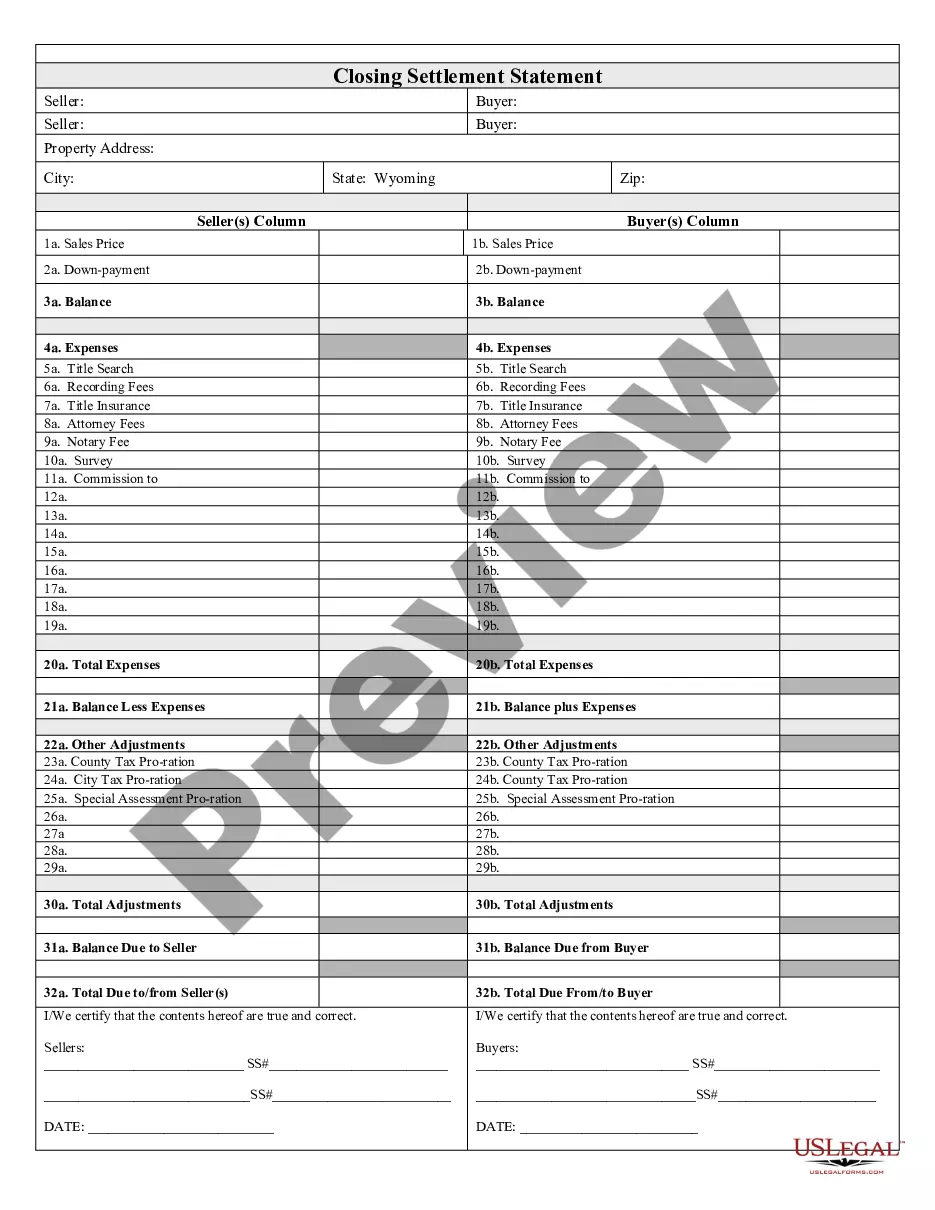
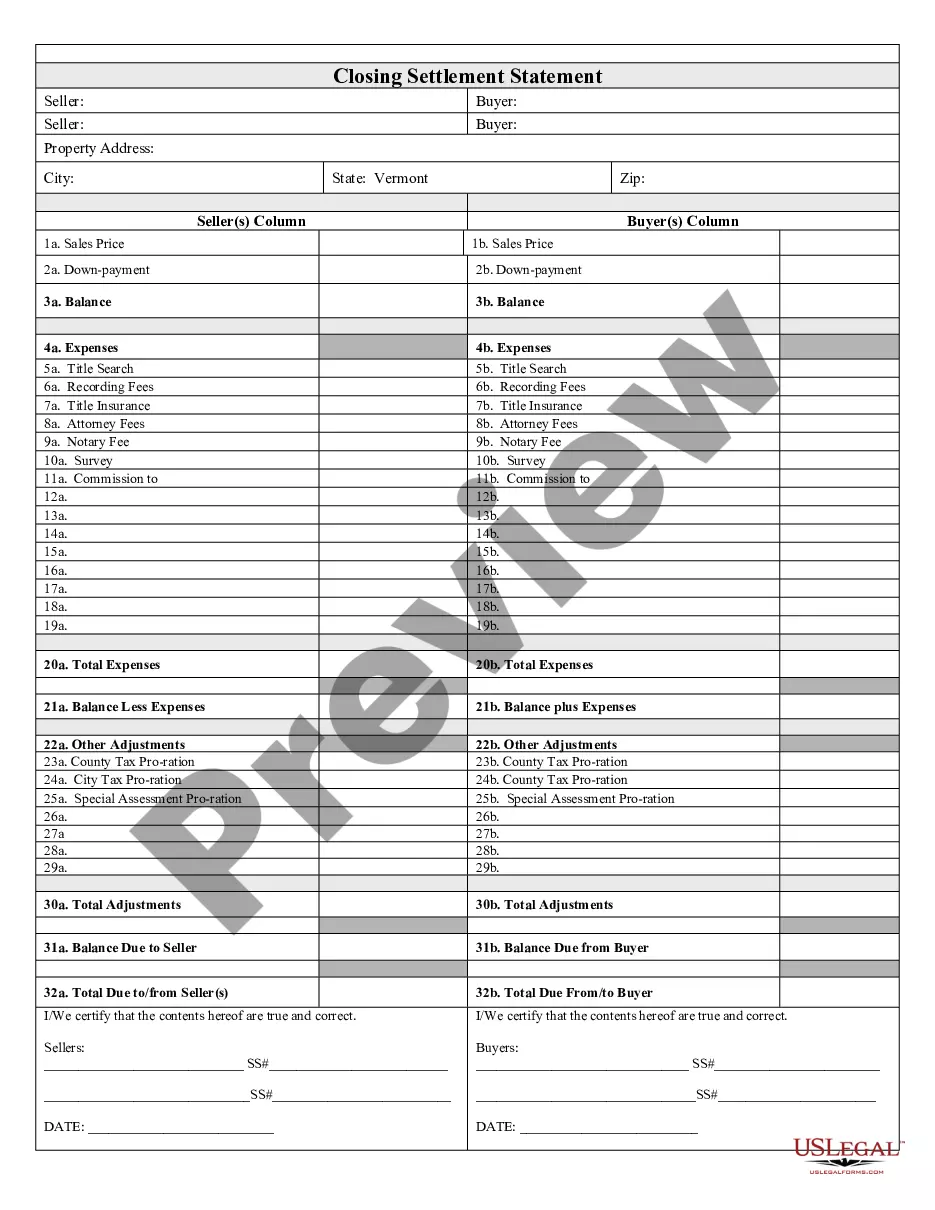
The Closing Statement is an essential document used in real estate transactions where the sale is either a cash transaction or involves owner financing. This form serves to summarize the financial details of the transaction, ensuring both the seller and buyer are aware of all expenses and credits involved. Unlike other settlement forms, this statement provides a clear verification of costs, signed by both parties, facilitating a transparent and efficient closing process.
What’s included in this form
- Balance: The overall balance due calculated after expenses.
- Expenses: A detailed listing of costs including title search, recording fees, and attorney fees.
- Title Insurance: Information regarding title insurance cost and coverage.
- Notary and Survey Fees: Costs associated with notarization and property surveys.
- Commission: Disclosure of any commissions to agents involved in the sale.
- Total Adjustments: Summary of all financial adjustments, including tax prorations.
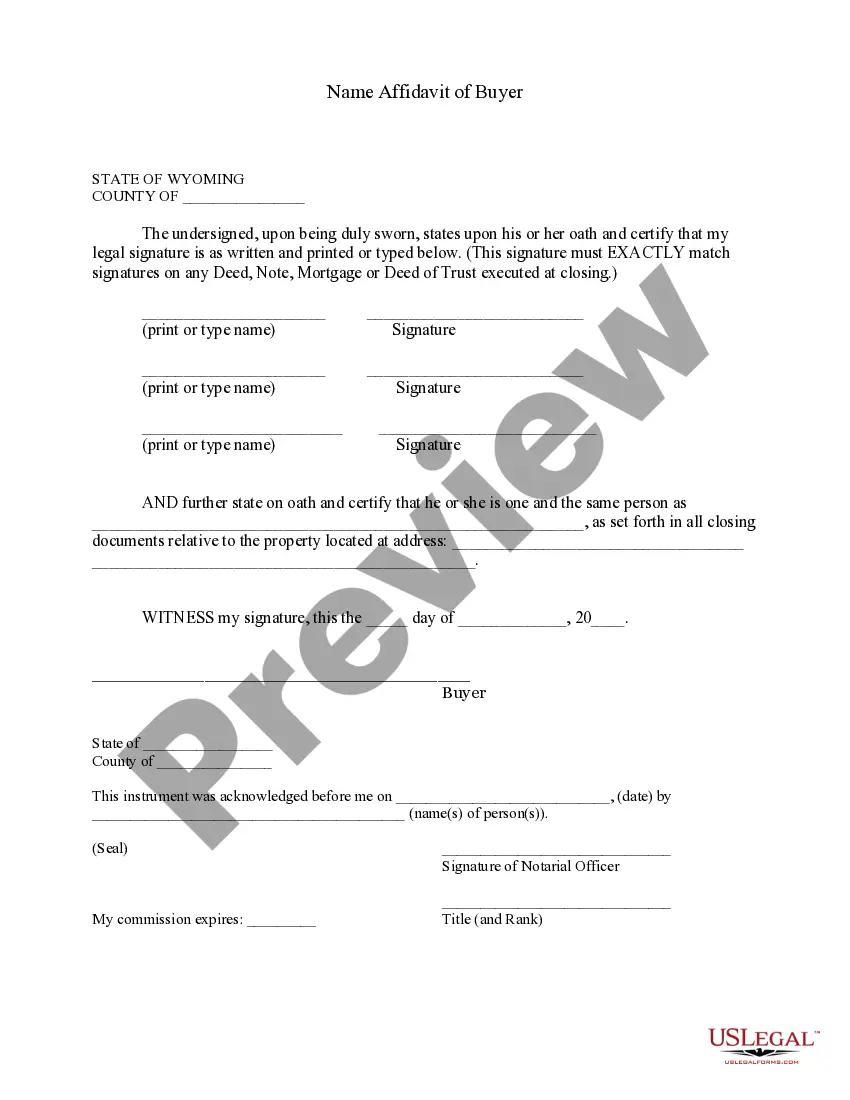
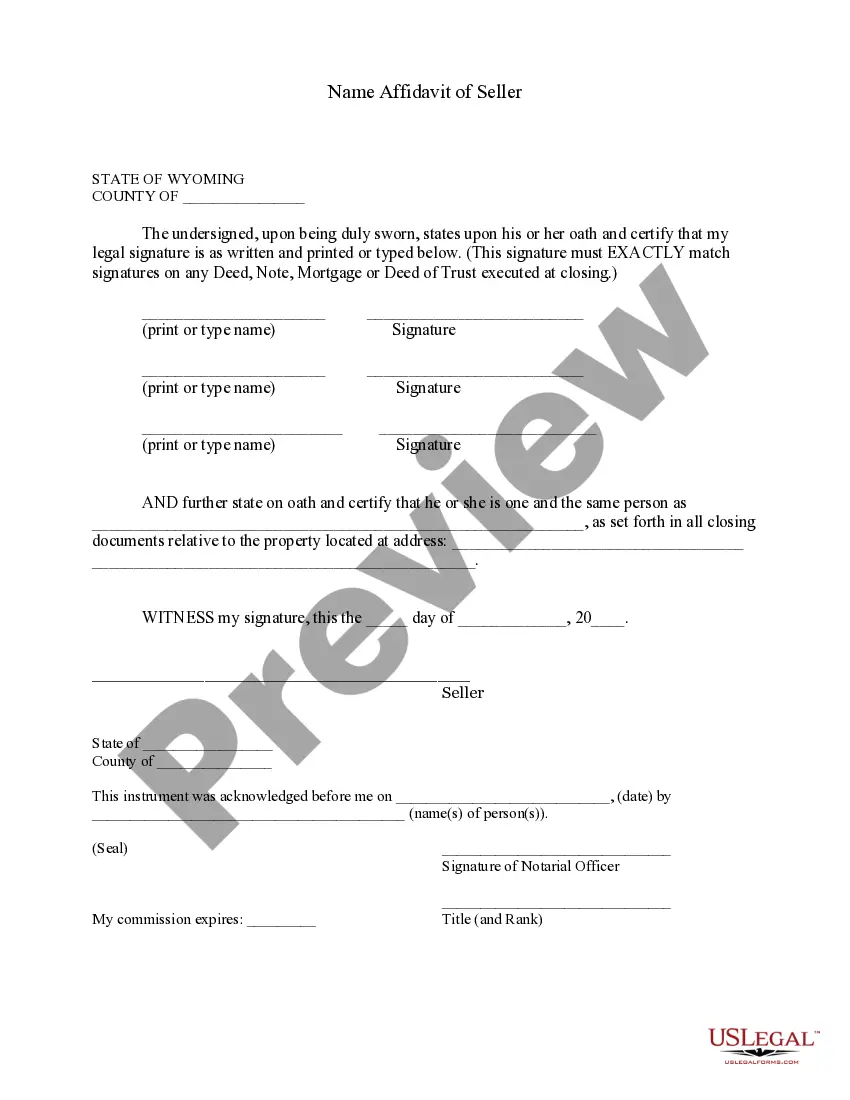
- Signatures: Certification by both the seller and buyer to confirm the accuracy of the statement.

When this form is needed
This form should be used during the closing phase of a real estate transaction, especially when the sale is finalized with cash payment or through owner financing. It is required to provide a comprehensive view of all financial aspects of the transaction, ensuring that both parties are in agreement on the amounts owed and any associated expenses.
Who should use this form
- Home sellers and buyers engaged in cash or owner-financed transactions.
- Real estate agents or brokers facilitating the closing process.
- Attorneys involved in real estate transactions requiring documentation of financial agreements.
How to complete this form
- Identify the parties involved: Clearly state the names of the seller(s) and buyer(s).
- Specify the property: Provide details about the property being sold, including address and legal description.
- List expenses: Accurately fill in all relevant expenses related to the transaction.
- Calculate total adjustments: Ensure that all credits and prorations are correctly accounted for.
- Obtain signatures: Both parties must sign to certify that the information is true and correct.
Is notarization required?
Notarization is required for this form to take effect. Our online notarization service, powered by Notarize, lets you verify and sign documents remotely through an encrypted video session, available 24/7.
Get your form ready online
Our built-in tools help you complete, sign, share, and store your documents in one place.
Make edits, fill in missing information, and update formatting in US Legal Forms—just like you would in MS Word.
Download a copy, print it, send it by email, or mail it via USPS—whatever works best for your next step.
Sign and collect signatures with our SignNow integration. Send to multiple recipients, set reminders, and more. Go Premium to unlock E-Sign.
If this form requires notarization, complete it online through a secure video call—no need to meet a notary in person or wait for an appointment.
We protect your documents and personal data by following strict security and privacy standards.

Make edits, fill in missing information, and update formatting in US Legal Forms—just like you would in MS Word.

Download a copy, print it, send it by email, or mail it via USPS—whatever works best for your next step.

Sign and collect signatures with our SignNow integration. Send to multiple recipients, set reminders, and more. Go Premium to unlock E-Sign.

If this form requires notarization, complete it online through a secure video call—no need to meet a notary in person or wait for an appointment.

We protect your documents and personal data by following strict security and privacy standards.
Avoid these common issues
- Failing to list all relevant expenses can lead to disputes.
- Not obtaining signatures from both parties can invalidate the form.
- Leaving out crucial details about the property may cause legal complications.
Benefits of completing this form online
- Convenience: Easily fill out and download the form from anywhere.
- Editability: Modify details as needed before finalizing.
- Reliability: Ensure that the form is drafted by licensed attorneys for legality and accuracy.
Legal use & context
- This form serves as a legally binding record of the transaction's financial aspects.
- It helps protect both parties by clearly stating what is owed and expected payments.
- Filing the Closing Statement may be necessary for tax purposes and property record updates with local authorities.
What to keep in mind
- The Closing Statement is vital for cash sales and owner-financing transactions.
- Accurate completion ensures transparency and mutual agreement between parties.
- Always seek local regulations to confirm compliance and notarization requirements.
Looking for another form?

Form popularity
FAQ
To receive a certificate of good standing, contact the Wyoming Secretary of State's office. Wyoming offers options to complete the process online or by mail. The process is free if done online at the Secretary of State website. By mail, the processing fee is $10.
A formal dissolution requires submitting Articles of Dissolution and a $50 check to the Wyoming Secretary of State. Once received, there is a 3-5 day processing time before the documents are filed online and the company is formally closed.
Most business entities file their annual reports online at the Wyoming Secretary of State website. All you need is your SOS filing ID. If you don't remember your ID or you don't have it, look it up. If you'd prefer, you can also print out your Wyoming report from the SOS website and send it by mail.
Hold a board of directors meeting and formally move to dissolve your corporation. Fill out and file the Articles of Dissolution with the Wyoming Secretary of State. Fulfill all tax obligations with the state of Wyoming, as well as with the IRS.
Just as you filed paperwork with the state to form your LLC, you must file articles of dissolution or a similar document to dissolve the LLC. These papers are filed with the same state agency that handed your original LLC formationusually the secretary of state.
Call a Board Meeting. File a Certificate of Dissolution With the Secretary of State. Notify the Internal Revenue Service (IRS) Close Accounts and Credit Lines, Cancel Licenses, Etc.
In order to start the divorce process, you'll need to complete some forms. You can obtain the forms you'll need online through the Wyoming Judicial Branch's Self-Help Section. The forms and instructions are not a substitute for legal advice. If you decide to proceed "pro se," you'll be representing yourself.
You'll need to formally close your LLC or Corporation. Otherwise, you can still be on the hook for filing your inactive business' annual reports, filing state/federal tax returns, and keeping up any business licenses.
Most business entities file their annual reports online at the Wyoming Secretary of State website. All you need is your SOS filing ID. If you don't remember your ID or you don't have it, look it up. If you'd prefer, you can also print out your Wyoming report from the SOS website and send it by mail.