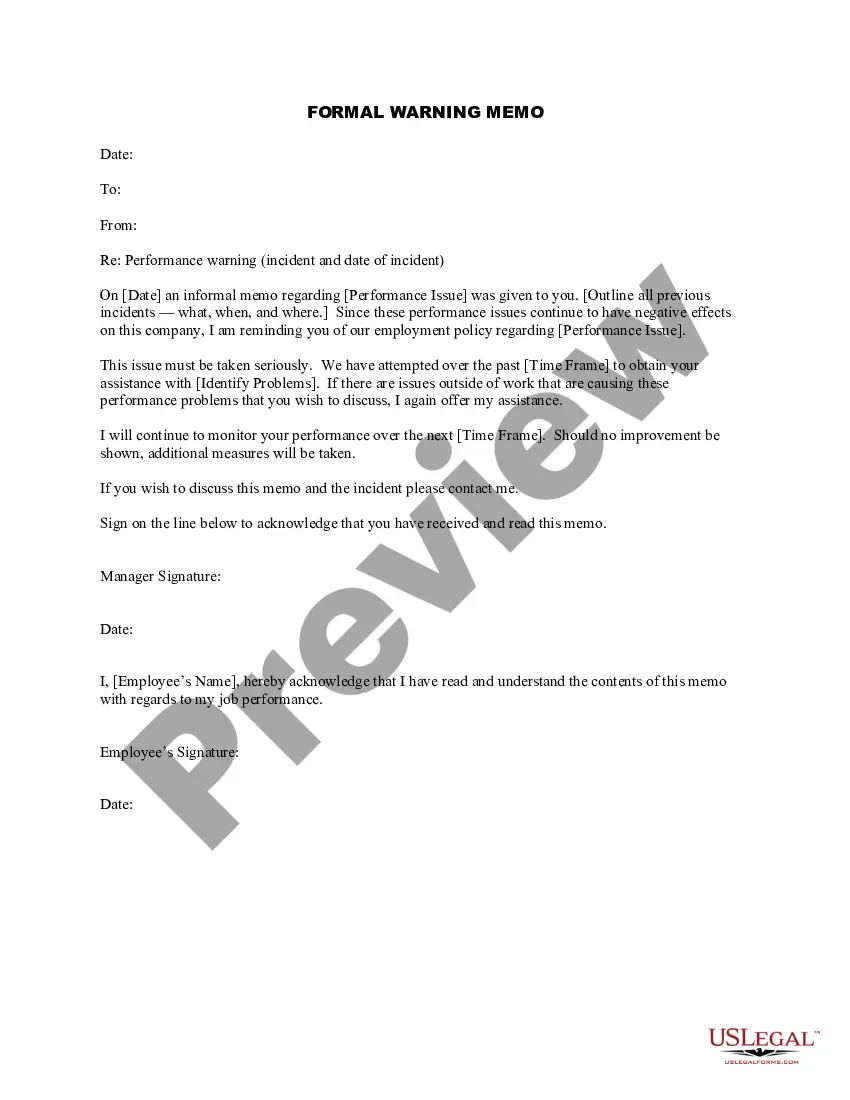
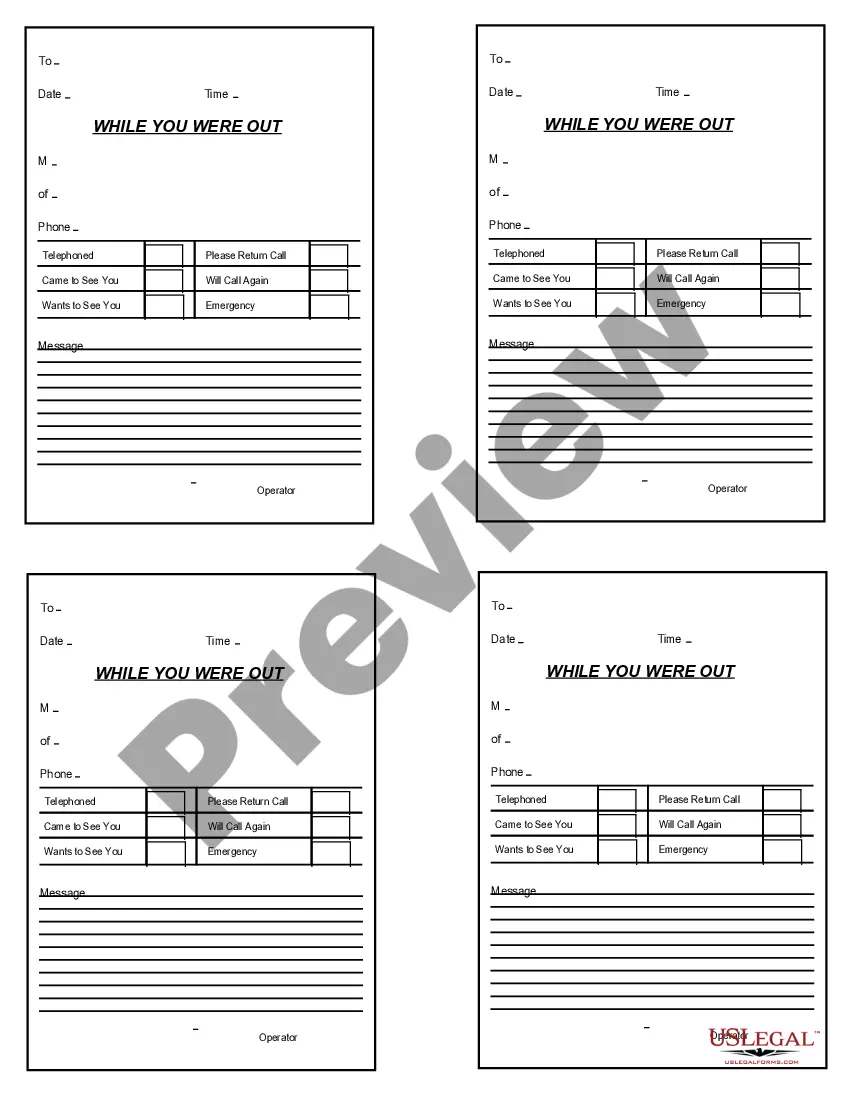
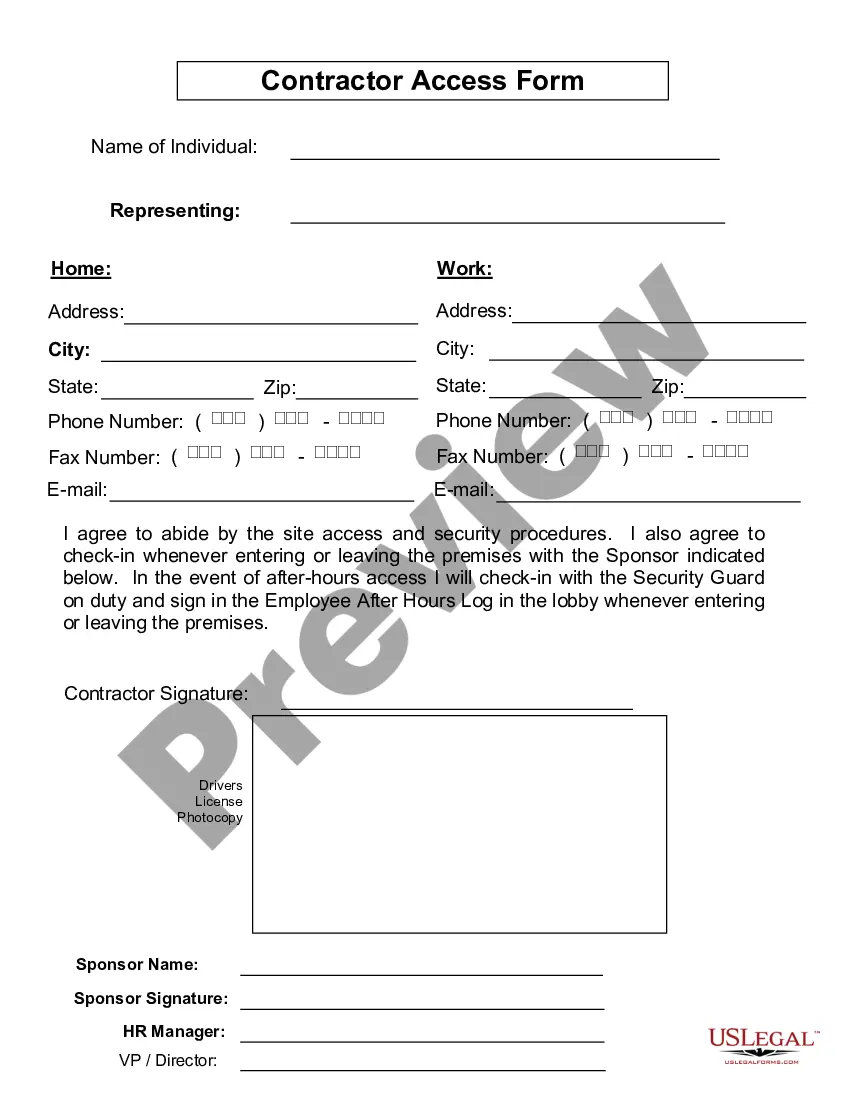
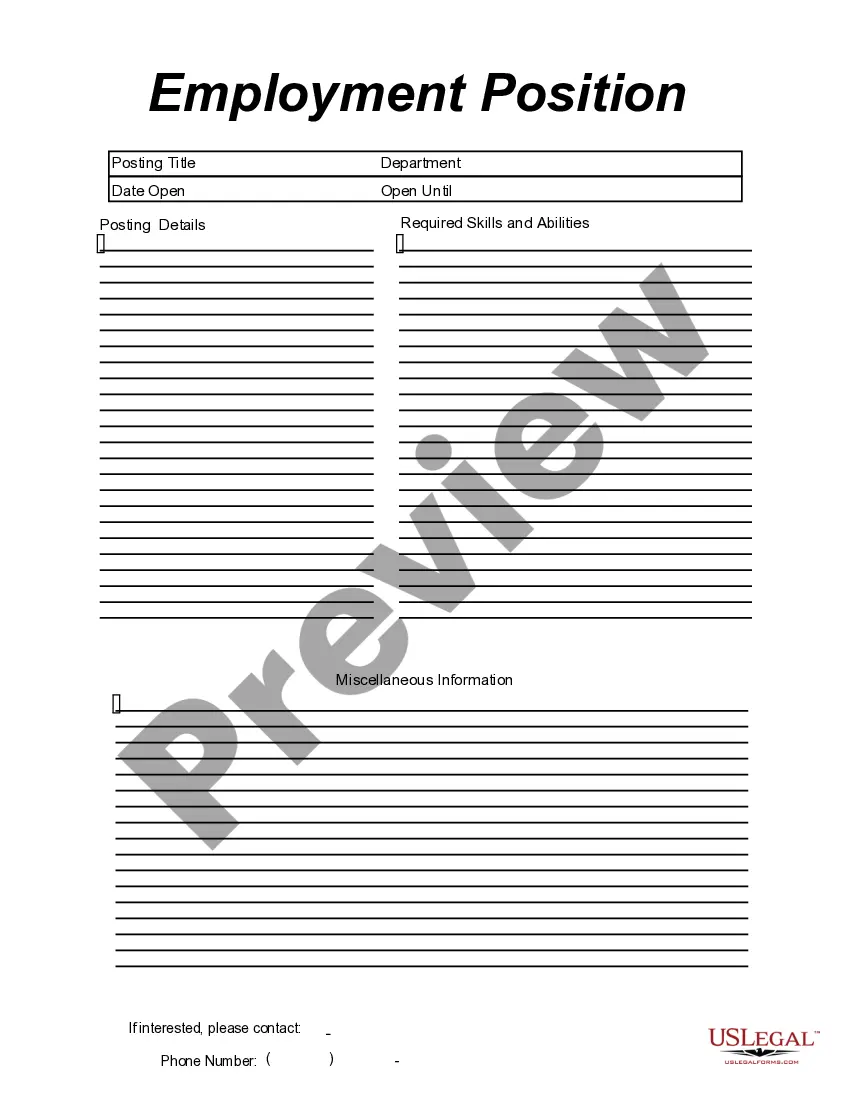
This form is a business type form that is formatted to allow you to complete the form using Adobe Acrobat or Word. The word files have been formatted to allow completion by entry into fields. Some of the forms under this category are rather simple while others are more complex. The formatting is worth the small cost.
West Virginia While You Were Out
Category:
State:
Multi-State
Control #:
US-206-AZ
Format:
Word;
PDF;
Rich Text
Instant download
Description

Get your form ready online
Our built-in tools help you complete, sign, share, and store your documents in one place.
Built-in online Word editor
Make edits, fill in missing information, and update formatting in US Legal Forms—just like you would in MS Word.
Export easily
Download a copy, print it, send it by email, or mail it via USPS—whatever works best for your next step.
E-sign your document
Sign and collect signatures with our SignNow integration. Send to multiple recipients, set reminders, and more. Go Premium to unlock E-Sign.
Notarize online 24/7
If this form requires notarization, complete it online through a secure video call—no need to meet a notary in person or wait for an appointment.
Store your document securely
We protect your documents and personal data by following strict security and privacy standards.

Make edits, fill in missing information, and update formatting in US Legal Forms—just like you would in MS Word.

Download a copy, print it, send it by email, or mail it via USPS—whatever works best for your next step.

Sign and collect signatures with our SignNow integration. Send to multiple recipients, set reminders, and more. Go Premium to unlock E-Sign.

If this form requires notarization, complete it online through a secure video call—no need to meet a notary in person or wait for an appointment.

We protect your documents and personal data by following strict security and privacy standards.
Looking for another form?




How to fill out While You Were Out?
Are you presently in a position where you require documents for regular organizational or personal purposes.
There are numerous legal document templates accessible online, but finding trustworthy ones can be challenging.
US Legal Forms offers a wide array of form templates, including the West Virginia While You Were Out, designed to fulfill state and federal requirements.
You can view all the documents you have purchased in the My documents section.
You can download another copy of the West Virginia While You Were Out whenever needed—simply select the appropriate form to download or print the document template.
- If you are already familiar with the US Legal Forms website and have an account, simply Log In.
- Then, you can download the West Virginia While You Were Out template.
- If you do not have an account and wish to start using US Legal Forms, follow these steps.
- Select the form you need and ensure it is for the correct city/state.
- Utilize the Preview feature to review the form.
- Read the description to confirm you have selected the correct document.
- If the form is not what you're looking for, use the Lookup field to find a document that meets your needs.
- Once you locate the correct document, click Buy now.
- Choose the pricing plan you prefer, fill out the necessary information to create your account, and complete your purchase using PayPal or a credit card.
- Select a convenient file format and download your copy.
Form popularity
FAQ
Place two plastic cones or other objects approximately fifteen feet apart to simulate the standard size of this type of parking space. Use the following directions as a guide for practicing parallel parking for the first time.
What is important to pass the road test?Follow instructions;Posture;Keep in the proper lane;Give the proper signals;Car control;Parallel park;Demonstrate good driving posture;Obey all traffic signs and traffic laws;More items...
(a) Except as otherwise provided in this section, every vehicle stopped or parked upon a roadway where there are adjacent curbs shall be so stopped or parked with the right-hand wheels of such vehicle parallel to and within eighteen inches of the right-hand curb.
CHARLESTON, WV - Commissioner Everett Frazier of the West Virginia Division of Motor Vehicles is pleased to announce that customers may now take their driver's license knowledge test, also known as the learner's permit, online at the DMV's website, dmv.wv.gov.
Customers renewing or applying for a driver's license or identification card credential, in the regional offices, at the kiosks, or online, now receive a temporary card/receipt, valid for 60 days, and their permanent credential will be mailed to them as part of the central issuance requirement for REAL ID.
Do you have to parallel park in the West Virginia driving test? Yes, parallel parking is on the road test in West Virginia.
Driver's license applicants, who fail the knowledge exam OR road skills test three (3) times at the DMV, must successfully complete the applicable knowledge OR in-vehicle component of a driver education course, before they can take the examination a fourth time at DMV.
The West Virginia Division of Motor Vehicles will honor any driver's license or learner's permit for operation in our state. The learner's permit or driver's license must be valid and must adhere to all restrictions mandated by the issuing state.
What is important to pass the road test?Follow instructions;Posture;Keep in the proper lane;Give the proper signals;Car control;Parallel park;Demonstrate good driving posture;Obey all traffic signs and traffic laws;More items...
You can submit your application and take your test online (using a PC or tablet), at home, and come to the DMV to complete your application.