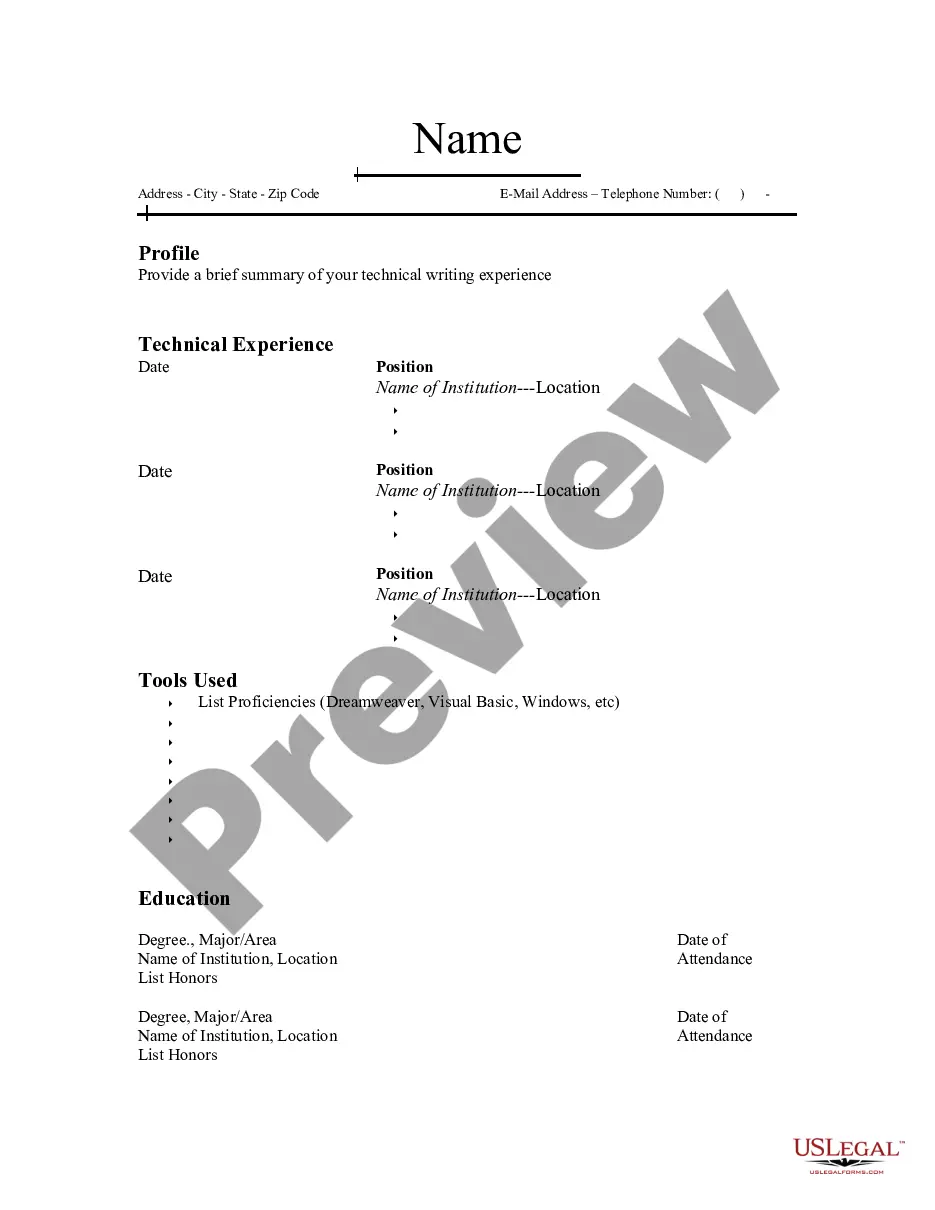
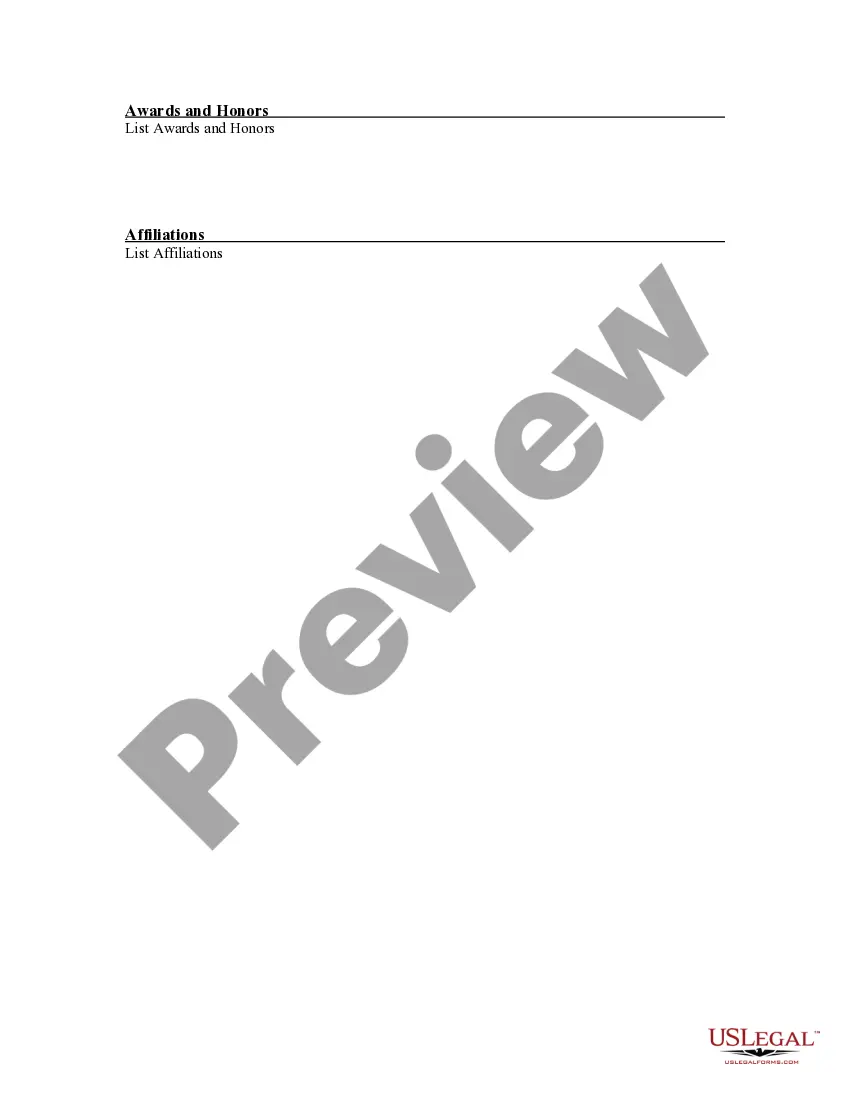
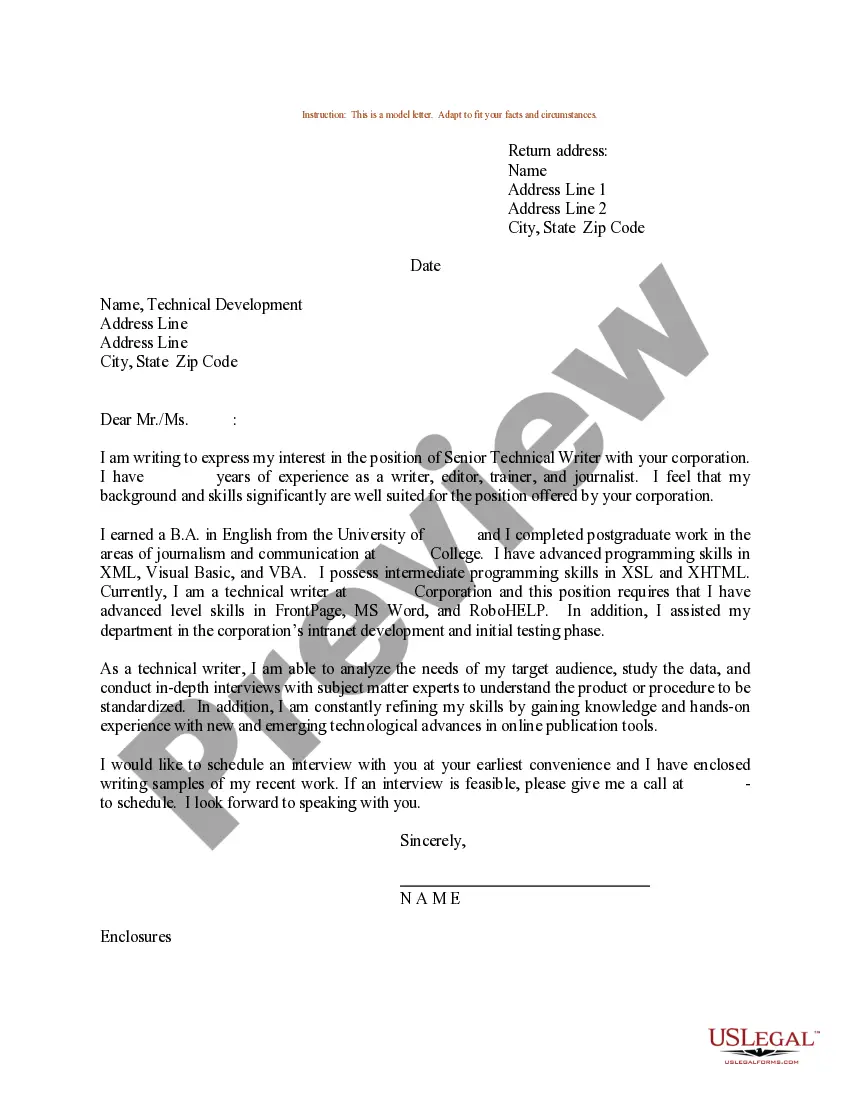
Wisconsin Resume for Technical Writer
Description
Get your form ready online
Our built-in tools help you complete, sign, share, and store your documents in one place.
Make edits, fill in missing information, and update formatting in US Legal Forms—just like you would in MS Word.
Download a copy, print it, send it by email, or mail it via USPS—whatever works best for your next step.
Sign and collect signatures with our SignNow integration. Send to multiple recipients, set reminders, and more. Go Premium to unlock E-Sign.
If this form requires notarization, complete it online through a secure video call—no need to meet a notary in person or wait for an appointment.
We protect your documents and personal data by following strict security and privacy standards.

Make edits, fill in missing information, and update formatting in US Legal Forms—just like you would in MS Word.

Download a copy, print it, send it by email, or mail it via USPS—whatever works best for your next step.

Sign and collect signatures with our SignNow integration. Send to multiple recipients, set reminders, and more. Go Premium to unlock E-Sign.

If this form requires notarization, complete it online through a secure video call—no need to meet a notary in person or wait for an appointment.

We protect your documents and personal data by following strict security and privacy standards.
Looking for another form?




How to fill out Resume For Technical Writer?
You can spend hours online looking for the legal document template that meets the federal and state requirements you need. US Legal Forms provides thousands of legal forms that have been reviewed by professionals. It is easy to download or print the Wisconsin Resume for Technical Writer from the service.
If you have a US Legal Forms account, you can sign in and click the Download button. After that, you can complete, edit, print, or sign the Wisconsin Resume for Technical Writer. Each legal document template you acquire is yours permanently. To obtain another copy of a purchased form, visit the My documents section and click the appropriate button.
If you are using the US Legal Forms website for the first time, follow the simple instructions below: First, ensure that you have chosen the correct document template for your area/town of interest. Review the form description to confirm you have selected the right form. If available, use the Preview button to check the document template as well.
- If you wish to find another version of the form, use the Search field to locate the template that meets your needs and specifications.
- Once you have found the template you want, click Buy now to proceed.
- Select the pricing plan you prefer, enter your credentials, and register for an account on US Legal Forms.
- Complete the transaction. You can use your credit card or PayPal account to pay for the legal document.
- Choose the format of the document and download it to your device.
- Make modifications to the document if necessary. You can complete, edit, sign, and print the Wisconsin Resume for Technical Writer.
- Obtain and print thousands of document templates using the US Legal Forms website, which offers the largest selection of legal forms. Utilize professional and state-specific templates to meet your business or personal needs.
Form popularity
FAQ
To write a technical writer resume, start with a strong summary that captures your experience and skills. Follow this with sections for your work history, education, and relevant certifications. Ensure your Wisconsin Resume for Technical Writer highlights specific examples of your achievements and includes keywords that align with the job description to attract the attention of employers.
A technical writer’s role on a resume is to convey complex information clearly and concisely. This includes documenting processes, creating user manuals, and developing training materials. On your Wisconsin Resume for Technical Writer, emphasize your ability to simplify information, ensuring that it is accessible to a diverse audience.
When listing technical writing skills on your resume, create a dedicated skills section that highlights your most relevant abilities. Include specific skills such as document creation, editing, and knowledge of technical tools like style guides and software. Emphasizing these skills on your Wisconsin Resume for Technical Writer helps hiring managers quickly see your qualifications.
To create a 100% ATS resume, begin by using standard headings and keywords relevant to your field, such as 'Technical Writing' and 'Wisconsin Resume for Technical Writer.' Avoid images and complex formatting that can confuse Applicant Tracking Systems. Lastly, save your resume in a compatible format, like .docx or .pdf, to ensure it passes through ATS filters seamlessly.
The 5 P's of a resume are Purpose, Personalization, Precision, Proof, and Presentation. When crafting your Wisconsin Resume for Technical Writer, identify the purpose of your resume and tailor it to specific job applications. Personalization involves adjusting your content to reflect the job description, while precision ensures that every detail is accurate. Proof signifies including evidence of your achievements, and presentation focuses on the overall layout and design.
The 3 F's of resume writing are Focus, Format, and Function. First, ensure your Wisconsin Resume for Technical Writer focuses on your relevant skills and experience. Next, choose a format that highlights your strengths, whether that’s chronological, functional, or hybrid. Finally, consider the function; your resume should serve the purpose of showcasing your qualifications effectively.
To get certified as a resume writer, you can enroll in courses offered by recognized organizations like the Professional Association of Resume Writers and Career Coaches. These programs typically provide training on best practices in resume writing, including how to create a Wisconsin Resume for Technical Writer. After completing the course, you can take an exam to earn your certification, which can enhance your credibility in the job market.