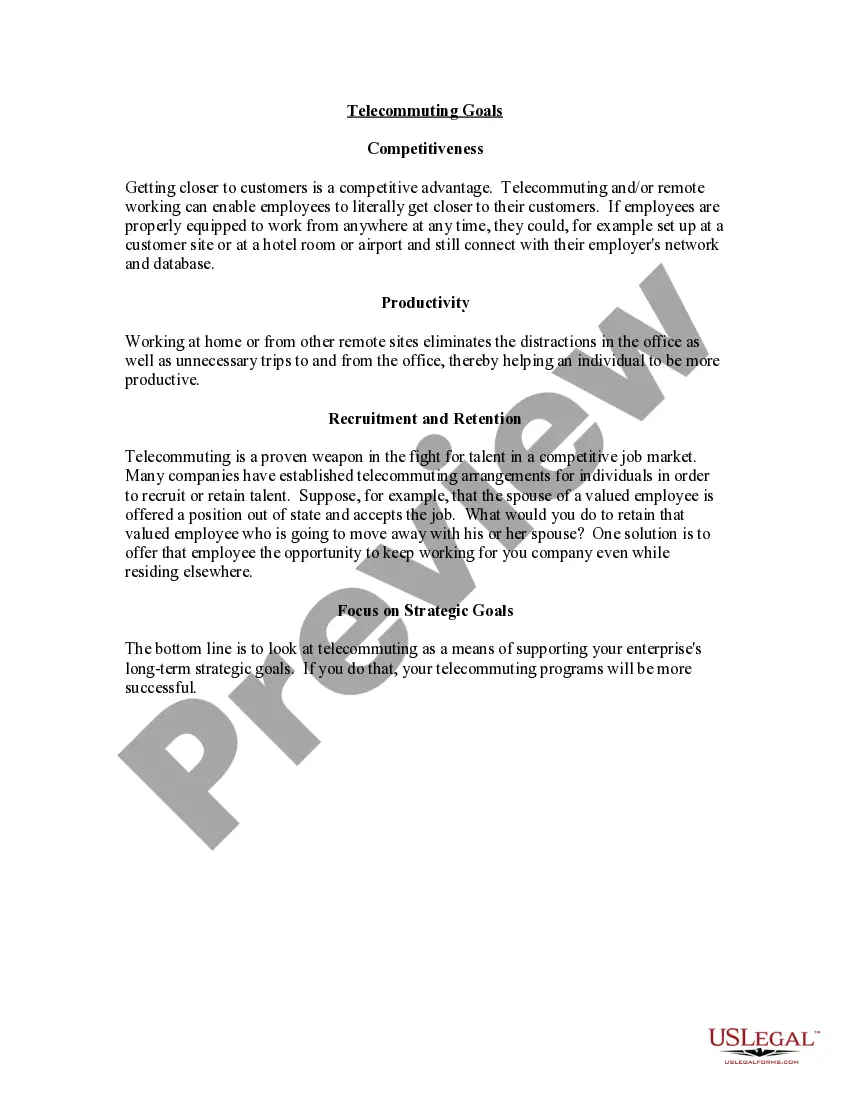
Wisconsin Telecommuting Goals
Description

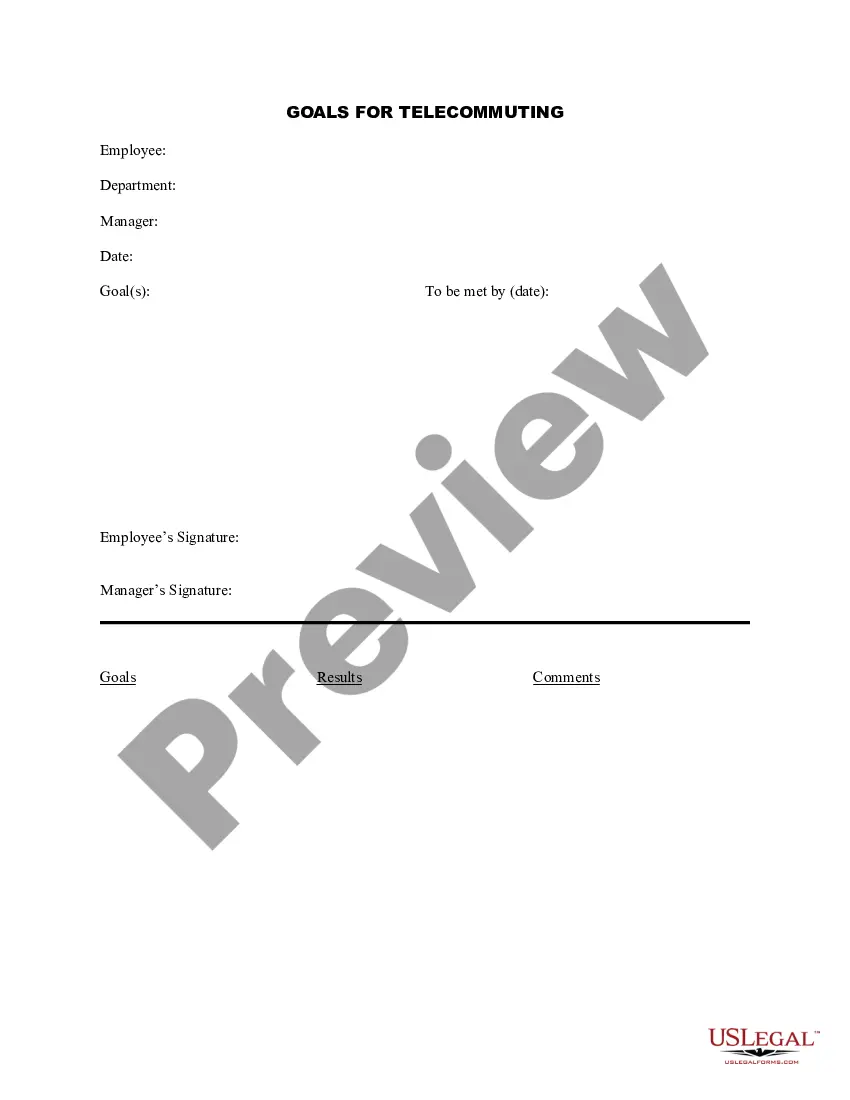

Get your form ready online
Our built-in tools help you complete, sign, share, and store your documents in one place.
Make edits, fill in missing information, and update formatting in US Legal Forms—just like you would in MS Word.
Download a copy, print it, send it by email, or mail it via USPS—whatever works best for your next step.
Sign and collect signatures with our SignNow integration. Send to multiple recipients, set reminders, and more. Go Premium to unlock E-Sign.
If this form requires notarization, complete it online through a secure video call—no need to meet a notary in person or wait for an appointment.
We protect your documents and personal data by following strict security and privacy standards.

Make edits, fill in missing information, and update formatting in US Legal Forms—just like you would in MS Word.

Download a copy, print it, send it by email, or mail it via USPS—whatever works best for your next step.

Sign and collect signatures with our SignNow integration. Send to multiple recipients, set reminders, and more. Go Premium to unlock E-Sign.

If this form requires notarization, complete it online through a secure video call—no need to meet a notary in person or wait for an appointment.

We protect your documents and personal data by following strict security and privacy standards.
Looking for another form?
How to fill out Telecommuting Goals?
Finding the appropriate legal document template can be challenging. Of course, there are numerous templates accessible online, but how do you locate the specific legal document you require? Utilize the US Legal Forms website.
This service provides thousands of templates, such as the Wisconsin Telecommuting Goals, which can be utilized for both professional and personal purposes. All of the forms are verified by experts and meet federal and state requirements.
If you are already registered, Log Into your account and click on the Download button to obtain the Wisconsin Telecommuting Goals. Use your account to access the legal forms you have previously purchased. Visit the My documents section of your account and download another copy of the document you require.
Complete, modify, print, and sign the obtained Wisconsin Telecommuting Goals. US Legal Forms is the most extensive collection of legal forms where you can find various document templates. Use the service to download professionally crafted documents that adhere to state regulations.
- If you are a new user of US Legal Forms, here are simple steps you should follow.
- First, ensure that you have selected the correct form for your area/county. You can preview the form using the Preview button and review the form details to confirm it’s suitable for your needs.
- If the form does not meet your requirements, utilize the Search field to find the appropriate form.
- Once you are certain that the form is suitable, click the Purchase now button to acquire the form.
- Select the payment plan you prefer and input the necessary information. Create your account and complete the transaction using your PayPal account or credit card.
- Choose the document format and download the legal document template onto your device.
Form popularity
FAQ
Best practices for effective telecommutingCreate a work routine.Take charge of your time.Prioritize focus.Check in with your team regularly.Turn off when you're not at work.Set clear expectations.Respect employees' time.Stay in touch, but don't over-communicate.More items...?
8 ideal workplace practices to follow in 2016Provide Clear Expectations.Give People The Opportunity To Use Their Skills.Support Your Team.Encourage People To Contribute Ideas And Get Involved In Decisions.Encourage Feedback and Recognition.Do people have fun at work?Encourage learning and development.More items...?
Telecommuting is a flexible work arrangement that enables employees to achieve a more successful balance between work responsibilities and family life. Telecommuting allows employees to work at home, on the road or in a satellite location for all or part of their workweek.
Pros and Cons of TelecommutingYou do not have to spend time commuting back and forth from work.It is easier to focus without the usual workplace distractions.There are no transportation costs.It can provide a better balance of work and personal pursuits.More items...
7 advantages of telecommuting1) Higher employee satisfaction.2) Better work-life balance.3) Increased flexibility.4) Reduced operational costs.5) Reduced expenses for employees.6) Easier to focus.7) There's zero commuting necessary.1) You need the right technology to be effective.More items...?
7 advantages of telecommuting1) Higher employee satisfaction.2) Better work-life balance.3) Increased flexibility.4) Reduced operational costs.5) Reduced expenses for employees.6) Easier to focus.7) There's zero commuting necessary.1) You need the right technology to be effective.More items...?
Telework Best Practice GuideSetting clear expectations. Clarify expectations. Be sure to lay out clear expectations around job performance and responsiveness.Plan ahead. Plan Ahead.Communicate regularly. Communicate Regularly.Foster effective teamwork. Foster effective teamwork.Reflect and adjust. Reflect and adjust.
Consider these five best practices to help your remote team members maximize potential and create a successful off-site arrangement:Designate office space.Establish work hours.Find peak productivity.Communicate early and often.Prioritize mutual trust.
20 Work From Home Best PracticesSet a Work Schedule.Create a Dedicated Workspace.Use the Right Tools and Equipment.Set Boundaries at Home.Plan Breaks and Use Them Wisely.Be an Active Participant in Meetings.Look for Learning Opportunities.Pay Attention to Your Health.More items...?
Telecommuting, also called telework, can mean that the employee might be working on-site some of the time. However, they also might never come into the office. Most positions considered telecommuting are usually filled by candidates that are geographically close to the business.