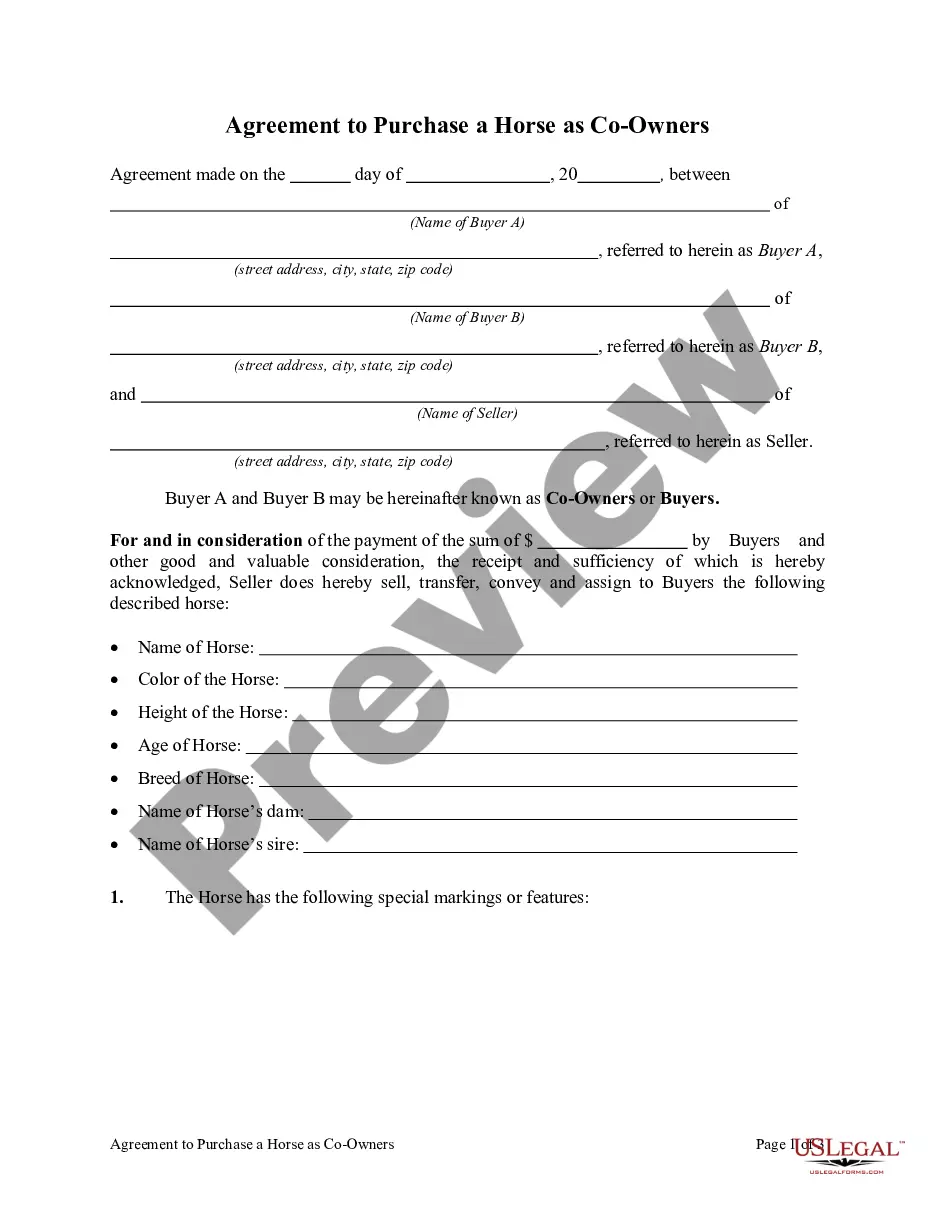
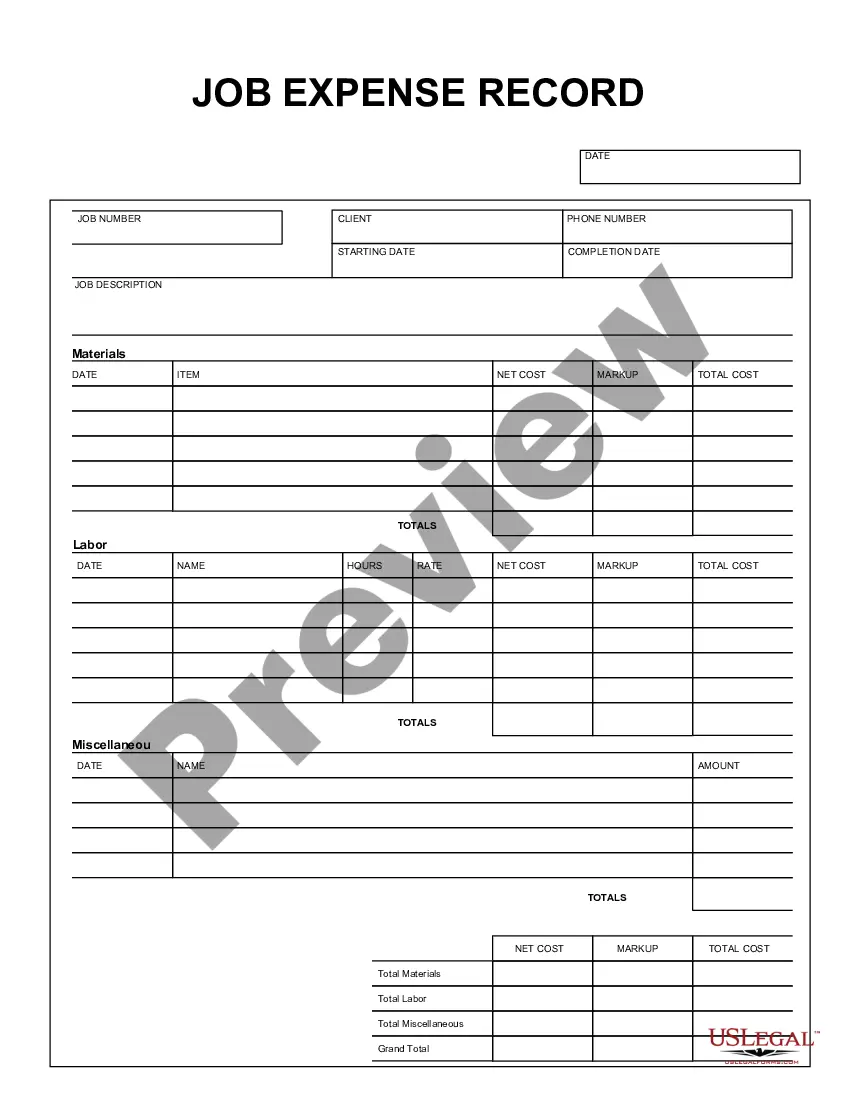
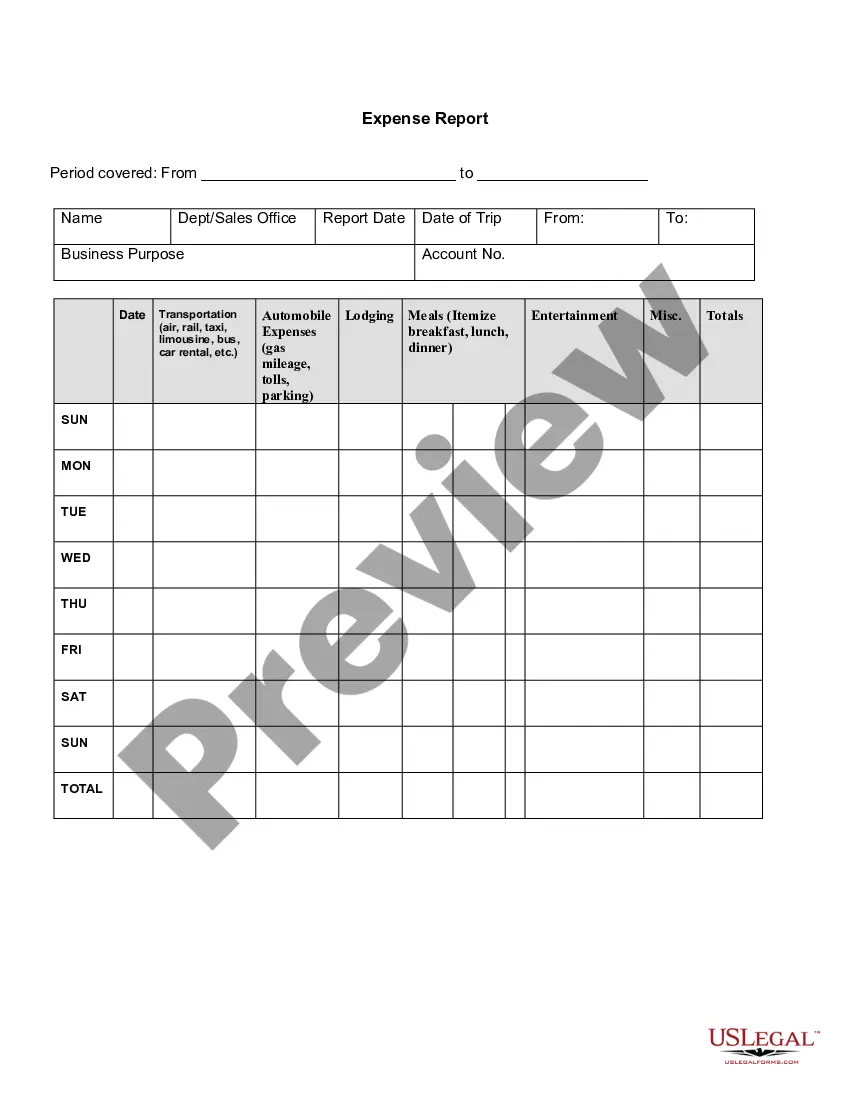
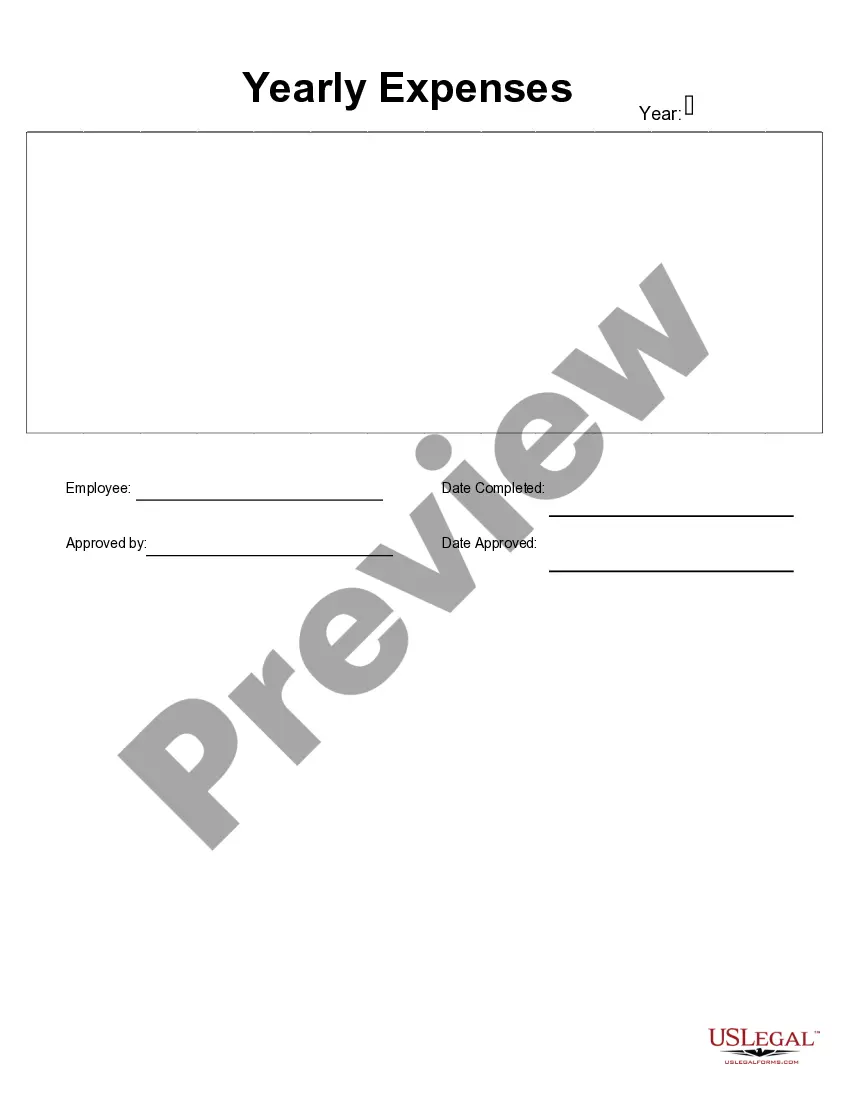
This form is a business type form that is formatted to allow you to complete the form using Adobe Acrobat or Word. The word files have been formatted to allow completion by entry into fields. Some of the forms under this category are rather simple while others are more complex. The formatting is worth the small cost.
Wisconsin Job Expense Record
Category:
State:
Multi-State
Control #:
US-150-AZ
Format:
Word;
PDF;
Rich Text
Instant download
Description


Get your form ready online
Our built-in tools help you complete, sign, share, and store your documents in one place.
Built-in online Word editor
Make edits, fill in missing information, and update formatting in US Legal Forms—just like you would in MS Word.
Export easily
Download a copy, print it, send it by email, or mail it via USPS—whatever works best for your next step.
E-sign your document
Sign and collect signatures with our SignNow integration. Send to multiple recipients, set reminders, and more. Go Premium to unlock E-Sign.
Notarize online 24/7
If this form requires notarization, complete it online through a secure video call—no need to meet a notary in person or wait for an appointment.
Store your document securely
We protect your documents and personal data by following strict security and privacy standards.

Make edits, fill in missing information, and update formatting in US Legal Forms—just like you would in MS Word.

Download a copy, print it, send it by email, or mail it via USPS—whatever works best for your next step.

Sign and collect signatures with our SignNow integration. Send to multiple recipients, set reminders, and more. Go Premium to unlock E-Sign.

If this form requires notarization, complete it online through a secure video call—no need to meet a notary in person or wait for an appointment.

We protect your documents and personal data by following strict security and privacy standards.
Looking for another form?




How to fill out Job Expense Record?
US Legal Forms - one of the most prominent collections of legal templates in the United States - provides a vast selection of legal document formats that you can either download or print.
By using the website, you can obtain thousands of forms for business and personal requirements, organized by categories, states, or keywords. You can find the latest versions of forms such as the Wisconsin Job Expense Record in mere seconds.
If you hold a monthly subscription, Log In to acquire the Wisconsin Job Expense Record from your US Legal Forms collection. The Download button will be visible on every form you view.
When you are satisfied with the form, confirm your selection by clicking the Get now button. Then, choose the pricing plan you prefer and provide your information to create an account.
Complete the transaction. Use your credit card or PayPal account to finalize the transaction. Choose the format and download the form to your device. Edit. Fill out, modify, and print and sign the downloaded Wisconsin Job Expense Record. Each template you added to your account has no expiration date and is your personal property indefinitely. Therefore, if you wish to download or print another copy, simply navigate to the My documents section and click on the form you require. Access the Wisconsin Job Expense Record with US Legal Forms, one of the largest libraries of legal document templates. Utilize a multitude of professional and state-specific templates that fulfill your business or personal needs and requirements.
- Access all previously downloaded forms from the My documents section of your account.
- If you are new to using US Legal Forms, here are simple steps to get started.
- Ensure you have selected the appropriate form for your area/state.
- Click the Preview button to examine the form’s contents.
- Review the form description to ensure you have selected the correct document.
- If the form does not meet your requirements, utilize the Search area at the top of the screen to find one that does.
Form popularity
FAQ
How to Enter Expense Reports in QuickBooksClick the "Reports" menu and select the report you want to run from the "Company & Financial" menu. Select "Profit & Loss" to show both income and expenses.Click the right arrow to display the report.Click "Print" and set your print options for the report.
The employer requires employees to submit paper expense reports and receipts for: 1) any expense over $75 where the nature of the expense is not clear on the face of the electronic receipt; 2) all lodging invoices for which the credit card company does not provide the merchant's electronic itemization of each expense;
Merchants refer to vendors or sellers from whom your employees buy goods and services. When your employees incur expenses from these merchants, you can record their details in Zoho Expense. Add a Merchant.
Definitions of expense record. a written record of money spent. type of: record. a document that can serve as legal evidence of a transaction.
How to Process Expense Reports for Your Small BusinessHave a policy in place.Create a template to record expenses.Have a place for receipts.Double-check expenses.Add up expenses and receipts.Approve reports and process reimbursements promptly.5 expense reporting best practices for your business.
Information Included in an Expense ReportThe nature of the expense (such as airline tickets, meals, or parking fees) The amount of the expense (matches the amount of the related receipt) The account to which the expense should be charged. A subtotal for each type of expense.
How to Process Expense Reports for Your Small BusinessHave a policy in place.Create a template to record expenses.Have a place for receipts.Double-check expenses.Add up expenses and receipts.Approve reports and process reimbursements promptly.5 expense reporting best practices for your business.
4 Tips For Managing Business Expense ReportsHave A Clear Expense Policy. Determine what expenses your company is willing to cover and communicate this policy very clearly to your employees.Make Expenses Easy To Report And Track.Issue Corporate Credit Cards.Set Up A Routine Audit.
Information Included in an Expense Report The nature of the expense (such as airline tickets, meals, or parking fees) The amount of the expense (matches the amount of the related receipt) The account to which the expense should be charged. A subtotal for each type of expense.