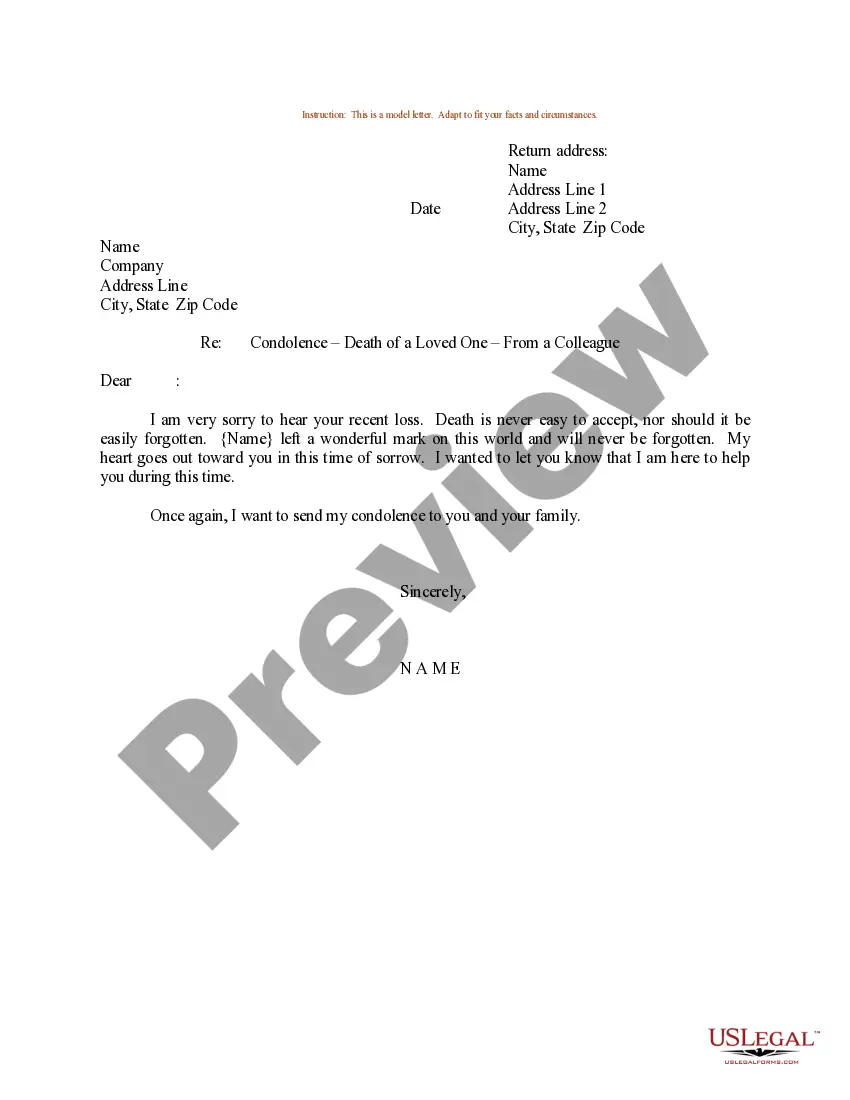
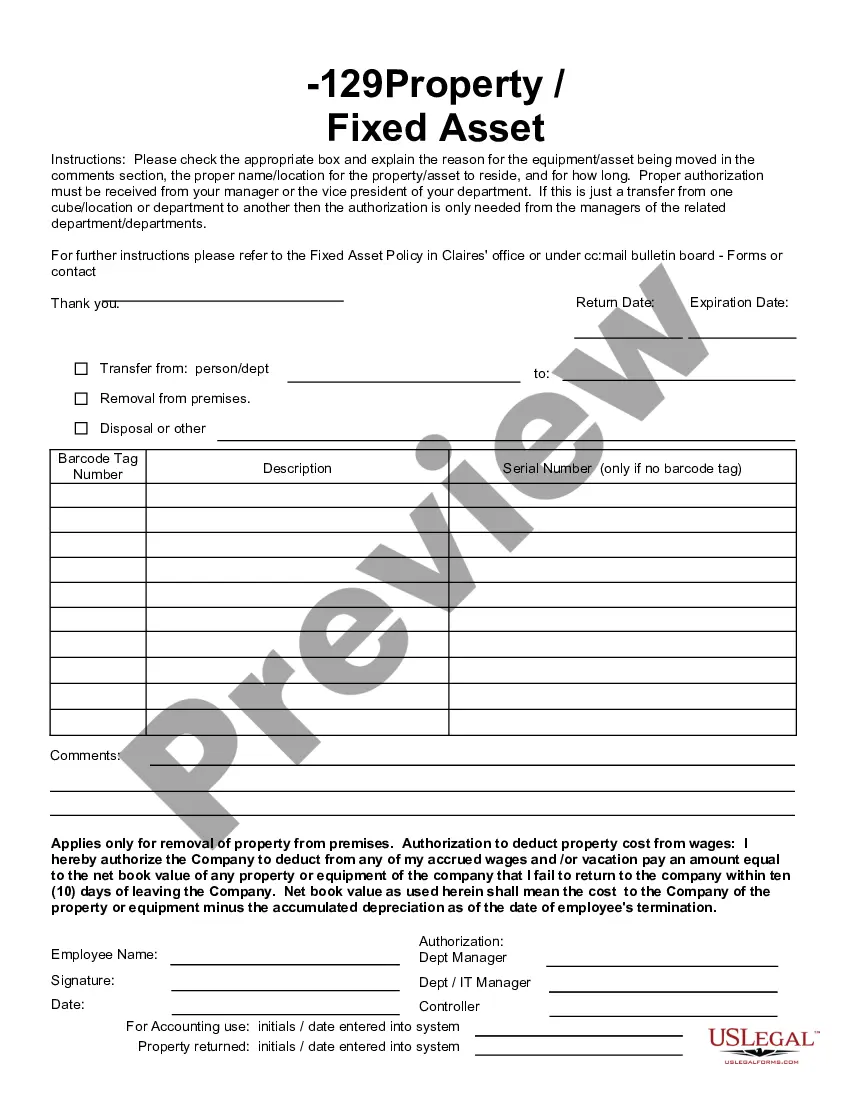
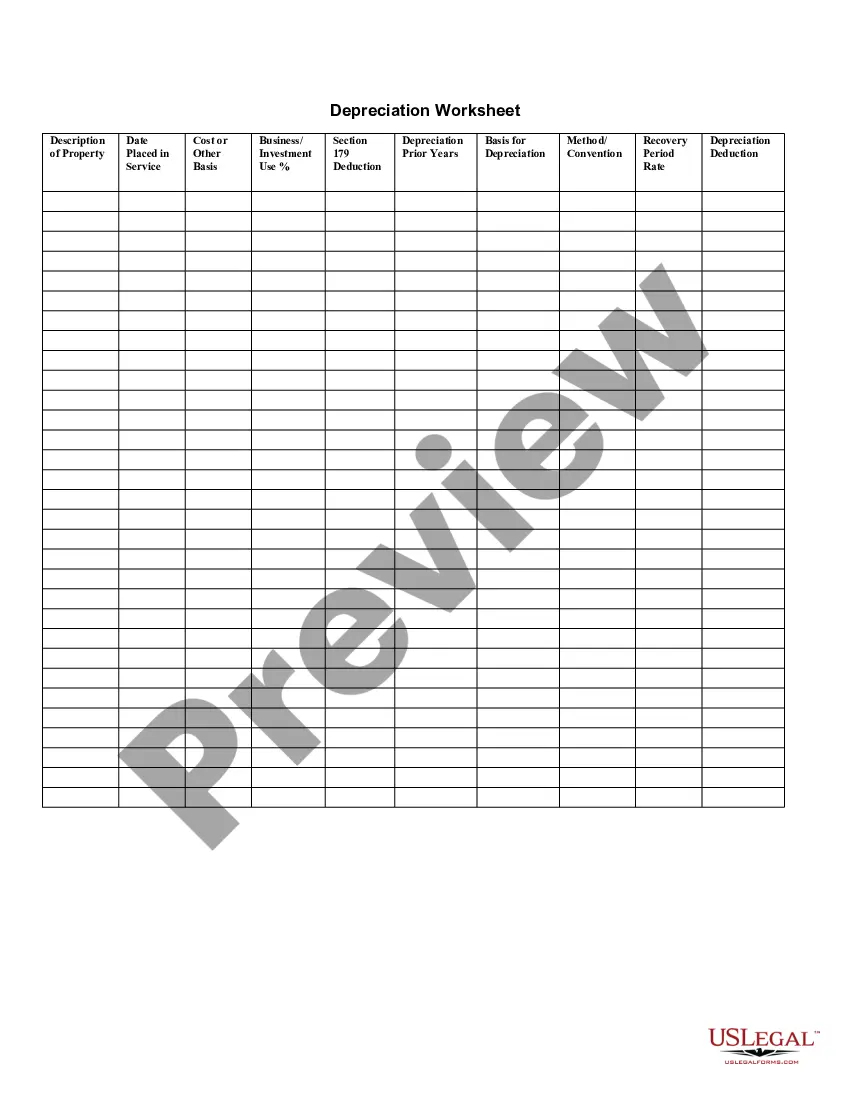
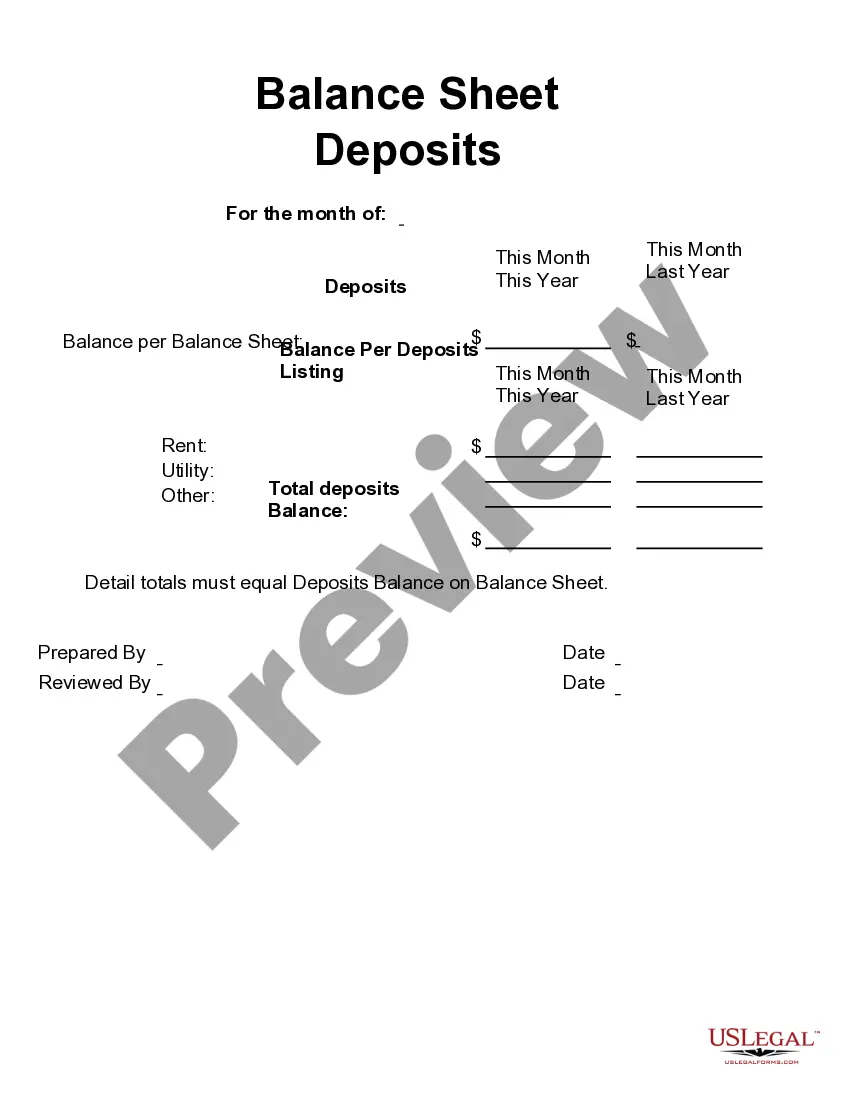
This form is a business type form that is formatted to allow you to complete the form using Adobe Acrobat or Word. The word files have been formatted to allow completion by entry into fields. Some of the forms under this category are rather simple while others are more complex. The formatting is worth the small cost.
Wisconsin Fixed Asset Removal Form
Category:
State:
Multi-State
Control #:
US-142-AZ
Format:
Word;
PDF;
Rich Text
Instant download
Description
Get your form ready online
Our built-in tools help you complete, sign, share, and store your documents in one place.
Built-in online Word editor
Make edits, fill in missing information, and update formatting in US Legal Forms—just like you would in MS Word.
Export easily
Download a copy, print it, send it by email, or mail it via USPS—whatever works best for your next step.
E-sign your document
Sign and collect signatures with our SignNow integration. Send to multiple recipients, set reminders, and more. Go Premium to unlock E-Sign.
Notarize online 24/7
If this form requires notarization, complete it online through a secure video call—no need to meet a notary in person or wait for an appointment.
Store your document securely
We protect your documents and personal data by following strict security and privacy standards.

Make edits, fill in missing information, and update formatting in US Legal Forms—just like you would in MS Word.

Download a copy, print it, send it by email, or mail it via USPS—whatever works best for your next step.

Sign and collect signatures with our SignNow integration. Send to multiple recipients, set reminders, and more. Go Premium to unlock E-Sign.

If this form requires notarization, complete it online through a secure video call—no need to meet a notary in person or wait for an appointment.

We protect your documents and personal data by following strict security and privacy standards.
Looking for another form?






How to fill out Fixed Asset Removal Form?
If you need to aggregate, retrieve, or create official document templates, utilize US Legal Forms, the largest collection of legal forms available online.
Employ the site's simple and user-friendly search feature to find the documents you require.
Various templates for business and personal purposes are organized by categories and regions, or keywords. Use US Legal Forms to find the Wisconsin Fixed Asset Removal Form within just a few clicks.
Every legal document template you purchase is yours permanently. You have access to every form you saved in your account.
Navigate to the My documents section and select a form to print or download again. Be pro-active and download, and print the Wisconsin Fixed Asset Removal Form with US Legal Forms. There are numerous professional and state-specific templates you can use for your business or personal needs.
- If you are already a US Legal Forms customer, sign in to your account and click the Download button to obtain the Wisconsin Fixed Asset Removal Form.
- You can also access forms you have previously saved in the My documents section of your account.
- If you are using US Legal Forms for the first time, follow the steps below.
- Step 1. Ensure you have selected the form for the correct city/state.
- Step 2. Use the Preview option to examine the form's content. Do not forget to read the instructions.
- Step 3. If you are not satisfied with the form, utilize the Search bar at the top of the screen to discover other variations of the legal form template.
- Step 4. Once you have located the form you want, click the Download now button. Choose the payment plan that suits you and enter your information to register for an account.
- Step 5. Complete the transaction. You can use your Visa or Mastercard or PayPal account to finalize the payment.
- Step 6. Select the format of your legal form and download it to your device.
- Step 7. Complete, modify, and print or sign the Wisconsin Fixed Asset Removal Form.
Form popularity
FAQ
On February 18, 2021, Wisconsin Governor Tony Evers signed Acts 1 (AB 2) and 2 (AB 3), which update the Internal Revenue Code (IRC) conformity for the state's income tax law along with other tax changes, some of which provide tax relief to Wisconsin taxpayers.
If someone dies in Wisconsin with less than the exemption amount (currently $12,006,000), their estate doesn't owe any federal estate tax, and there is no Wisconsin estate tax. The heirs and beneficiaries inherit the property free of tax.
For a single individual who has a Wisconsin adjusted gross income of more than $50,830, the standard deduction is $0. For a married couple filing jointly that has an aggregate Wisconsin adjusted gross income of less than $10,000, the standard deduction is $7,560.
For a single individual who has a Wisconsin adjusted gross income of more than $50,830, the standard deduction is $0. For a married couple filing jointly that has an aggregate Wisconsin adjusted gross income of less than $10,000, the standard deduction is $7,560.
Wisconsin Inheritance and Gift TaxWisconsin also has no inheritance tax, but there is a possibility you'll owe an inheritance tax in another state if you inherit money or property from someone living in that state.
The Wisconsin Form W706 must be filed by the person who is or would be responsible for filing the Federal Estate Tax Return (i.e., personal representative, special administrator, trustee, distributee or other person who signs or would sign the Federal Form 706).
The Tax Cuts and Jobs Act, which was signed into law on December 22, 2017, increased the Gift tax in 2018 to $15,000. For 2022, the gift tax is $16,000 (up from $15,000 for 2021). The exclusion amount is indexed annually for inflation. A separate exclusion is applied for each recipient.
IRS Form 1041, U.S. Income Tax Return for Estates and Trusts, is required if the estate generates more than $600 in annual gross income. The decedent and their estate are separate taxable entities. Before filing Form 1041, you will need to obtain a tax ID number for the estate.
If you have an approved electronic filing waiver, send your amended Form 3 to the Wisconsin Department of Reve- nue, PO Box 8908, Madison, WI 53708-8908.
Schedule I adjustments made in a prior year may require a Schedule I adjustment in 2021. For example, if you claimed federal bonus depreciation on your 2020 return, you must recompute depreciation using the Wisconsin depreciable basis of the asset.