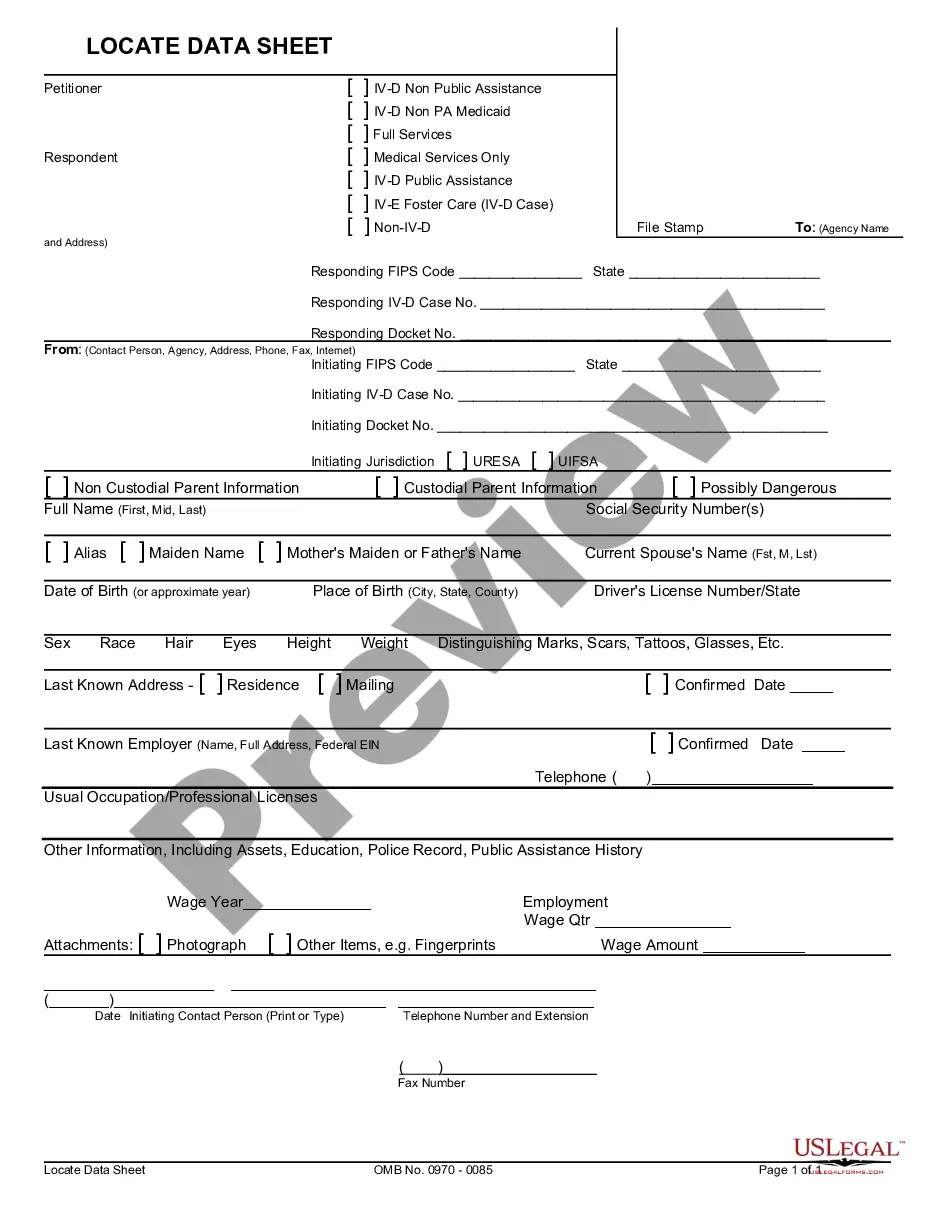
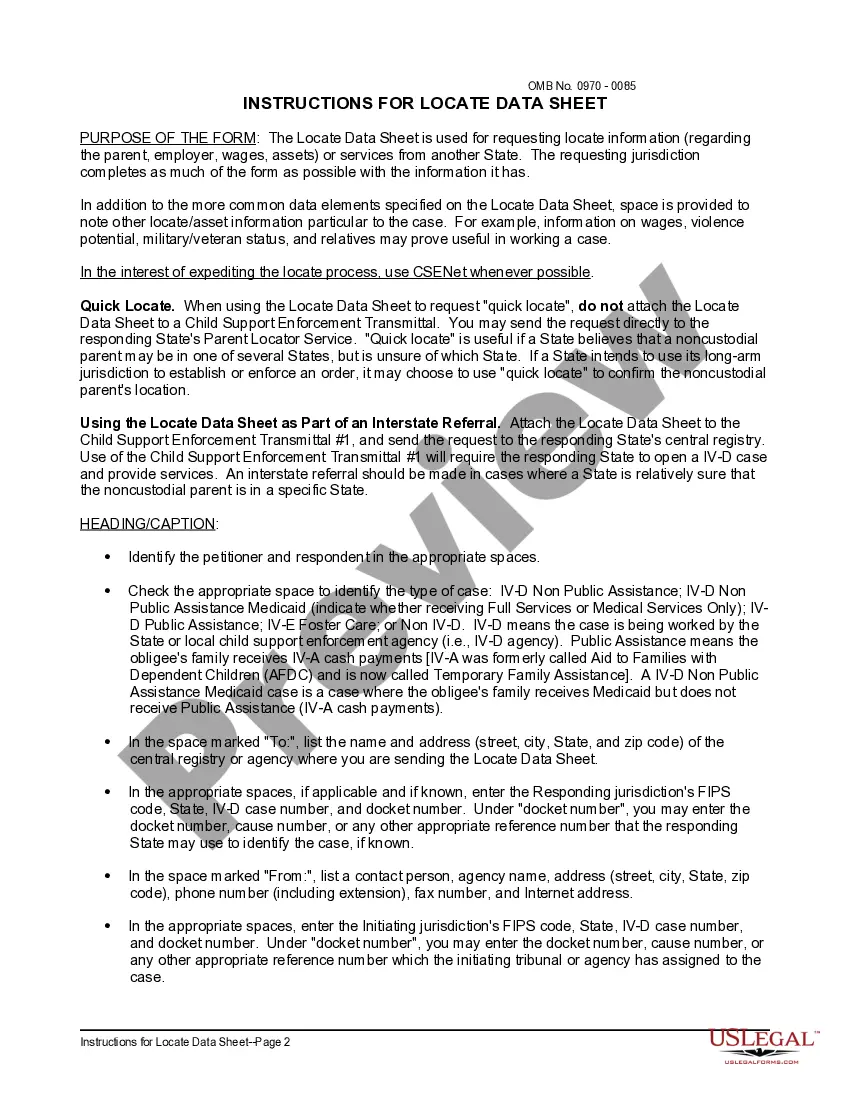
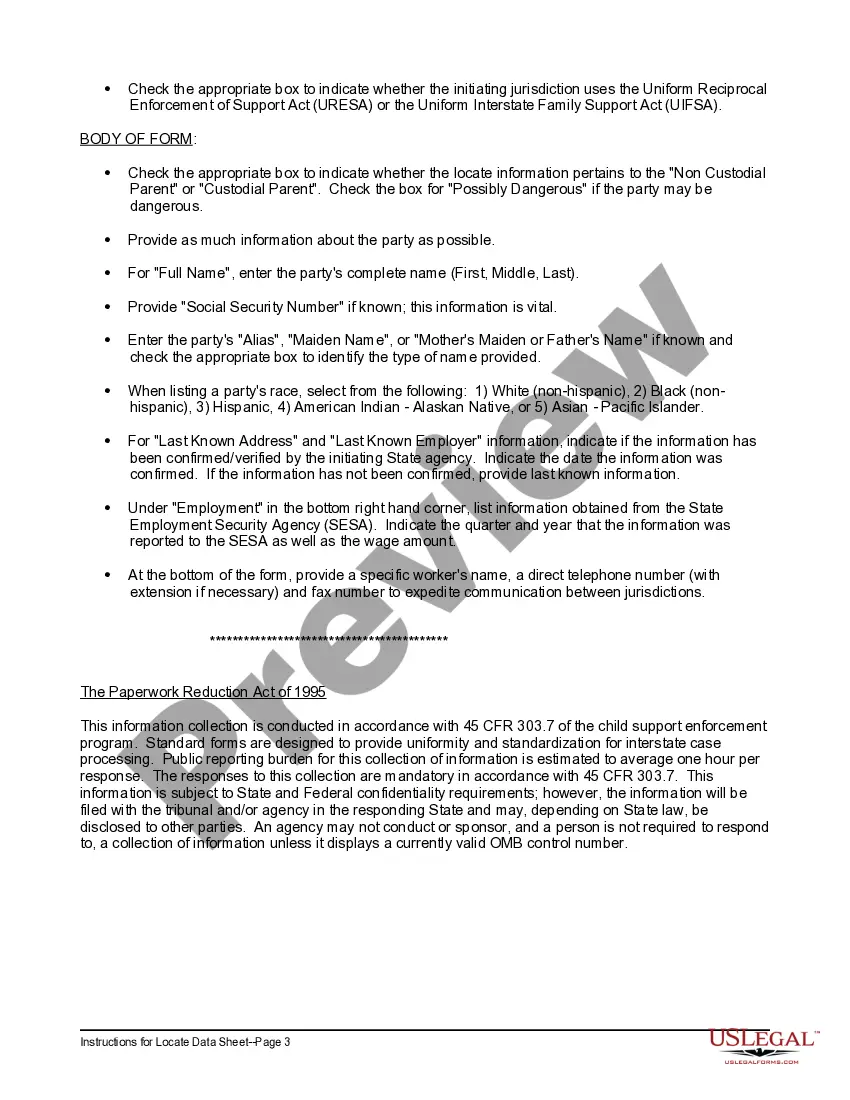
Wisconsin Locate Data Sheet and Instructions
Description
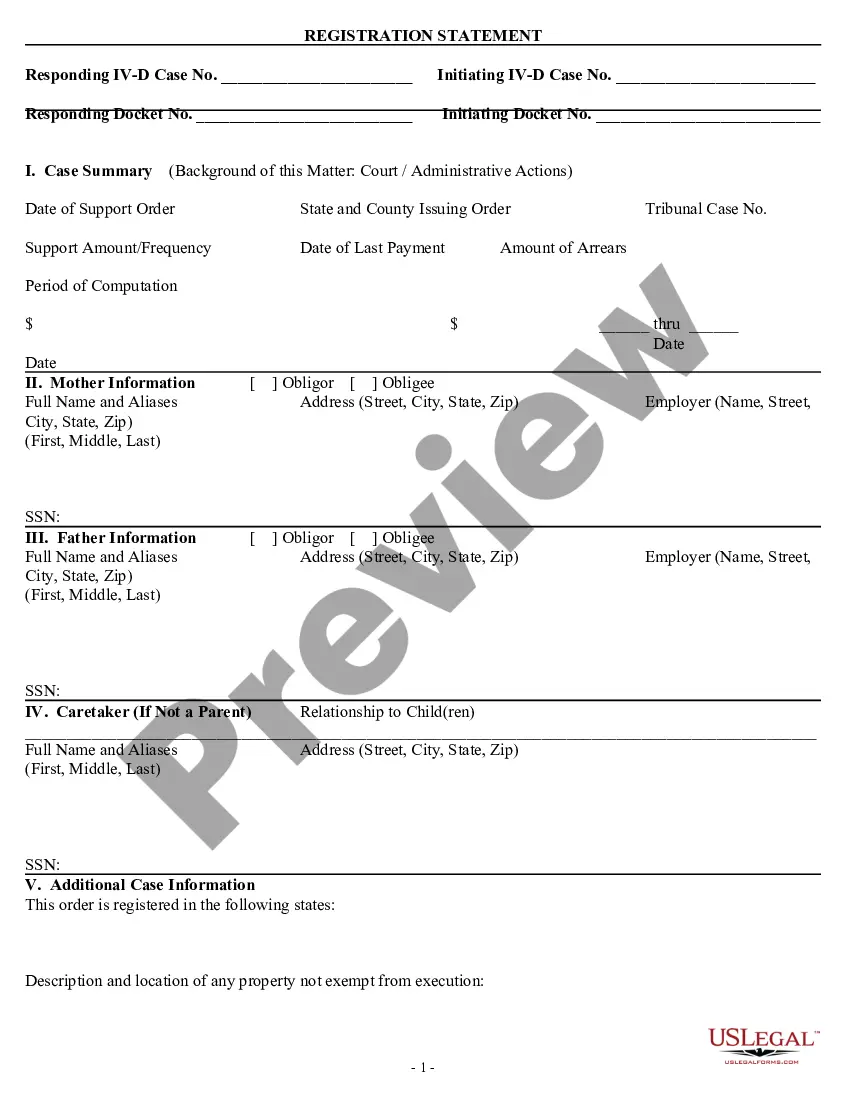
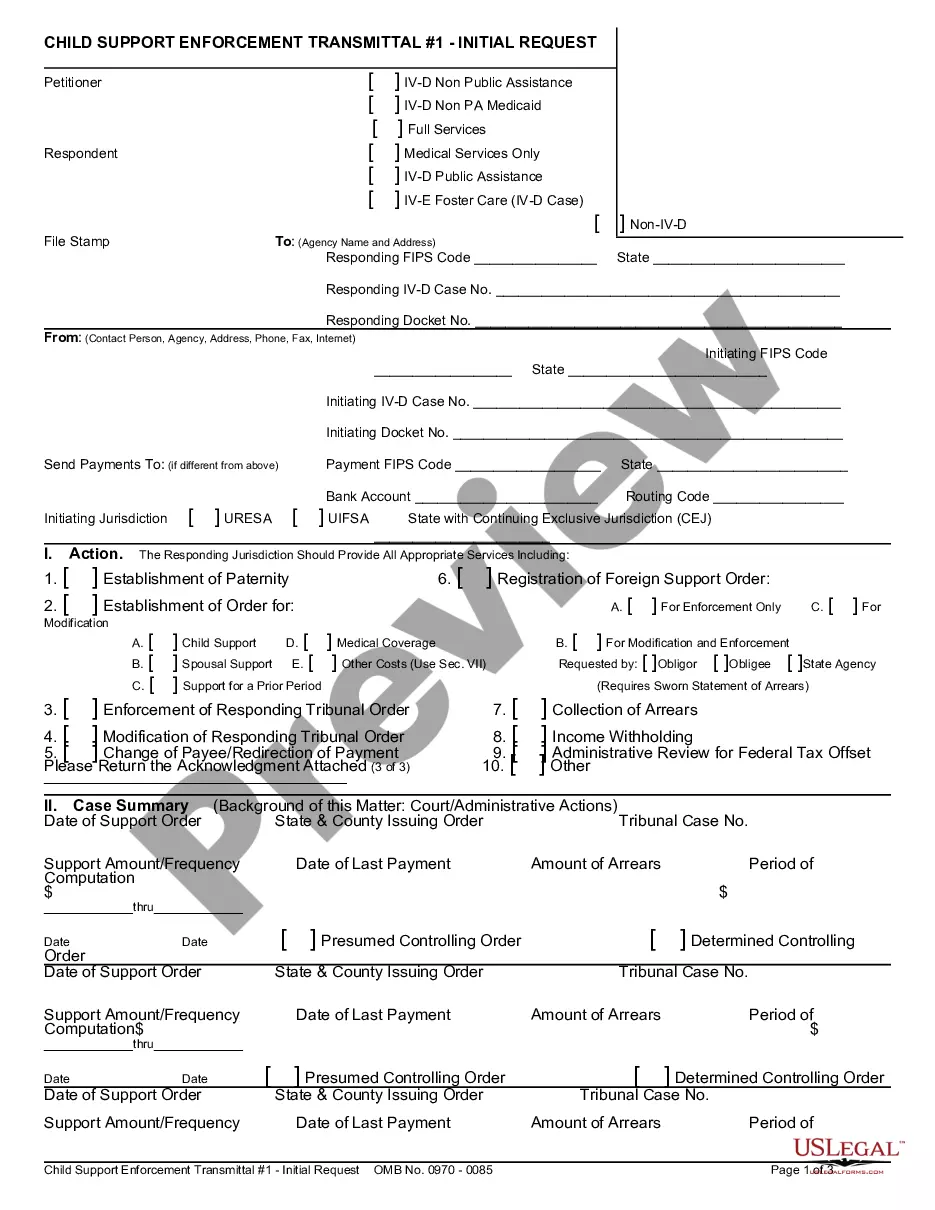
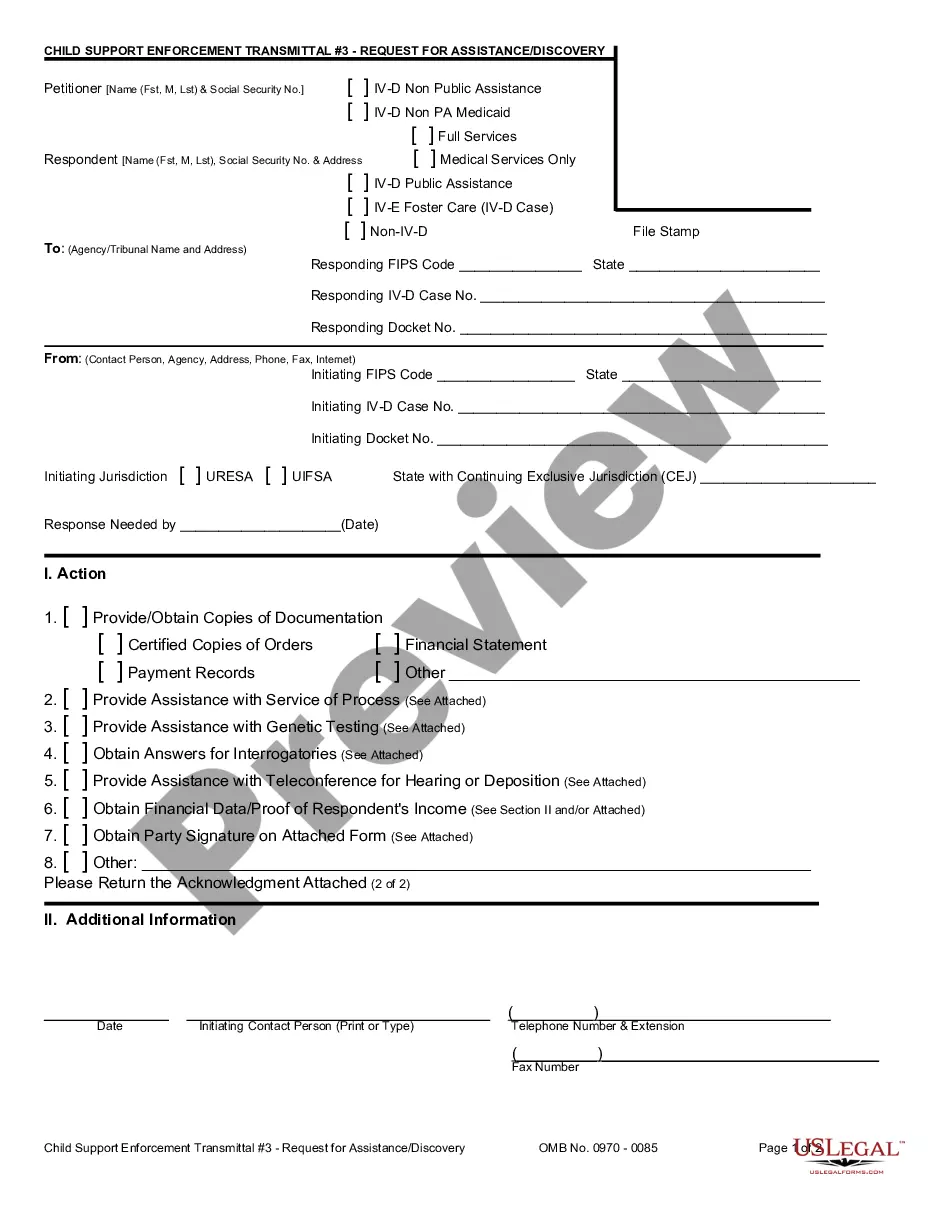

Get your form ready online
Our built-in tools help you complete, sign, share, and store your documents in one place.
Make edits, fill in missing information, and update formatting in US Legal Forms—just like you would in MS Word.
Download a copy, print it, send it by email, or mail it via USPS—whatever works best for your next step.
Sign and collect signatures with our SignNow integration. Send to multiple recipients, set reminders, and more. Go Premium to unlock E-Sign.
If this form requires notarization, complete it online through a secure video call—no need to meet a notary in person or wait for an appointment.
We protect your documents and personal data by following strict security and privacy standards.

Make edits, fill in missing information, and update formatting in US Legal Forms—just like you would in MS Word.

Download a copy, print it, send it by email, or mail it via USPS—whatever works best for your next step.

Sign and collect signatures with our SignNow integration. Send to multiple recipients, set reminders, and more. Go Premium to unlock E-Sign.

If this form requires notarization, complete it online through a secure video call—no need to meet a notary in person or wait for an appointment.

We protect your documents and personal data by following strict security and privacy standards.
Looking for another form?
How to fill out Locate Data Sheet And Instructions?
US Legal Forms - one of the largest collections of legal templates in the United States - provides a variety of legal document templates that you can obtain or create.
By using the website, you can access thousands of forms for both business and personal purposes, organized by categories, states, or keywords. You can find the most recent versions of forms such as the Wisconsin Locate Data Sheet and Instructions in just moments.
If you possess a monthly subscription, Log In and download the Wisconsin Locate Data Sheet and Instructions from the US Legal Forms library. The Download button will appear on every form you view. You can access all previously downloaded forms in the My documents section of your account.
Access the Wisconsin Locate Data Sheet and Instructions with US Legal Forms, the most extensive library of legal document templates.
Utilize thousands of professional and state-specific templates that meet your business or personal requirements and needs.
- Ensure you have selected the correct form for your area/region.
- Click the Preview button to review the content of the form.
- Check the form description to confirm you have chosen the appropriate form.
- If the form does not meet your requirements, use the Search field at the top of the screen to find one that does.
- If you are satisfied with the form, confirm your selection by clicking the Purchase now button.
- Then, choose the payment plan you prefer and provide your details to register for an account.
- Complete the payment. Use your credit card or PayPal account to finalize the transaction.
- Select the format and download the form to your device.
- Make modifications. Fill out, edit, print, and sign the downloaded Wisconsin Locate Data Sheet and Instructions.
- Every template you added to your account has no expiration date and belongs to you permanently.
- So, if you wish to download or print another copy, just go to the My documents section and click on the form you need.
Form popularity
FAQ
State law (Wisconsin Statute 182.0175) requires notifying Diggers Hotline before you excavate, grade, trench, dig, drill, augur, tunnel, scrape, plow cable or pipe. Excavation, ing to the law, means anything that moves, removes or displaces earth rock or other material in or on the ground.
Wisconsin Statute 182.0175 requires you to: Notify Diggers Hotline at least 3 days before you excavate, grade, trench, dig, drill, augur, tunnel, scrape, plow cable or pipe.
The call center will ask for an address or location information. Specific marking instructions also will need to be provided. Once the locate is completed, you have ten calendar days to begin your excavation work before you must call to have the underground facilities relocated.
Ticket Lifespan A ticket remains valid if work begins within 10 calendar days after the legal start date and work is not interrupted for more than 10 calendar days. The term ?work? shall include actual digging, as well as preparatory work at the digging site.
Wisconsin Tolerance Zone - Diggers Hotline - YouTube YouTube Start of suggested clip End of suggested clip Putting lives both on and around the job site at risk second. There is a cost involved whenMorePutting lives both on and around the job site at risk second. There is a cost involved when utilities are damaged that can lead to a bill for expensive utility repairs not to mention project delays.
In the United States, a gas line should be between 18 and 24 inches deep. Usually, the main gas lines are at least 24 inches deeper than service gas lines found at a depth of 18 inches underground.