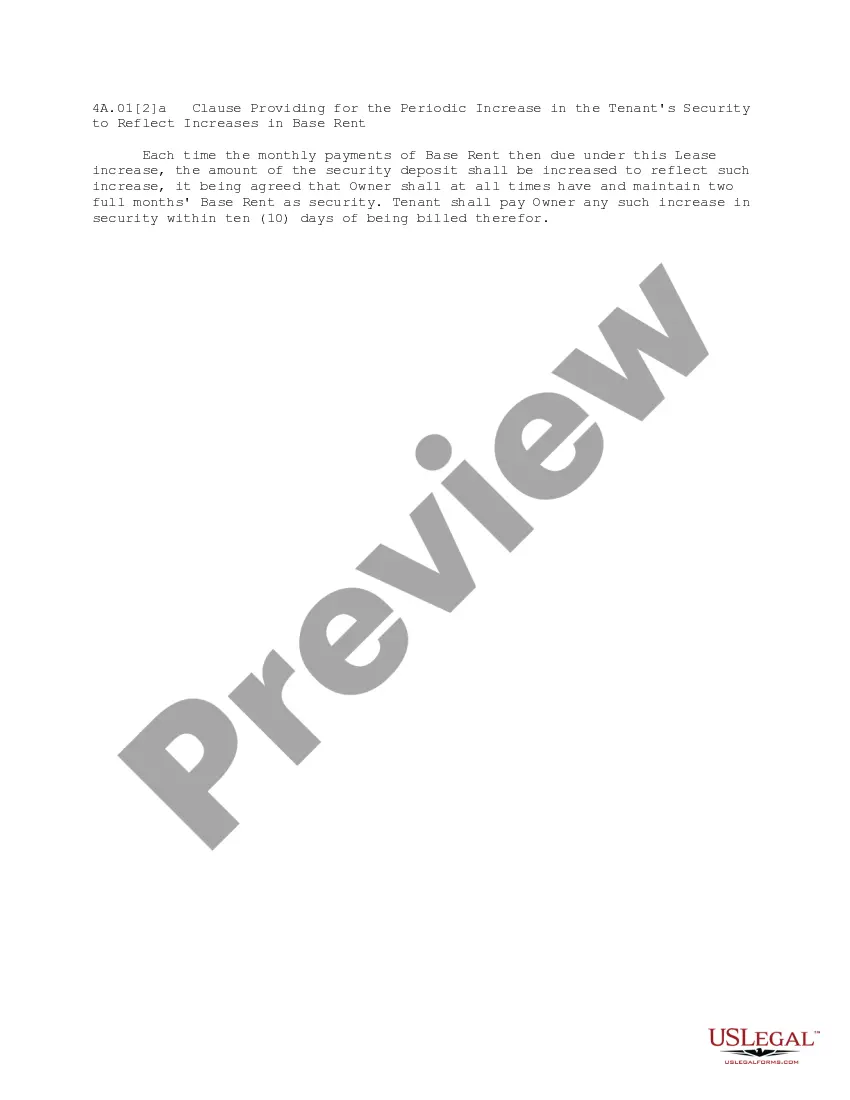
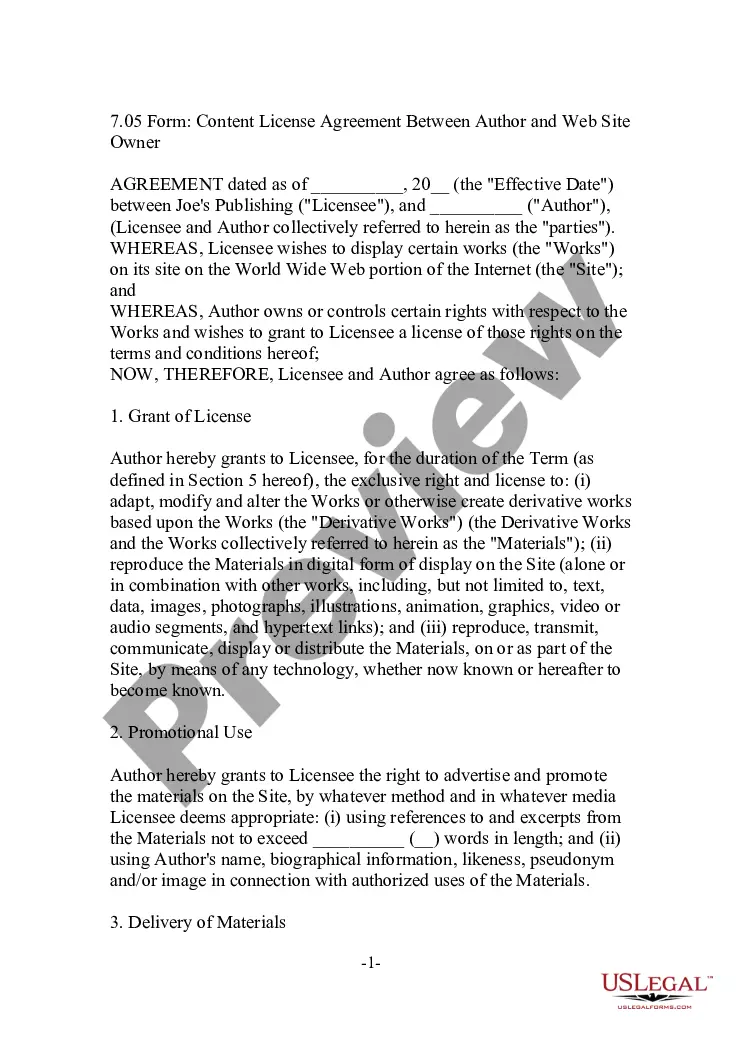
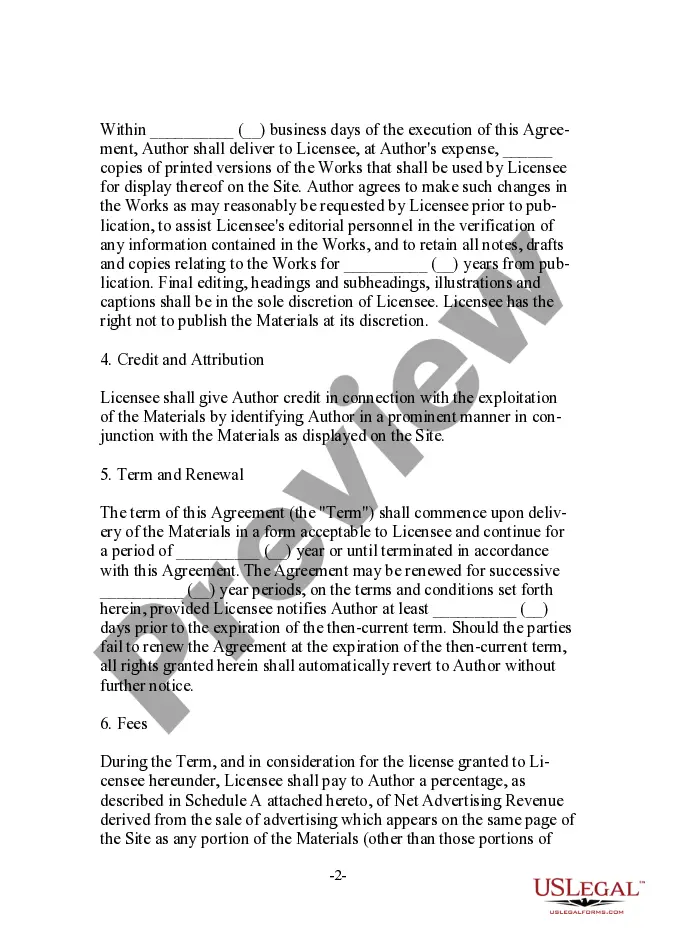
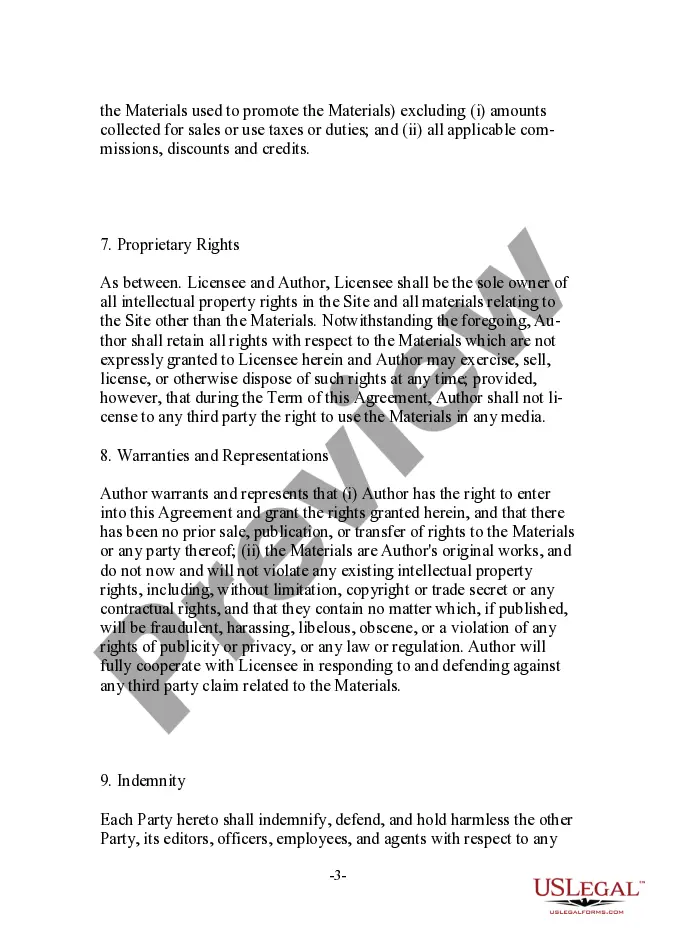
Washington Content License Agreement Between Author and Web Site Owner
Description
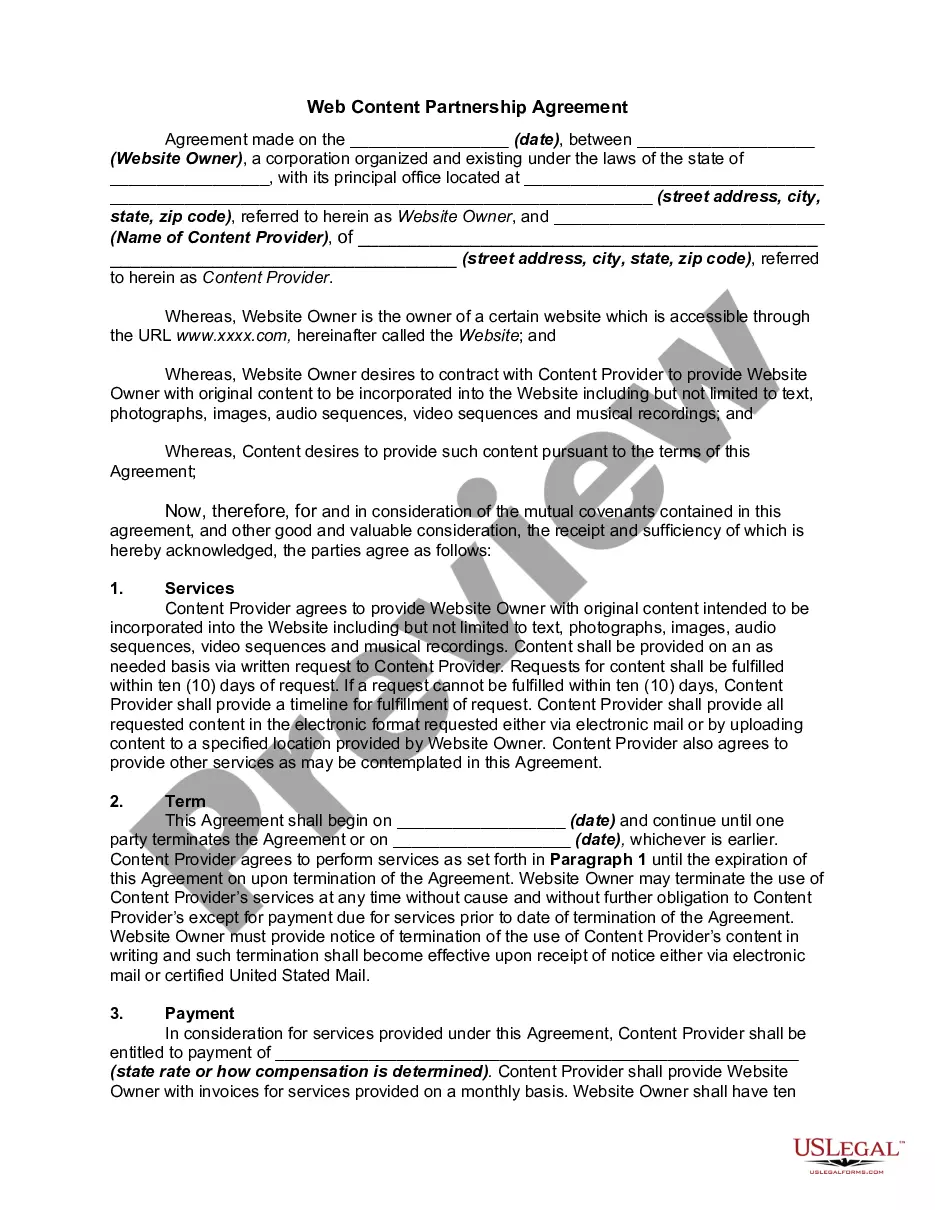
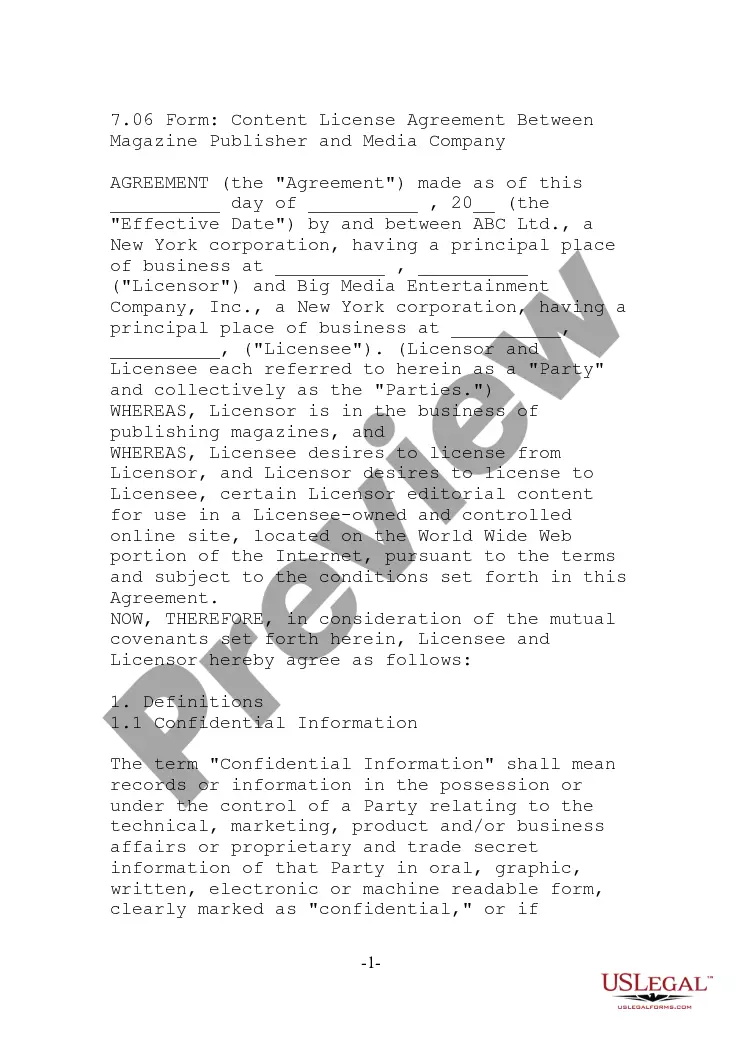
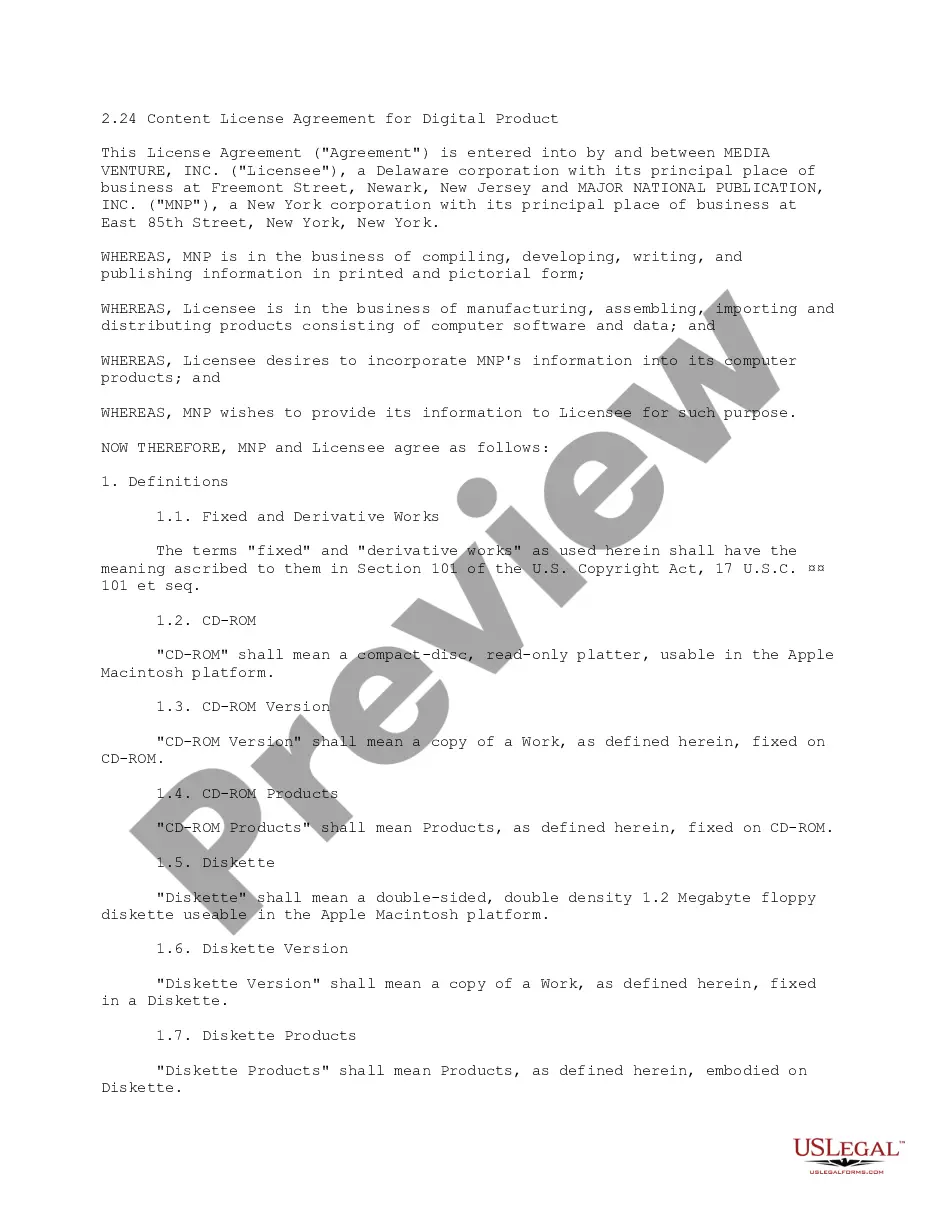
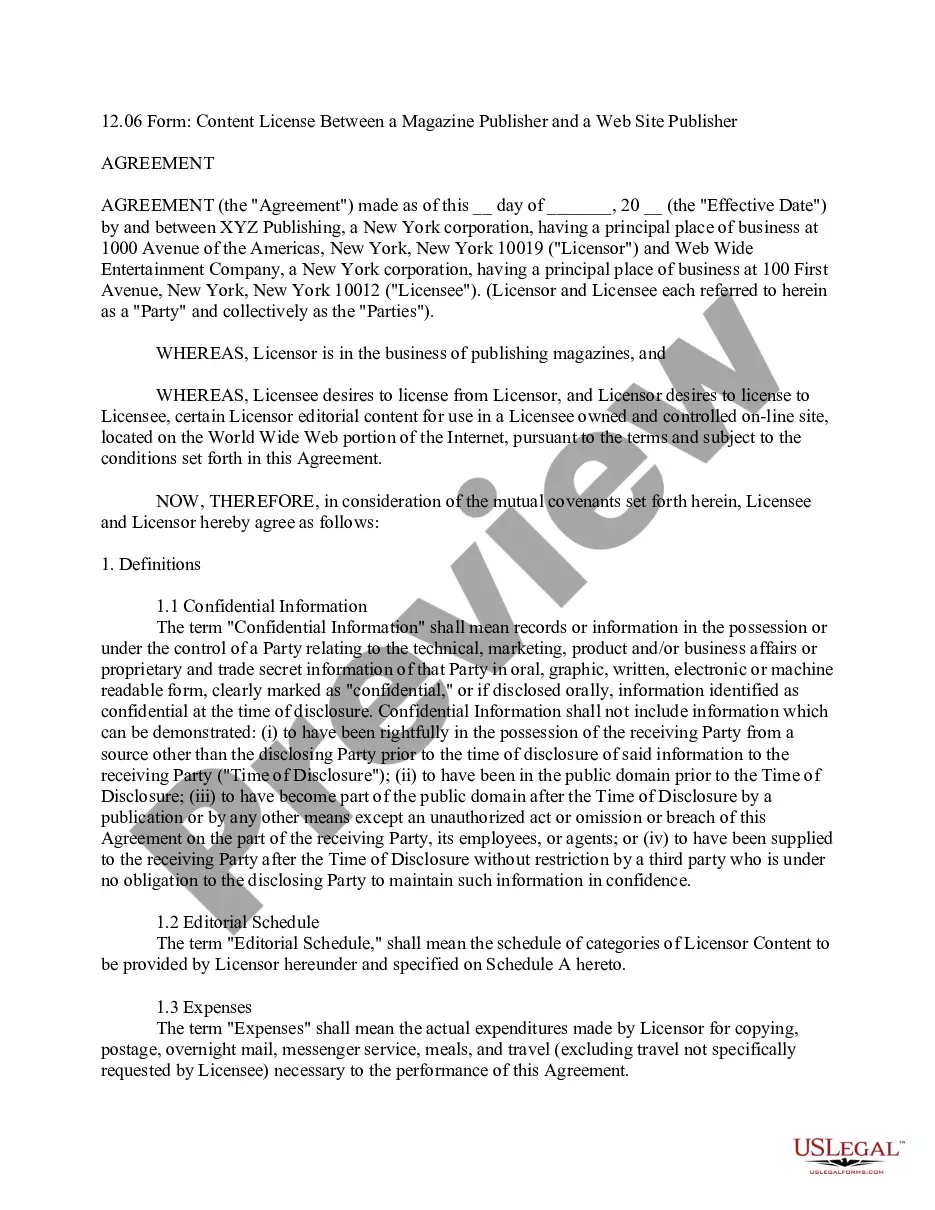
Get your form ready online
Our built-in tools help you complete, sign, share, and store your documents in one place.
Make edits, fill in missing information, and update formatting in US Legal Forms—just like you would in MS Word.
Download a copy, print it, send it by email, or mail it via USPS—whatever works best for your next step.
Sign and collect signatures with our SignNow integration. Send to multiple recipients, set reminders, and more. Go Premium to unlock E-Sign.
If this form requires notarization, complete it online through a secure video call—no need to meet a notary in person or wait for an appointment.
We protect your documents and personal data by following strict security and privacy standards.

Make edits, fill in missing information, and update formatting in US Legal Forms—just like you would in MS Word.

Download a copy, print it, send it by email, or mail it via USPS—whatever works best for your next step.

Sign and collect signatures with our SignNow integration. Send to multiple recipients, set reminders, and more. Go Premium to unlock E-Sign.

If this form requires notarization, complete it online through a secure video call—no need to meet a notary in person or wait for an appointment.

We protect your documents and personal data by following strict security and privacy standards.
Looking for another form?
How to fill out Content License Agreement Between Author And Web Site Owner?
You can invest hours on the web looking for the lawful papers design which fits the federal and state specifications you will need. US Legal Forms gives a huge number of lawful forms that happen to be examined by specialists. You can actually obtain or produce the Washington Content License Agreement Between Author and Web Site Owner from my support.
If you have a US Legal Forms bank account, you are able to log in and click on the Down load option. Afterward, you are able to total, change, produce, or indicator the Washington Content License Agreement Between Author and Web Site Owner. Each lawful papers design you purchase is your own property forever. To acquire an additional copy for any obtained kind, go to the My Forms tab and click on the corresponding option.
If you use the US Legal Forms website the first time, adhere to the simple instructions listed below:
- First, make sure that you have selected the correct papers design for the area/metropolis that you pick. Look at the kind outline to make sure you have picked out the appropriate kind. If offered, take advantage of the Preview option to appear through the papers design at the same time.
- If you wish to locate an additional variation of the kind, take advantage of the Look for area to find the design that suits you and specifications.
- When you have discovered the design you need, just click Get now to continue.
- Choose the prices strategy you need, type in your qualifications, and sign up for an account on US Legal Forms.
- Comprehensive the purchase. You should use your credit card or PayPal bank account to pay for the lawful kind.
- Choose the file format of the papers and obtain it to the product.
- Make modifications to the papers if necessary. You can total, change and indicator and produce Washington Content License Agreement Between Author and Web Site Owner.
Down load and produce a huge number of papers layouts making use of the US Legal Forms web site, which offers the most important variety of lawful forms. Use professional and express-certain layouts to deal with your business or individual requirements.
Form popularity
FAQ
How to Write Terms and Conditions in 6 Easy Steps Step One: Determine what laws apply to your business. Step Two: Make an outline. Step Three: Pick all clauses relevant to your business. Step Four: Start writing using clear, straightforward language. Step Five: Link to other necessary legal and website policies.
Begin your license agreement by defining who all parties are. From there, add information about license grants, charges, licensee's obligations, intellectual property rights, limitation of liability, confidentiality, governing law, waivers, etc. End the template with an agreement form to sign.
How to Create & Add Terms and Conditions for Your Website in 8 Steps Start by creating a free account. ... Add your company details. ... Set your place of business & governing law. ... Validate and confirm your account. ... Copy the code snippet. ... Create a new page on your website. ... Save and publish the page. ... Update your website's footer menu.
An example of a licensing agreement is a contract between the copyright holders of software and another company, allowing the latter to use the computer software for their daily business operations.
Author grants publisher an exclusive licence The author gives the publisher certain rights over their material for the term of the agreement. These rights are granted only to this publisher and might include the right to publish, communicate, and distribute the published work online and to sublicence.
Here are a few examples of what you can include in yours: Establish and clarify your intellectual property rights. Limit your liabilities. Outline your dispute resolution options. Disclose your governing laws. Establish payment terms. Include shipping policy and return and refund details.
Website terms and conditions may not be required by law, but it's still a smart thing to include. These pages can limit your liability should a customer take you to court, as well as protect your rights to the content contained on your website.