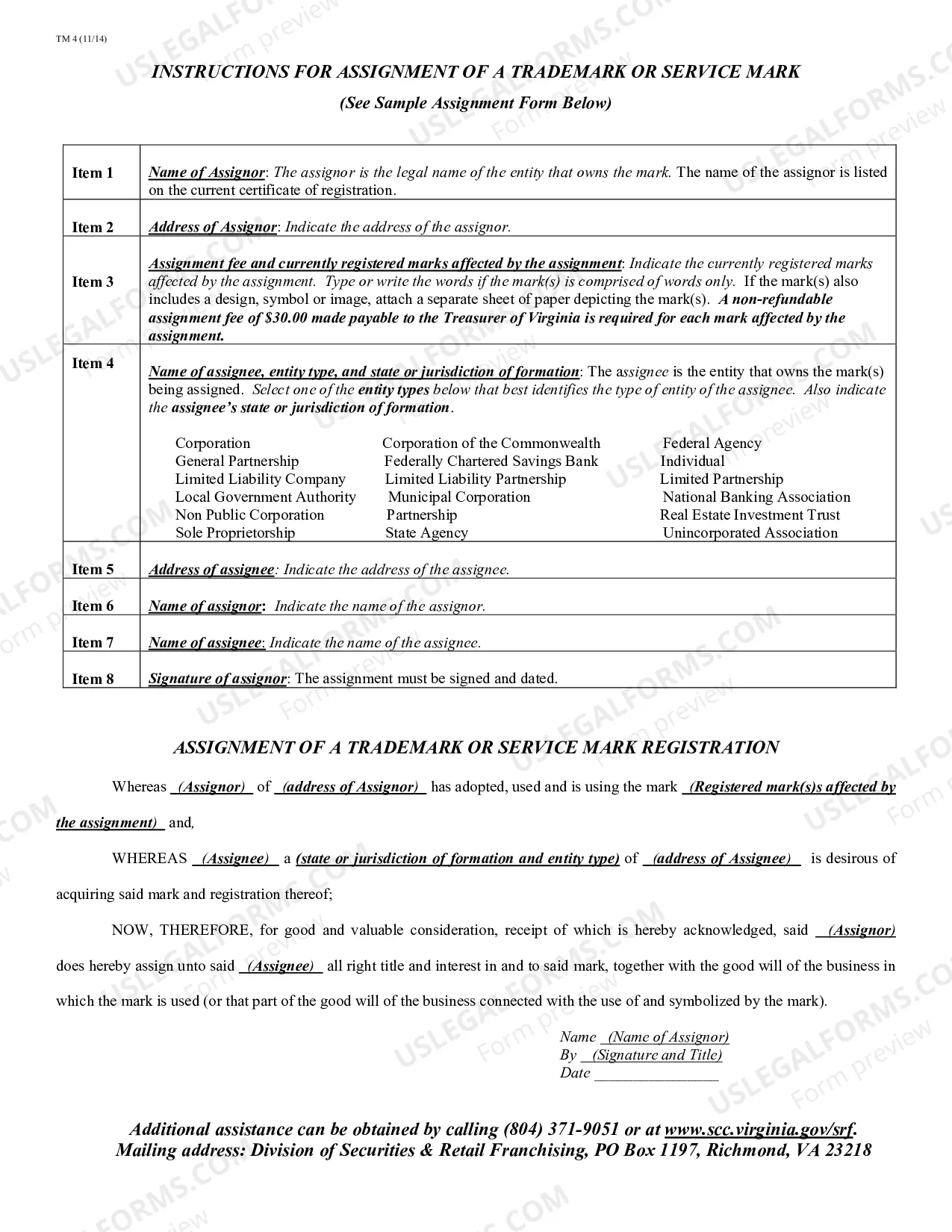
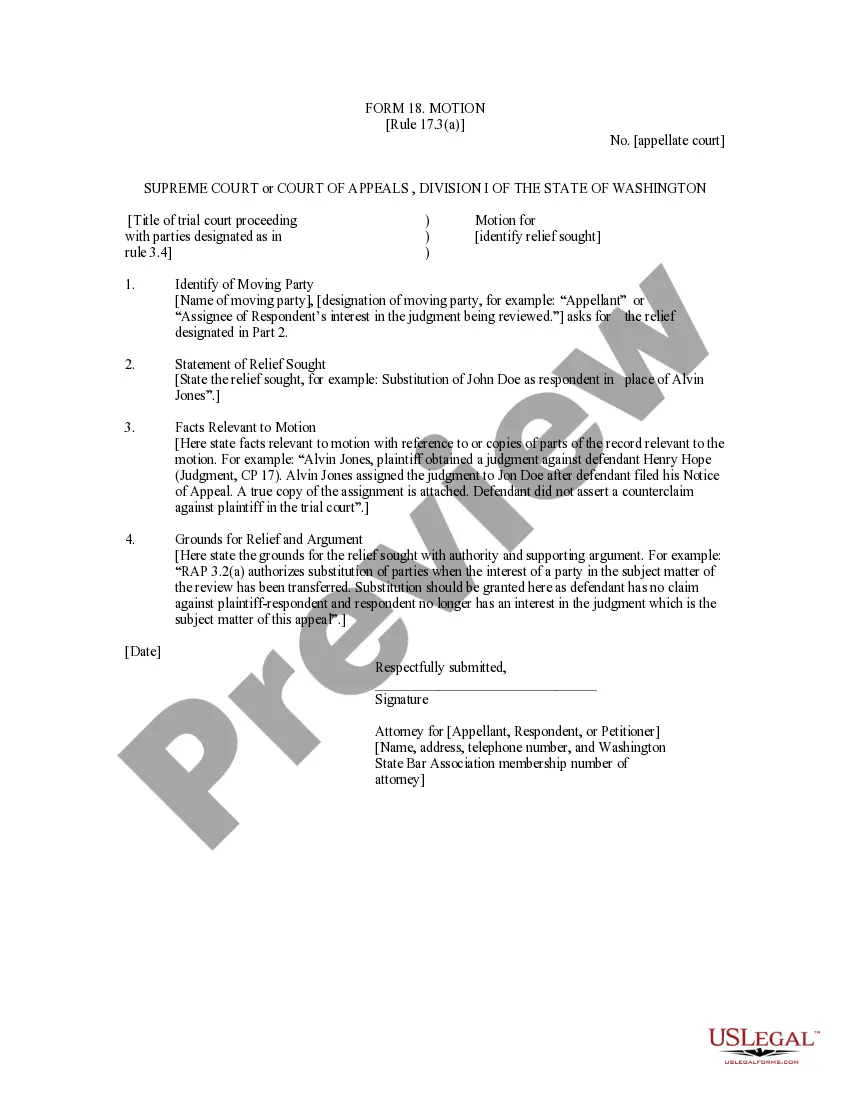
This is an official form from the Washinton Judicial System, which complies with all applicable laws and statutes. USLF amends and updates the forms as is required by Washington statutes and law.
Washington Motion
State:
Washington
Category:
Control #:
WA-18-MOTION
Format:
Word;
Rich Text
Instant download
This website is not affiliated with any governmental entity
Public form
Description
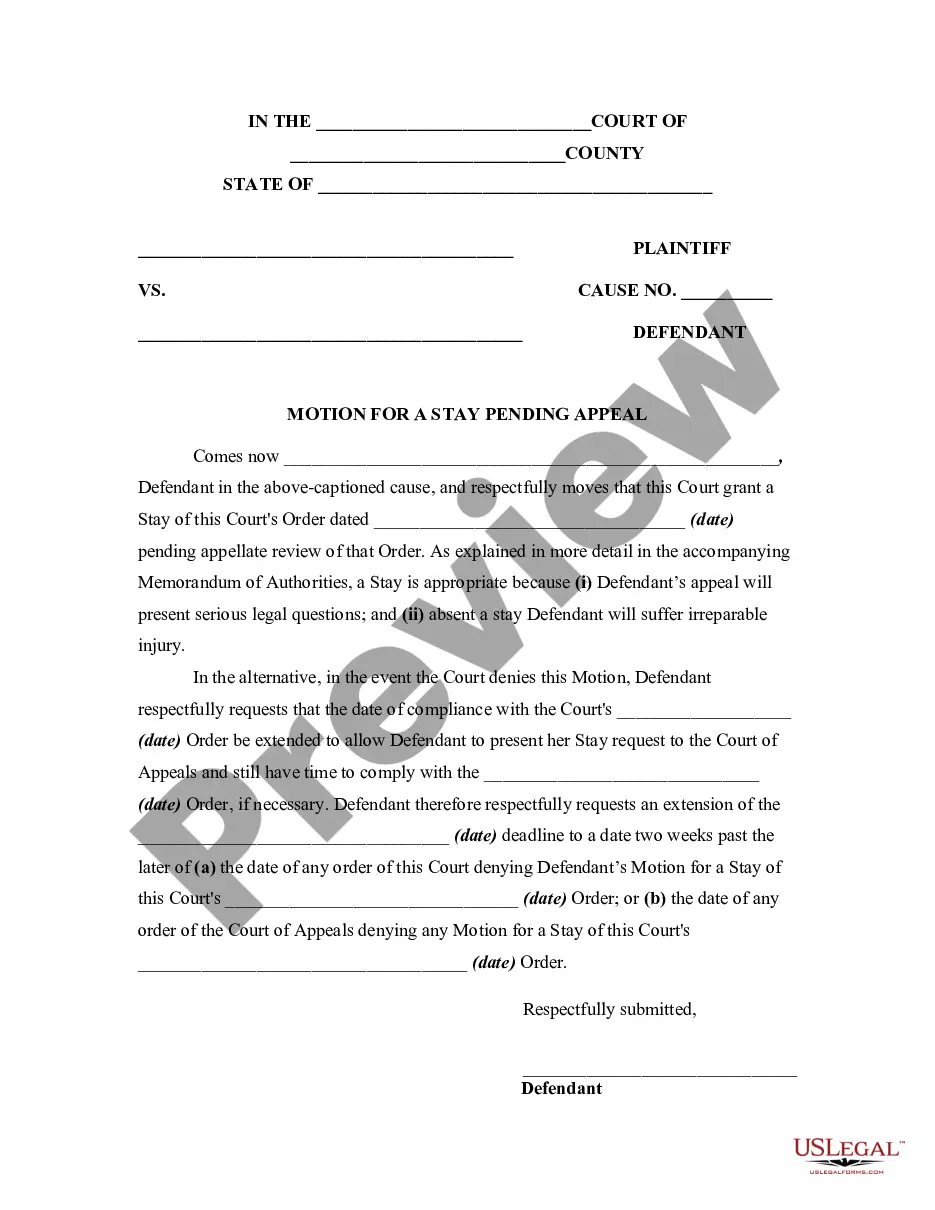
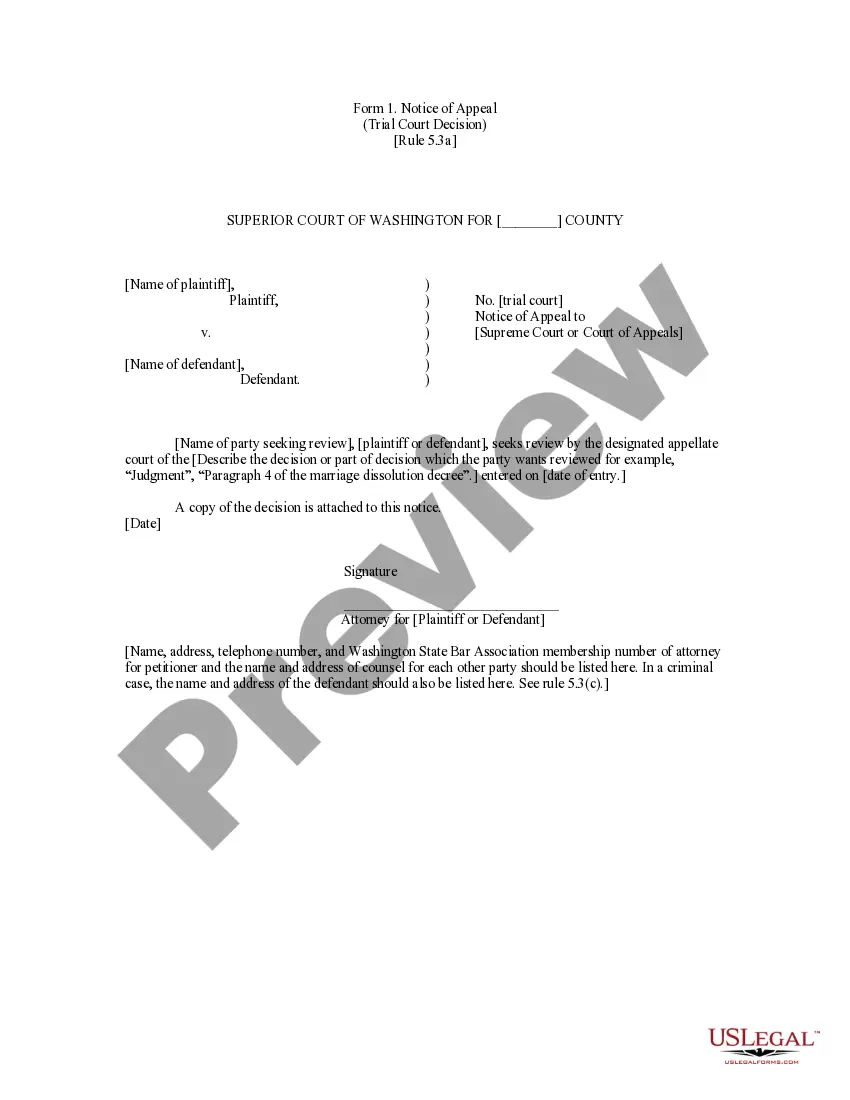
Get your form ready online
Our built-in tools help you complete, sign, share, and store your documents in one place.
Built-in online Word editor
Make edits, fill in missing information, and update formatting in US Legal Forms—just like you would in MS Word.
Export easily
Download a copy, print it, send it by email, or mail it via USPS—whatever works best for your next step.
E-sign your document
Sign and collect signatures with our SignNow integration. Send to multiple recipients, set reminders, and more. Go Premium to unlock E-Sign.
Notarize online 24/7
If this form requires notarization, complete it online through a secure video call—no need to meet a notary in person or wait for an appointment.
Store your document securely
We protect your documents and personal data by following strict security and privacy standards.

Make edits, fill in missing information, and update formatting in US Legal Forms—just like you would in MS Word.

Download a copy, print it, send it by email, or mail it via USPS—whatever works best for your next step.

Sign and collect signatures with our SignNow integration. Send to multiple recipients, set reminders, and more. Go Premium to unlock E-Sign.

If this form requires notarization, complete it online through a secure video call—no need to meet a notary in person or wait for an appointment.

We protect your documents and personal data by following strict security and privacy standards.
Looking for another form?
How to fill out Washington Motion?
Out of the multitude of platforms that offer legal templates, US Legal Forms provides the most user-friendly experience and customer journey when previewing forms before purchasing them. Its complete library of 85,000 templates is categorized by state and use for simplicity. All of the documents available on the platform have been drafted to meet individual state requirements by certified lawyers.
If you already have a US Legal Forms subscription, just log in, search for the template, press Download and access your Form name in the My Forms; the My Forms tab holds all of your downloaded documents.
Stick to the tips below to obtain the form:
- Once you find a Form name, make certain it’s the one for the state you really need it to file in.
- Preview the form and read the document description just before downloading the template.
- Look for a new template using the Search field if the one you’ve already found isn’t proper.
- Just click Buy Now and select a subscription plan.
- Create your own account.
- Pay with a credit card or PayPal and download the document.
After you’ve downloaded your Form name, you may edit it, fill it out and sign it in an web-based editor that you pick. Any document you add to your My Forms tab might be reused multiple times, or for as long as it remains the most updated version in your state. Our platform offers easy and fast access to templates that fit both legal professionals and their clients.
Form popularity
FAQ
Ask the court for a motion date. Identify and fill out your motion forms. Serve and file your motion forms. Confirm that you will attend the motion. Go to your motion hearing. Receive the judge's decision.
General format - each motion generally consists of a case caption, a title that briefly identifies the relief sought, a series of numbered paragraphs that explains -- in a logical way -- why you are entitled to that relief, a prayer for relief, a signature block, a certification that a copy of the motion was sent to
Ask the court for a motion date. Identify and fill out your motion forms. Serve and file your motion forms. Confirm that you will attend the motion. Go to your motion hearing. Receive the judge's decision.
The motion must include a separate "Notice of Motion" which includes a brief summary of the nature of the motion, the deadline for filing a response, and if there is a hearing, the date, time, and location of the hearing.
The Notice of Motion usually begins with the caption that includes the court of jurisdiction, the docket number, and below the docket number, "Notice of Motion." It is usual to then write, "Please take Notice that the undersigned will bring a motion for (what you are asking the court for or to do)." Read the Local
You write your motion. You file your motion with the court clerk. The court clerk inserts the date and time your motion will be heard by the judge. You serve (mail) your motion to the other side.
The motion must include a separate "Notice of Motion" which includes a brief summary of the nature of the motion, the deadline for filing a response, and if there is a hearing, the date, time, and location of the hearing.