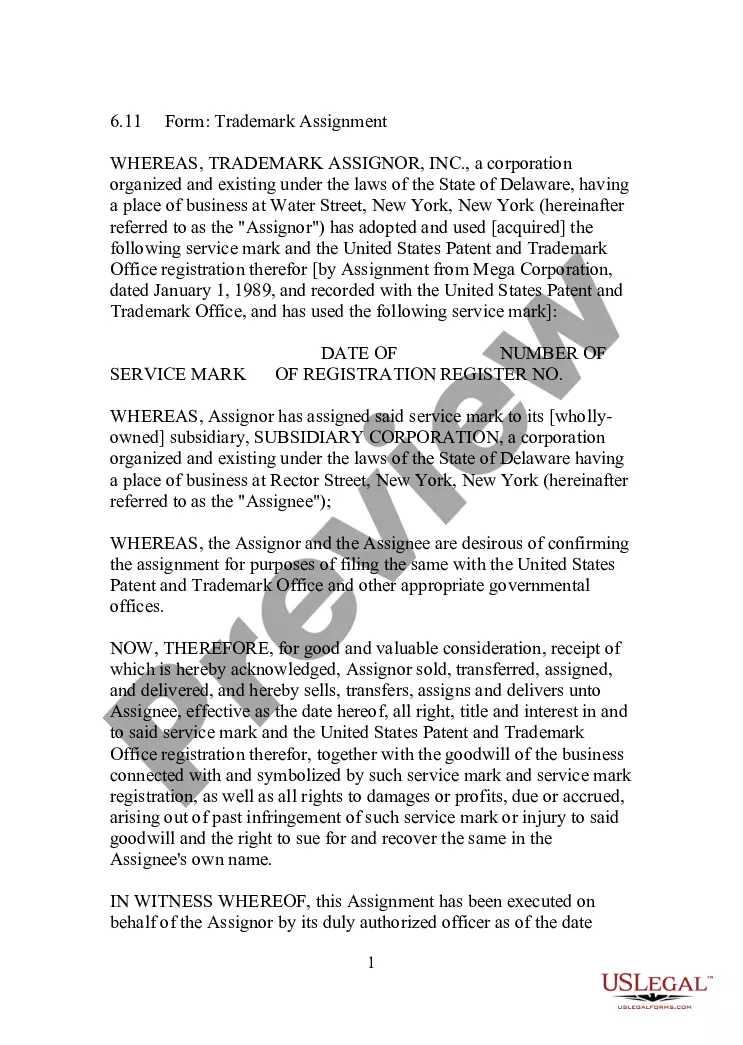
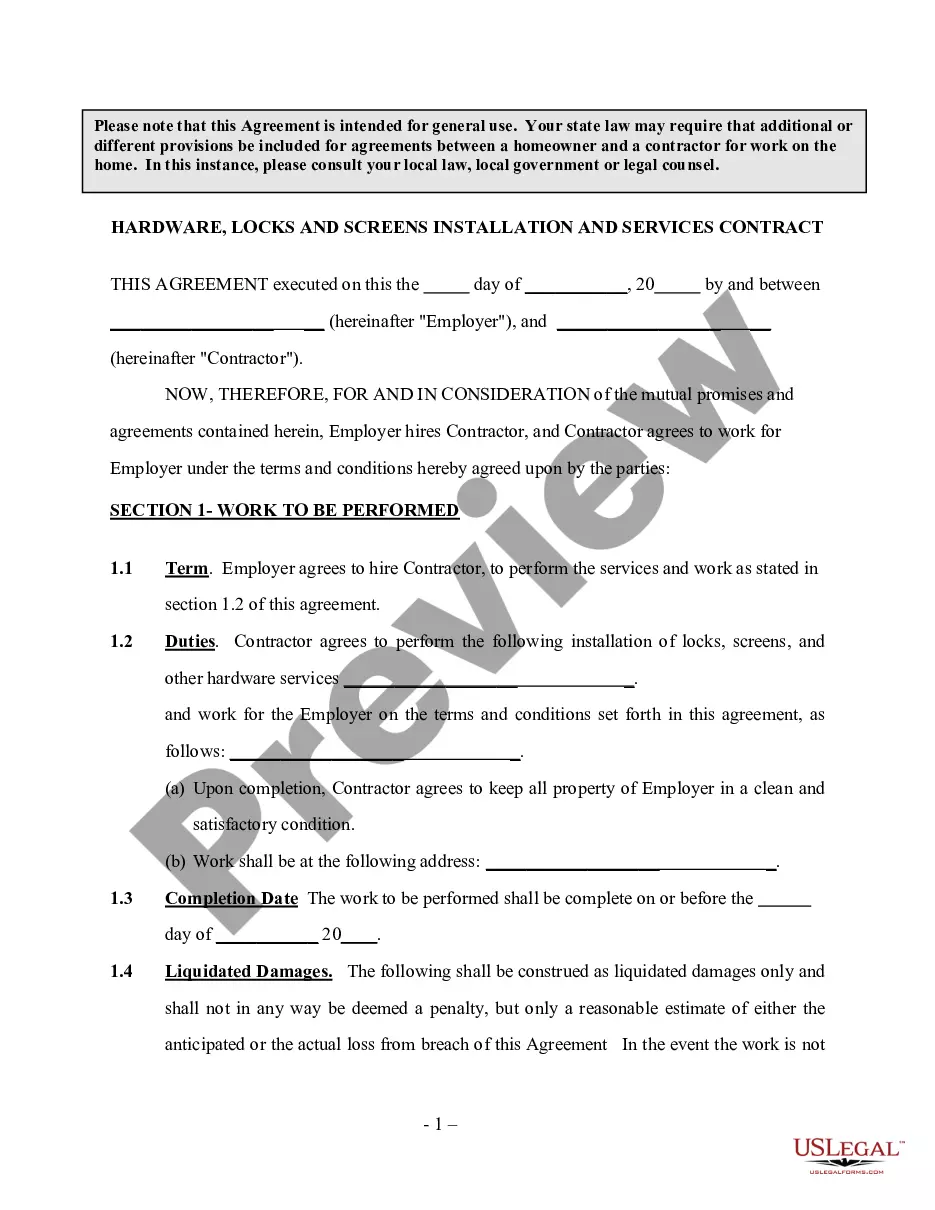
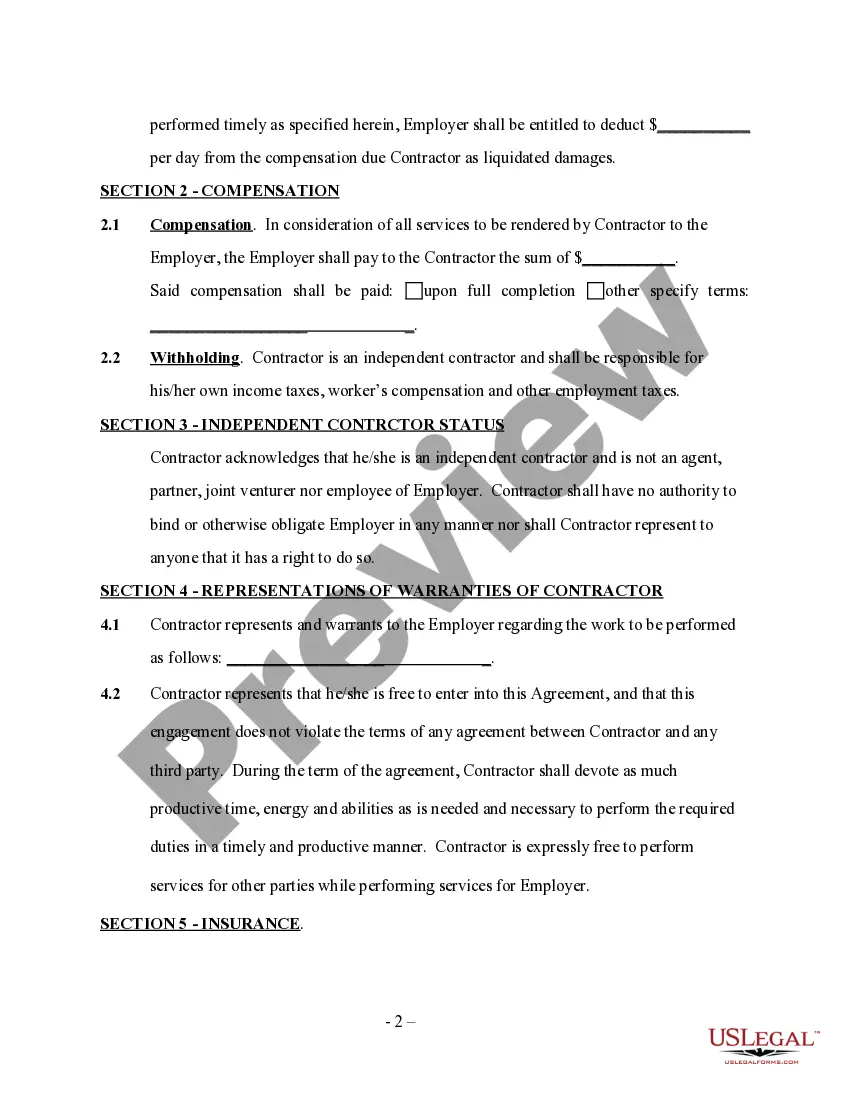
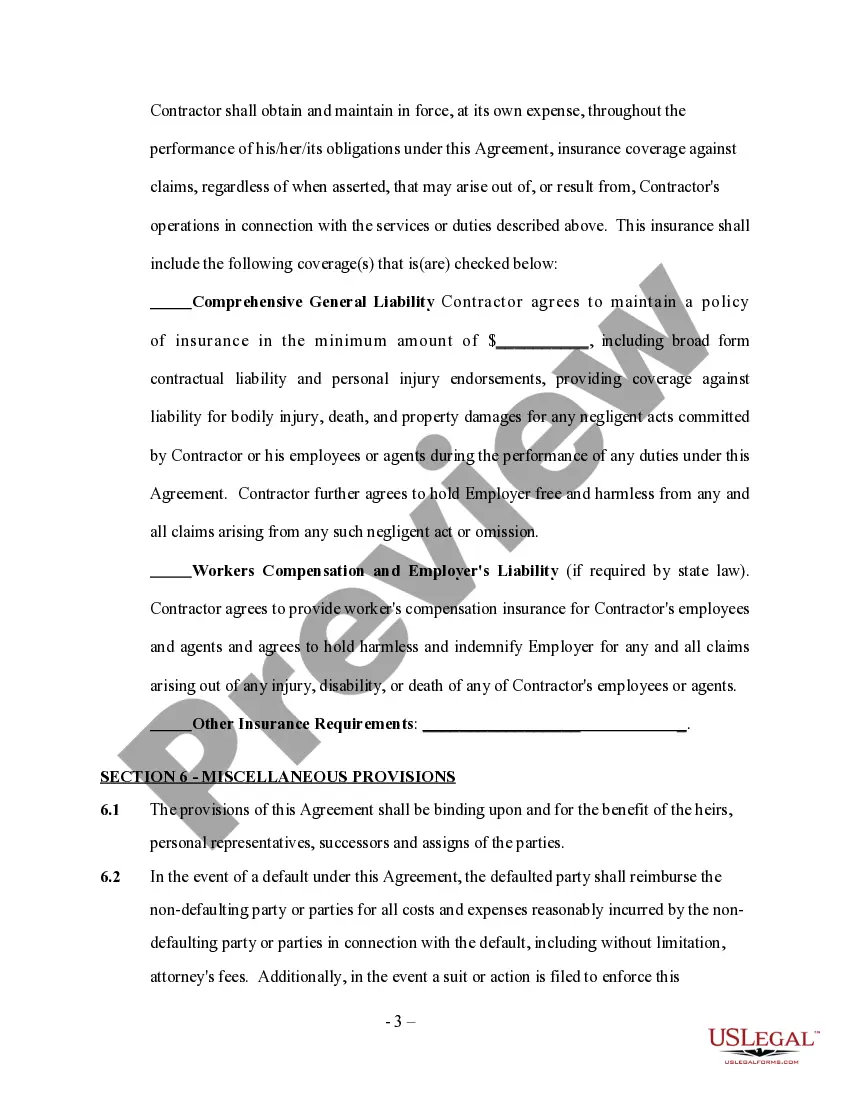
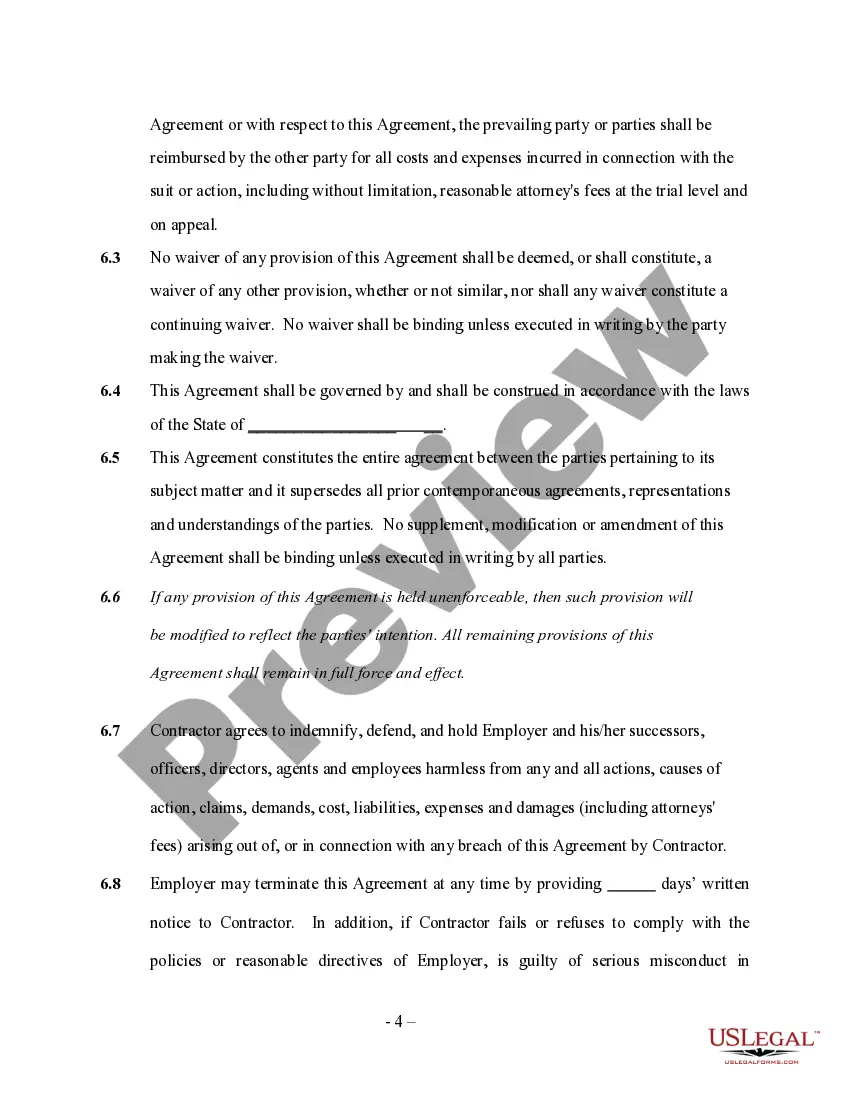
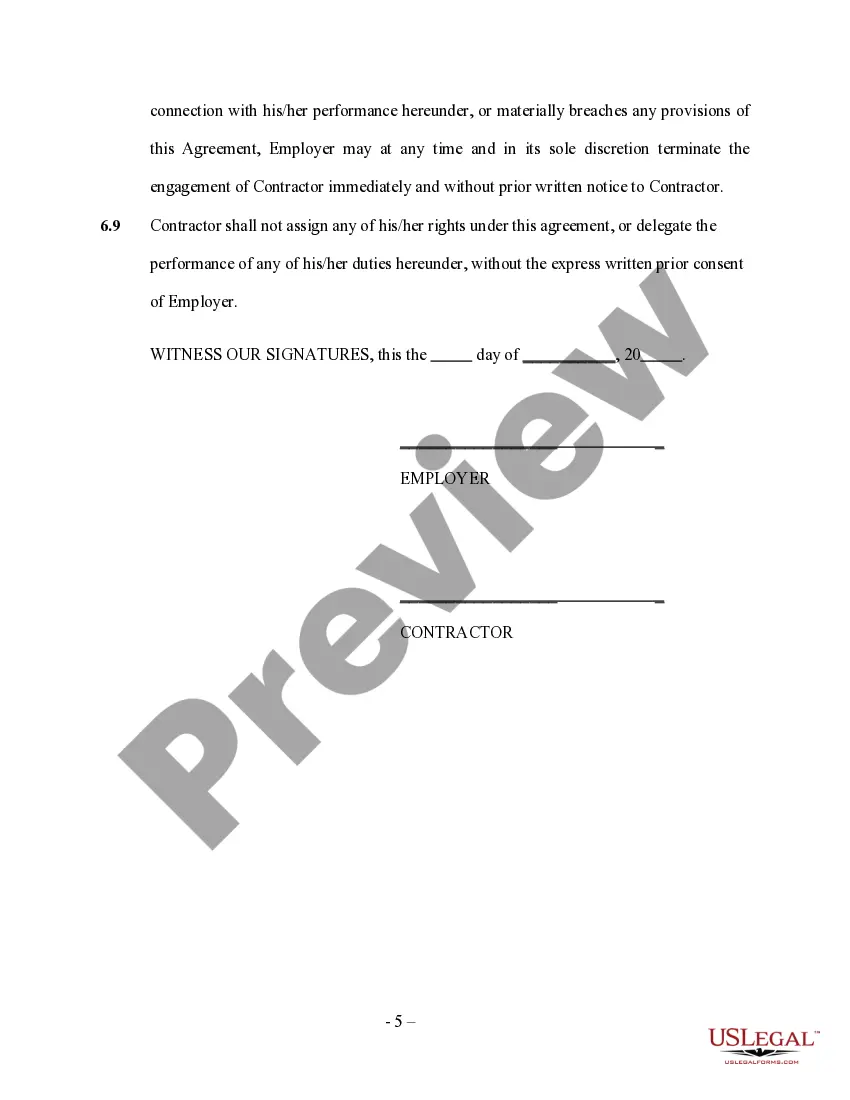
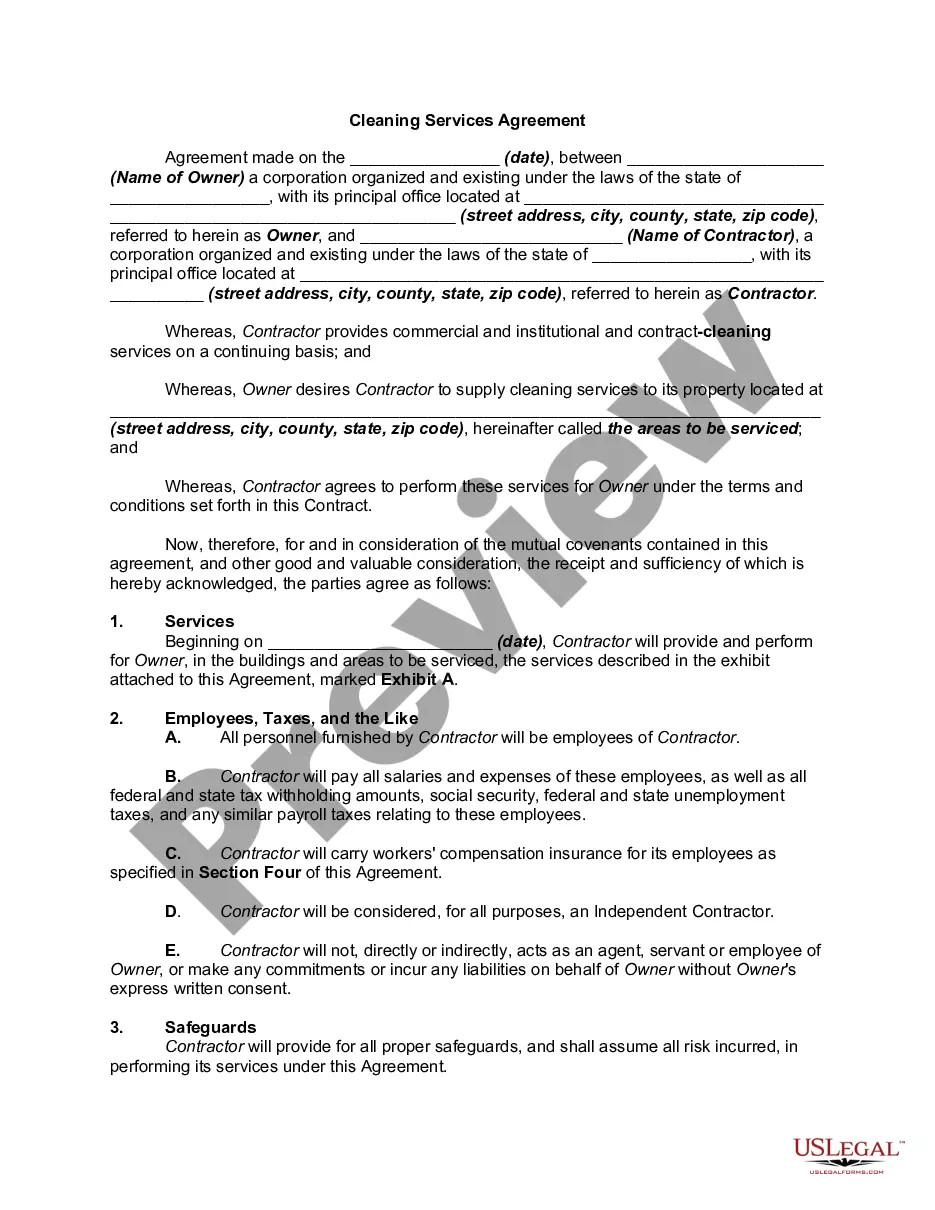
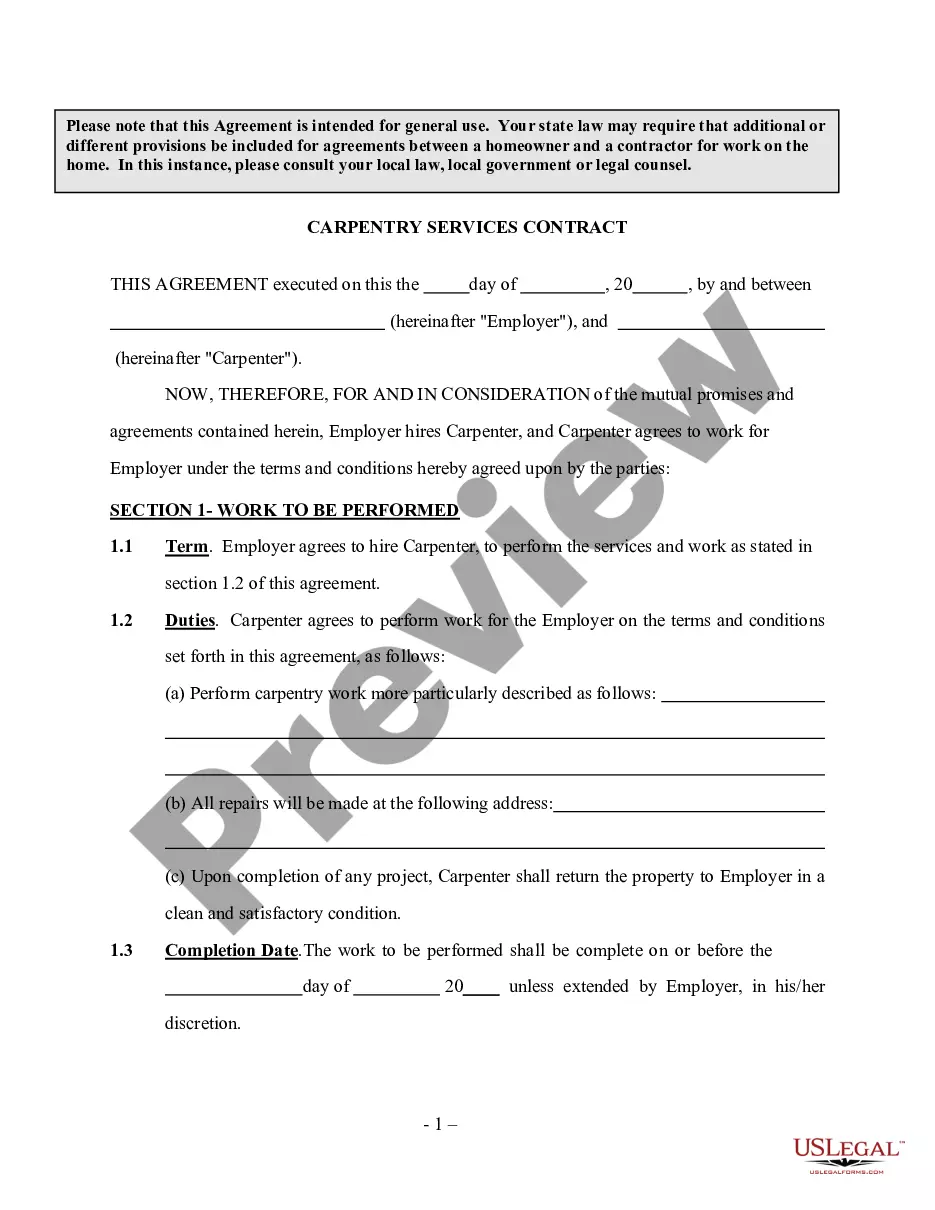
Employer contracts with an independent contractor to service, install, repair locks and screens and other hardware needs as specified and agreed to in the contract. Please note that this Agreement is intended for general use. Your state law may require that additional or different provisions be included for agreements between a homeowner and a contractor for work on the home. In this instance, please consult your local law, local government or legal counsel.
Vermont Hardware, Locks And Screens Installation And Services Contract - Self-Employed
State:
Multi-State
Control #:
US-INDC-172
Format:
Word;
Rich Text
Instant download
Description
Free preview
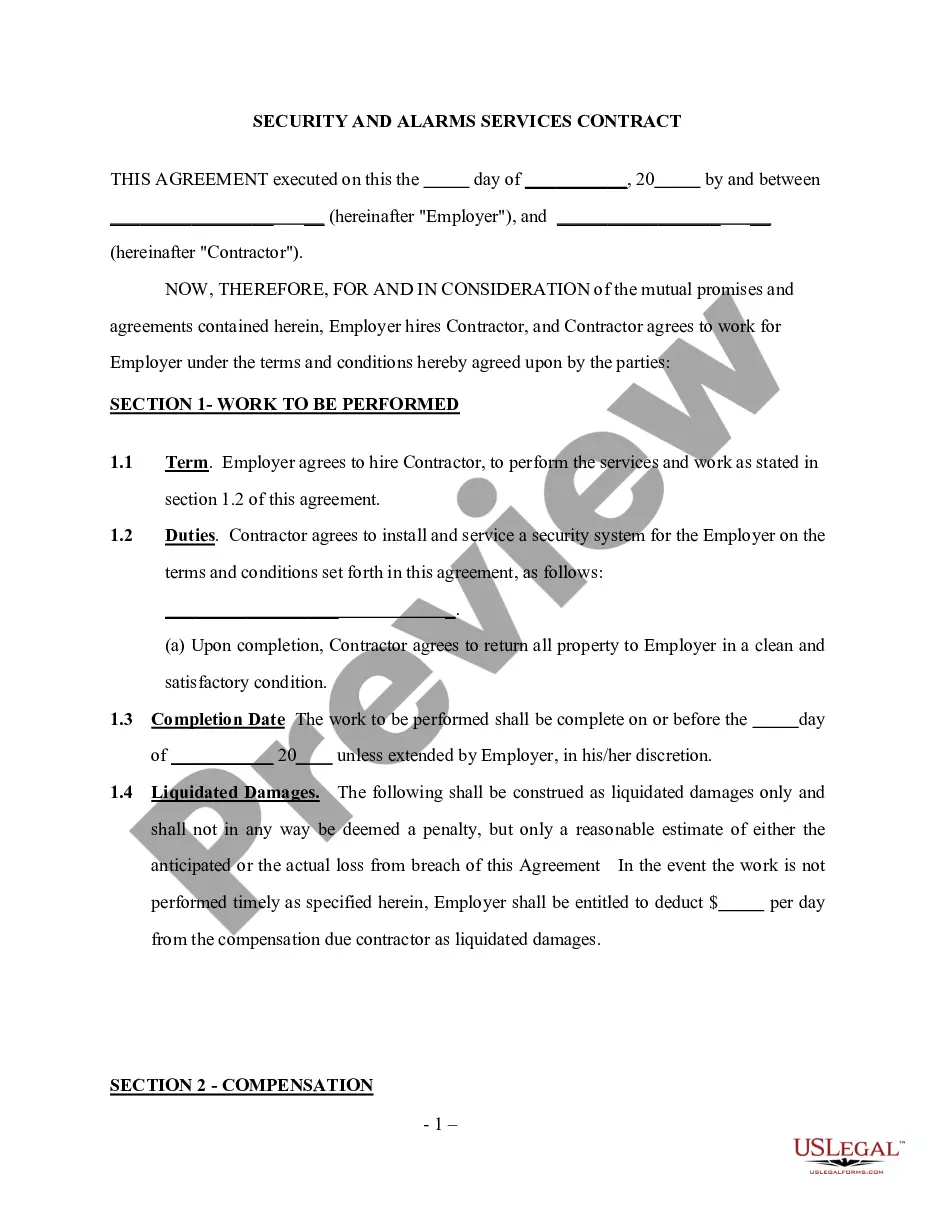
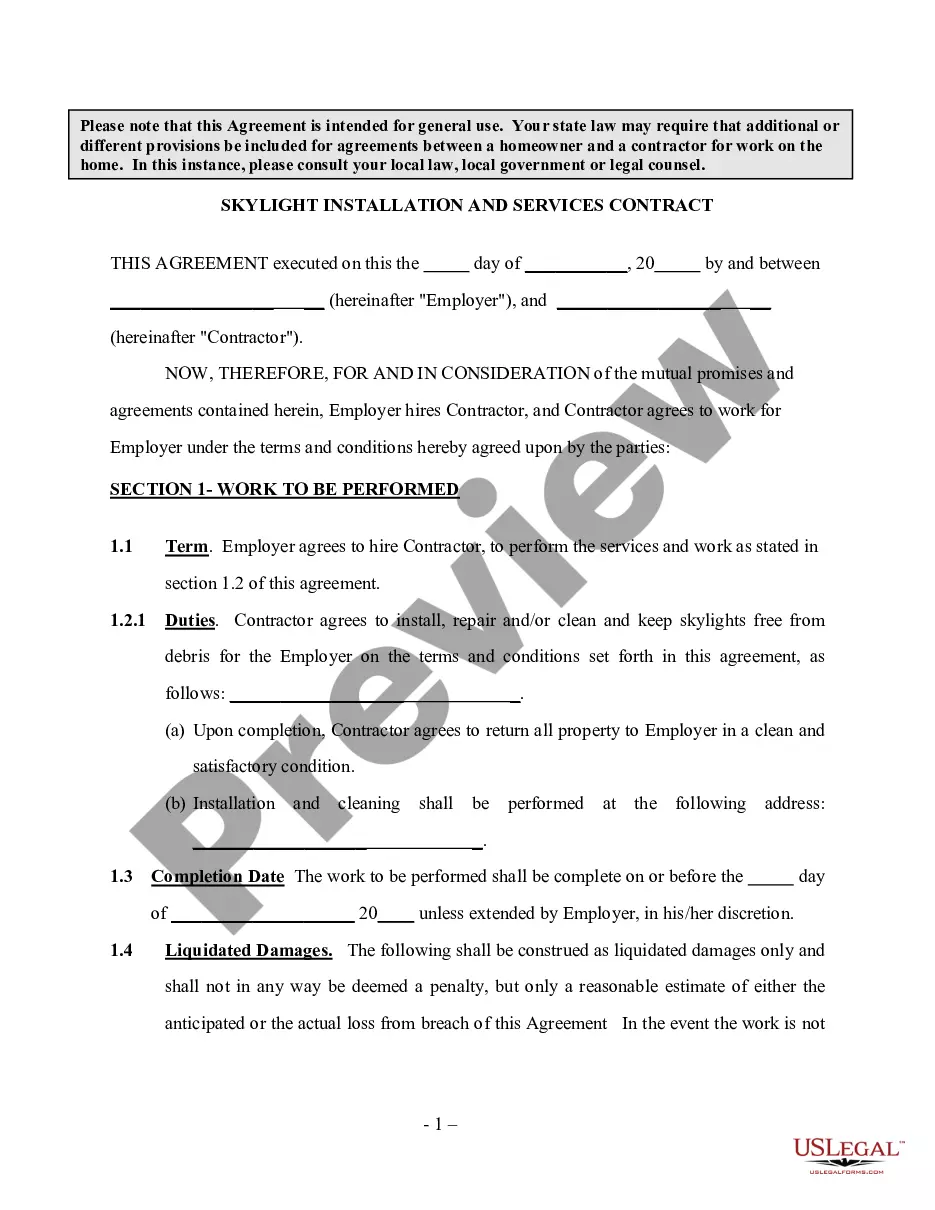
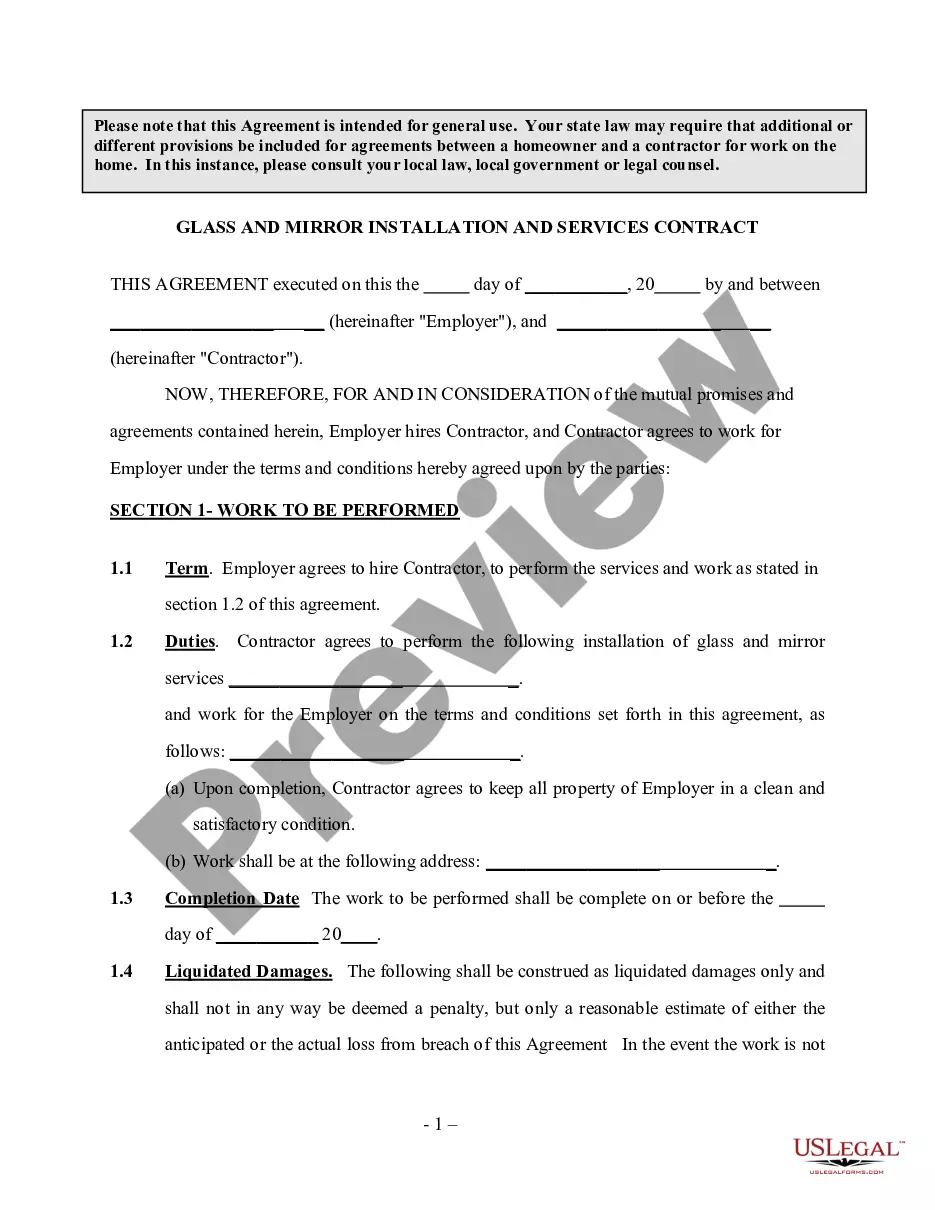
Get your form ready online
Our built-in tools help you complete, sign, share, and store your documents in one place.
Built-in online Word editor
Make edits, fill in missing information, and update formatting in US Legal Forms—just like you would in MS Word.
Export easily
Download a copy, print it, send it by email, or mail it via USPS—whatever works best for your next step.
E-sign your document
Sign and collect signatures with our SignNow integration. Send to multiple recipients, set reminders, and more. Go Premium to unlock E-Sign.
Notarize online 24/7
If this form requires notarization, complete it online through a secure video call—no need to meet a notary in person or wait for an appointment.
Store your document securely
We protect your documents and personal data by following strict security and privacy standards.

Make edits, fill in missing information, and update formatting in US Legal Forms—just like you would in MS Word.

Download a copy, print it, send it by email, or mail it via USPS—whatever works best for your next step.

Sign and collect signatures with our SignNow integration. Send to multiple recipients, set reminders, and more. Go Premium to unlock E-Sign.

If this form requires notarization, complete it online through a secure video call—no need to meet a notary in person or wait for an appointment.

We protect your documents and personal data by following strict security and privacy standards.
Looking for another form?







How to fill out Hardware, Locks And Screens Installation And Services Contract - Self-Employed?
US Legal Forms - one of the most prominent repositories of legal documents in the United States - provides a range of lawful document templates you can obtain or print. While using the website, you can discover numerous forms for business and personal purposes, organized by categories, states, or keywords.
You can find the latest types of forms such as the Vermont Hardware, Locks And Screens Installation And Services Agreement - Self-Employed in just a few minutes. If you have an account, sign in and access the Vermont Hardware, Locks And Screens Installation And Services Agreement - Self-Employed in the US Legal Forms library. The Download button will appear on each form you view. You can access all previously saved forms in the My documents section of your account.
If you wish to use US Legal Forms for the first time, here are simple instructions to help you get started: Ensure you have selected the correct form for your city/county. Click the Preview button to review the content of the form. Read the form description to confirm that you have chosen the right form. If the form does not meet your requirements, use the Search field at the top of the screen to find one that does. If you are satisfied with the form, validate your choice by clicking the Purchase now button. Then, select your preferred pricing plan and provide your information to register for an account. Complete the transaction. Use your credit card or PayPal account to finalize the transaction. Choose the format and download the form to your device. Edit. Fill out, modify, print, and sign the saved Vermont Hardware, Locks And Screens Installation And Services Agreement - Self-Employed. Each format you add to your account has no expiration date, meaning it is yours indefinitely. So, if you need to download or print another copy, simply visit the My documents section and click on the form you need.
- Access the Vermont Hardware, Locks And Screens Installation And Services Agreement - Self-Employed with US Legal Forms, one of the most extensive collections of legal document templates.
- Utilize a wide array of professional and state-specific templates that cater to your business or personal needs and requirements.
Form popularity
FAQ
The new federal rule for independent contractors clarifies the criteria used to determine worker classification. This rule aims to promote fairness and provide more definitions about who qualifies as an independent contractor. When operating under a Vermont Hardware, Locks And Screens Installation And Services Contract - Self-Employed, understanding this rule is vital. It ensures you follow the legal framework for independent work, allowing you to focus on your installation and service tasks with confidence.
Setting yourself up as a contractor involves several key steps. Start by identifying your niche in the market, such as Vermont Hardware, Locks And Screens Installation And Services Contract - Self-Employed. Then, ensure all necessary legal and business registrations are completed. It's also helpful to seek advice from experienced contractors or use platforms like uslegalforms to navigate the various legal aspects of your new venture.
Setting up as an independent contractor begins with defining the services you will offer. For instance, if you focus on Vermont Hardware, Locks And Screens Installation And Services Contract - Self-Employed, list your specific skills and services. Next, register your business name, acquire any necessary permits, and open a separate business bank account. Consider using uslegalforms to simplify the paperwork and ensure compliance with regulations.
To be an independent contractor, you must have the right business structure in place. This often includes registering your business, obtaining necessary licenses, and maintaining proper insurance. Additionally, you should understand tax obligations, as independent contractors, like those in Vermont Hardware, Locks And Screens Installation And Services Contract - Self-Employed, are responsible for their own tax payments. Familiarizing yourself with local requirements can help streamline your process.
To set yourself up as a self-employed taxpayer with the IRS, you simply start paying estimated taxes (on Form 1040-ES, Estimated Tax for Individuals) and file Schedule C, Profit or Loss From Business, and Schedule SE, Self-Employment Tax, with your Form 1040 tax return each April.
Installation Work means the construction and installation of the System and the Start-up, testing and acceptance (but not the operation and maintenance) thereof; all performed by or for the Power Producer at the Premises.
Installation Contracts means agreements entered into between the JV and Customers for the purpose of installing the Products.
If you choose to pay yourself as a contractor, you need to file IRS Form W-9 with the LLC and the LLC will file an IRS Form 1099-MISC at the end of the year. You will be responsible for paying self-employment taxes on the amount earned.
A contract should contain everything agreed upon by you and your licensed contractor. It should detail the work, price, when payments will be made, who gets the necessary building permits, and when the job will be finished. The contract also must identify the contractor, and give his/her address and license number.
First up: Get your tax forms in orderStep 1: Ask your independent contractor to fill out Form W-9.Step 2: Fill out two 1099-NEC forms (Copy A and B)Ask your independent contractor for invoices.Add your freelancer to payroll.Keep records like a boss.Tools to check out: