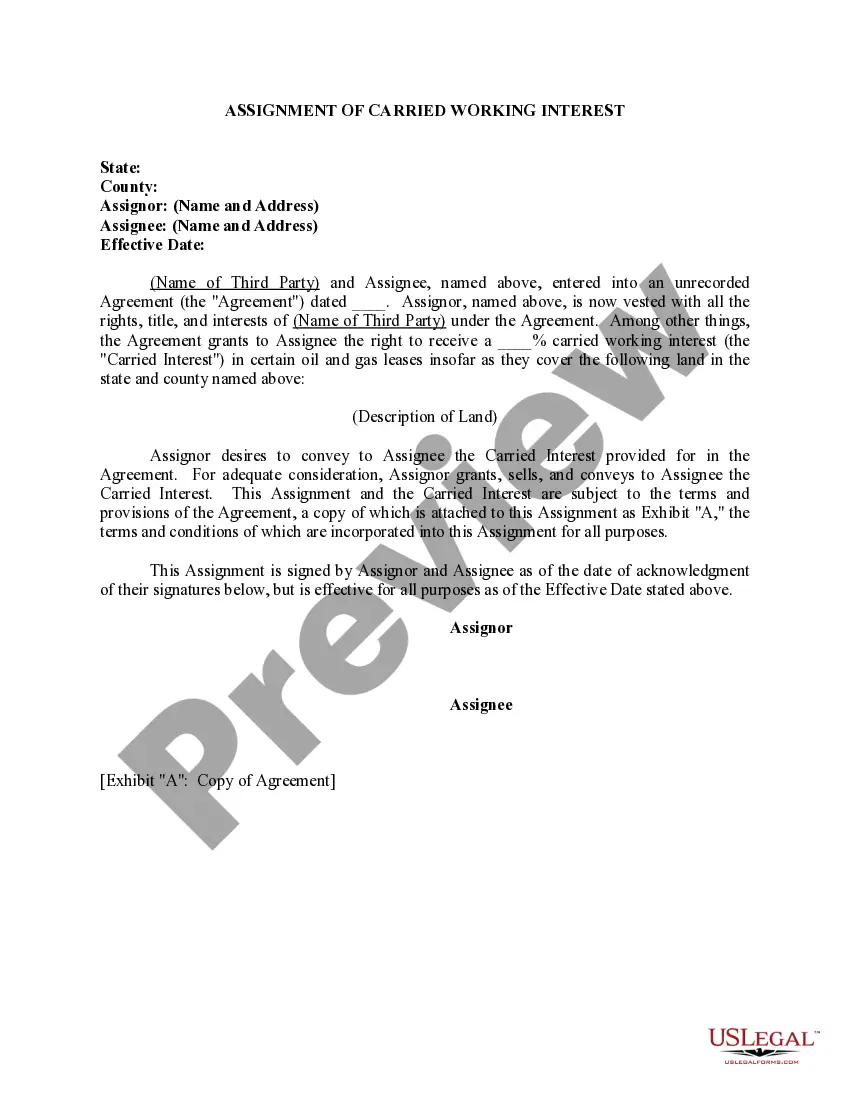
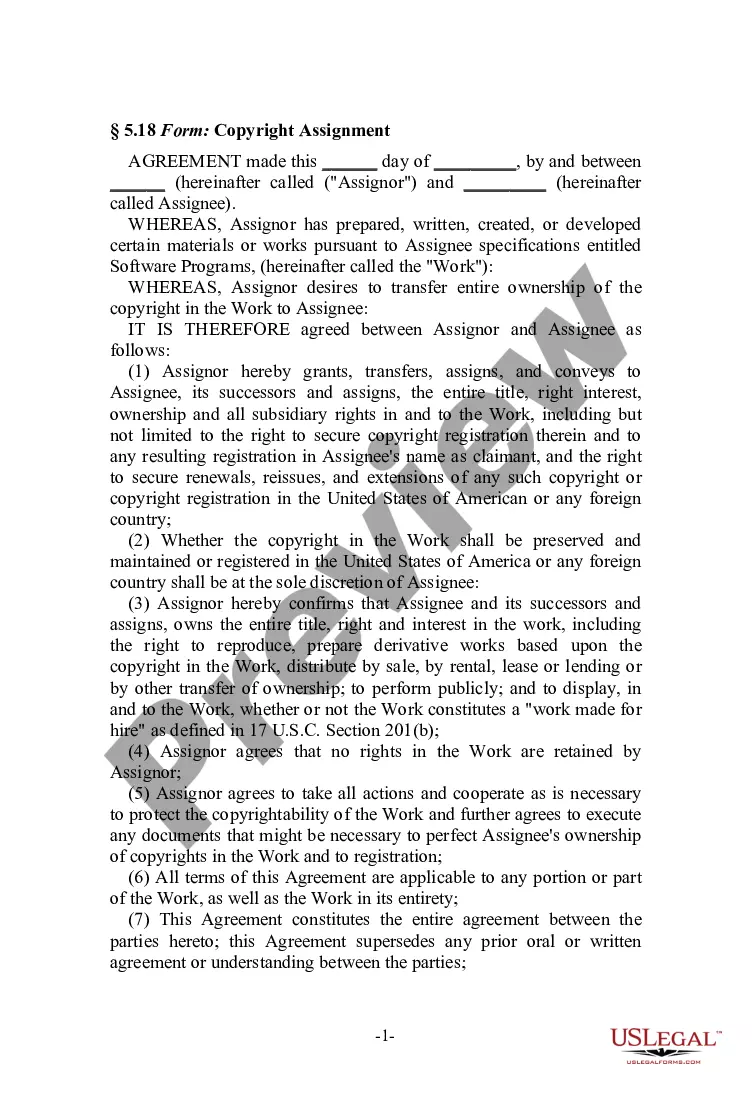
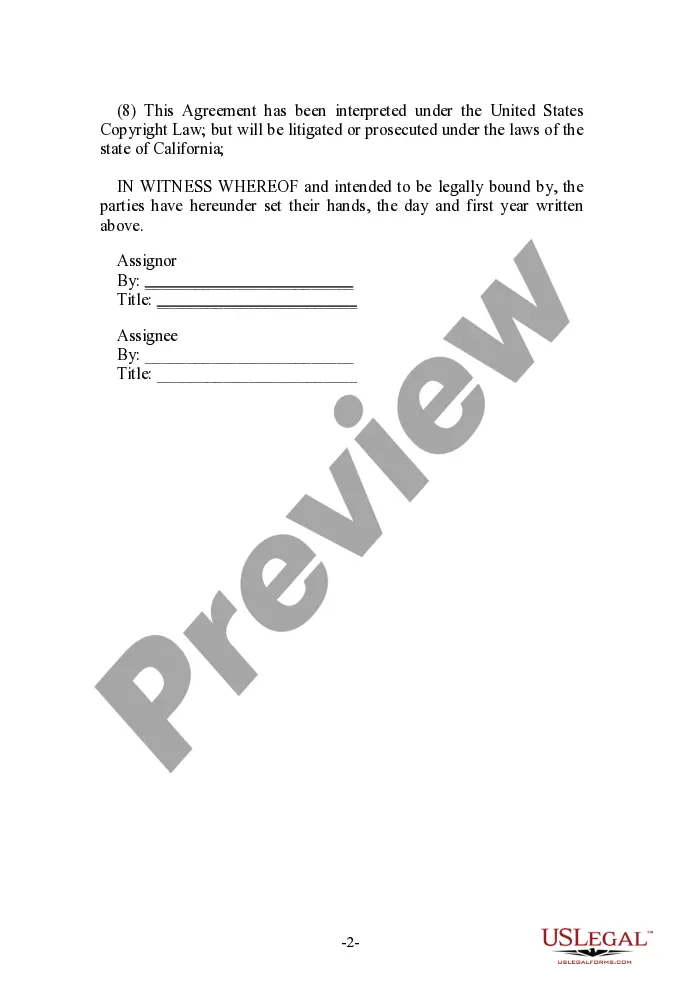
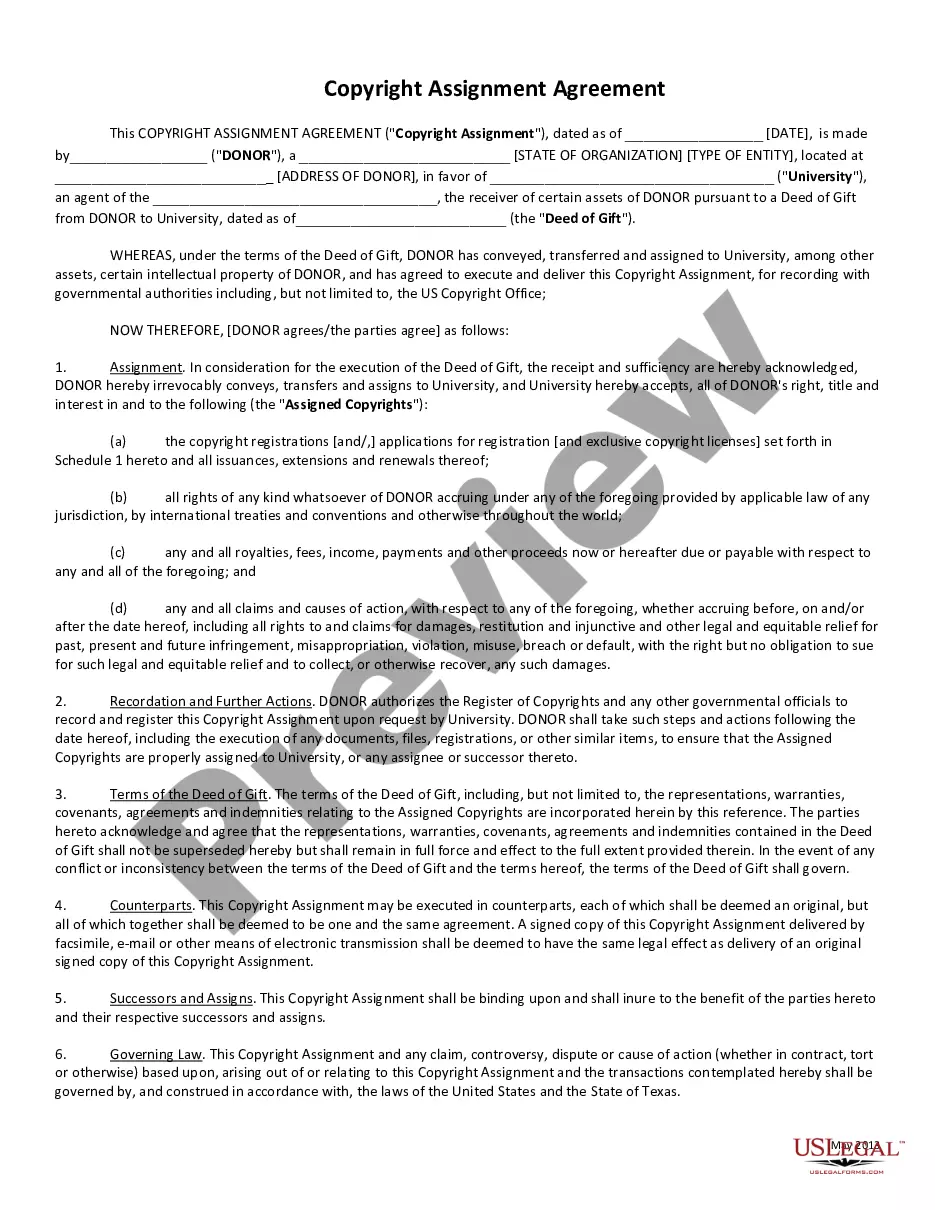
Virgin Islands Copyright Assignment for Software
Description

Get your form ready online
Our built-in tools help you complete, sign, share, and store your documents in one place.
Make edits, fill in missing information, and update formatting in US Legal Forms—just like you would in MS Word.
Download a copy, print it, send it by email, or mail it via USPS—whatever works best for your next step.
Sign and collect signatures with our SignNow integration. Send to multiple recipients, set reminders, and more. Go Premium to unlock E-Sign.
If this form requires notarization, complete it online through a secure video call—no need to meet a notary in person or wait for an appointment.
We protect your documents and personal data by following strict security and privacy standards.

Make edits, fill in missing information, and update formatting in US Legal Forms—just like you would in MS Word.

Download a copy, print it, send it by email, or mail it via USPS—whatever works best for your next step.

Sign and collect signatures with our SignNow integration. Send to multiple recipients, set reminders, and more. Go Premium to unlock E-Sign.

If this form requires notarization, complete it online through a secure video call—no need to meet a notary in person or wait for an appointment.

We protect your documents and personal data by following strict security and privacy standards.
Looking for another form?


How to fill out Copyright Assignment For Software?
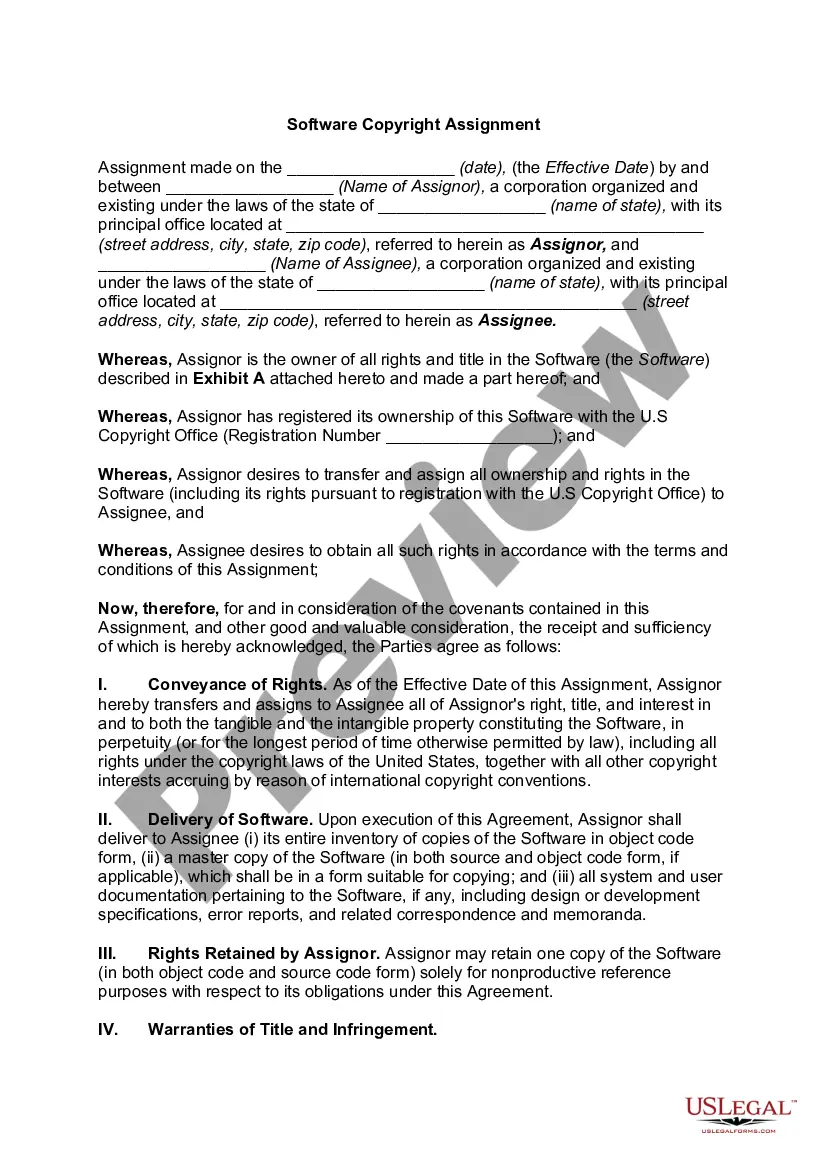
You can commit hours on the Internet trying to find the lawful file design that meets the federal and state demands you require. US Legal Forms supplies thousands of lawful types which can be analyzed by specialists. You can actually down load or print the Virgin Islands Copyright Assignment for Software from your service.
If you already possess a US Legal Forms bank account, you may log in and click the Download key. Next, you may total, change, print, or signal the Virgin Islands Copyright Assignment for Software. Each and every lawful file design you get is the one you have for a long time. To obtain an additional copy of the obtained form, proceed to the My Forms tab and click the corresponding key.
If you use the US Legal Forms internet site for the first time, adhere to the simple guidelines listed below:
- Very first, make sure that you have selected the correct file design for your state/city of your choosing. Look at the form information to ensure you have picked the proper form. If accessible, use the Review key to appear through the file design also.
- If you want to find an additional edition of your form, use the Look for industry to get the design that meets your needs and demands.
- After you have located the design you need, click on Get now to continue.
- Select the pricing program you need, type in your qualifications, and sign up for a merchant account on US Legal Forms.
- Full the financial transaction. You can use your bank card or PayPal bank account to fund the lawful form.
- Select the format of your file and down load it to the gadget.
- Make changes to the file if possible. You can total, change and signal and print Virgin Islands Copyright Assignment for Software.
Download and print thousands of file themes using the US Legal Forms Internet site, which offers the most important selection of lawful types. Use professional and status-particular themes to handle your company or person needs.
Form popularity
FAQ
The assignment must be done in writing to be valid. Although notarization isn't required, it's a good idea to have someone witness the assignor and assignee signing and dating the agreement. Transfer of ownership usually involves monetary exchange, although that's not a requirement.
Under the Copyright Act, a copyright owner has the exclusive right to reproduce, adapt, distribute, publicly perform, and publicly display the work (or to authorize others to do so). In the case of sound recordings, the copyright owner has the right to perform the work publicly by means of a digital audio transmission.
To register a claim to copyright with the U.S. Copyright Office, the claimant must: (1) submit a properly completed application; (2) pay a nonrefundable fee; and (3) deposit the required number of copies of the works to be registered.
There are only four simple components you need to include: The copyright symbol © or the word ?copyright? The name of the copyright owner or author of the work. The year the content was published, which can be different from the year of creation.
A copyright assignment is the transfer of copyright ownership rights from one party to another. This transfer is not valid unless it is in writing and signed by the owner or its authorized agent. If you want to transfer a right on a non-exclusive basis, a written agreement is usually not required.
So to summarize, in order to put your copyrights into your trust, you need to assign them to your trust by name, in writing. The document must be signed by you.