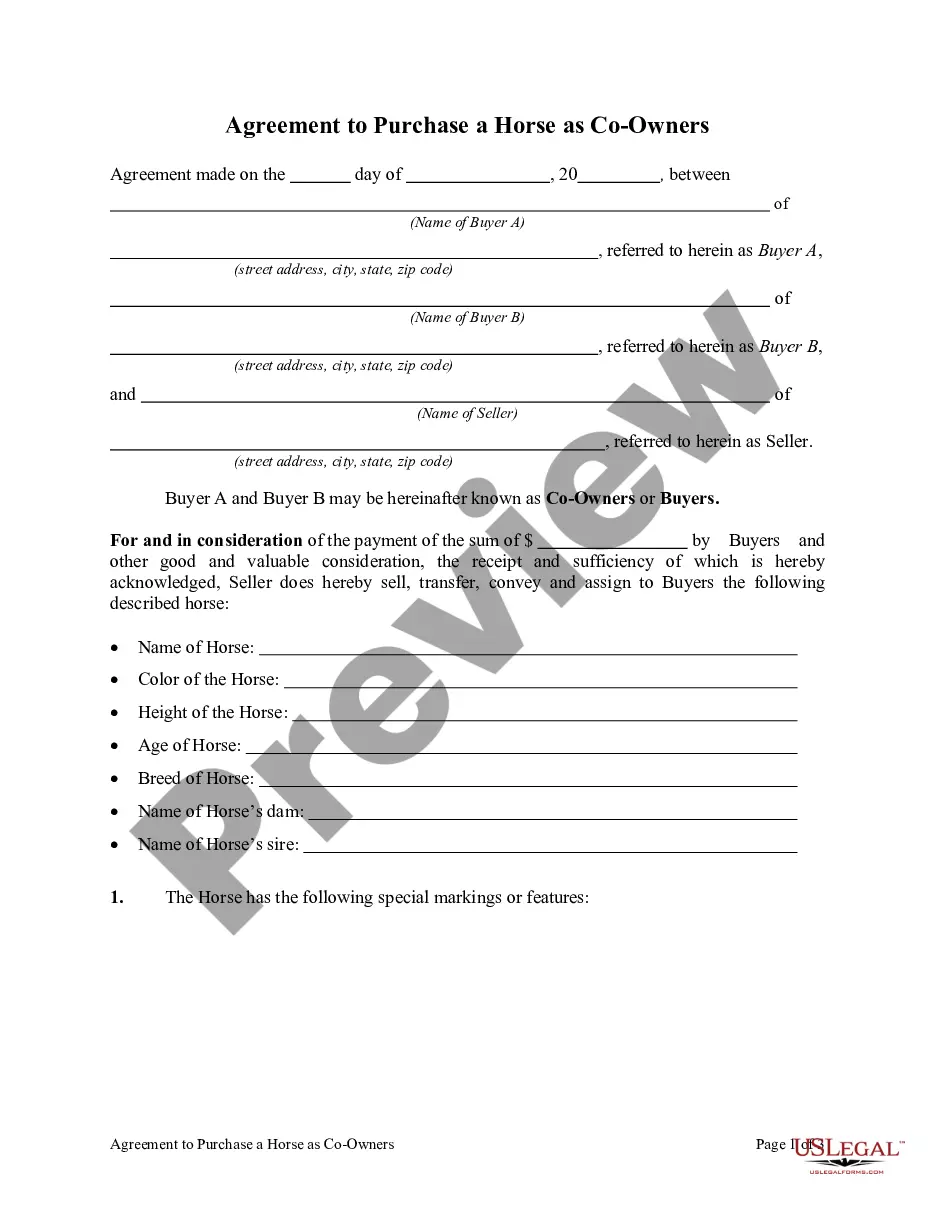
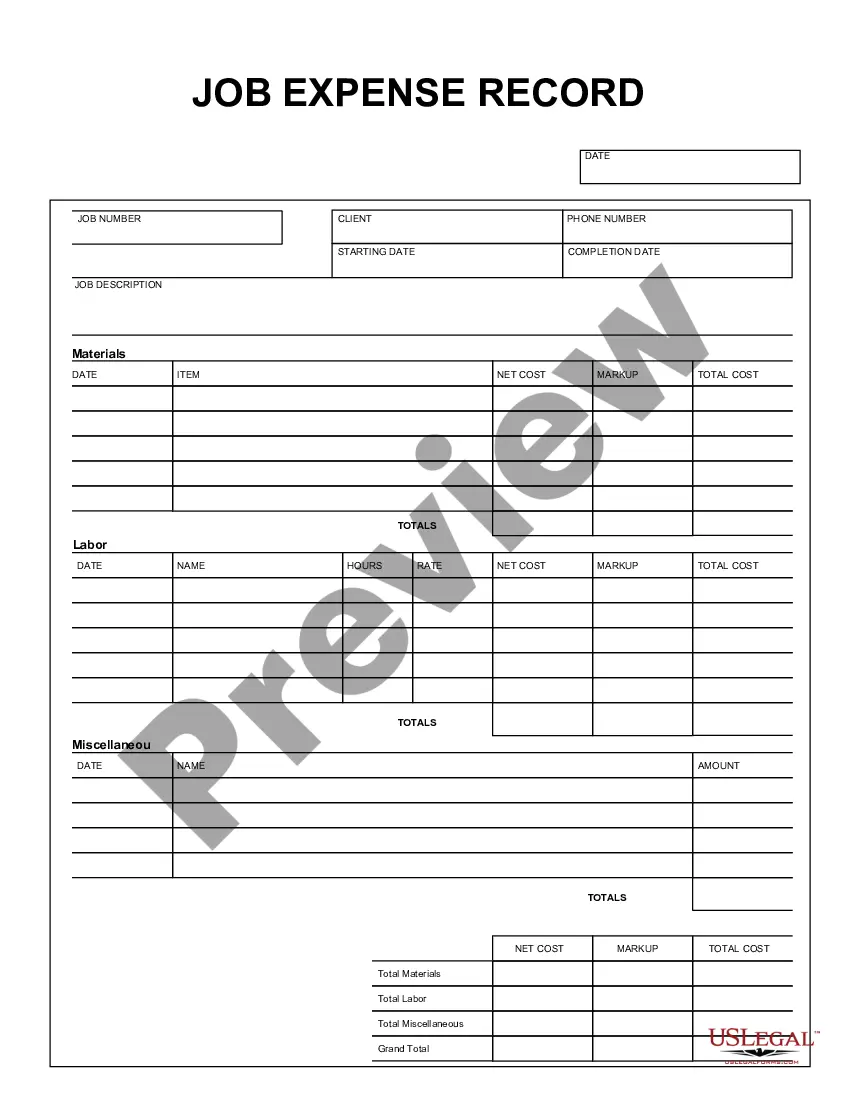
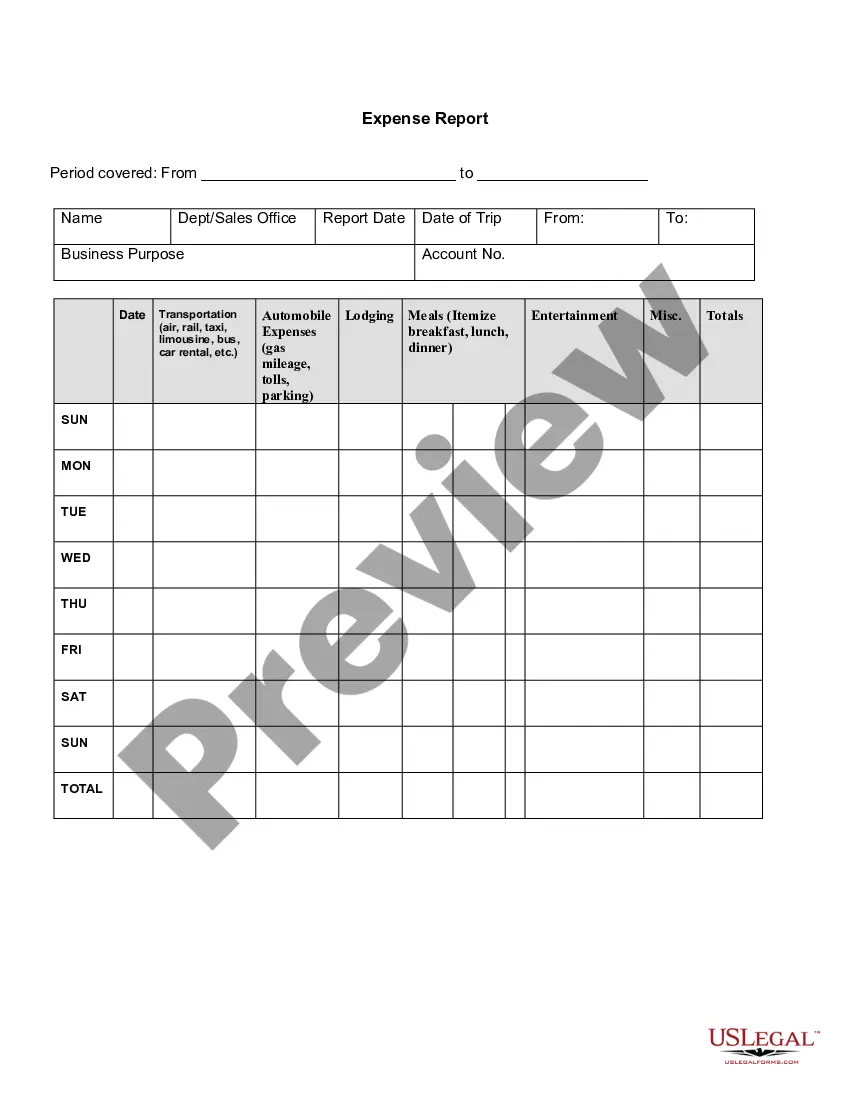
This form is a business type form that is formatted to allow you to complete the form using Adobe Acrobat or Word. The word files have been formatted to allow completion by entry into fields. Some of the forms under this category are rather simple while others are more complex. The formatting is worth the small cost.
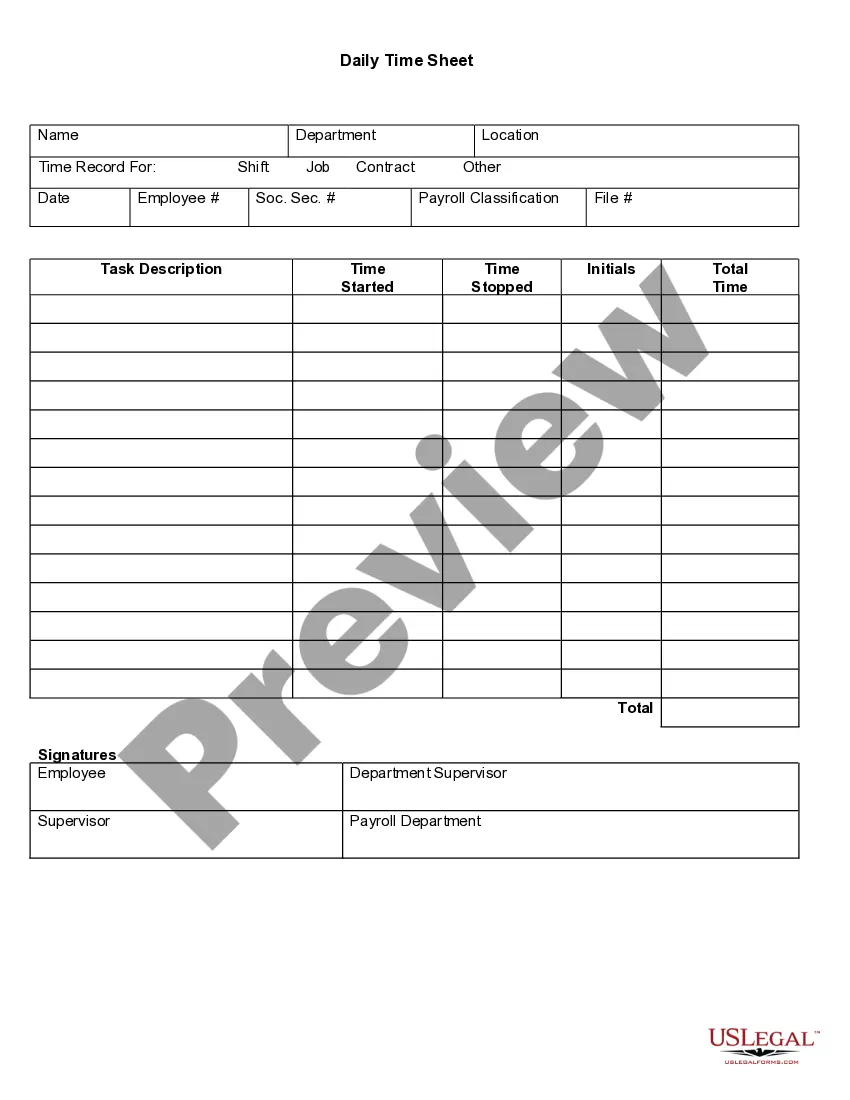
Virgin Islands Job Expense Record
Category:
State:
Multi-State
Control #:
US-150-AZ
Format:
Word;
PDF;
Rich Text
Instant download
Description


Get your form ready online
Our built-in tools help you complete, sign, share, and store your documents in one place.
Built-in online Word editor
Make edits, fill in missing information, and update formatting in US Legal Forms—just like you would in MS Word.
Export easily
Download a copy, print it, send it by email, or mail it via USPS—whatever works best for your next step.
E-sign your document
Sign and collect signatures with our SignNow integration. Send to multiple recipients, set reminders, and more. Go Premium to unlock E-Sign.
Notarize online 24/7
If this form requires notarization, complete it online through a secure video call—no need to meet a notary in person or wait for an appointment.
Store your document securely
We protect your documents and personal data by following strict security and privacy standards.

Make edits, fill in missing information, and update formatting in US Legal Forms—just like you would in MS Word.

Download a copy, print it, send it by email, or mail it via USPS—whatever works best for your next step.

Sign and collect signatures with our SignNow integration. Send to multiple recipients, set reminders, and more. Go Premium to unlock E-Sign.

If this form requires notarization, complete it online through a secure video call—no need to meet a notary in person or wait for an appointment.

We protect your documents and personal data by following strict security and privacy standards.
Looking for another form?



How to fill out Job Expense Record?
Finding the appropriate legal document template can be challenging.
There is no shortage of online templates accessible, but how can you locate the legal form you require.
Make use of the US Legal Forms website.
If you are already registered, Log In to your account and click the Download button to obtain the Virgin Islands Job Expense Record.
- The platform offers thousands of templates, including the Virgin Islands Job Expense Record, suitable for both business and personal needs.
- All the forms are verified by professionals and comply with state and federal regulations.
Form popularity
FAQ
The amount of tax paid to the Virgin Islands is reported on Line 46. This amount is then reported on Line 33 of your Form 1040 and taken as a credit.
Taxes imposed on residents of the Virgin Islands include: Federal Income Tax (same as US mainland) Property Tax. Employers are required to remove social security, Medicare and income tax from employee pay.
The U.S. Virgin Islands uses a mirror system of taxation, also known as the Mirror Code, meaning that USVI taxpayers pay taxes to the Virgin Islands Bureau of Internal Revenue ("BIR") generally to the same extent as U.S. taxpayers would under the Code to the U.S. Internal Revenue Service.
How to Complete the New Form W-4Step 1: Provide Your Information. Provide your name, address, filing status, and Social Security number.Step 2: Indicate Multiple Jobs or a Working Spouse.Step 3: Add Dependents.Step 4: Add Other Adjustments.Step 5: Sign and Date Form W-4.
There is no electronic filing in the Virgin Islands at this time. Taxpayers must drop off in person or mail the returns to the Bureau for processing. For more information about filing requirements for bona fide residents, please call the Office of Chief Counsel at 715-1040, ext. 2249.
How to file a W-4 form in 5 StepsStep 1: Enter your personal information. The first step is filling out your name, address and Social Security number.Step 2: Multiple jobs or spouse works.Step 3: Claim dependents.Step 4: Factor in additional income and deductions.Step 5: Sign and file with your employer.
A U.S. citizen or resident alien (other than a bona fide resident of the U.S. Virgin Islands (USVI)) with income from sources in the USVI or income effectively connected with the conduct of a trade or business in the USVI uses this form to figure the amount of U.S. tax allocable to the USVI.
To take the credit, you must complete Form 8689 and attach it to your Form 1040 or 1040-SR. Add line 41 and line 46 of Form 8689 and include the amount in the total on Form 1040 or 1040-SR, Total payments line. On the dotted line next to it, enter Form 8689 and the amount paid.
By placing a 0 on line 5, you are indicating that you want the most amount of tax taken out of your pay each pay period. If you wish to claim 1 for yourself instead, then less tax is taken out of your pay each pay period.
How to fill out Form W-2Box A: Employee's Social Security number.Box B: Employer Identification Number (EIN)Box C: Employer's name, address, and ZIP code.Box D:Boxes E and F: Employee's name, address, and ZIP code.Box 1: Wages, tips, other compensation.Box 2: Federal income tax withheld.Box 3: Social Security wages.More items...?