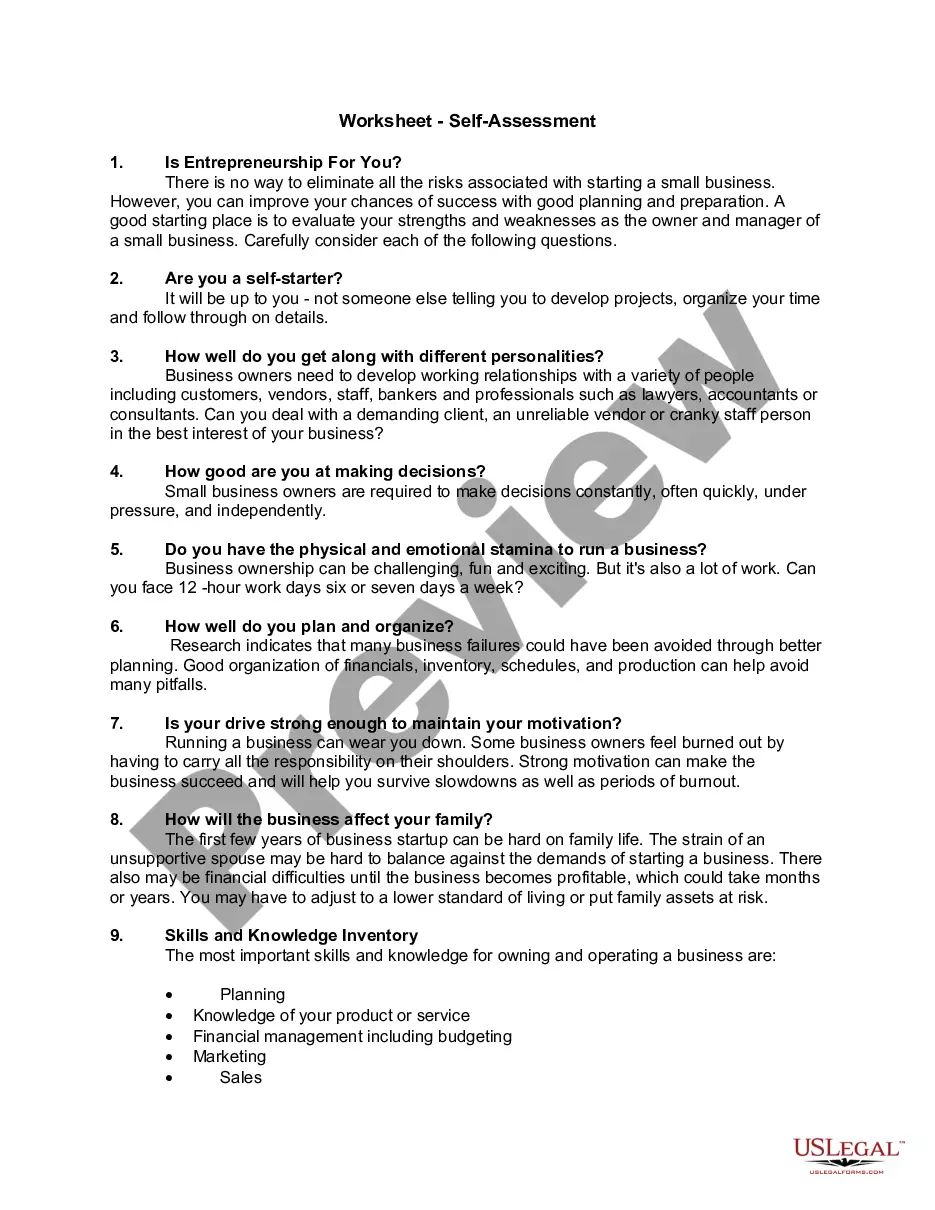
Virgin Islands Worksheet - Self-Assessment
Description
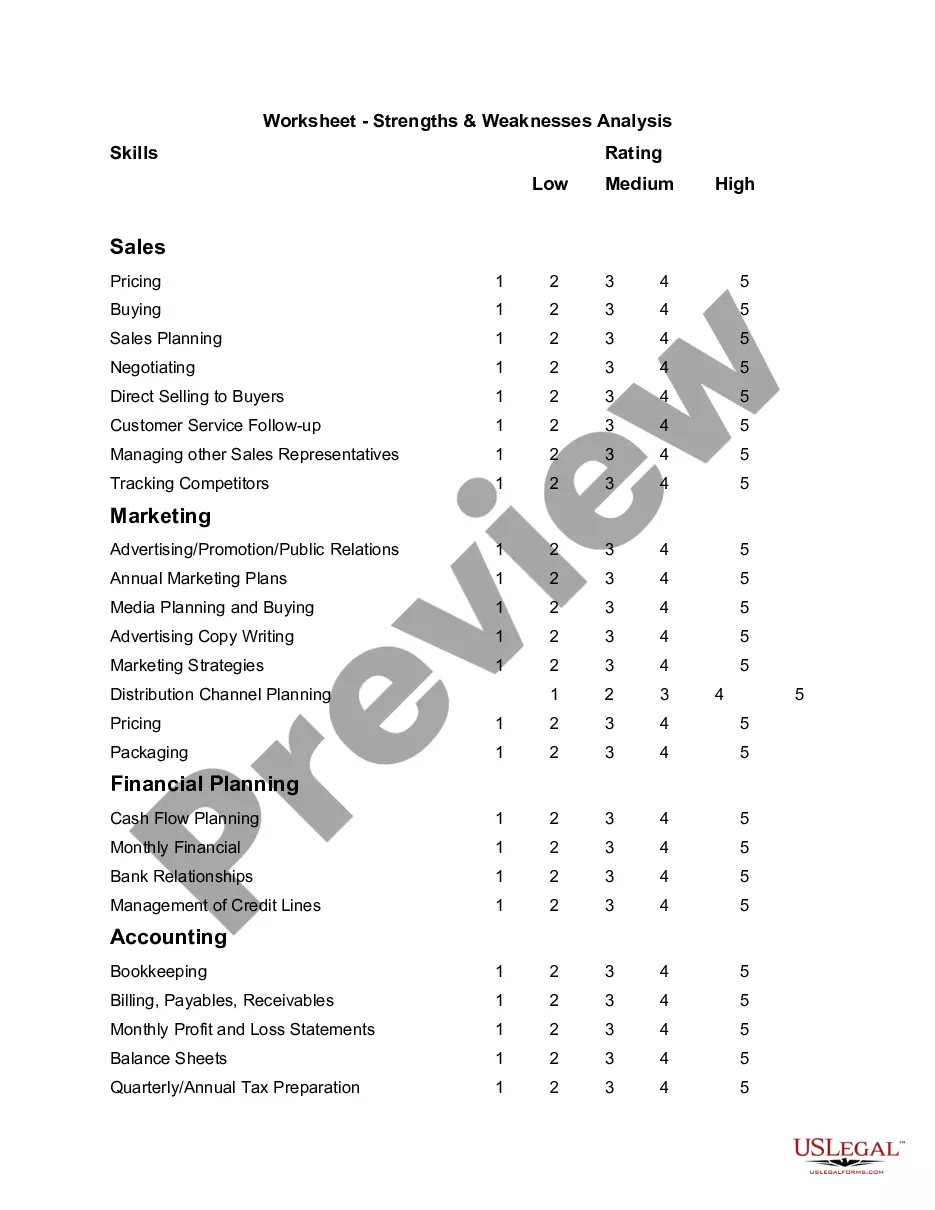
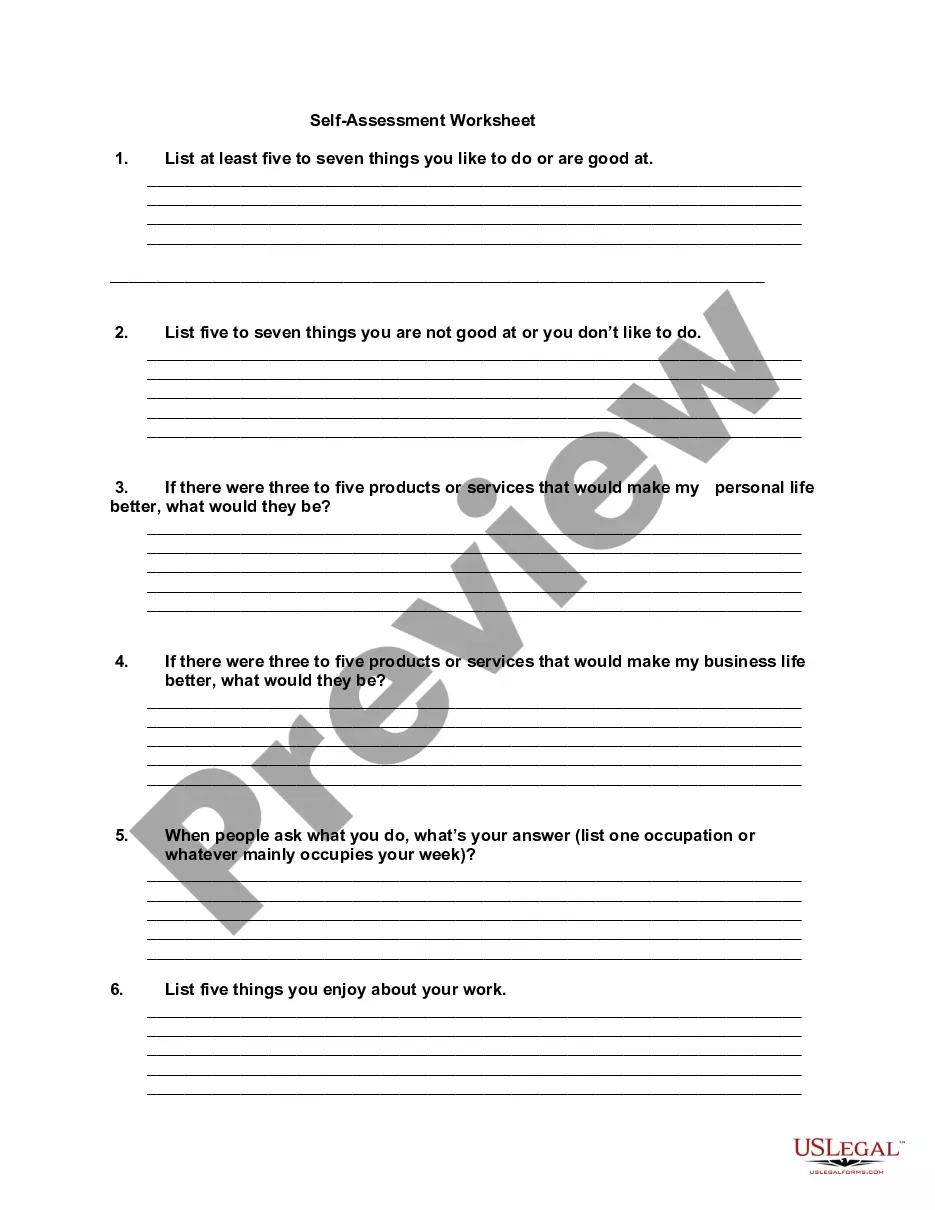
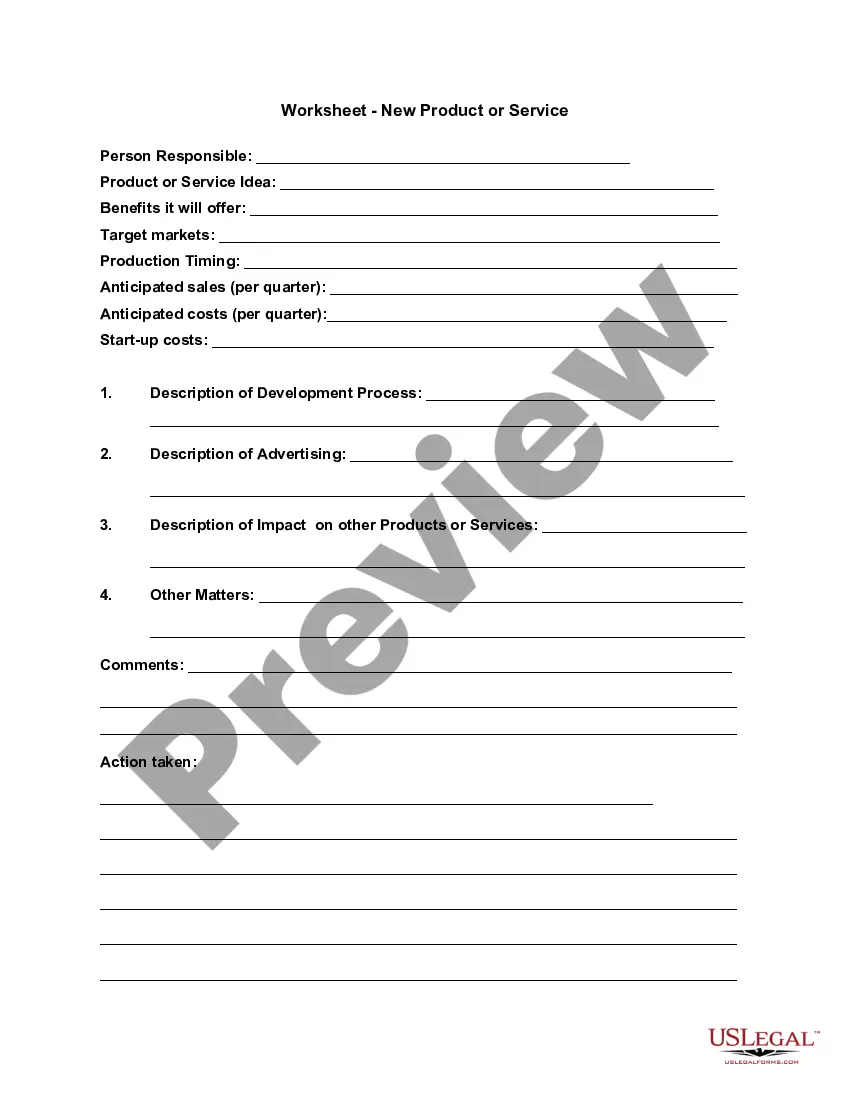
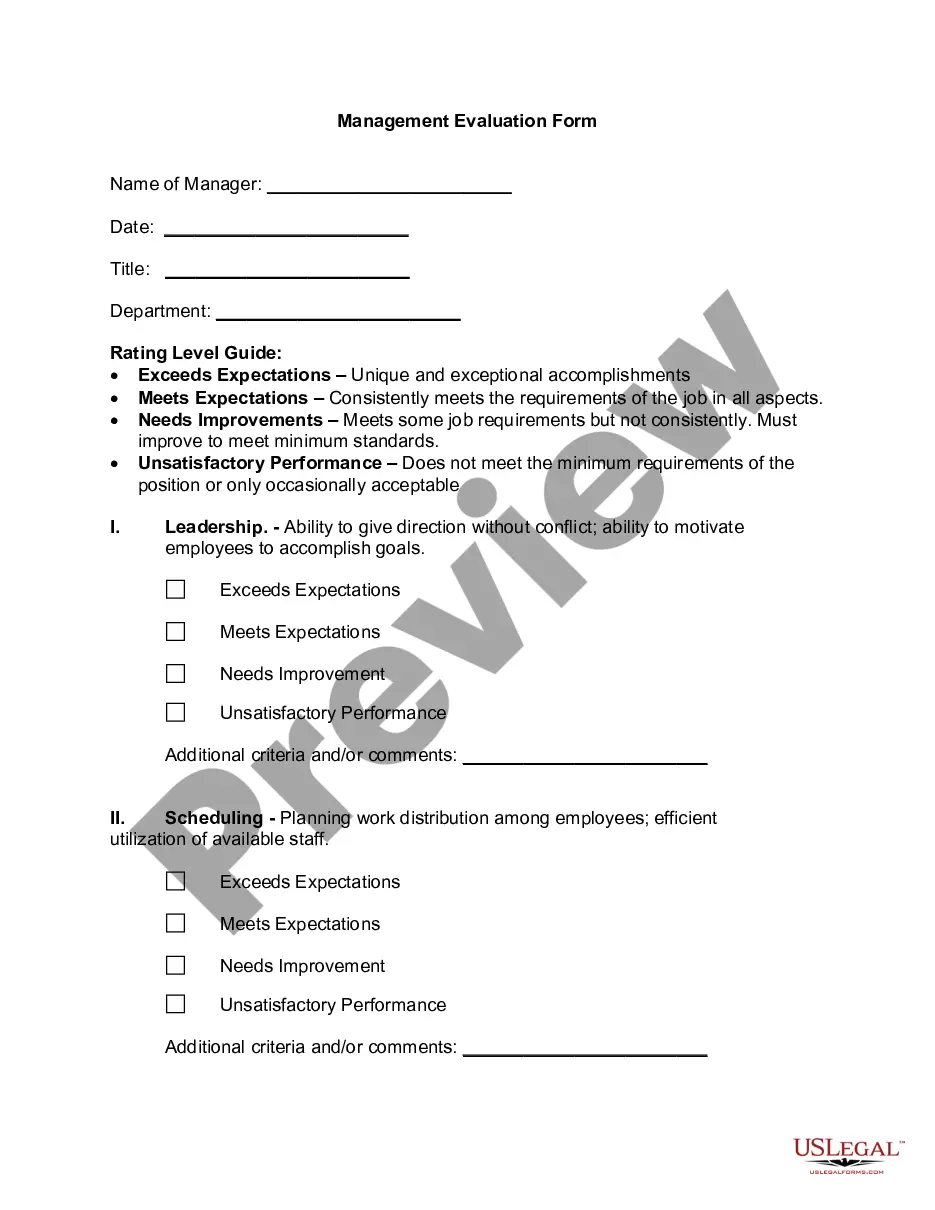
Get your form ready online
Our built-in tools help you complete, sign, share, and store your documents in one place.
Make edits, fill in missing information, and update formatting in US Legal Forms—just like you would in MS Word.
Download a copy, print it, send it by email, or mail it via USPS—whatever works best for your next step.
Sign and collect signatures with our SignNow integration. Send to multiple recipients, set reminders, and more. Go Premium to unlock E-Sign.
If this form requires notarization, complete it online through a secure video call—no need to meet a notary in person or wait for an appointment.
We protect your documents and personal data by following strict security and privacy standards.

Make edits, fill in missing information, and update formatting in US Legal Forms—just like you would in MS Word.

Download a copy, print it, send it by email, or mail it via USPS—whatever works best for your next step.

Sign and collect signatures with our SignNow integration. Send to multiple recipients, set reminders, and more. Go Premium to unlock E-Sign.

If this form requires notarization, complete it online through a secure video call—no need to meet a notary in person or wait for an appointment.

We protect your documents and personal data by following strict security and privacy standards.
Looking for another form?

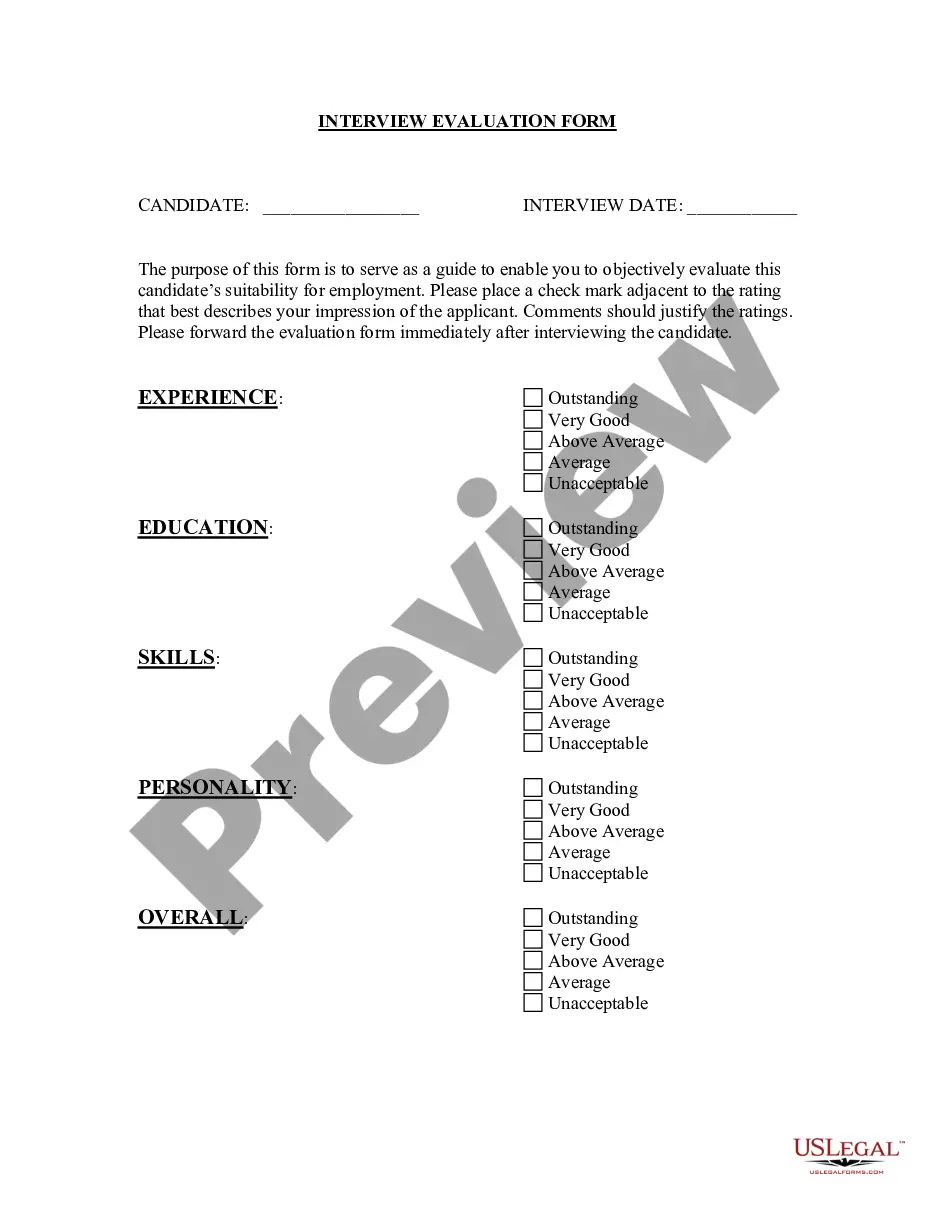



How to fill out Worksheet - Self-Assessment?
US Legal Forms - one of the largest collections of legal documents in the United States - offers a range of legal form templates that you can download or create.
By using the site, you can access thousands of forms for business and personal use, organized by categories, states, or keywords. You can find the most recent versions of forms like the Virgin Islands Worksheet - Self-Assessment in just a few minutes.
If you already have an account, Log In and download the Virgin Islands Worksheet - Self-Assessment from the US Legal Forms library. The Download button will be visible on each form you view. You can access all previously downloaded forms in the My documents section of your account.
Complete the transaction. Use a credit card or PayPal account to finalize the payment.
Select the format and download the form to your device. Make edits. Fill out, modify, print, and sign the downloaded Virgin Islands Worksheet - Self-Assessment. Each template you add to your account does not expire and belongs to you permanently. Therefore, if you wish to download or print another copy, simply go to the My documents section and click on the form you desire. Access the Virgin Islands Worksheet - Self-Assessment with US Legal Forms, the most extensive collection of legal document templates. Utilize countless professional and state-specific templates that meet your business or personal needs and requirements.
- If you're using US Legal Forms for the first time, follow these simple steps to get started.
- Ensure that you have selected the correct form for your locality/state.
- Click on the Review button to evaluate the form's content.
- Check the form description to confirm that you have chosen the right document.
- If the form does not suit your needs, use the Search box at the top of the screen to find one that does.
- If you are satisfied with the form, confirm your selection by clicking the Download now button.
- Then, select your preferred payment plan and provide your details to register for an account.
Form popularity
FAQ
assessment worksheet is a tool that taxpayers use to evaluate their tax situation, ensuring compliance with local tax laws. In the context of the Virgin Islands, this worksheet helps you calculate your taxable income and applicable deductions accurately. Using a Virgin Islands Worksheet SelfAssessment can make this process more manageable and straightforward.
If you earned foreign income abroad, you report it to the U.S. on Form 1040. In addition, you may also have to file a few other forms relating to foreign income, like your FBAR (FinCEN Form 114) and FATCA Form 8938.
While the Foreign Earned Income (FEI) Tax Worksheet is linked to Federal Form 1040 U.S. Individual Income Tax Return, it is only used if the return reports an amount on Form 2555 Foreign Earned Income, Line 45 for the Foreign Earned Income Exclusion.
The amount of tax paid to the Virgin Islands is reported on Line 46. This amount is then reported on Line 33 of your Form 1040 and taken as a credit.
Where to file. You must file identical tax returns with the United States and the USVI. If you are not enclosing a check or money order, file your original tax return (including Form 8689) with the Department of the Treasury, Internal Revenue Service Center, Austin, TX 73301-0215 USA.
The first form TurboTax has available is Form 2555, also known as Foreign Earned Income Exclusion (FEIE), which allows you to exclude a certain amount of foreign earned income from any US tax. For this tax year (2021) you can exclude up to $108,700.
The mailing address is 9601 Estate Thomas, St. Thomas, VI 00802.
The tax applies to wages from employment, self-employment income and railroad retirement income, but if you are receiving W-2 income, the tax will most likely be withheld from your wages. Either way, anyone subject to the tax is required to file Form 8959 with their annual income tax filing.
Here's how to enter your foreign income:Sign in to TurboTax and open or continue your return. ASearch for foreign income.Select the Jump to link in the search results.Answer Yes to Did You Make Any Money Outside the United States? A and follow the on-screen instructions.
Login to your TurboTax Account. Click "Federal" from the left side of your screen. Scroll down to Foreign Earned Income and Exclusion and click Start...In TurboTax online,After sign into your account, select Pick up where you left off.To your right upper corner, in the search box, type in schedule c.Follow prompts.