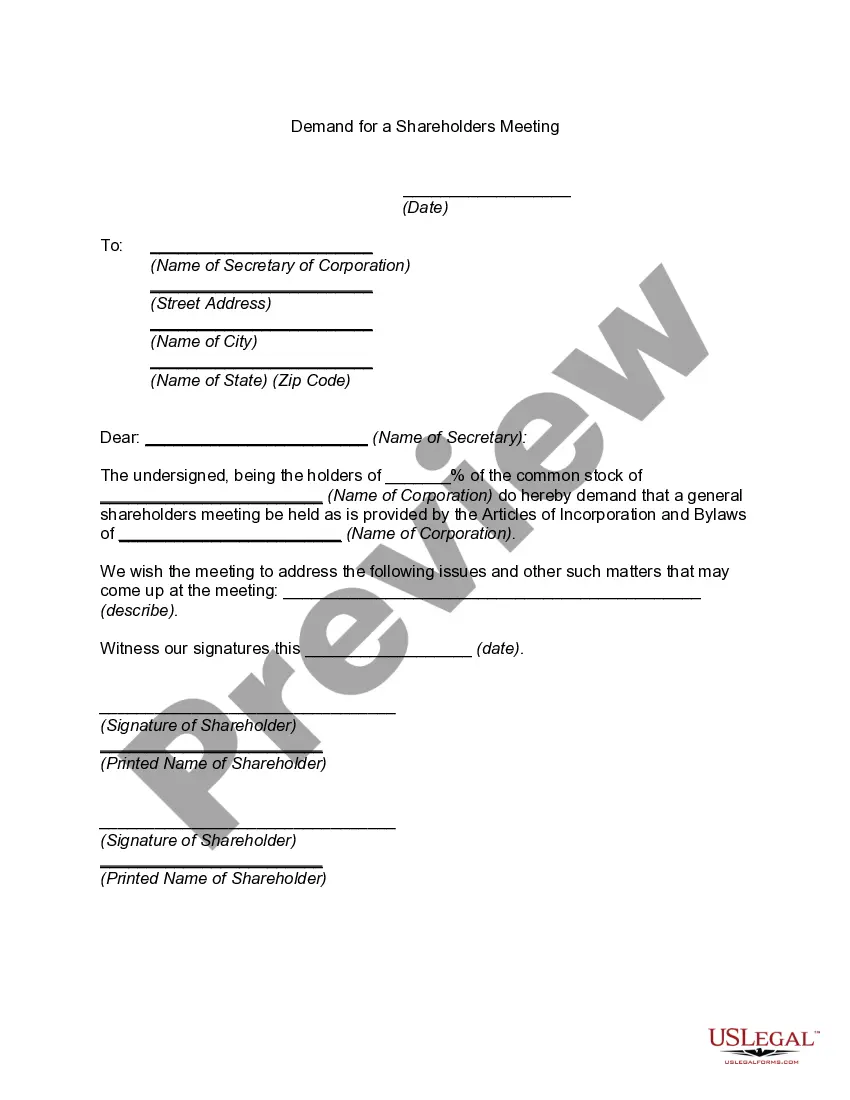
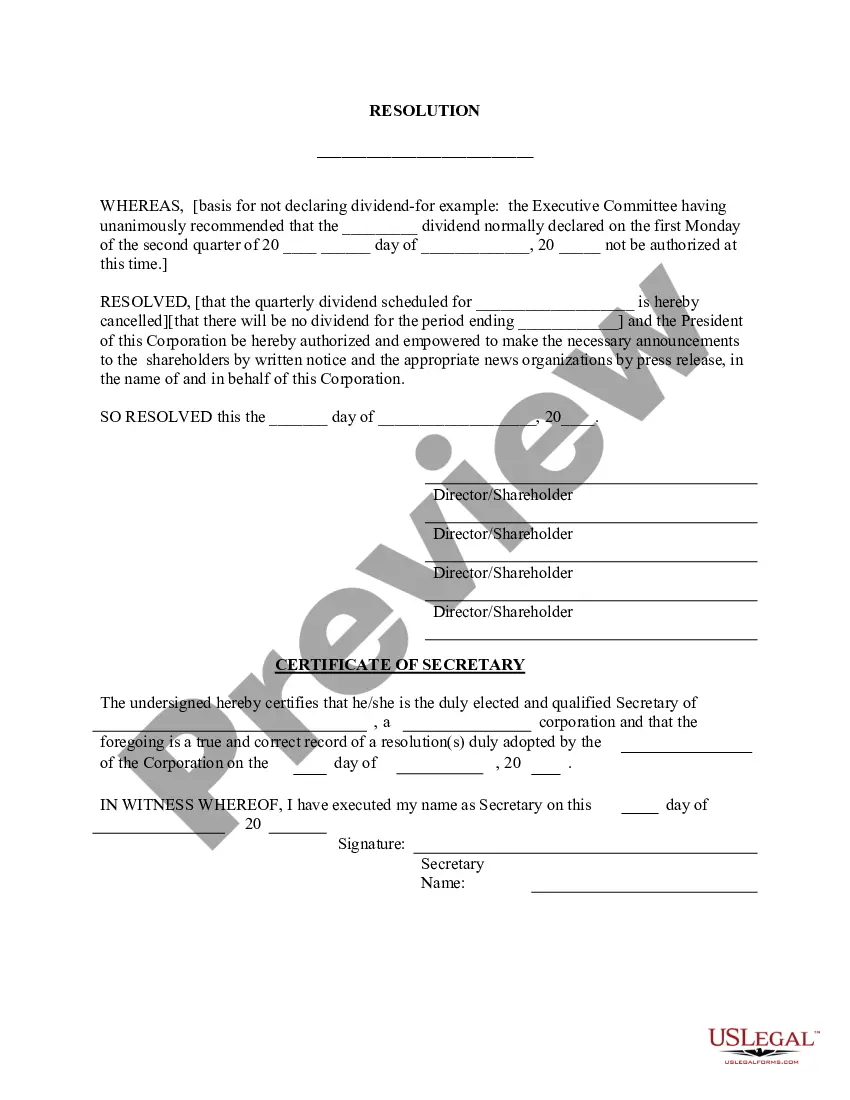
Virgin Islands Declare None - Resolution Form - Corporate Resolutions
Description

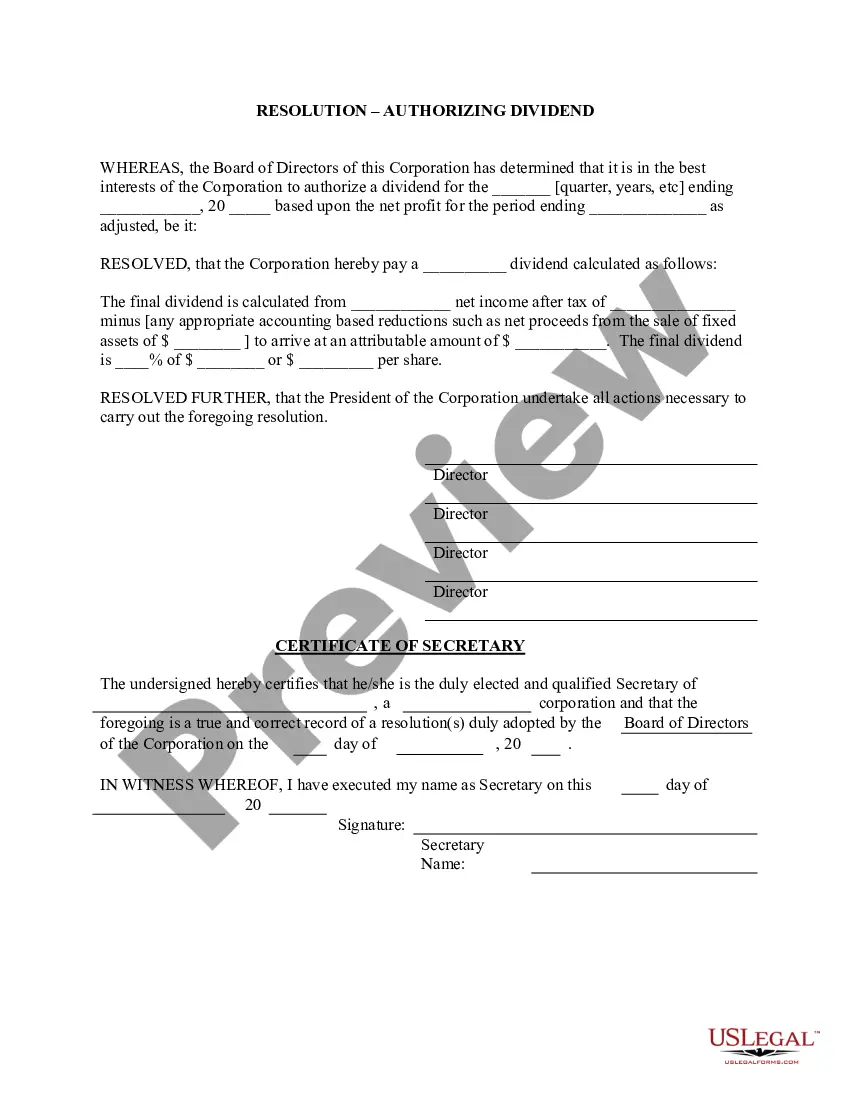

Get your form ready online
Our built-in tools help you complete, sign, share, and store your documents in one place.
Make edits, fill in missing information, and update formatting in US Legal Forms—just like you would in MS Word.
Download a copy, print it, send it by email, or mail it via USPS—whatever works best for your next step.
Sign and collect signatures with our SignNow integration. Send to multiple recipients, set reminders, and more. Go Premium to unlock E-Sign.
If this form requires notarization, complete it online through a secure video call—no need to meet a notary in person or wait for an appointment.
We protect your documents and personal data by following strict security and privacy standards.

Make edits, fill in missing information, and update formatting in US Legal Forms—just like you would in MS Word.

Download a copy, print it, send it by email, or mail it via USPS—whatever works best for your next step.

Sign and collect signatures with our SignNow integration. Send to multiple recipients, set reminders, and more. Go Premium to unlock E-Sign.

If this form requires notarization, complete it online through a secure video call—no need to meet a notary in person or wait for an appointment.

We protect your documents and personal data by following strict security and privacy standards.
Looking for another form?





How to fill out Declare None - Resolution Form - Corporate Resolutions?
You can spend hours on the web searching for the legal document template that satisfies the state and federal standards you require.
US Legal Forms offers a vast array of legal forms that have been reviewed by experts.
It is easy to obtain or print the Virgin Islands Declare None - Resolution Form - Corporate Resolutions from your service.
To find an additional version of the form, utilize the Search field to locate the template that fits your needs and specifications.
- If you already possess a US Legal Forms account, you may Log In and click on the Download button.
- After that, you may complete, modify, print, or sign the Virgin Islands Declare None - Resolution Form - Corporate Resolutions.
- Every legal document template you acquire is yours permanently.
- To obtain an additional copy of any purchased form, visit the My documents tab and click on the relevant button.
- If you are using the US Legal Forms website for the first time, follow the basic instructions below.
- First, ensure that you have selected the appropriate document template for the county/city of your choice.
- Review the form description to make sure you have chosen the correct template.
Form popularity
FAQ
To obtain an EIN number in the Virgin Islands, complete the application process through the IRS. You will need to provide information about your business structure and reasons for needing an EIN. Once you have the necessary documents, make sure to include your Virgin Islands Declare None - Resolution Form - Corporate Resolutions to demonstrate your business status. Consider using USLegalForms for additional guidance and to streamline your application process.
Filling out a corporate resolution form requires attention to detail and clarity. Begin by entering your business's name and the specific resolution being adopted. Include dates and signatures from necessary parties, ensuring compliance with the Virgin Islands Declaration. The Virgin Islands Declare None - Resolution Form - Corporate Resolutions simplifies this task, providing a comprehensive template for your needs.
Yes, the Virgin Islands are often regarded as a tax haven due to their favorable tax laws and regulations. Businesses can benefit from lower tax rates and exemptions that promote economic growth. However, it is essential to comply with all local regulations when using the Virgin Islands Declare None - Resolution Form - Corporate Resolutions to secure your business advantages.
While it is not mandatory to record a corporate resolution in the Virgin Islands, keeping accurate records is crucial for maintaining business integrity. The Virgin Islands Declare None - Resolution Form - Corporate Resolutions serves as a formal record of your business decisions. It's advisable to retain these documents for your files and provide access during audits or shareholder meetings.
To register your business in the Virgin Islands, start by choosing a unique business name associated with your corporate structure. Next, file your business formation documents with the appropriate regulatory body. It is essential to include a completed Virgin Islands Declare None - Resolution Form - Corporate Resolutions, which confirms your business decisions. For a smooth process, consider using USLegalForms to access the necessary forms and resources.