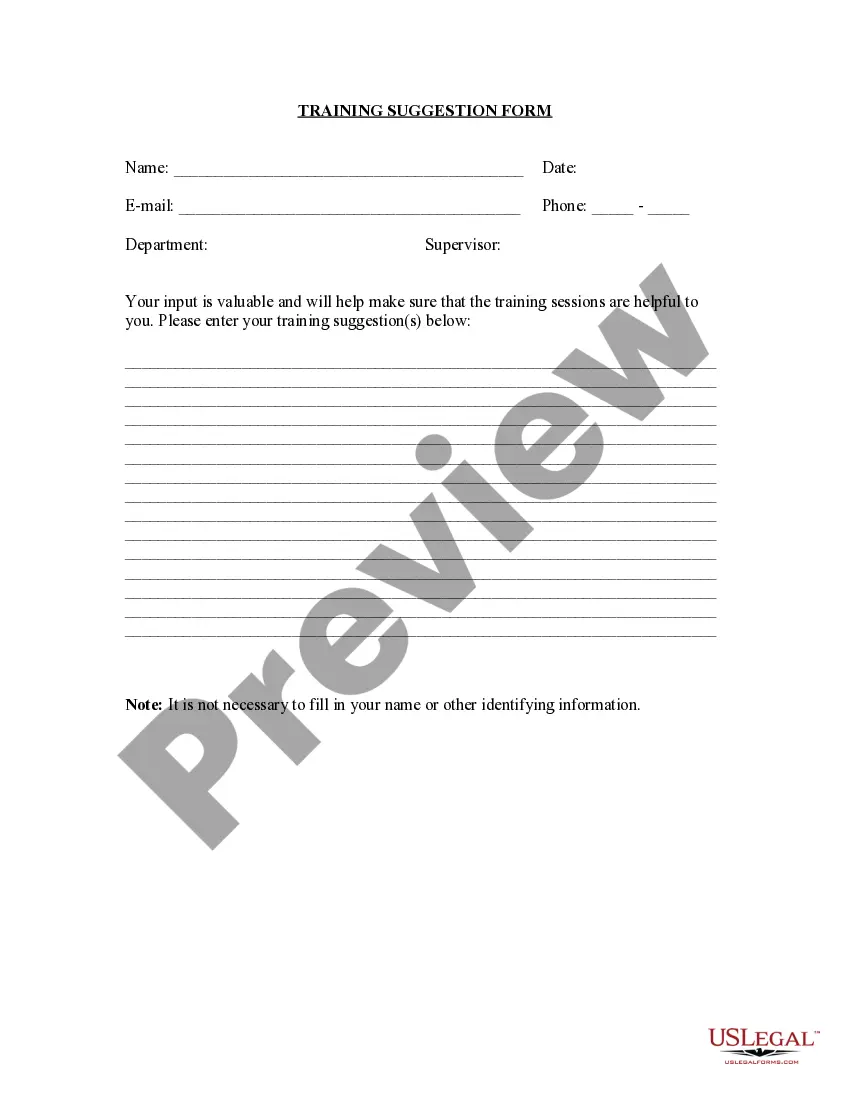
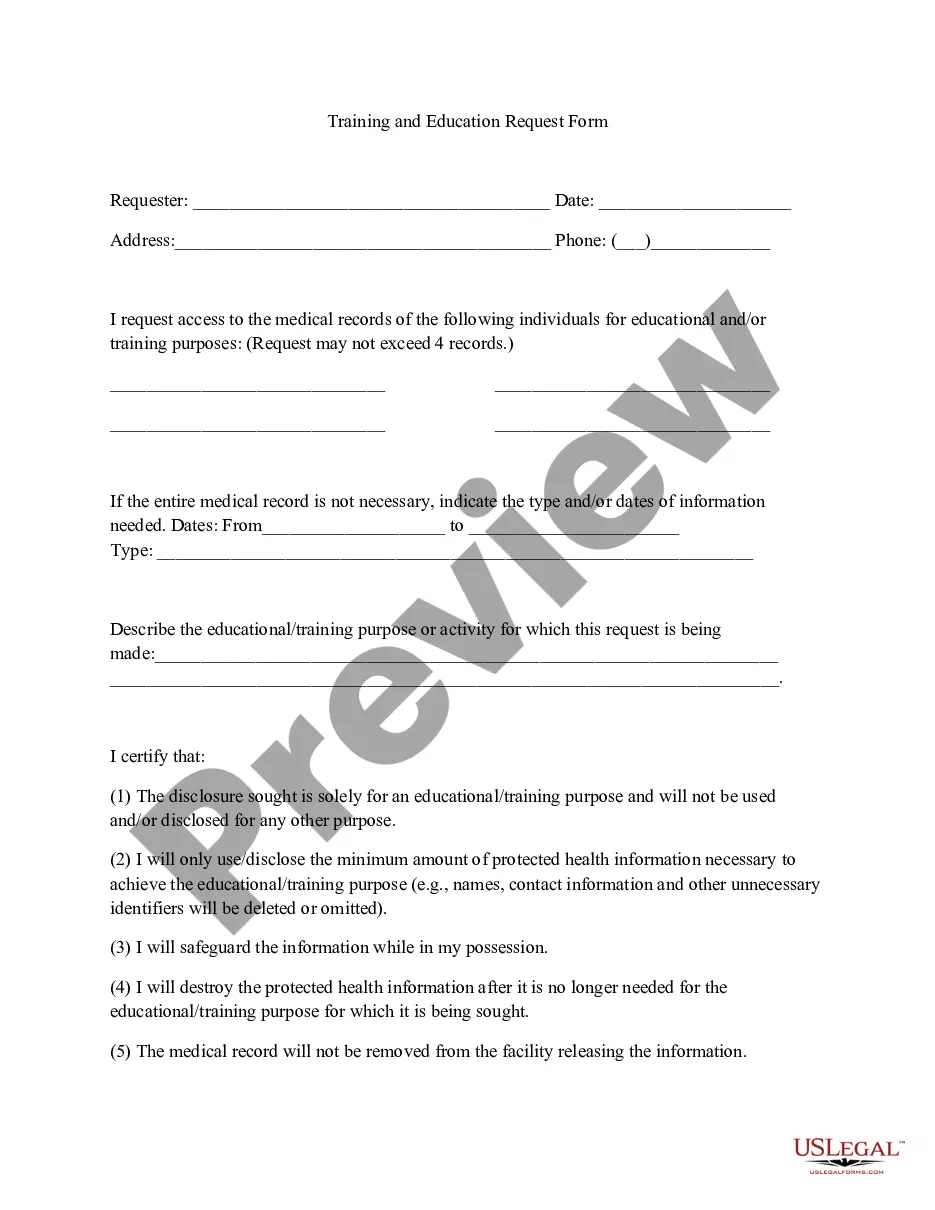
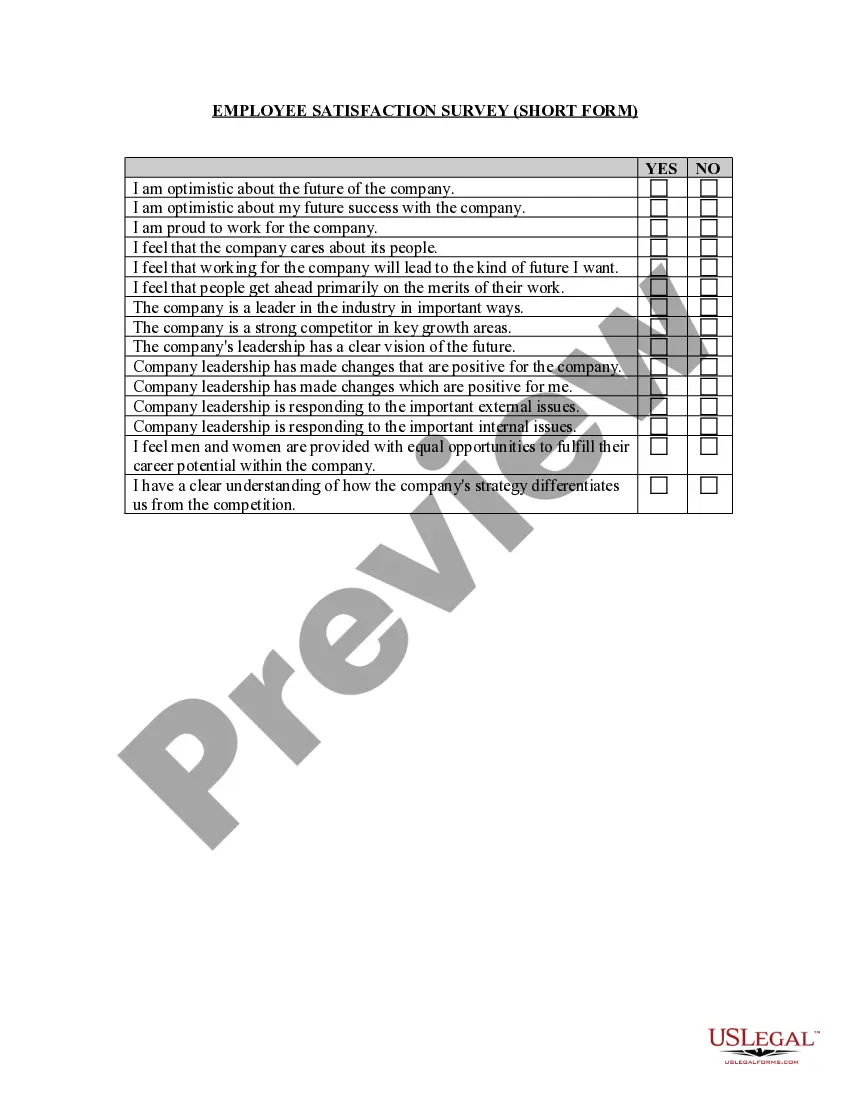
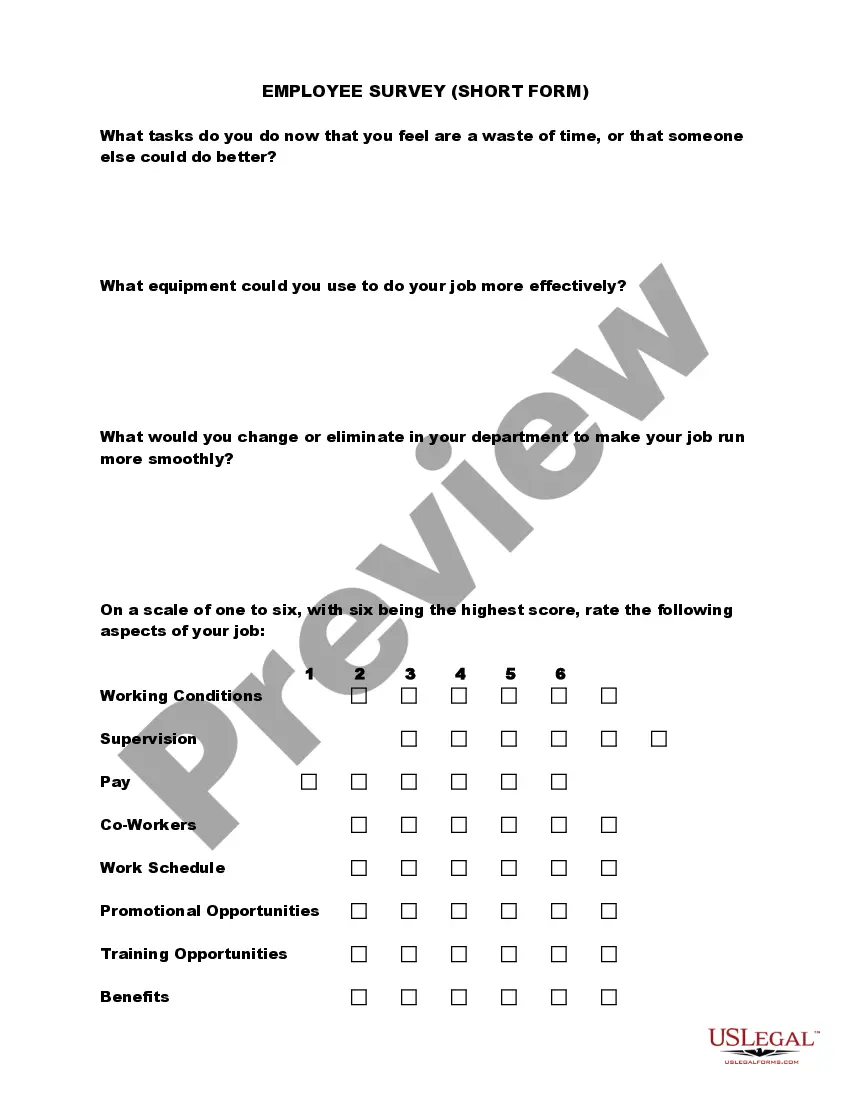
Virginia Training Suggestion Form
Description

Get your form ready online
Our built-in tools help you complete, sign, share, and store your documents in one place.
Make edits, fill in missing information, and update formatting in US Legal Forms—just like you would in MS Word.
Download a copy, print it, send it by email, or mail it via USPS—whatever works best for your next step.
Sign and collect signatures with our SignNow integration. Send to multiple recipients, set reminders, and more. Go Premium to unlock E-Sign.
If this form requires notarization, complete it online through a secure video call—no need to meet a notary in person or wait for an appointment.
We protect your documents and personal data by following strict security and privacy standards.

Make edits, fill in missing information, and update formatting in US Legal Forms—just like you would in MS Word.

Download a copy, print it, send it by email, or mail it via USPS—whatever works best for your next step.

Sign and collect signatures with our SignNow integration. Send to multiple recipients, set reminders, and more. Go Premium to unlock E-Sign.

If this form requires notarization, complete it online through a secure video call—no need to meet a notary in person or wait for an appointment.

We protect your documents and personal data by following strict security and privacy standards.
Looking for another form?
How to fill out Training Suggestion Form?
You can spend several hours online trying to locate the legal document template that meets the state and federal requirements you need.
US Legal Forms offers numerous legal documents that are reviewed by experts.
You can easily download or print the Virginia Training Suggestion Form from our service.
If available, use the Preview button to browse the document template as well. To find another version of the form, utilize the Search box to locate the template that meets your needs and specifications.
- If you have a US Legal Forms account, you can Log In and click on the Obtain button.
- Then, you can complete, modify, print, or sign the Virginia Training Suggestion Form.
- Each legal document template you purchase is yours indefinitely.
- To obtain another copy of a purchased form, head to the My documents section and click on the relevant button.
- If you are using the US Legal Forms site for the first time, follow the simple instructions below.
- First, ensure that you have selected the correct document template for the area/city of your choice.
- Read the form description to confirm you have chosen the right form.
Form popularity
FAQ
Thanks so much for your very valuable training. I really enjoyed it, and appreciated that you made it fun! I feel much better prepared to deal with uncomfortable issues. Thank you for your wisdom, experience and personable presentation.
4 Steps to Create your Training Evaluation FormIntroduction. Just like all other business documents, a perfect form starts with an insightful introduction.Create a Questionnaire. The second and probably the most crucial fragment of a training evaluation form are the queries.Create a Rating System.Overall Suggestion Box.
5 Levels of Learning: Evaluating SuccessLevel 1: Reaction, Satisfaction, and Intention.Level 2: Knowledge Retention.Level 3: Application and Implementation.Level 4: Business Impact.Level 5: Return on Investment (ROI)Evaluation is Critical to Measuring Training Success.
You'll need to do an evaluation to know for sure....Was the instructor in the room 15 minutes before class was scheduled to start?Did the instructor greet the students as they came in and make them feel welcome?Did class start on time?Did the instructor give exact time for breaks? Did class start on time after breaks?
Evaluation categories address training components and issues such as session content; what strategies, materials, and activities were used; trainer's approach; pace of training; and how well participants learned.
4 Steps for Evaluating Your Training ProgramsIdentifying What Participants Need for Their Job.Matching Session Learning Objectives with Job Requirements.Assessing Performance During and Upon Completing the Training.Evaluating the Training Effort After a Period of Time.
Training Evaluation FormConduct an evaluation on the program objectives, course content, facilitator and training facility.Add detailed notes or comments.Provide your final thoughts on the overall training experience.Add notes or comments where necessary.Sign off with digital signature from evaluator.
Dear Sir/ Madam, My name is (Name) and I have attend the training (training topic) from // (date) till // (date). I am highly thankful for the training that I have received from your side.
The four levels are Reaction, Learning, Behavior, and Results. We look at each level in greater detail, and explore how to apply it, below.