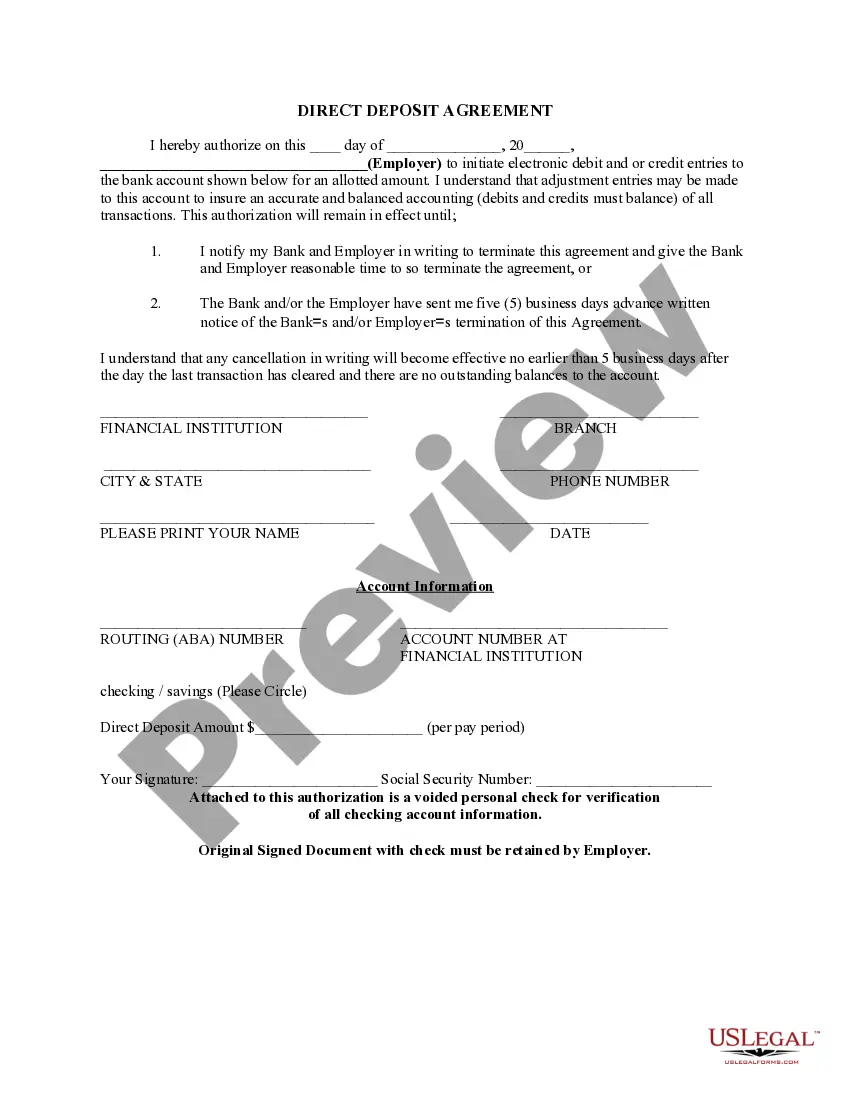
Virginia Direct Deposit Form for Employees
Description


Get your form ready online
Our built-in tools help you complete, sign, share, and store your documents in one place.
Make edits, fill in missing information, and update formatting in US Legal Forms—just like you would in MS Word.
Download a copy, print it, send it by email, or mail it via USPS—whatever works best for your next step.
Sign and collect signatures with our SignNow integration. Send to multiple recipients, set reminders, and more. Go Premium to unlock E-Sign.
If this form requires notarization, complete it online through a secure video call—no need to meet a notary in person or wait for an appointment.
We protect your documents and personal data by following strict security and privacy standards.

Make edits, fill in missing information, and update formatting in US Legal Forms—just like you would in MS Word.

Download a copy, print it, send it by email, or mail it via USPS—whatever works best for your next step.

Sign and collect signatures with our SignNow integration. Send to multiple recipients, set reminders, and more. Go Premium to unlock E-Sign.

If this form requires notarization, complete it online through a secure video call—no need to meet a notary in person or wait for an appointment.

We protect your documents and personal data by following strict security and privacy standards.
Looking for another form?




How to fill out Direct Deposit Form For Employees?
It is feasible to spend hours online searching for the legal document template that satisfies the federal and state requirements you need.
US Legal Forms offers numerous legal documents that are evaluated by professionals.
It is easy to download or print the Virginia Direct Deposit Form for Employees from your service.
If you wish to find another version of your form, use the Search field to find the template that meets your needs and requirements. Once you have found the template you desire, click Get now to proceed. Select the pricing plan you want, enter your details, and sign up for your account on US Legal Forms. Complete the transaction. You can use your credit card or PayPal account to pay for the legal form. Choose the format of your document and download it to your device. Make adjustments to your document if necessary. You can fill out, modify, sign, and print the Virginia Direct Deposit Form for Employees. Download and print thousands of document templates using the US Legal Forms website, which provides the largest selection of legal forms. Utilize professional and state-specific templates to address your business or personal needs.
- If you already have a US Legal Forms account, you can Log In and click the Download button.
- Afterward, you can fill out, modify, print, or sign the Virginia Direct Deposit Form for Employees.
- Every legal document template you purchase is yours forever.
- To obtain another copy of any purchased form, navigate to the My documents tab and click the corresponding button.
- If you are using the US Legal Forms website for the first time, follow the straightforward instructions below.
- First, ensure you have selected the correct document template for the state/city you choose.
- Review the form description to ensure you have chosen the proper form.
- If available, utilize the Preview button to browse through the document template as well.
Form popularity
FAQ
The VA form used for direct deposit is the Virginia Direct Deposit Form for Employees. This form allows you to authorize your employer to deposit your earnings directly into your bank account. For a smooth experience, you can find this form and additional resources on uslegalforms, which can guide you through the setup process.
VA form 2237 is generally used for requesting payment for services or goods. While it is not specifically linked to direct deposit, it plays a role in the procurement process. If you are looking to streamline your payment processes, using the Virginia Direct Deposit Form for Employees can simplify your financial transactions.
To set up direct deposit with the VA, you will need the Virginia Direct Deposit Form for Employees. This form requires you to provide your banking information and personal details. Make sure to fill it out accurately to ensure your payments are deposited correctly into your account.
Yes, you can print off a Virginia Direct Deposit Form for Employees easily. Many employers provide this form digitally, allowing you to download and print it at your convenience. If you need assistance, consider visiting uslegalforms for a variety of templates and guidance on completing the form correctly.
One of the options you can use to pay unbanked employees is to use Pay Cards. Pay cards work like debit cards. Like direct deposit, payroll cards are a form of electronic payment. Each payday, the employee's net wages are deposited directly into the pay card.
Direct deposit isn't difficult. If you use payroll software to run payroll, you can deposit wages into employee bank accounts in a few simple steps. Enter and approve payroll before sending it to their financial institution. Then, you're done.
Steps on How to Set Up Direct Deposit for Your Employees Decide on a payroll provider. If you don't have one set up already, you'll need a payroll provider that offers direct deposit services. ... Connect with your bank. ... Collect information from your employees. ... Create a payroll schedule. ... Run payroll.
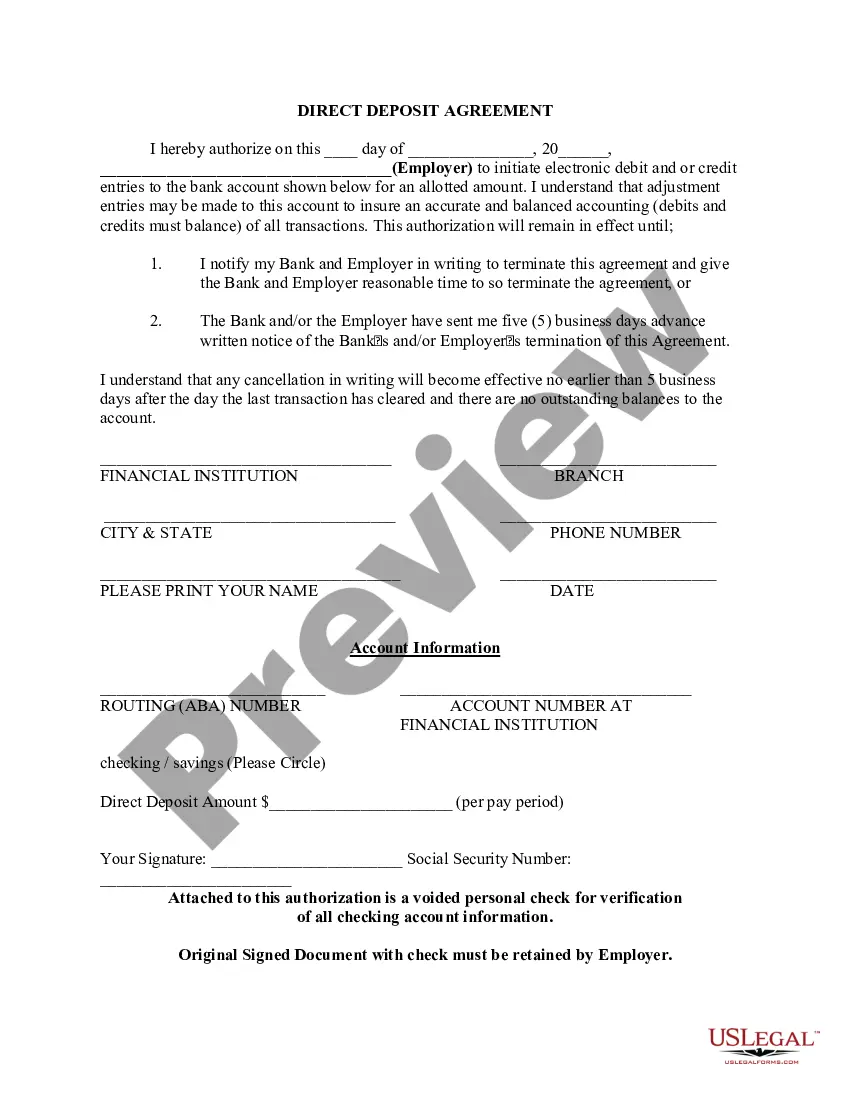
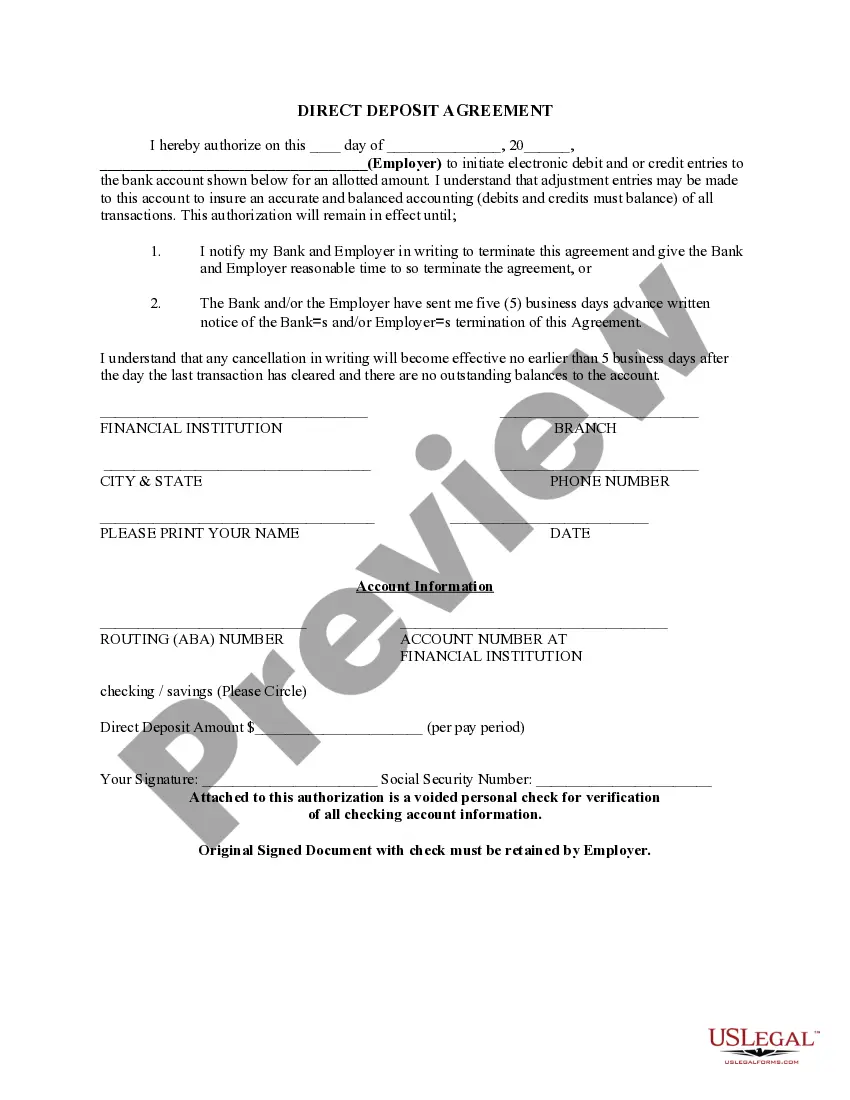
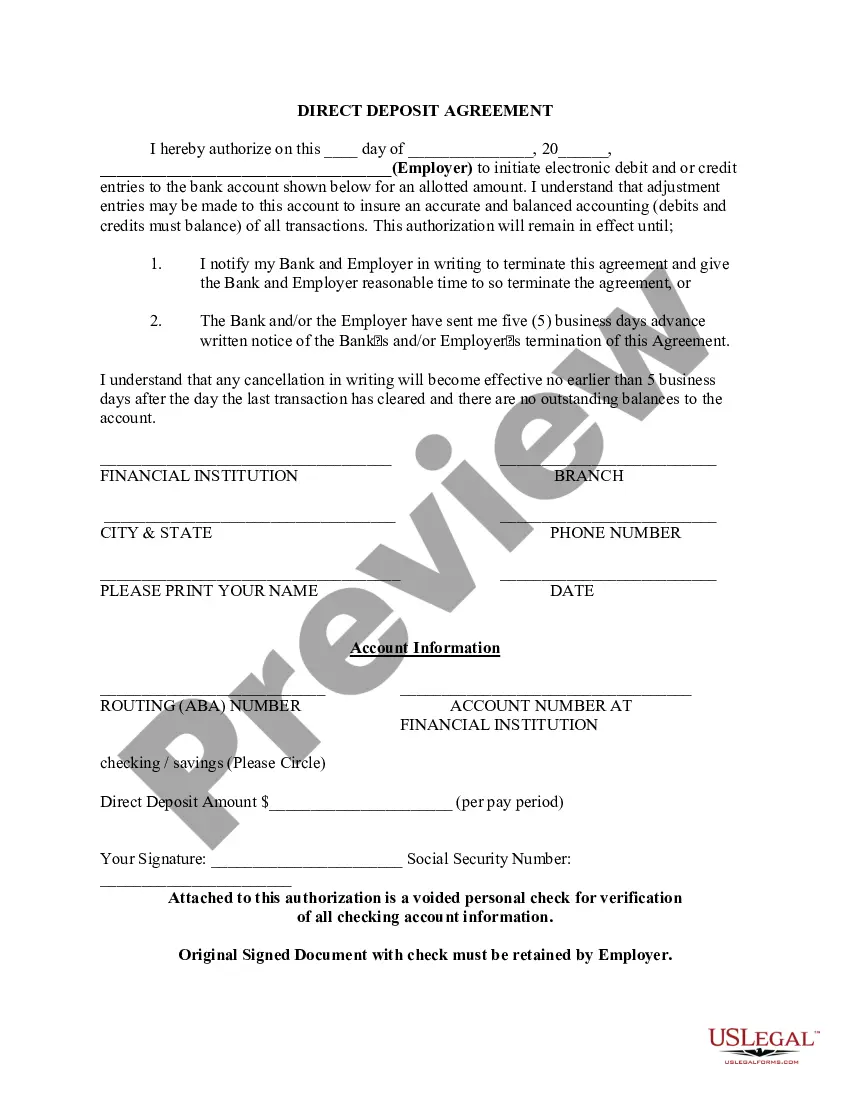
Direct Deposit Authorization Form Company Information. Employee Information. Bank Account Information. ?I hereby authorize?? Statement. Employee Signature and Date. Space for Attached Physical Check (Optional)
A direct deposit authorization form is a form that employees fill out to authorize their employer to deposit money straight into their bank account.
Generally, banks charge a setup fee for direct deposit, ranging from $50 to $149 on average, ing to the National Federation of Independent Business (NFIB). Some banks charge ongoing monthly fees for direct deposit, but most do not. Additionally, some banks charge various transaction fees.