Utah Release and Authorization
Overview of this form
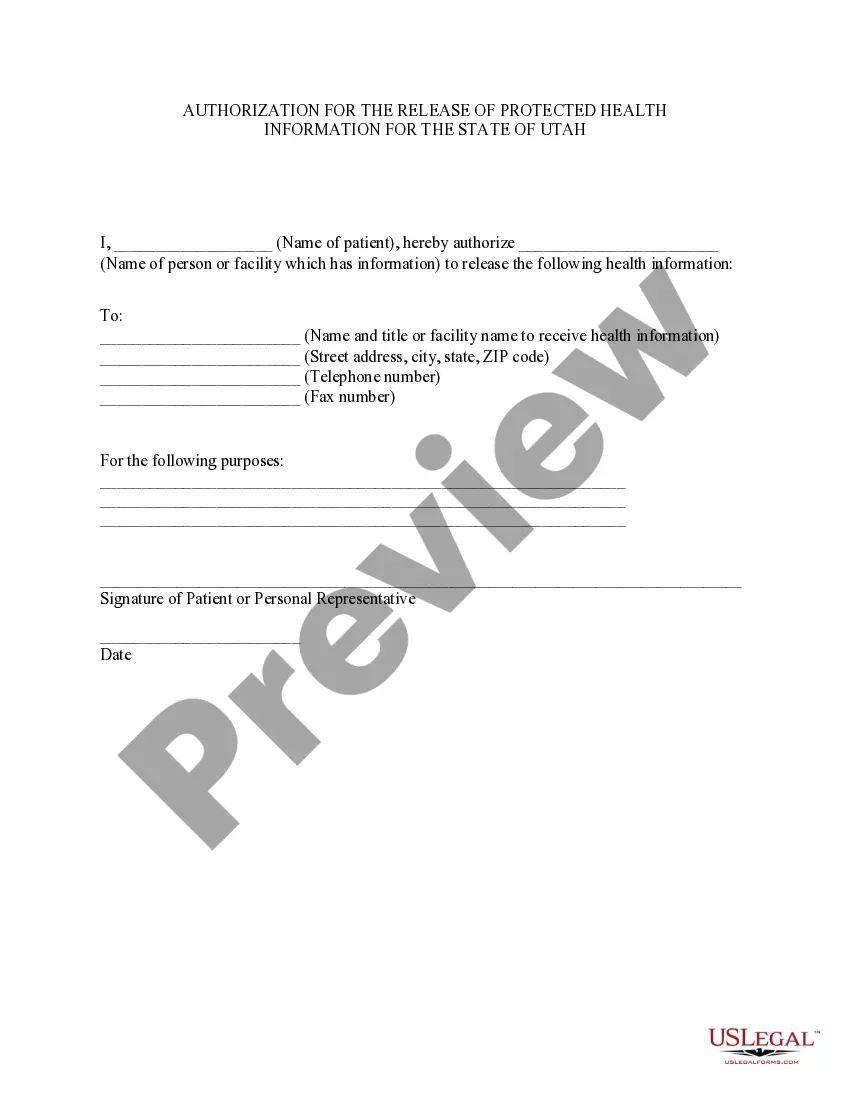
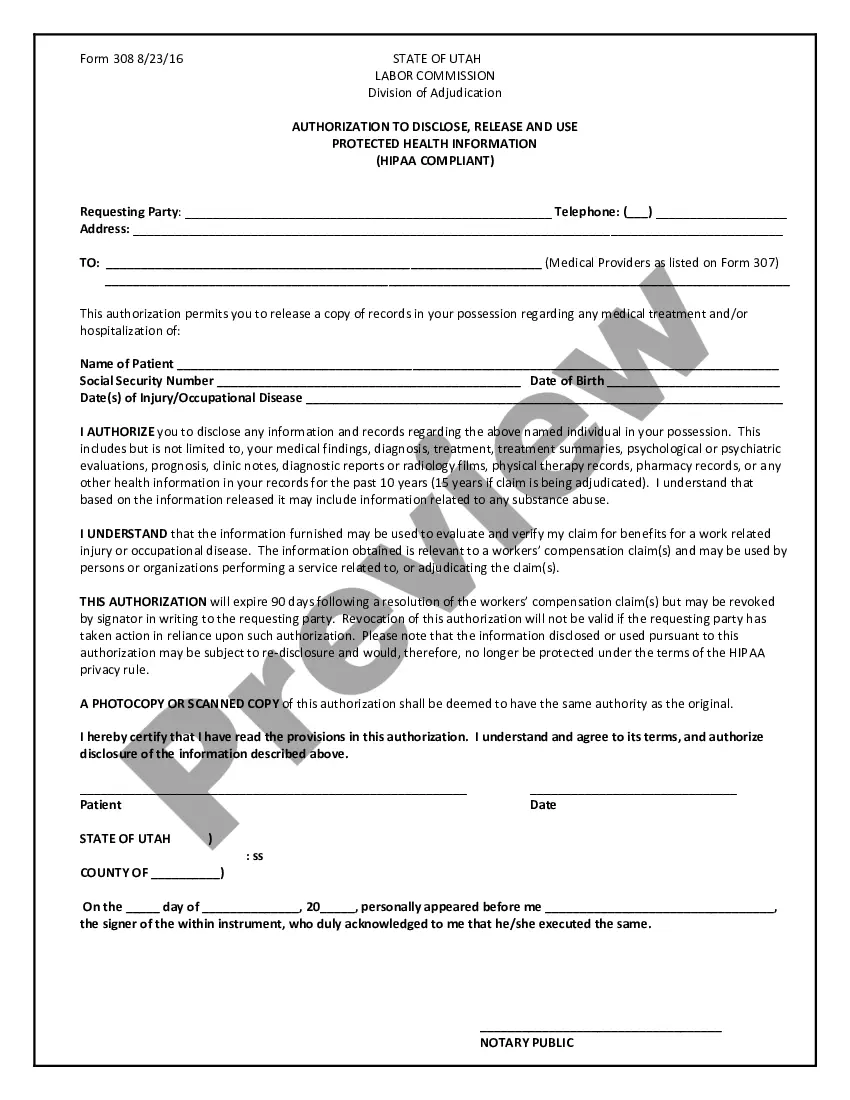
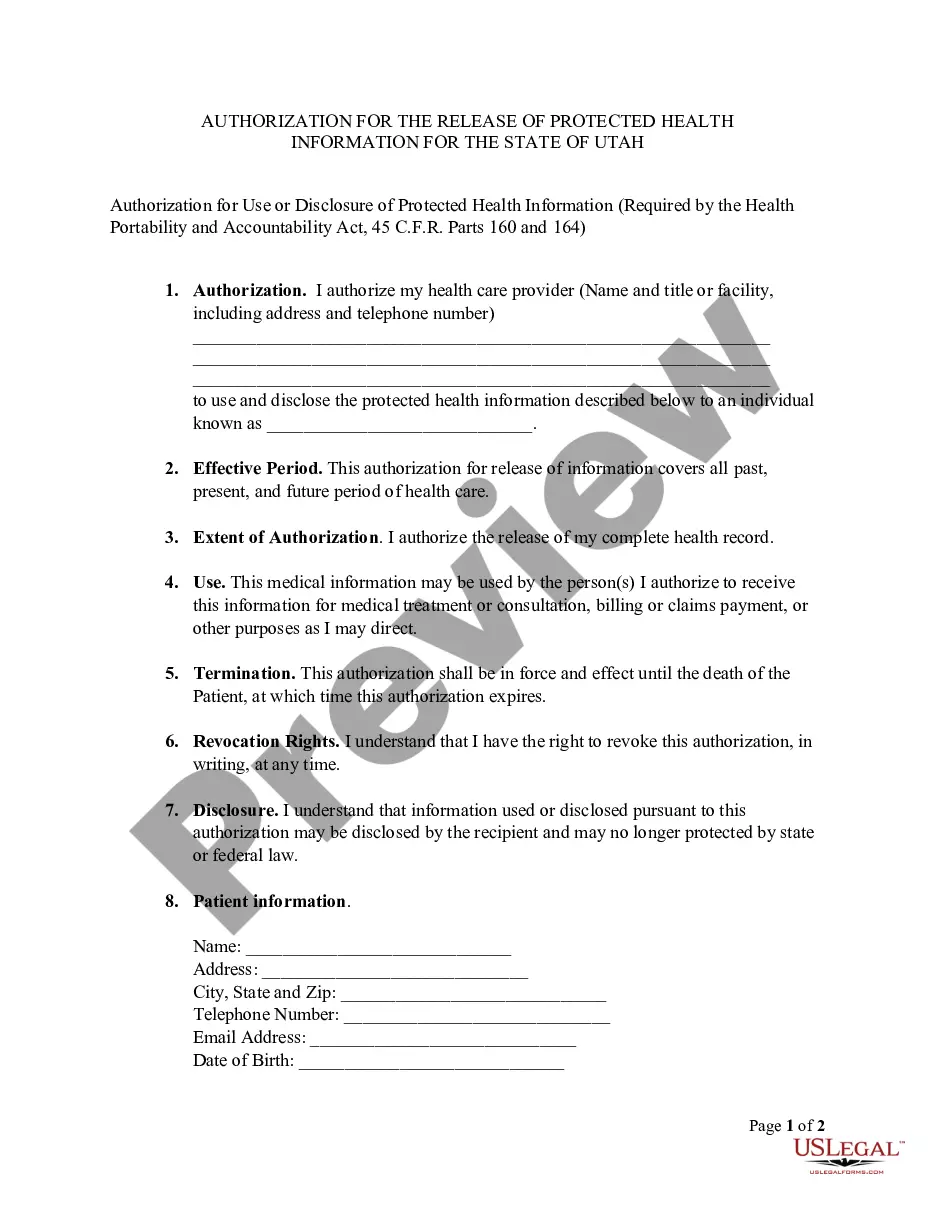
The Utah Release and Authorization is a specific HIPAA authorization form designed for residents of Utah. This form allows patients to permit the release of their health information to a designated individual or facility. Unlike other medical release forms, this version adheres to the specific privacy regulations outlined by Utah law, ensuring that patient information is shared safely and legally.
Key components of this form
- Patient's name to identify the individual authorizing the release.
- Name of the person or facility that holds the health information.
- Name and details of the party receiving the health information.
- Specific purposes for which the health information is being disclosed.
- Signature of the patient or their personal representative.
- Date of authorization to indicate when consent was given.
Common use cases
This form should be used when an individual needs to authorize the release of their confidential health information. Common scenarios include transferring medical records to a new healthcare provider, sharing health information with family members for care decisions, or providing information for insurance purposes.
Who needs this form
- Patients who wish to share their medical information with others.
- Personal representatives acting on behalf of the patient.
- Healthcare providers needing patient consent to release information.
- Family members involved in the patient's care decisions.
How to prepare this document
- Enter the patientâs full name at the top of the form.
- Fill in the name of the person or facility that has the health information.
- Provide the contact details of the entity that will receive the health information.
- Clearly state the purpose of the information release in the designated area.
- Sign and date the form where indicated, confirming the authorization.
Is notarization required?
This form does not typically require notarization unless specified by local law. However, it is recommended to check with a legal professional if unsure about the requirements for your specific situation.
Get your form ready online
Our built-in tools help you complete, sign, share, and store your documents in one place.
Make edits, fill in missing information, and update formatting in US Legal Forms—just like you would in MS Word.
Download a copy, print it, send it by email, or mail it via USPS—whatever works best for your next step.
Sign and collect signatures with our SignNow integration. Send to multiple recipients, set reminders, and more. Go Premium to unlock E-Sign.
If this form requires notarization, complete it online through a secure video call—no need to meet a notary in person or wait for an appointment.
We protect your documents and personal data by following strict security and privacy standards.

Make edits, fill in missing information, and update formatting in US Legal Forms—just like you would in MS Word.

Download a copy, print it, send it by email, or mail it via USPS—whatever works best for your next step.

Sign and collect signatures with our SignNow integration. Send to multiple recipients, set reminders, and more. Go Premium to unlock E-Sign.

If this form requires notarization, complete it online through a secure video call—no need to meet a notary in person or wait for an appointment.

We protect your documents and personal data by following strict security and privacy standards.
Typical mistakes to avoid
- Failing to include the patient's full name.
- Not specifying the exact purpose for the information release.
- Leaving out the contact details for the receiving party.
- Not signing or dating the form correctly.
Benefits of using this form online
- Convenient access to legal forms from anywhere at any time.
- Editability allows you to customize the form to your unique needs.
- Reliable templates drafted by licensed attorneys, ensuring compliance.
Looking for another form?

Form popularity
FAQ
By setting up a Release Authorization (ARI), you are giving customer service your permission to disclose information about your accounts to another person. Typically, this is used to give account access to a spouse or other family member.
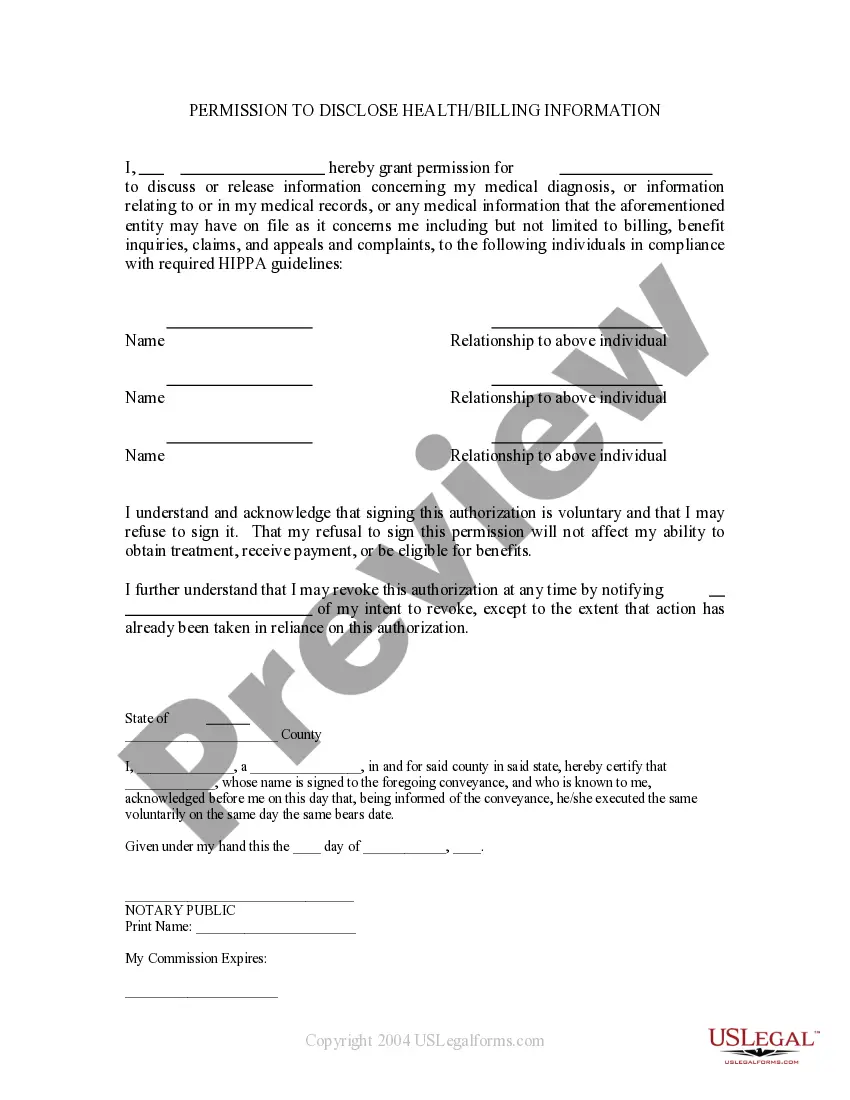
The medical record information release (HIPAA) form allows a patient to give authorization to a 3rd party and access their health records.
I understand that this information is protected by law and cannot be released/requested without my written consent unless otherwise provided by law. I further understand that this consent may be revoked by me, in writing at any time, except if the information has already been released or obtained.
Phase 1: Recording, Tracking, and Verifying the Request.Phase 2: Retrieving Your PHI.Phase 3: Safeguarding Your Sensitive Information.Phase 4: Releasing Your PHI.Phase 5: Completing the Request and Preparing an Invoice.The Value of Using an Electronic Health Information Exchange.
Description. The Third Party Authorization form authorizes a person other than the payor or recipient to act on the payor's or recipient's behalf. A Family Responsibility Office (FRO) support payor or support recipient may designate this person to request and receive information from the FRO regarding their case.
A HIPAA authorization form, also known as a HIPAA release form, is a document that individual signs for their health provider before the entity may use or disclose their protected health information (PHI).