Electronic Services Form
What is this form?
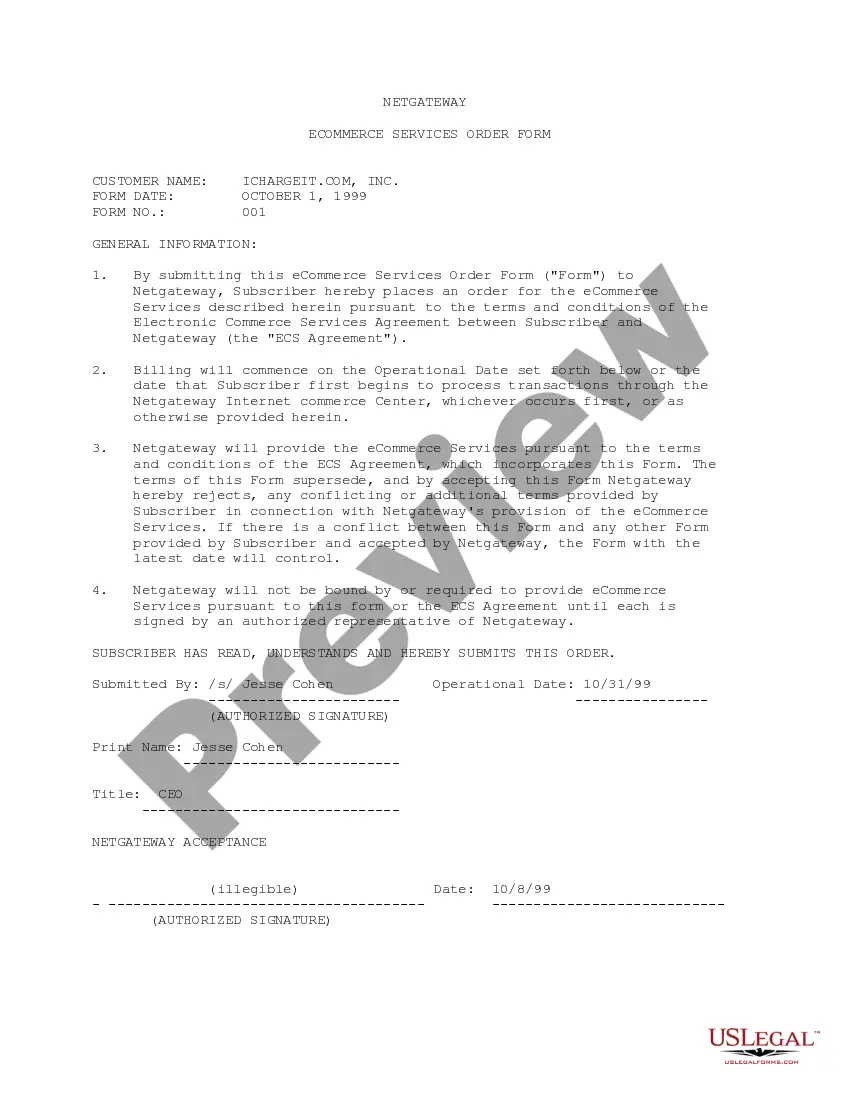
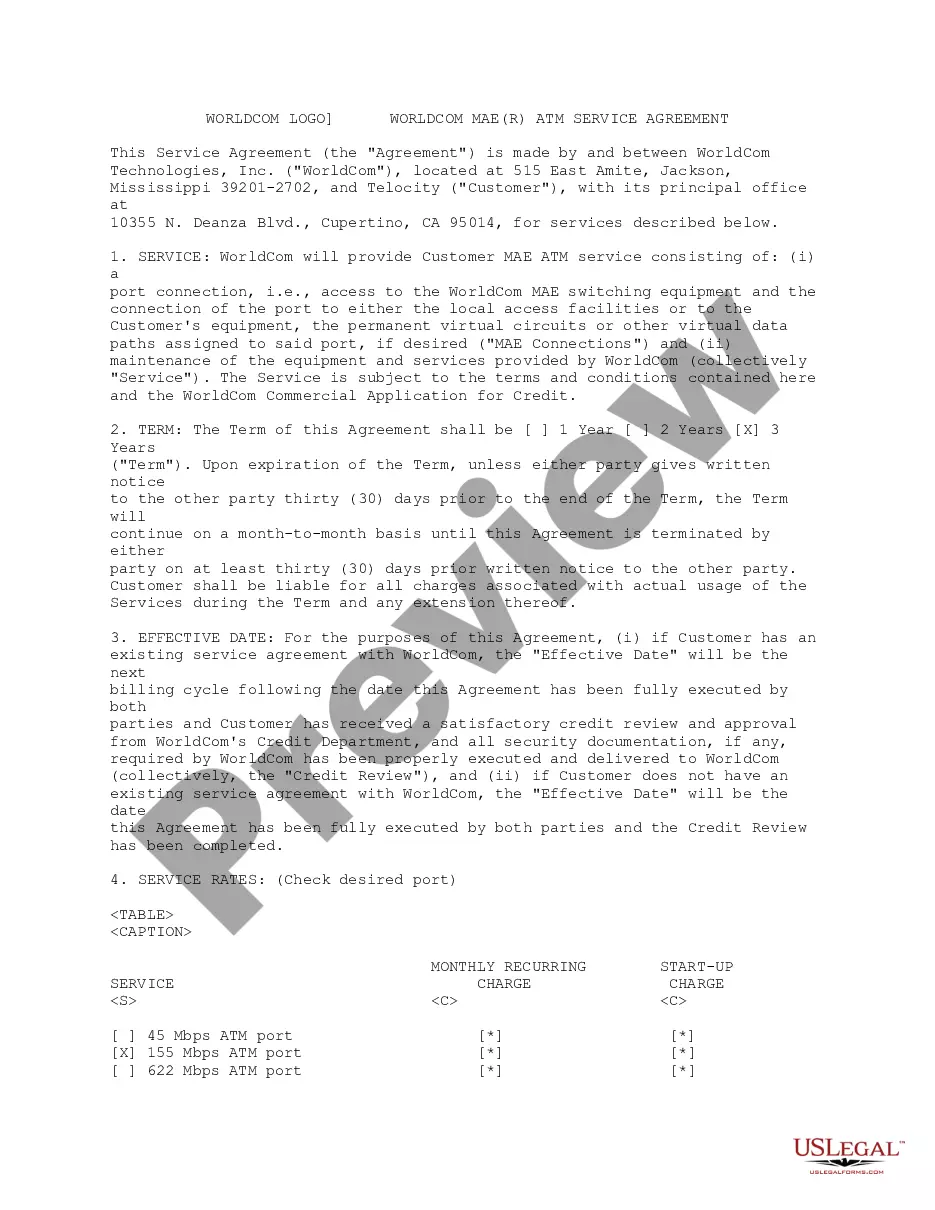
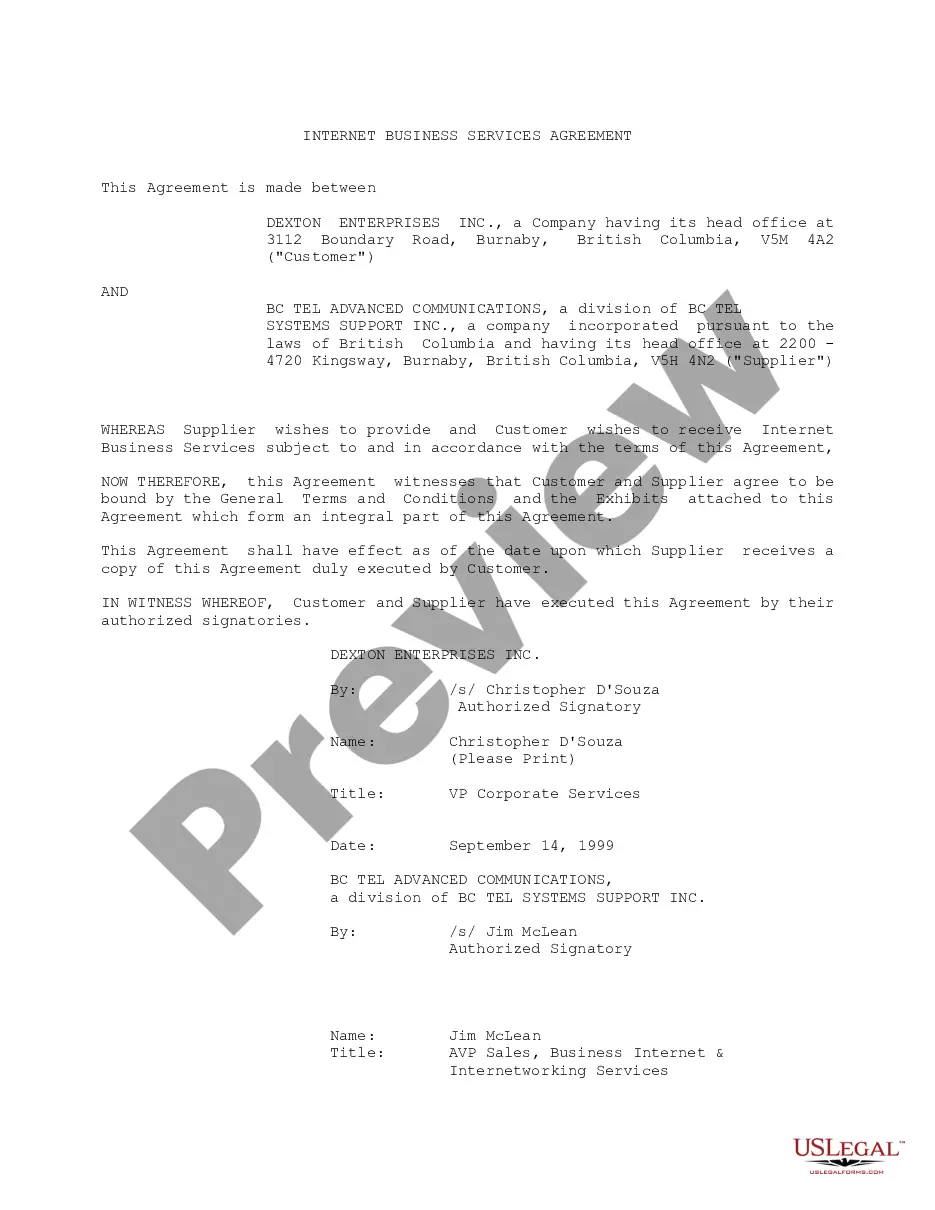
The Electronic Services Form is a legal document used to establish an order for eCommerce services between parties, in this case, Netgateway, Inc. and Ichargeit.Com, Inc. This form outlines the terms for electronic commerce services and serves as a formal agreement, ensuring clarity and mutual understanding between the involved parties. Unlike general service contracts, this form specifically addresses electronic commerce services and their associated terms and conditions.
Main sections of this form
- The customer name and order date.
- A statement of the services ordered and reference to the Electronic Commerce Services Agreement.
- Billing commencement details tied to the operational date.
- A disclaimer indicating the need for authorized signatures for validation.
- Identification of the parties involved, including their roles and responsibilities.

Situations where this form applies
This form should be used when a business wishes to engage eCommerce services from another company. If you are ready to order services related to online transactions and need a formal agreement that details the service terms, this is the correct form to use. It is especially relevant for companies starting their online sales or enhancing their existing digital commerce capabilities.
Who this form is for
The form is intended for:
- Businesses seeking to establish an agreement for eCommerce services.
- Owners or executives of companies looking to collaborate with service providers.
- Legal representatives needing to formalize service arrangements.
Completing this form step by step
- Identify and enter the customer name at the beginning of the form.
- Fill in the order date accurately to ensure proper documentation.
- Select or input the operational date when services will commence.
- Ensure the form is signed by an authorized representative from both parties.
- Review all information for accuracy before submission.
Does this document require notarization?
This form does not typically require notarization unless specified by local law. Ensure to check with regulatory requirements in your jurisdiction prior to submission.
Get your form ready online
Our built-in tools help you complete, sign, share, and store your documents in one place.
Make edits, fill in missing information, and update formatting in US Legal Forms—just like you would in MS Word.
Download a copy, print it, send it by email, or mail it via USPS—whatever works best for your next step.
Sign and collect signatures with our SignNow integration. Send to multiple recipients, set reminders, and more. Go Premium to unlock E-Sign.
If this form requires notarization, complete it online through a secure video call—no need to meet a notary in person or wait for an appointment.
We protect your documents and personal data by following strict security and privacy standards.

Make edits, fill in missing information, and update formatting in US Legal Forms—just like you would in MS Word.

Download a copy, print it, send it by email, or mail it via USPS—whatever works best for your next step.

Sign and collect signatures with our SignNow integration. Send to multiple recipients, set reminders, and more. Go Premium to unlock E-Sign.

If this form requires notarization, complete it online through a secure video call—no need to meet a notary in person or wait for an appointment.

We protect your documents and personal data by following strict security and privacy standards.
Mistakes to watch out for
- Not providing an authorized signature, which invalidates the form.
- Missing the operational date, causing confusion regarding billing.
- Failing to read the terms of the Electronic Commerce Services Agreement before submission.
Advantages of online completion
- Convenience of completing the form from anywhere with internet access.
- Editability of the form allows for easy updates and modifications before finalizing.
- Reliability of legal templates designed by licensed attorneys ensures compliance with current laws.
Looking for another form?
Form popularity
FAQ
Place the text cursor where you want to insert the form field. Click the Developer tab on the ribbon. Click the Design Mode button in the controls group. Click a Content Control buttons to insert the selected type of control. When you're done, click the Design Mode button again to exit Design Mode.
Enable Developer Tab. Open Microsoft Word, then go to the File Tab > Options > Customize Ribbon > check the Developer Tab in the right column > Click OK. Insert a Control. Edit Filler Text. Design Mode button again to exit the mode. Customize Content Controls.
Electronic forms (e-forms) provide a user interface to data and services, typically through a browser-based interface. E-forms enable users to interact with enterprise applications and the back-end systems linked to them.
Create the PDF file. Convert any electronic document to a PDF file, or scan a paper form directly into Acrobat (choose File > Create PDF > From Scanner). Use the Form Wizard to create form fields. Choose Forms > Start Form Wizard. Evaluate form fields. Add and edit form fields. Save the form.
Process Director BPM software provides electronic forms software ( software) with easy to use eForm builders that allow users to create electronic forms in the development environment in which they are familiar.
Go to File > New. In Search online templates, type Forms or the type of form you want and press ENTER. Choose a form template, and then select Create or Download.
How Much is ? $39 / monthly plan (7-Day Free Trial) Our most popular option comes with a 7-day free trial to have full access to the site and on the 8th day you will be charged $39 per month. You can cancel this at any time, there is no obligation or termination fee.