Letter to Client - Interrogatories to Answer
Overview of this form
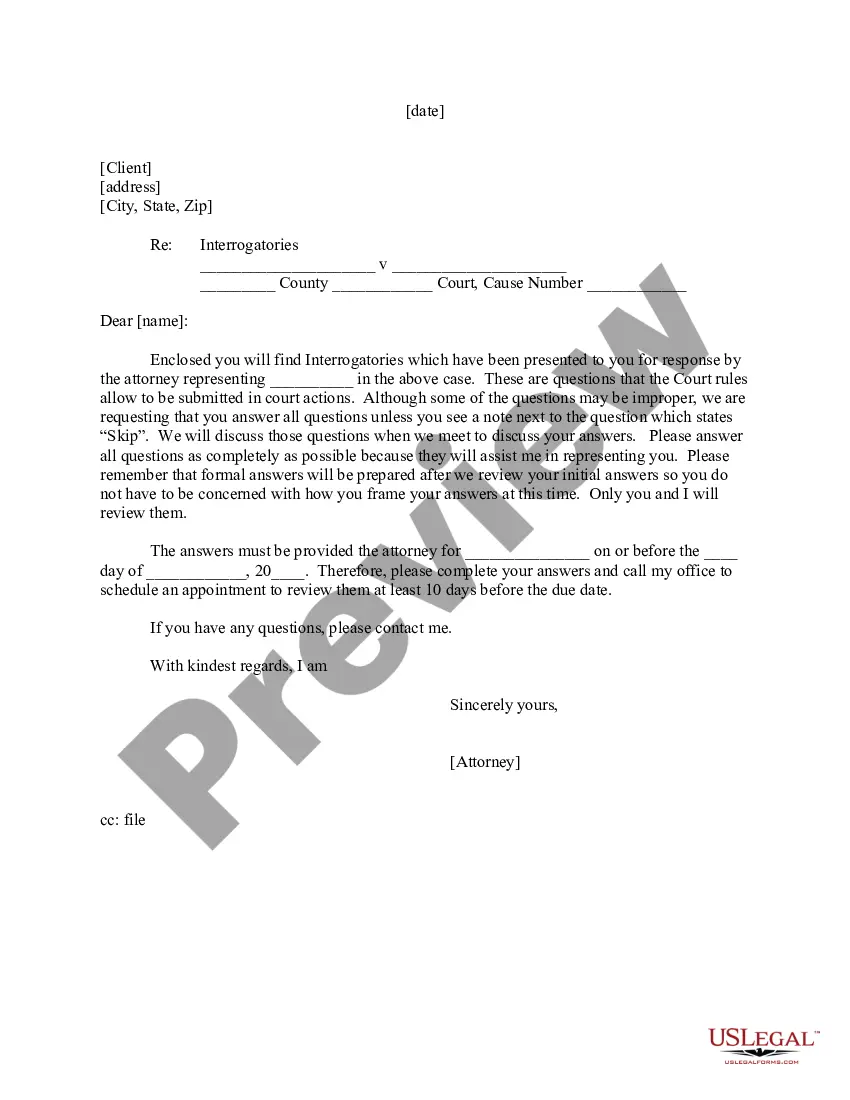
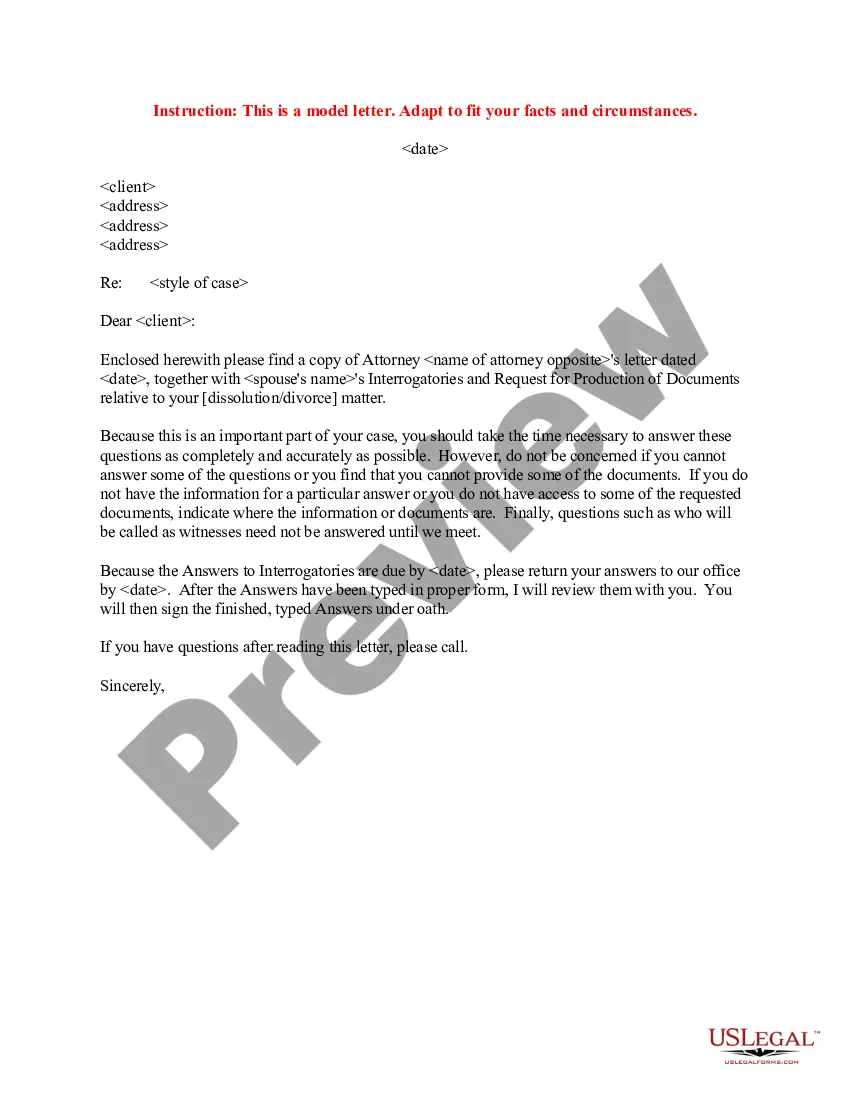
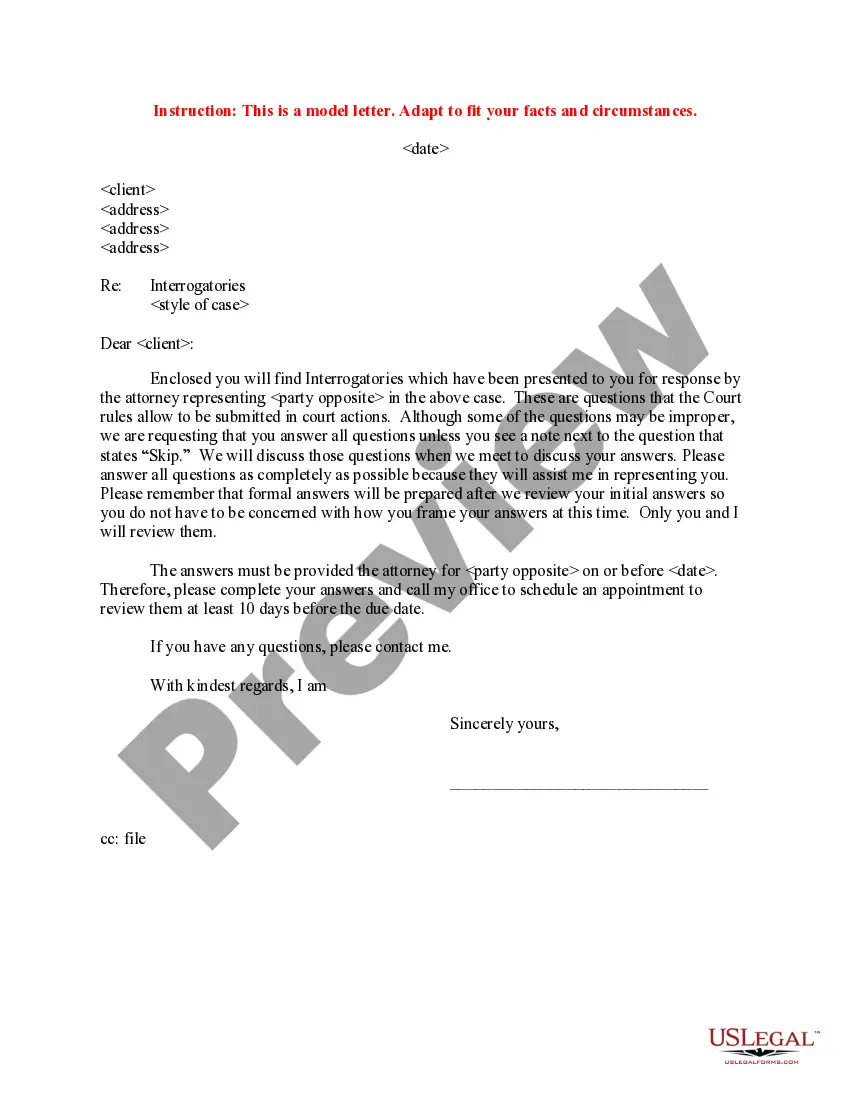
The Letter to Client - Interrogatories to Answer is a legal document that communicates a set of questions presented to a client by their attorney as part of a legal case. This form is essential for gathering information needed to prepare a case, differing from other legal documents by its focus on client-specific inquiries that assist in effective legal representation.
Key parts of this document
- Client address section to indicate the recipient of the letter.
- Case title indicating the parties involved in the legal matter.
- Deadline for submitting answers to the interrogatories.
- Instructions on how to respond to the questions.
- Space for attorney's signature and additional notes.
When this form is needed
This form should be used when an attorney needs to collect specific information from their client in the course of a legal proceeding. It is typically issued after a lawsuit has been filed and is part of the discovery process, where both parties exchange information necessary for the case.
Who should use this form
- Clients involved in a legal dispute who have been asked to provide written responses.
- Attorneys collecting information from clients for case preparation.
- Individuals requiring clarification on their obligations during the discovery process.
How to prepare this document
- Enter the client's address at the top of the letter.
- Fill in the names of the parties involved in the case.
- State the deadline by which the client must submit their answers.
- Provide clear responses to each interrogatory question, taking care to address any notes left by the attorney.
- Sign the letter before sending it to ensure it is formally issued.
Does this form need to be notarized?
This form does not typically require notarization unless specified by local law. Clients should ensure they retain confidentiality when discussing their answers with the attorney and follow proper legal procedures during completion.
Get your form ready online
Our built-in tools help you complete, sign, share, and store your documents in one place.
Make edits, fill in missing information, and update formatting in US Legal Forms—just like you would in MS Word.
Download a copy, print it, send it by email, or mail it via USPS—whatever works best for your next step.
Sign and collect signatures with our SignNow integration. Send to multiple recipients, set reminders, and more. Go Premium to unlock E-Sign.
If this form requires notarization, complete it online through a secure video call—no need to meet a notary in person or wait for an appointment.
We protect your documents and personal data by following strict security and privacy standards.

Make edits, fill in missing information, and update formatting in US Legal Forms—just like you would in MS Word.

Download a copy, print it, send it by email, or mail it via USPS—whatever works best for your next step.

Sign and collect signatures with our SignNow integration. Send to multiple recipients, set reminders, and more. Go Premium to unlock E-Sign.

If this form requires notarization, complete it online through a secure video call—no need to meet a notary in person or wait for an appointment.

We protect your documents and personal data by following strict security and privacy standards.
Mistakes to watch out for
- Failing to answer all questions thoroughly.
- Missing the response deadline.
- Not contacting the attorney for clarification on questions that seem unclear.
Benefits of using this form online
- Immediate access to a professionally drafted template.
- Edit and customize the form easily to fit specific case needs.
- Downloadable format for quick printing and delivery.
Looking for another form?


Form popularity
FAQ
Spelling of Answer is spelled a-n-s-w-e-r. Definition of An answer is a response to a questioneither written or spoken. An answer is also something that is done in response or reaction, and, a solution to a problem.
Create an answer key Fill out your question and answers. In the bottom left of the question, click Answer key. Choose the answer or answers that are correct. In the top right of the question, choose how many points the question is worth.
1. Answer, rejoinder, reply, response, retort all mean words used to meet a question, remark, charge, etc. An answer is a return remark: an answer giving the desired information.
An answer key is a key to the answers (to a test or exercise). It's usually a copy of the test or exercise with the instructor's idea of the best possible answers written in. A key answer is an answer that is key. That is, it's the most important of several possible answers to a question.
If you have one key, then it should be answer key. However, when you have a set of keys, and you are referring to the set, rather than individual keys, you should refer to answer-keys.
Some common synonyms of answer are rejoinder, reply, response, and retort. While all these words mean "something spoken, written, or done in return," answer implies the satisfying of a question, demand, call, or need.
Answer KeysGoogle Forms can only autograde questions that are Multiple choice or Checkbox or Drop-down. After each question, click the Answer Key link below it. This will switch you to answer key mode where you can select the correct answer or answers.
The answer key indicates a correct answer provided by the question, but might not be the only acceptable answer. There are three times when the answer key might be displayed: In tutorial questions, if you skip a step, the answer key is displayed for that step before the due date.