Employee Evaluation Form for Restaurant Manager
What is this form?
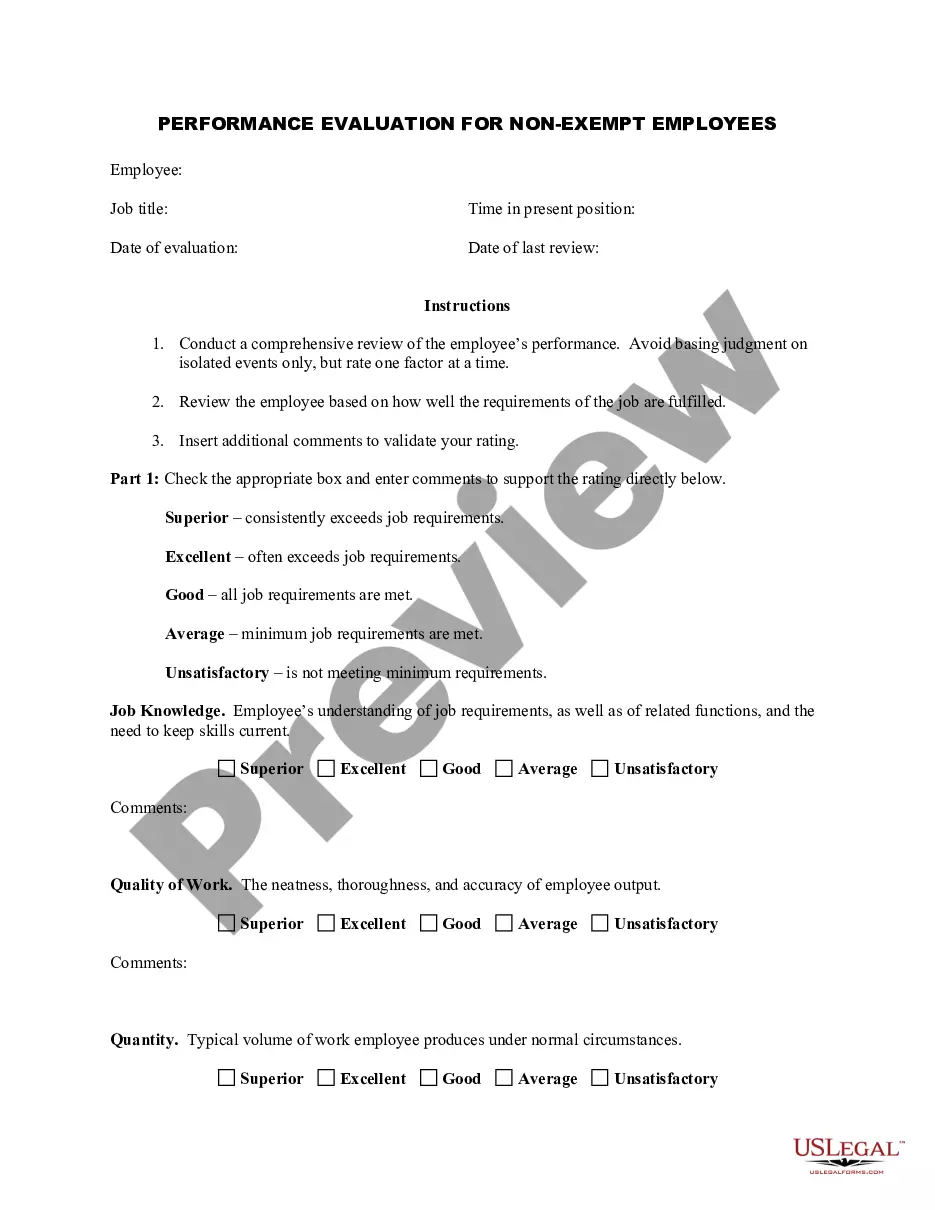
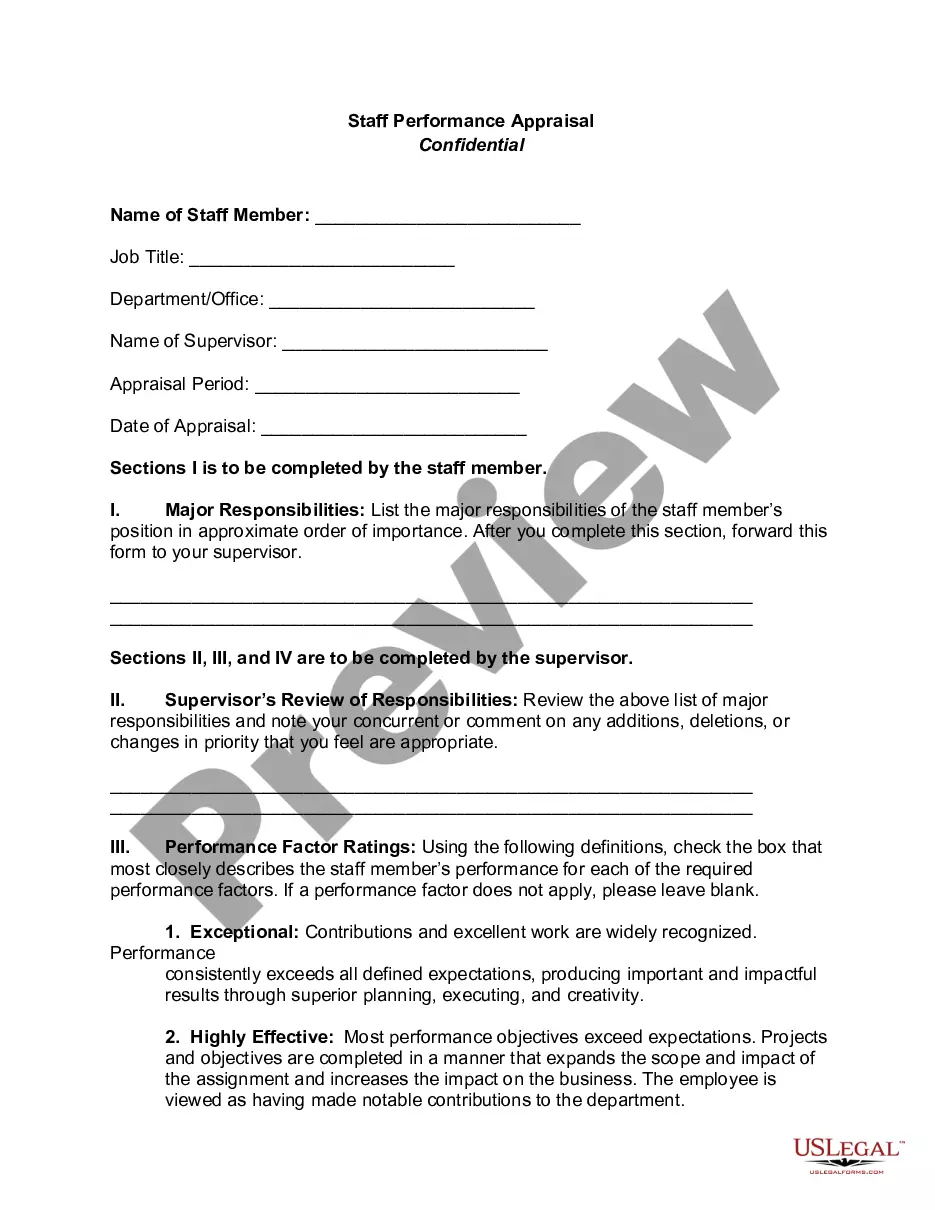
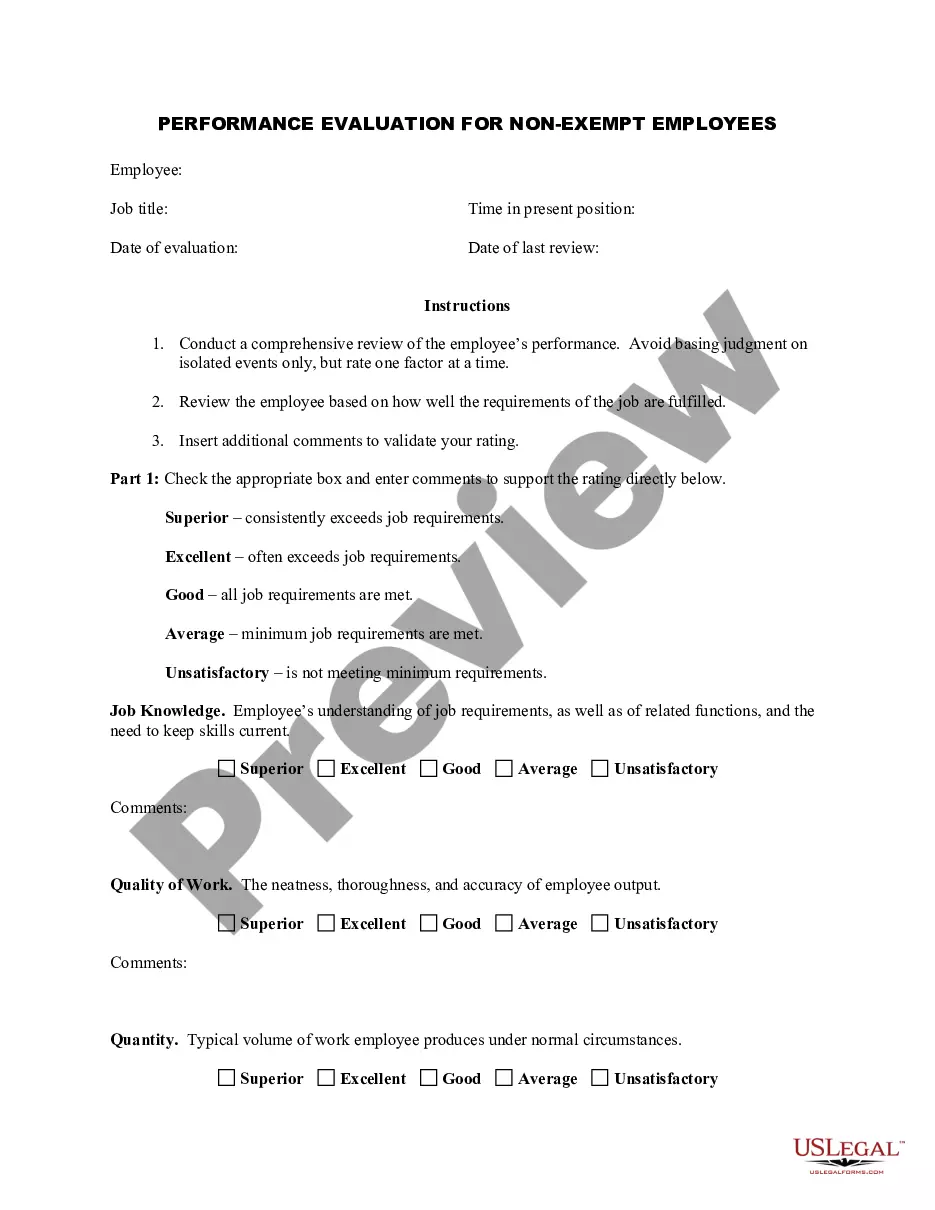
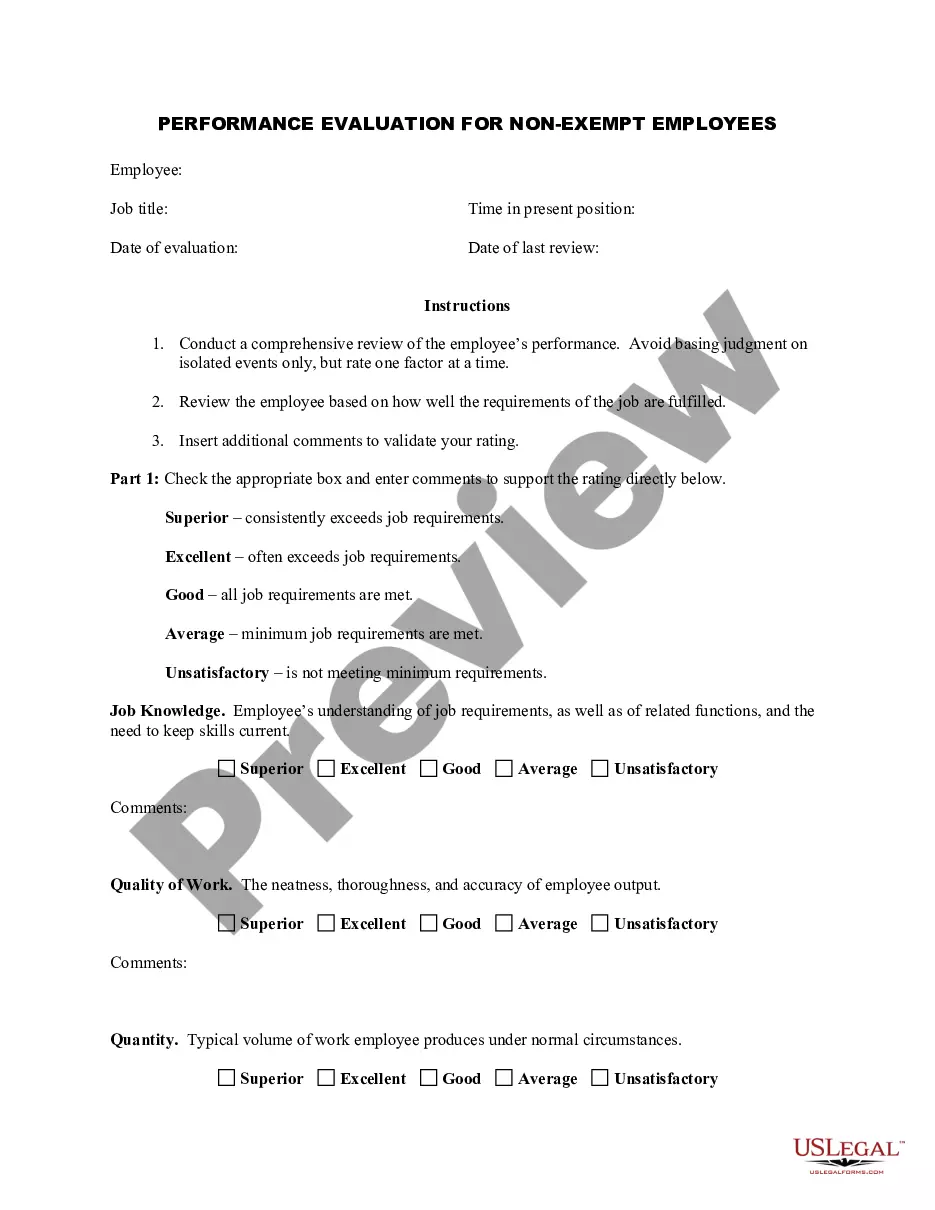
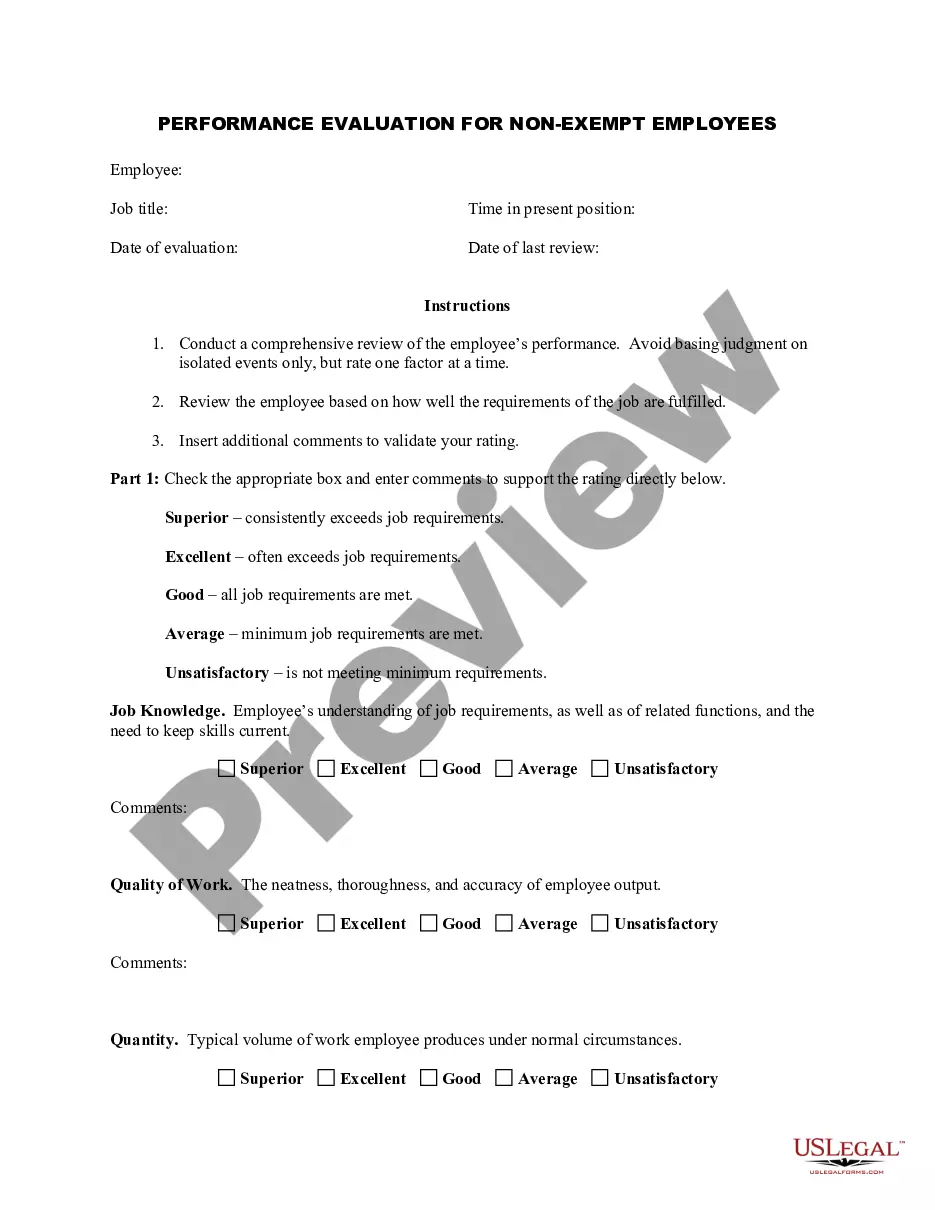
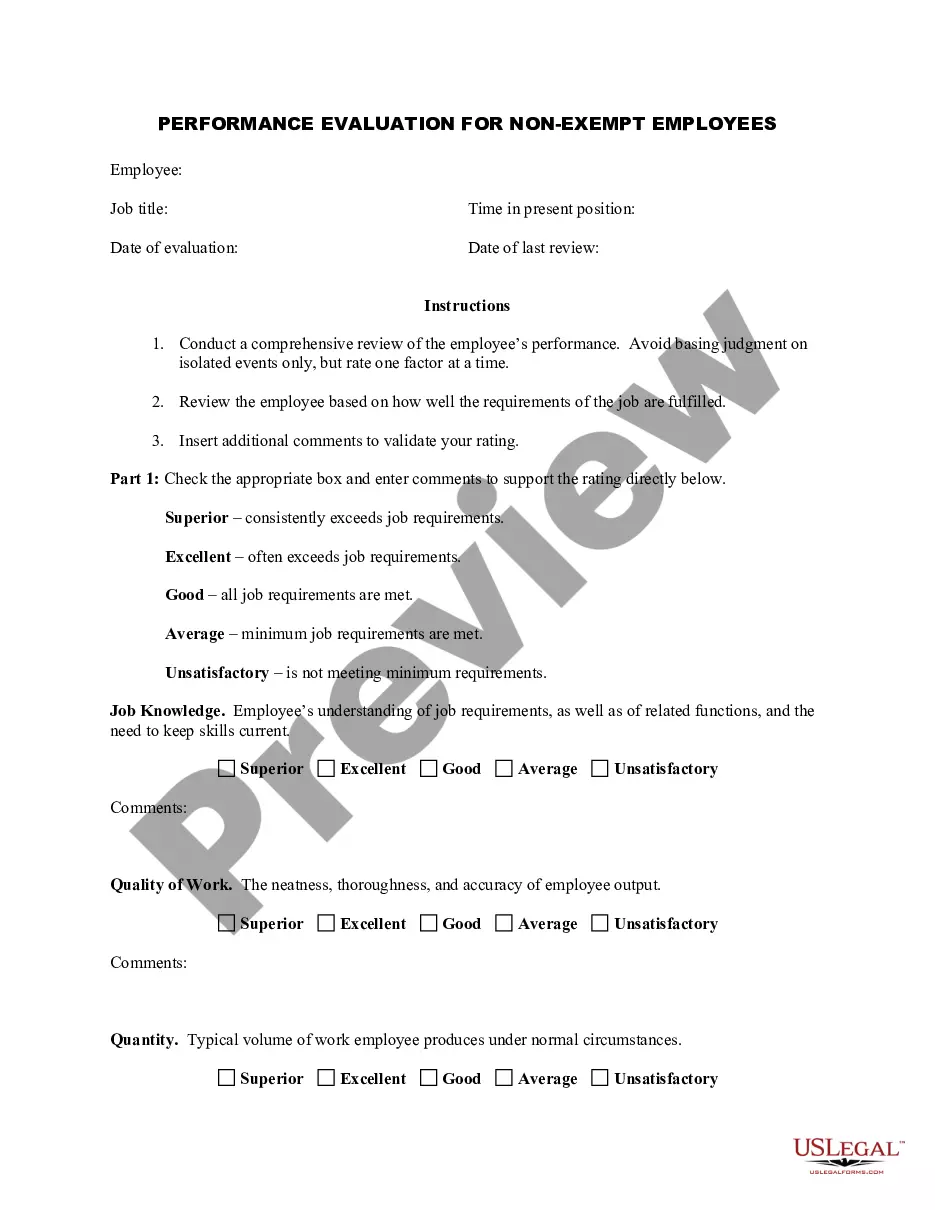
The Employee Evaluation Form for Restaurant Manager is a comprehensive tool designed to assess the performance of restaurant managers. This form enables employers to review managers based on specific job-related criteria, ensuring a structured and standardized evaluation process. Unlike generic performance reviews, this form includes tailored sections relevant to the restaurant industry, providing insights that help improve management effectiveness and operational efficiency.
Main sections of this form
- Job title and employee information: Capture essential details about the employee being evaluated.
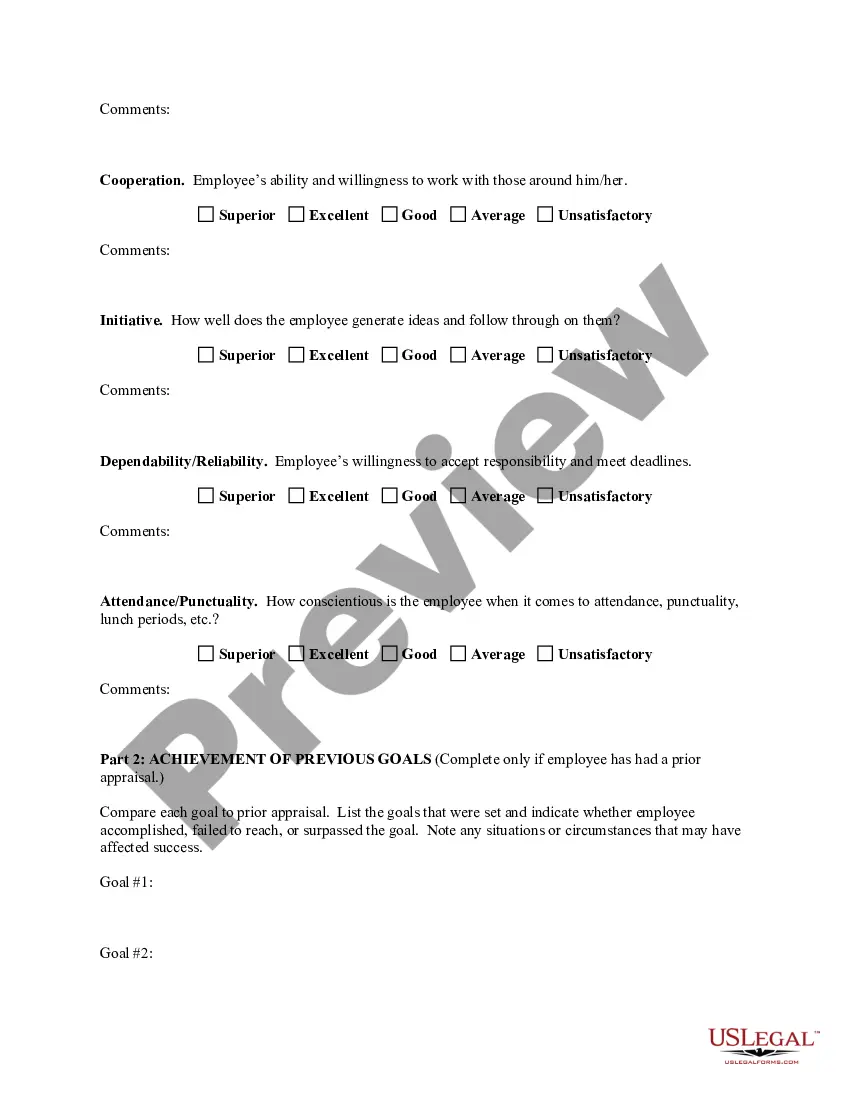
- Evaluation criteria: Assess areas like job knowledge, quality of work, cooperation, initiative, dependability, and attendance.
- Ratings: Use a rating scale to evaluate performance, with options ranging from superior to unsatisfactory.
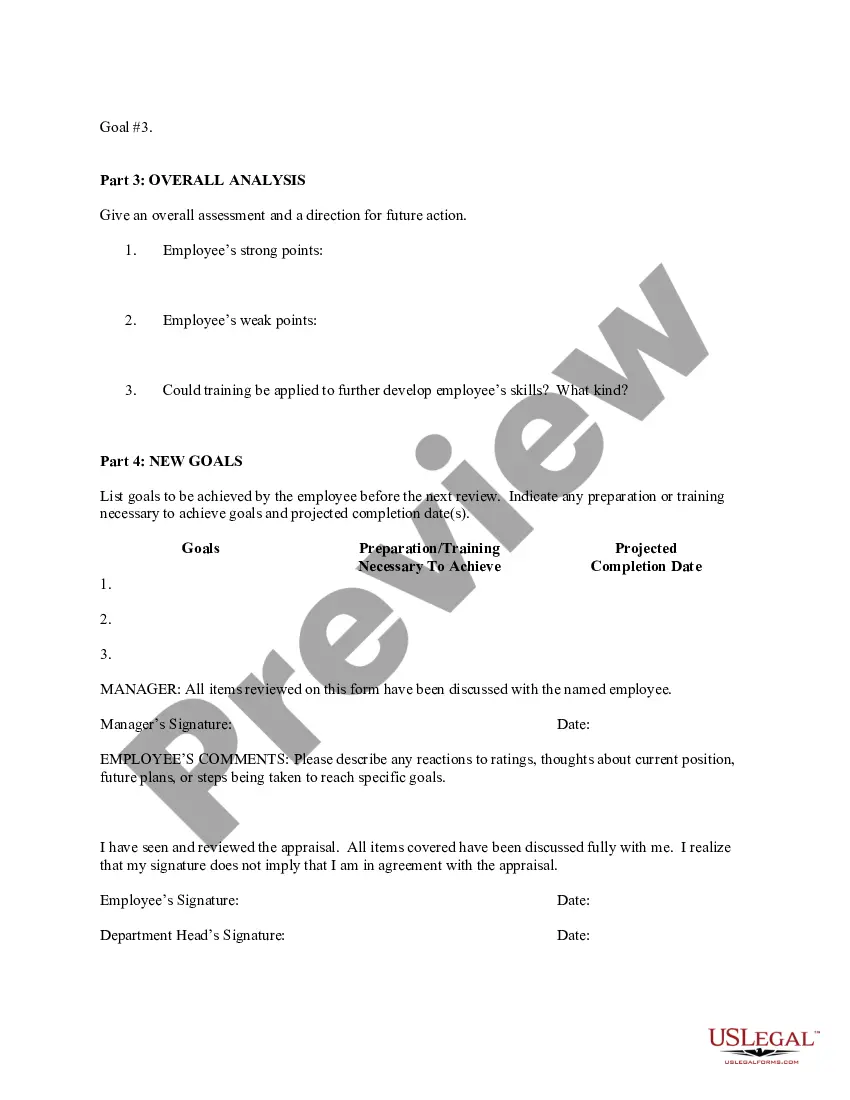
- Comments section: Provide space for supervisors to add remarks supporting performance ratings.
- Goal setting: Document previous performance goals and set new goals for future evaluations.
When this form is needed
This form is essential whenever a restaurant manager's performance needs to be reviewed. Situations may include annual performance reviews, promotions, or addressing underperformance. It is also useful during coaching sessions to identify areas for improvement and facilitate meaningful discussions about career development.
Who this form is for
- Restaurant owners or operators conducting performance reviews.
- HR professionals responsible for managing employee evaluations.
- Restaurant management seeking a clear framework for employee feedback.
Instructions for completing this form
- Identify the employee being evaluated and complete relevant personal details.
- Rate each evaluation criterion based on observed performance and provide detailed comments to support your ratings.
- Set new performance goals during the evaluation discussion and outline any necessary training or support.
- Both the manager and employee should sign the form to acknowledge the evaluation and any discussed goals.
- Retain a copy of the completed form for future reference in ongoing performance management.
Is notarization required?
This form does not typically require notarization unless specified by local law.
Get your form ready online
Our built-in tools help you complete, sign, share, and store your documents in one place.
Make edits, fill in missing information, and update formatting in US Legal Forms—just like you would in MS Word.
Download a copy, print it, send it by email, or mail it via USPS—whatever works best for your next step.
Sign and collect signatures with our SignNow integration. Send to multiple recipients, set reminders, and more. Go Premium to unlock E-Sign.
If this form requires notarization, complete it online through a secure video call—no need to meet a notary in person or wait for an appointment.
We protect your documents and personal data by following strict security and privacy standards.

Make edits, fill in missing information, and update formatting in US Legal Forms—just like you would in MS Word.

Download a copy, print it, send it by email, or mail it via USPS—whatever works best for your next step.

Sign and collect signatures with our SignNow integration. Send to multiple recipients, set reminders, and more. Go Premium to unlock E-Sign.

If this form requires notarization, complete it online through a secure video call—no need to meet a notary in person or wait for an appointment.

We protect your documents and personal data by following strict security and privacy standards.
Common mistakes
- Failing to provide specific examples to support performance ratings.
- Relying solely on recent events rather than considering the entire evaluation period.
- Neglecting to involve the employee in the goal-setting process.
Advantages of online completion
- Convenience of accessibility from anywhere at any time.
- Easy editing and updating to reflect ongoing performance discussions.
- Secure storage and retrieval of evaluations for compliance and reference.
Looking for another form?



Form popularity
FAQ
Step 1: Set up a new form or quiz. Go to forms.google.com. Click Blank . Step 2: Edit and format a form or quiz. You can add, edit, or format text, images, or videos in a form. Edit your form. Step 3: Send your form for people to fill out. When you are ready, you can send your form to others and collect their responses.
Reflect on feedback. Make a list of your top accomplishments and identify areas for improvements. Gather analytics to show impact. Make a commitment to improve. Set a SMART goal for yourself. Create a plan of action. Communication. Job Performance.
Communication. Collaboration and teamwork. Problem-solving. Quality and accuracy of work. Attendance, punctuality and reliability. The ability to accomplish goals and meet deadlines.
Make it easy to use. Ensure that the information your evaluation form seeks is clear and concise. Determine the focus of the form. There needs to be a clear purpose. Establish a clearly defined rating scale.
To evaluate is defined as to judge the value or worth of someone or something. An example of evaluate is when a teacher reviews a paper in order to give it a grade.
Reflect on feedback. Make a list of your top accomplishments and identify areas for improvements. Gather analytics to show impact. Make a commitment to improve. Set a SMART goal for yourself. Create a plan of action. Communication. Job Performance.
Gather information. List employee responsibilities. Use objective language. Use action verbs. Compare performance ratings. Ask open-ended questions. Use a point system.
Keep it confidential: No team members will give their feedback if it's not in confidence. Get clarity: When gathering feedback, make sure you get clear answers, you need to dig deep. Act on the feedback: Once you have received the feedback, make sure you act on it.
Develop an evaluation form. Identify performance measures. Set guidelines for feedback. Create disciplinary and termination procedures. Set an evaluation schedule.