Age Verification Software License Agreement
What is this form?
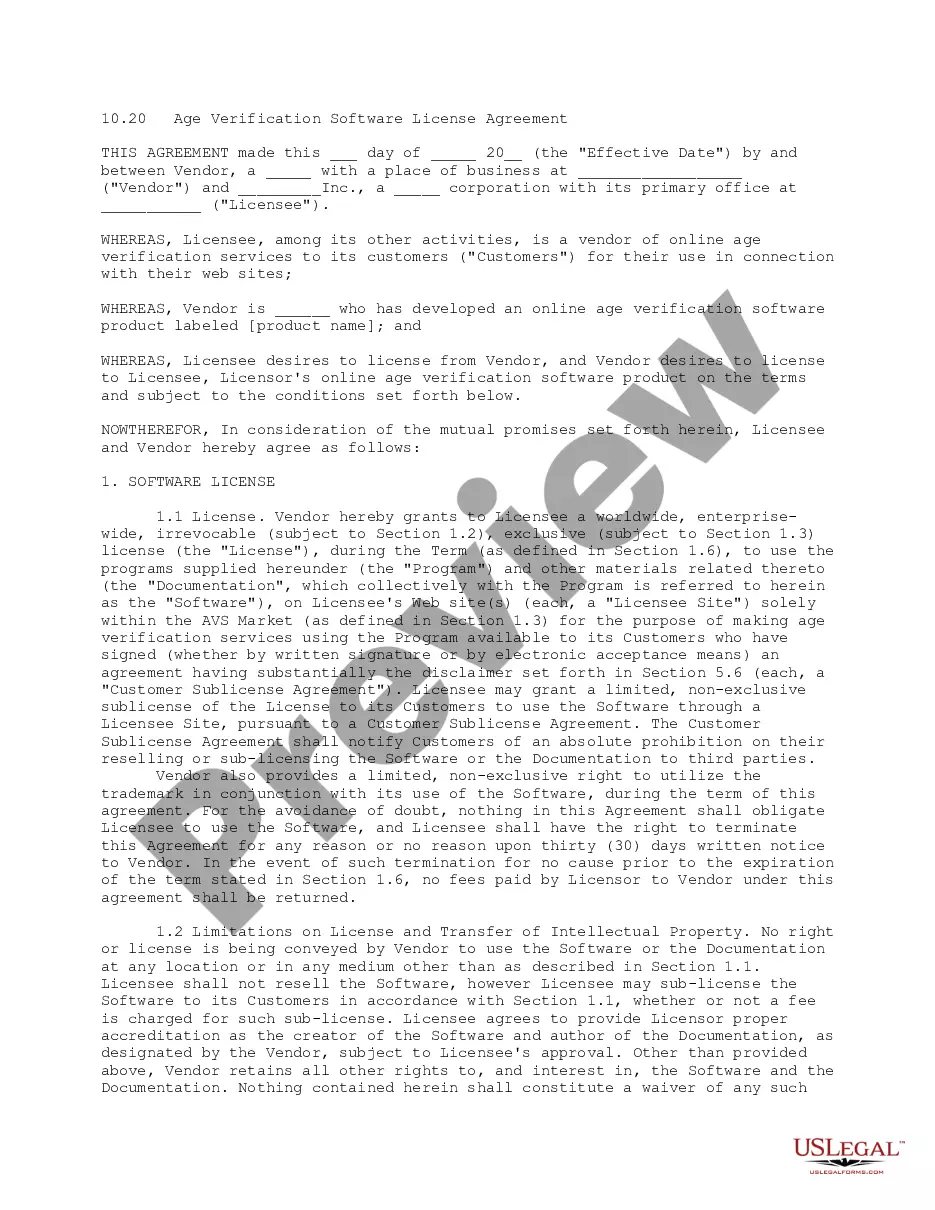
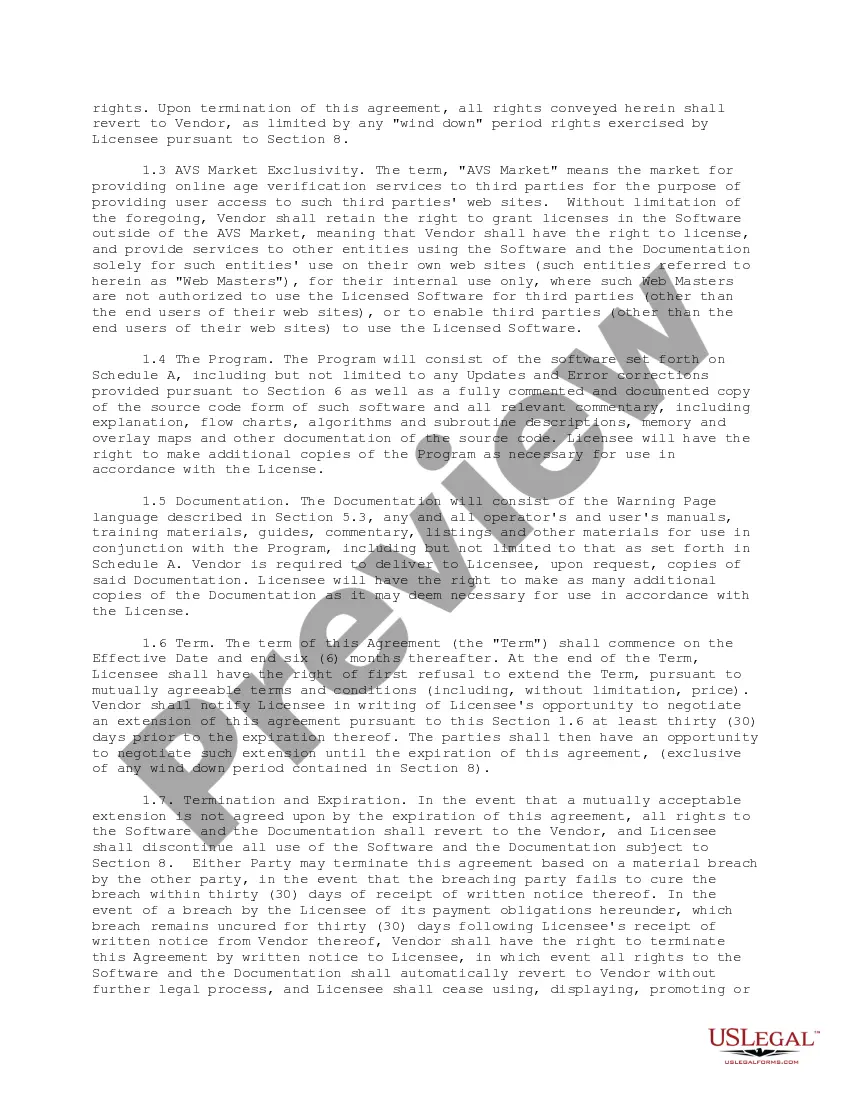
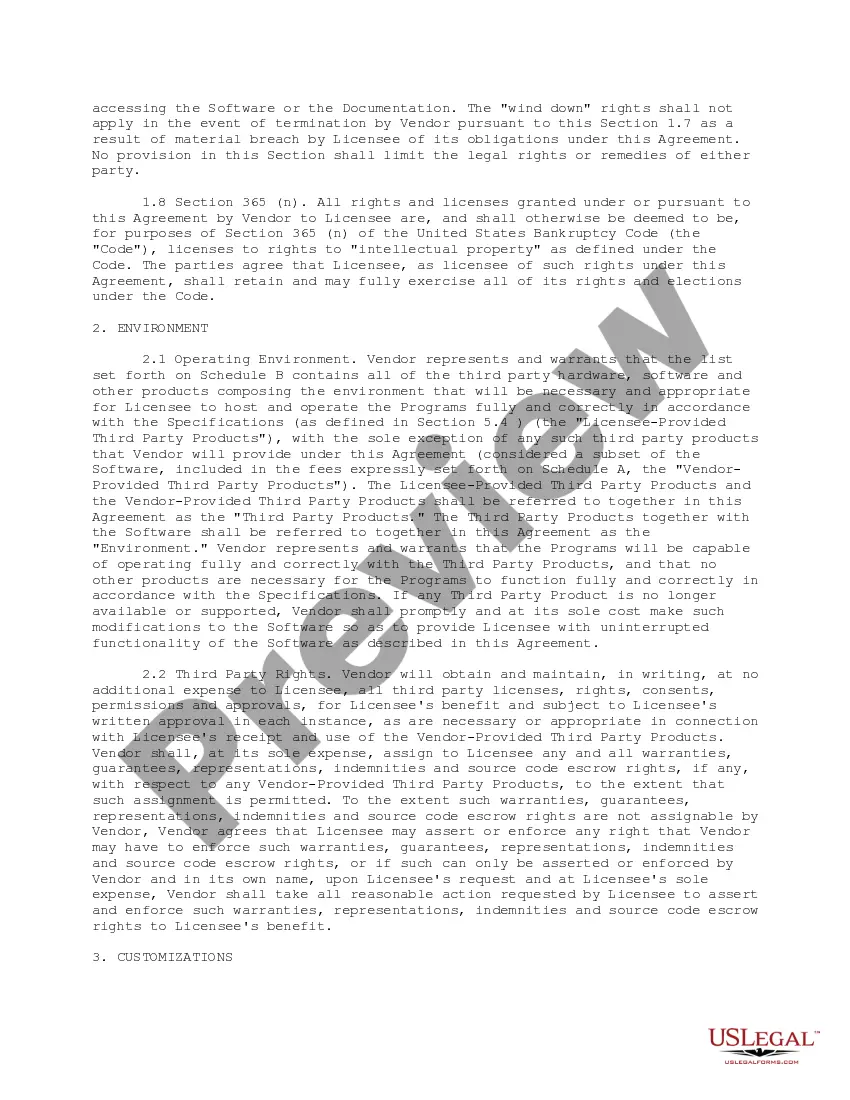
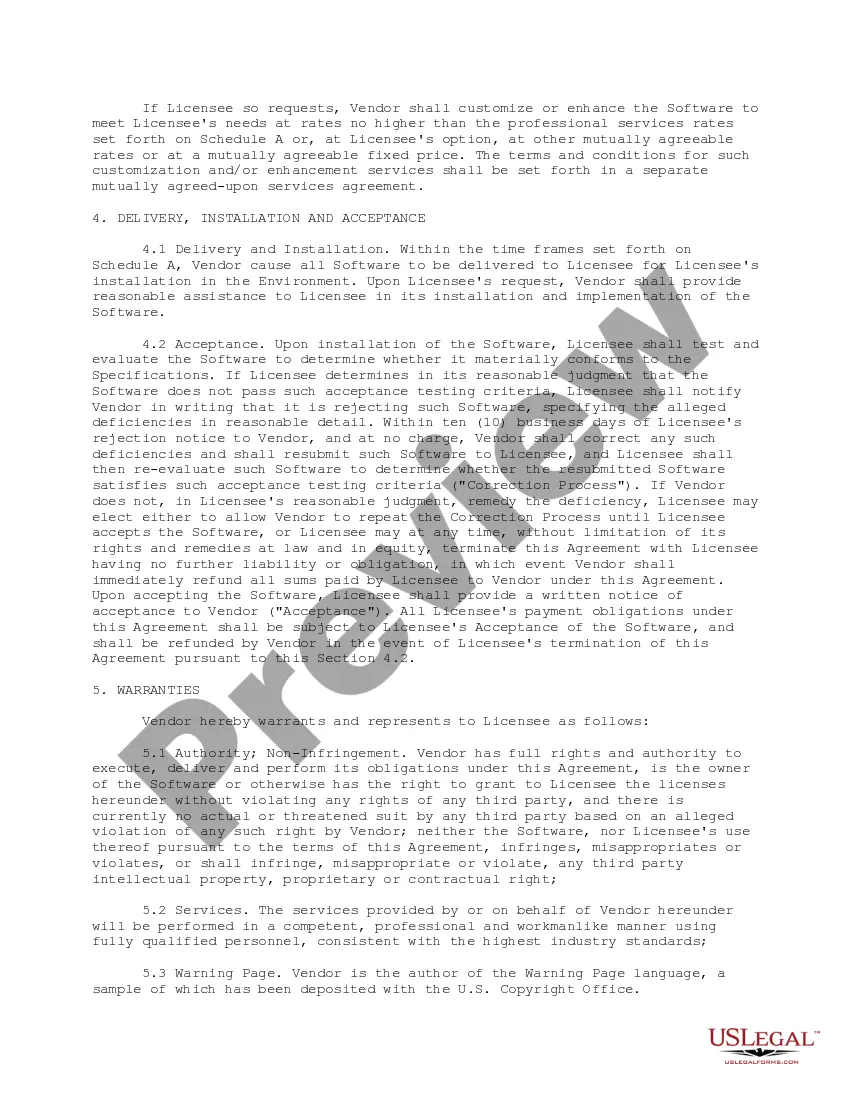
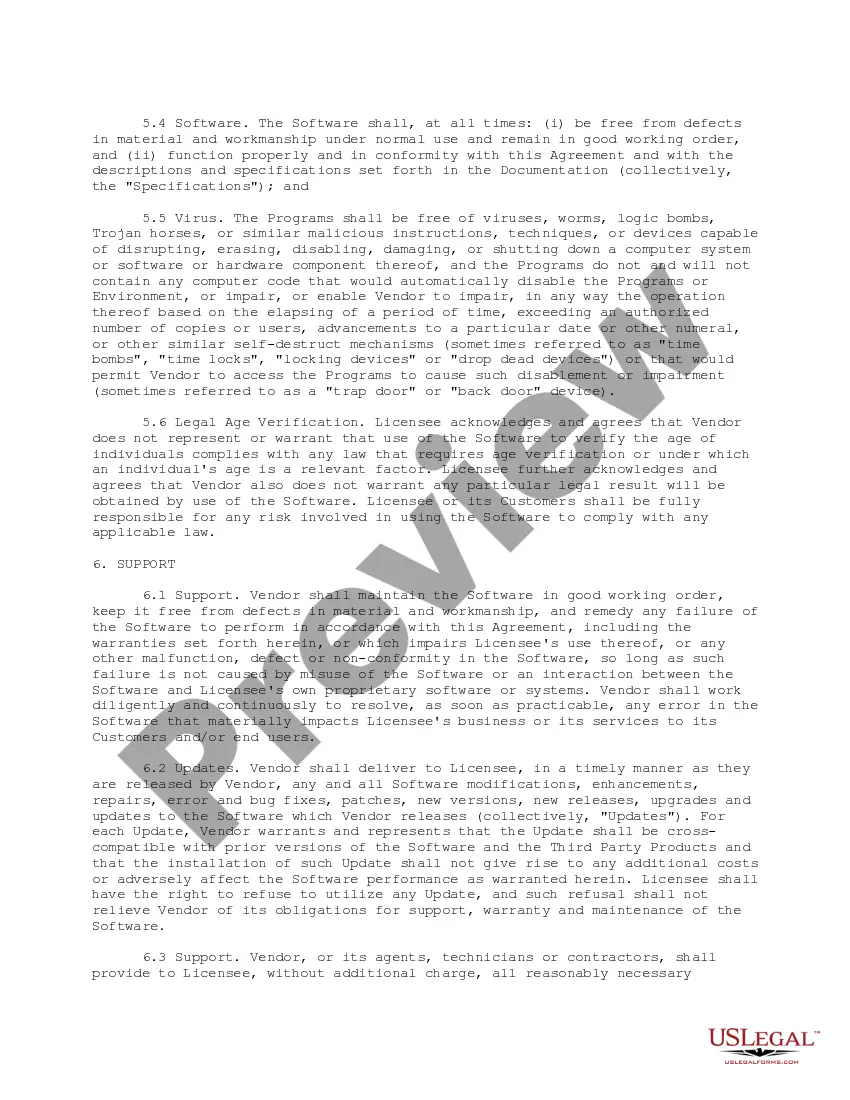
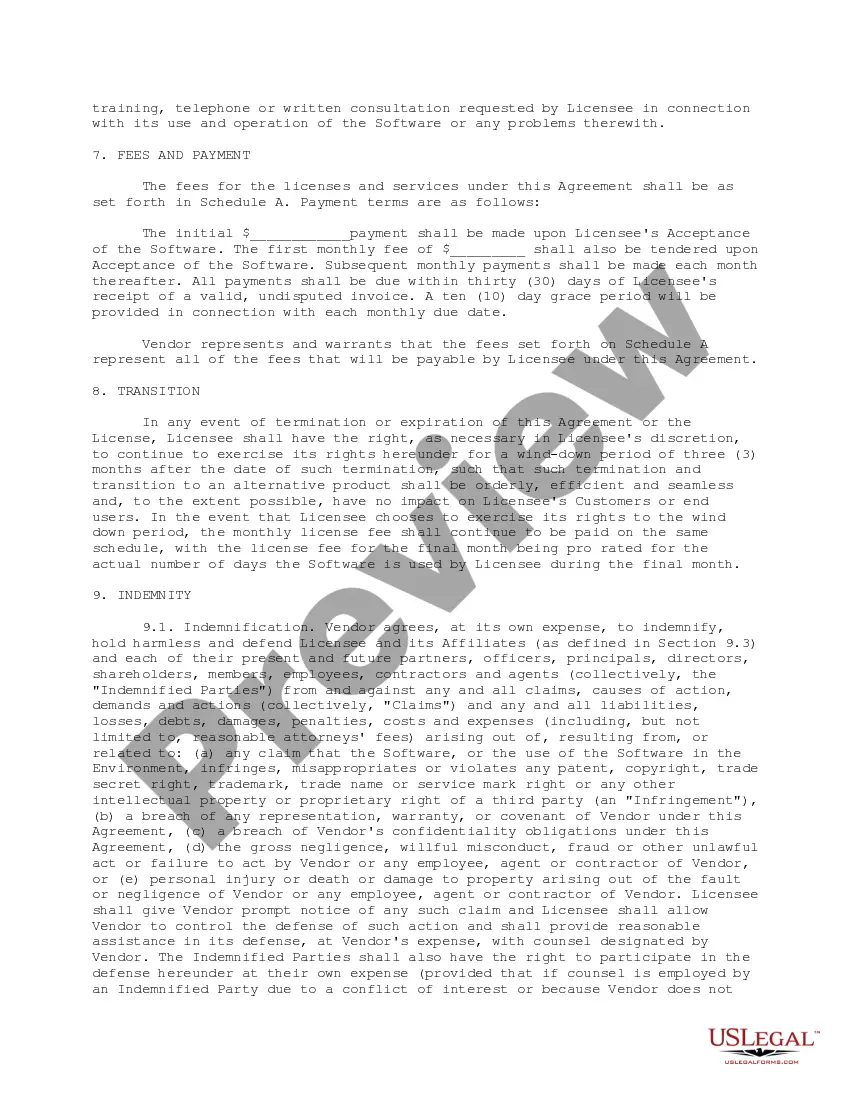
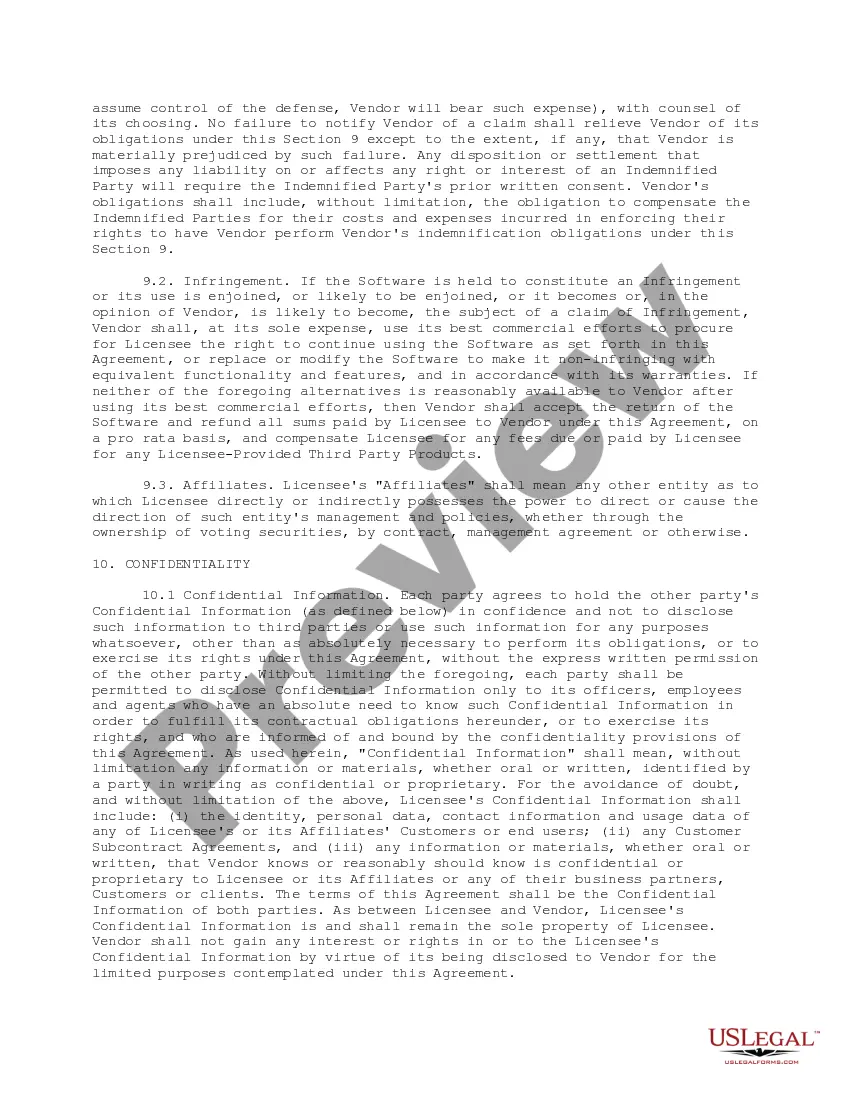
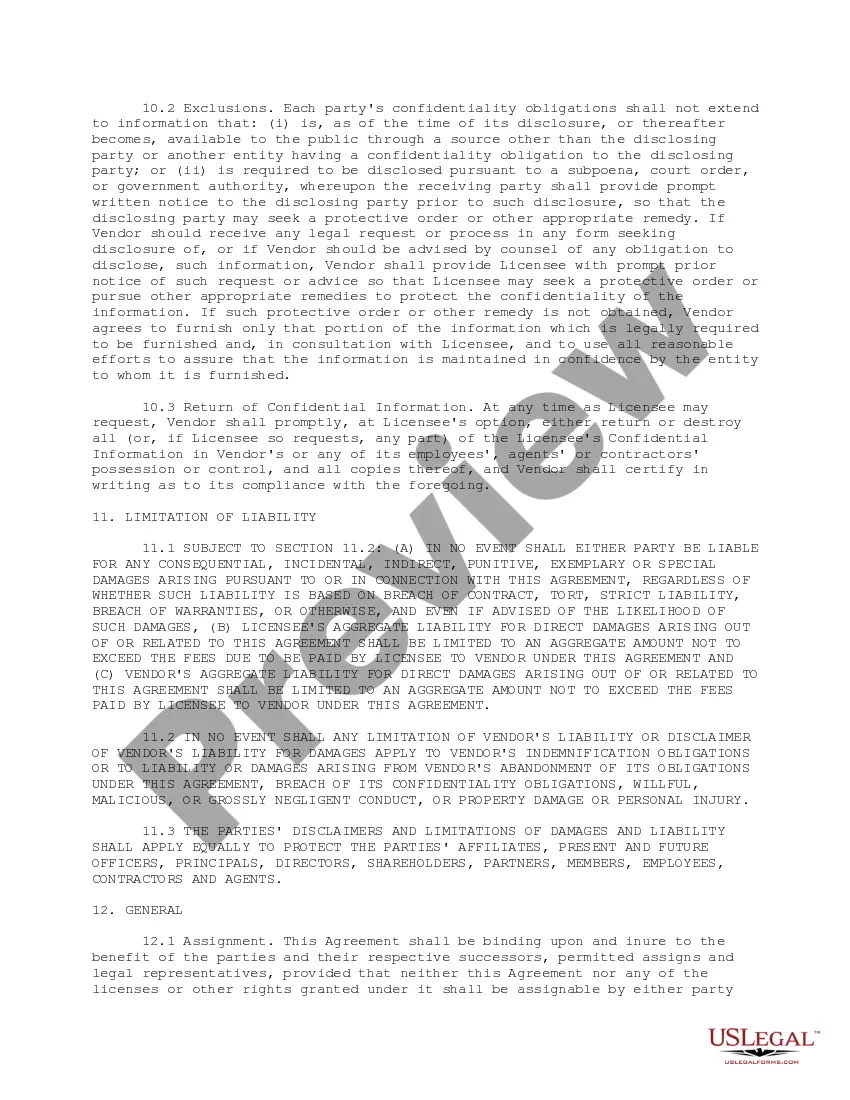
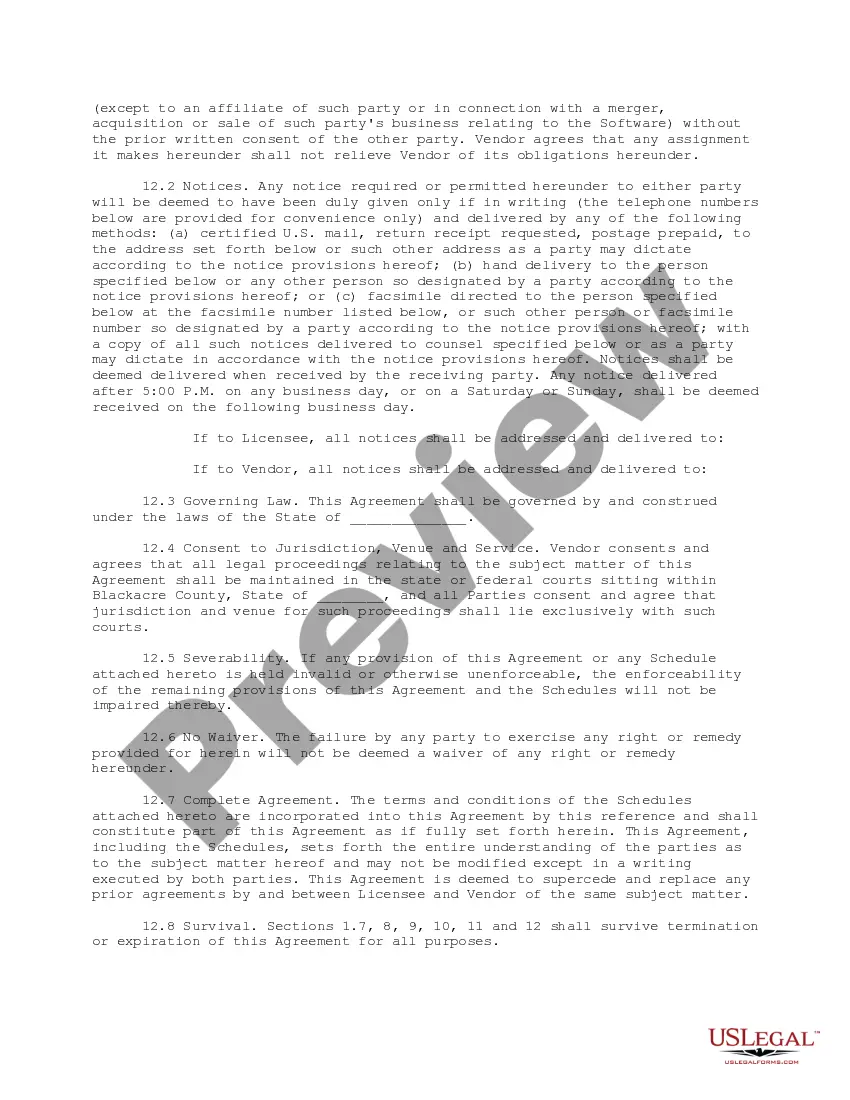
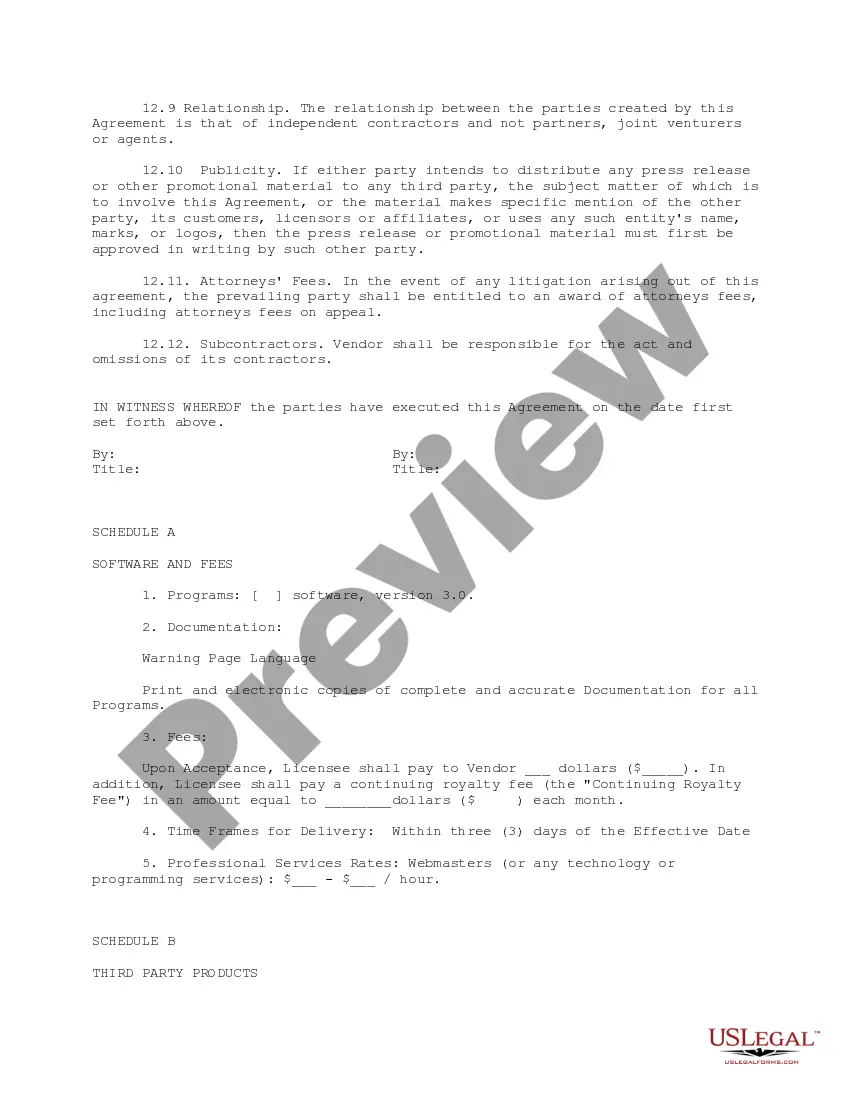
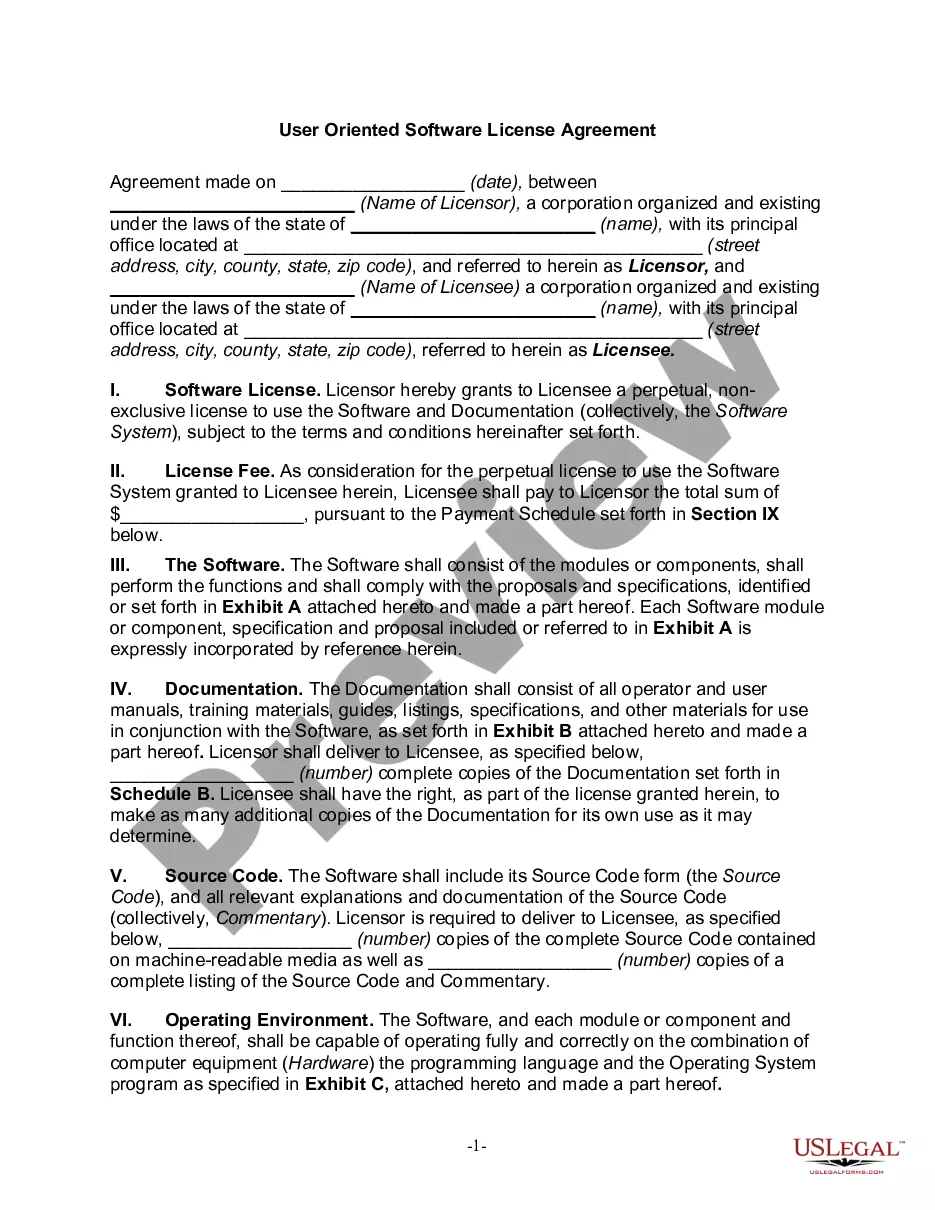
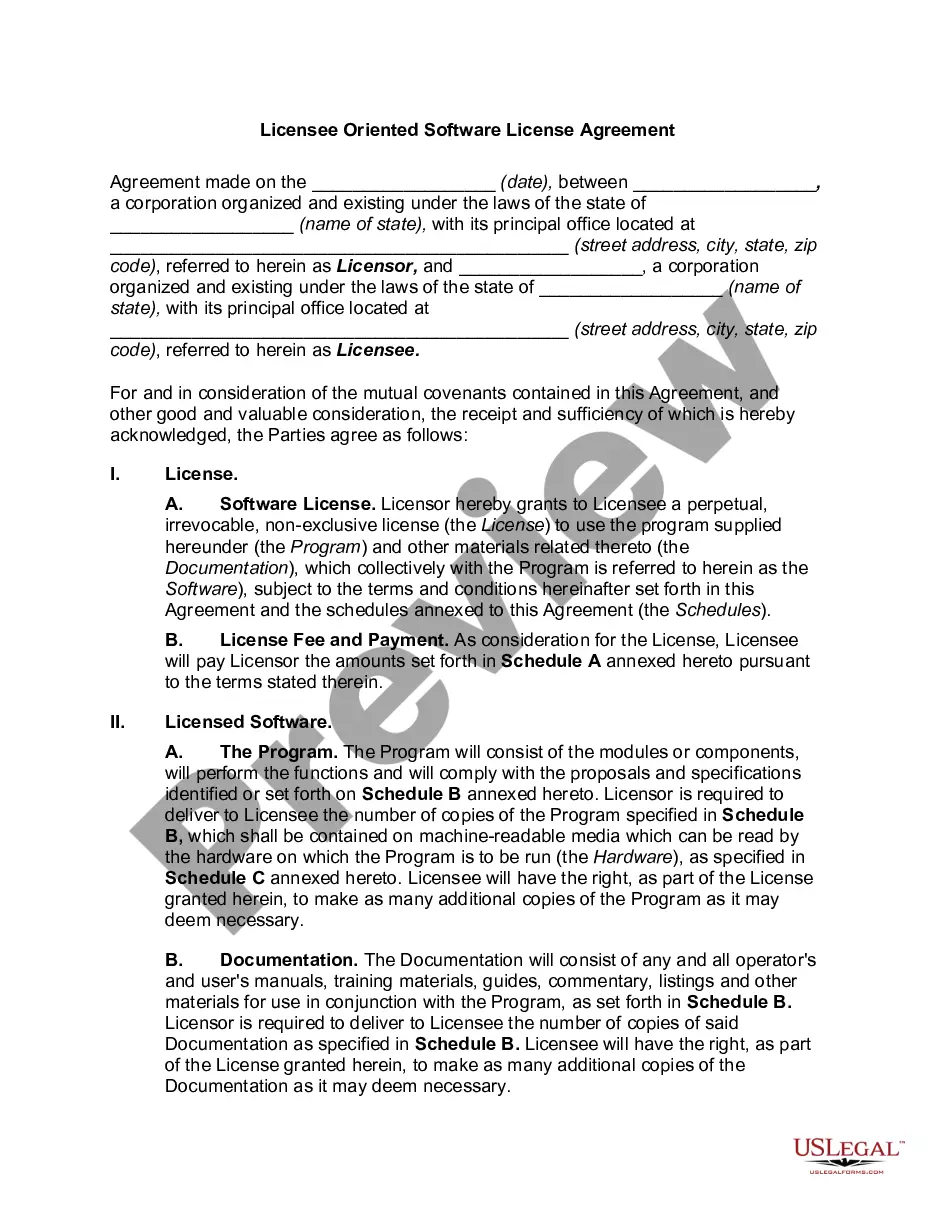
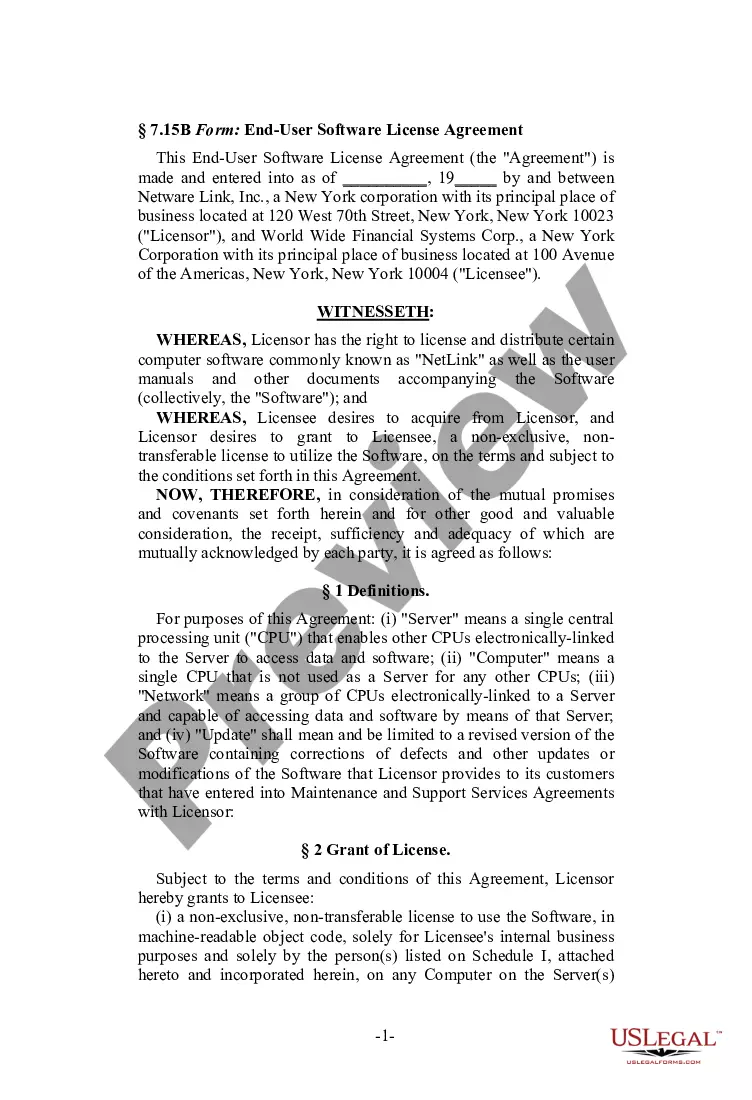
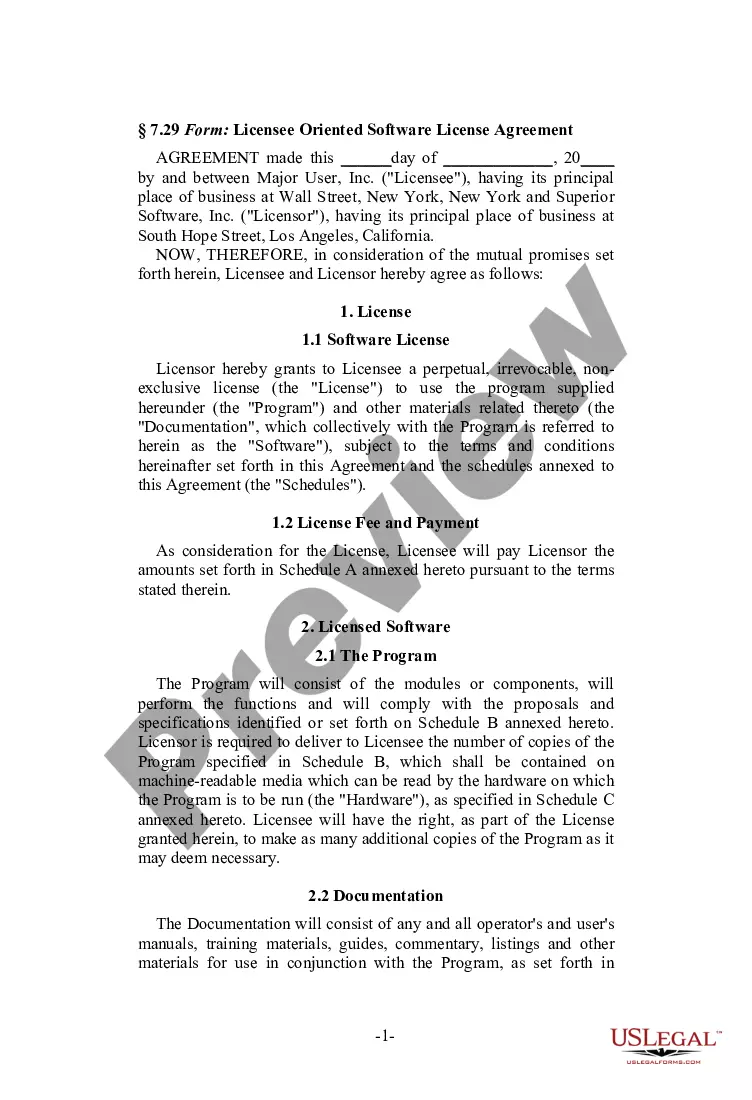
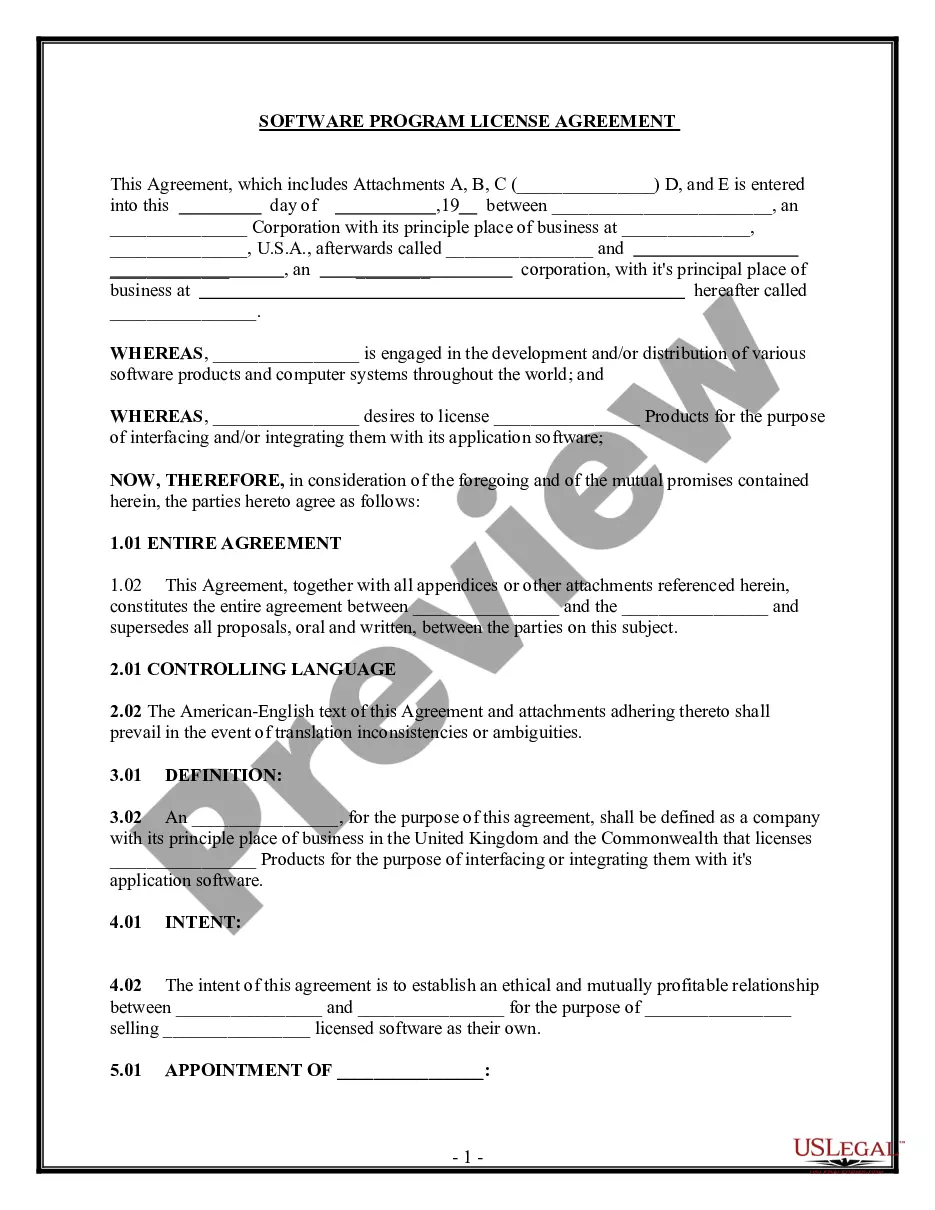
The Age Verification Software License Agreement is a legal document that grants the licensee permission to use the vendor's online age verification software. This agreement details the terms of use, limitations, and responsibilities of both parties, differentiating it from other software licenses by its specific focus on age verification in online services.
What’s included in this form
- Parties involved: Identifies the vendor and licensee entering the agreement.
- Software license details: Describes the scope and limitations of the software use.
- Term of the agreement: Outlines the duration for which the license is valid.
- Termination conditions: Discusses how and under what circumstances the agreement can be ended.
- Indemnification clauses: Specifies liability and protection for both parties regarding software use.

When this form is needed
This agreement should be used when a business or entity wishes to license age verification software from a vendor. It is particularly relevant for companies that provide online services requiring age-checking mechanisms to ensure compliance with legal obligations or industry standards.
Who needs this form
- Businesses that operate websites requiring age verification for users.
- Software vendors providing age verification technology.
- Legal representatives handling software distribution agreements.
Completing this form step by step
- Identify the parties: Fill in the names and addresses of the vendor and licensee.
- Specify the software: Clearly define the software being licensed as well as any associated documentation.
- Enter the effective date: Indicate when the agreement will commence.
- Outline the term: State the duration of the license and any options for renewal.
- Include signatures: Ensure that both parties sign and date the agreement to make it legally binding.
Notarization requirements for this form
This form does not typically require notarization to be legally valid. However, some jurisdictions or document types may still require it. US Legal Forms provides secure online notarization powered by Notarize, available 24/7 for added convenience.
Get your form ready online
Our built-in tools help you complete, sign, share, and store your documents in one place.
Make edits, fill in missing information, and update formatting in US Legal Forms—just like you would in MS Word.
Download a copy, print it, send it by email, or mail it via USPS—whatever works best for your next step.
Sign and collect signatures with our SignNow integration. Send to multiple recipients, set reminders, and more. Go Premium to unlock E-Sign.
If this form requires notarization, complete it online through a secure video call—no need to meet a notary in person or wait for an appointment.
We protect your documents and personal data by following strict security and privacy standards.

Make edits, fill in missing information, and update formatting in US Legal Forms—just like you would in MS Word.

Download a copy, print it, send it by email, or mail it via USPS—whatever works best for your next step.

Sign and collect signatures with our SignNow integration. Send to multiple recipients, set reminders, and more. Go Premium to unlock E-Sign.

If this form requires notarization, complete it online through a secure video call—no need to meet a notary in person or wait for an appointment.

We protect your documents and personal data by following strict security and privacy standards.
Typical mistakes to avoid
- Failing to specify the parties involved accurately.
- Neglecting to detail the specific software version and related documentation.
- Omitting key terms or conditions, particularly in the termination clause.
- Not signing the agreement, which can lead to it being unenforceable.
Why use this form online
- Easy access: Downloadable and editable, allowing for quick modifications.
- Convenience: Complete the form online from anywhere at any time.
- Professional assurance: Legal forms drafted by licensed attorneys ensure compliance.
Legal use & context
- This agreement ensures both parties understand their rights regarding the software use.
- It protects the vendor's intellectual property while granting necessary usage rights to the licensee.
- Failure to follow the terms outlined can lead to legal disputes or termination of the agreement.
Looking for another form?


Form popularity
FAQ
With digital identity verification (IDV), the consumer's personally identifiable information (PII) data such as name, address and date of birth is obtained with their consent, and the PII is then checked against data sources to see if the information matches in other words, it is established if the customer is indeed
An age verification system, also known as an age gate, is a technical protection measure used to restrict access to digital content from those that are not appropriately-aged.
2460 Open the LINE app, and tap on Settings in the main menu. Then tap Verify Identity, followed by Verify Identity Online. 2461 Enter the required information and choose which form of identification to submit. 2462 Take a photograph of the front and back of the ID, and upload.
AgeChecker.Net is an age verification technology used by online stores that sell age-restricted products such as electronic cigarettes, tobacco, alcohol, etc.Our job is to provide websites with legally accepted records showing that their sales have been age verified.
A computer security expert testifies that some minors carry plastic, so credit cards can't be used to enforce the Child Online Protection Act.
2460 Open the LINE app, and tap on Settings in the main menu. Then tap Verify Identity, followed by Verify Identity Online. 2461 Enter the required information and choose which form of identification to submit. 2462 Take a photograph of the front and back of the ID, and upload.
Adult content in Second Life (SL) is available to those Residents who verify their age to be 18 years or more. To verify your age, go to https://secondlife.com/my/account/verification.php, log in if you are not already, and confirm your date of birth.
Adult content in Second Life (SL) is available to those Residents who verify their age to be 18 years or more. To verify your age, go to https://secondlife.com/my/account/verification.php, log in if you are not already, and confirm your date of birth.