Quality Assurance Report
What is this form?
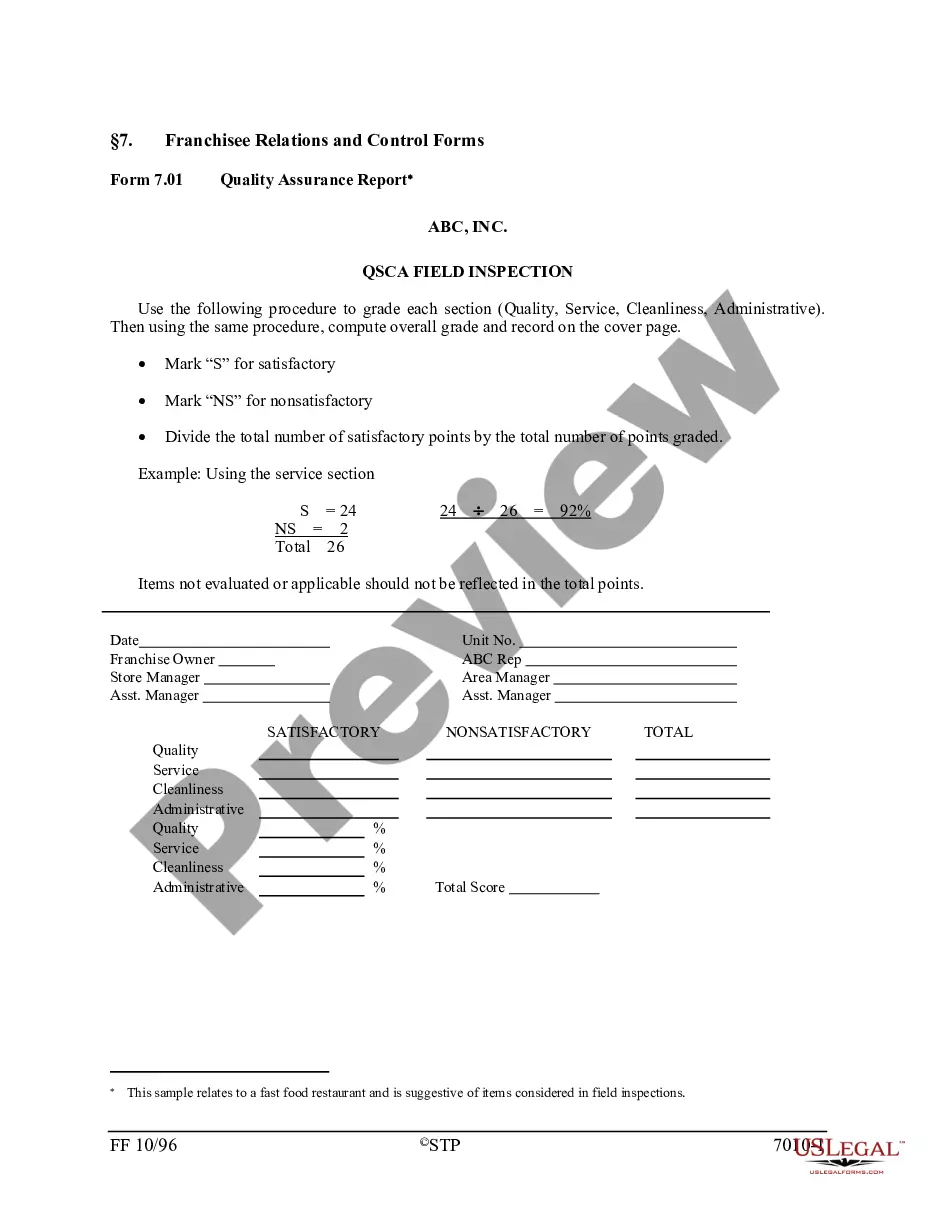
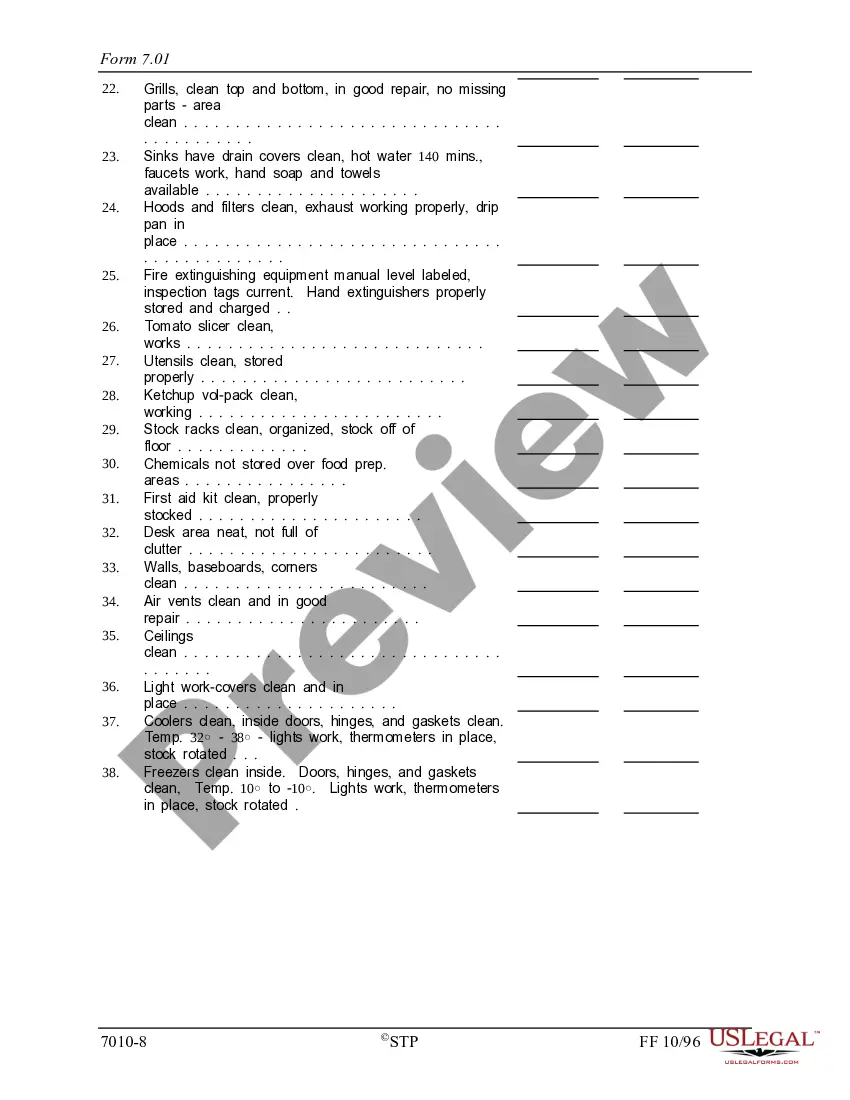
The Quality Assurance Report is a crucial document used to evaluate franchised establishments based on specific criteria such as quality, service, cleanliness, and administration. This form helps ensure consistency and standards within franchises, setting it apart from general inspection forms by focusing on these specific areas of assessment to maintain high operational standards.
Main sections of this form
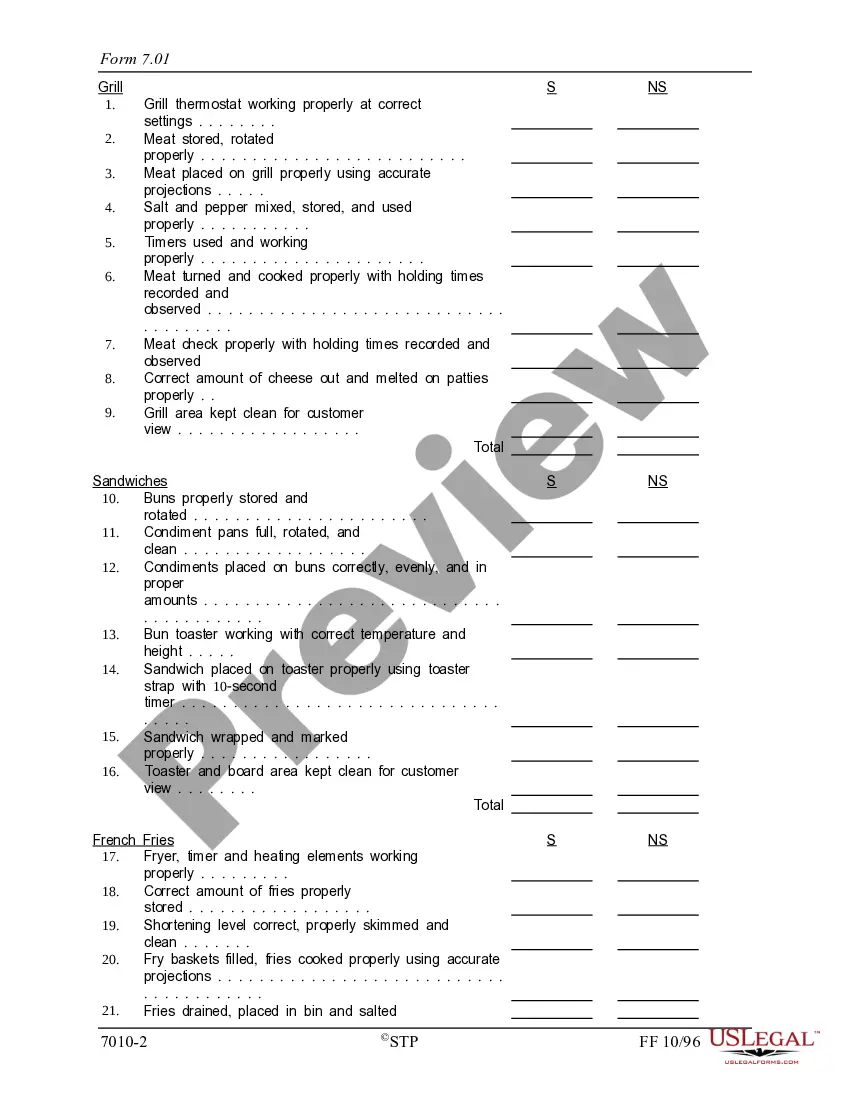
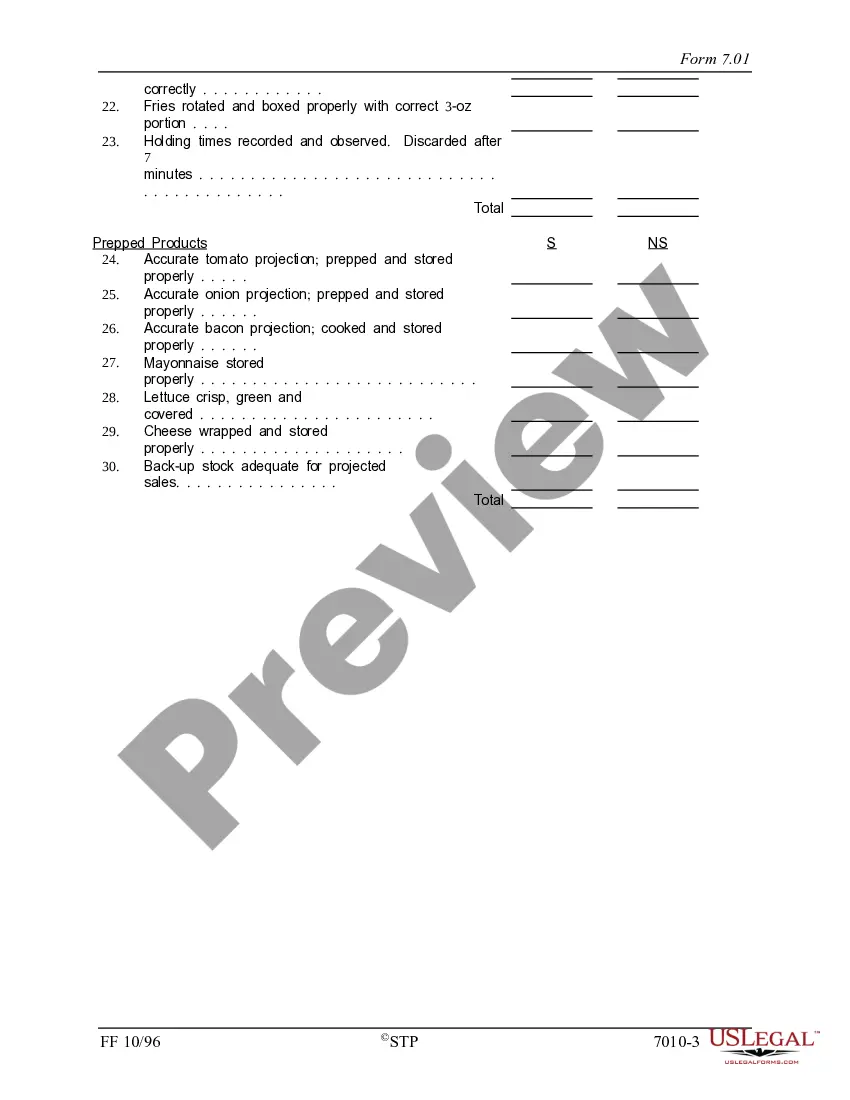
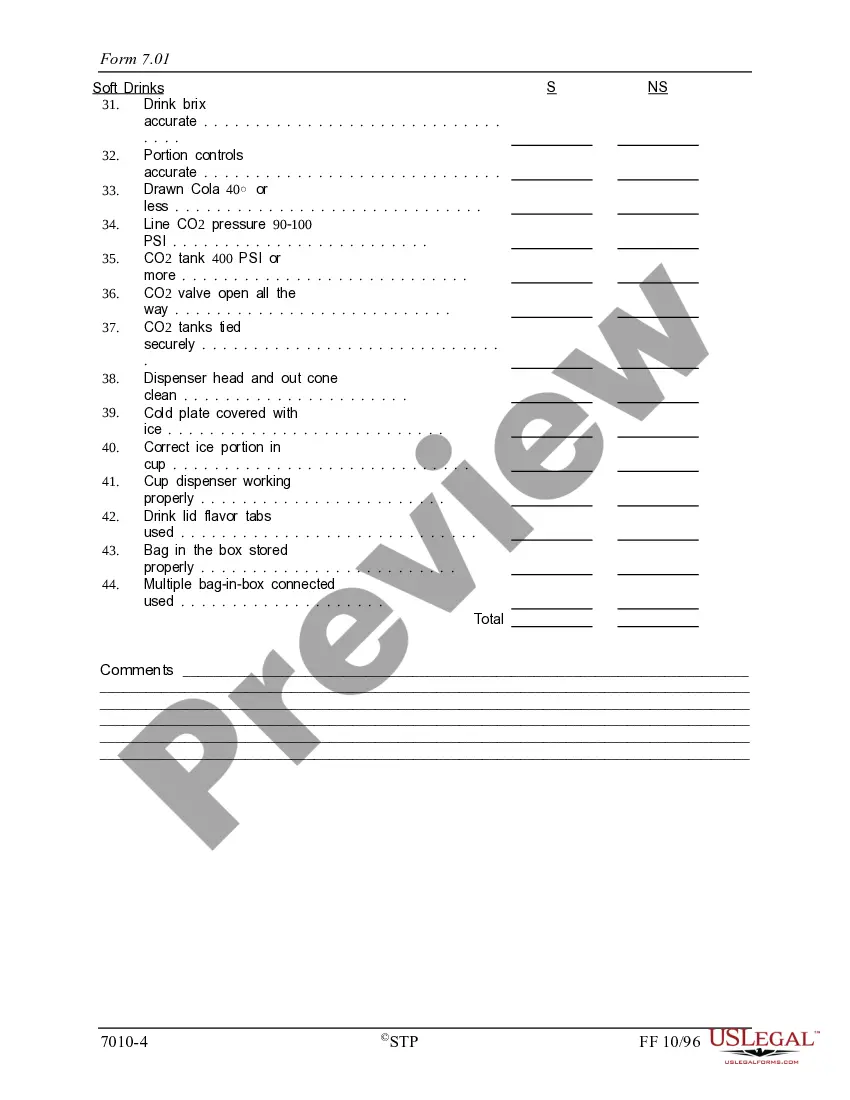
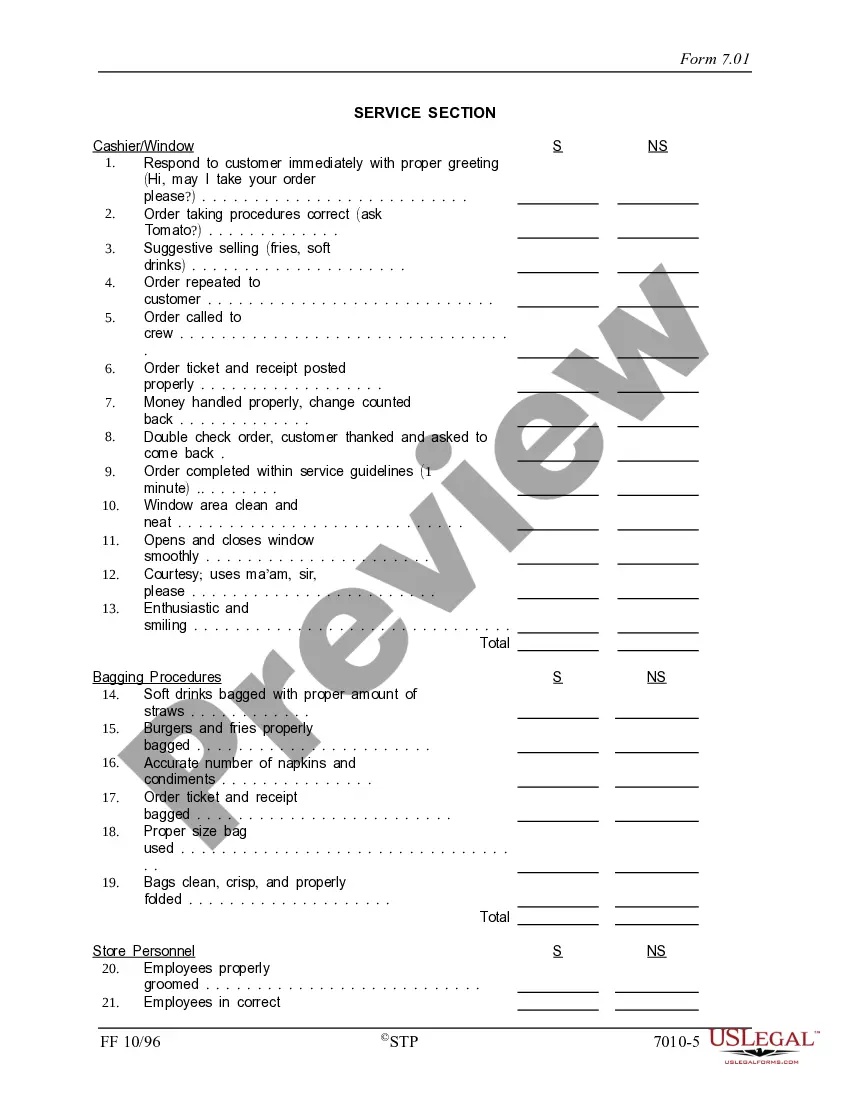
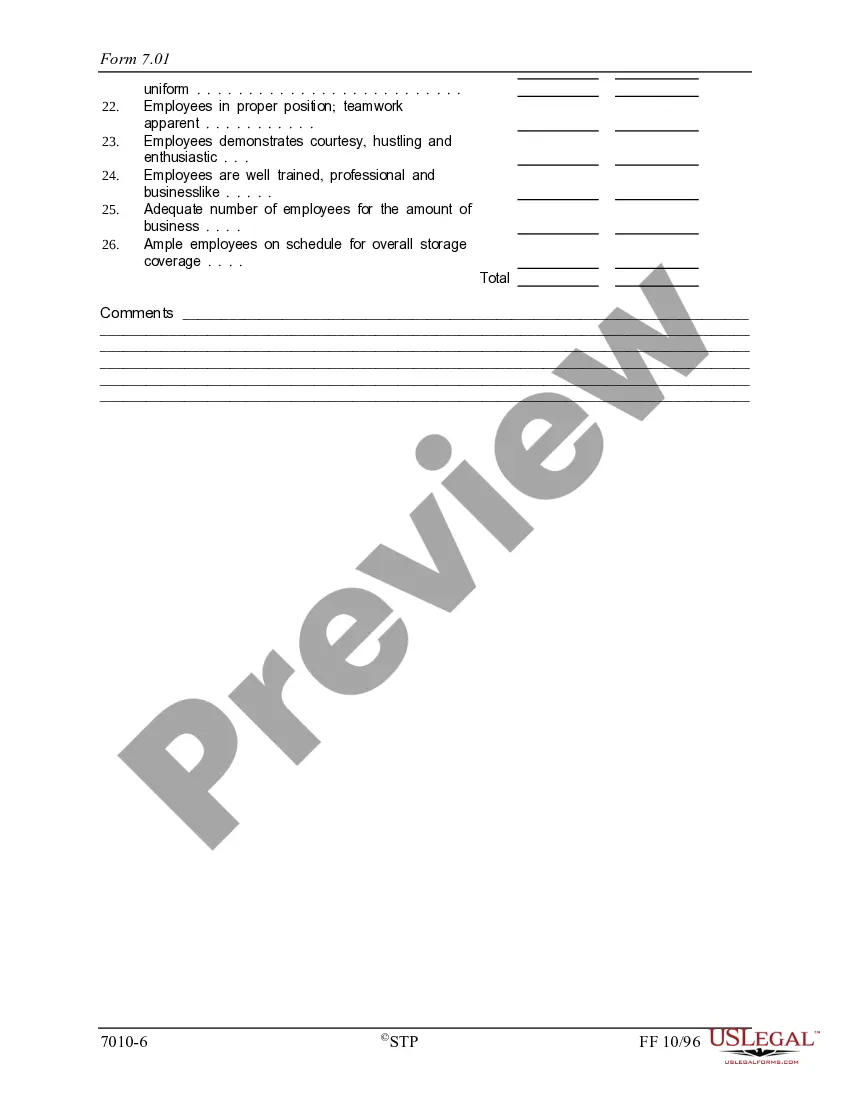
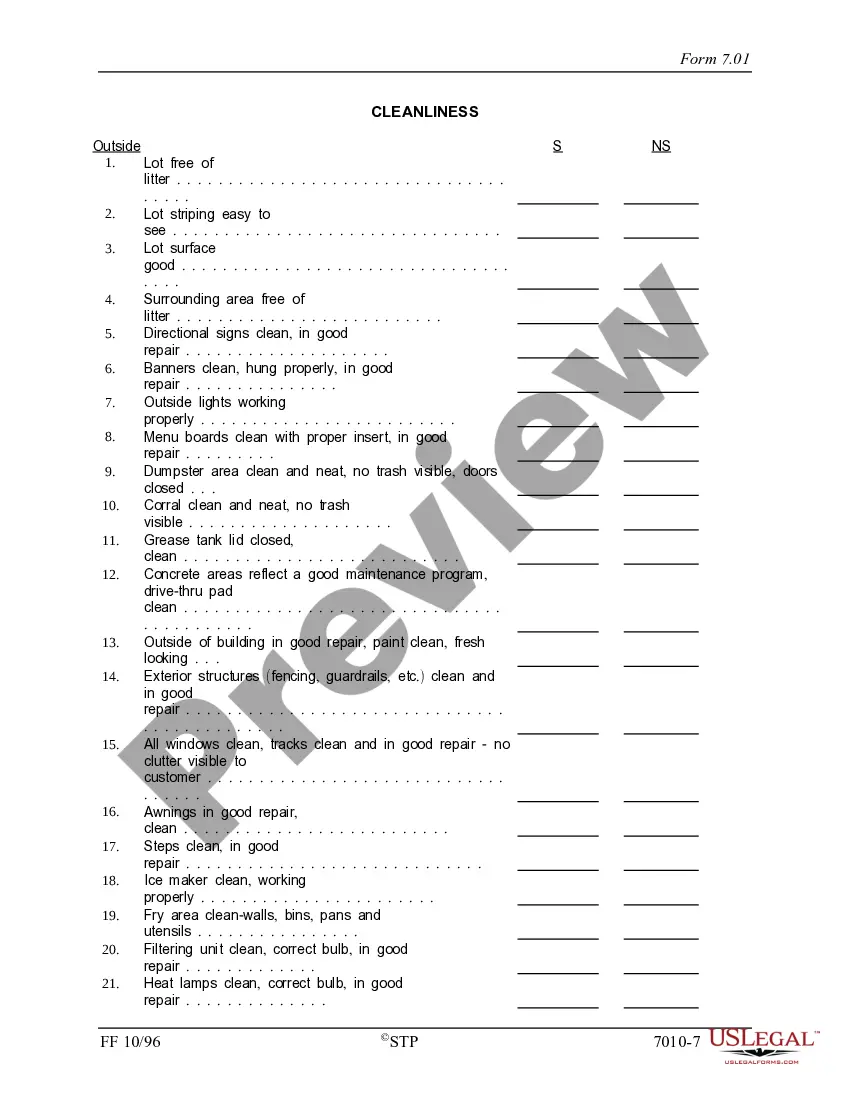
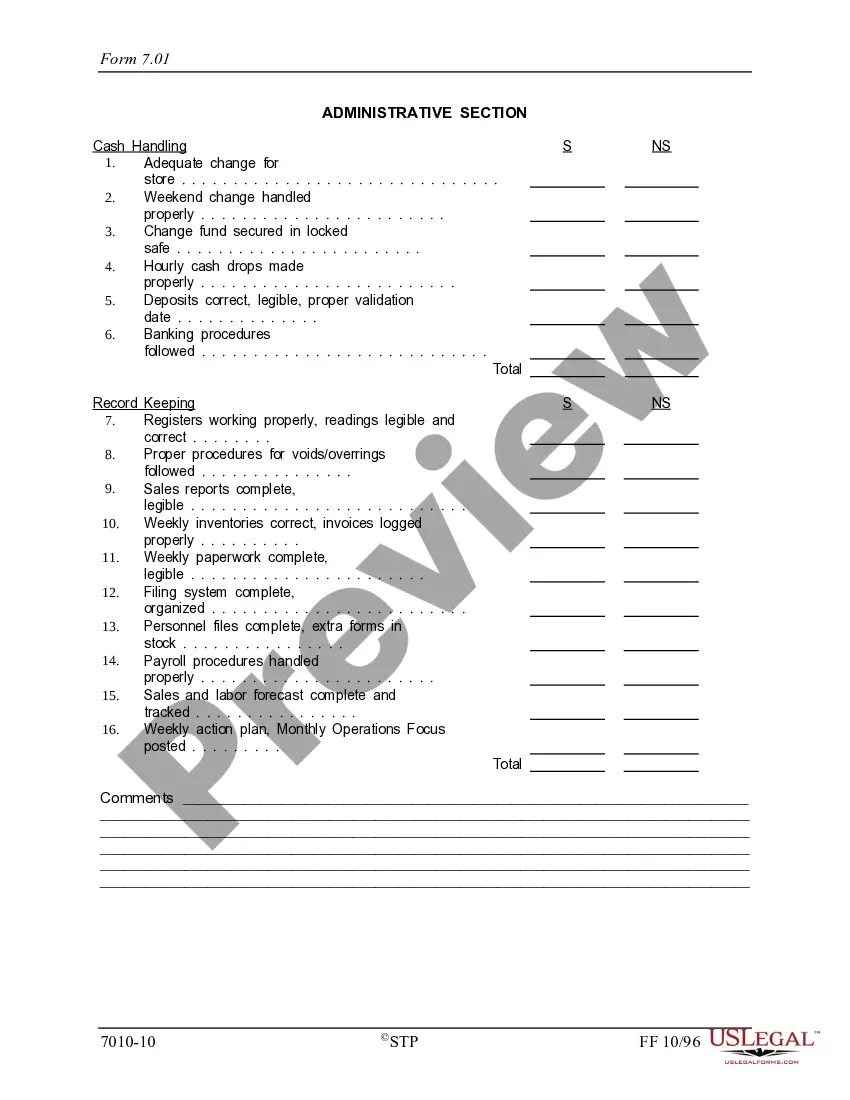
- Grading sections: Quality, Service, Cleanliness, and Administrative.
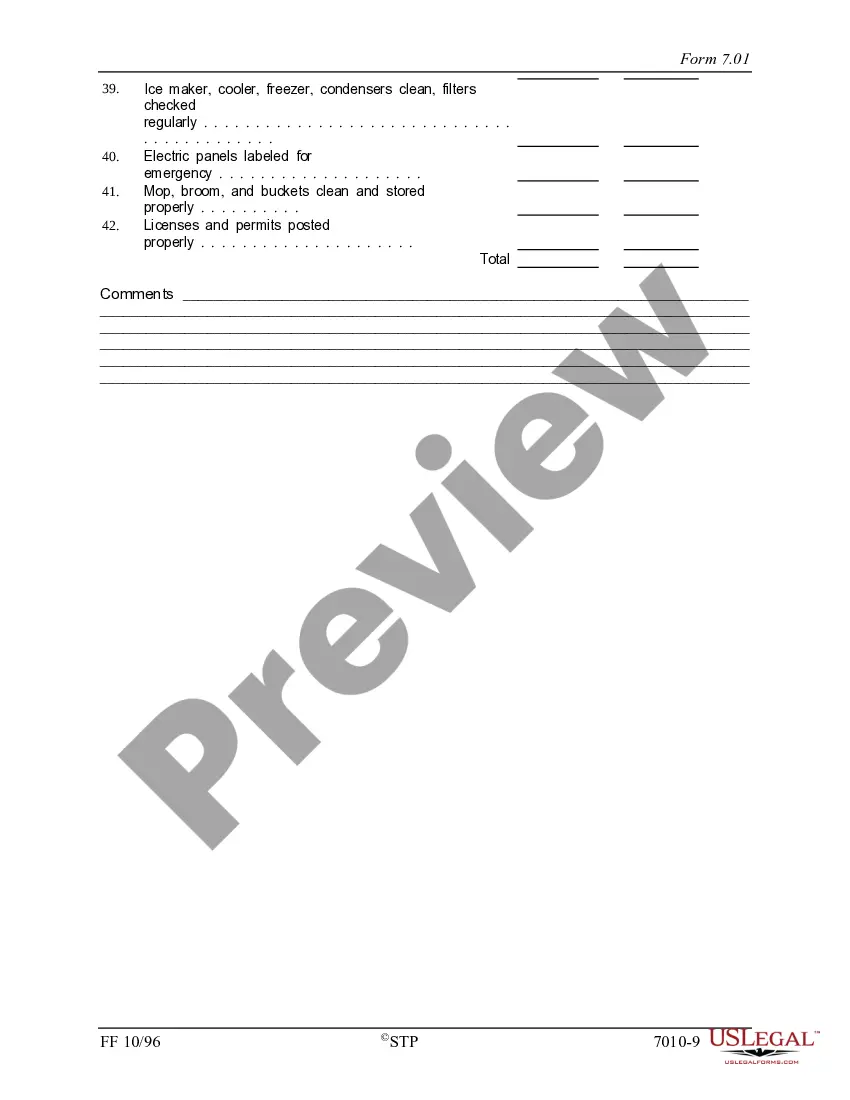
- Fields for satisfactory (S) and non-satisfactory (NS) evaluations.
- Overall grading computation to summarize the establishment's performance.
- Detailed criteria for assessment in each category.
- Opportunity for comments or notes about the evaluation process.
When to use this document
This form is typically used during franchise inspections to assess adherence to operational standards. It is ideal for use when establishing benchmarks for quality control, identifying areas for improvement, and ensuring compliance with franchise agreements. It can also be useful for management to monitor performance regularly.
Intended users of this form
- Franchise owners and managers responsible for maintaining quality standards.
- Franchise inspection teams evaluating operational performance.
- Quality assurance professionals monitoring franchises.
- Area managers overseeing multiple franchise locations.
How to prepare this document
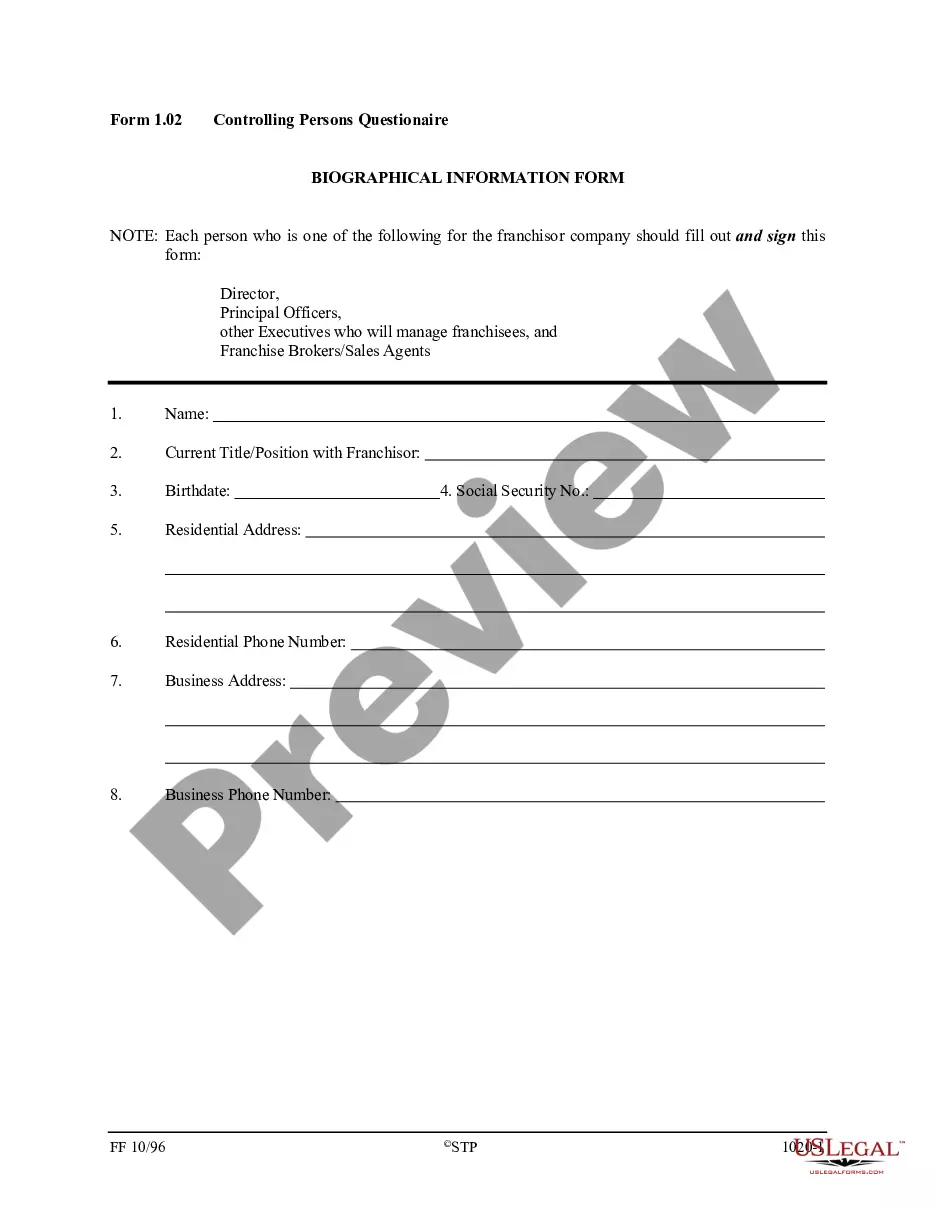
- Enter the date, unit number, and names of the franchise owner and representatives in the provided fields.
- Evaluate each section (Quality, Service, Cleanliness, Administrative) and assign marks for satisfactory or non-satisfactory as per the criteria listed.
- Calculate the overall grade by dividing the total satisfactory points by the total points graded, and record this on the cover page.
- Provide comments or notes that can elaborate on specific evaluations or explain any challenges encountered during the assessment.
- Ensure that all staff involved in the operations are aware of the grading process to maintain transparency and accountability.
Notarization requirements for this form
This form does not typically require notarization unless specified by local law.
Get your form ready online
Our built-in tools help you complete, sign, share, and store your documents in one place.
Make edits, fill in missing information, and update formatting in US Legal Forms—just like you would in MS Word.
Download a copy, print it, send it by email, or mail it via USPS—whatever works best for your next step.
Sign and collect signatures with our SignNow integration. Send to multiple recipients, set reminders, and more. Go Premium to unlock E-Sign.
If this form requires notarization, complete it online through a secure video call—no need to meet a notary in person or wait for an appointment.
We protect your documents and personal data by following strict security and privacy standards.

Make edits, fill in missing information, and update formatting in US Legal Forms—just like you would in MS Word.

Download a copy, print it, send it by email, or mail it via USPS—whatever works best for your next step.

Sign and collect signatures with our SignNow integration. Send to multiple recipients, set reminders, and more. Go Premium to unlock E-Sign.

If this form requires notarization, complete it online through a secure video call—no need to meet a notary in person or wait for an appointment.

We protect your documents and personal data by following strict security and privacy standards.
Common mistakes
- Failing to evaluate all sections completely, leading to an incomplete assessment.
- Not calculating the overall grade accurately.
- Skipping the comments section which can clarify evaluation results.
- Inconsistent marking due to lack of understanding of evaluation criteria.
Benefits of completing this form online
- Easy access to the form anytime, allowing for quick evaluations.
- Editable fields enable customization according to specific franchise requirements.
- Secure storage for keeping records of inspections for future reference.
- Built-in guidance minimizes errors during the completion of the report.
Legal use & context
- This form serves as a certification of compliance with quality standards set forth in franchise agreements.
- Maintaining documentation helps protect the franchisor and franchisee in case of disputes or audits.
- Inaccurate or incomplete reports can lead to compliance issues, affecting franchise operations.
What to keep in mind
- The Quality Assurance Report is essential for maintaining franchise performance standards.
- A thorough understanding of evaluation criteria is crucial for accurate assessments.
- Regular use of the form helps in identifying weaknesses and implementing improvements.
- Franchised establishment: A business that is part of a larger chain and operates under the brand and business model of the franchisor.
- Satisfactory (S): A rating indicating that a specific area meets the acceptable performance standard.
- Non-satisfactory (NS): A rating indicating that a specific area does not meet the acceptable performance standard.
Looking for another form?




Form popularity
FAQ
Examples of quality assurance activities include process checklists, process standards, process documentation and project audit. Examples of quality control activities include inspection, deliverable peer reviews and the software testing process.
Data Conversion Testing. When a company migrates data to a new software, it becomes vulnerable. Regression Testing. In order for a software company to grow, the product needs to do the same. Mobile Testing. Mobile devices are inherently different than traditional computer environments. User Acceptance Testing.
Plan Your Reporting Project. Select Measures To Report. Translate Data Into Information. Explain and Motivate Use. Distribute Your Quality Report. Promote Your Quality Report. Assess Your Reporting Project. Resources. Comparative Report Profiles. Writing Tips. Design Tips. Cognitive Testing. Presentations on Reporting.
A quality report is defined as a report conveying information about the quality of a statistical product or process (Eurostat, 2010b). It contains text, one or more quality indicators or a combination of both and it can be recorded on paper, in a file or a database.
Quality assurance can be defined as "part of quality management focused on providing confidence that quality requirements will be fulfilled." The confidence provided by quality assurance is twofoldinternally to management and externally to customers, government agencies, regulators, certifiers, and third parties.
Establish the Goal of the Quality Assurance Report. Begin your QA report by specifying what your goal is. Specify the Auditing or Testing Methodology Used. Explain the Findings in Your QA Report. Provide an Actionable Conclusion. Offer Recommendations and Appendices. Conduct Quality Assurance Regularly.
Plan Your Reporting Project. Select Measures To Report. Translate Data Into Information. Explain and Motivate Use. Distribute Your Quality Report. Promote Your Quality Report. Assess Your Reporting Project. Resources. Comparative Report Profiles. Writing Tips. Design Tips. Cognitive Testing. Presentations on Reporting.
The three parts of quality assurance are determining use objectives, setting specifications, and assessment of results.
A QA report is a document that captures QA productivity metrics and performance data as well as translates valuable QA insight into actionable next steps for the business.