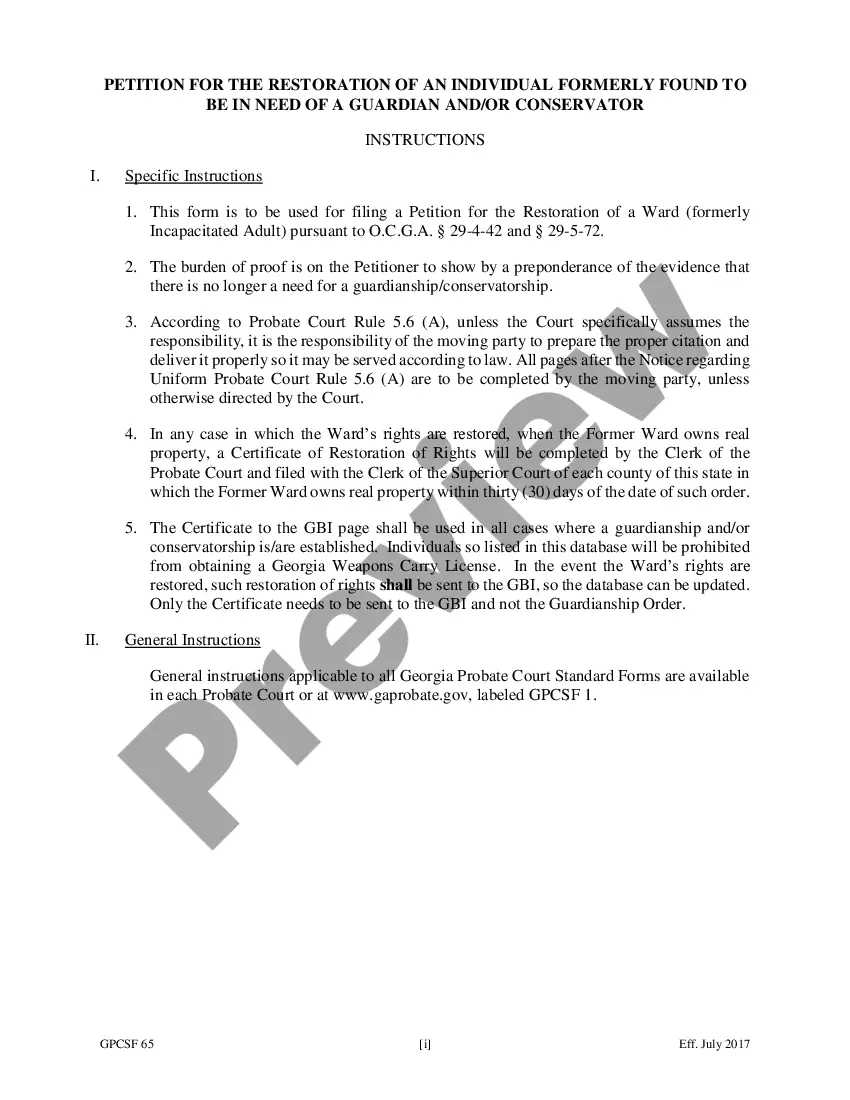
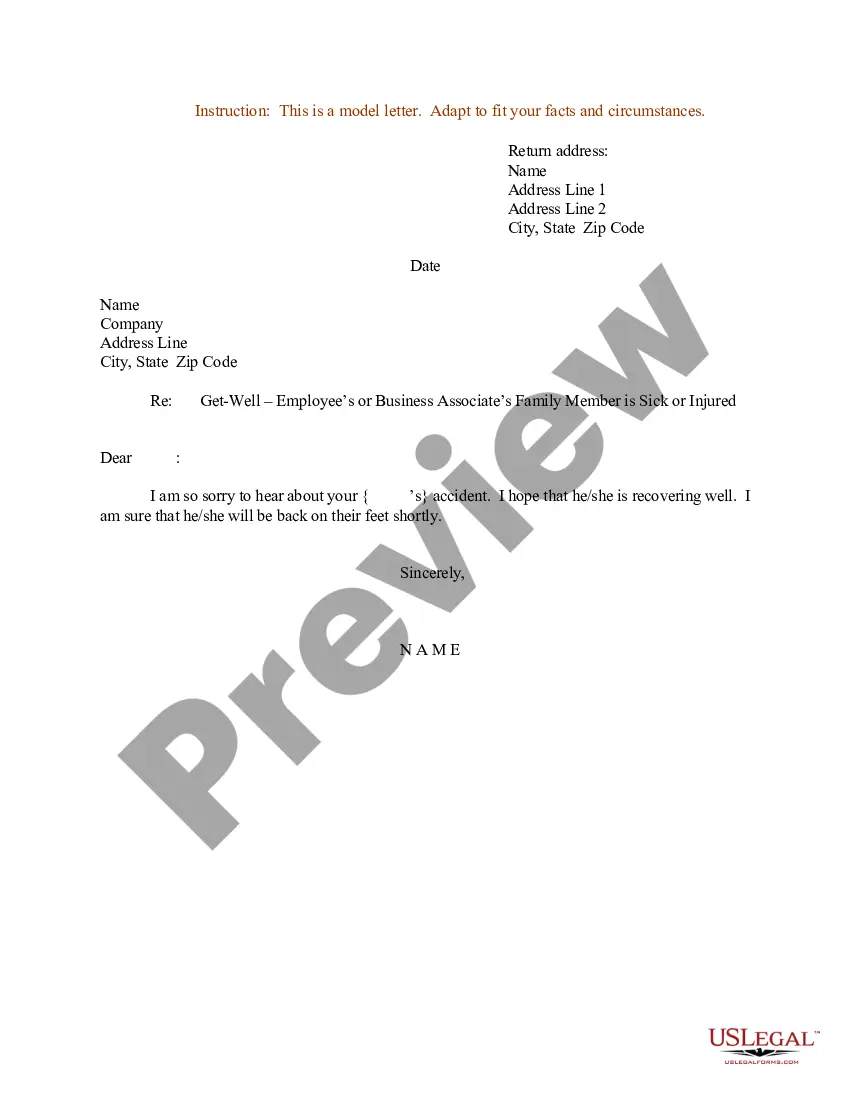
Sample Letter for Get Well Message to Employee concerning Sick Relative
What is this form?
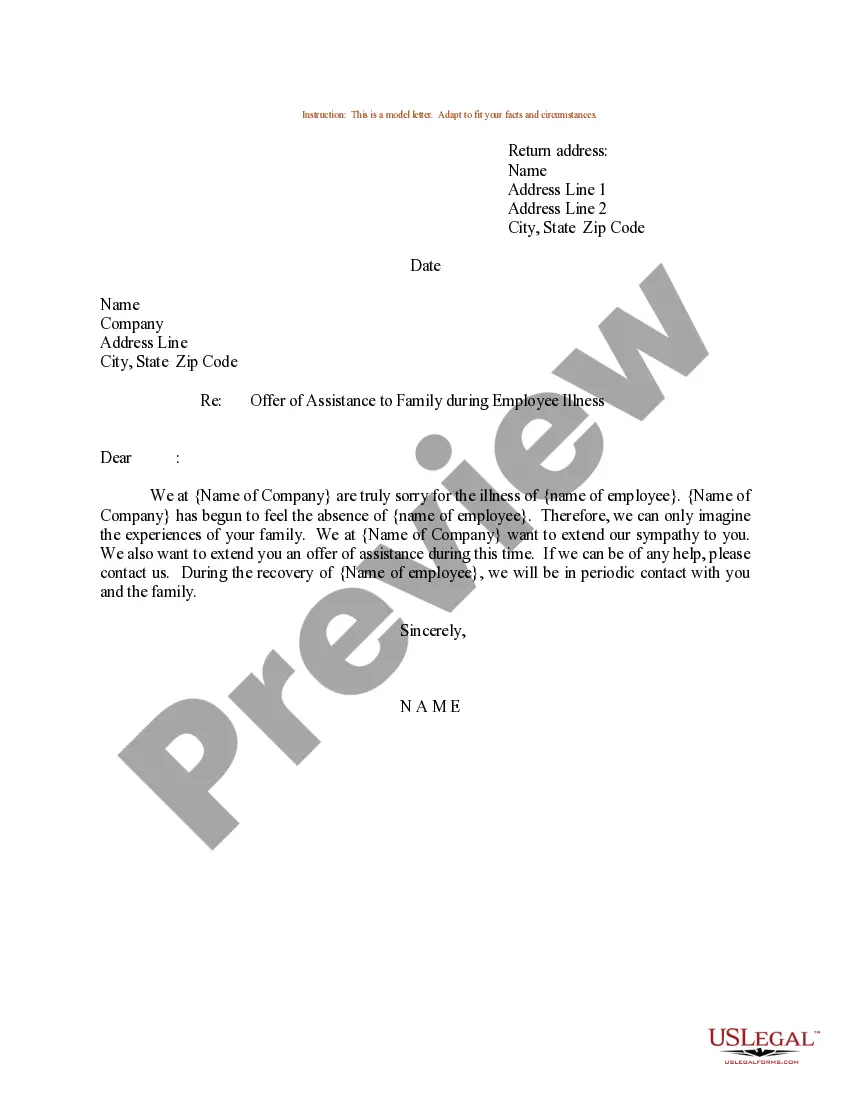
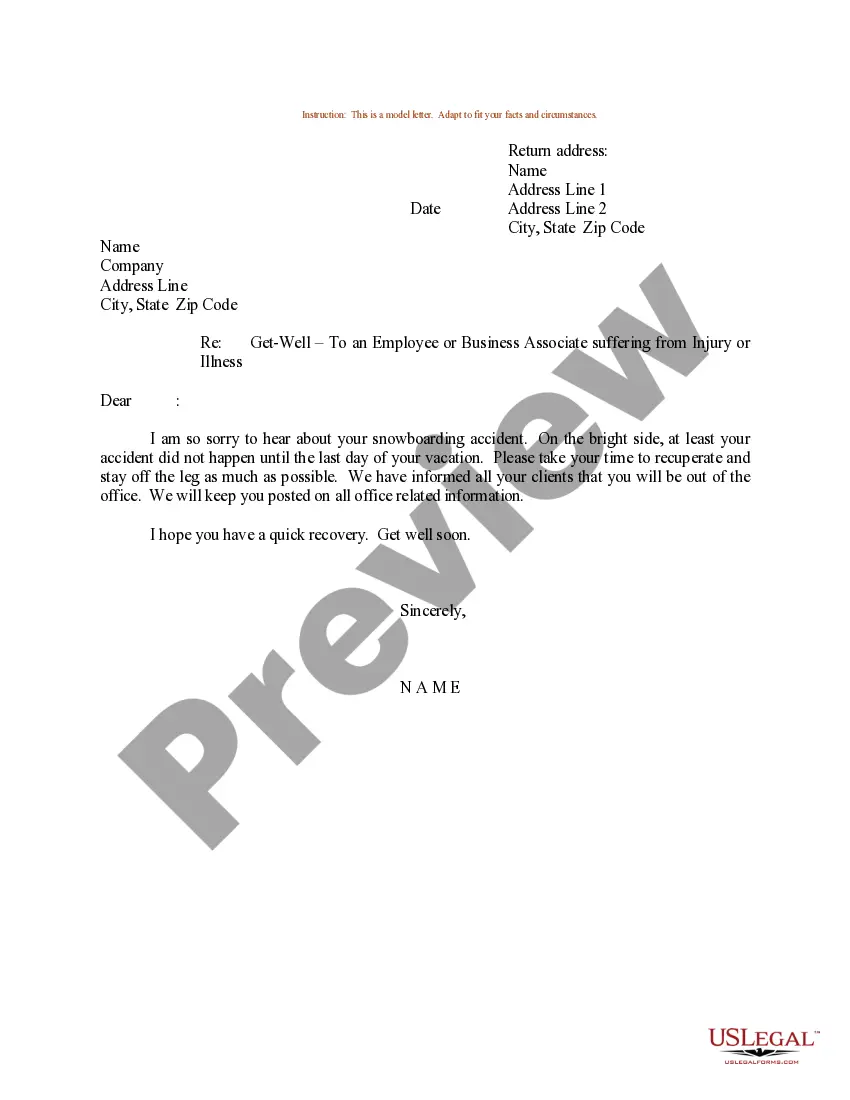
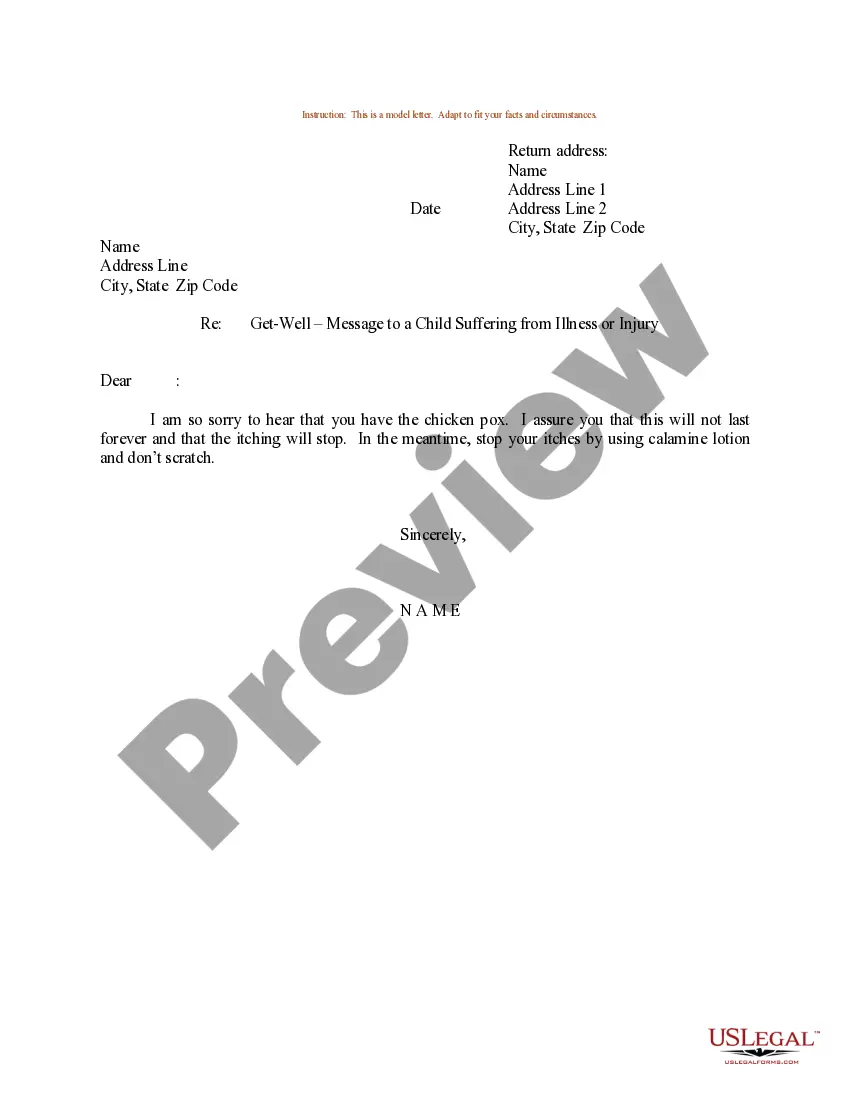
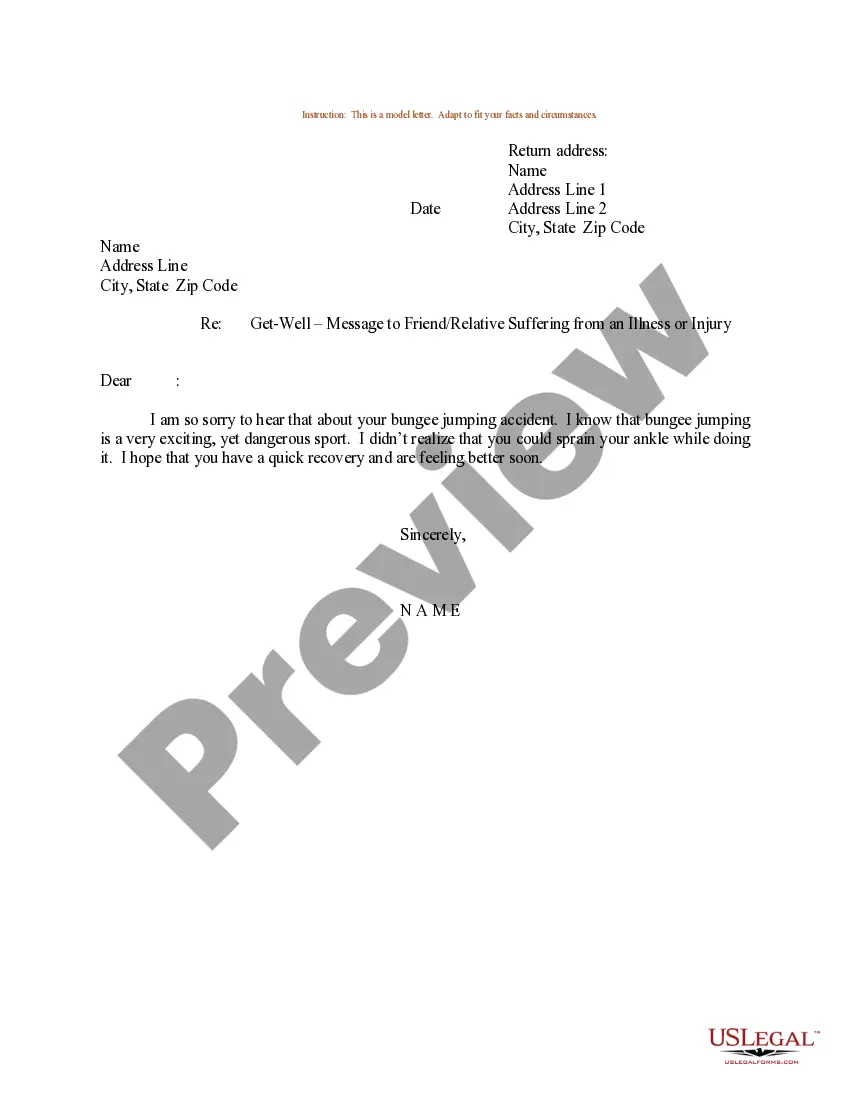
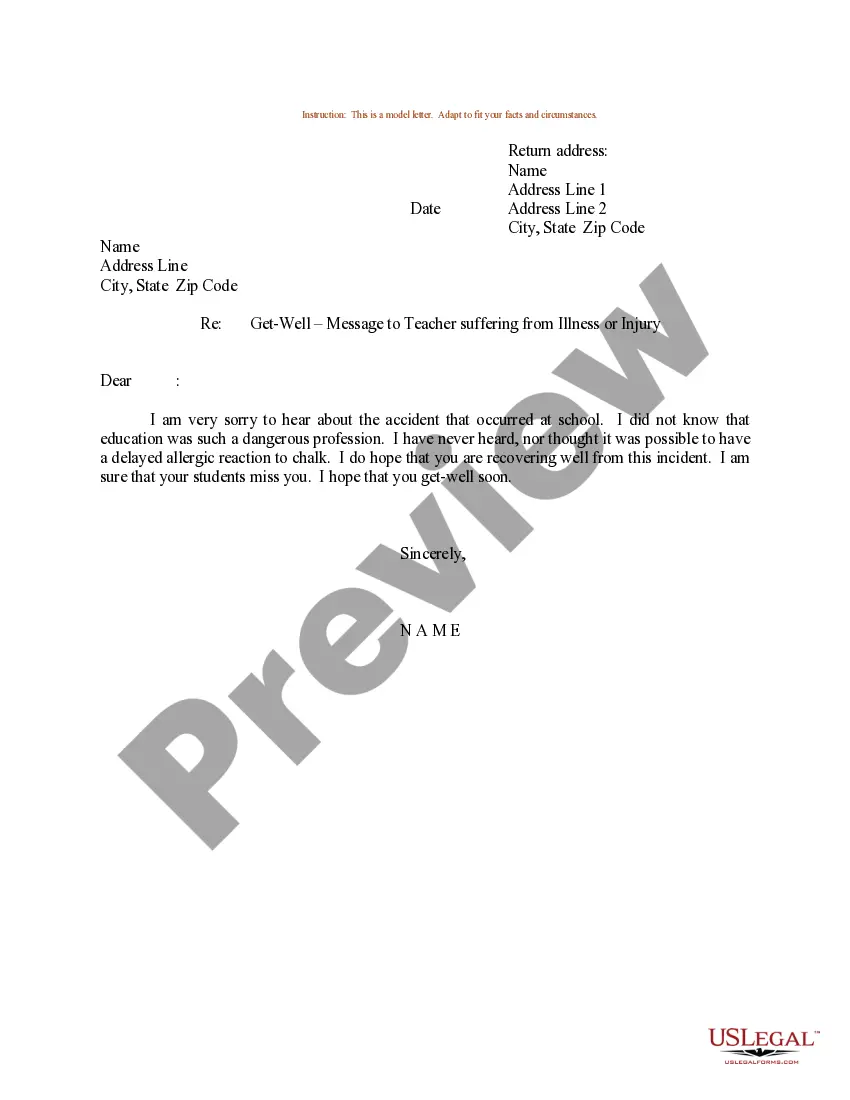
The Sample Letter for Get Well Message to Employee concerning Sick Relative is a template designed to convey support to an employee whose family member is ill or injured. This form helps employers maintain a positive workplace by showing care and empathy during a difficult time. Unlike other formal communication templates, this specific letter expresses employee concern rather than focusing strictly on professional topics.
Main sections of this form
- Return address: Your personal or company address.
- Date: The date on which the letter is written.
- Recipient's address: The address of the employee receiving the message.
- Subject line: Clearly states the purpose of the letter.
- Personal message: A supportive note expressing concern for the employee's family member.
When to use this form
This form is useful in situations where an employee informs their employer about a sick relative. Companies can use this letter to express sympathy and support, fostering a compassionate workplace environment. It is also appropriate for leaders and managers to send to subordinates to encourage openness about personal issues and demonstrate emotional support.
Who this form is for
- Employers looking to support their employees during challenging times.
- Managers who want to maintain a supportive workplace culture.
- HR professionals tasked with employee relations and morale maintenance.
Instructions for completing this form
- Identify the return address and include your name and contact details.
- Write the date, ensuring it reflects when the letter is prepared.
- Input the recipient's details, including their name and address.
- Craft a personal and supportive message acknowledging the employeeâs situation.
- Sign the letter, ensuring a personal touch to convey sincerity.
Notarization guidance
In most cases, this form does not require notarization. However, some jurisdictions or signing circumstances might. US Legal Forms offers online notarization powered by Notarize, accessible 24/7 for a quick, remote process.
Get your form ready online
Our built-in tools help you complete, sign, share, and store your documents in one place.
Make edits, fill in missing information, and update formatting in US Legal Forms—just like you would in MS Word.
Download a copy, print it, send it by email, or mail it via USPS—whatever works best for your next step.
Sign and collect signatures with our SignNow integration. Send to multiple recipients, set reminders, and more. Go Premium to unlock E-Sign.
If this form requires notarization, complete it online through a secure video call—no need to meet a notary in person or wait for an appointment.
We protect your documents and personal data by following strict security and privacy standards.

Make edits, fill in missing information, and update formatting in US Legal Forms—just like you would in MS Word.

Download a copy, print it, send it by email, or mail it via USPS—whatever works best for your next step.

Sign and collect signatures with our SignNow integration. Send to multiple recipients, set reminders, and more. Go Premium to unlock E-Sign.

If this form requires notarization, complete it online through a secure video call—no need to meet a notary in person or wait for an appointment.

We protect your documents and personal data by following strict security and privacy standards.
Typical mistakes to avoid
- Using overly formal language that may come off as insincere.
- Failing to include a personal touch, such as a handwritten signature.
- Neglecting to address the specific situation that the employee is facing.
Why use this form online
- Convenience of easy accessibility, allowing for quick modifications.
- Editability allows tailoring to reflect personal sentiments.
- Reliable format and language crafted by legal professionals to ensure appropriateness.
Quick recap
- This letter template helps express compassion to employees in difficult personal situations.
- Employers should ensure the letter maintains a personal and empathetic tone.
- The form can be used across various states, offering flexibility in its application.
Looking for another form?

Form popularity
FAQ
Reason for your absence. How long you'll be absent from work. Address your availability to communicate. Clarify whether you'll work or not. Doctor's note and other documentation. Name your point person. Professional Closing.
I am very sorry to know that you have been lying in the hospital..... Fever Is common these days I think your fever Is due to the change in weather!!!! hope you will get well soon.. I pray to God that you may soon recover from your sickness .
Reason for your absence. Number of days that you will be out of the office. Whether or not you will answer urgent emails and calls. Doctor's note, if applicable. Name of the contact person who will handle your workload.
I can't stop thinking about you and all you must be going through. Thank you for being the kind of friend I strive to be. You're the strongest person I know, and the best friend I've ever had. You're always in my thoughts, and I'm so grateful to have had you in my life.
The most effective and efficient way to announce that an employee is leaving your company is to send an email with all of the key information. This email should include who the departing employee is, when they are leaving and who will be handling their responsibilities in the short and long term.
Writing Your Letter Follow the business letter format. Briefly explain your medical situation, mention that you are providing documentation from your physician, and how long you will be away from work if you know how long it will be. It's not necessary for you to go into the details of your condition and symptoms.
Simply inform the employees of their co-worker's illness. Add appropriate details without disclosing information that the ill person would want to keep private. Ask for support to cover for the person until he or she returns.
Send the Email as Early As Possible. Write a Straightforward Email Subject Line. Let Them Know How Available You'll Be. Say Whether It's Paid or Unpaid. Give Clear Next Steps on Whatever You're Working On. If You Don't Have Any Sick Days.
Someone (or a relative) is sick or terminally ill. Do say: "I'm very sorry to hear this. I will keep you and your family in my thoughts and prayers". Be sure to show sympathy by helping the person with their job.