Invoice Template for Writer
What this document covers
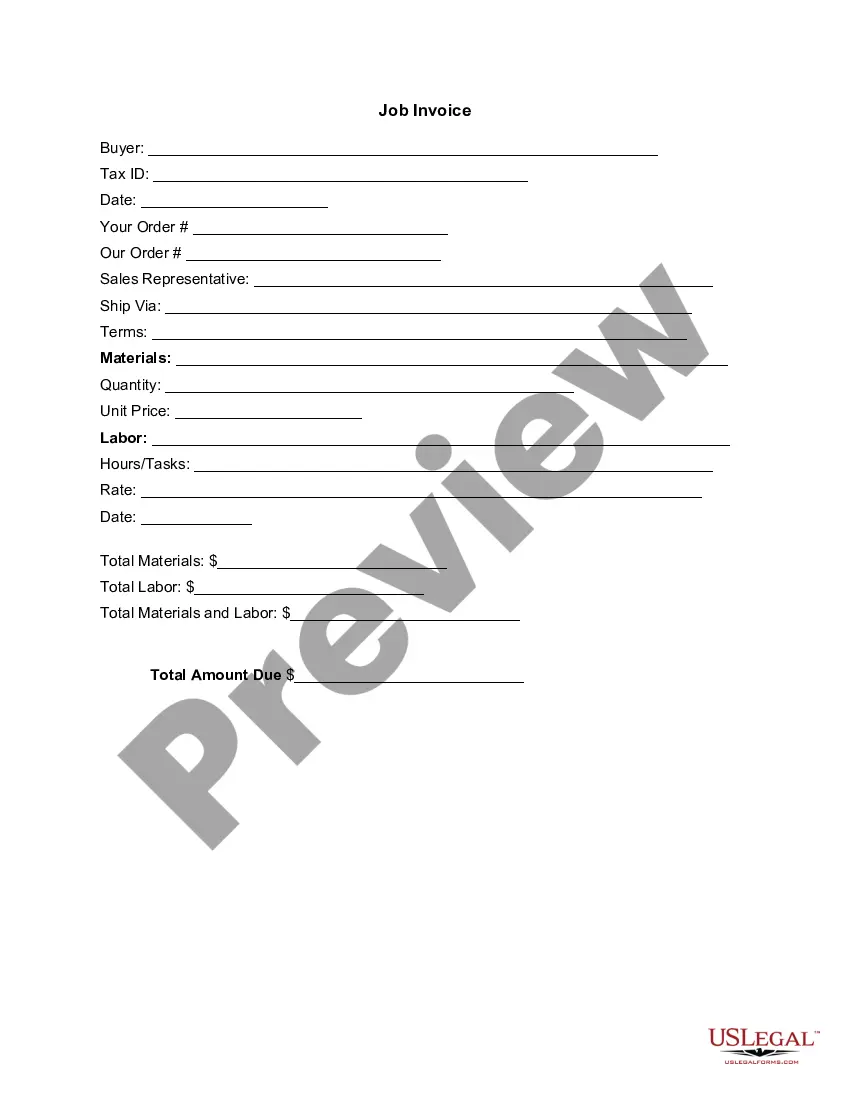
An Invoice Template for Writer is a standardized document that outlines the services provided or goods delivered by a writer, along with associated costs. Unlike generic invoices, this template is specifically tailored to the needs of writers, ensuring professional presentation and clarity in billing. It serves as a crucial tool for freelancers and writers to ensure they are compensated for their work.
Main sections of this form
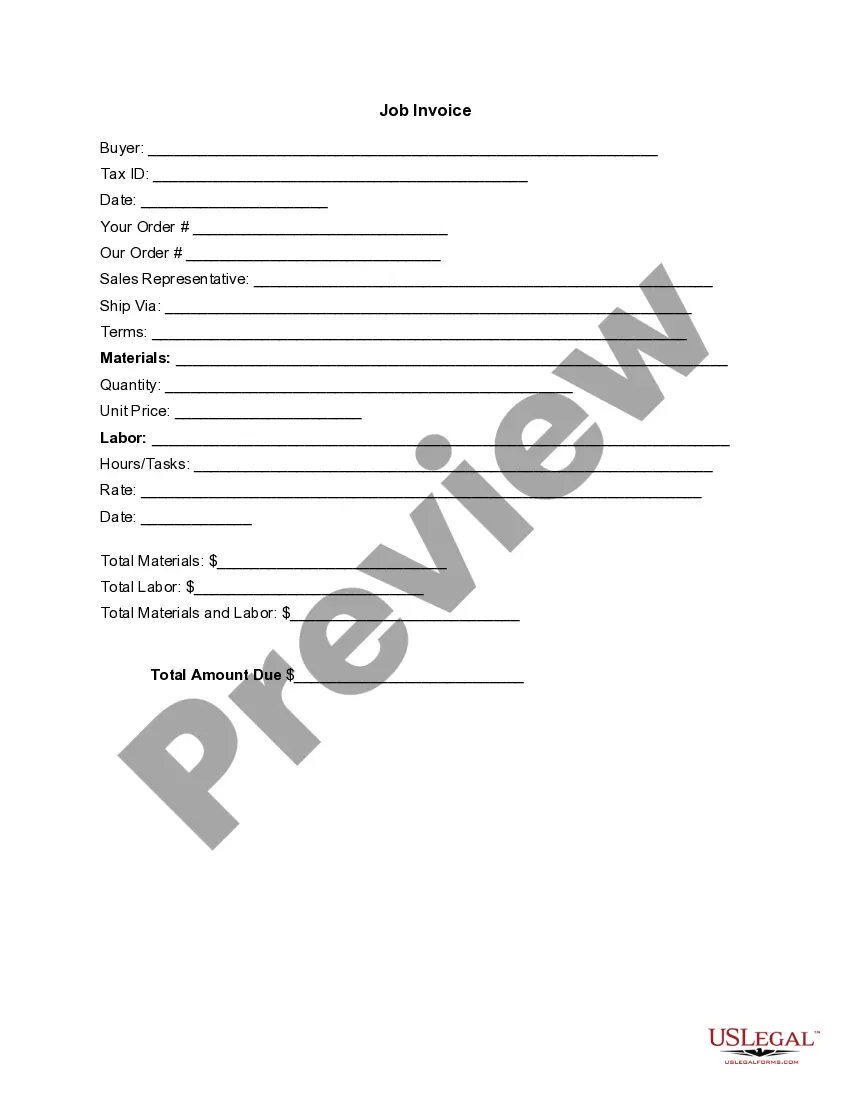
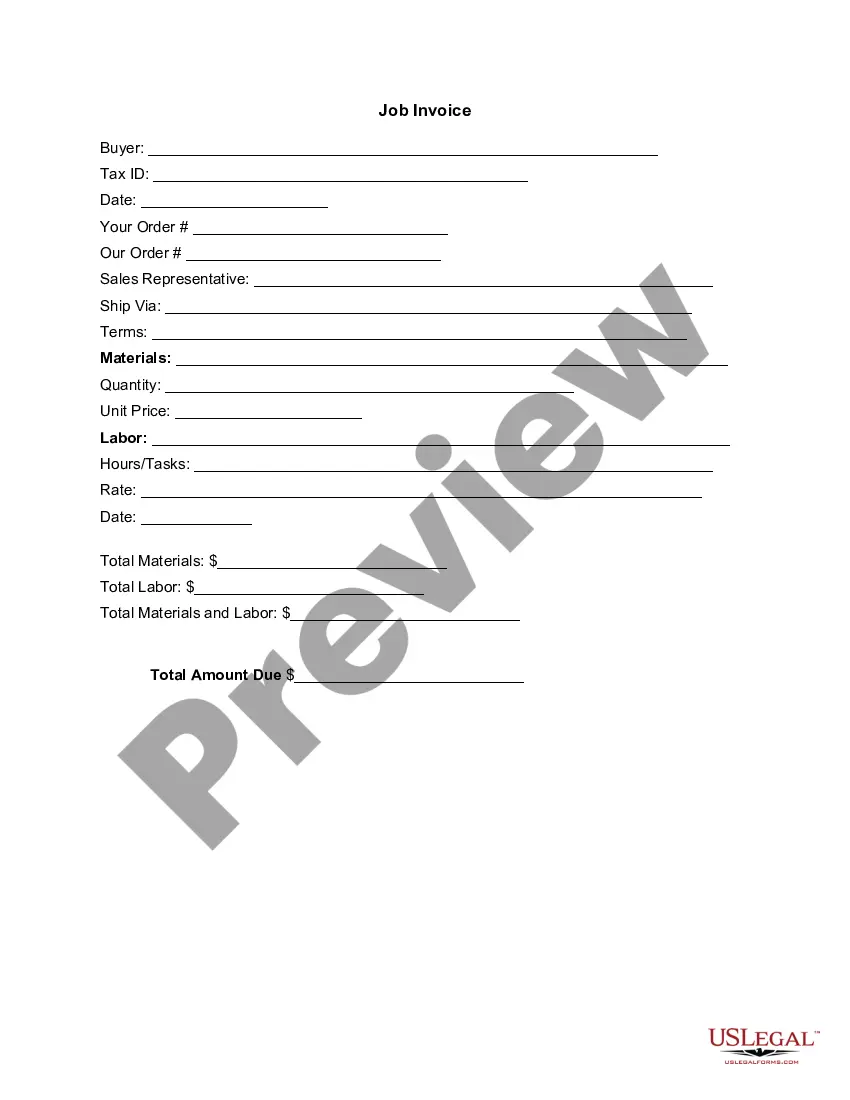
- Buyer information: Name and contact details of the client.
- Tax ID: Identification number for tax purposes.
- Date: The date when the invoice is issued.
- Order numbers: Includes both buyer's order and seller's order identifiers.
- Sales representative: Name of the person representing the services.
- Shipping method: Indicates how the work or materials are delivered.
- Terms of payment: Payment conditions agreed upon by both parties.
- Materials and labor cost details: Itemized list of services provided, including quantities and unit prices, along with total costs.
- Total amount due: Final figure reflecting the total payment owed.


When this form is needed
This invoice template should be used any time a writer completes a project or service. It is essential when there is a need to formally request payment from a client, whether for freelance writing, content creation, editing services, or any related work. Using this template can help maintain professionalism and ensure all necessary information is presented clearly.
Intended users of this form
- Freelance writers providing services to clients.
- Content creators and editors billing for their work.
- Writing agencies managing multiple projects and clients.
- Anyone needing to document services rendered in writing.
How to complete this form
- Identify the buyer and enter their details in the designated section.
- Fill in your Tax ID to ensure proper identification for tax purposes.
- Enter the date of invoice issuance and relevant order numbers.
- List all materials and labor provided, including quantity and unit price.
- Calculate the total amounts for materials, labor, and the overall total due.
- Ensure all information is accurate and clear before sending the invoice to the client.
Is notarization required?
This form does not typically require notarization unless specified by local law.
Get your form ready online
Our built-in tools help you complete, sign, share, and store your documents in one place.
Make edits, fill in missing information, and update formatting in US Legal Forms—just like you would in MS Word.
Download a copy, print it, send it by email, or mail it via USPS—whatever works best for your next step.
Sign and collect signatures with our SignNow integration. Send to multiple recipients, set reminders, and more. Go Premium to unlock E-Sign.
If this form requires notarization, complete it online through a secure video call—no need to meet a notary in person or wait for an appointment.
We protect your documents and personal data by following strict security and privacy standards.

Make edits, fill in missing information, and update formatting in US Legal Forms—just like you would in MS Word.

Download a copy, print it, send it by email, or mail it via USPS—whatever works best for your next step.

Sign and collect signatures with our SignNow integration. Send to multiple recipients, set reminders, and more. Go Premium to unlock E-Sign.

If this form requires notarization, complete it online through a secure video call—no need to meet a notary in person or wait for an appointment.

We protect your documents and personal data by following strict security and privacy standards.
Common mistakes
- Failing to include complete buyer information.
- Not clearly itemizing services or materials.
- Omitting important dates such as the invoice date or due date.
- Incorrectly calculating total amounts owed.
Why complete this form online
- Convenient access to a professional invoicing template tailored for writers.
- Easy customization options to fit specific project needs.
- Reliable format that ensures all necessary fields are included.
- Quick downloading process for immediate use.
Summary of main points
- The Invoice Template for Writer is essential for freelancers to professionally bill clients.
- It includes all necessary components to ensure clear communication of services provided.
- Completing the invoice accurately minimizes payment delays.
Looking for another form?



Form popularity
FAQ
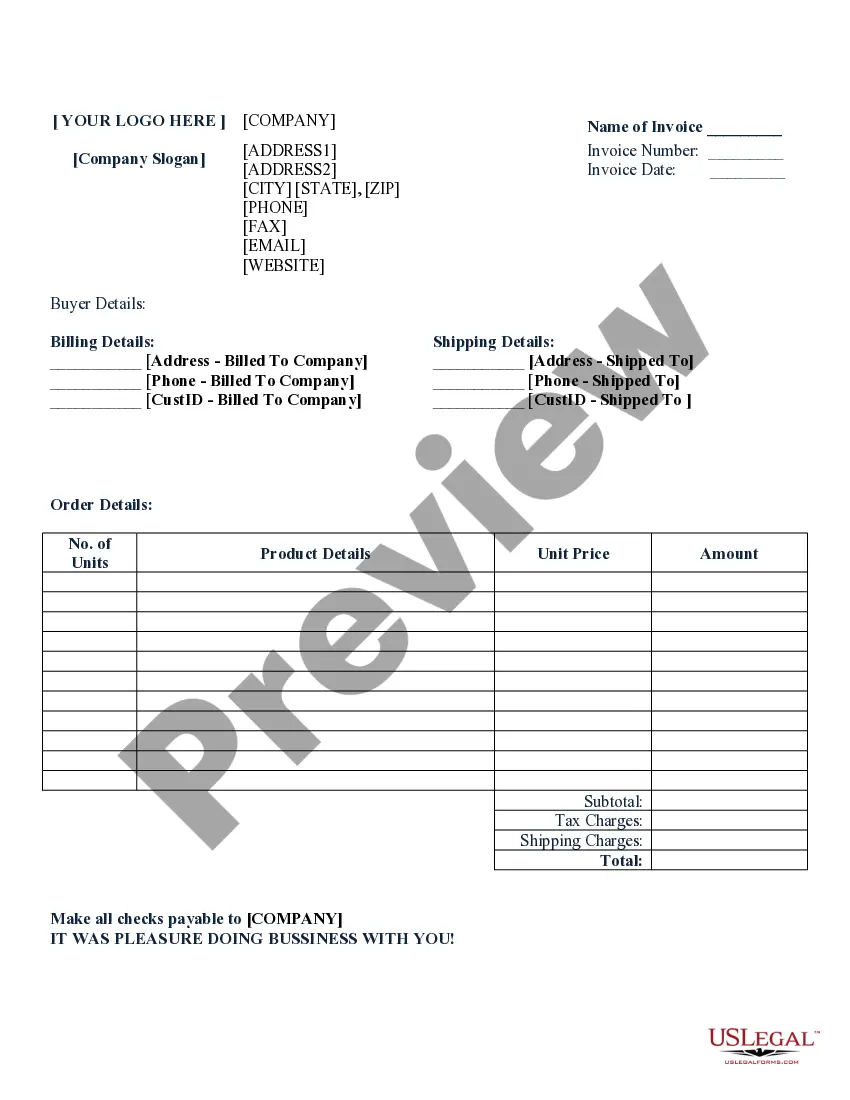
Name and address of the invoicing party that's you. Name and address of the invoice's recipient that's your client. Customer number and invoice number. Date of invoice. The word INVOICE as the title. Description of the services/product delivered. Total price before taxes.
Download the Square Invoices app on your iOS or Android device. Create your free Square account or sign in with your existing Square account. Tap the '+' sign on the navigation bar and select 'Invoice'.When your clients receive the invoice in their email, they can pay you securely online.
Make your invoice look professional. The first step is to put your invoice together. Clearly mark your invoice. Add company name and information. Write a description of the goods or services you're charging for. Don't forget the dates. Add up the money owed. Mention payment terms.
Download a free invoice template. Include your business name and contact information. Add business media or logo. Include client's name, business and contact details. Input unique invoice number on template, plus invoice date and due date. List services or products with descriptions and costs for each.
Businesses can make custom invoices for free using Google Docs, either by downloading a professional template or by creating the invoice design from scratch. With Google Docs, you can create invoices that meet your needs and then save them to the cloud, so you can access the invoices from anywhere.
A professional header. Your contact information. The client's contact information. Invoice number. Date prepared. Due date. Payment options. Payment terms.
Create on-demand invoices with a Google Docs invoice template that is accessible from anywhere there is an internet service. Get paid promptly for all services rendered with this fully customizable invoice template.
Identify the Document as an Invoice. Include Your Business Information. Add the Client's Contact Details. Assign a Unique Invoice Number. Add the Invoice Date. Provide Details of Your Services. Include Your Payment Terms. List the Total Amount Due.
Your name and contact information. Your client's name. Invoice number. Date of invoice issuance. Work order number or job code number. Payment due date. Current payment status. A description of your work or services rendered.